Meet the future of Web3 collaboration
Secure collaboration, built for fast-moving blockchain teams.
App store
4.9

Users love us
Meet the future of Web3 collaboration
Secure collaboration, built for fast-moving blockchain teams.
App store
4.9
Users love us
Meet the future of Web3 collaboration
Secure collaboration, built for fast-moving blockchain teams.
App store
4.9
Users love us
Boost productivity with a unified platform
Boost productivity with a unified platform
Boost productivity with a unified platform
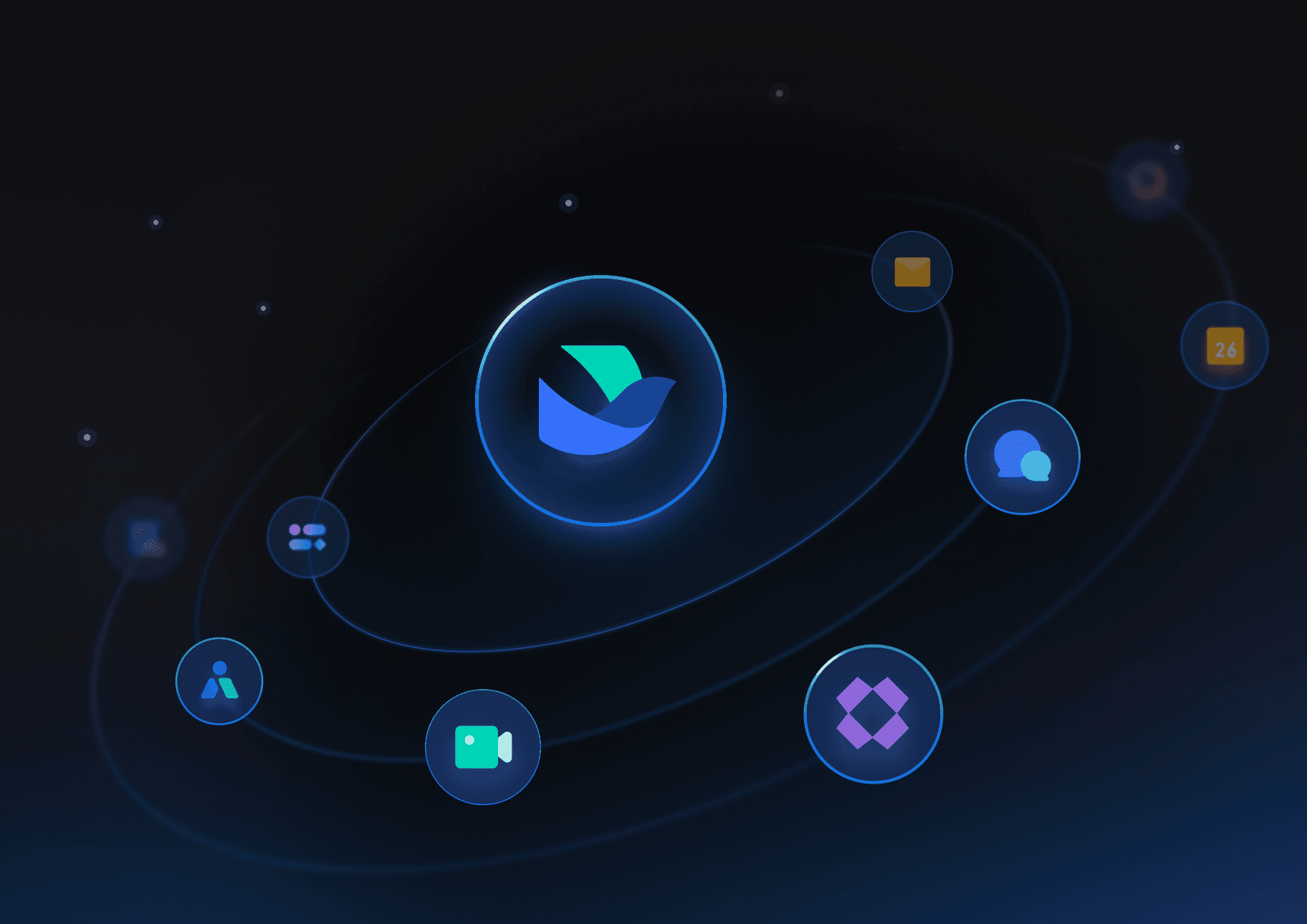
Connect your core workflows on one platform
Connect your core workflows on one platform
Eliminate silos by integrating key operations into a single, unified workspace.
Co-edit documents in real time, ideal for iterating on product specs, whitepapers, and more.
Automate approvals to streamline internal workflows to shorten customer waiting times.
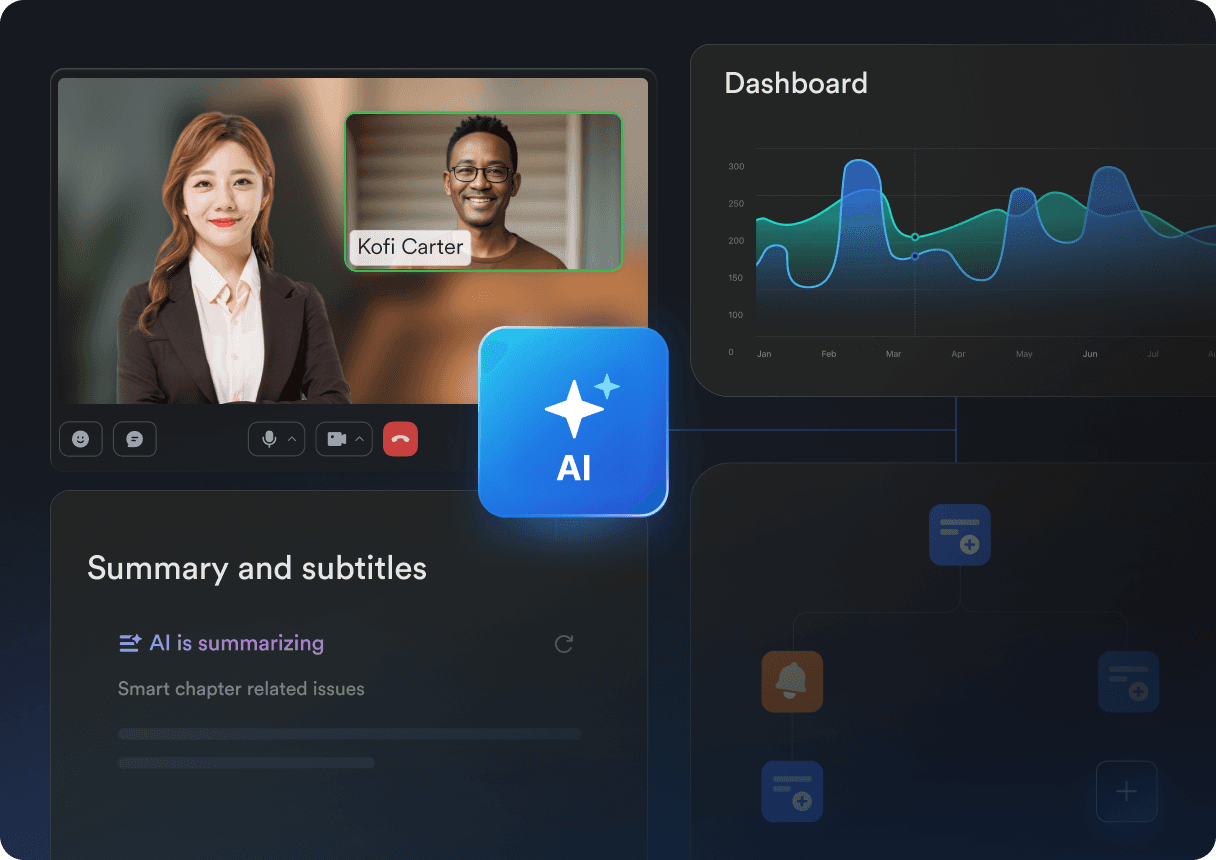
Fuel business growth with AI-powered features
Auto-generate multilingual meeting summaries with key insights and action items.
Build real-time trading dashboards to detect anomalies and uncover new opportunities.
Automate routine tasks to free up teams for high-impact work such as token launches.
Fortify your security and compliance
Fortify your security and compliance
Fortify your security and compliance
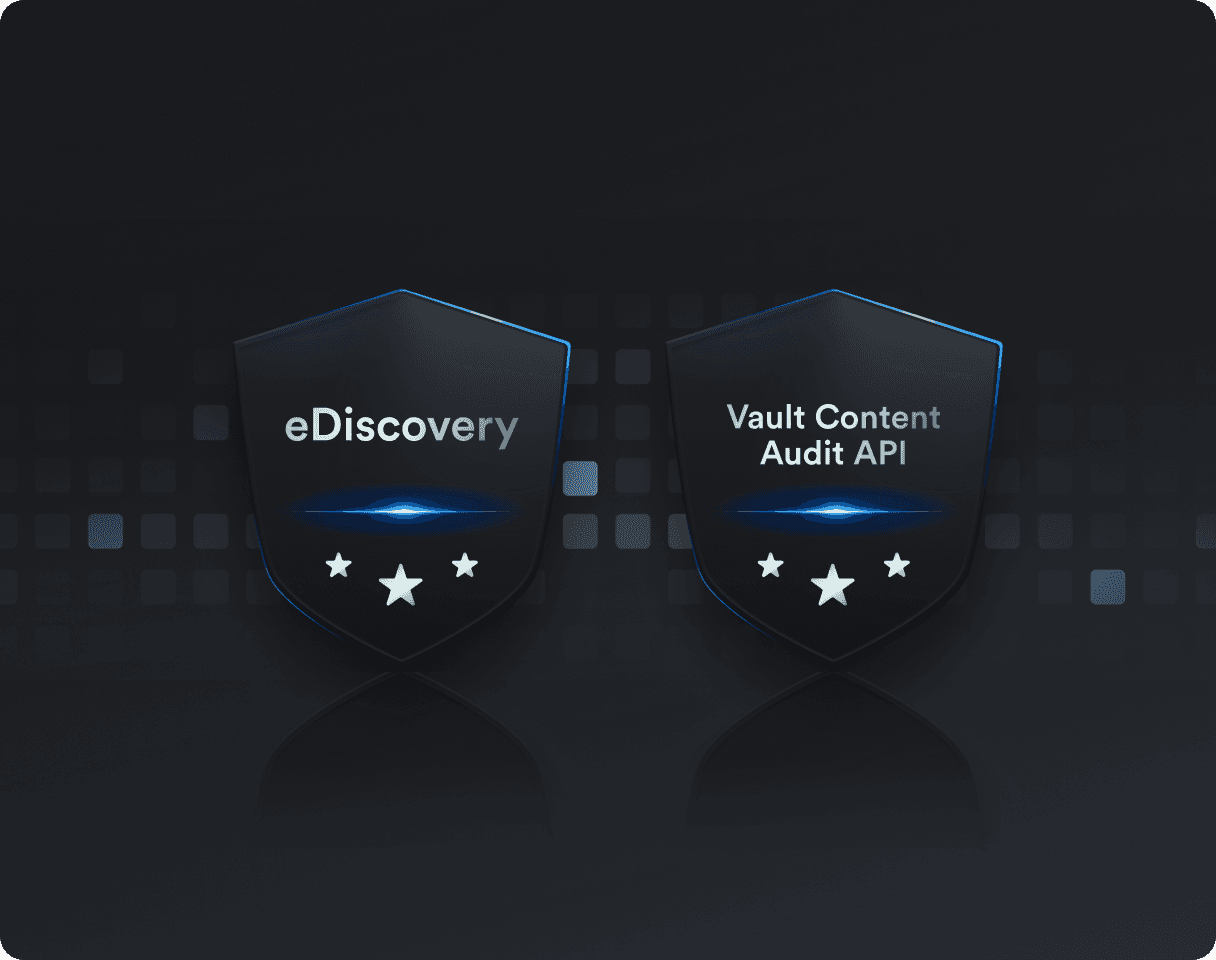
Enhance compliance and make risks more visible
Stay audit-ready with eDiscovery support and Vault Content Audit API for data tracking.
Configure audit tools to boost security team efficiency and speed up processes.
Supports private data deployment to comply with audit and regulatory requirements of different regions.
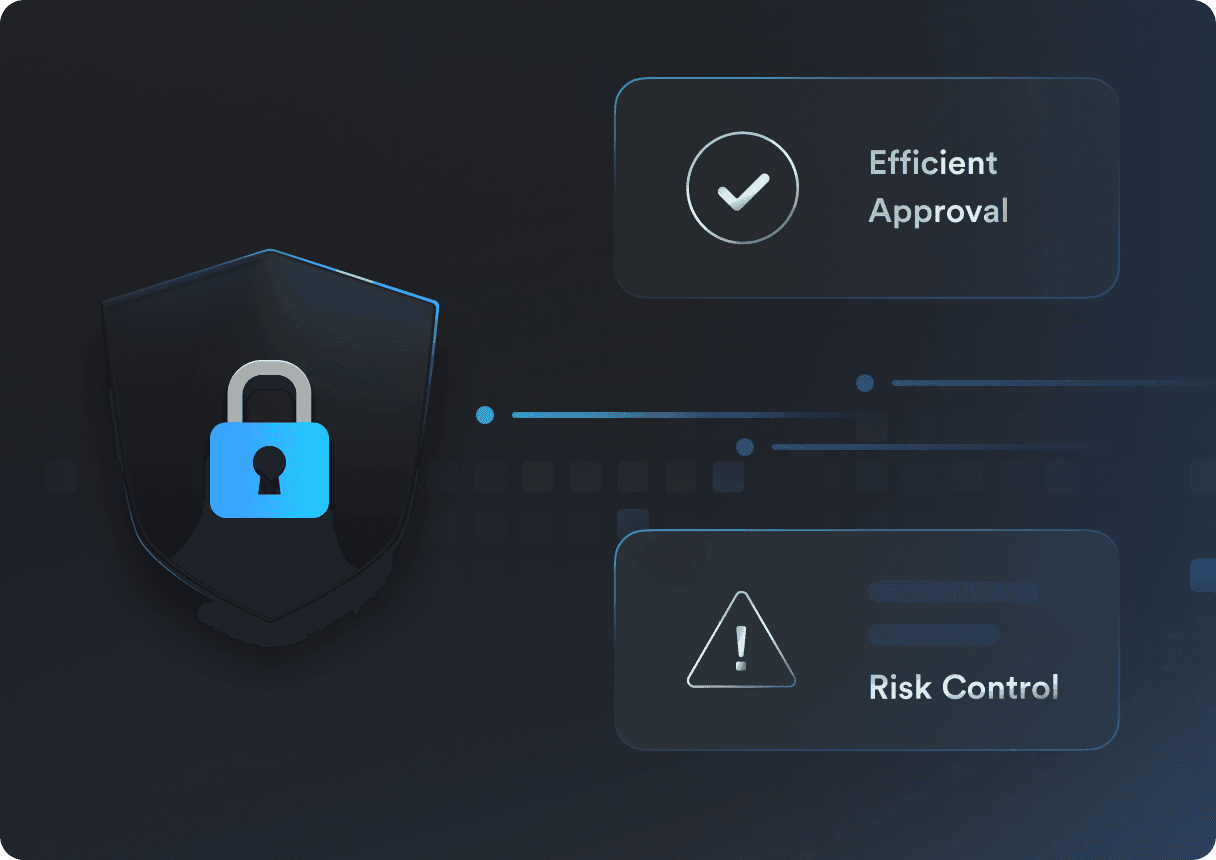
Reduce data risks and double audit efficiency
Avoid leaks with document permissions, mobile encryption, and sensitive word filters.
Protect and trace sensitive information with secure labels and watermark management.
Block risky device logins with access controls to ensure more compliant data access.
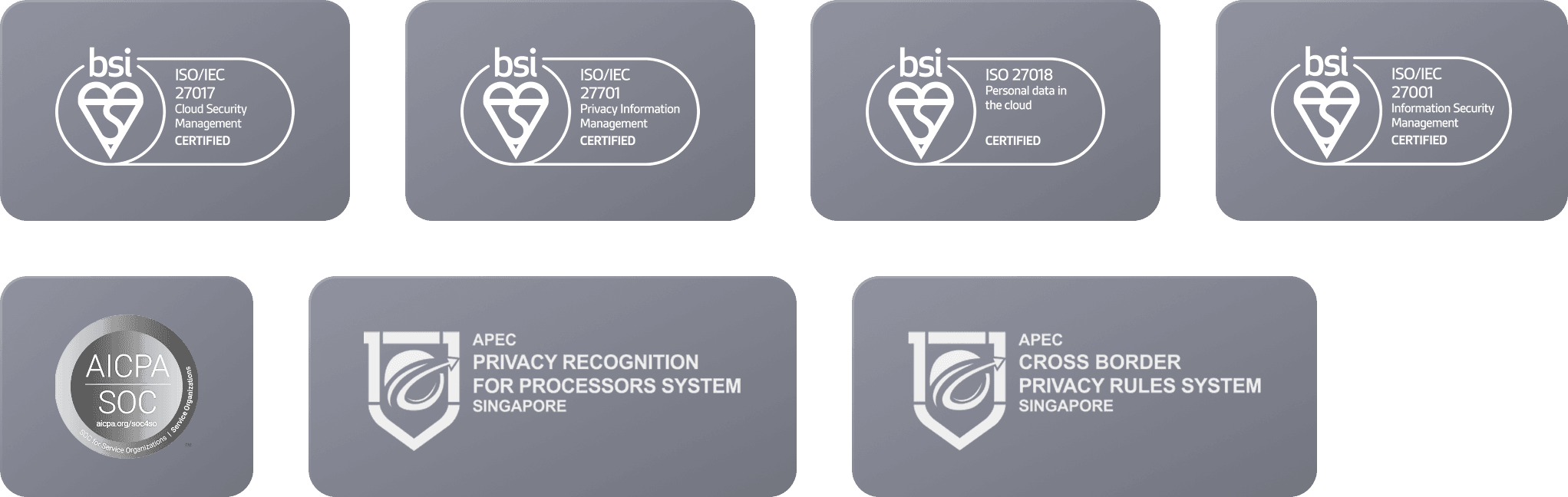
Robust data security and compliance
Robust data security and compliance
Robust data security and compliance
Protecting customer data security is a top priority and the foundation of our relationship with our customers.
Protecting customer data security is a top priority and the foundation of our relationship with our customers.
What our Web3 customers are saying
What our Web3 customers are saying
What our Web3 customers are saying
“
"With Lark, we've solved team inefficiency with their powerful collaboration tools. While our competitors are still searching through Discord for important messages, Lark's AI has helped us predict the next market trend — and it might even be better than traditional trading systems."

CTO
Eason
(anonymous due to compliance requirements)
“
"Since we've started using Lark, our collaboration efficiency has increased by 300%, and our security system has had zero incidents. Now, every second our employees spend is helping create a reliable Web3 future."

Head of Security
Steven
(anonymous due to compliance requirements)
“
"From real-time operations across time zones to smart risk control, Lark enables us to handle a 200% surge in trading volume while reducing security incident response times to just minutes."

CMO
Yuki
(anonymous due to compliance requirements)
“
"With Lark, we've solved team inefficiency with their powerful collaboration tools. While our competitors are still searching through Discord for important messages, Lark's AI has helped us predict the next market trend — and it might even be better than traditional trading systems. "
CTO
Eason
(anonymous due to compliance requirements)
“
"Since we've started using Lark, our collaboration efficiency has increased by 300%, and our security system has had zero incidents. Now, every second our employees spend is helping create a reliable Web3 future."
Head of Security
Steven
(anonymous due to compliance requirements)
“
"From real-time operations across time zones to smart risk control, Lark enables us to handle a 200% surge in trading volume while reducing security incident response times to just minutes."
CMO
Yuki
(anonymous due to compliance requirements)
“
"With Lark, we've solved team inefficiency with their powerful collaboration tools. While our competitors are still searching through Discord for important messages, Lark's AI has helped us predict the next market trend — and it might even be better than traditional trading systems. "
CTO
Eason
(anonymous due to compliance requirements)
“
"Since we've started using Lark, our collaboration efficiency has increased by 300%, and our security system has had zero incidents. Now, every second our employees spend is helping create a reliable Web3 future."
Head of Security
Steven
(anonymous due to compliance requirements)
“
"From real-time operations across time zones to smart risk control, Lark enables us to handle a 200% surge in trading volume while reducing security incident response times to just minutes."
CMO
Yuki
(anonymous due to compliance requirements)
95% of users increased their productivity after switching to Lark
95% of users increased their productivity after switching to Lark

Unlock advanced features
Unlock advanced features
Unlock advanced features
Monthly
Yearly
SAVE 16.6%
Up to 20 users
Starter
Discover Lark's potential—perfect for individuals and small teams trying it out
$0
/month
No credit card needed
Unlimited AI translation in chats, docs and email
Enterprise search across all messages, files, emails, calendars, and documents
18 months of message history
1,000 automated Base workflow executions / month
10 wiki spaces
100GB storage
Most
Popular !
PRO
Get tools for growing teams, secure partner communication, and no-code workflows
$12.00
/user/month
Billed annually
Buy now
Up to 500 users
Everything in Lark Starter, and
Unlimited message history
50,000 automated Base workflow executions / month
Unlimited Wiki spaces
Video conference with up to 500 attendees, up to 24 hours duration
Unlimited AI meeting transcription
15TB storage
10 trusted parties for external collaboration
More security and permission controls
Enterprise
Scale collaboration and operations with strong security and advanced management
Let's Talk
Unlimited users
15TB storage, additional 30GB storage per user
Supergroups on chat (up to 50,000 users)
Restricted Mode Group Chat
Single sign-on (SSO)
Advanced security, management, and compliance controls
500,000 automated Base workflow / month
Everything in Lark Pro, and
* Price in USD
Monthly
Yearly
SAVE 16.6%
Up to 20 users
Starter
Discover Lark's potential—perfect for individuals and small teams trying it out
$0
/month
No credit card needed
18 months of message history
100GB storage
1,000 automated Base workflow executions / month
Unlimited AI translation in chats, docs and email
Enterprise search across all messages, files, emails, calendars, and documents
10 wiki spaces
Most
Popular !
PRO
Get tools for growing teams, secure partner communication, and no-code workflows
$12.00
/user/month
Billed annually
Buy now
Up to 500 users
Everything in Lark Starter, and
Unlimited message history
15TB storage
50,000 automated Base workflow executions / month
Video conference with up to 500 attendees, up to 24 hours duration
Unlimited AI meeting transcription
Unlimited Wiki spaces
10 trusted parties for external collaboration
More security and permission controls
Enterprise
Scale collaboration and operations with strong security and advanced management
Let's Talk
Unlimited users
Everything in Lark Pro, and
Supergroups on chat (up to 50,000 users)
500,000 automated Base workflow executions / month
15TB storage, additional 30GB storage per user
Single sign-on (SSO)
Restricted Mode Group Chat
Advanced security, management, and compliance controls
* Price in USD
Monthly
Yearly
SAVE 16.6%
Up to 20 users
Starter
Discover Lark's potential—perfect for individuals and small teams trying it out
$0
/month
No credit card needed
18 months of message history
100GB storage
1,000 automated Base workflow executions / month
Unlimited AI translation in chats, docs and email
Enterprise search across all messages, files, emails, calendars, and documents
10 wiki spaces
Most
Popular !
PRO
Get tools for growing teams, secure partner communication, and no-code workflows
$12.00
/user/month
Billed annually
Up to 500 users
Everything in Lark Starter, and
Unlimited message history
15TB storage
50,000 automated Base workflow executions / month
Video conference with up to 500 attendees, up to 24 hours duration
Unlimited AI meeting transcription
Unlimited Wiki spaces
10 trusted parties for external collaboration
More security and permission controls
Enterprise
Scale collaboration and operations with strong security and advanced management
Let's Talk
Unlimited users
Everything in Lark Pro, and
500,000 automated Base workflow executions / month
15TB storage, additional 30GB storage per user
Supergroups on chat (up to 50,000 users)
Single sign-on (SSO)
Restricted Mode Group Chat
Advanced security, management and compliance controls
* Price in USD

Contact us
Contact us
Contact us
The next-gen
productivity
platform for Web3
Want to hear about our enterprise solutions?
Want to hear about our enterprise solutions?
Unlock seamless collaboration, AI-powered workflows, and industry-leading security with Lark's enterprise collaboration software.
Get Lark today


Product


Pricing
Alternatives
Build with Us

English
Product
Pricing
Alternatives
Compare
Solutions
Use Cases
Resources
Templates
Security
Join Us
Build with Us
© 2025 Lark Technologies Pte. Ltd.
Headquartered in Singapore with offices worldwide.