Digital marketing agencies are stuck in an endless loop of producing content for their clients. This includes social media content, client blog posts, email campaign sequences, and ads. Agencies produce hundreds of pieces of content each week. Agencies use AI content generation platforms like ChatGPT and Claude to meet this demand. Agencies encounter one major issue: all of the AI-generated content is detected by other companies’ detection software, and once it has been detected, the entire process falls apart.
Google detects AI-generated content and flags that it is robotic. Agencies found out that the "custom" content agency made for clients, using their creativity and expertise, was actually created by an AI tool, and clients will lose trust. Most of the time, this means the agency has wasted countless hours rewriting what could have been done right the first time. We developed AI Humanization to convert AI-created draft content to be undetectable by detection software, while reducing repetition. Agencies with many customers and very little time can now turn to AI Humanization; it has become a necessary infrastructure.
Quick comparison: Top AI humanizers for agencies
Information source: Official vendor sites
Why getting this right matters
Most agencies learn about AI detection the hard way. We run a piece of content through Originality or Turnitin and receive an 85% AI detection rating. The client immediately loses confidence in the agency. When the content is well written, the client feels the agency took a shortcut.
The consequences for businesses escalate rapidly. Google’s helpful content algorithm changes are designed to devalue low-quality AI-generated content that does not contain real-world expert knowledge. Search engine and website traffic rankings are decreasing. Client retention will suffer. An agency reported losing three retainer clients in one month after AI-generated content appeared on multiple accounts. The cost of redoing work and lost business could wipe out the agency’s entire earnings.
There are client relationship problems, and then the internal efficiency problem. Teams spend hours editing AI-generated drafts to sound like humans, often inconsistently. Without a structured method to address this, agencies have two choices: They can stop using AI altogether, give up the productivity improvements, or they can continue creating detectable content, risking their reputation and the success of their marketing efforts. A quality humanizer removes this difficult decision.
How we tested and ranked these tools
We looked at every one of these platforms using five-part criteria that are important to how an agency does business:
- Bypass success rate: The same humanized content was run through all four testing tools: Originality, GPTZero, Turnitin, and Copyleaks. We verified that the average detection score consistently remained at or below 20% for all four testing tools.
- Processing time: Given that agencies are often working on very short timelines, we required that the tools be able to quickly process 1,000-word articles within 30 seconds. For the tools to be practical for everyday workflow, they had to meet this requirement.
- Retention of content quality: Humanized content should not negatively impact readability or introduce errors. We reviewed whether humanized content retained factual accuracy, grammatical correctness, and readable flow.
- Volume capability: Because agency teams need to process tens of pieces of content per week, we made volume a top priority when evaluating tools with high word limits or unlimited plans that could support professional use.
- Integration into workflows: Agencies rely on existing tools to complete tasks; we evaluated API access, bulk processing capabilities, and compatibility with existing tools like Google Docs, WordPress, and CMS as part of determining real-world usability.
To fairly evaluate all content types that agencies commonly create, like blog posts, ad copy, and email sequences, we used identical AI-generated content for testing each tool.
Master marketing teams' tasks effortlessly with Lark
The Best AI Humanizers for Marketing Agencies
Agencies want and need something more effective than other tools that create agency-scale content, and here are some things that really work:
1. Walter Writes AI
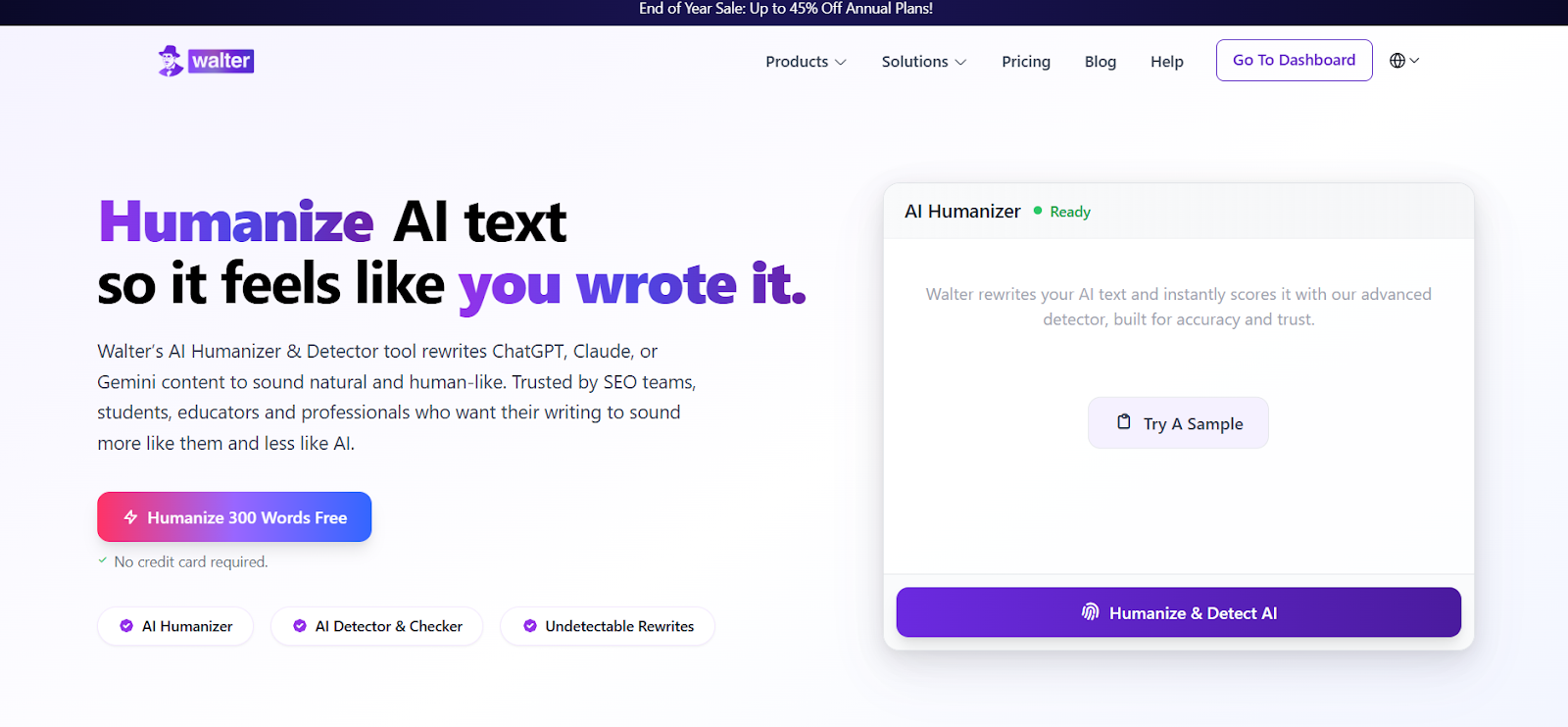
Image source:
is the answer to the biggest problem facing agencies in developing content that passes through AI-detecting content filters and produces content that clients want to publish. It uses a multi-stage processing method to take apart AI-pattern creation, recombine the text with different sentence structures and vocabulary levels, and then verify the final product using the most commonly used content detectors in the marketplace.
Why does it work for agencies?
- Generates up to 70,000 words per month for business plans, a normal level of volume for agencies.
- Can generate in excess of 80 languages, great for agencies working internationally
- Includes tone matching capabilities, academic, formal, casual, and marketing, and generated content matches the clients’ brand identity
- Includes built-in verification with Originality, Turnitin, and GPTZero to guarantee that the generated content will be detected at less than a 5% level or lower
- Enterprise-level users get API access to integrate humanized elements into their content workflows
Walter Writes AI has consistently been rated at a 95%+ score against human-based detection standards. For instance, one agency was able to keep its Google rankings during the 2025 Core Updates while generating 50 articles per week. All AI-generated drafts were processed using Walter Writes. This tool is often referenced as one of the within the SEO professional community.
Pricing: Starts at $12/month for 30,000 words, and there is a 300-word free trial.
For agencies struggling with AI detection, Walter Writes provides a solution that eliminates the need for manual fixes on every piece of content.
2. Grammarly AI Humanizer
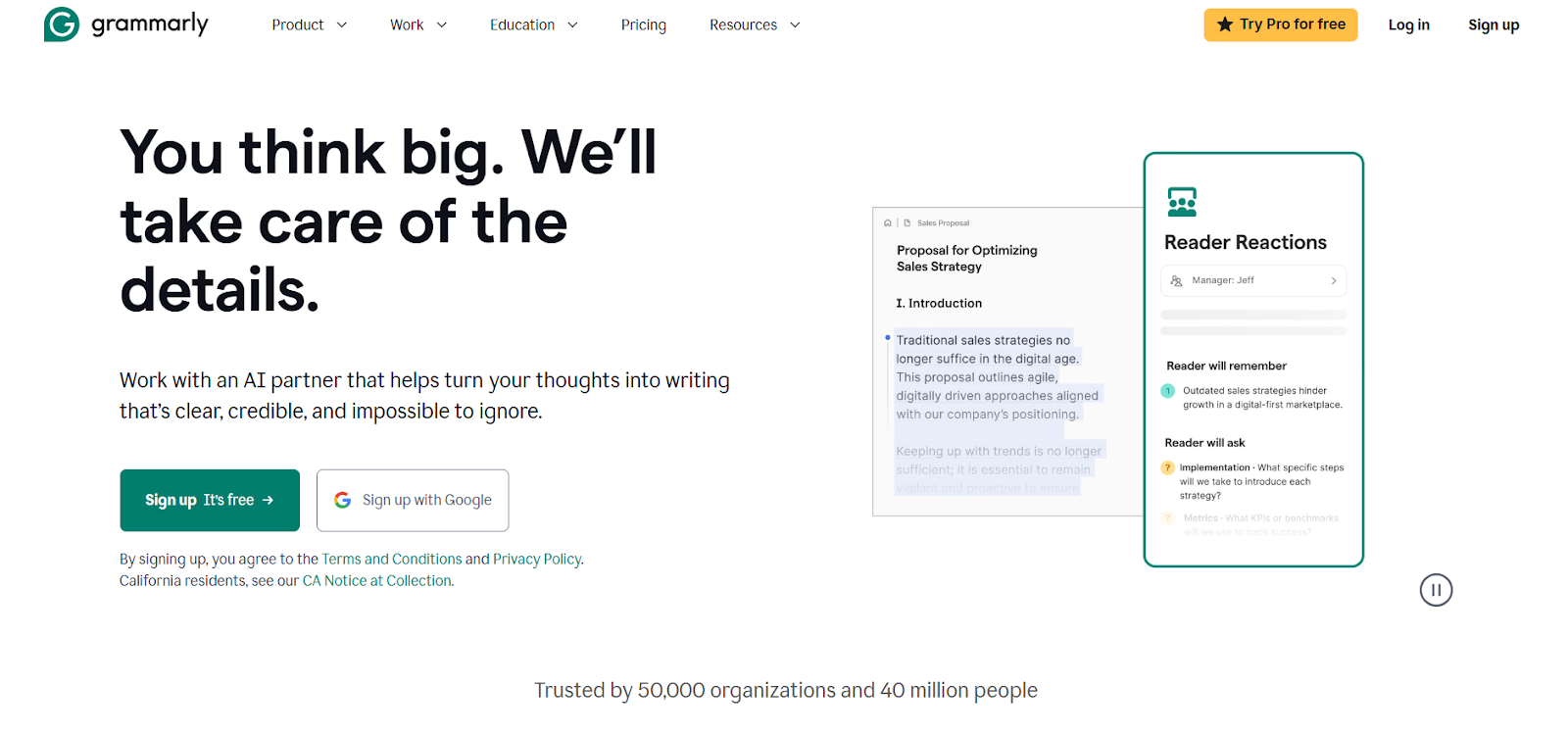
Image source: grammarly.com
Humanizing features work well for agencies already using Grammarly for editing and quality assurance processes. Agencies using Grammarly Premium to assist with editing and quality assurance, and want to integrate this with the humanizing feature. It will be easier to do so since everything is within the same platform.
The tool uses natural rewriting techniques to make content sound more human while keeping it clear. This allows teams to complete all three tasks- Humanizing, editing, and finalizing- within the same Grammarly Editor. This reduces the amount of context-switching required by the team and the time needed to get through content revisions.
Recommended for: Teams with current paid subscriptions to Grammarly Premium who want to use the humanizing feature without adding another platform.
Not recommended for: This tool's detection bypass rate is likely to be lower compared to special-purpose tools. This tool can handle moderate levels of AI-assisted writing that can be performed by this tool, but it is much less capable of detecting fully generated content.
Pricing: $12 a month at the time you purchase.
3. Quillbot AI Humanizer
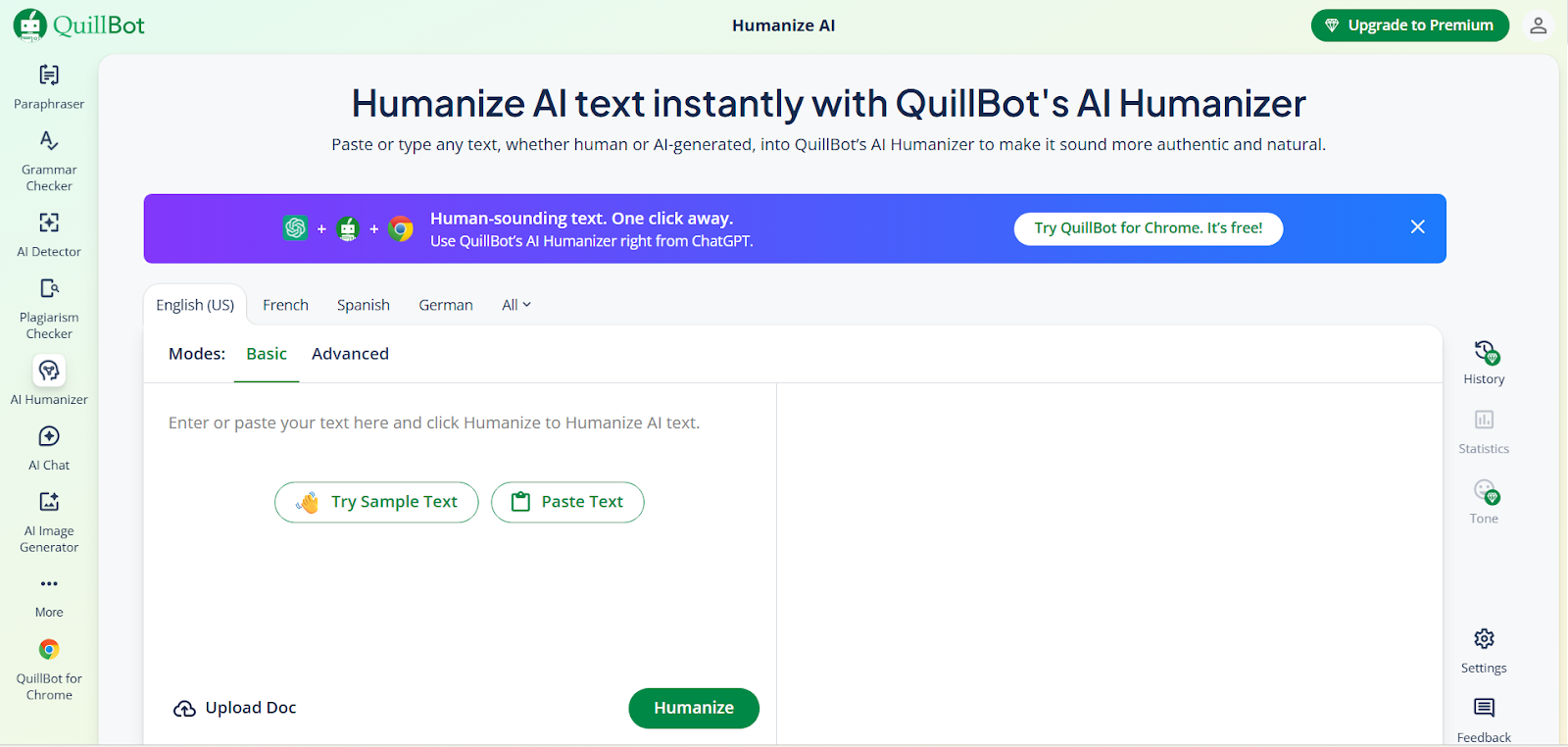
Image source: quillbot.com
Quillbot helps agencies to quickly produce rewrites of small content blocks. It's useful for rewriting one or two paragraph-long blocks of content, small content, short emails, social media posts, and ad copy variations.
We simply input the original text into Quillbot's rewrite interface. The rewritten content is ready in seconds. Agencies generating a high volume of small or short-form content can greatly decrease the amount of time they spend on creating this type of content due to Quillbot's speed and ease of use.
Recommended for: Social media managers and copywriters who generate multiple (dozens) of short-form content each day.
Not recommended for: Larger forms of content – Word limit restrictions apply at lower price tiers.
Pricing: The Premium Version starts at $8.33 per month if paid annually. The Free Version has a 125-word maximum limit per rewritten piece of content.
4. Ahrefs AI Humanizer
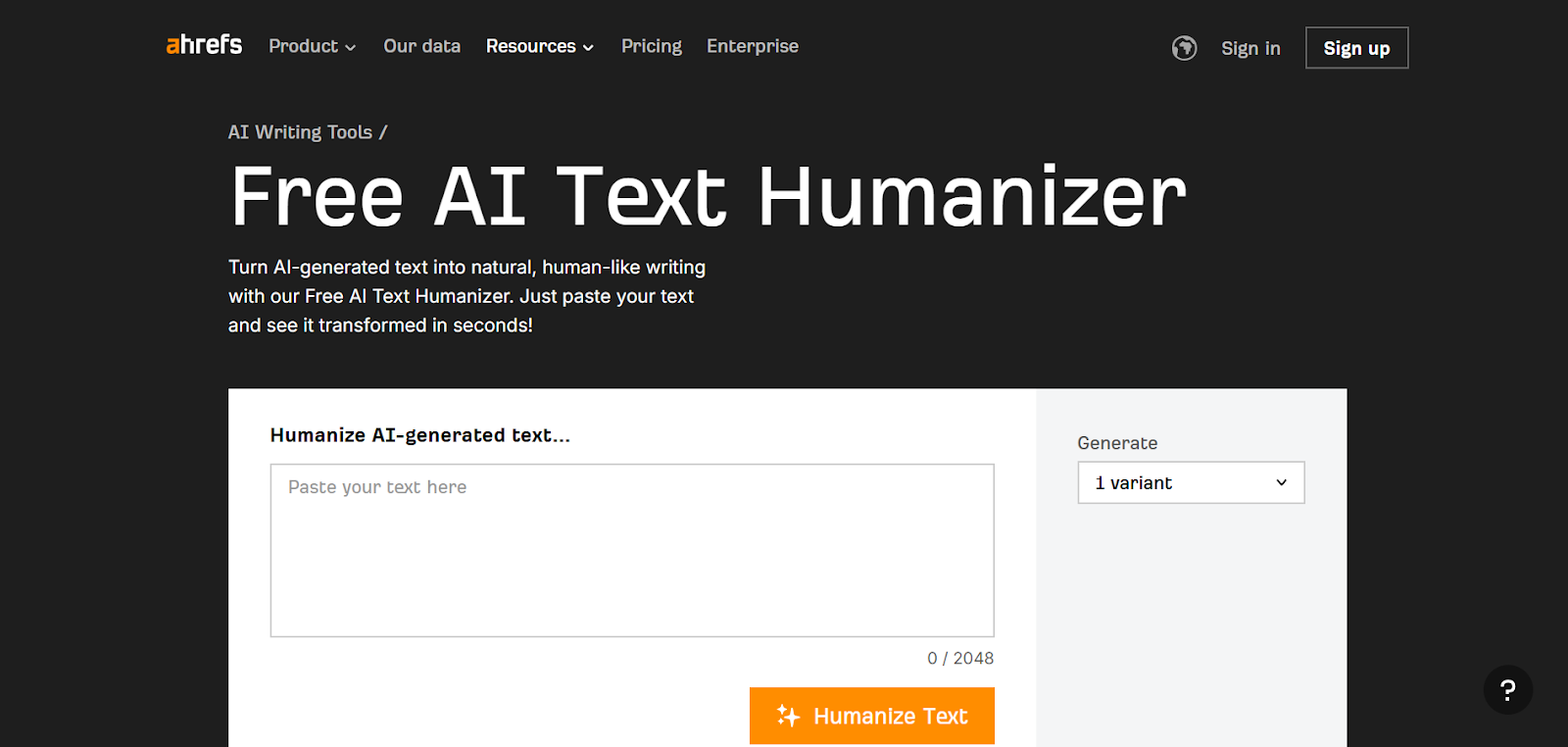
Image source: app.ahref.com
Ahrefs created a Humanizer to assist with content for SEO, and it is particularly suited for agencies that focus on organic search performance. The Humanizer helps maintain keyword density and semantic relevance in your content while eliminating AI detection signals.
Ahrefs is a platform for keyword research and content planning. This Humanizer is integrated into the content creation process. Teams can conduct keyword research, create AI-drafted content, use the humanizer to produce humanized versions of the content, and then follow up on the ranking of that content within the same platform.
Recommended for: SEO-based agencies, where the success of the agency’s content relies on being discoverable by search engines.
Not recommended for: The tool needs to have a subscription to Ahrefs; it has limitations in terms of versatility when compared to similar products. It is specifically developed for generating SEO-based content versus non-SEO-based content, ad copy, and social media.
Pricing: The cost of this tool will be part of your Ahrefs subscription, which begins at $129 per month.
5. Writesonic Humanizer
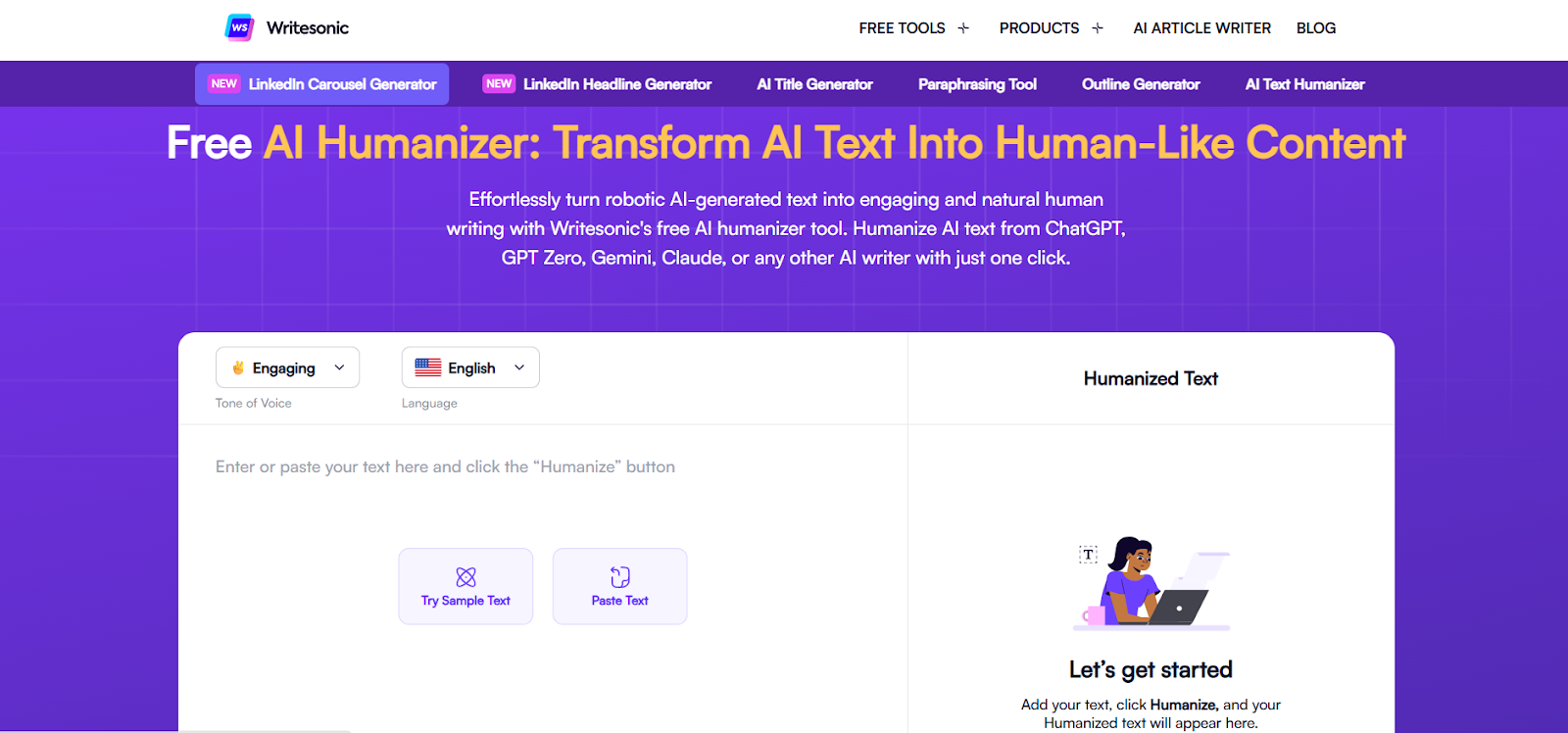
Image source: writesonic.com
Businesses requiring high-volume output with volume more important than speed, Writesonic was designed to handle enterprise-scale content needs. It can process a large number of articles in a short amount of time, and it offers collaboration capabilities for multiple people working on the same project.
Writesonic’s Humanizer works with its content generation tool to create a full-fledged system from start to finish for agencies that are writing and publishing 100+ articles per month.
Key features include:
- Centralized billing across multiple users
Recommended for: Large agencies with a dedicated writing team to manage multiple campaigns.
Not recommended for: Small organizations, smaller teams, and agencies utilizing AI-based humanization technology do not need this complexity.
Pricing: $16 per month; 10,000-word trial available.
6. Surfer SEO Humanizer
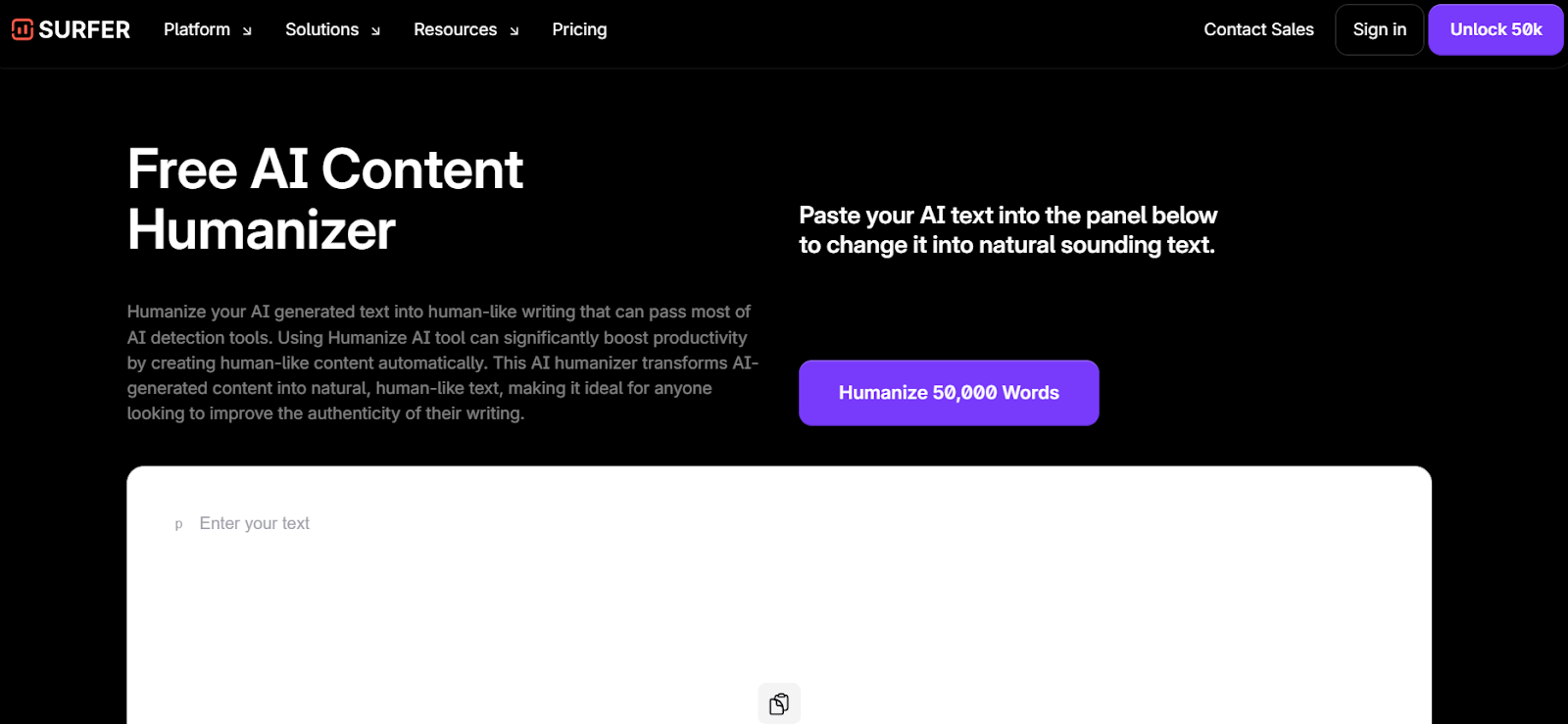
Image source: app.surferseo.com
Surfer’s humanizer interfaces directly with Surfer’s content optimization platform. Agencies that use Surfer for briefing and content scoring can humanize AI drafts while also reviewing them for compliance with SEO requirements.
The integration provides writers with real-time feedback on how well their humanized content avoids detection and how well it is optimized for SEO, eliminating the need for separate verification of humanized content for SEO performance.
Recommended for: Agencies where content must meet specific SEO scores and pass detection simultaneously.
Not recommended for: The price point is higher than that of some other tools and requires agencies to fully utilize all of Surfer’s features to justify the cost.
Pricing: Starts at $69/month with a 7-day trial.
7. Evernote AI Humanizer
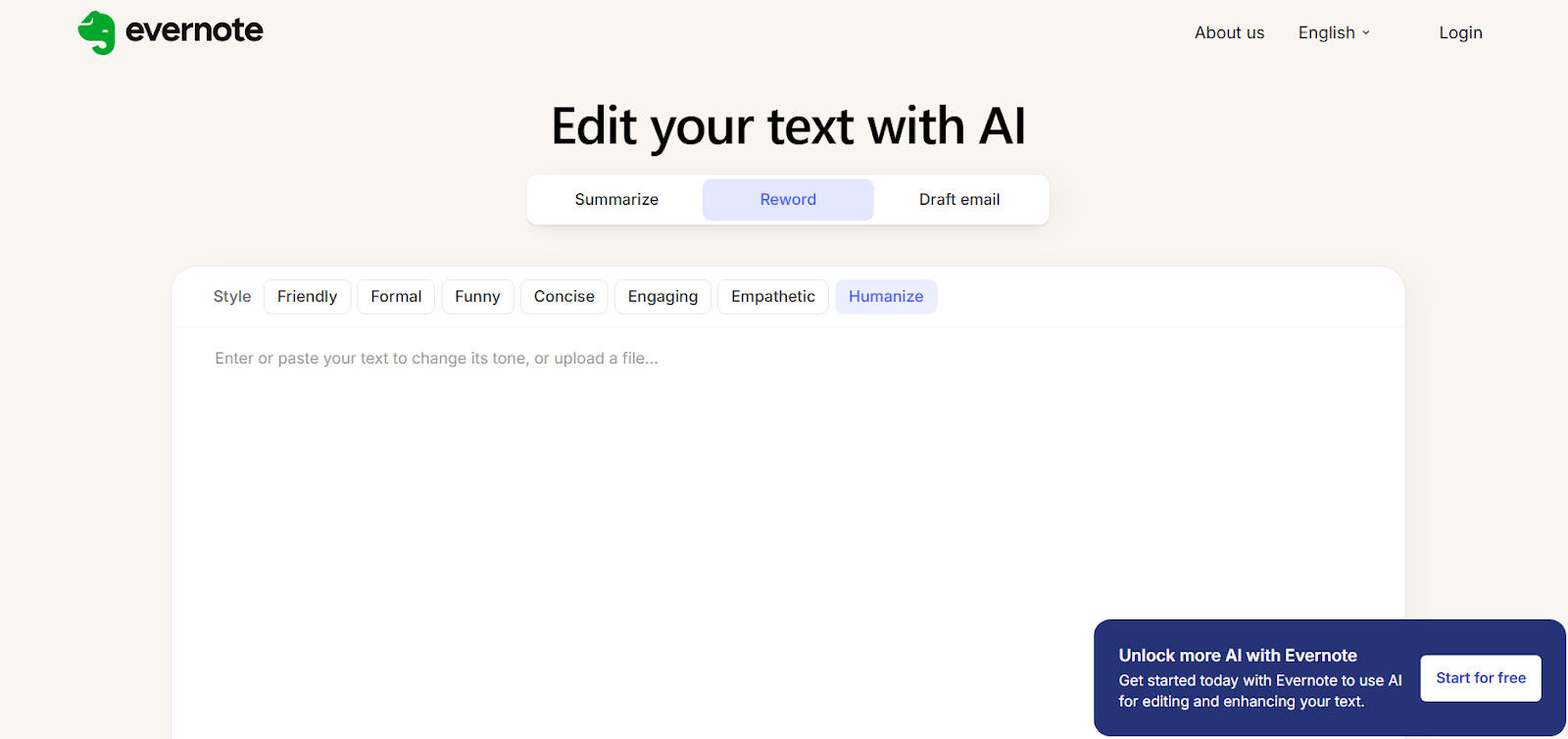
Image source: evernote.com
Evernote’s humanizer is best suited for agencies that are using Evernote’s document management system to organize client work. The humanizer processes content directly within the note while keeping documents organized and maintaining all version history.
For teams that have stored content (drafts), client comments/feedback, and final versions of their client projects in Evernote, this humanizer allows them to eliminate exporting content to an external tool and keep everything within Evernote.
Recommended for: Agencies that already use Evernote as part of their workflow for managing client projects.
Not recommended for: Agencies looking to process email content or other types of content and bypass detection systems, because it does not focus on detecting content; rather, it focuses on making emails (and other content) easier to read within Evernote.
Pricing: $14.99 per month for the Professional Plan.
Manage your marketing team's complex projects effortlessly
What to look for when choosing a humanizer
Selecting the right tool for your needs will be based on matching capabilities to your specific workflow and volume requirements.
To ensure you have selected the right tool, consider the following factors in sequence (these should not be viewed as disjoint or non-cumulative):
- Evaluate the volume of content that you produce monthly for all clients and choose a plan that allows for regular production with a buffer of at least 20–30 percent for growth potential. Running out of words in the middle of a month causes workflow disruption and forces emergency upgrades.
- Test any tool by running it through the same detectors used by your clients and comparing the test results with your actual AI-generated content. Claimed accuracy doesn’t matter if the tool fails when tested against Turnitin and your client uses Turnitin.
- Evaluate processing speed to ensure that it meets the deadlines required for your team’s production cycle. If your team publishes 10 articles every Friday morning, humanizers that process one piece at a time in 2-minute cycles will not be sufficient. Look for batch processing or processing times under 30 seconds per 1,000 words.
- Evaluate tone and style customization options so that you can change language and voice to match different client brands. Agencies serve many different clients; software companies serve different clients than lifestyle brands. Customization prevents generic output that doesn’t fit the client’s voice.
- Evaluate the integration options available with existing tools that your team currently uses. Check if the humanizer offers direct API access, browser extensions, or direct integrations with plugins your team already uses. Manual copy-pasting between tools wastes hours weekly for agencies.
- Evaluate features that allow for collaborative workflows within your team. If multiple members handle content, look for shared workspaces, centralized billing, and role-based permissions. Individual accounts create billing chaos and make workflow management more complicated.
Questions to ask before you commit
Before signing a contract with vendors, get specific answers to these questions that you will not know until after you have paid for those services—and by then, it may be too late:
1. Does your API allow for bulk processing, or will I have to make an individual request for each piece of content?
2. What is the actual time it takes to process a 2,000-word article? (Get specific numbers—don’t say “fast”!)
3. Can I add team members in the middle of my contract, and if so, how much will I pay to add them?
4. Do you offer white-label options if I want to present humanization as part of my service?
5. What happens if I exceed my word limit? Are there overage charges, or are there hard cutoffs?
6. Which AI detectors do you test against, and how often do you update your detection methods to keep up with new methods?
7. Do you store processed content, and if so, for how long and for what purpose(s)?
8. What is your refund policy if my bypass rates don’t match the results of our testing?
Why Lark is ideal for digital marketing agencies' project management
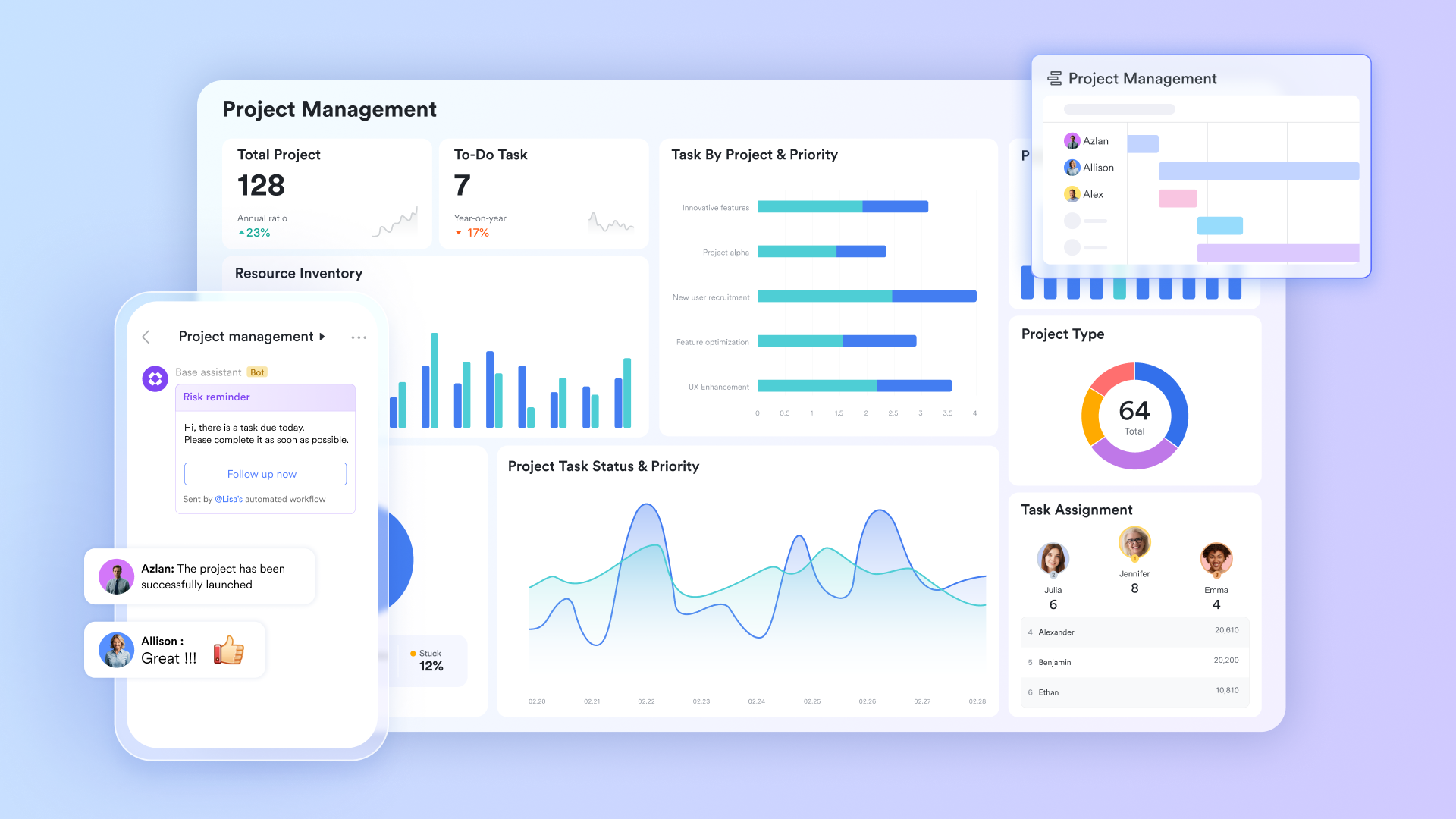
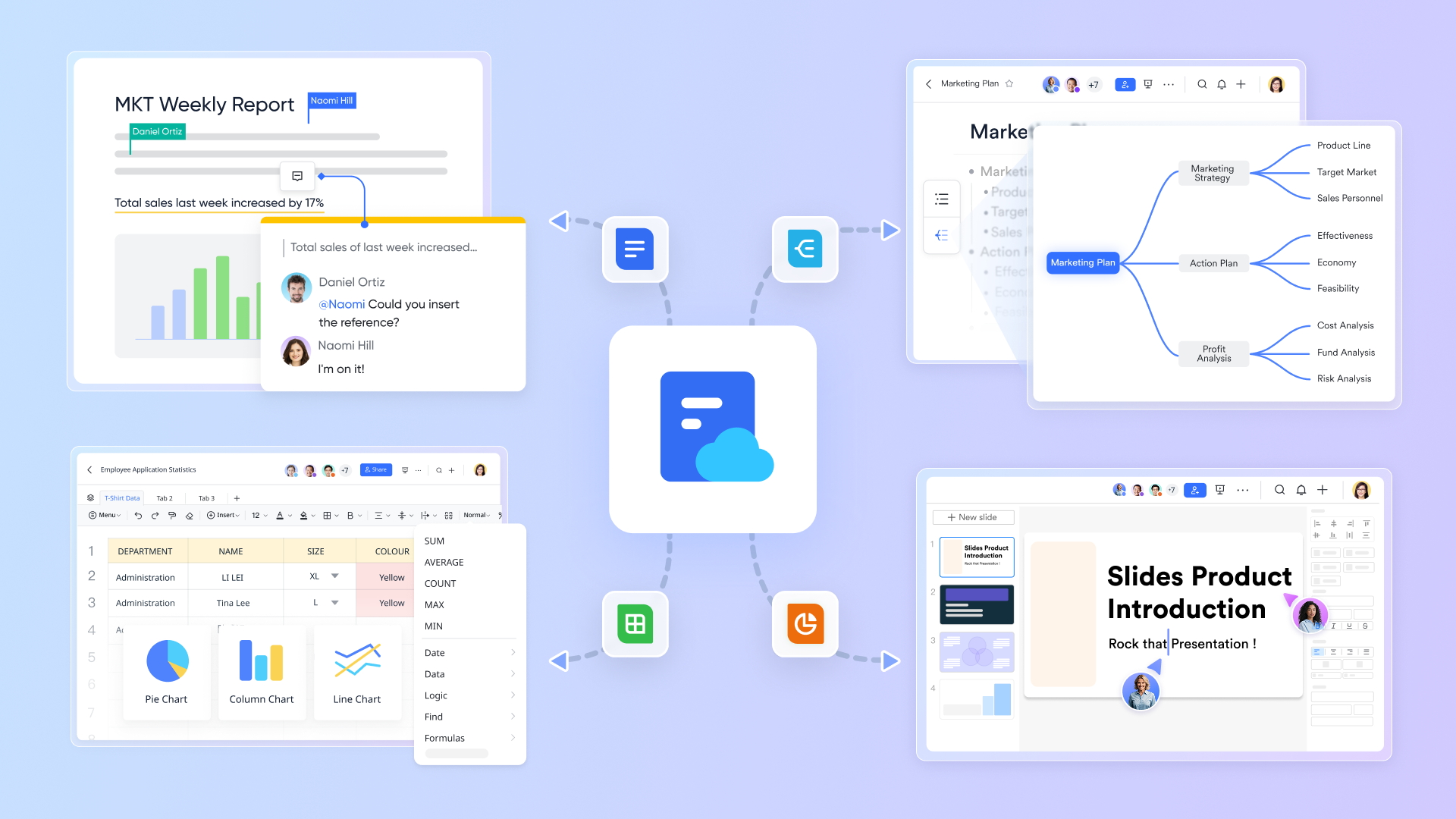
Lark is a unified digital workspace tool designed to meet the dynamic needs of digital marketing agencies. It combines multiple powerful functions into one unified platform, making it easier for agencies to manage complex projects, collaborate efficiently, and streamline workflows in the all-in-one .
At the heart of Lark is , a flexible database and project tracking system that helps teams organize campaign data, client information, and project timelines in customizable views. This makes tracking progress and managing multiple projects effortless, even for cross-functional teams working on simultaneous campaigns.
offers real-time document collaboration, enabling marketing teams to co-create strategies, content plans, and reports without version conflicts. Its cloud-native design ensures that all stakeholders always have access to the latest information, supporting seamless team collaboration.
To keep tasks on track, Lark Tasks provides an intuitive task management tool where team members can assign, prioritize, and monitor to-dos with due dates and reminders. This ensures that every campaign milestone is met and that no task falls through the cracks. 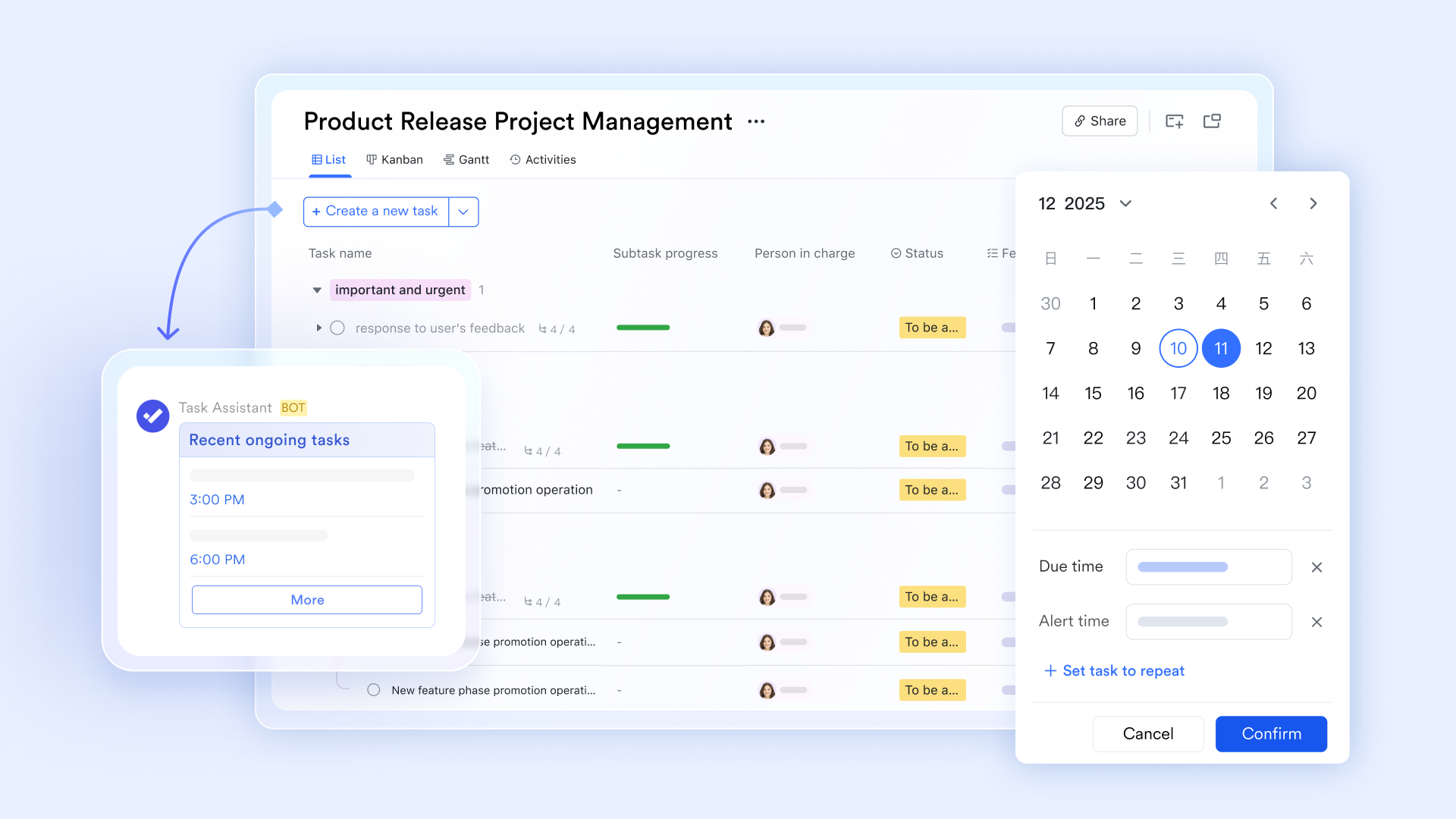
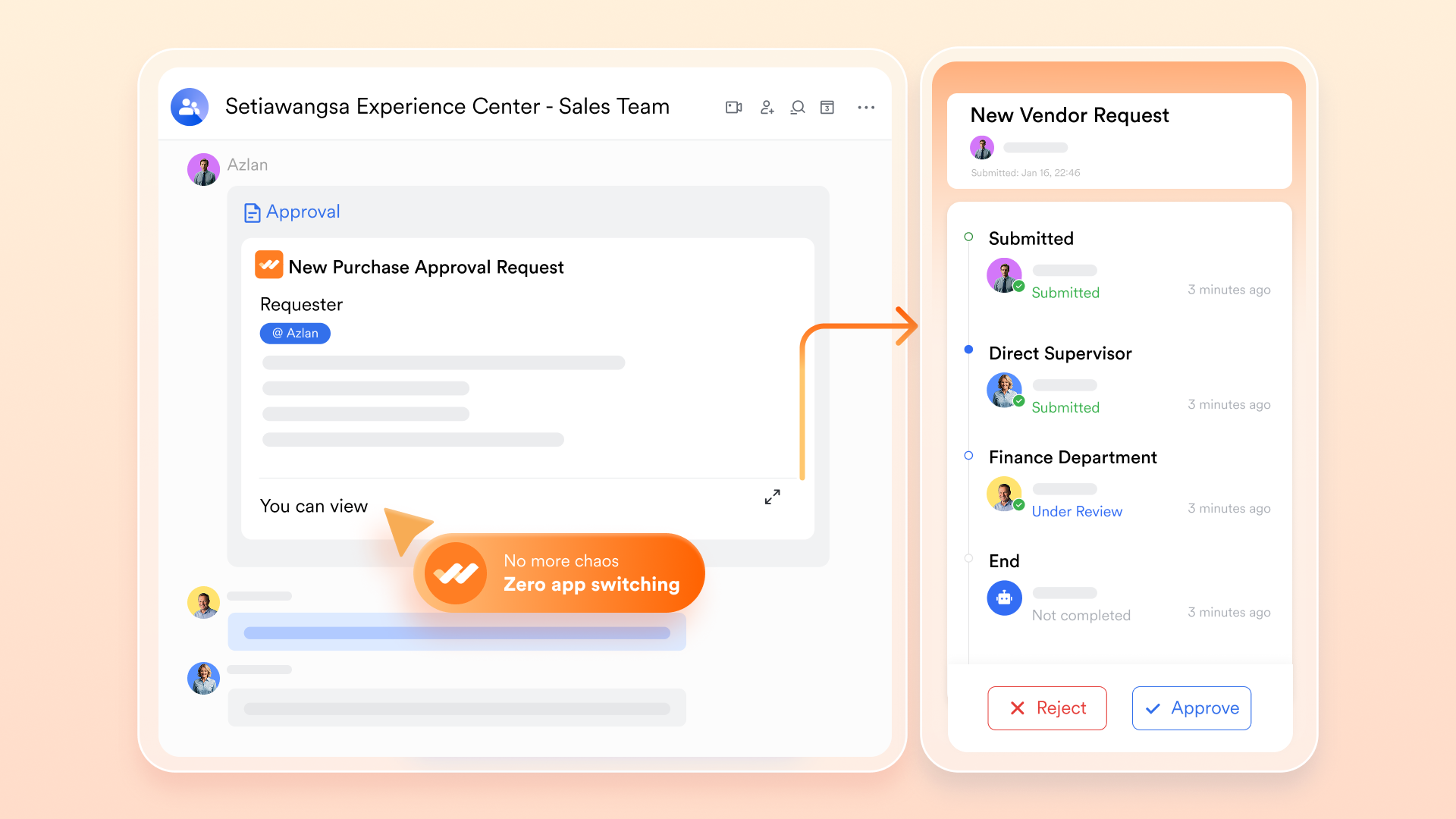
For approval workflows, automates the process of reviewing and signing off on creative assets, budgets, and campaign plans. This reduces bottlenecks and accelerates decision-making, which is critical in fast-paced marketing environments.
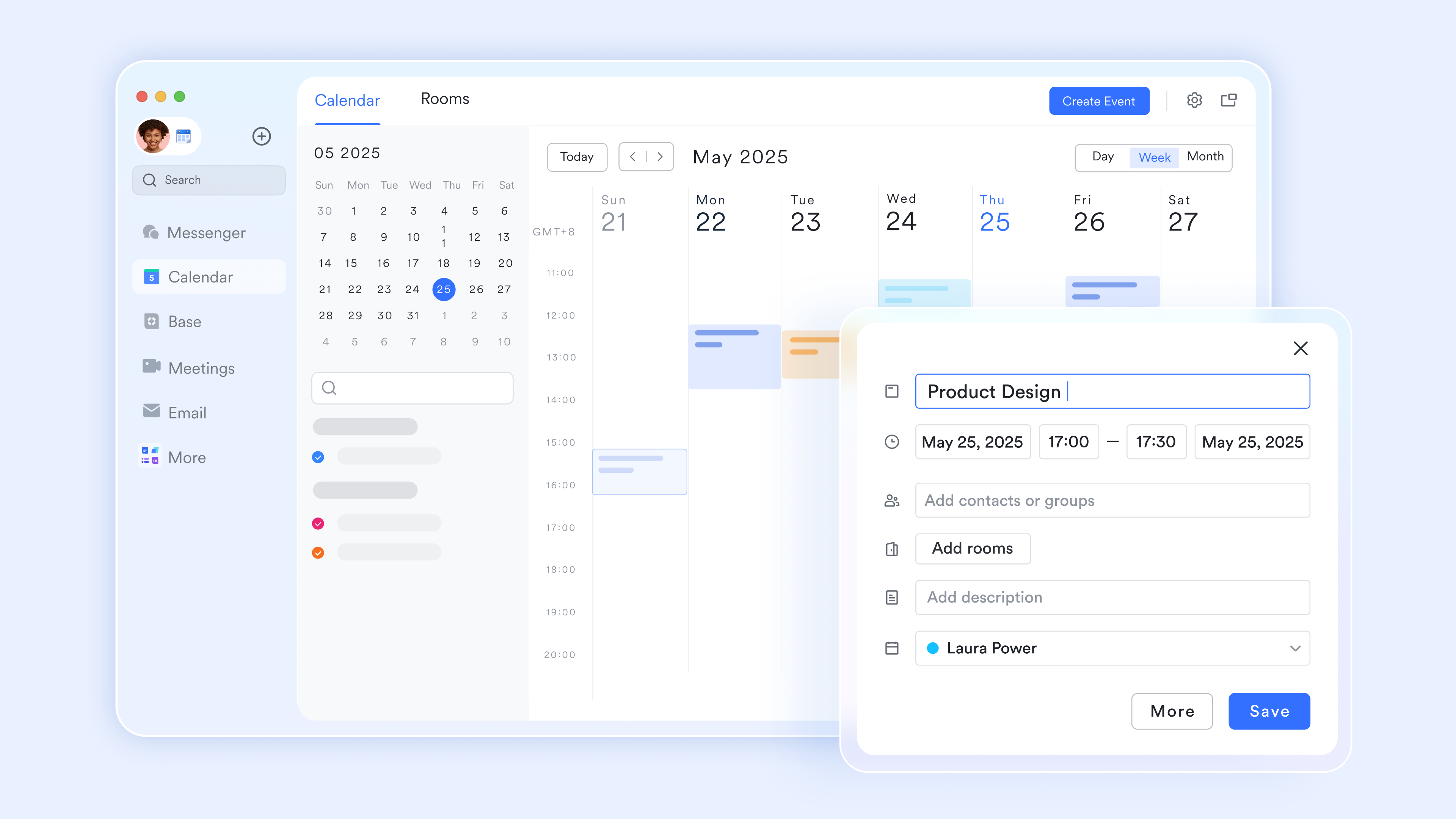
Finally, unifies video conferencing directly with the platform, enabling teams to hold strategy sessions, client calls, and brainstorming meetings without switching apps. This enhances communication and keeps project discussions centralized.
Together, these features make Lark an all-in-one project management solution tailored for digital marketing agencies seeking to improve team collaboration, increase productivity, and deliver successful campaigns on time.
:
- Starter plan: that includes 11 powerful tools for up to 20 users. It also comes with 100GB of storage space, 1000 automation runs, AI translations, and more. No credit card needed.
- Pro plan: (billed annually) for up to 500 users. It includes everything in Starter plus group calling for up to 500 attendees, 15TB of storage space, 50,000 automation runs, and more.
- Enterprise plan: for custom pricing. Supports unlimited users and includes even more automation runs and advanced security, compliance, and management features.
For small teams with simple communication needs

18 months message history
1000 Base automation runs/month
2000 rows per table in Base
Most POPULAR
For companies with comprehensive collaboration and management needs
Unlimited message history
500-participant video meetings
50k Base automation runs/month
20k rows per table in Base
For large companies with advanced security and organizational management needs
Get a personalized demo and pricing
Unlimited message history
500-participant video meetings
15 TB storage + 30 GB storage/user
500k Base automation runs/month
50k Base automation runs/month
Most POPULAR
For companies with comprehensive collaboration and management needs
Unlimited message history
500-participant video meetings
50k Base automation runs/month
20k rows per table in Base
Conclusion
Humanizing AI for digital marketing agencies has become a necessary component of their infrastructure. The risk of not humanizing your AI and losing clients due to your inability to create undetectable content, damaging your reputation, and wasting hours to rewrite content that you know was generated by an AI far exceeds the potential costs associated with using a reliable humanizer tool each month.
Which one is the best for your agency will be based on what your agency’s requirements are. Walter Writes is most beneficial for large-volume digital marketing agencies. Grammarly & Quillbot are best for low to mid-volume digital marketing agencies. Agencies focused on SEO will find humanization through either Ahrefs or Surfer's integrated humanizer the most beneficial.
Before investing in a humanizer, test the various humanizer tools available against the detector tools used by your clients. Any agency that implements humanization into its day-to-day workflow will protect its potential time and money savings and maintain healthy relationships with its clients.
FAQs
What are some common monthly budgets an agency may encounter when using humanization software?
Monthly costs for most small agency use cases range from $12 – $25 per month; mid-size teams can expect to pay between $30 and $50 per month, with enterprise pricing beyond this ($100+) for high-volume organizations, depending on word usage.
Will my humanized content rank as well as non-humanized content on Google?
Yes, as long as the underlying content is of high quality and humanization is used in conjunction with expert editing rather than as a shortcut.
Can I use humanization within my existing Content Management System?
Some of these tool providers offer API integration with CMS platforms such as WordPress; other providers rely on browser extensions or manual workflows.
How long does it take to process a large batch of documents?
Processing speeds vary from tool to tool, but most tools process about 1,000 words in 10–30 seconds, and batch jobs take about 5–10 minutes for every 10,000 words.
Do these tools work in languages other than English?
Language support varies by tool, with some providers offering language support for over 80 languages while others limit their language support to English.
If a client continues to detect AI in your humanized content, what can you do?
Agencies usually test against specific detectors that they are using, change providers, or add an extra layer of manual editing to overcome this obstacle.
Can multiple team members use the same account?
Most providers only allow multi-user access through business or team plans, where there is a shared word limit.
Related reading