Managing inventory efficiently is essential for businesses of all sizes, ensuring that stock levels are optimized and operations run smoothly. Open source inventory management systems present a cost-effective and flexible solution to accommodate various business needs. These systems allow organizations to tailor functionalities to fit their specific requirements, making them an attractive alternative to proprietary software. This guide will explore top open source inventory management systems, their benefits, potential drawbacks, and introduce a modern alternative that can streamline inventory processes.
What is an open source inventory management system?
An open source inventory management system is a software solution that enables businesses to track and manage their inventory without the licensing costs associated with proprietary software. These systems provide users with the freedom to access, modify, and distribute the underlying code. This flexibility allows organizations to adapt the software to suit their unique inventory management needs.
Open source inventory management systems typically include core features that help businesses keep track of stock levels, manage reorders, monitor sales trends, and . Additionally, they often integrate with other business applications, creating a unified ecosystem that enhances operational efficiency.
Some popular aspects of open source inventory management systems include:
- Customization: The ability to modify the source code means that businesses can tailor functionalities and user interfaces to meet their exact specifications. This adaptability is particularly beneficial for organizations with niche inventory needs.
- Community support: Many open source systems are backed by active communities that contribute to continuous improvement. Users benefit from shared knowledge, tutorials, and forums where questions can be answered.
- Cost-effectiveness: Open source solutions typically do not require significant upfront payments or subscription fees, making them an appealing option for startups and small businesses.
For those looking to implement an open source inventory system, understanding its capabilities and advantages is the first step toward enhancing inventory management practices.
Top 12 open source inventory management systems in 2026
As businesses continue to adapt to evolving market demands, open source inventory management systems remain a compelling choice for organizations seeking flexibility, cost-effectiveness, and customization. In 2026, here are twelve of the top open source inventory management systems that stand out for their features and capabilities.
1. ERPNext: Comprehensive ERP with inventory management features
ERPNext is a comprehensive open source Enterprise Resource Planning (ERP) system that provides a robust inventory management module. It is designed to bring diverse business functions into one platform, including finance, sales, and warehouse management. With a user-friendly interface, ERPNext makes it easy for businesses to manage their inventory efficiently, track orders, and assess stock levels.
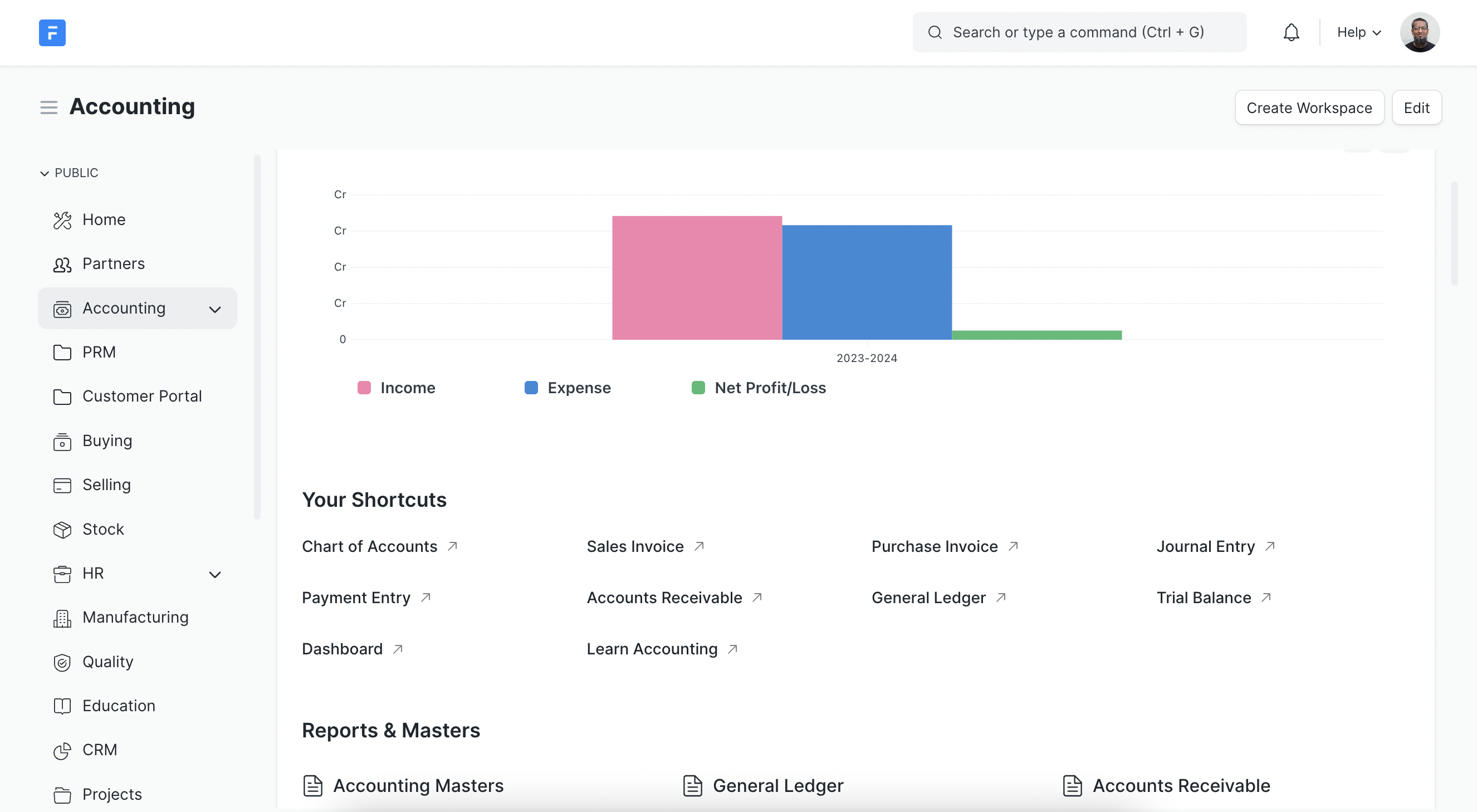
Image source: en.wikipedia.org
Advantages:
- Versatile and modular, providing a full ERP solution spanning multiple business functions.
- Customizable to fit specific industry needs, allowing for unique workflows and inventory practices.
- Strong community support, with extensive documentation and forums for assistance.
- Integrated reporting tools enable users to generate insights on stock levels and sales trends.
- Multilingual capabilities enhance usability for global teams.
Disadvantages:
- Can be complex to set up for users unfamiliar with ERP systems.
- Higher resource requirements may be needed for larger databases.
Why ERPNext makes the list: Its comprehensive features, including project management and HR modules, make it an attractive choice for businesses looking for an all-in-one solution.
Best use cases: Ideal for small to medium-sized enterprises needing a full suite of business management tools, especially in manufacturing and retail.
Pricing: Free for self-hosted versions; paid plans start at approximately $10/user/month for hosted solutions.
2. Apache OFBiz: Highly customizable framework for tailored solutions
Apache OFBiz is an open-source framework that provides a wealth of tools for developing custom applications, including inventory management. It features a robust data model and offers various functionalities, such as product catalog management, procurement, and order fulfillment. OFBiz is especially suitable for businesses that require extensive customization.
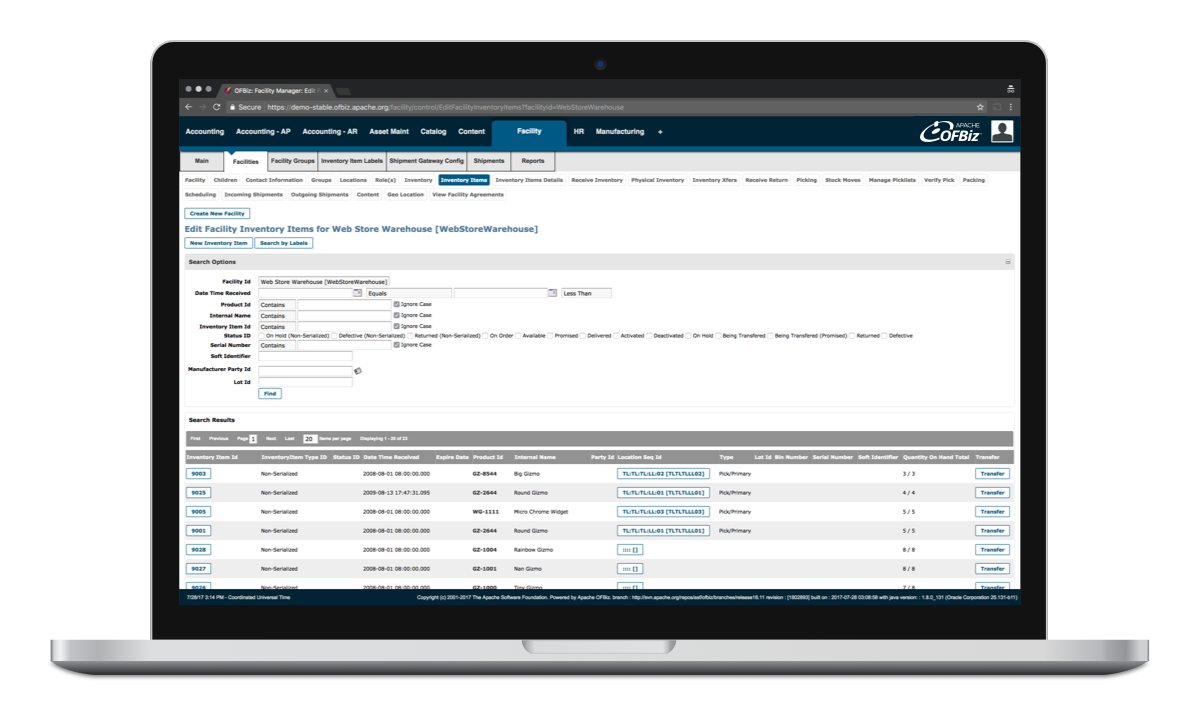
Image source: ofbiz.apache.org
Advantages:
- Highly customizable and flexible architecture, allowing businesses to adapt the software to their needs.
- Integrates various business functions into one platform, providing a holistic view of operations.
- Strong community and extensive documentation, facilitating support and collaboration.
- Supports multiple languages and currencies, which is beneficial for global businesses.
- Continuous updates ensure the software stays relevant and secure.
Disadvantages:
- Requires development skills for customization and deployment.
- Users may find the learning curve steep without previous experience.
Why Apache OFBiz makes the list: Its ability to serve as a foundation for custom applications, combined with strong enterprise features, stands out for tech-savvy organizations.
Best use cases: Best for companies with specific and complex workflows that desire a tailored approach to inventory management.
Pricing: Free, as it is an open source solution.
3. InvenTree: Focused on parts and components management
InvenTree is a simple yet effective open source inventory management system that focuses primarily on managing parts and inventory. It offers an easy-to-use web interface that enables users to manage stock, run reports, and integrate with manufacturing tools. InvenTree is particularly useful for electronics and manufacturing sectors.
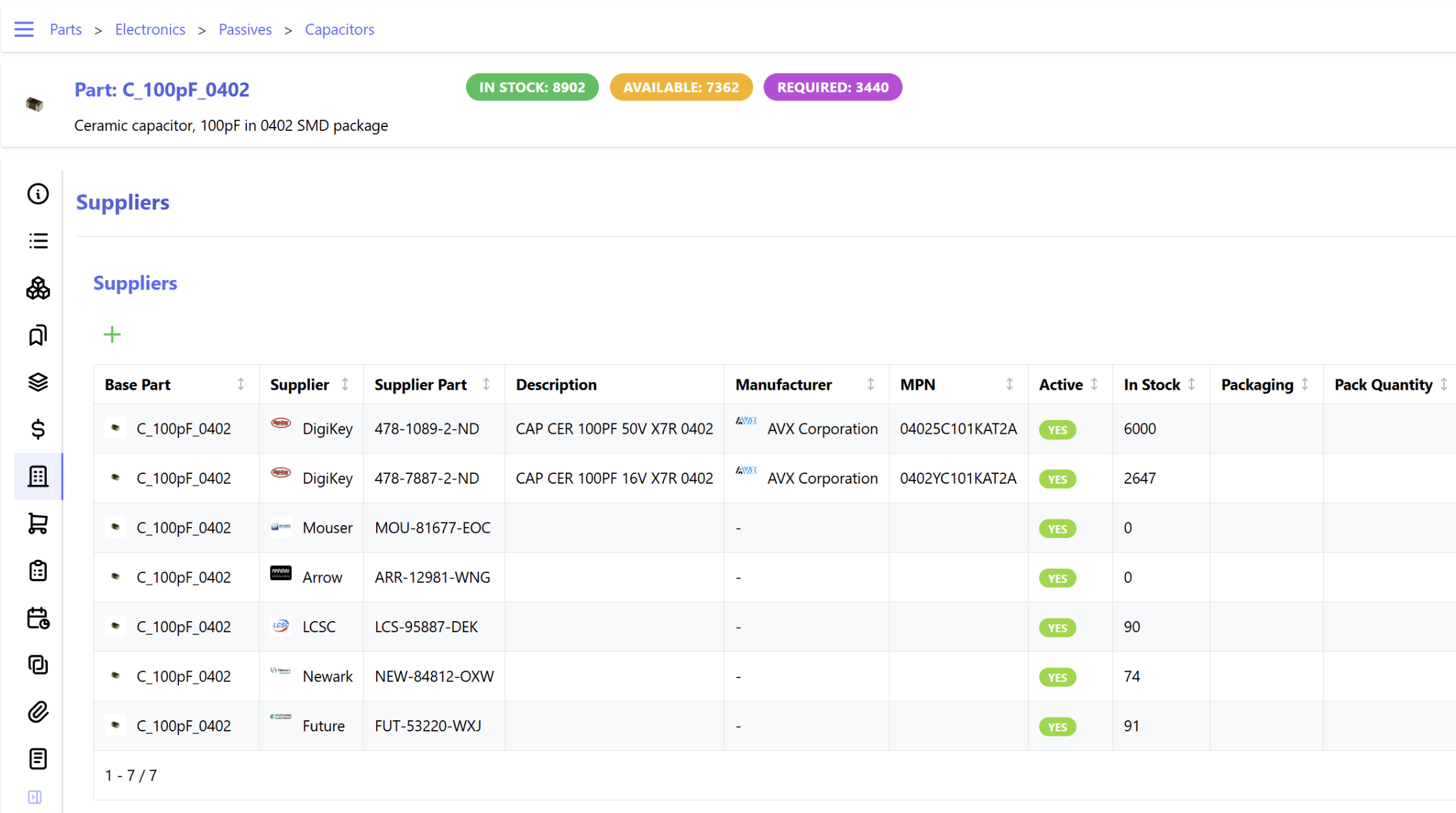
Image source: inventree.com
Advantages:
- User-friendly and straightforward interface makes it accessible for all users.
- Strong focus on parts and components tracking, making it ideal for manufacturing.
- Activates community support and regular updates, ensuring continuous improvement.
- Offers barcode scanning capabilities for efficient inventory management.
- Users can create custom fields and attributes to better fit their inventory types.
Disadvantages:
- Limited features compared to more comprehensive ERP systems.
- May not cover all inventory scenarios in complex setups.
Why InvenTree makes the list: Its specialization in parts management makes it a go-to solution for industries dealing with hardware components and manufacturing supplies.
Best use cases: Ideal for small to medium-sized manufacturing businesses and electronics firms looking for niche inventory management solutions.
Pricing: Free to use; optional paid support available.
4. OpenBoxes: Specialized software for healthcare supply chains
OpenBoxes is an open-source inventory management system designed primarily for supply chain management in healthcare settings. It allows users to track inventory levels, manage orders, and monitor supplies in real time, making it a practical solution for . Its focus on healthcare makes it a valued tool for hospitals and clinics needing to manage medical supplies effectively.
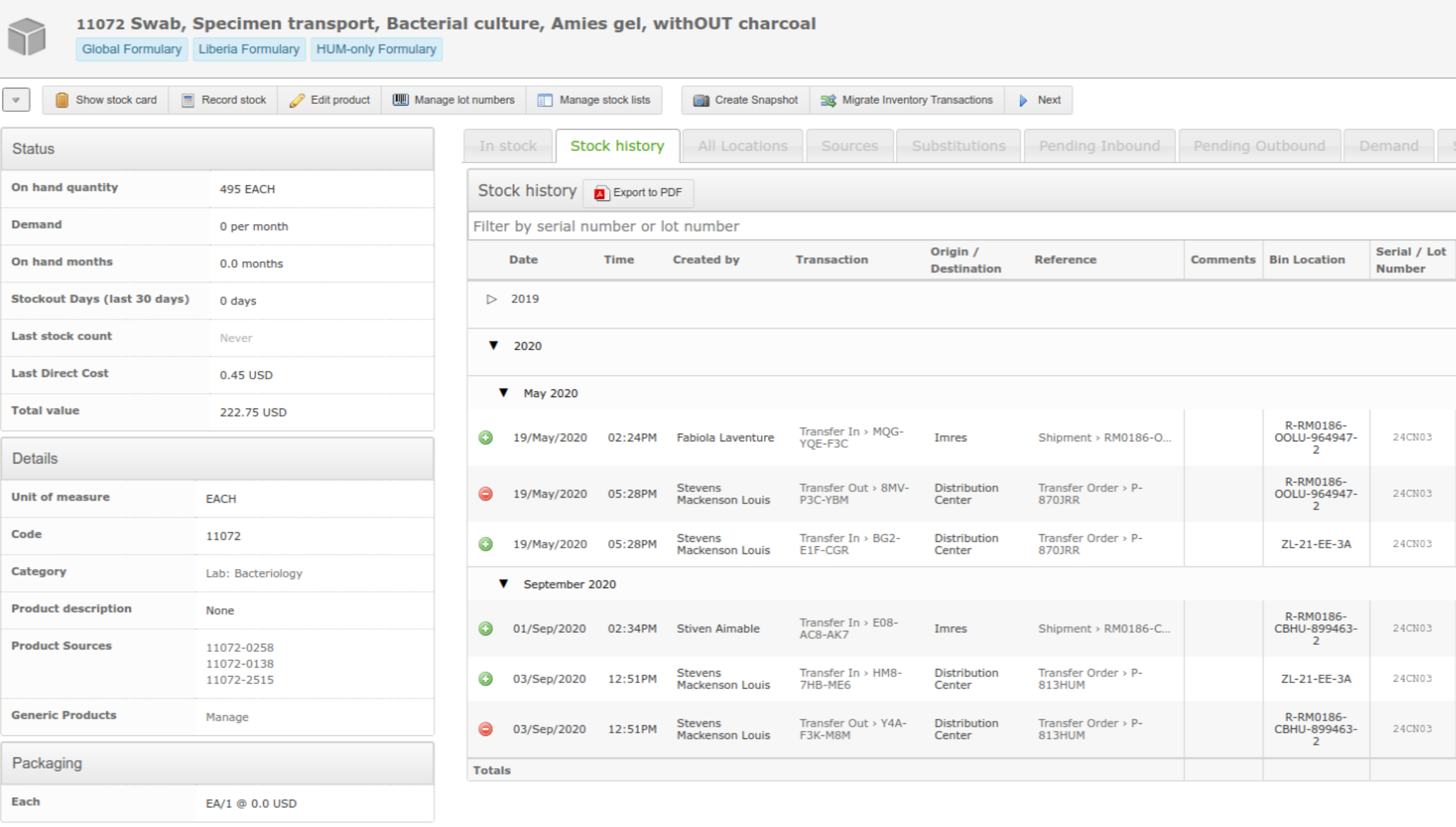
Image source: openboxes.com
Advantages:
- Tailored specifically for healthcare inventory management, enhancing accuracy in tracking critical supplies.
- Offers analytics tools for calculating stock levels and forecasting needs.
- A simple interface that requires minimal training reduces the onboarding time.
- Facilitates integration with other healthcare software for enhanced functionality.
- Supports multi-location inventory management, beneficial for larger healthcare organizations.
Disadvantages:
- Limited features outside the healthcare industry.
- Specific focus means it may not suit other sectors.
Why OpenBoxes makes the list: Its dedicated approach to healthcare supply management sets it apart as a specialized tool for critical environments.
Best use cases: Best for hospitals, clinics, and healthcare organizations that need to maintain precise inventory control over medical supplies.
Pricing: Open source and free to use; optional paid hosting available through vendors.
5. Odoo Inventory: Integrated with a complete suite of applications
Odoo offers an integrated suite of business applications, including a powerful inventory management module. The Odoo Inventory module allows users to manage stock, track deliveries, and optimize supply chains. It integrates seamlessly with other Odoo applications, creating a fully connected management system.
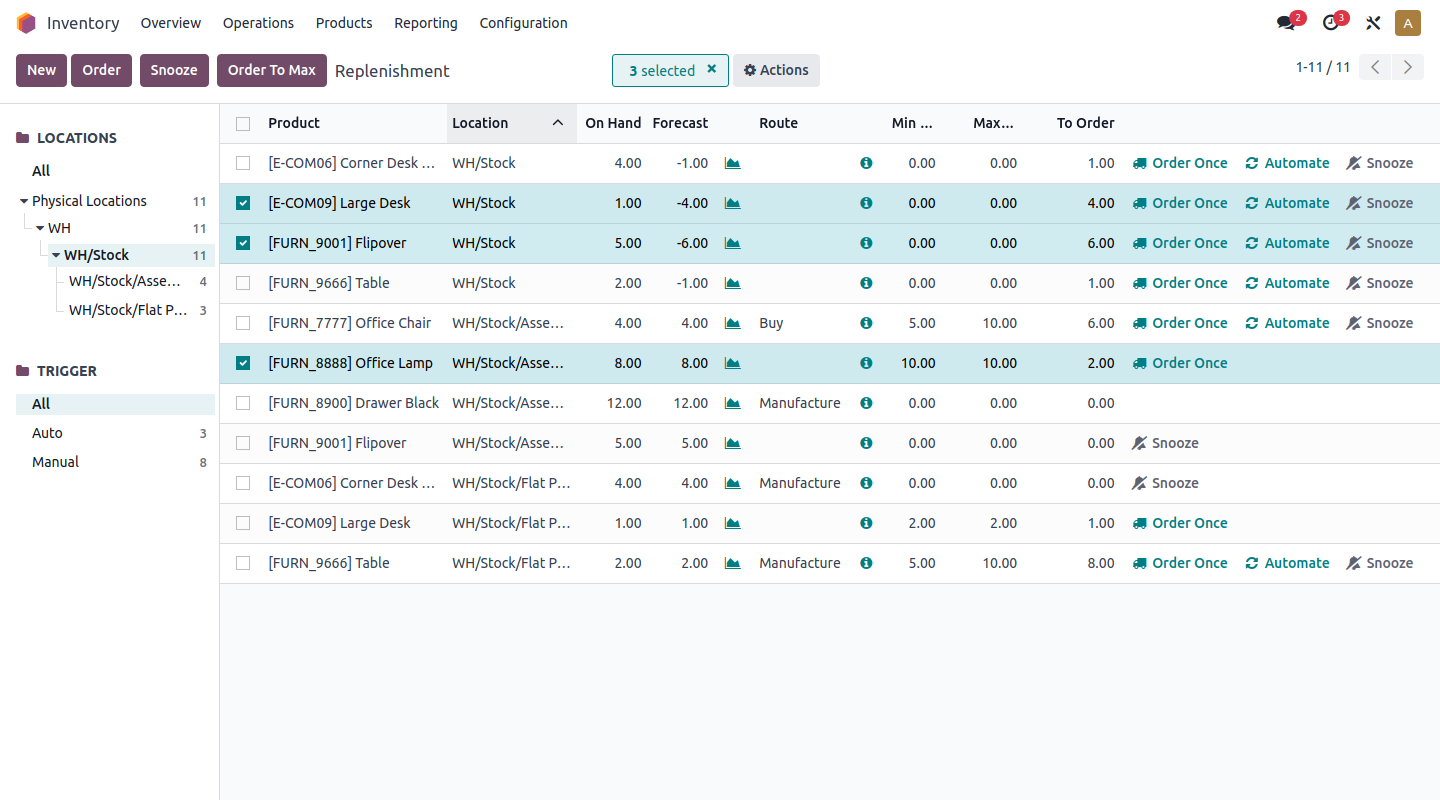
Image source: odoo.com
Advantages:
- Extremely versatile with numerous applications within the Odoo ecosystem.
- Strong reporting tools provide actionable insights to improve inventory management.
- Intuitive user interface and great documentation enhance user experience.
- Automated inventory replenishment functionality streamlines stock management.
- Regular updates and community contributions keep the software current and effective.
Disadvantages:
- The pricing model can become expensive as more modules are added.
- Implementation may require technical assistance.
Why Odoo Inventory makes the list: Odoo's comprehensive suite of applications makes it suitable for businesses that want a holistic management tool, enabling smooth operations across departments.
Best use cases: Best for companies looking for a full ERP system that includes inventory management alongside CRM, accounting, and eCommerce solutions.
Pricing: Free for a limited number of users; paid plans start at $24/user/month for full functionality.
6. Flectra: User-friendly ERP with adaptable modules
Flectra is an innovative open-source ERP software that combines various business applications, including inventory management. With good usability and an intuitive design, Flectra enables businesses to manage stocks, monitor sales, and analyze performance metrics easily.
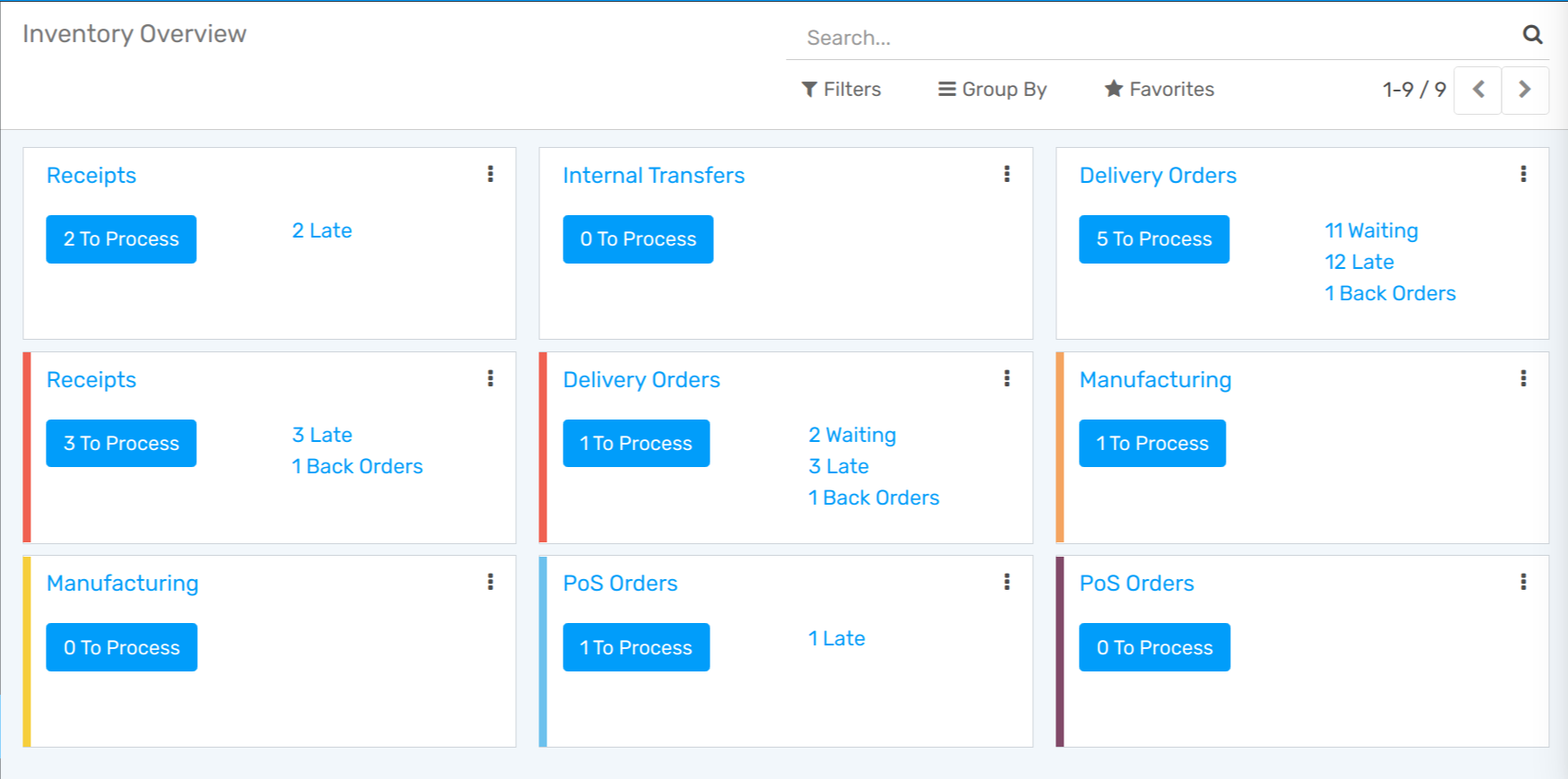
Image source: flectra.com
Advantages:
- Modular design allows for the selective implementation of features tailored to business needs.
- Supports multi-company and multi-currency operations, making it globally applicable.
- User-friendly interface with responsive design enhances accessibility on various devices.
- Comprehensive reporting tools facilitate informed business decisions.
- Regular community contributions ensure timely enhancements and updates.
Disadvantages:
- Still evolving, which may lead to occasional bugs.
- Smaller community compared to other ERP options.
Why Flectra makes the list: Its user-friendly approach with an adaptable framework positions it as a reliable choice for growing businesses.
Best use cases: Ideal for small to medium-sized businesses looking for a versatile ERP solution with inventory management capabilities.
Pricing: Free for self-hosted versions; paid options for hosted installations available.
7. Axelor: Low-code platform for easy customization
Axelor is an open-source ERP platform that provides a complete suite for business management, including inventory management. With a low-code framework, Axelor allows users to customize applications quickly and effectively. Its inventory module facilitates tracking and stock management alongside other business processes.
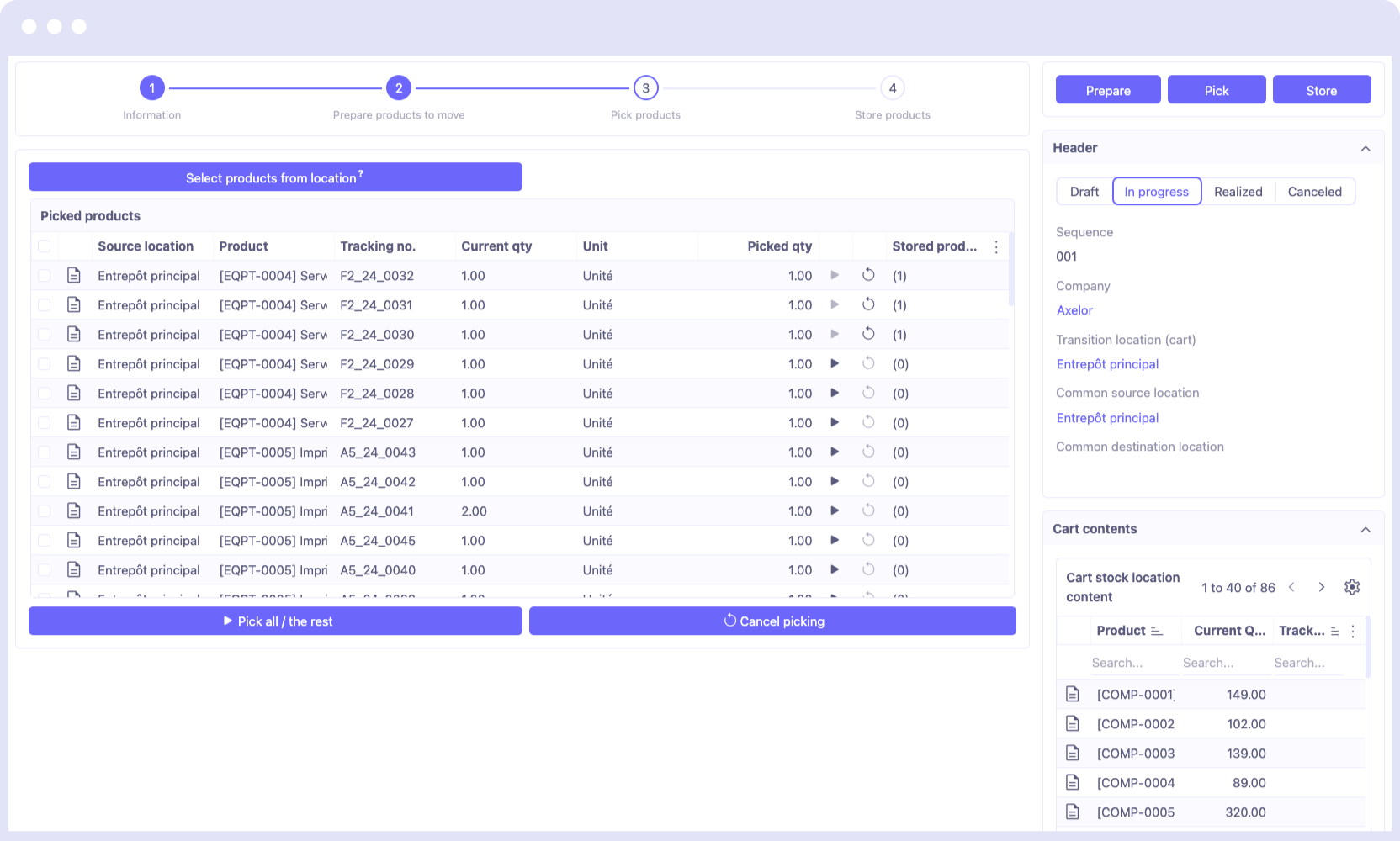
Image source: axelor.com
Advantages:
- A low-code platform makes customization accessible to users without extensive programming knowledge.
- Comprehensive business management features assist in unifying various functions.
- User-friendly interface improves usability across departments.
- Strong focus on workflow automation enhances operational efficiency.
- Regular updates and community support keep software secure and relevant.
Disadvantages:
- Limited community support compared to larger open-source projects.
- Complexity may arise when integrating with other systems.
Why Axelor makes the list: Its adaptable nature within the ERP landscape allows it to cater to both simple and complex inventory needs efficiently.
Best use cases: Good for businesses that demand customization without extensive coding skills, especially those requiring a unified system.
Pricing: Free for core features; additional costs for advanced modules.
8. webERP: Lightweight, web-based accounting integration
webERP is a web-based open source accounting and management system with strong inventory management capabilities. It offers features like inventory tracking, forecasting, and order management, all accessible through a web browser. Its lightweight design makes it suitable for various industries, particularly manufacturing and retail.
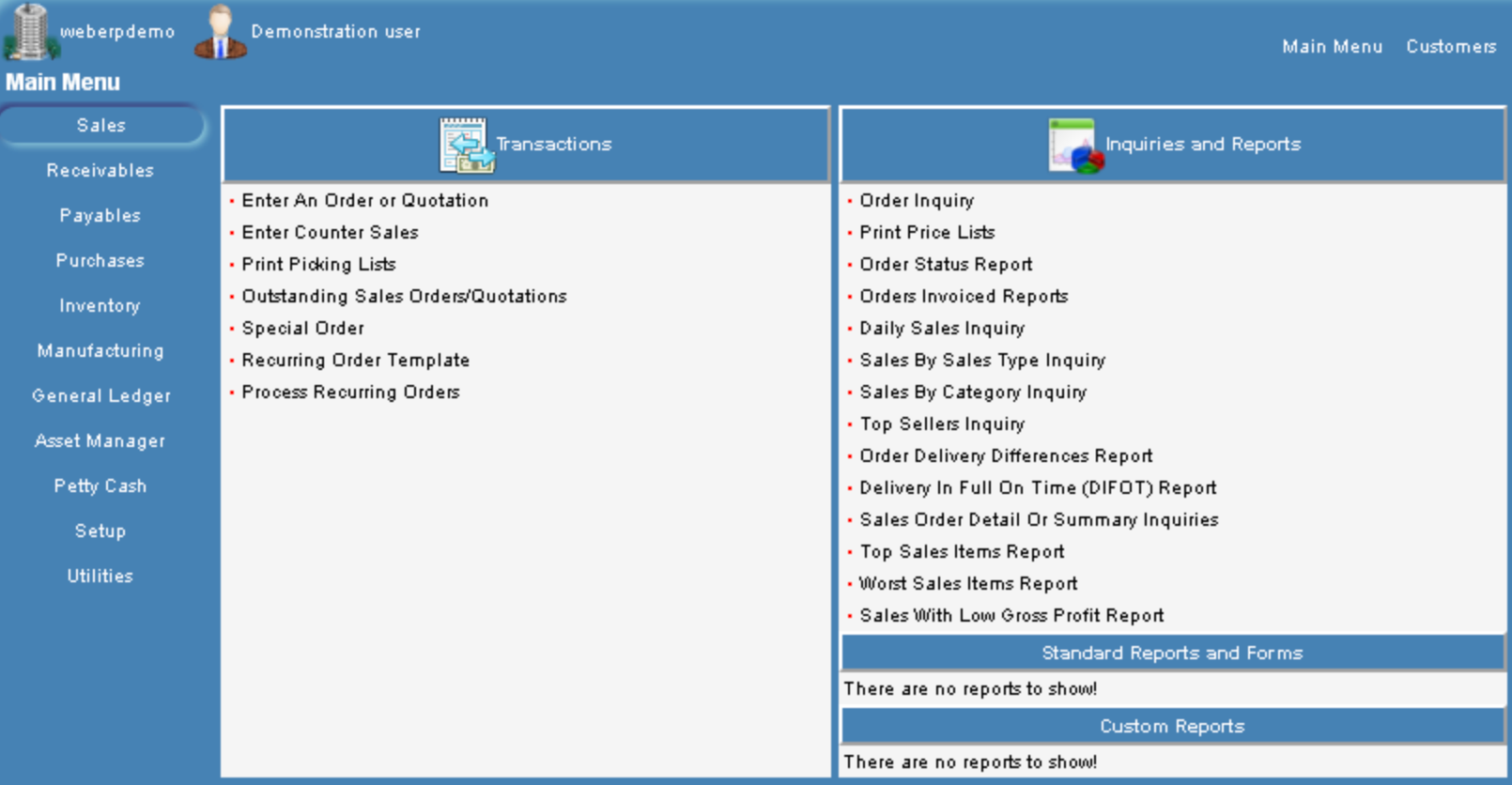
Image source: erp-information.com
Advantages:
- Web-based access allows for flexibility and easy management from any online device.
- Lightweight design ensures minimal server resources are required.
- Strong inventory control features help businesses manage stock efficiently.
- Integrated accounting features provide a comprehensive solution for small businesses.
- Includes multi-currency support for international operations.
Disadvantages:
- The user interface may feel outdated compared to modern solutions.
- Requires technical know-how for installation and setup.
Why webERP makes the list: Its focus on accounting and inventory control provides a solid foundation for businesses looking for essential management features.
Best use cases: Ideal for small manufacturing and retail businesses that require essential inventory and accounting capabilities.
Pricing: Free, as it is open source.
9. InventoryScript: Simple inventory solutions for small businesses
InventoryScript is a straightforward open source inventory management solution designed for easy and efficient stock management. It is tailored for small businesses looking to simplify their inventory tracking without unnecessary complexities. With features for invoicing and reporting, it serves as a compact solution.
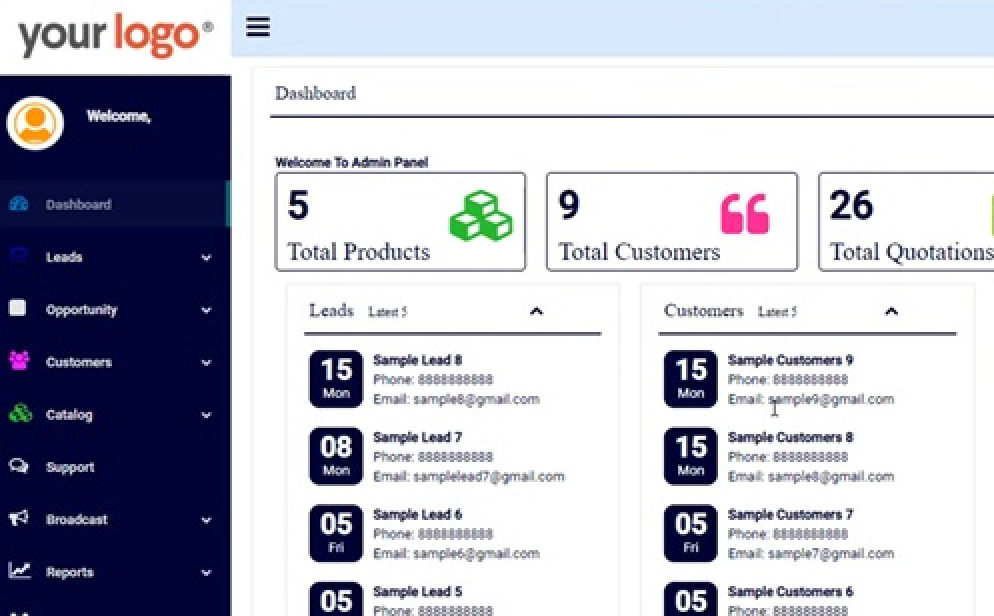
Image source: inventoryscript.com
Advantages:
- Simple to use and set up, supported by a user-friendly interface.
- Focused on essential features to cater to small businesses without overwhelming complexity.
- Good documentation is available for users to navigate the system easily.
- Offers basic reporting tools to help users understand inventory trends.
- Fast performance with minimal resource requirements.
Disadvantages:
- Limited customization options may restrict scalability.
- Not as feature-rich as more extensive ERP systems.
Why InventoryScript makes the list: Its simplicity and ease of use make it an excellent choice for businesses just starting to manage inventory.
Best use cases: Best for small businesses needing basic inventory tracking without the complexities of larger systems.
Pricing: Free to use; optional paid support available.
10. FrontAccounting: Accounting software with inventory management included
FrontAccounting is an open source accounting system that includes robust inventory management capabilities. Designed for small businesses, it focuses on bookkeeping and inventory processes together, facilitating seamless integration with accounting practices. Users can manage stock levels, orders, and suppliers efficiently.
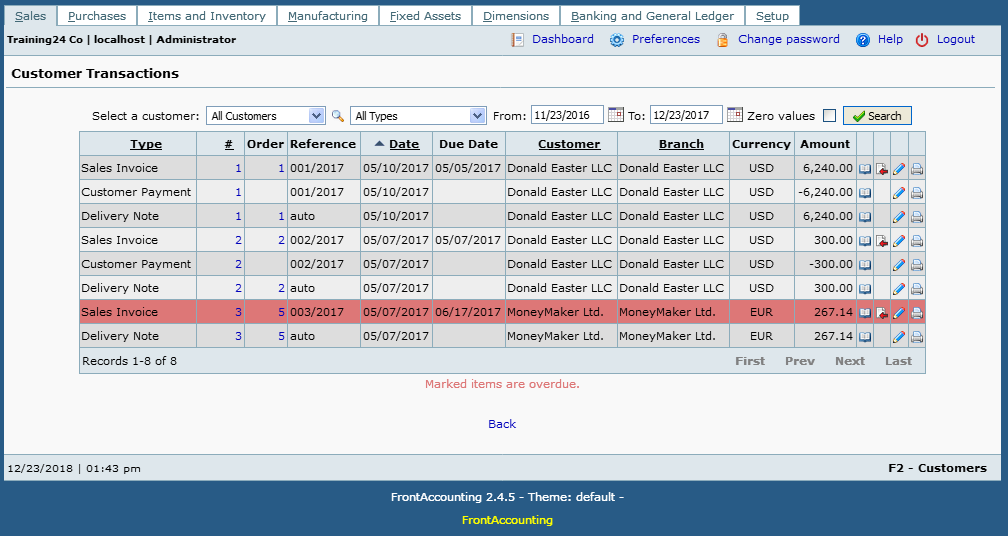
Image source: frontaccounting.com
Advantages:
- Comprehensive accounting features integrated with inventory management streamline operations.
- Active community offering support and regular updates keeps the software fresh.
- Suitable for small enterprises due to its lightweight design.
- Offers multi-language support, making it accessible for different regions.
- User-friendly interface reduces the training time needed for new users.
Disadvantages:
- Interface can feel dated compared to modern tools.
- Limited features for larger organizations or more complex inventory needs.
Why FrontAccounting makes the list: Its strong connection between accounting and inventory management aligns well with small business needs where streamlined financial management is crucial.
Best use cases: Ideal for small businesses that require both accounting and inventory features without the need for additional complexity.
Pricing: Fully free as it is released under an open source license.
11. GreaterWMS: Warehouse management with real-time tracking
Overview: GreaterWMS is an open source warehouse management solution focused heavily on inventory control. It offers features like mobile access, real-time inventory updates, and extensive reporting capabilities. GreaterWMS aids businesses in optimizing their warehouse operations and managing inventory with efficiency.
Advantages:
- Real-time tracking allows for accurate inventory levels, reducing the risk of stockouts.
- Mobile access enhances usability and accessibility for warehouse staff.
- Built specifically for warehouse management, offering specialized features tailored to logistics.
- Offers robust reporting tools for performance analysis and inventory turnover monitoring.
- Supports barcode scanning for efficient stock handling.
Disadvantages:
- May require technical expertise for installation and customization.
- Limited community support compared to more established platforms.
Why GreaterWMS makes the list: Its specialization in warehouse operations enables users to manage complex inventory setups effectively.
Best use cases: Best suited for businesses with extensive warehouse operations that require precise inventory management solutions.
Pricing: Free to use; optional support and customization offered through partnering vendors.
12. RackTables: IT asset management for data centers
RackTables is an open-source solution primarily focused on managing storage resources within a data center. This system can also manage inventory, particularly for IT equipment, allowing businesses to track assets, monitor usage, and facilitate efficient resource allocation.
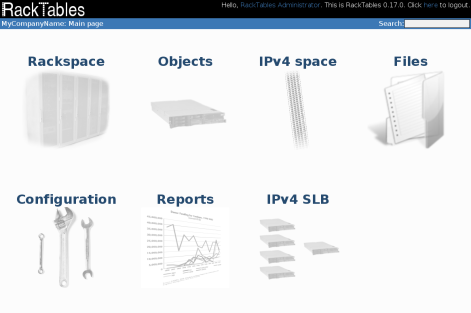
Image source: racktables.com
Advantages:
- Designed specifically for tech environments, focusing on IT asset management to support hardware tracking.
- Provides solid asset tracking capabilities with rich descriptive fields.
- Web-based interface allows for easy access and management from any device.
- Supports detailed documentation and change logs for asset history.
- Flexible and customizable to fit the changing needs of IT infrastructure management.
Disadvantages:
- More suited for IT inventory, limiting its applicability in other sectors.
- May be complex for users unfamiliar with data center management.
Why RackTables makes the list: It caters specifically to IT professionals managing hardware inventory, making it a unique solution in the open-source landscape.
Best use cases: Ideal for technology companies and data centers seeking a specialized tool for tracking IT assets and equipment.
Pricing: Free to use; available for download and installation.
The other 8 open source inventory management systems
In addition to the top twelve, several other notable open source inventory management systems are worth considering. These systems offer unique functionalities that can suit diverse business needs. Here are eight more options that stand out:
13. ABC Inventory: Simple inventory and order management solution
ABC Inventory is a simple yet effective solution designed for small to medium-sized businesses. It focuses on inventory and order management, offering features like stock tracking, backorder management, and reporting tools to help businesses manage their supplies easily.
14. Stockpile: Cloud-based inventory management for small businesses
Stockpile is a cloud-based inventory management system tailored for small businesses. It provides key functionalities such as stock level tracking, inventory location management, and user-friendly inventory reports, all accessible through a simple online interface.
15. Goods Order Inventory: Focuses on tracking stock levels and orders
Goods Order Inventory is centered around managing stock levels and order processes. It enables businesses to keep track of inventory quantities, monitor stock usage, and streamline the ordering process, making it suitable for retail and distribution applications.
16. partKeepr: Specialized for electronic component inventory management
partKeepr specializes in managing electronic components, making it an excellent choice for businesses in the electronics industry. It offers features such as detailed part specifications, supplier management, and inventory tracking tailored to engineers and manufacturers.
17. Openbravo: Flexible ERP solution with inventory features
Openbravo is a flexible ERP solution that includes a robust inventory management module. It supports multi-channel retail operations and offers functionalities like real-time inventory tracking and procurement management, suitable for businesses of various sizes.
18. Dolibarr ERP & CRM: Integrated ERP and CRM for business management
Dolibarr is an integrated ERP and CRM system that encompasses inventory management as one of its core features. It aims to simplify business processes and includes tools for stock control, invoicing, and customer relationship management, making it a good all-in-one solution.
19. Snipe-IT: Asset management with strong inventory control
Snipe-IT is an effective asset management system that includes strong inventory control capabilities. Designed primarily for managing IT assets, it helps organizations keep track of equipment, licenses, and warranties, providing a comprehensive solution for tech-focused businesses.
20. Simple Invoices: Billing and inventory tool for service businesses
Simple Invoices is a billing software that also includes basic inventory management functions. This tool is suitable for service-oriented businesses that need to track inventory supplies while managing invoicing efficiently in a user-friendly interface.
Tired of comparing open source tools?
Benefits of open source inventory management software
Open-source inventory management software offers a range of advantages that can significantly enhance inventory control processes for businesses. Here are some key benefits:
- Cost-effectiveness: Open source solutions typically do not require hefty licensing fees or expensive subscriptions. This makes them an attractive option for startups and small businesses looking to manage inventory without straining their budgets.
- Flexibility and customization: The source code is accessible to users, enabling them to customize the software according to their specific needs and processes. This adaptability allows businesses to create tailored solutions that better reflect their inventory management strategies.
- Community support: Many open-source projects have active communities established around them, providing resources such as forums, documentation, and tutorials. This community support can be invaluable for troubleshooting and enhancing the software's functionalities.
- Continuous improvement: Open source software often benefits from regular updates and contributions from community developers. This ensures that the software stays up-to-date with the latest technological advancements and user requirements.
- Data ownership: Using open-source software allows organizations to maintain complete control over their data, reducing dependency on third-party vendors. Businesses can manage their data securely and ensure it remains private and confidential.
When open source inventory management software falls short
While open-source inventory management software has many benefits, there are situations where it may not fully meet the needs of certain organizations. Here are some potential drawbacks:
- Technical expertise required: Customization and implementation of open-source software often necessitate a certain level of technical expertise. Businesses without in-house IT resources may face challenges during setup and ongoing maintenance.
- Limited customer support: Unlike that typically include dedicated customer service, open-source systems may rely on community support. This can result in longer resolution times for issues and a lack of personalized assistance.
- Potential for bugs and inconsistencies: As software releases are often community-driven, users may encounter bugs or inconsistencies. While updates are frequent, relying on community contributions can lead to varying levels of software stability.
- Scalability limitations: Some open-source inventory management systems may not scale efficiently for larger organizations with complex inventory needs. It's essential to evaluate whether the chosen system can grow alongside the business.
- Integration challenges: Integrating open-source software with existing systems can be complicated, particularly when dealing with diverse platforms used across different departments. This can result in increased time and resource investments during implementation.
When these technical limits overlap, custom builds are often required. For example, ScienceSoft with a medicinal herbs provider to deliver an inventory system integrated with electronic scales, successfully eliminating manual data errors for field workers.
Avoid these open-source challenges
A modern solution for inventory management: Discover Lark
In the evolving landscape of inventory management, presents itself as a powerful alternative to traditional open-source systems. With robust features and an intuitive interface, Lark not only covers the essential functionalities that open-source solutions offer but does so with enhanced efficiency and usability. Here's a closer look at how Lark stands out.
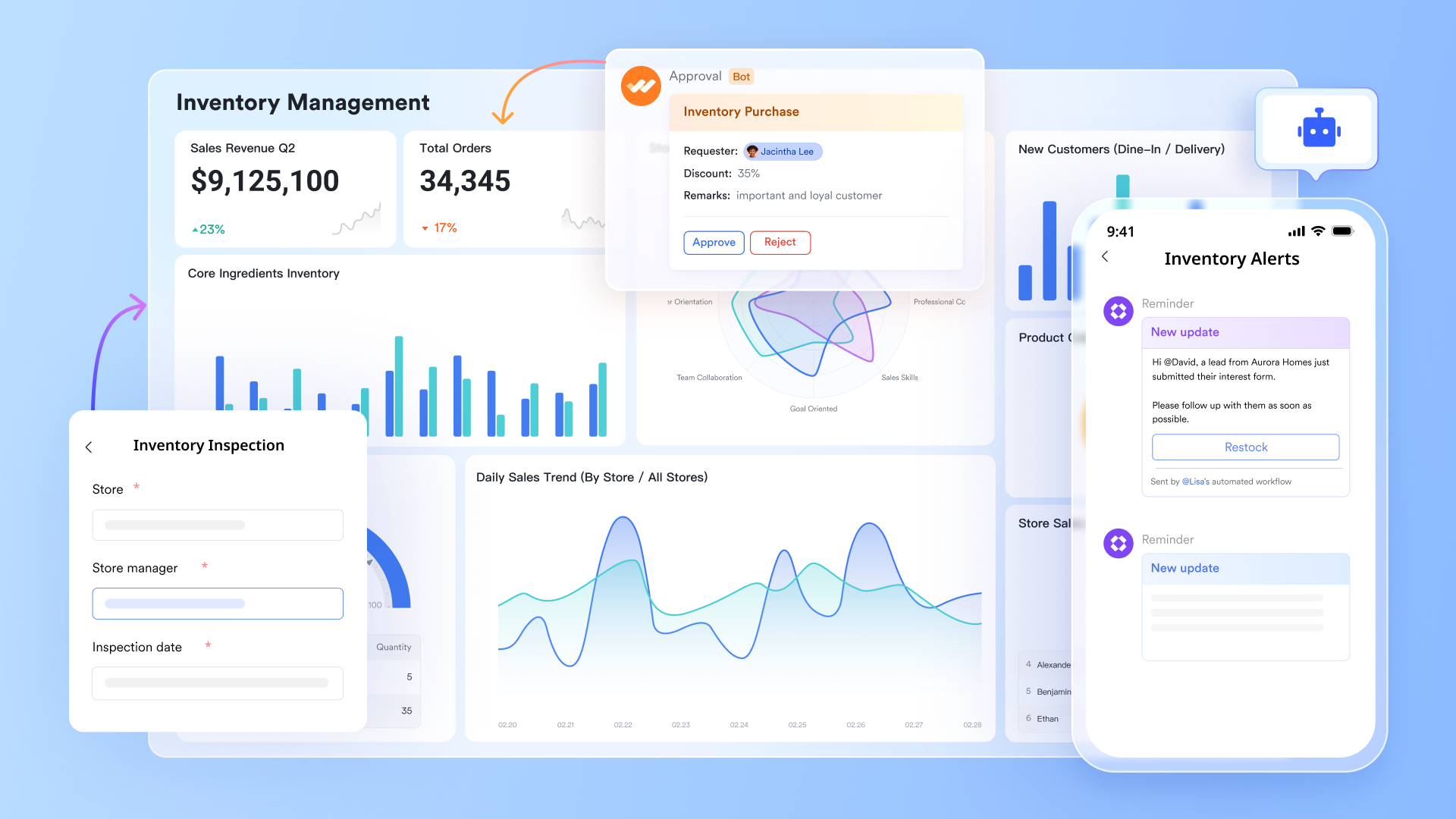
Deeper customization and automation without coding burdens
The core appeal of open-source systems lies in their customizability. However, this usually requires a professional development team to carry out secondary development, deploy servers, and take on long-term operational maintenance responsibilities. With , you gain robust database-like customization capabilities—completely code-free. You can customize fields, views (Kanban view, calendar view, Gantt view, and so on), and data relationships like building with blocks. 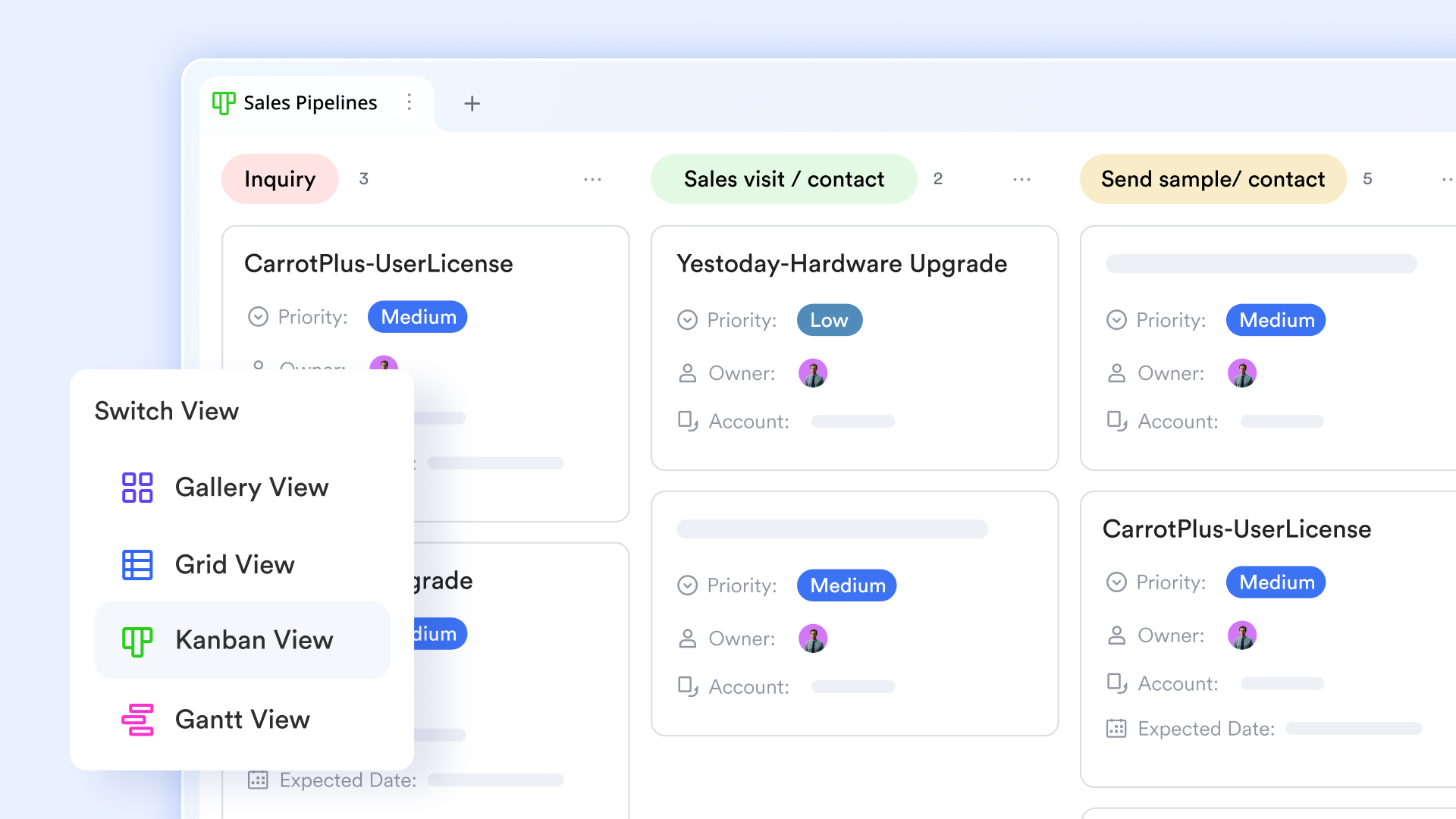
More importantly, Lark Base automation lets you visually configure complex business logic. For example, you can drag and drop to set up a rule: "When inventory levels drop below the threshold, automatically create a new record in the procurement approval workflow." This delivers the same level of customization depth while eliminating the heavy technical overhead and long-term costs associated with coding, server deployment, and script monitoring. It empowers business users to quickly build and adjust systems on their own. 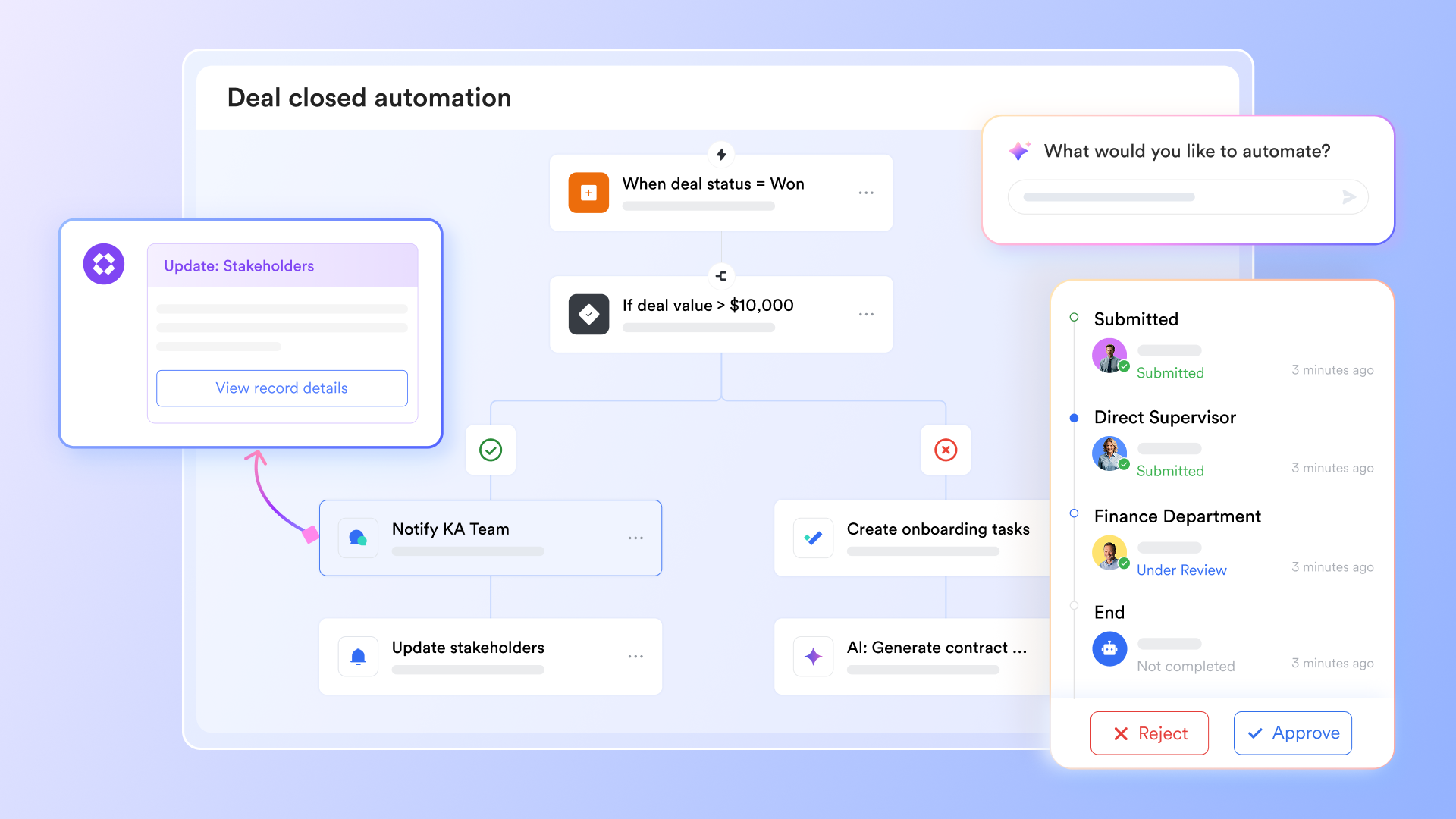
Advanced analytics and reporting
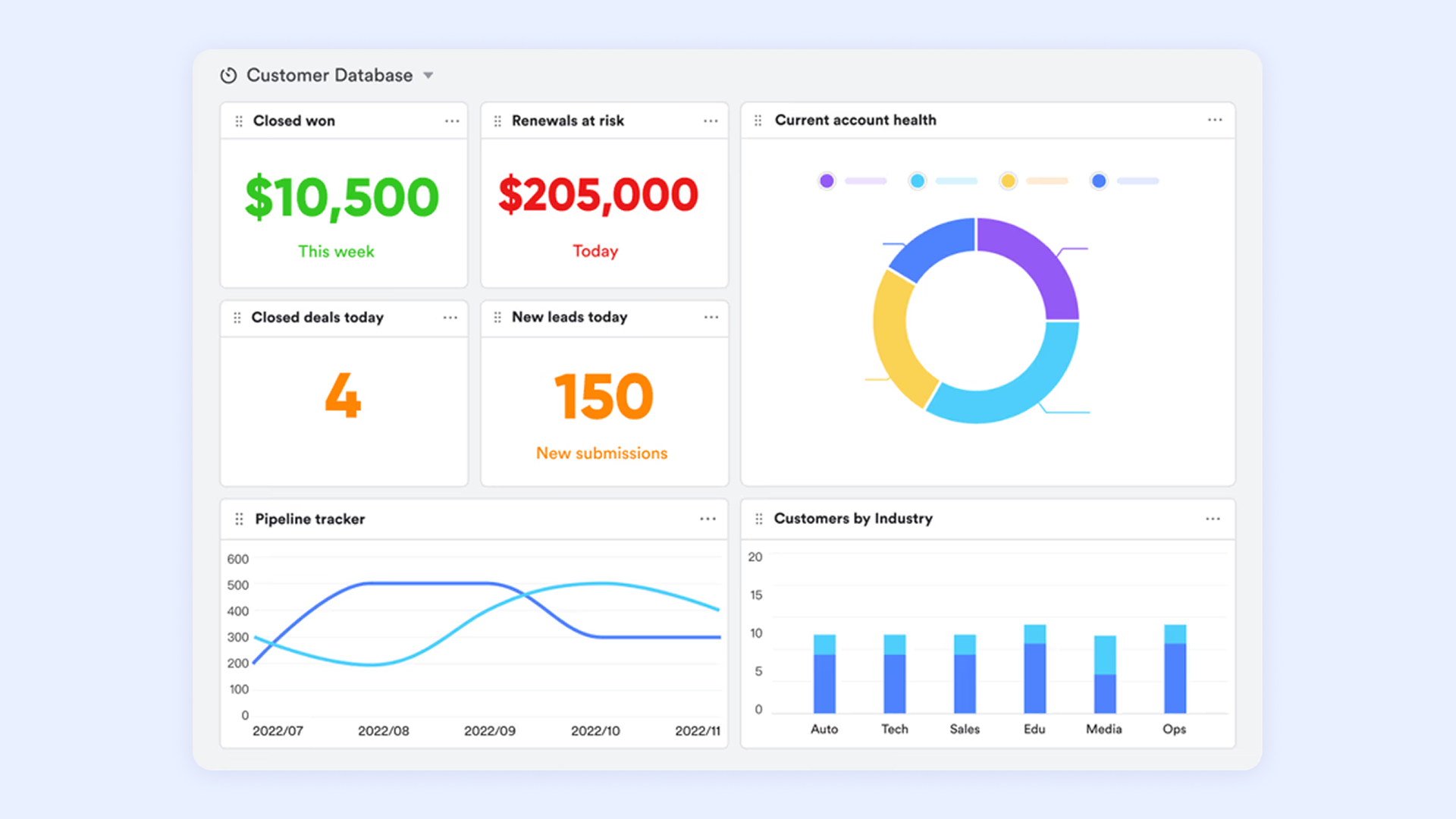
While open-source solutions often provide basic reporting functionalities, Lark takes analytics a step further with advanced features. Users can generate customized reports that visualize inventory trends, sales forecasts, and performance metrics in real time. This capability enables businesses to make informed decisions based on accurate data, enhancing their ability to optimize stock levels and reduce carrying costs.
Build a mobile workbench for frontline staff
The mobile experience of open-source systems is often a weak point—either lacking features or requiring additional development. This forces frontline core users like warehouse managers and store staff to rely on paper documents or backdate data entry on computers later, leading to information lag and error-proneness.
Lark Base apps perfectly resolves this pain point. You can convert a complex inventory management Base into a simple, focused mobile app with one click. When frontline employees open the Lark Base apps, it appears like a mini-program right before them. They can quickly scan product barcodes, check inventory details in real time, record stock in and out on their phones, and even take photos to report damaged goods. 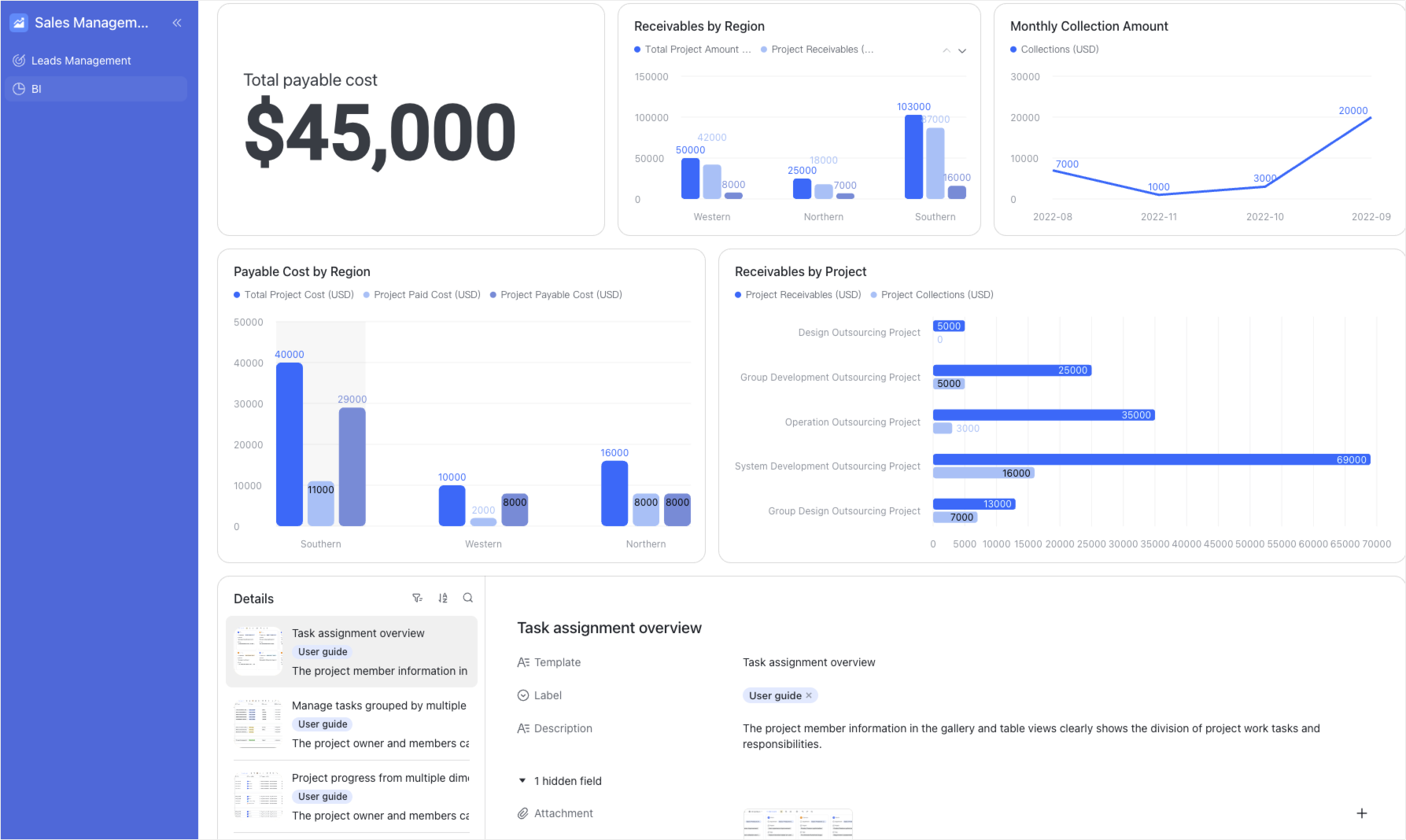
Get an out-of-the-box user experience
Open-source inventory systems are usually just standalone databases on their own. To connect them to e-commerce platforms, customer service systems, or financial software, you have to develop API interfaces yourself or find compatible plugins. This process is cumbersome, unstable, and hard to maintain.
Lark, however, is a work platform that already integrates instant , , , , and automation. Its inventory management system is not an isolated module; instead, it natively connects with all these collaboration tools. When an automated inventory alert is triggered, notifications can be sent directly to the relevant person's Lark Messenger. The person in charge can even approve restock requests with one click right in the chat. This deep, native integration delivers a smooth experience that open-source software can rarely achieve through external add-ons, completely solving the "integration hell" problem.

Enhanced security and data control
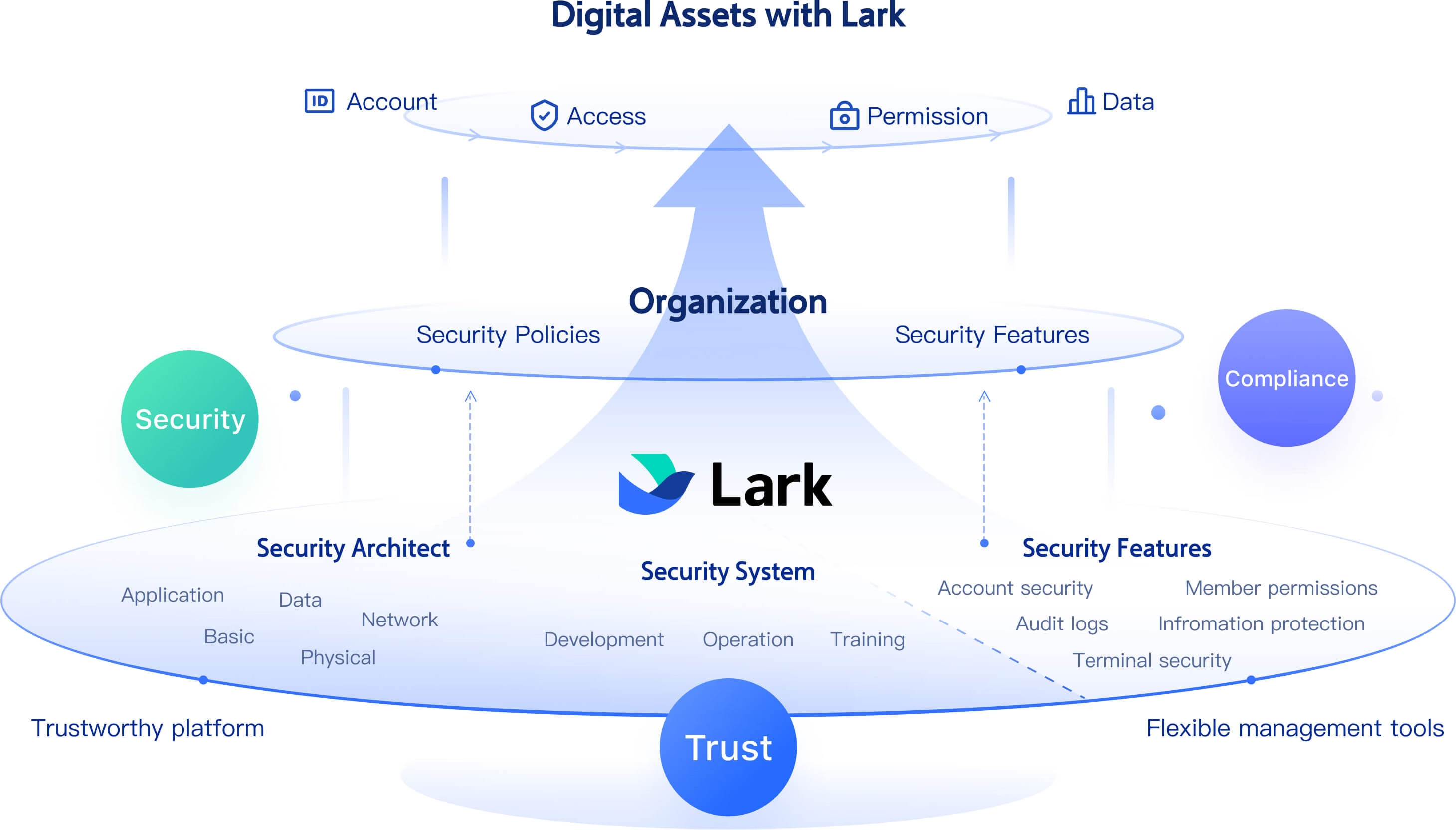
and security are crucial concerns for businesses utilizing open-source software. In some cases, users face challenges around data privacy, particularly when relying on third-party hosting or community support. Lark addresses these concerns by offering and compliance with industry standards. Businesses can trust that their data is secure while still retaining control over their inventory management processes.
:
- Starter plan: Free forever plan that includes 11 powerful tools for up to 20 users. It also comes with 100GB of storage, 1000 automation runs, AI translations, and more.
- Pro plan: $12/user/month (billed annually) for up to 500 users. It includes everything in Starter plus group calling for up to 500 attendees, 15TB of storage, 50,000 automation runs, and more.
- Enterprise plan: for custom pricing. Supports unlimited users and includes even more automation runs and advanced security, compliance, and management features.
For small teams with simple communication needs

18 months message history
1000 Base automation runs/month
2000 rows per table in Base
Most POPULAR
For companies with comprehensive collaboration and management needs
Unlimited message history
500-participant video meetings
50k Base automation runs/month
20k rows per table in Base
For large companies with advanced security and organizational management needs
Get a personalized demo and pricing
Unlimited message history
500-participant video meetings
15 TB storage + 30 GB storage/user
500k Base automation runs/month
50k Base automation runs/month
Most POPULAR
For companies with comprehensive collaboration and management needs
Unlimited message history
500-participant video meetings
50k Base automation runs/month
20k rows per table in Base
Conclusion
Choosing the right inventory management system is essential for businesses aiming to enhance their operational efficiency and respond to market demands effectively. Lark stands out as a modern all-in-one solution that not only combines essential inventory functionalities but also fosters seamless collaboration and automation across teams. With user-friendly features, advanced analytics, and dedicated support, empowers organizations to streamline their inventory processes and make data-driven decisions effortlessly. Don't settle for outdated methods—experience the transformative power of Lark and take your inventory management to the next level today!
Unlock advanced inventory control now
FAQs
What is inventory management software, and why is it important?
Inventory management software helps businesses track stock levels, manage orders, and optimize supply chains. It ensures that the right products are available at the right time, reducing costs and minimizing shortages. Tools like Lark provide a comprehensive solution that integrates inventory management with collaboration and analytics for improved efficiency.
How does Lark compare to open-source inventory management systems?
Lark offers a user-friendly interface, advanced automation, and dedicated customer support that many open-source systems lack. While open-source software provides flexibility, Lark enhances overall productivity with seamless team collaboration and real-time data insights, making it an excellent choice for businesses looking for reliability.
Can Lark accommodate a growing business's inventory needs?
Absolutely! Lark is designed to scale with your business, providing advanced reporting, analytics, and automation features that adapt as your inventory requirements evolve. This adaptability ensures that your inventory management processes remain efficient, no matter how much your business grows.
Is it easy to integrate Lark with other business tools?
Yes, Lark is built to integrate smoothly with various business applications, allowing for a unified approach to inventory and resource management. This makes it easy to streamline workflows across departments while maintaining a centralized system for inventory tracking and data analysis.
Related reading




















