Google Drive pricing trips up most buyers because Google doesn't sell it as one product. A personal account gets 15 GB free, but more storage means choosing between Google One for consumers and Google Workspace for businesses, two separate billing systems. This guide covers the free tier, Google One pricing at 100 GB, 2 TB, and 5 TB, and Workspace per-seat plans at 30 GB, 2 TB, and 5 TB. It also explains what quietly eats your quota, why month-to-month billing runs about 16% higher, and when upgrading pays off, before comparing Drive against unified workspaces that bundle storage, chat, and docs into one price.
How much does Google Drive cost in 2026?
Google Drive does not carry a single price. Individuals pay for capacity through Google One, businesses pay per seat through Google Workspace, and personal accounts start on a free tier of 15 GB.
How to interpret this table: The consumer track charges for capacity, so one subscription covers a family of up to six. The business track charges for seats, so capacity and spend both grow with headcount: twenty seats on Business Standard pool 40 TB for $280 per month at annual-billing rates. Plan-level detail, billing terms, and add-on costs follow in the sections below.
What is Google Drive?
Google Drive is Google's cloud file storage and synchronization service that lets users store files, share them, and collaborate on Google Docs, Sheets, and Slides in real time. Launched in 2012, it is built into every personal Google account and into Google Workspace for businesses, integrating with Gmail, Google Calendar, Google Meet, and Gemini. For individuals, Drive is the front end for personal file organization and backup. For organizations, it provides Shared Drives (formerly Team Drives), admin controls, and pooled storage managed through the Workspace admin console. Google Drive is widely used by consumers, students, and enterprises that need low-friction file access across desktop, web, and mobile.
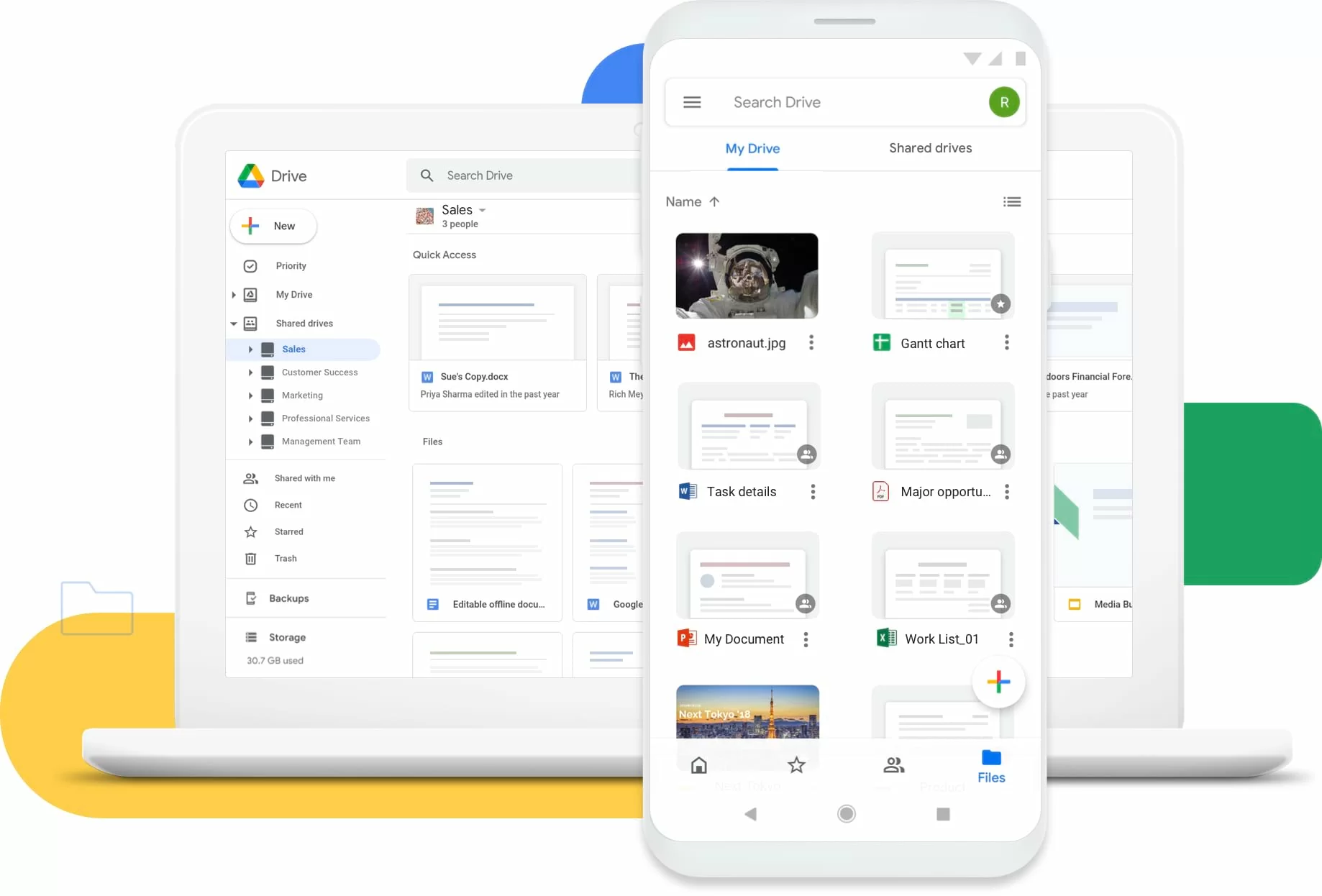
Image source: google.com
How is Google Drive priced?
Google Drive pricing is structured around consumer Google One subscriptions and business Google Workspace subscriptions, each with its own storage allowance, billing model, and cost drivers. Personal Google Drive storage pricing is metered by total capacity per month and shared across Drive, Gmail, and Photos, while business Google Drive storage pricing is charged per user, per month, with pooled storage that grows as seats are added. Behind the scenes, Google uses a shared storage quota rather than per-gigabyte pay-as-you-go for end users, which makes costs predictable but also means overage behavior depends on your plan. This modular approach lets individuals and teams pick a tier, but it makes total cost harder to predict as storage, users, and add-on AI features accumulate over time.
Information source: workspace.google.com
Update time: 2026-11-04
Note: Pricing and plan details reflect publicly available US list prices (annual billing) as of the update date and may vary based on region, currency, and billing cycle.
How is consumer Google Drive priced vs business Google Drive?
Consumer Google Drive pricing runs through Google One subscriptions aimed at individuals, while business Google Drive pricing runs through Google Workspace subscriptions aimed at teams. This split is closely tied to how storage ownership works, since the shared quota directly affects collaboration and long-term cost.
How to interpret this table: Choosing between Google One and Google Workspace changes not only the price point but also how storage, ownership, and admin accumulate over time. Google One is simpler and cheaper for personal capacity, but organizations must account for pooled storage, Shared Drives, and admin controls when estimating total spend across team growth.
How much does Google Drive cost for personal and family use?
For individuals and families, Google Drive storage pricing is anchored on Google One tiers, with differences between Basic, Google AI Plus, and Google AI Pro affecting capacity, AI perks, and predictability. Families comparing options also value the ability to share one plan across up to five additional members.
How to interpret this comparison: Basic offers the cheapest entry to more Google Drive storage, while Google AI Plus bundles 2 TB with Gemini for power users, and Google AI Pro pushes capacity to 5 TB with premium AI and media perks. For families, one plan can cover up to six people, making Google Drive plans pricing far cheaper than separate subscriptions—though teams still need a business suite for shared admin and collaboration.
How are Google Workspace business plans priced?
Teams comparing Google Drive business pricing typically compare the Workspace tiers, where costs scale with storage, meeting size, and security features. Growing organizations must also account for Business Plus and Enterprise differences, which add eDiscovery and compliance controls.
Insights: Business Starter is the cheapest way to add custom email and modest storage, but teams that record meetings must step up to Standard, while teams that need Vault or eDiscovery must step up to Business Plus or Enterprise. Google Drive features and pricing scale mainly through storage and admin capabilities rather than separate file-sync fees.
How do Google Drive API and Google Cloud Storage pricing compare?
Developers and IT teams searching for Google Drive API pricing should note that the Drive API itself is free to call, but it runs inside usage quotas, while Google Drive cloud storage pricing for applications actually points to Google Cloud Storage, which bills separately by the gigabyte and by operation.
Google Drive API pricing is effectively free within quota, which makes it easy to build automations on top of user files, but Google Drive cloud storage pricing for serious application workloads is a separate Google Cloud Storage bill that scales with stored gigabytes and retrieval. Most non-technical teams should think in terms of Google Drive or Workspace, not raw Cloud Storage buckets.
Taken together, Google Drive pricing is less about a single number and more about how consumer, business, and infrastructure layers—from Google One storage to Workspace seats and Cloud Storage buckets—compound over time. This complexity is why many teams evaluate alternatives that bundle storage, collaboration, and automation into one transparent plan.
What are the hidden costs of Google Drive?
Google Drive pricing often reflects only the subscription fee shown on the plans page, but the full cost extends well beyond those numbers:
- Overage and retention: once a storage pool is full, uploads stop, Gmail rejects incoming mail, and Photos pauses; inactive or over-quota accounts risk content deletion after warnings.
- Billing cycle: flexible monthly billing costs about 16% more than an annual commitment, and new-customer promos such as 50% off expire after the first few months.
- Add-on products: AI Expanded Access, Voice, Meet hardware, and Chrome Enterprise are sold separately on top of Workspace.
- Storage expansion: beyond 5 TB on Business Plus or Enterprise, extra pooled storage must be requested and negotiated with sales.
- Migration and cleanup: transferring offboarding user files, cleansing old Gmail attachments and Trash, and archiving large files all take internal labor.
- Security escalators: Vault, eDiscovery, S/MIME, and advanced endpoint management only appear on higher tiers, forcing upgrades for regulated teams.
For teams seeking clearer cost control and faster time to value, this tier stacking becomes a deciding factor. Platforms like Lark take a different approach by offering storage, chat, meetings, docs, and automation within a single workspace—with no separate storage add-ons—boosting efficiency without hidden layers of cost.
Streamline workflows with an affordable alternative
Google Drive pricing glossary
Definitions for the terms that drive pricing decisions across consumer and business Google Drive plans.
How Lark supports flexible business workflows
As teams weigh Google Drive pricing, many start looking for a platform that handles storage, chat, meetings, and workflows without forcing them to stack separate subscriptions. Lark positions itself as an AI-powered productivity superapp: instead of buying Google Drive for files, Gmail for email, and then adding chat, video, and project tools on top, Lark brings them into one workspace under a single subscription. According to Lark, teams report up to 10x operational efficiency, 39% more productivity, and 70% cost savings by consolidating scattered tools. The sections below show how that unified model changes the file-storage and collaboration experience compared with Drive.
One workspace where files, chat, and AI live together
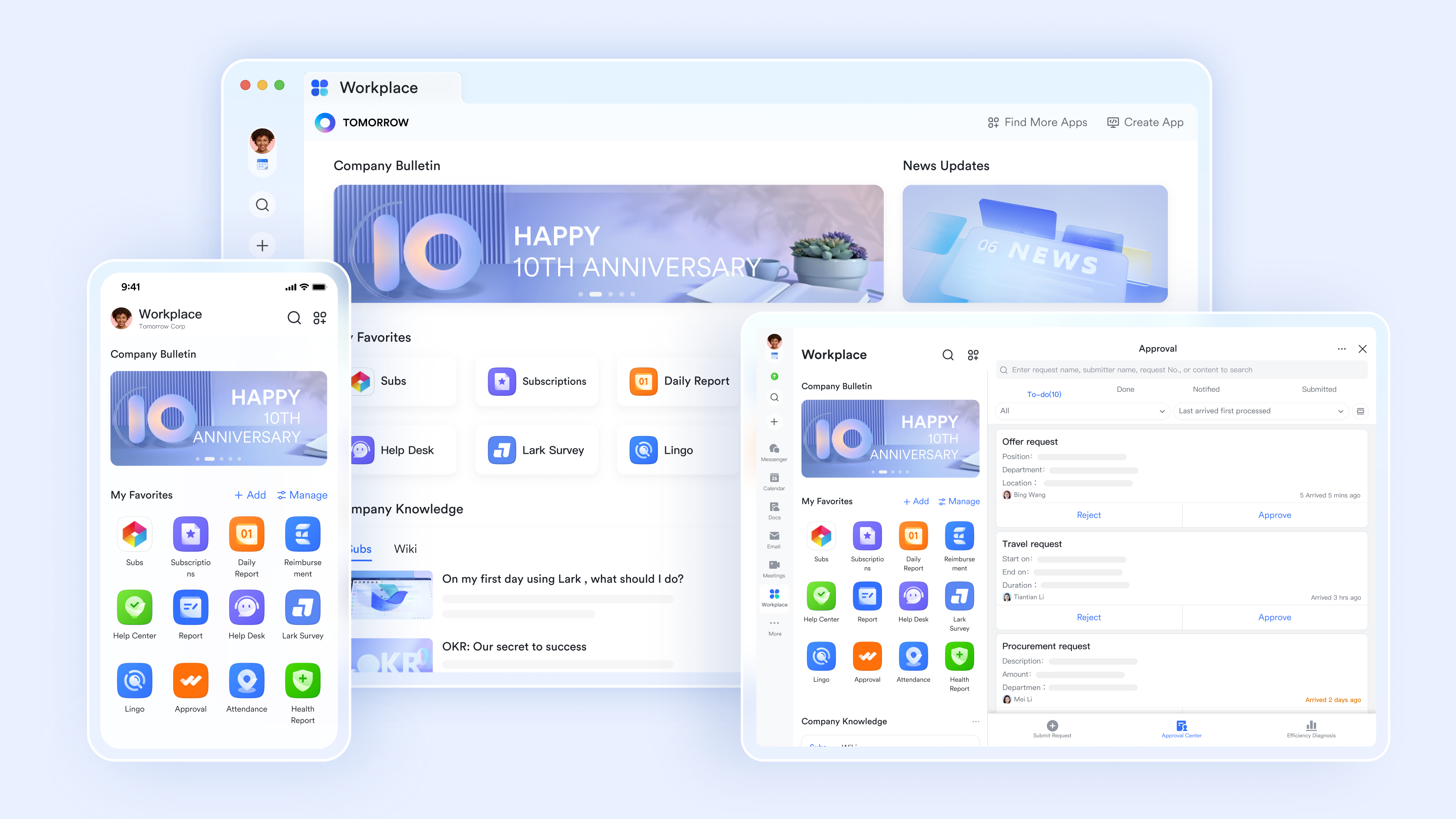
Unlike Google Drive, which stores files separately from Gmail, Chat, and Meet, Lark keeps files, docs, messages, and meeting recordings in one workspace. has the full context of your files and conversations, it can summarize a document, pull a file out of chat, or draft a follow-up without constant context switching. Assets live alongside the discussions and decisions about them, so a shared file is never an email attachment buried in an inbox or a folder nobody can find later.
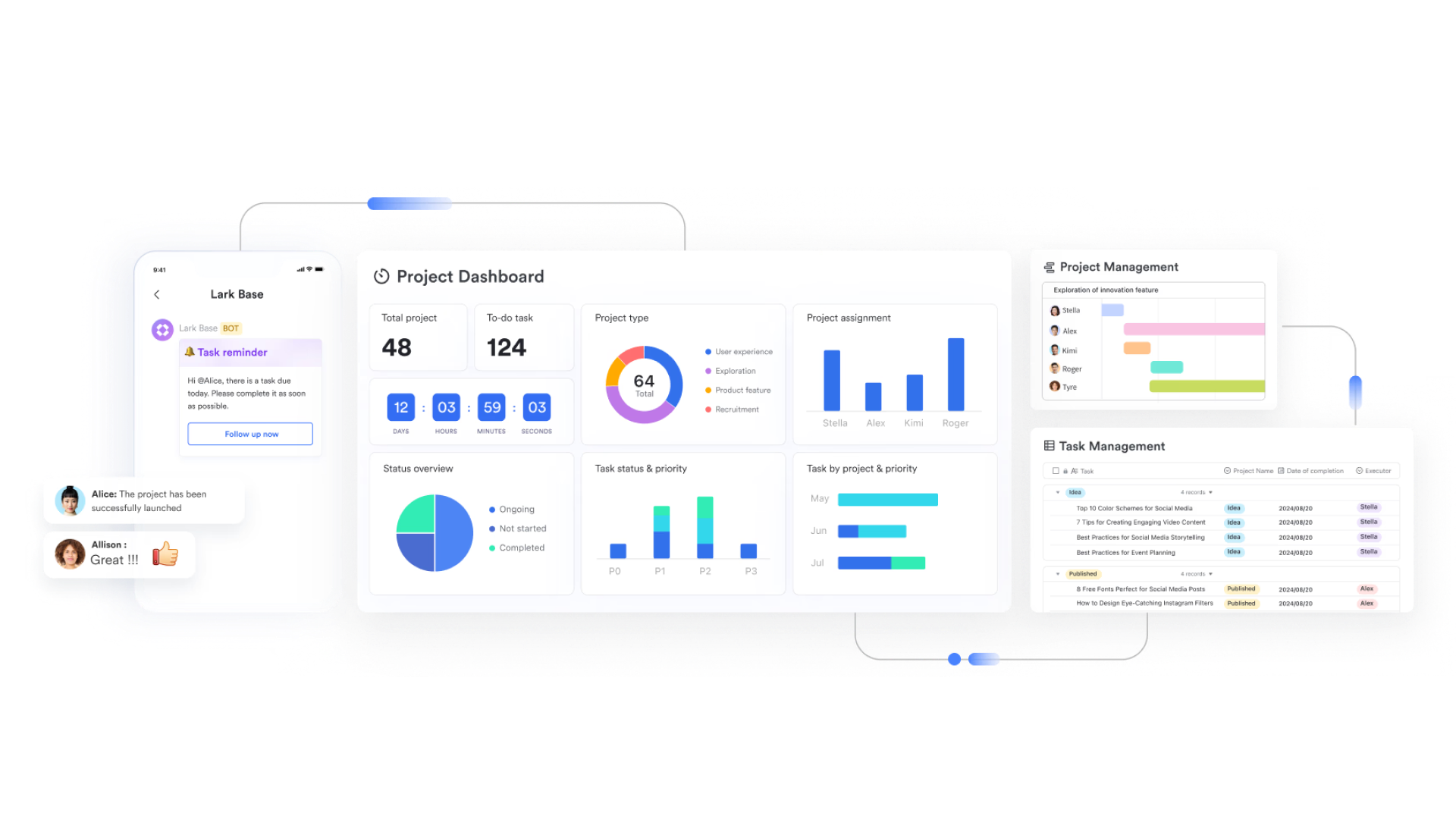
No-code Base turns stored files into trackable workflows
Where Drive ends at folders and shared files, lets teams turn that information into structured records, approvals, and dashboards without code. A marketing asset folder becomes a trackable content calendar; an onboarding folder becomes an approval flow. Teams get up to 1,000 automation runs per month on Starter and Basic and 50,000 on Pro, routing requests, enforcing approvals, and updating status automatically—no separate automation tool or developer required.
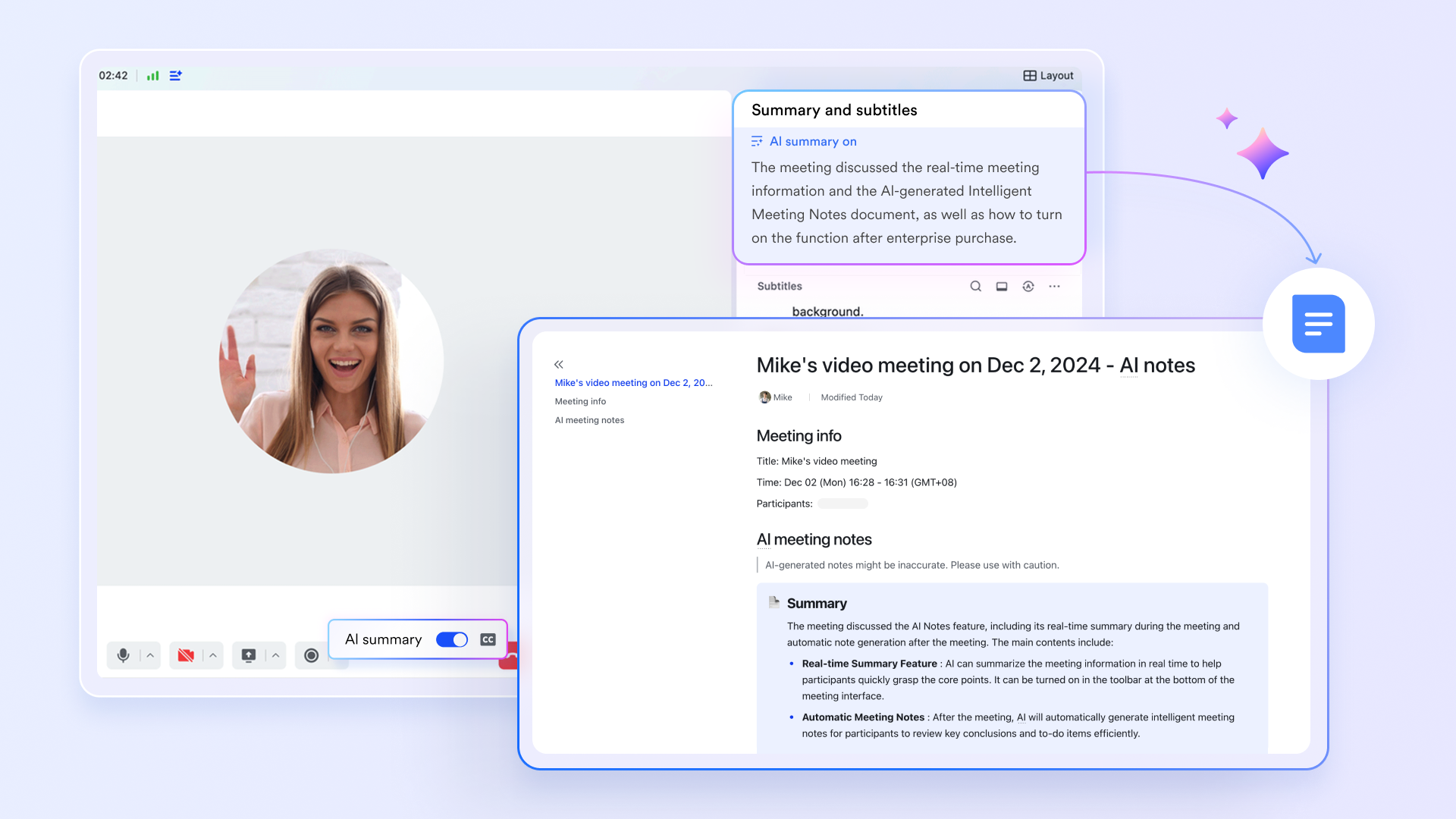
Meetings and AI notes saved next to the work itself
records, transcribes, and generates AI Meeting Notes that sync straight into the workspace, tied to the relevant chat, doc, or task. Pro and Enterprise support up to 500-participant meetings with real-time subtitles and translation, so a recorded decision is instantly searchable next to the files it concerns rather than sitting as a video blob in Drive.
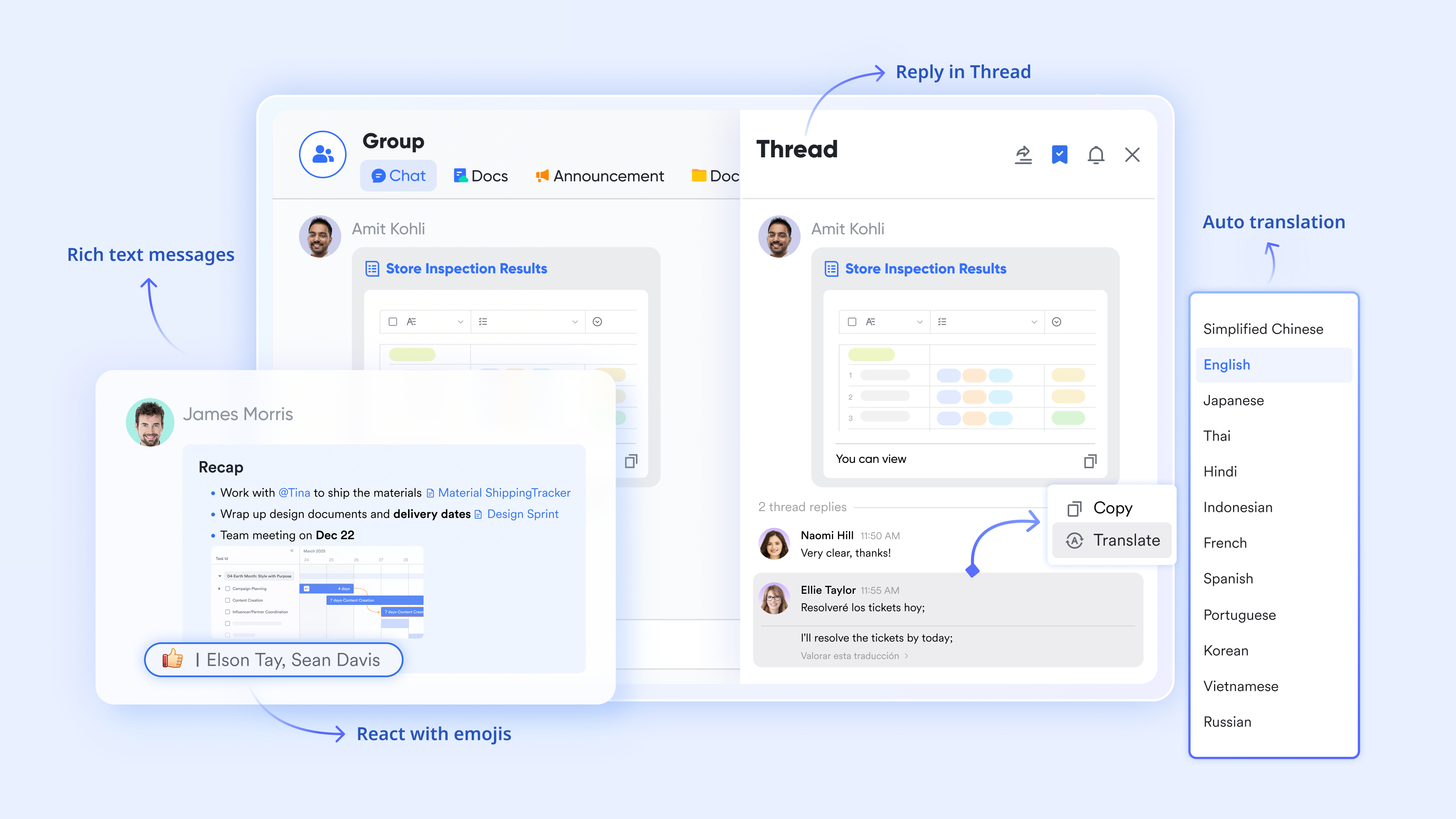
Messenger and approvals replace scattered paid tools
keeps discussions threaded around the actual asset: teams can comment on a file, convert a message into a task, or launch an approval without leaving the conversation. Combined with Lark Approval for automated sign-offs and Meegle for visual project tracking, a team replaces Drive plus Chat plus a standalone project tool with one integrated set—cutting the software bloat that drives hidden SaaS costs on top of storage.
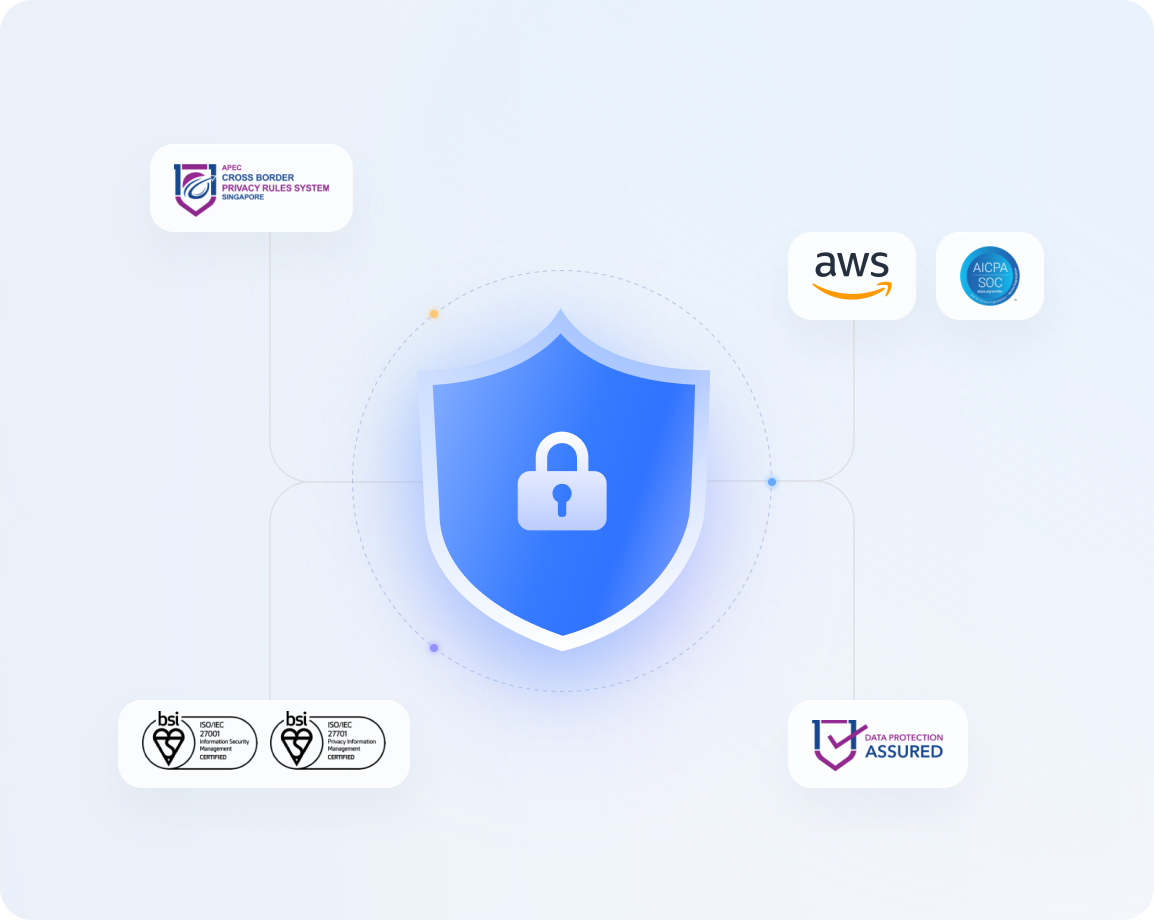
Enterprise-grade security with storage-inclusive pricing
Lark hosts data on AWS with encryption, regular audits, and alignment with ISO 27001, SOC 2 Type II, and GDPR standards—addressing the compliance concerns that push Google Workspace buyers up to Enterprise for Vault and S/MIME. More importantly for total cost, storage and collaboration arrive in one transparent price: there is no separate storage tier to negotiate beyond the included amount, and every plan bundles chat, meetings, docs, and automation rather than gating them behind higher SKUs.
But don't just take our word for it — here's what a real user has to say.
"Lark has seamlessly become an essential part of our daily operations and the timely support from our customer success manager has proven invaluable, ensuring no prolonged delays. Whenever any team encounters a hiccup in their workflow, Lark is our reliable solution, swiftly getting us back on track."

Jake Ooi
Operations Manager
Pricing:
- Starter plan: for up to 20 users, with 100 GB of shared storage, 1,000 automation runs, and built-in chat, docs, and meetings. No credit card needed.
- Basic plan: (billed annually) for up to 500 users. It includes everything in Starter, unlimited message history, and 5 TB of storage.
- Pro plan: (billed annually) for up to 500 users. It adds 15 TB of storage, 500-participant meetings, and 50,000 automation runs per month.
- Enterprise plan: for custom pricing. It supports unlimited users, 15 TB plus 30 GB per user, and advanced security, compliance, and management features.
For small teams with simple communication needs

18 months message history
1000 Base automation runs/month
2000 rows per table in Base
Most POPULAR
For companies with comprehensive collaboration and management needs
Unlimited message history
500-participant video meetings
50k Base automation runs/month
20k rows per table in Base
For large companies with advanced security and organizational management needs
Get a personalized demo and pricing
Unlimited message history
500-participant video meetings
15 TB storage + 30 GB storage/user
500k Base automation runs/month
50k Base automation runs/month
Most POPULAR
For companies with comprehensive collaboration and management needs
Unlimited message history
500-participant video meetings
50k Base automation runs/month
20k rows per table in Base
Google Drive vs Lark: Key differences
As organizations reassess how teams store and work with files, many begin comparing cloud-first suites with collaboration-first platforms. Google Drive has long been the standard for easy file storage and Google ecosystem integration, offering ubiquitous access across devices. However, changing business conditions now place greater emphasis on speed, adaptability, and built-in execution. Here is the comparison table that helps you decide which tool fits your team:
For organizations deeply embedded in the Google ecosystem, Google Drive remains a simple and familiar storage option. But for teams that prioritize collaboration, no-code automation, and cost transparency, like Lark offer a unified workspace that combines storage, chat, docs, meetings, and automation without the tier-by-tier add-on model.
Conclusion
Google Drive remains a strong option for individuals and teams already living in the Google ecosystem, with a generous free tier and straightforward consumer and business plans. Its tiered structure lets users pick capacity and features, but it also introduces long-term cost uncertainty as storage, seats, AI add-ons, and premium security layers accumulate. For many teams, the challenge is not Drive's ease of use but the tier stacking and fragmented tooling that come with it over time.
As work becomes faster and more collaborative, teams increasingly value platforms that bundle storage, communication, and execution under one predictable price. Lark represents a shift toward this model by offering 100 GB free for up to 20 users and paid plans from $6/user/month that combine storage, chat, docs, meetings, and automation. Rather than replacing Google storage outright, gives growing teams a flexible foundation to collaborate and scale without locking into separate subscriptions for every function.
Try Lark for free, no credit card needed
FAQs
How much does Google Drive pricing cost in 2026?
Google Drive pricing 2026 starts free at 15 GB per Google account. Consumer Google One plans run from 7/user/month for 30 GB of pooled storage (Business Starter) for 2 TB, and $22 for 5 TB. Enterprise pricing is custom.
What are the Google Drive pricing plans?
The main Google Drive pricing plans 2026 are the free 15 GB tier, Google One Basic (100 GB, 9.99/mo), Google AI Pro (5 TB, $19.99/mo), and the Google Workspace Business Starter, Standard, Plus, and Enterprise tiers for teams.
How much is Google Drive storage?
Current Google Drive storage pricing gives you 15 GB free, then 100 GB for 9.99/month, and 5 TB for $19.99/month. For teams, Google Drive storage pricing 2026 is bundled into Workspace: 30 GB per user on Starter, 2 TB on Standard, and 5 TB on Plus.
What does Google Drive business pricing cost?
Google Drive business pricing is charged per user, per month under Google Workspace: Business Starter 14, and Business Plus $22 (billed annually), with pooled storage of 30 GB, 2 TB, and 5 TB per user respectively. Enterprise is contact-sales pricing and supports unlimited users.
What are the Google Drive plans pricing for teams?
Google Drive plans pricing for teams follows Workspace per-seat tiers. A 20-person team on Business Standard pays about 240/month for 15 TB total plus chat, meetings, docs, and automation.
Is the Google Drive API free?
No—Google Drive API pricing is free within standard usage quotas; you call the API without a per-request fee, but high-scale apps may hit quota limits or require a Google Cloud project. Note that this differs from Google Cloud Storage, which bills per gigabyte and operation.
What features are included in Google Drive features and pricing?
Google Drive features and pricing scale by tier: all plans include file sync, sharing, and real-time Docs/Sheets editing; Workspace adds custom Gmail, pooled storage, Meet, and Gemini. Standard unlocks meeting recording; Plus unlocks Vault, eDiscovery, and 500-participant meetings; Enterprise adds S/MIME encryption and 1000 participants.
How does Google Drive cloud storage pricing compare to Google Cloud Storage?
Google Drive cloud storage pricing for end users is the flat Google One or Workspace subscription. Google Cloud Storage is a separate pay-as-you-go product billed per stored GB, operation, and egress, with Standard, Nearline, Coldline, and Archive classes for developers and IT teams.
Is Google Drive really free?
Every Google account includes 15 GB of free storage shared across Drive, Gmail, and Google Photos. That is enough for light personal use, but teams cannot pool free personal accounts into a shared admin workspace, which is why most organizations move to a paid Workspace or a unified suite.
How much is 2 TB of Google Drive storage?
On the consumer side, 2 TB of Google Drive storage is included with Google AI Plus at 14/user/month.
Do files shared with me count against my Google Drive storage?
No. Files shared with you count against the owner's storage, not yours. If you create your own copy of a shared file, that copy then counts against your quota.
Is annual or monthly Google Drive billing cheaper?
Annual billing is cheaper, saving about 16% compared with flexible month-to-month billing on Google Workspace. New customers should also watch introductory discounts, such as up to 50% off the first three months, which expire after the promo window.
What happens when Google Drive storage is full?
New uploads to Drive stop, Gmail may reject incoming mail, Google Photos pauses syncing, and creating or editing Docs can be blocked. Google sends warnings before content is at risk, and accounts left over quota or inactive may have content deleted after repeated notices. Teams that want storage without hard per-team caps often evaluate unified workspaces like Lark.
Can I share Google Drive storage with my family?
Yes, paid Google One plans let you share storage with up to five additional people by using one subscription, each with their own private files inside the shared pool.
How does Lark's storage compare for small teams?
Lark's free Starter plan includes 100 GB of shared storage for up to 20 users, plus chat, meetings, docs, sheets, calendar, and approvals—no credit card. Paid plans start at 12/user/month for 15 TB (Pro), bundling the best Google Drive alternative that Workspace charges for separately.
Related reading