Teams often choose Confluence to organize project knowledge, policies, and shared information in a structured workspace. Its pricing, however, depends on deployment, storage, and user volume, which can result in significantly different long-term costs as teams scale. Understanding how each plan is priced helps organizations decide whether Confluence will remain sustainable as their collaboration needs grow. In many cases, teams eventually seek platforms that integrate documentation with real-time communication and workflow tools. That is where options like Lark begin to appear in evaluation lists, but first, a clear breakdown of confluence pricing is essential before comparing alternatives.
Work smarter with one connected workspace
Overview of Confluence pricing structure
Confluence pricing is organized around two primary categories: Cloud plans billed per user per month, and a self-managed Data Center option billed yearly for large-scale deployments. The Cloud model is best suited for modern teams that want hosted infrastructure, while the Data Center targets organizations that need full control over data, servers, and compliance. Each tier increases storage, admin controls, and support levels as pricing rises. Understanding this structure helps teams estimate both adoption cost and the cost of scaling later.
Information source: Official vendor websites
Update time: 2025-11-12
Note: Pricing and plan availability are based on publicly available data as of the update date. Actual prices may vary depending on region, user count, and billing frequency.
About the pricing
As per the pricing, you need to know first that Confluence Cloud's pricing page is a calculator. When you scale up users in a single plan, the pricing per user will decrease slightly. Its Data Center pricing is rising as you scale up the users. It offers tiered plans, ranging from 0-500 and 500-1000.
Confluence Cloud pricing plans-in detail analysis
The of Confluence is the most widely used because it offers automatic updates, hosted storage, and a scalable pricing model based on team size. Each tier adds layers of functionality, control, and support, which means teams may remain on a lower plan for years or upgrade quickly depending on their collaboration needs. Below is a closer look at the individual cloud plans and how they differ in practical use.
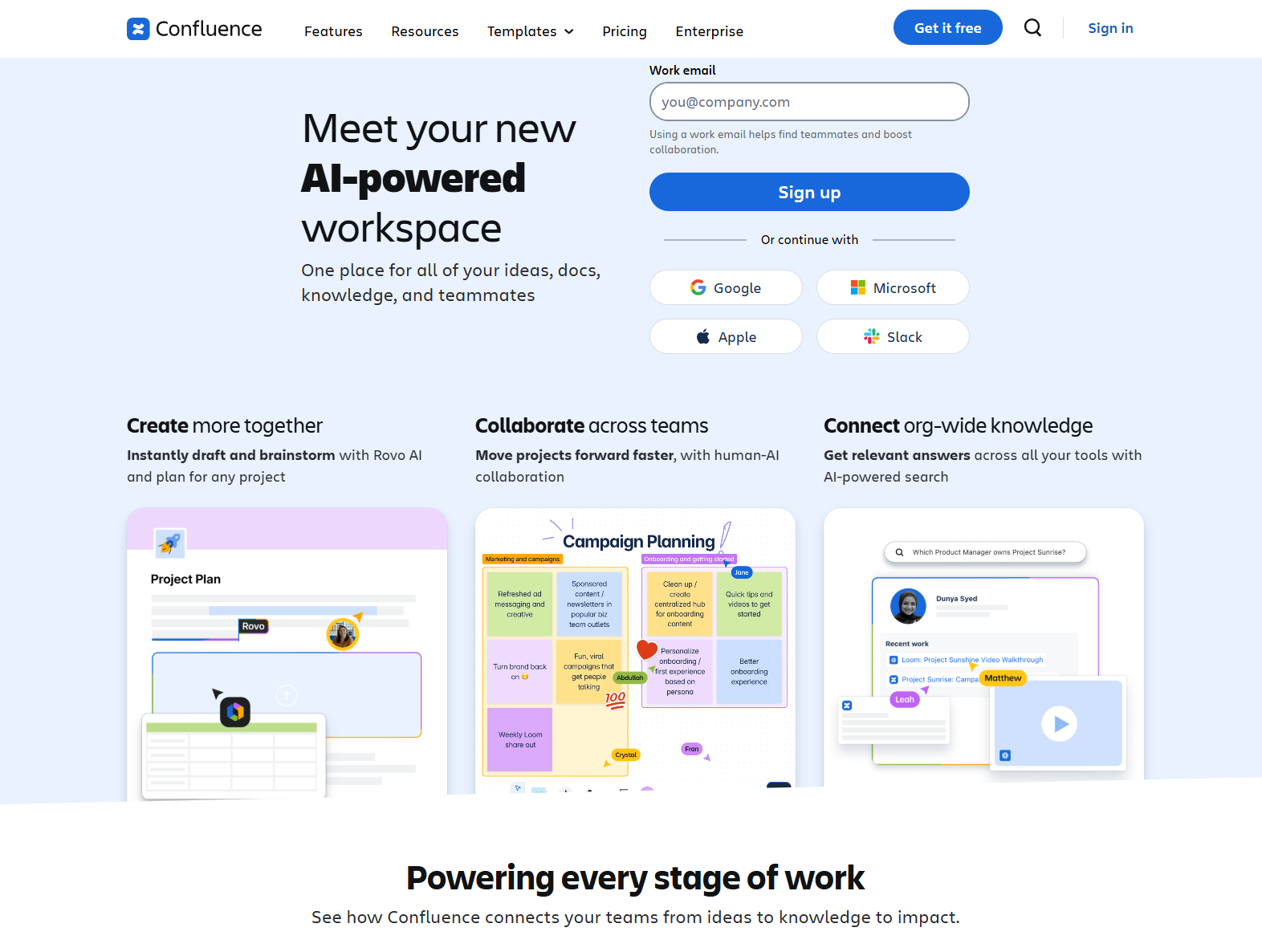
Image source: confluence.com
- Built for small teams, personal documentation setups, or early-stage testing of the platform.
- Allows up to 10 users, making it suitable for temporary pilots or internal project groups.
- Limited to 2 GB of storage, which fills quickly once teams begin storing multimedia-rich content or multi-space wikis.
- Lacks advanced administration tools such as permissions, analytics, or audit trails, which restricts scaling.
- A useful introduction to Confluence, but not designed for long-term use in growing teams.
- Adds essential admin functions such as permissions, page history, and user controls for better .
- Increases storage to 250 GB, which offers enough capacity for multi-project documentation without immediate limits.
- Includes audit logs, which help teams track changes and understand content activity over time.
- Still does not include 24/7 support or advanced analytics, so visibility remains limited for larger organizations.
- A practical upgrade for teams that have outgrown the free plan and need structured documentation at scale.
- Introduces analytics, advanced admin insights, and , helping teams understand usage trends and streamline repetitive tasks.
- Offers unlimited storage, making it appropriate for growing teams that need a central space for long-term content retention.
- Comes with 24/7 support, IP allowlisting, and advanced permissions for stronger governance and security.
- Adds external collaboration options but still focuses primarily on documentation rather than full workflow management.
- Becomes significantly more costly at scale, especially when priced across multiple departments and locations.
- Enterprise plan: Custom quote
- Built for global organizations that require centralized governance, SAML SSO, data residency, and layered compliance policies.
- Pricing is not listed publicly because it depends on the number of seats, required support level, and regulatory needs across regions.
- Allows multiple interconnected instances, so different departments or offices can manage separate workspaces under the same umbrella.
- Designed for organizations with highly regulated data workflows or sizable IT teams responsible for organizational governance.
- The cost becomes more complex to calculate because it includes platform licensing plus internal administrative overhead.
Confluence data center pricing
Confluence Data Center is the self-managed version of the platform, built for organizations that need full control over hosting, security, and performance. Instead of a per-user monthly subscription like the Cloud model, Data Center uses annual licensing with a minimum user requirement. This means the cost scales not only with seats but also with infrastructure, maintenance, and internal IT resources. This requires a very different budget strategy than simply calculating standard or comparing cloud-based . It is most commonly adopted in industries where compliance rules require on-premise systems or private cloud hosting instead of shared SaaS environments.
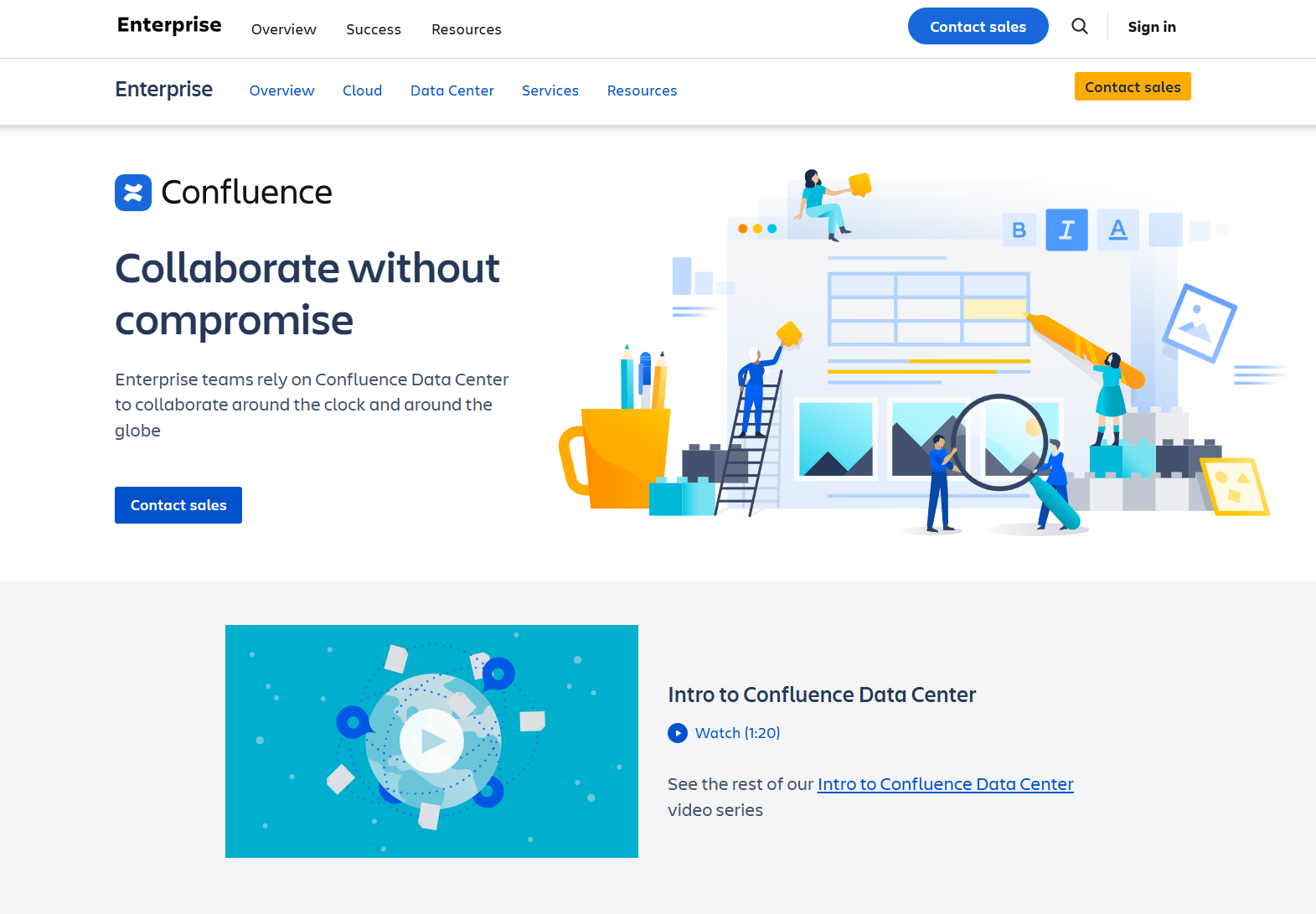
Image source: confluence.com
Key factors of Data Center licensing
- Designed for organizations with strict governance or regulatory requirements that prevent storing data in public cloud environments.
- Requires a minimum 500-user license, which raises the entry cost significantly compared to cloud plans used by smaller teams.
- Pricing starts at around $27,000 per year, not including server, storage, load balancing, or IT labor.
- Offers full control over performance, uptime, and authentication, but shifts responsibility to in-house teams instead of Atlassian.
- Best suited for regulated industries, multinational enterprises with multi-region compliance needs, or government-grade data control policies.
Choosing between Confluence Cloud and Data Center
Selecting the right deployment model depends on how much control, scalability, and predictability a company needs as it grows. Cloud pricing offers flexible onboarding and automatic updates without infrastructure ownership, while requires higher upfront commitment but allows full administrative control. The decision is not only financial but also operational, especially when compliance, latency, and access governance matter.
Key comparison points
- Deployment type: Cloud is hosted by Atlassian and maintained automatically, while Data Center requires dedicated hosting and IT oversight.
- Compliance and control: Cloud offers governance settings but is still a shared environment, whereas Data Center gives complete ownership over data residency and access layers.
- Maintenance overhead: Cloud reduces internal operational workload, while Data Center requires updates, server scaling, security patching, and backups managed in-house.
- Cost predictability: Cloud offers per-user monthly billing, but Data Center uses annual licensing plus infrastructure, making total cost harder to forecast without IT involvement.
- Best fit: Startups and typically adopt Cloud, while large enterprises with strict regulatory or infrastructure standards lean toward Data Center.
Reduce tool overload and streamline teamwork
Meet Lark: A connected workspace alternative to Confluence
While Confluence focuses primarily on structured documentation, many teams eventually need a workspace that connects conversations, decisions, documents, tasks, and automation in one place. offers this model by combining messaging, docs, meetings, and workflow tools into a single platform. This means teams do not need separate tools for communication, task assignment, or , which reduces tool switching and scattered context. Instead of linking external apps to Confluence, Lark keeps every message, file, and update connected inside one shared environment.
Key features of Lark: The best alternative to Confluence
Unified and dynamic data management hub
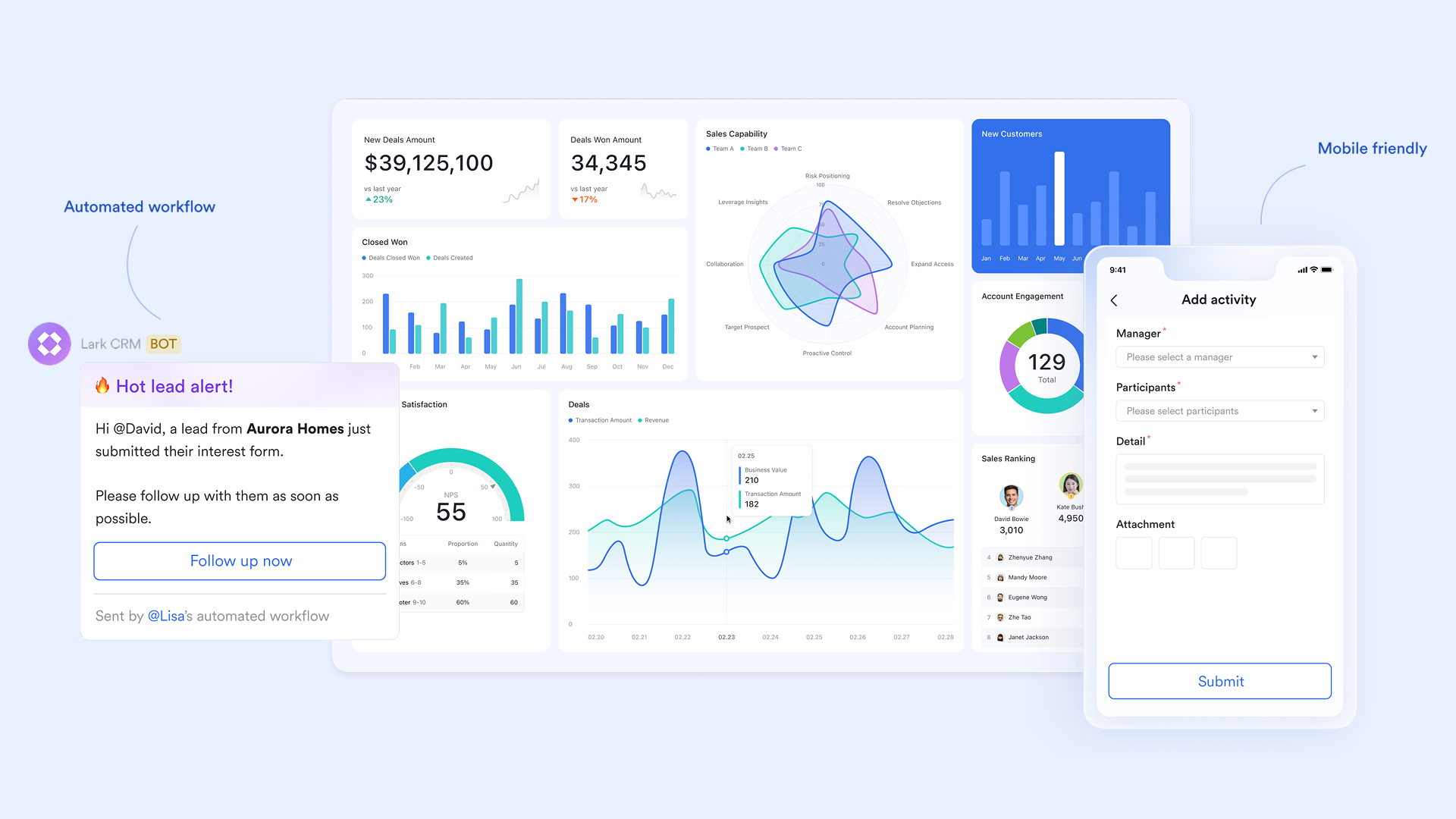
is a versatile data management platform within Lark that allows users to organize, present, and visualize data in a database format. In Base, data is stored in tables, where columns are called fields and rows are called records. It supports collaborative project management, workflow automation, and data visualization, making it suitable for teams to plan, execute, and track goals efficiently.
Seamless team communication hub
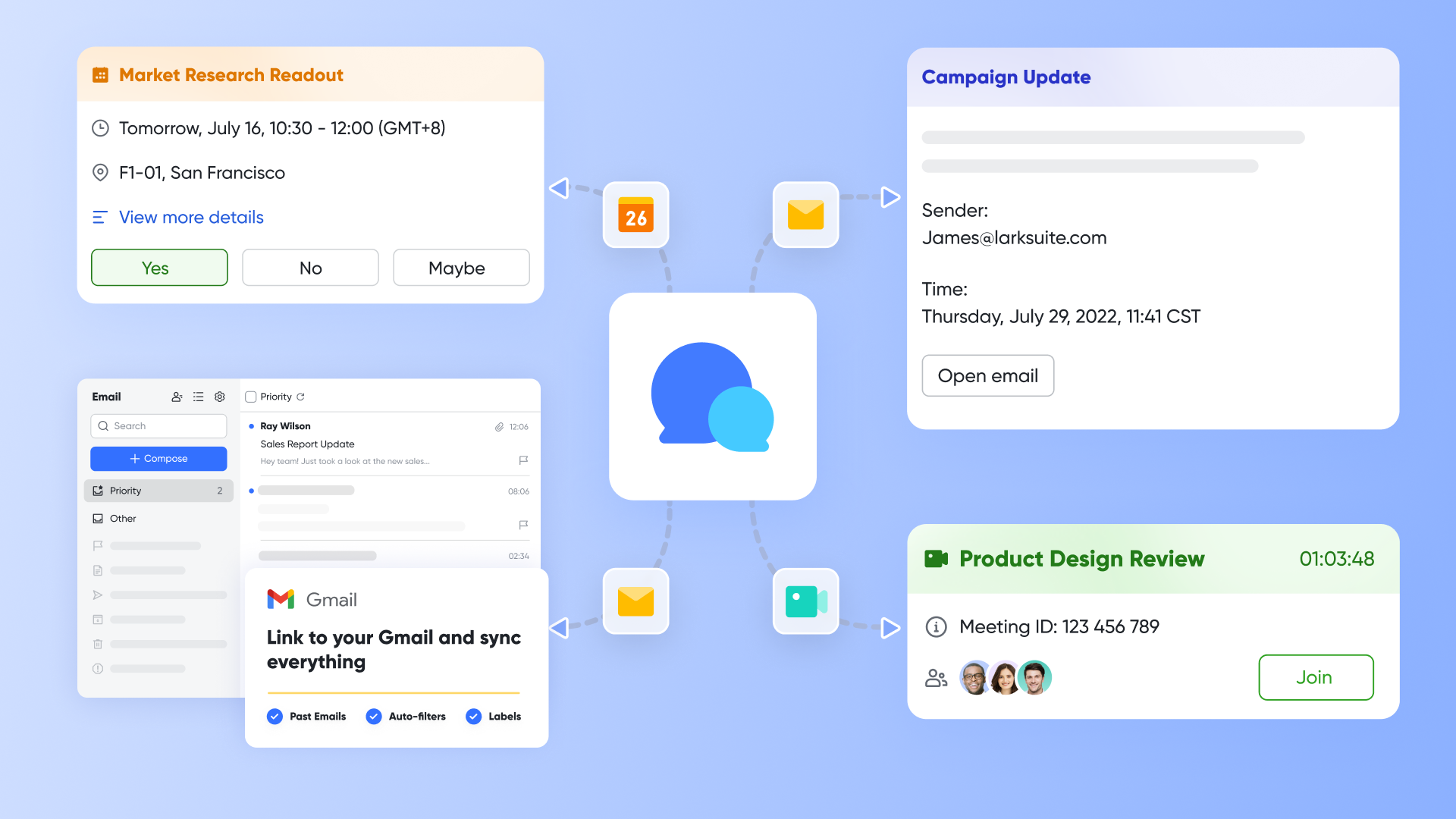
These tools power seamless communication and teamwork across all channels. enables quick chats and discussions tied directly to projects or documents, while connects email to the same workspace. Lark Meetings and make it easy to host, record, and summarize discussions in real time. serve as a meeting room solution, where users can start or join meetings, manage meeting room resources, check room availability, and handle meeting check-ins via touchscreens or controllers. Combined, they eliminate fragmented communication and keep everyone aligned.
Collaborative documents and spreadsheets
and Lark Sheets enable teams to collaborate live on shared files without switching tools. Multiple users can edit, comment, and review simultaneously, fostering transparency and faster decision-making. Docs support long-form writing and documentation, while Sheets handle structured data, charts, and analysis. Version history ensures teams can review and restore past edits anytime. This real-time co-editing keeps ideas flowing and projects moving efficiently. 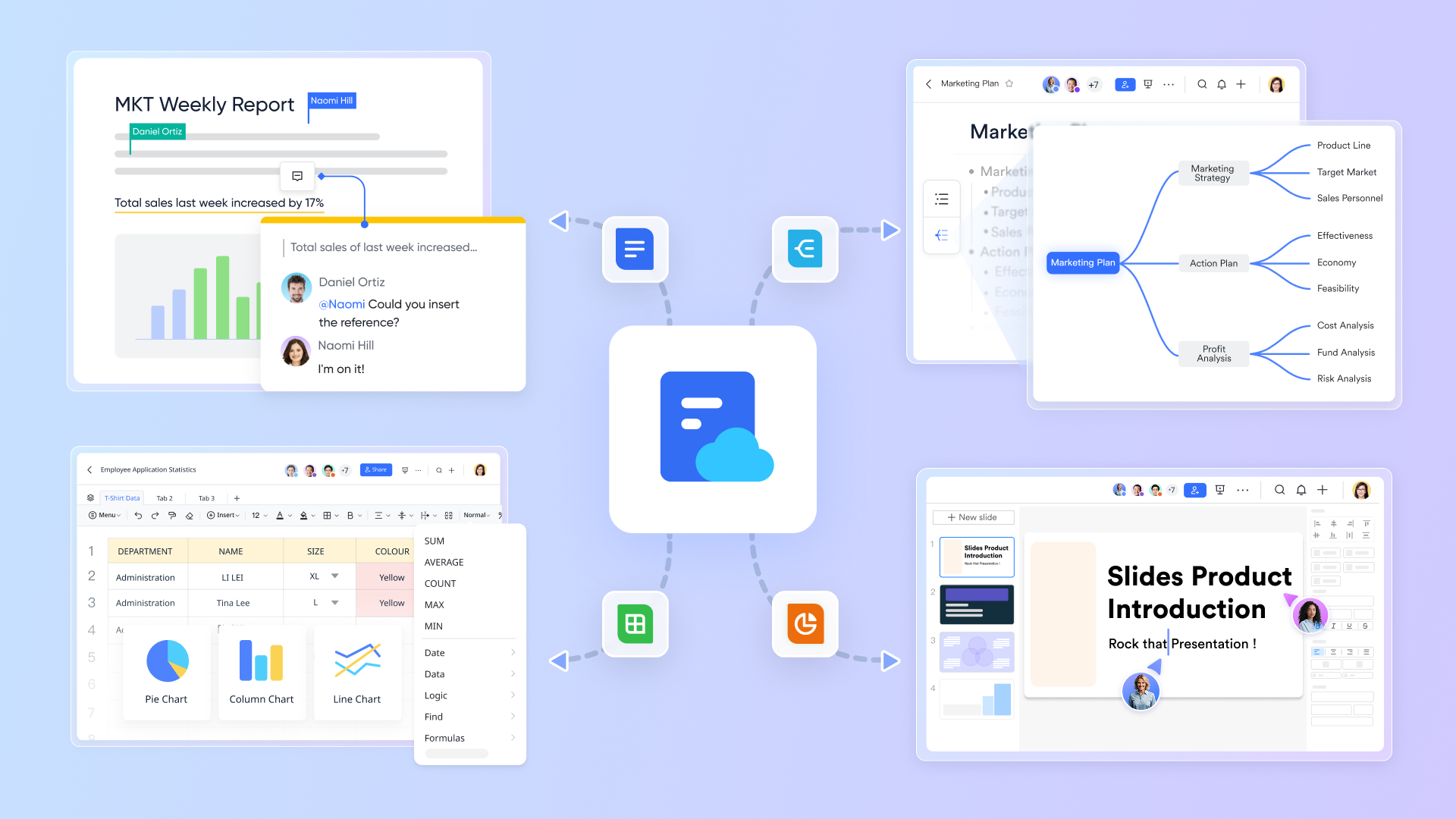
Centralized knowledge hub and learning space
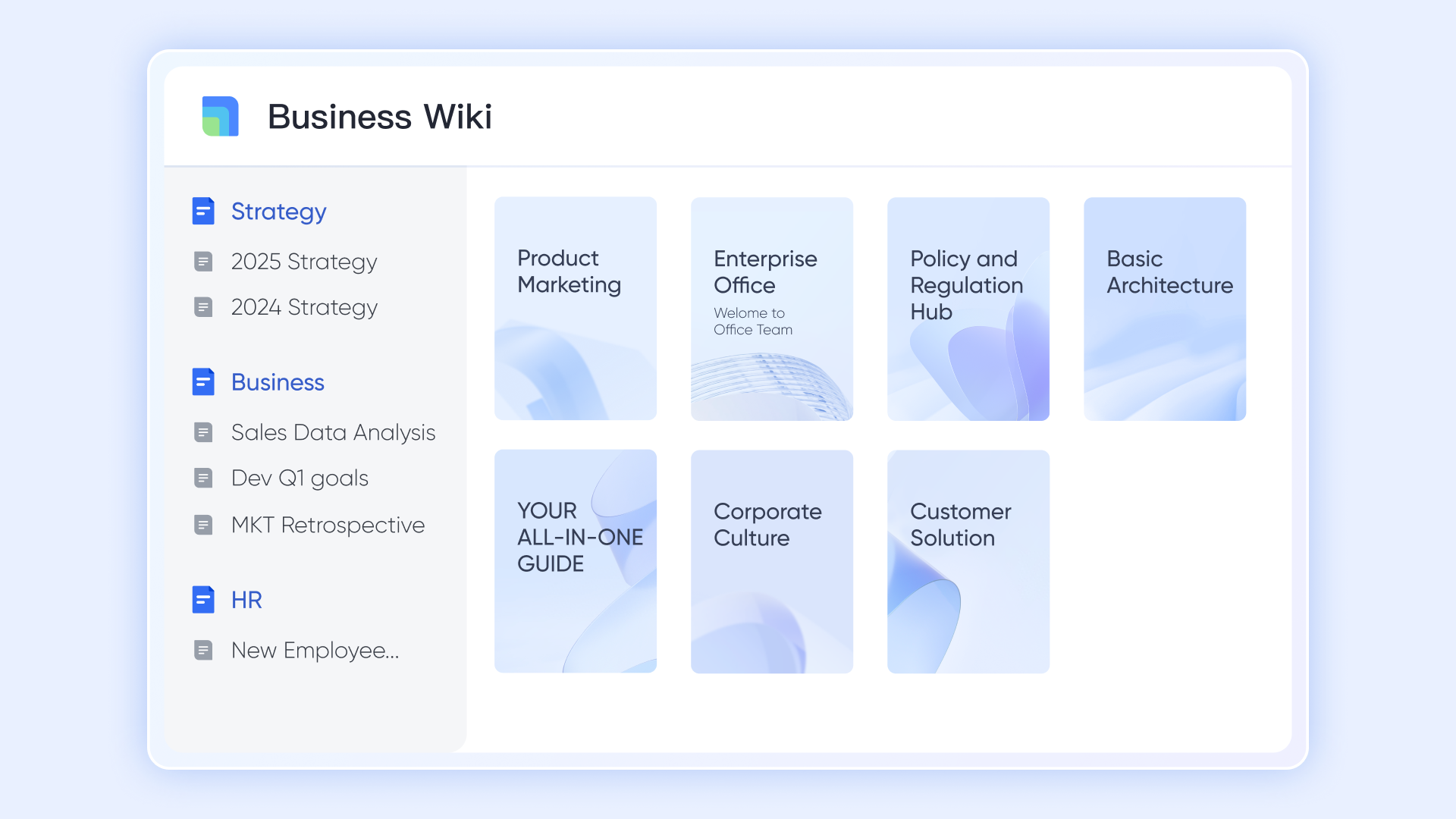
serves as a centralized knowledge hub, enabling teams to create dedicated wiki spaces for departments, projects, or personal use, thereby gathering all relevant documents in one place. Content is organized through a clear directory tree with sub-pages, making navigation and structure intuitive. Multiple members can collaborate in real time, contributing, editing, and sharing knowledge seamlessly. By streamlining information flow and reducing knowledge transfer costs, Lark Wiki becomes an ideal platform for onboarding manuals, sharing cross-team projects, and storing long-term resources.
Stay aligned and move further for one goal
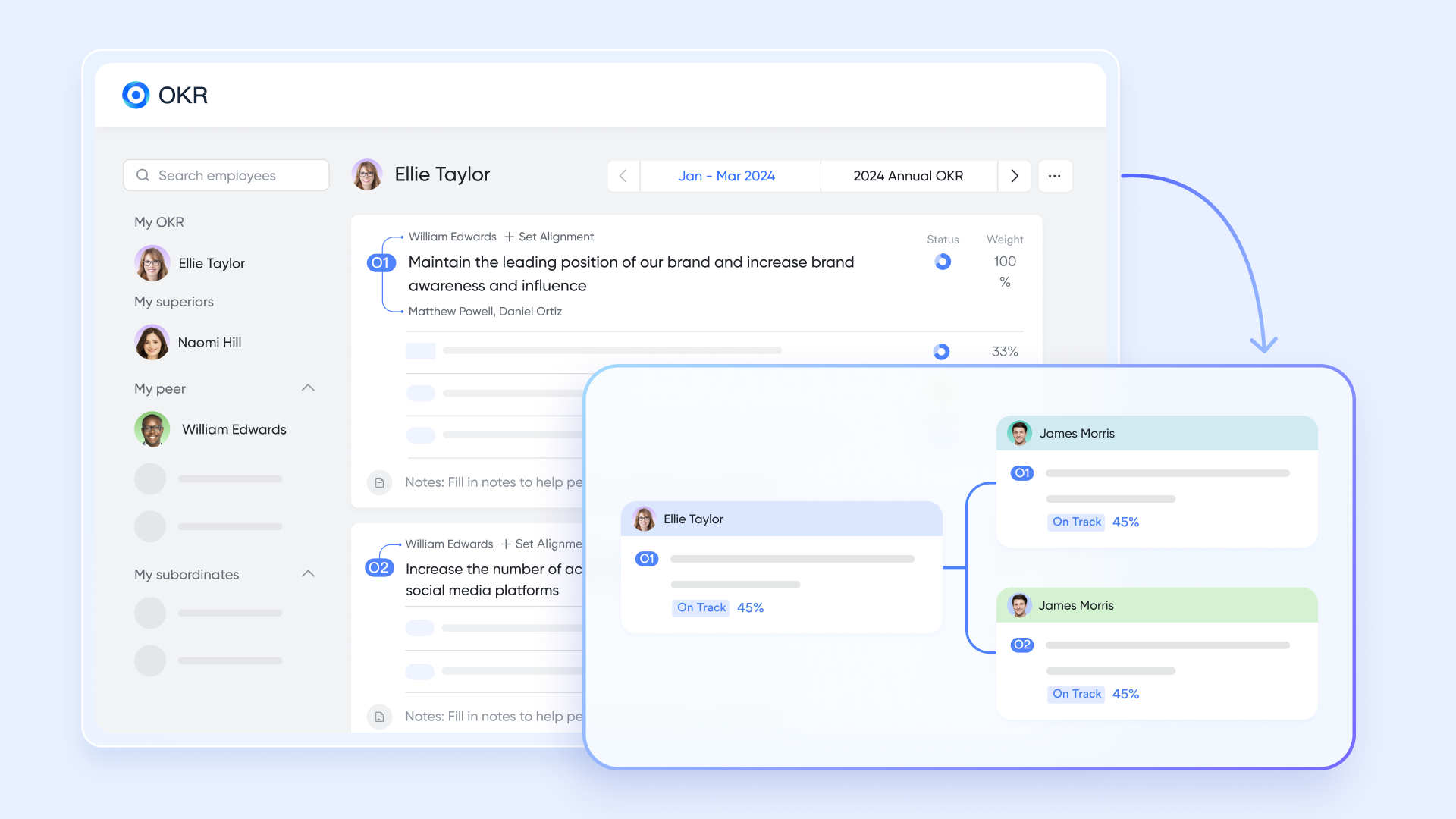
tool helps teams set clear objectives and measurable results that align with company goals. It provides a structured way to track progress, visualize achievements, and maintain focus across departments. Real-time updates ensure everyone knows what's on track and what needs attention. Built-in feedback and check-in features keep conversations about progress ongoing. Together, these elements promote transparency and accountability at every level.
Schedule, action, completion
keeps meetings, events, and deadlines organized in one unified view. It syncs with Mail and Meetings, ensuring every invite or session is automatically added for easy access. Lark Tasks allows teams to assign work, set due dates, and track progress from within chats or documents. Task notifications and reminders keep priorities visible across projects. Together, these tools simplify scheduling and accountability throughout the workflow. 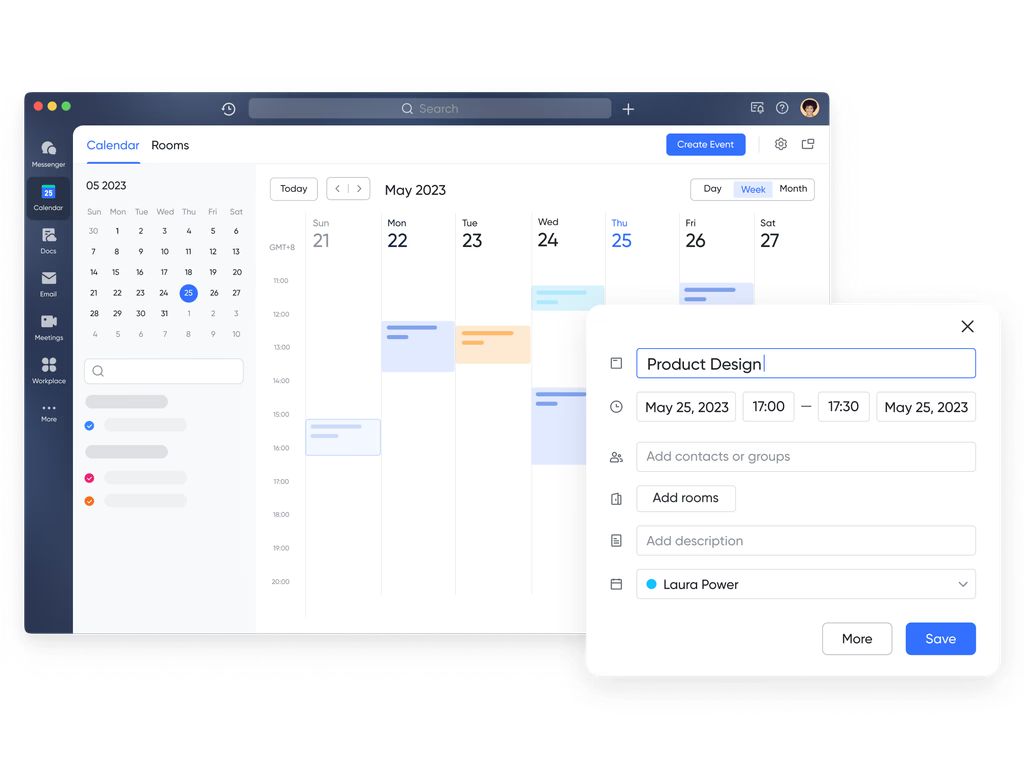
Collect, arrange, and display data seamlessly
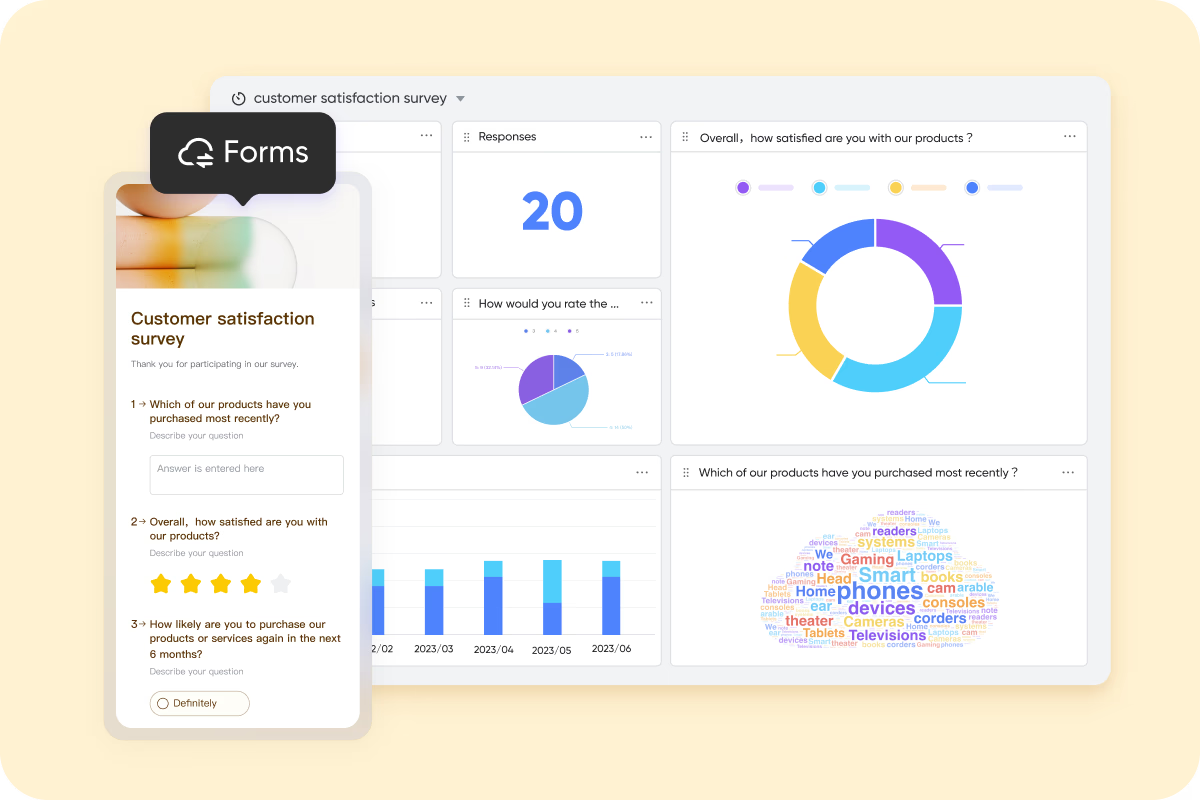
make it simple to collect and organize data from different sources. Teams can create customized forms for surveys, requests, or updates, with responses stored directly in a Base database. Data can then be filtered, sorted, and analyzed to uncover insights or trigger automated actions. This reduces manual tracking and helps teams manage information more efficiently. It's a practical solution for structured data collection and project coordination.
:
- Starter plan: Free forever plan that includes 11 powerful tools for up to 20 users. It also comes with 100GB of storage, 1000 automation runs, AI translations, and more.
- Basic plan: $6/user/month (billed annually) for up to 500 users. It includes everything in Starter plus group calling for up to 500 attendees, 5TB of storage, 1000 automation runs, and more.
- Pro plan: $12/user/month (billed annually) for up to 500 users. It includes everything in Starter plus group calling for up to 500 attendees, 15TB of storage, 50,000 automation runs, and more.
- Enterprise plan: for custom pricing. Supports unlimited users and includes even more automation runs and advanced security, compliance, and management features.
For small teams with simple communication needs

18 months message history
1000 Base automation runs/month
2000 rows per table in Base
Most POPULAR
For companies with comprehensive collaboration and management needs
Unlimited message history
500-participant video meetings
50k Base automation runs/month
20k rows per table in Base
For large companies with advanced security and organizational management needs
Get a personalized demo and pricing
Unlimited message history
500-participant video meetings
15 TB storage + 30 GB storage/user
500k Base automation runs/month
50k Base automation runs/month
Most POPULAR
For companies with comprehensive collaboration and management needs
Unlimited message history
500-participant video meetings
50k Base automation runs/month
20k rows per table in Base
Lark vs Confluence: Pricing & value comparison
The differences between Confluence and Lark become more apparent when comparing the features included at each tier. While Confluence focuses on and relies on other Atlassian tools or add-ons for communication and meetings, Lark bundles all major collaboration essentials into one platform. This reduces tool switching and lowers combined software costs.
Why teams consider Lark after using Confluence
- It supports both documentation and active collaboration in real time, instead of requiring external apps for chat, , or meeting notes.
- It reduces dependency on third-party integrations, since messaging, files, and workflows are built in from the start.
- It works for distributed and hybrid teams that need communication and project visibility in the same space.
- It minimizes , which often becomes a hidden cost when using single-function platforms as teams grow.
- It offers workflow automation across modules, making routine updates, approvals, and notifications easier to manage.
Conclusion
Choosing the right documentation and collaboration platform requires more than comparing feature lists. Pricing, deployment, scalability, and long-term operational costs all play a major role in whether a tool remains effective as teams expand. Confluence remains a widely adopted platform for structured documentation, particularly for teams that need page-based and governance controls. However, costs can rise as organizations add more users, storage, and related tools for communication, meetings, or task management.
For companies that need a unified way to manage messages, decisions, documents, and workflows in the same space, platforms like provide a modern alternative. Instead of relying on separate systems for chat, projects, and documentation, everything stays connected in one workspace. This reduces fragmentation and creates clearer visibility across teams. As organizations reassess the total cost of ownership beyond licensing alone, a connected platform becomes more valuable than a documentation-only model.
Upgrade to a unified platform for teams
FAQs
What factors influence the total cost of Confluence?
The total cost of Confluence depends on deployment type (Cloud or Data Center), the number of users, storage requirements, and chosen support level. Additional features like analytics, automation, or compliance add to the overall price, especially for enterprise-level plans.
Is Confluence's free plan suitable for growing teams?
The free plan works well for small teams or early-stage projects, but it comes with limitations on storage, permissions, and support. As collaboration scales, teams often upgrade to paid plans or explore all-in-one solutions like Lark that include chat, docs, and tasks even at entry tiers.
How does Confluence Data Center pricing differ from Cloud pricing?
Confluence Data Center follows an annual licensing model based on a minimum user requirement (starting at 500 users). It provides full admin control and on-premise hosting, whereas Cloud pricing is billed per user monthly and offers flexible scalability.
Why do teams switch from Confluence to Lark?
Many teams transition to Lark for a unified workspace that combines messaging, documentation, tasks, meetings, and workflow automation. Unlike Confluence's documentation-focused model, Lark brings real-time collaboration, lower total cost, and broader functionality within every pricing tier.
Does Lark offer enterprise-level security and compliance like Confluence?
Yes. Lark Enterprise supports advanced security features such as SSO, data encryption, and admin governance. It's designed for global organizations that require high compliance standards while maintaining ease of collaboration across teams and external partners.
Related reading

















