
Google Drive vs Lark Wiki
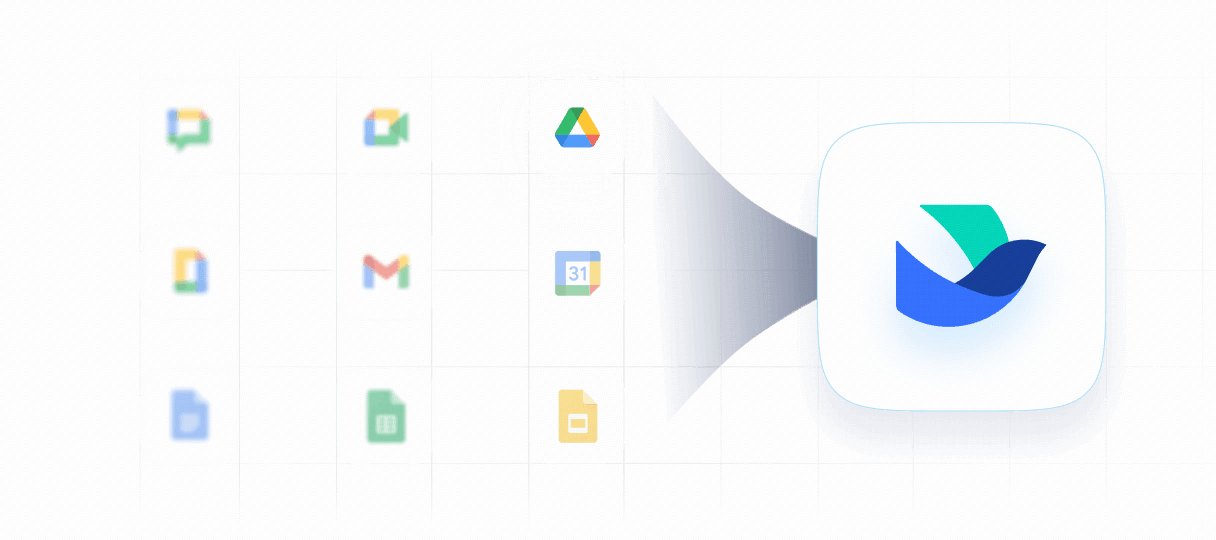
Is Google Drive holding your team's knowledge hostage in scattered folders and unclear ownership? Lark Wiki redefines knowledge management by addressing exactly where traditional drives fall short—offering a structured, interconnected repository built for growing teams.
Why teams choose Lark Wiki over Google Drive
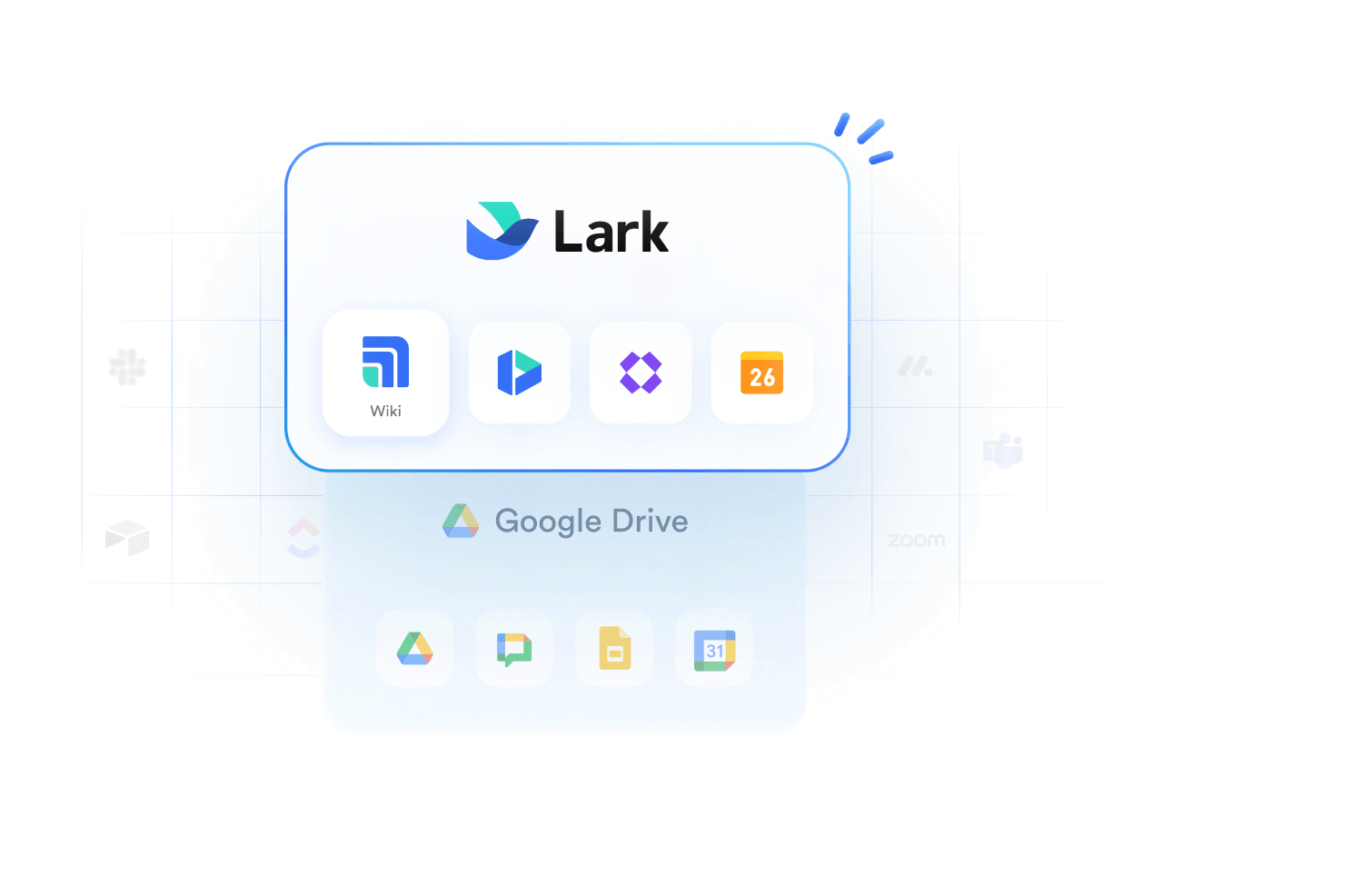
Manage various files in one workplace with Lark. Wiki turns them into contextual knowledge pages with embedded docs, sheets, mind maps, and databases.
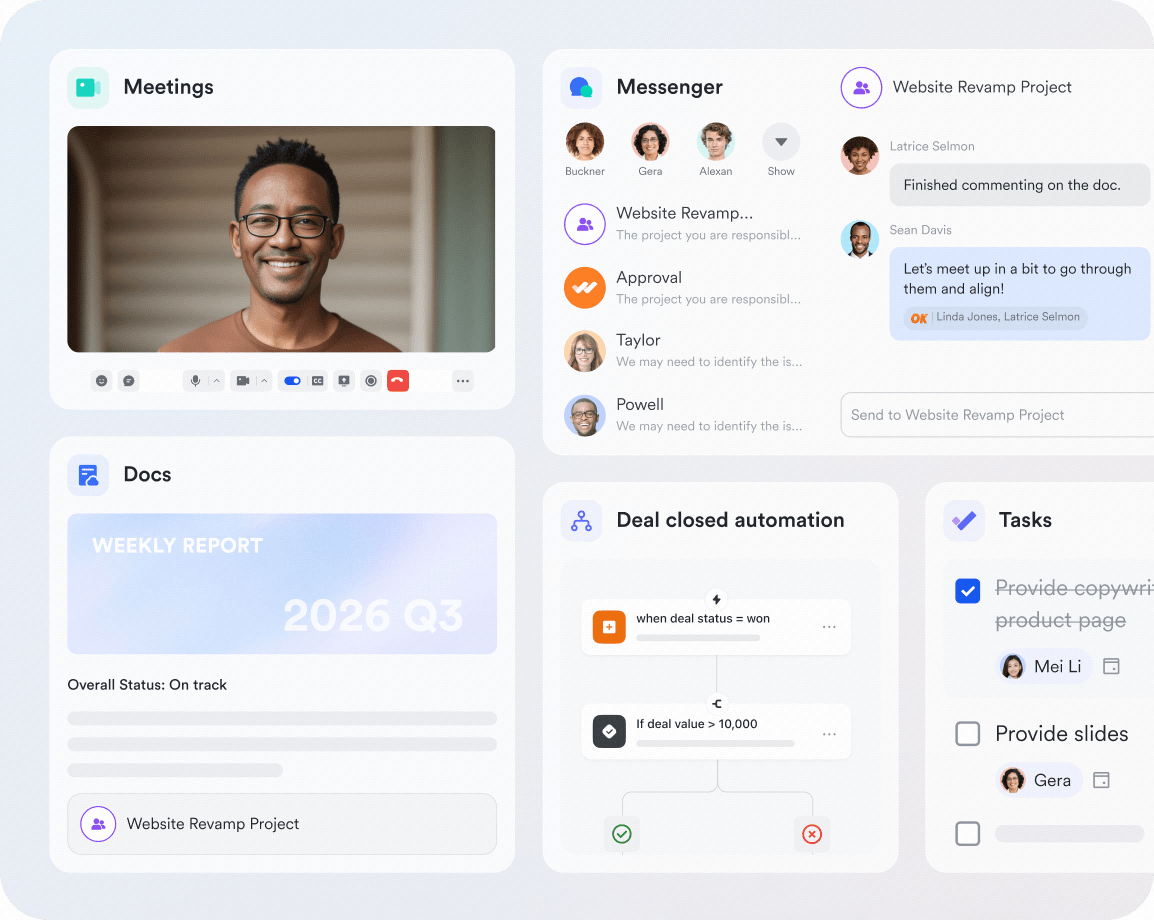
Manage various files in one workplace with Lark. Wiki turns them into contextual knowledge pages with embedded docs, sheets, mind maps, and databases.

Manage knowledge better with Lark Wiki
 Pro Pro$12 /user/month |  Business Standard Business Standard$14 /user/month | |
|---|---|---|
| All-in-one workplace |  |  |
| Product architecture | Knowledge-base first | File-storage first |
| Native wiki | Lark Wiki | |
| Wiki navigation | Spaces & page trees | |
| Content formats | Docs, sheets, mind maps, databases | Docs, Sheets, Slides, PDFs |
| Permission layers | Org, space, page | File, folder, drive |
| Team onboarding | Guided paths | Manual orientation |
| Content governance | Hierarchy-based | Location-based |
| Sub-page hierarchy | Nested pages | |
| Synced references | Bidirectional sync | |
| Wiki templates | Built-in library | |
| Search | Knowledge-base search | AI file search |
| External sharing | Page & space level | File & folder level |
| No-code database | Lark Base embedded | Google Sheets |
| Mind maps & whiteboards | Native support | Third-party only |
| Migration tools | Confluence, Word, XMind | |
| Version history | Page-level tracking | File-level history |
| Wiki analytics | View & engagement stats | |
Calculate how much you can save by using Lark


















Hear from leading brands
"As a company with manufacturing, B2B sales, e-commerce, and multilingual needs, Lark has been instrumental in our business growth. Its integrated platform has allowed us to seamlessly connect various aspects of our operations, and the comprehensive suite of apps has streamlined our software needs, resulting in significant cost savings."

"Lark has been very helpful in helping us transition to remote working. The features are seamless and we especially like how everything we need is available in one app. We also appreciate the flexibility of Lark in creating our own process, bots and more."
"When we brought Lark in, the decision was about how we run our business, not just one program. We wanted our teams working from the same information, leadership getting a clear picture without chasing updates, and decisions moving faster. The ESG program was one of the first places we saw that happen."
Trusted by 2000+ global leaders across 125+ countries