GoodDay alternatives offer a spectrum of approaches to unified work management, collaboration, and workflows. As teams seek to reduce tool fragmentation, these options—from comprehensive PM suites to collaboration-centric platforms—provide varied emphasis on task tracking, documentation, automation, and reporting. This article highlights core GoodDay alternatives and explains how they align with common search intents, including a brief mention of Lark as a reference point. The goal is to help you identify suitable fits without overpromising any single solution.
Key takeaway: 5 GoodDay alternatives at a glance
In this article, I've selected 12 tools in total as GoodDay alternatives, and the top 5 are listed as follows. Check the full list in the later sections.
- Lark: An all-in-one collaboration platform
- Jira: Agile project management for software teams
- Confluence: Knowledge and collaboration hub
- Wrike: Structured workflow management
- Teamwork: End-to-end project management
Explore business cases for your references
What is GoodDay, and what does it provide?
GoodDay is positioned as an enterprise-grade, integrated and process orchestration platform. It aims to centralize tasks, workflows, plans, data, and reporting within a single system to improve collaboration and visual management. The core concept is a unified work OS that supports customizable workflows, cross-tool data views, and multi-tier pricing to fit different team sizes. As a comprehensive tool, GoodDay integrates multiple functionalities—such as analytics, , and reporting—into one solution to address diverse business needs.
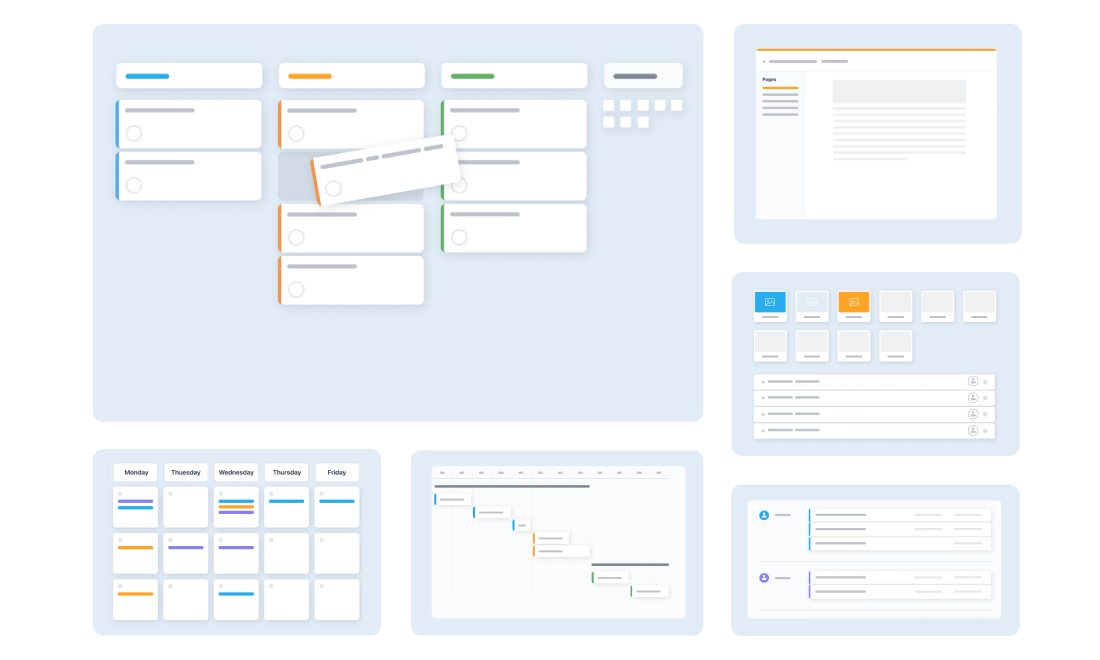
Image source: goodday.work
Typical features include , customizable workflows allowing users to tailor processes and access permissions to their specific needs, progress and milestone tracking, data import/export, reporting and analytics, calendar and scheduling, integrations with third-party tools, and a strong focus on data security to maintain the safety and confidentiality of project data. In short, GoodDay seeks to deliver a and execution environment for work.
When considering project management solutions, exploring alternatives to GoodDay is important to ensure the best fit for your organization's unique requirements.
GoodDay pricing plans
GoodDay offers tiers designed to accommodate organizations of all sizes, from individual contributors to enterprise deployments.
Free Plan for 1-15 users: GoodDay's free version provides a complete work management solution to get your team up and running at no cost. Ideal for small teams, startups, and organizations evaluating the platform, the Free Plan is also suitable for two users or small teams looking to try out the platform without financial commitment.
Professional plan for 5-250 users ($4 user/month): The Professional plan boosts your team's productivity with the GoodDay platform and grows even faster. Designed for growing teams requiring advanced functionality and expanded team capacity, this plan is scalable for teams starting with as few as two users.
Business plan for 15-350 users ($7 user/month): The all-in-one solution for your business, the Business plan includes all Professional edition features plus specialized modules for comprehensive business operations.
Enterprise plan for 25+ users (custom pricing): The Enterprise plan delivers best-in-class solutions for large organizations requiring maximum security, compliance, and customization capabilities.
GoodDay limitations: Why shift to other tools?
While GoodDay offers a solid foundation for project and work management, teams with evolving needs or complex operational demands often encounter bottlenecks that prompt a search for more robust alternatives.
- Learning curves can be steep; initial configuration and workflow design require time
- Some complex scenarios may challenge customization and performance depending on the use case
- Pricing can shift with feature density and team size; a careful cost-benefit assessment is advised
Shift to a GoodDay alternative to manage every workday
Top 12 GoodDay project management software alternatives that empower your business
1. Lark: An all-in-one collaboration platform
provides an integrated suite that combines messaging, calendars, documents, sheets, and tasks in a cloud-native environment. It enables real-time teamwork and streamlined workflows across departments, fostering seamless communication and project coordination for distributed teams.
Key features:
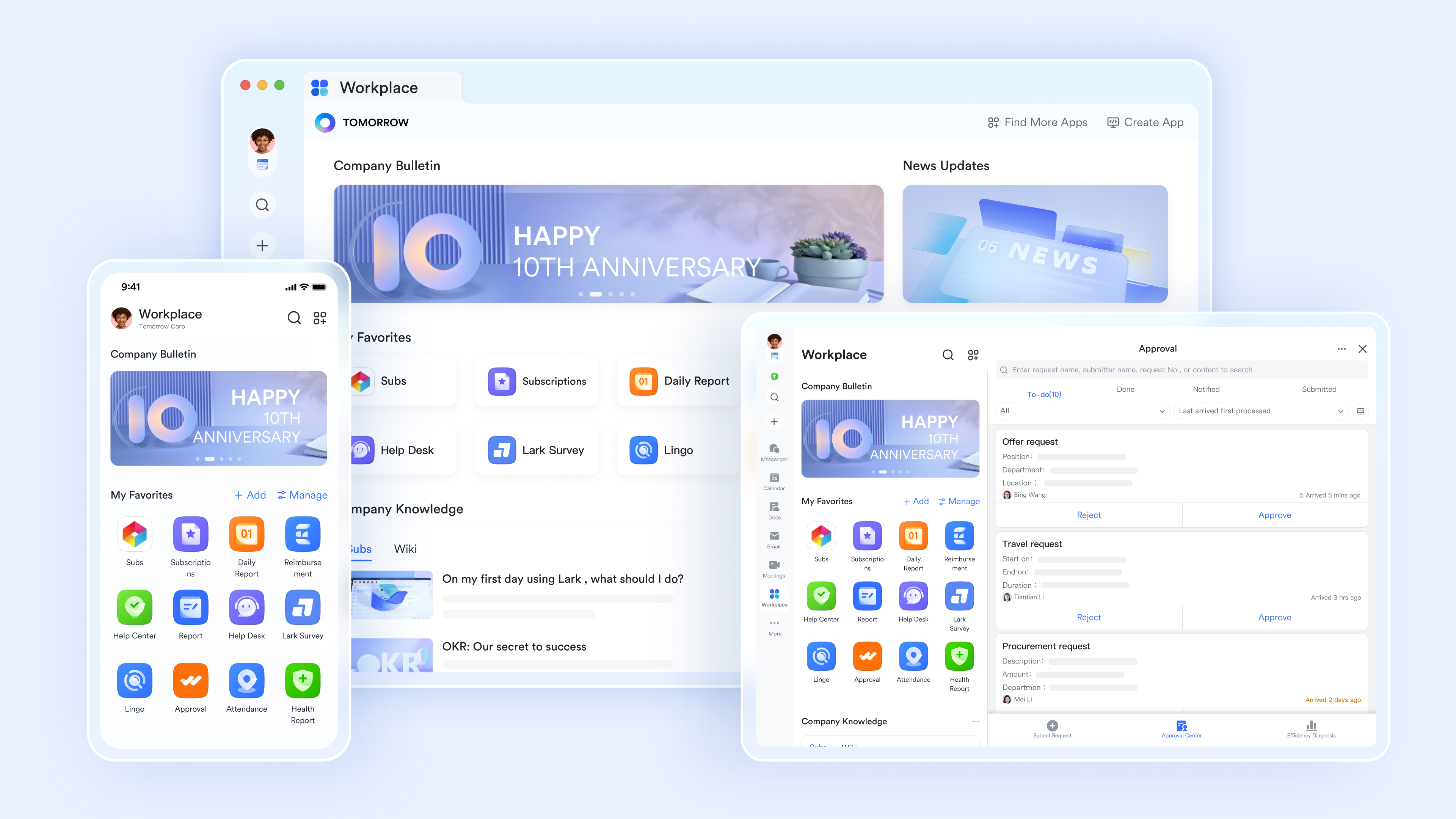
Intuitive, all-in-one interface
Lark's clean, minimalist interface eliminates tool fragmentation by unifying messaging, documents, tasks, and meetings into one unified workspace. This all-in-one design dramatically reduces adoption friction and accelerates team .
Task management and boards
Lark Tasks organizes unlimited projects with flexible visualization options including boards, timelines, and lists. Real-time synchronization enables team members to instantly while custom properties and hierarchical organization support complex project structures. 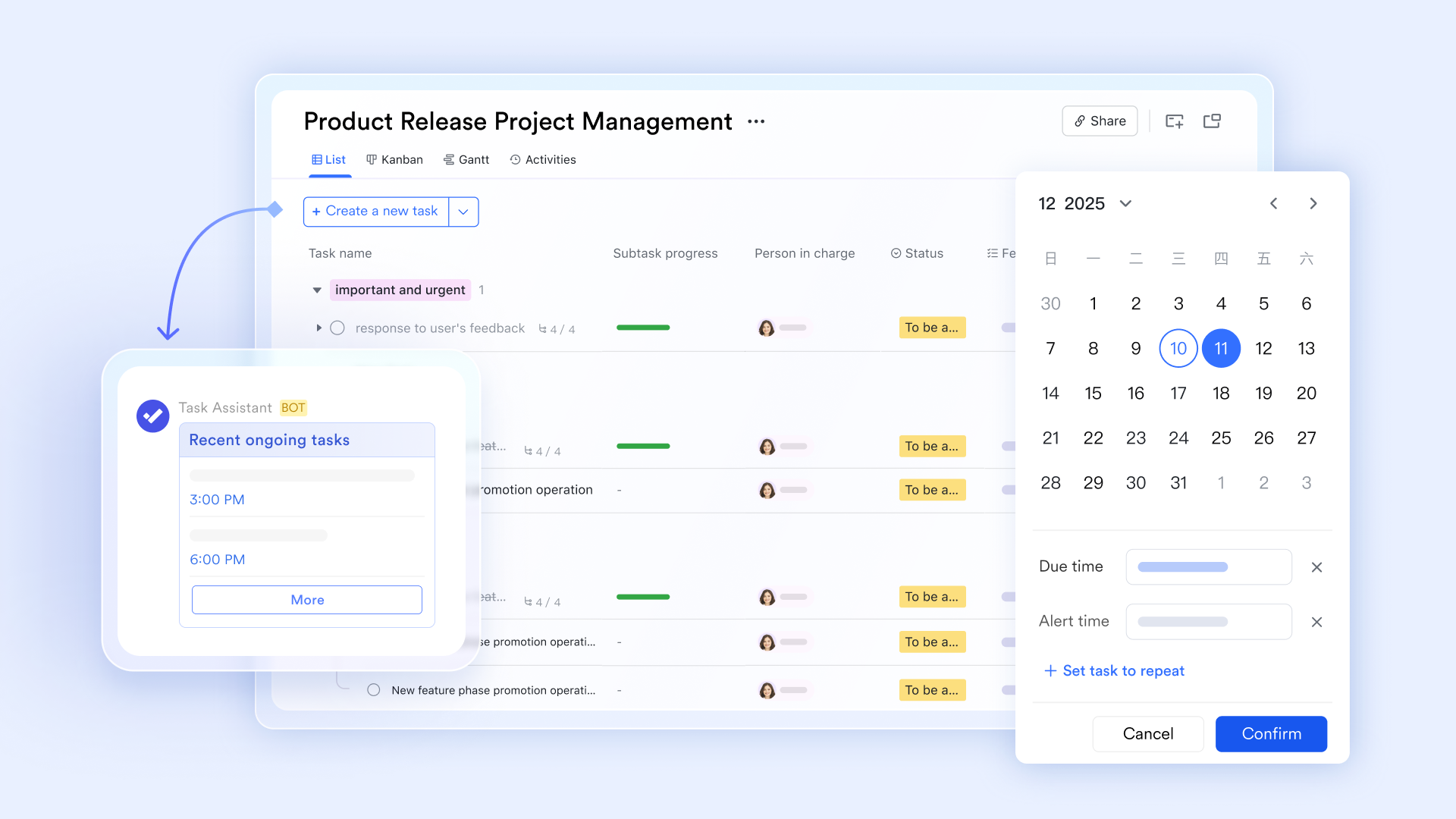
Powerful workflow automation and customization
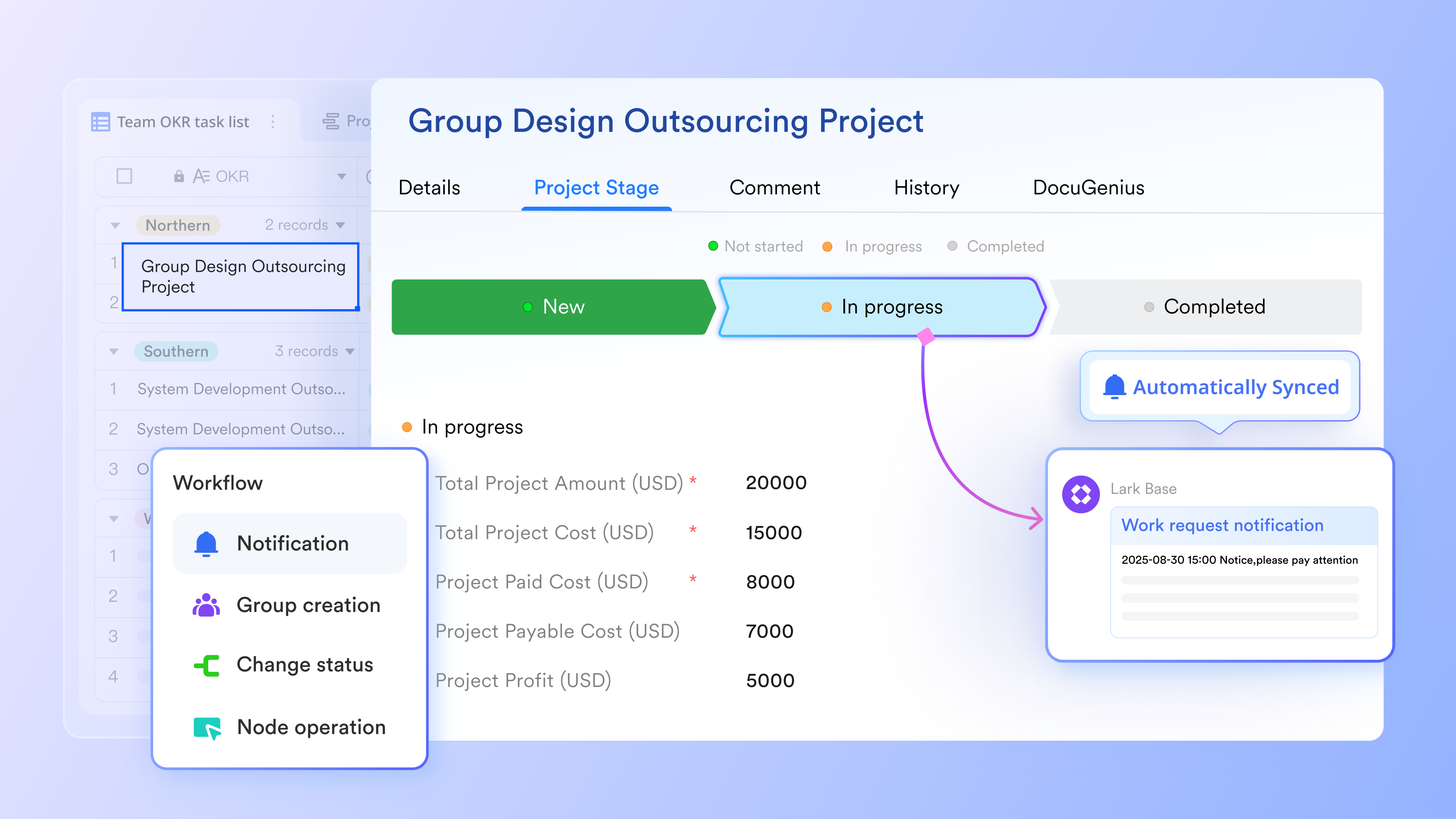
and enable intelligent process automation without coding. Conditional workflows, multi-stage approvals, and automated data synchronization eliminate repetitive manual work while triggering downstream actions seamlessly.
Real-time document collaboration
supports simultaneous multi-user editing with instant synchronization, comment threads, and version history. Bidirectional combination with Lark Base creates connected knowledge systems where documentation and project data remain consistently updated.
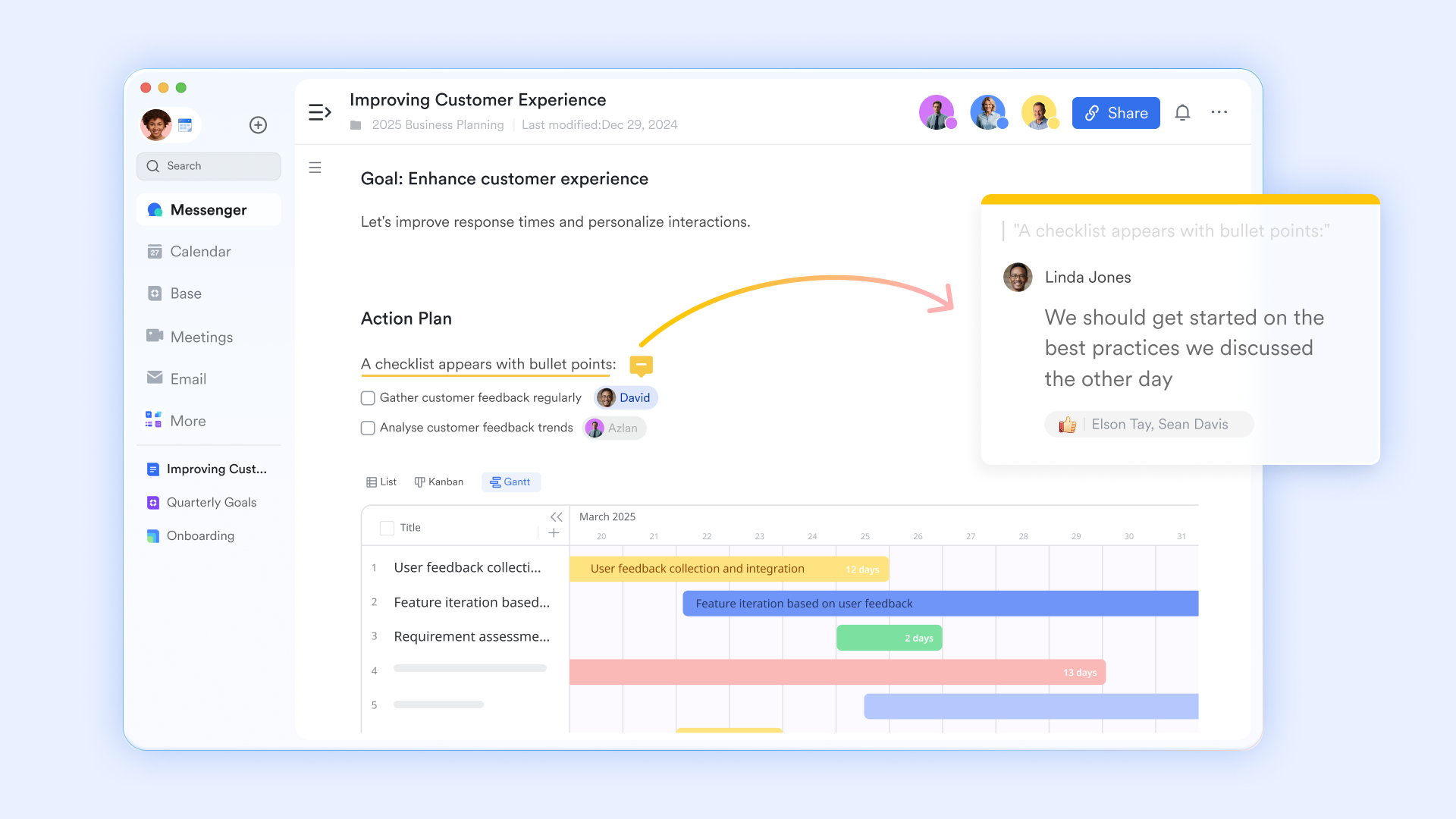
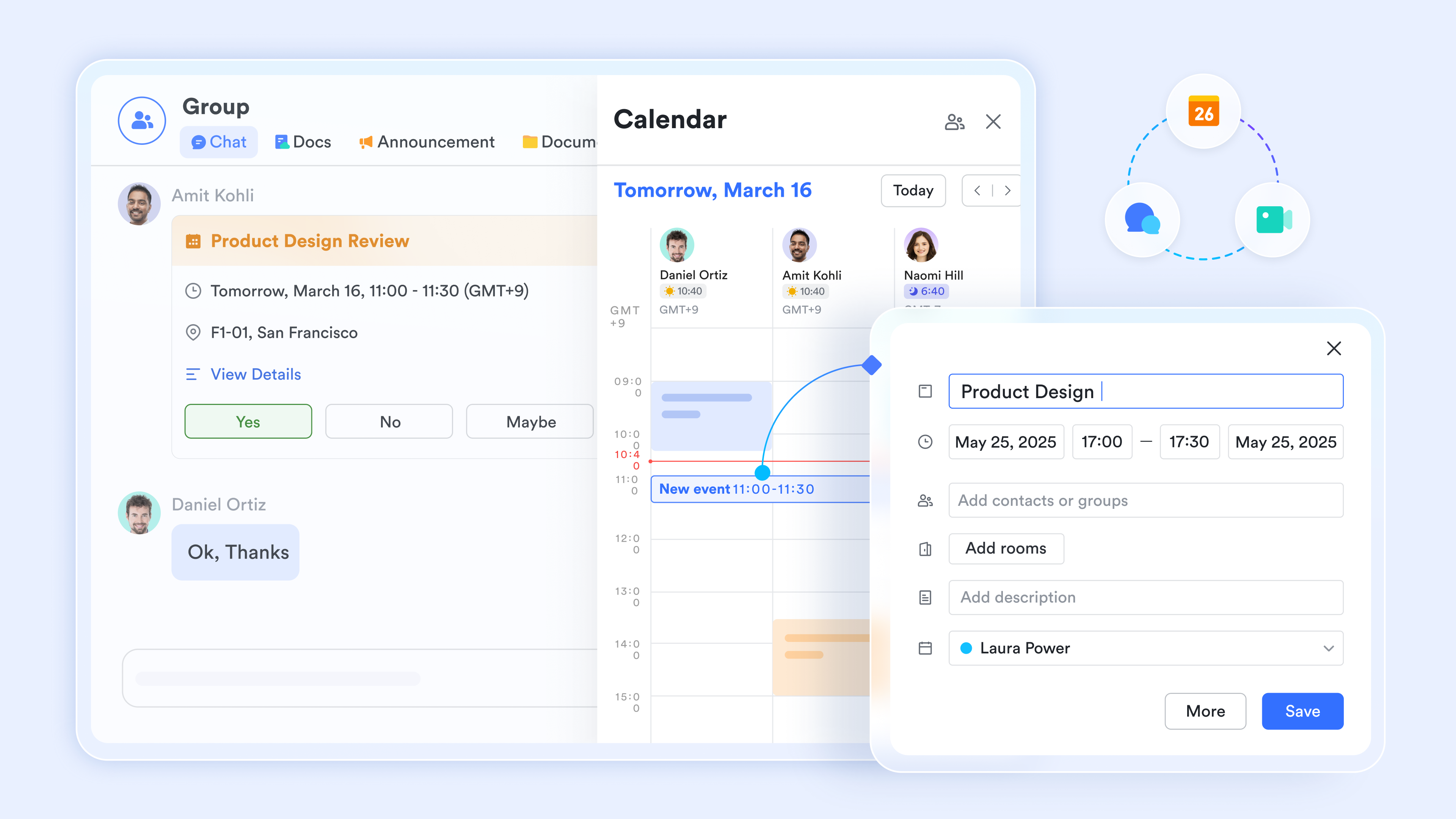
Built-in calendar and video conferencing
provides smart scheduling and availability visibility across teams, while enables video conferencing up to 1,000 participants with breakout sessions, recording, and transcription.
Why use Lark as a GoodDay alternative: Lark consolidates communication, document creation, and task management within one unified ecosystem, reducing tool fragmentation and enabling rapid cross-functional collaboration with powerful tools for productivity—ideal for teams seeking a comprehensive workflow experience without switching between multiple platforms.
:
- Starter plan: that includes 11 powerful tools for up to 20 users. It also comes with 100GB of storage space, 1000 automation runs, AI translations, and more. No credit card needed.
- Basic plan: (billed annually) for up to 500 users. It includes everything in Starter and unlimited message history, 5TB of storage space, 1,000 automation runs, and more. Some users may need to to purchase this plan.
- Pro plan: (billed annually) for up to 500 users. It includes everything in Basic plus group calling for up to 500 attendees, 15TB of storage space, 50,000 automation runs, and more.
- Enterprise plan: for custom pricing. Supports unlimited users and includes even more automation runs and advanced security, compliance, and management features.
For small teams with simple communication needs

18 months message history
1000 Base automation runs/month
2000 rows per table in Base
Most POPULAR
For companies with comprehensive collaboration and management needs
Unlimited message history
500-participant video meetings
50k Base automation runs/month
20k rows per table in Base
For large companies with advanced security and organizational management needs
Get a personalized demo and pricing
Unlimited message history
500-participant video meetings
15 TB storage + 30 GB storage/user
500k Base automation runs/month
50k Base automation runs/month
Most POPULAR
For companies with comprehensive collaboration and management needs
Unlimited message history
500-participant video meetings
50k Base automation runs/month
20k rows per table in Base
2. Jira: Agile project management for software teams
Jira focuses on , offering robust issue tracking, customizable boards, sprints, and extensive workflow customization. It excels at managing complex development projects with detailed status tracking and team coordination capabilities.
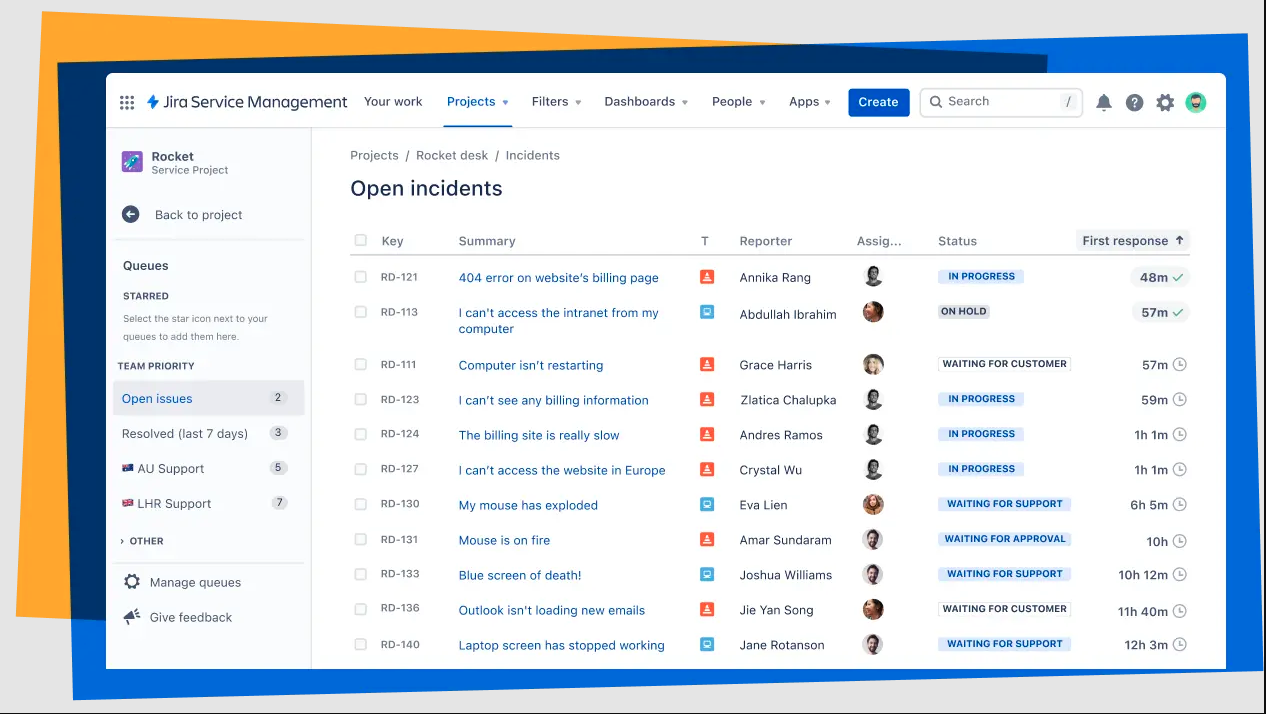
Image source: atlassian.com
Key features:
- Scrum and Kanban boards provide flexible views for managing iterative and continuous workflows.
- Customizable workflows allow teams to configure issue lifecycle stages and transitions specific to their processes.
- Issue tracking and robust task tracking features capture, prioritize, and monitor all work items with comprehensive metadata and history, helping teams stay organized and monitor progress.
- Advanced project planning capabilities, including timeline visualization, resource allocation, and roadmaps, provide visibility into project timelines, milestones, and dependencies across multiple teams.
- Deep integration with development tools connects code repositories, CI/CD pipelines, and deployment systems.
Why use Jira as a GoodDay alternative: For teams requiring highly configurable workflows and strong alignment with agile practices, Jira enables teams to manage projects from initiation to completion with customizable workflows. It provides granular control over processes, detailed reporting, and native support for software development methodologies that GoodDay may not fully address.
Pricing: Free plan available for small teams; Standard plan starts at $7.91/user/month; Premium plan at $14.54/user/month; Enterprise/Custom pricing available.
3. Confluence: Knowledge and collaboration hub
Confluence is Atlassian's knowledge and collaboration platform, optimized for centralized documentation and knowledge sharing across projects. It serves as a unified space for teams to create, organize, and access critical project information and company knowledge.
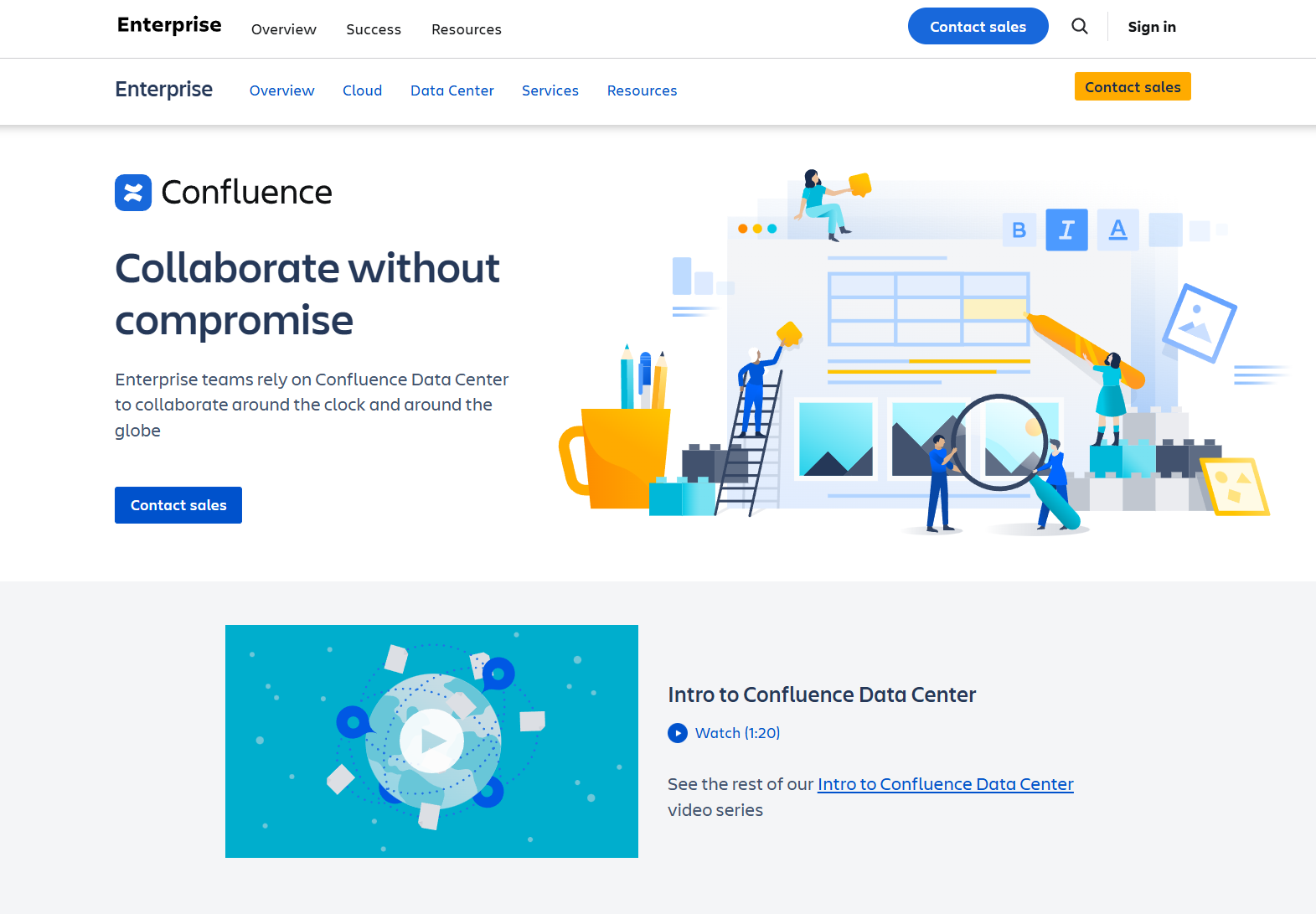
Image source: confluence.com
Key features:
- Knowledge base functionality creates a searchable repository of company information, procedures, and documentation.
- Collaborative editing enables multiple team members to work simultaneously on documents with version control.
- Page templates provide starting points for consistent documentation across projects and departments.
- Permissions and versioning control who accesses content and maintain a complete edit history.
- Jira integration allows seamless linking between documentation and project management for connected workflows.
- Specific features such as customizable templates and advanced permissions allow teams to tailor Confluence to their unique requirements.
Why use Confluence as a GoodDay alternative: If centralized documentation and knowledge management are priorities alongside project work, Confluence offers a powerful complement that creates a single source of truth for organizational knowledge and team collaboration. Confluence adapts to your team's workflow by supporting flexible documentation and collaboration processes, making it easy to align with how your team works best.
Pricing: Free tier available; Standard plan $5.42 per user/month; Premium plan $10.44 per user/month; Custom pricing for larger deployments.
4. Wrike: Structured workflow management
Wrike provides structured workflow management and collaboration designed to organize tasks and processes effectively. It focuses on creating clear, customizable workflows that adapt to team-specific requirements and operational procedures.
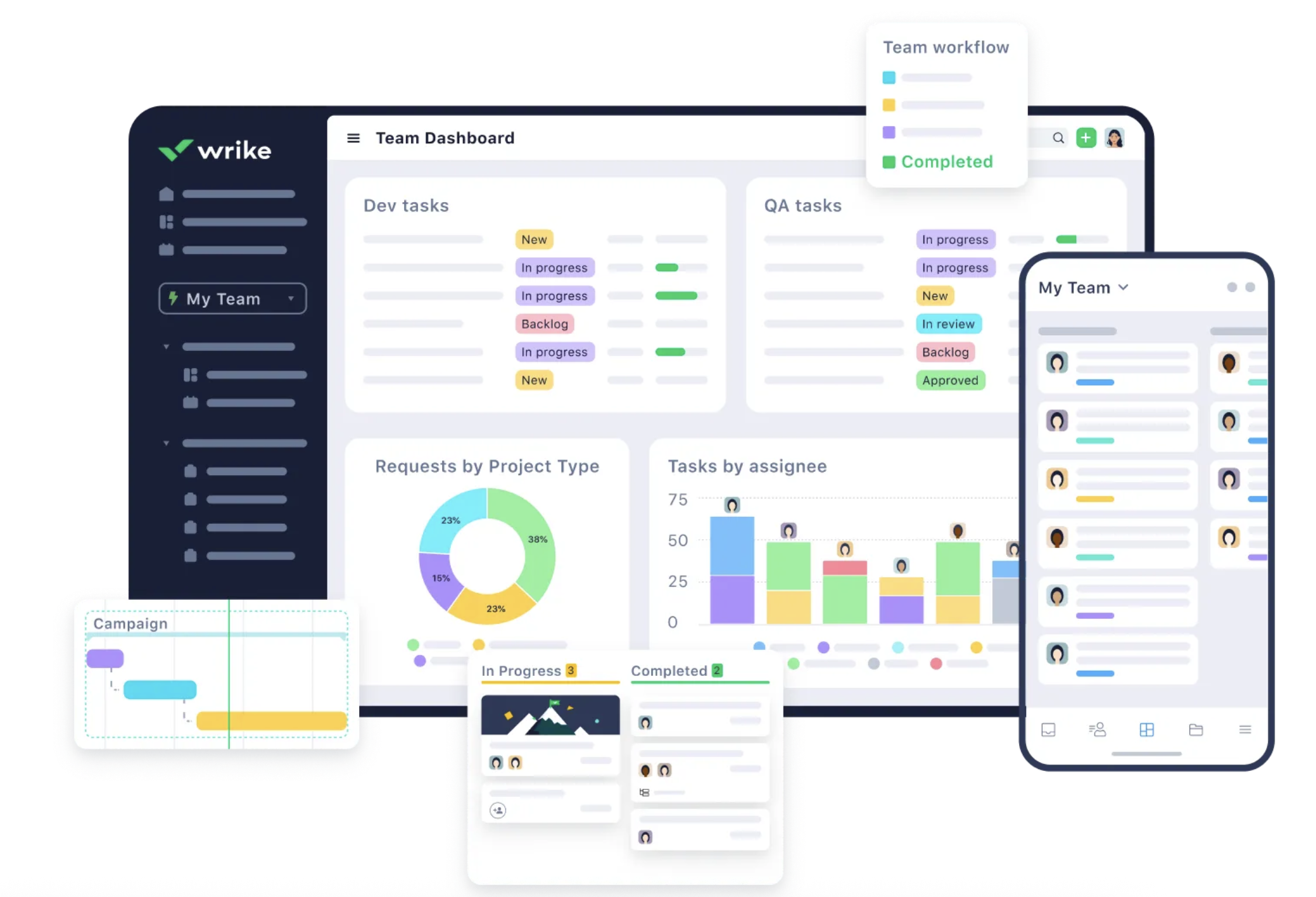
Image source: wrike.com
Key features:
- Custom workflows enable teams to design and implement processes that match their specific operational needs, allowing users to tailor workflows and permissions to fit their requirements.
- Kanban boards visualize task flow and progress across workflow stages.
- Task assignment routes work to appropriate team members with clear ownership and accountability.
- Automation triggers execute predefined actions based on workflow conditions and state changes.
- Support for recurring tasks automates repetitive workflows and streamlines ongoing task cycles.
- Cross-team collaboration connects departments and enables seamless handoffs between teams.
Why use Wrike as a GoodDay alternative: For teams needing flexible, mid-range complexity in process automation without the overhead of heavier enterprise tools, Wrike strikes the right balance between functionality and ease of implementation, offering robust features for managing complex workflows.
Pricing: Free plan available; Team plan for $10/user/month, paid yearly, Business plan at $25/user.month, paid yearly. Custom pricing for Enterprise/Pinnacle.
5. Teamwork: End-to-end project management
Teamwork offers comprehensive project management with tasks, milestones, time tracking, and client collaboration features. It emphasizes delivering clear visibility into project lifecycles while maintaining strong client relationships through dedicated portals and communication tools.
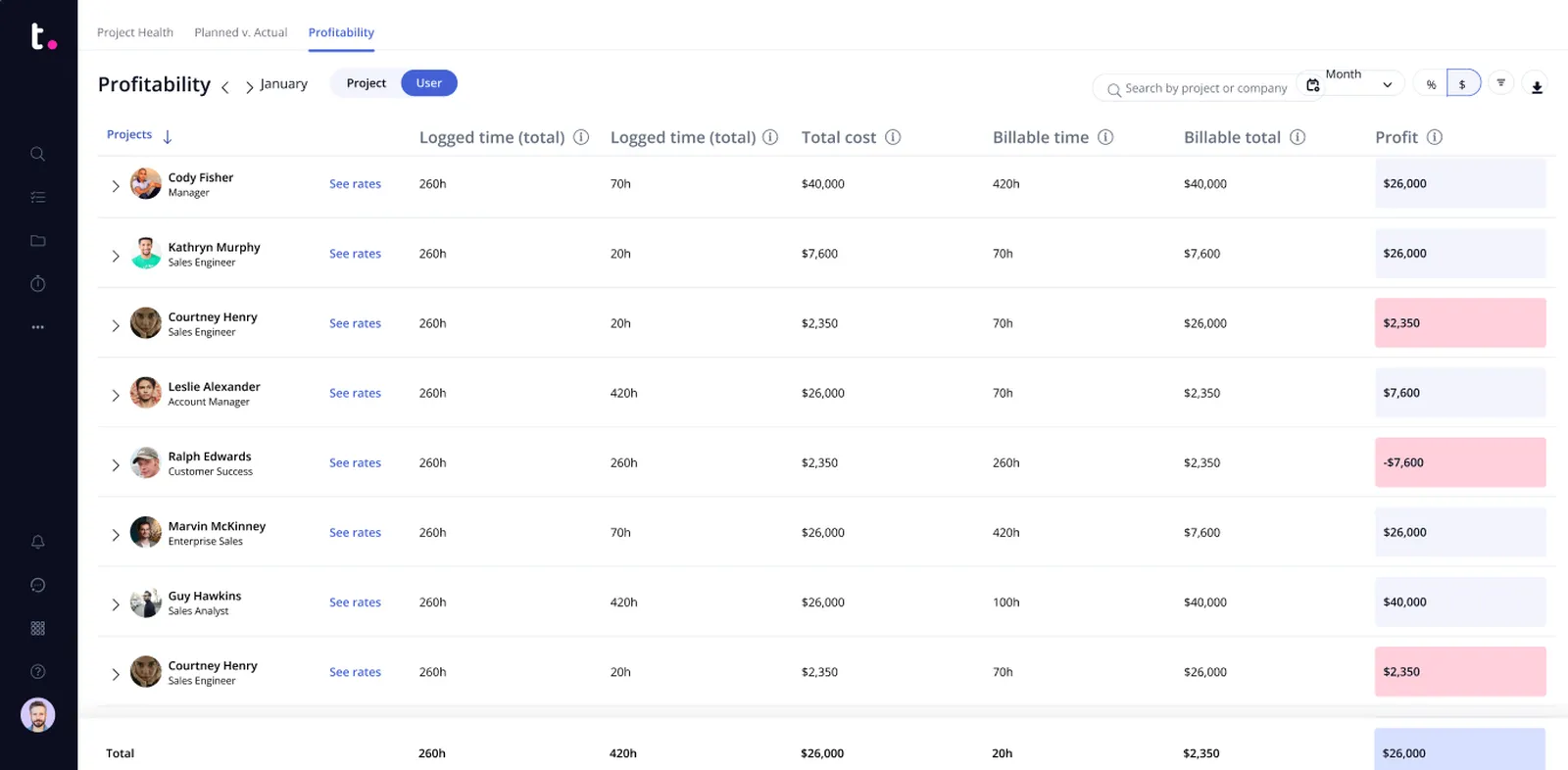
Image source: teamwork.com
Key features:
- Project and task management organizes work into structured projects with hierarchical task breakdowns.
- Efficiently manage tasks with a structured task management system, including task assignment, status updates, and visual boards.
- Milestones mark key project achievements and serve as progress checkpoints.
- Time tracking captures hours worked on tasks for accurate billing and resource utilization analysis.
- Resource management allocates team members across projects and identifies capacity constraints.
- Client portals enable external stakeholders to view progress and submit requests without full platform access.
Why use Teamwork as a GoodDay alternative: Teamwork is a great alternative to GoodDay for teams seeking client collaboration and project visibility. Suitable for teams that require a clear project lifecycle, detailed time management capabilities, and strong client-facing features to maintain professional communication and billing accuracy.
Pricing: Free plan available; paid plans start at $10.99/user/month and range up to $19.99/user/month; Enterprise/Custom pricing available. Teamwork offers value for money with its range of features and flexible plans.
6. Monday Work Management: Visual work pipelines
Monday Work Management emphasizes visual work pipelines, customizable boards, and automation to manage work across teams. Its intuitive interface prioritizes visual clarity while offering powerful automation and integration capabilities for diverse use cases.
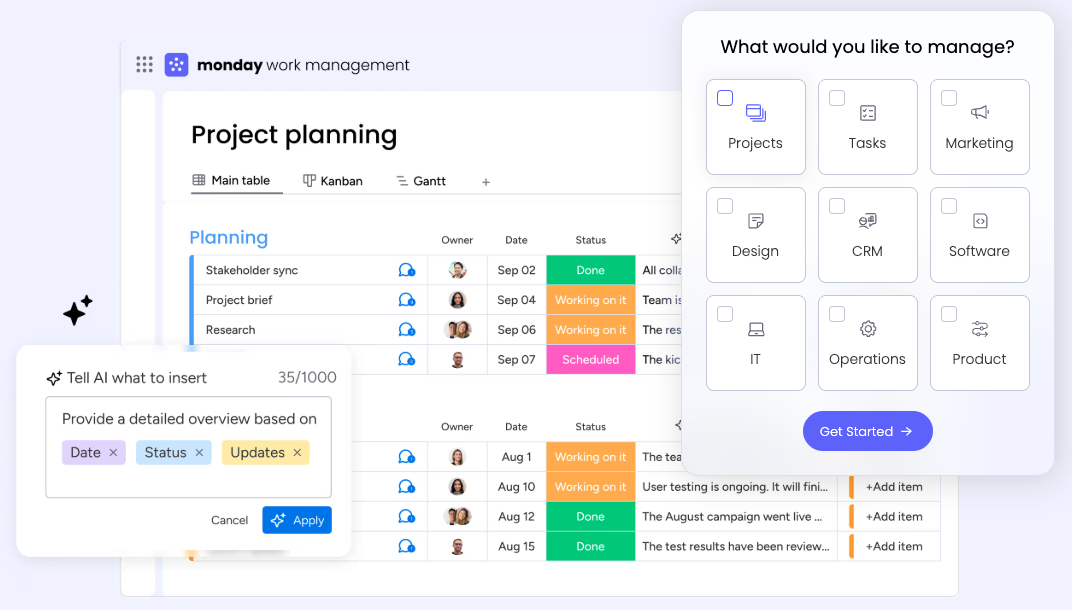
Image source: monday.com
Key features:
- Boards and timelines provide multiple visualization perspectives for tracking work progress.
- Easily track projects with multiple visualization options, analytics, and reporting to monitor progress and make data-driven decisions.
- Automation eliminates manual, repetitive tasks by triggering actions based on predefined conditions and rules.
- Forms and integrations connect external data sources and collect structured information efficiently.
- Capacity planning features identify resource constraints and optimize team workload distribution.
- Cross-team collaboration connects different departments to manage interdependent work seamlessly.
Why use Monday Work Management as a GoodDay alternative: Monday is a good alternative for teams that prefer simplicity and visual workflows. Ideal for organizations relying on visual workflows and flexible views to coordinate multi-functional teams, with powerful automation reducing manual overhead and improving overall efficiency.
Pricing: Free plan for up to 2 users; Standard plan at $12/user/month; Pro plan at $19/user/month; Custom pricing for enterprise deployments.
7. Asana: Intuitive task and project management
Asana provides intuitive task and project management with boards, timelines, forms, and reporting capabilities. It excels at rapid adoption with a user-friendly interface that accelerates team onboarding and reduces training requirements.
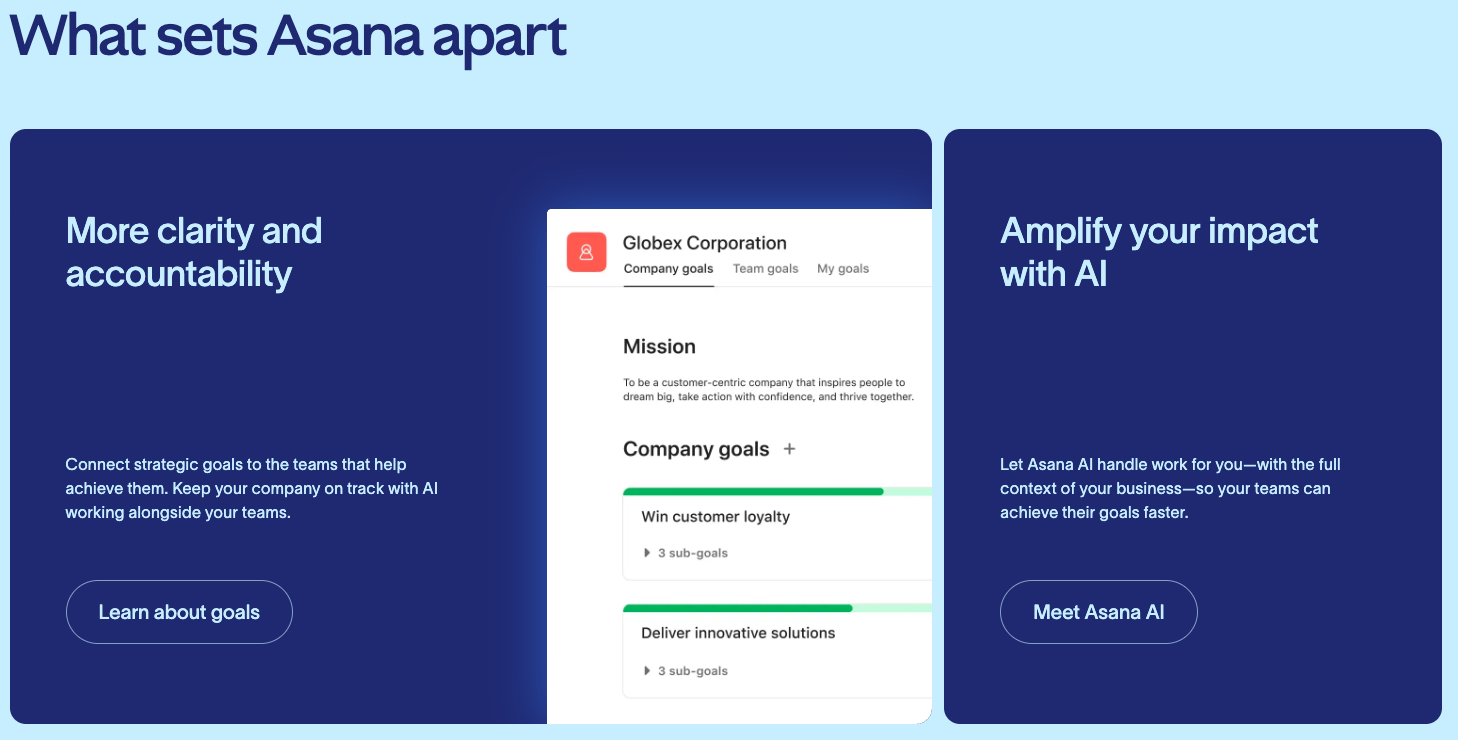
Image source: asana.com
Key features:
- Tasks and subtasks break work into manageable units with clear dependencies and relationships.
- Boards and timelines offer diverse perspectives for visualizing project progress and scheduling.
- Workflow automation streamlines repetitive processes and reduces manual task administration.
- Forms collect structured information and automatically create tasks from submissions.
- Reporting and analytics provide dashboards and insights into team performance and project health.
- Supports unlimited tasks, allowing scalable project management for teams of any size.
Why use Asana as a GoodDay alternative: Known for ease of use and quick adoption, Asana supports cross-team collaboration with clear visibility into work progress, making it ideal for teams prioritizing speed of implementation over complex customization. Asana is particularly suitable for small businesses due to its user-friendly design and flexible plans that scale with your team's needs.
Pricing: Free tier for up to 2 users; Starter plan at $10.99/user/month (paid yearly); Advanced ($24.99/user/month, paid yearly) and Enterprise plans available; Custom pricing for enterprise deployments.
8. Adobe Workfront: Enterprise-grade work management
Adobe Workfront is a robust software solution that delivers enterprise-grade work management with comprehensive governance over large project portfolios and resources. It supports complex organizational structures and provides sophisticated controls for multi-team, multi-project environments, making it especially suitable for large enterprises.
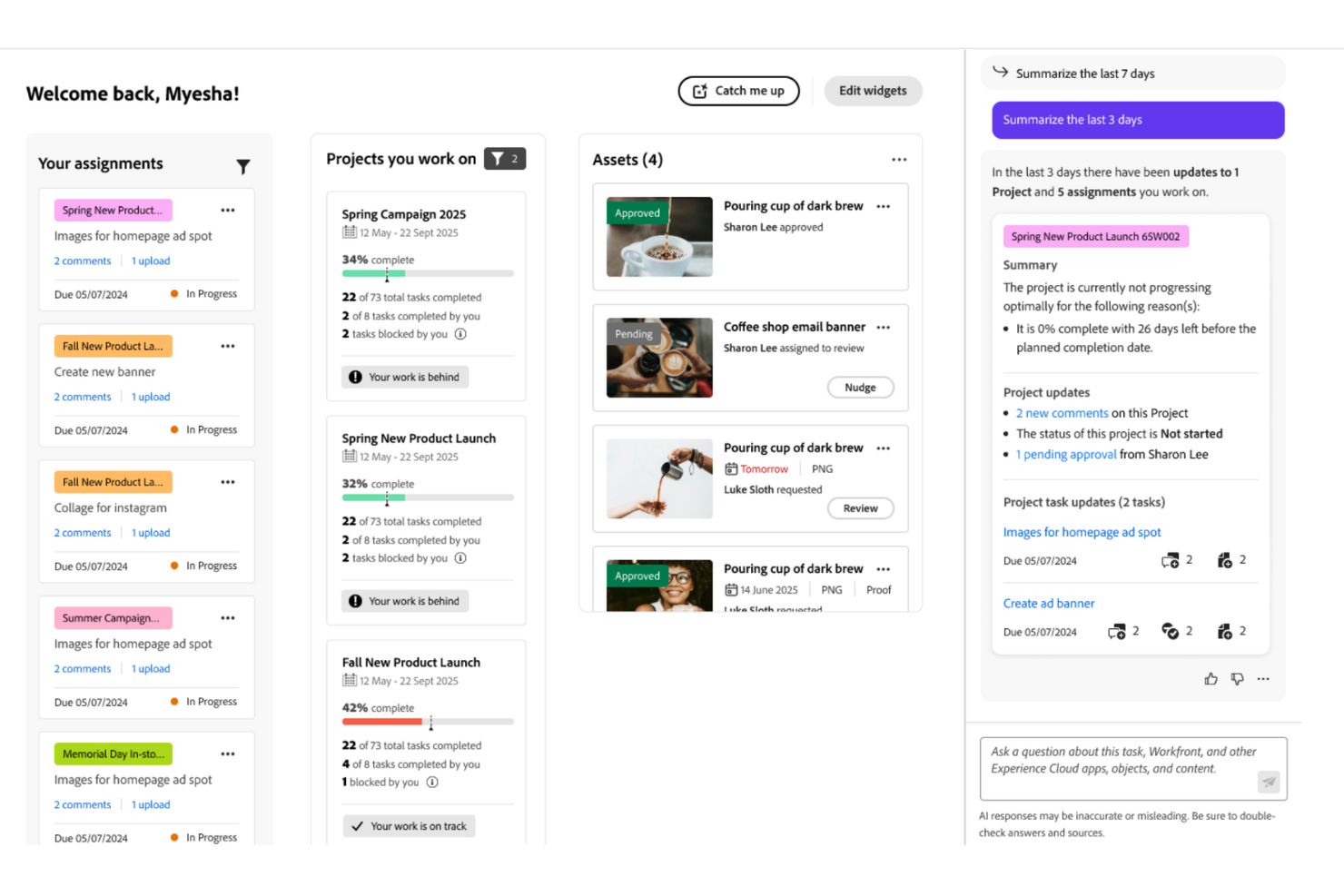
Image source: adobe.com
Key features:
- Custom workflows configure intricate approval chains and state transitions specific to enterprise processes.
- Resource management allocates skilled team members across portfolios with forecasting and optimization.
- Demand management prioritizes incoming work requests against available capacity and strategic goals.
- Plan and track work to maintain detailed visibility across complex projects with dependencies and timelines.
- Reporting and analytics deliver comprehensive dashboards, metrics, and insights for executive decision-making.
- Enterprise-grade security features protect sensitive data, including encryption, authentication, and centralized user management.
Why use Workfront as a GoodDay alternative: Ideal for large enterprises that require advanced project governance, capacity planning, and scalable portfolio management across multiple teams and business units. Workfront also emphasizes the protection of sensitive data through robust security measures.
Pricing: Custom pricing; enterprise deployment and implementation required; contact Adobe directly for quotes.
9. Todoist: Lightweight task management
Todoist focuses on lightweight task management with simple collaboration for individuals and small teams. Its streamlined interface prioritizes simplicity and speed, making it accessible to non-technical users while supporting essential team coordination.
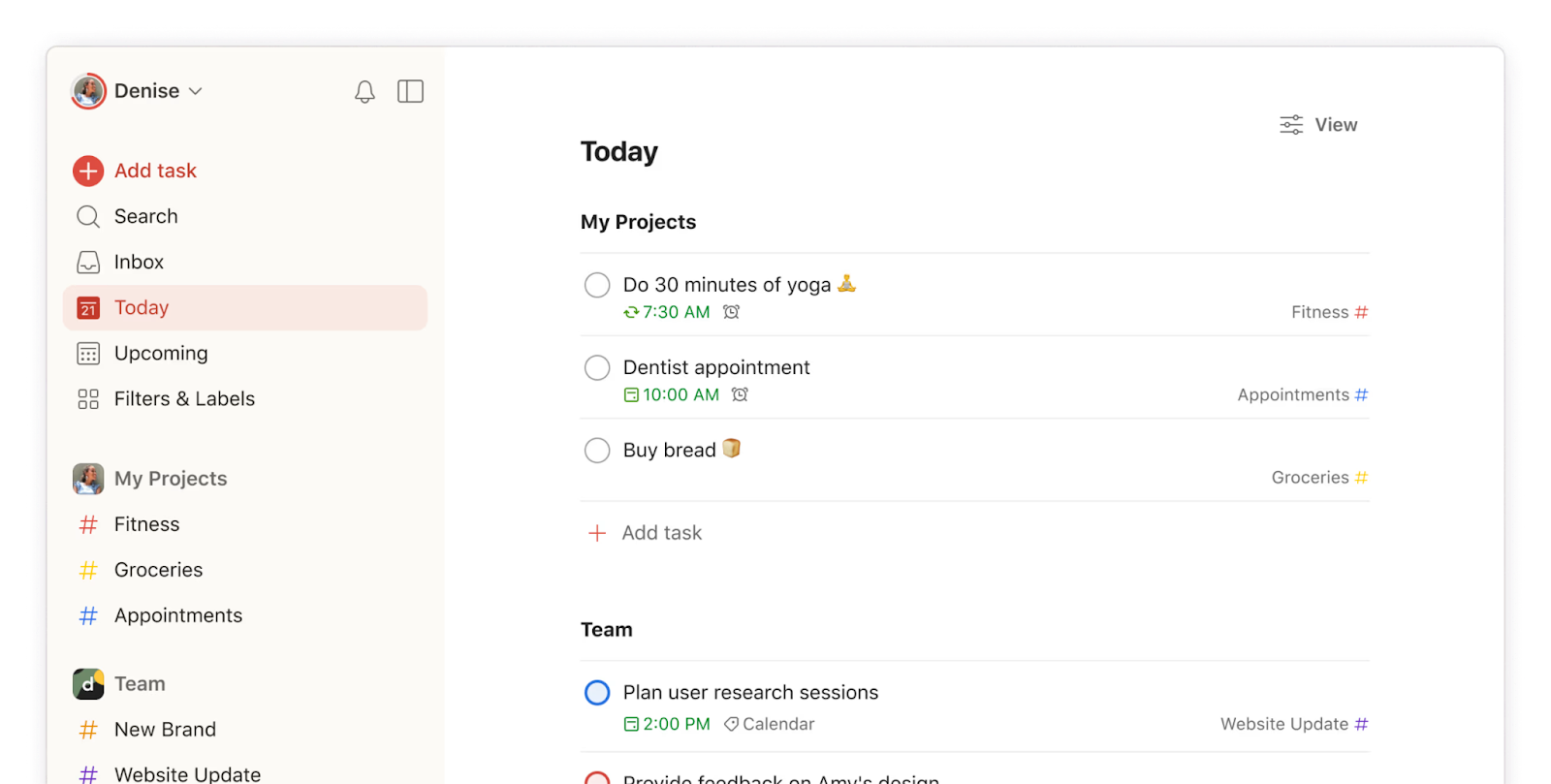
Image source: todoist.com
Key features:
- Tasks and subtasks organize work hierarchically with clear parent-child relationships.
- Labels and filters create flexible categorization and allow rapid filtering of task views.
- Due dates and reminders ensure team members stay on track with deadline notifications.
- Boards provide a Kanban view for visualizing task flow across workflow stages.
- Cross-platform syncing keeps tasks synchronized across web, mobile, and desktop applications.
Why use Todoist as a GoodDay alternative: A pragmatic choice for teams prioritizing a clean, fast-to-implement task management experience with core collaboration features that emphasize simplicity and reliability. Todoist is especially well-suited for users who prefer simplicity in their task management tools, offering an intuitive and straightforward interface without unnecessary complexity.
Pricing: Todoist offers a free version for individuals and small teams to get started at no cost. Free basic plan with limited features; Pro plan at $4/user/month; Business plan at $6/user/month; Custom pricing where applicable.
10. Zoho Projects: Zoho ecosystem project management
Zoho Projects offers end-to-end project management within the comprehensive Zoho ecosystem, including task management, , time tracking, and Gantt charts. It provides seamless integration with other Zoho applications for organizations already invested in the platform.
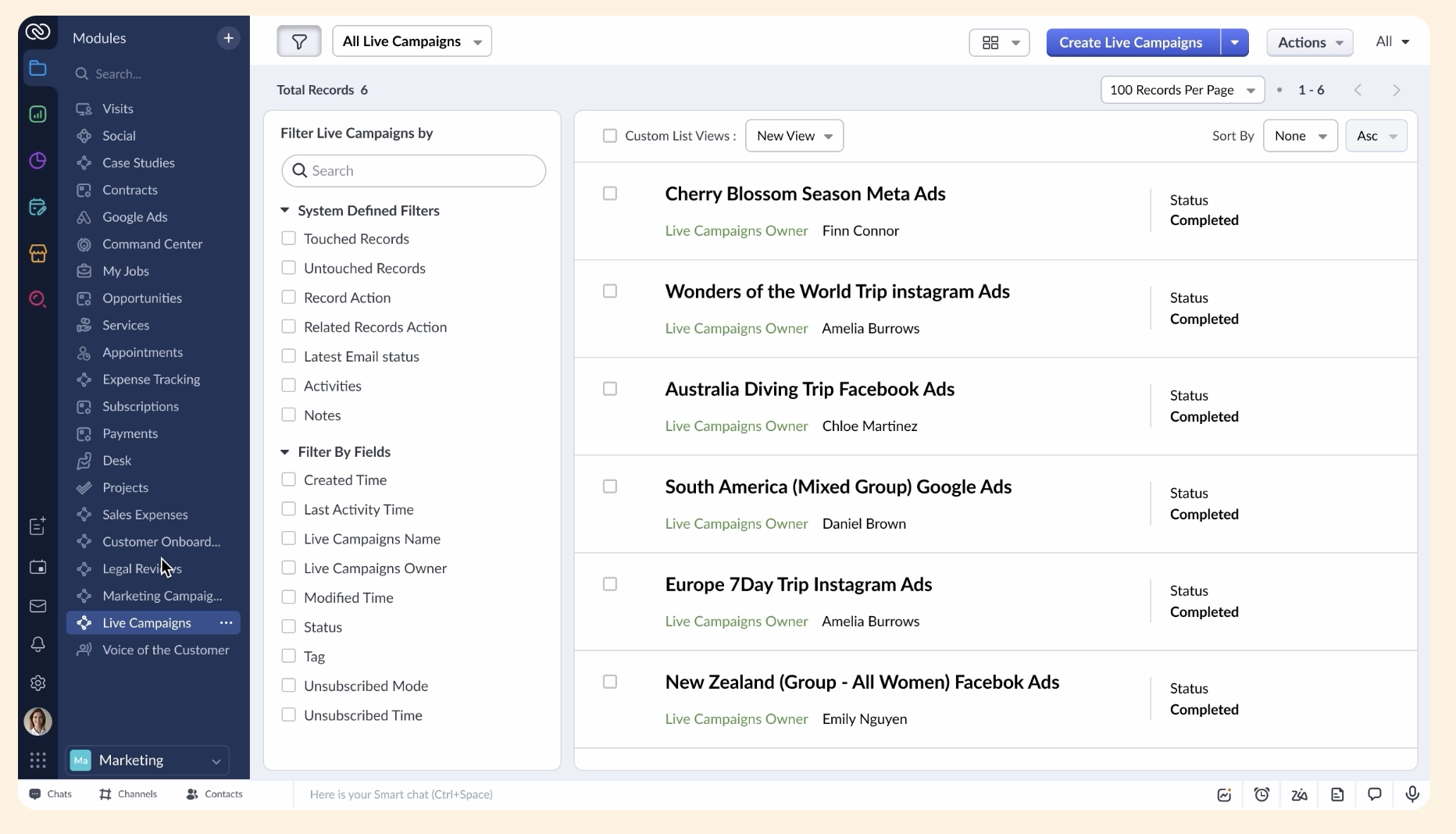
Image source: zoho.com
Key features:
- Tasks and milestones break work into actionable items with clear achievement markers.
- Gantt charts visualize project timelines, dependencies, and critical path analysis.
- Time tracking captures billable and non-billable hours for accurate resource and financial management.
- Document sharing allows teams to store and collaborate on project-related files centrally.
- Strong Zoho integrations connect with CRM, invoicing, and other business applications.
Why use Zoho Projects as a GoodDay alternative: If you already use other Zoho applications, this platform provides a cohesive, cost-effective project management option with broad functionality and native data synchronization across business tools. Organizations using Zoho Projects can also benefit from Zoho Desk for integrated customer support and help desk management, making it easier to handle support tickets and collaborate across teams.
Pricing: Free plan for up to 5 users; Premium plan at $4/user/month (annual) or $5/user/month (monthly); Enterprise plan at $9/user/month (annual); Ultimate plan at $14/user/month (annual). Custom pricing for Zoho Plus plan.
11. ClickUp: Highly customizable work platform
ClickUp is a highly customizable and comprehensive tool that combines tasks, docs, goals, dashboards, and automation in a flexible system. It integrates multiple functionalities in one platform, prioritizing adaptability and allowing teams to shape the platform to match their specific workflows rather than adapting to predetermined structures.
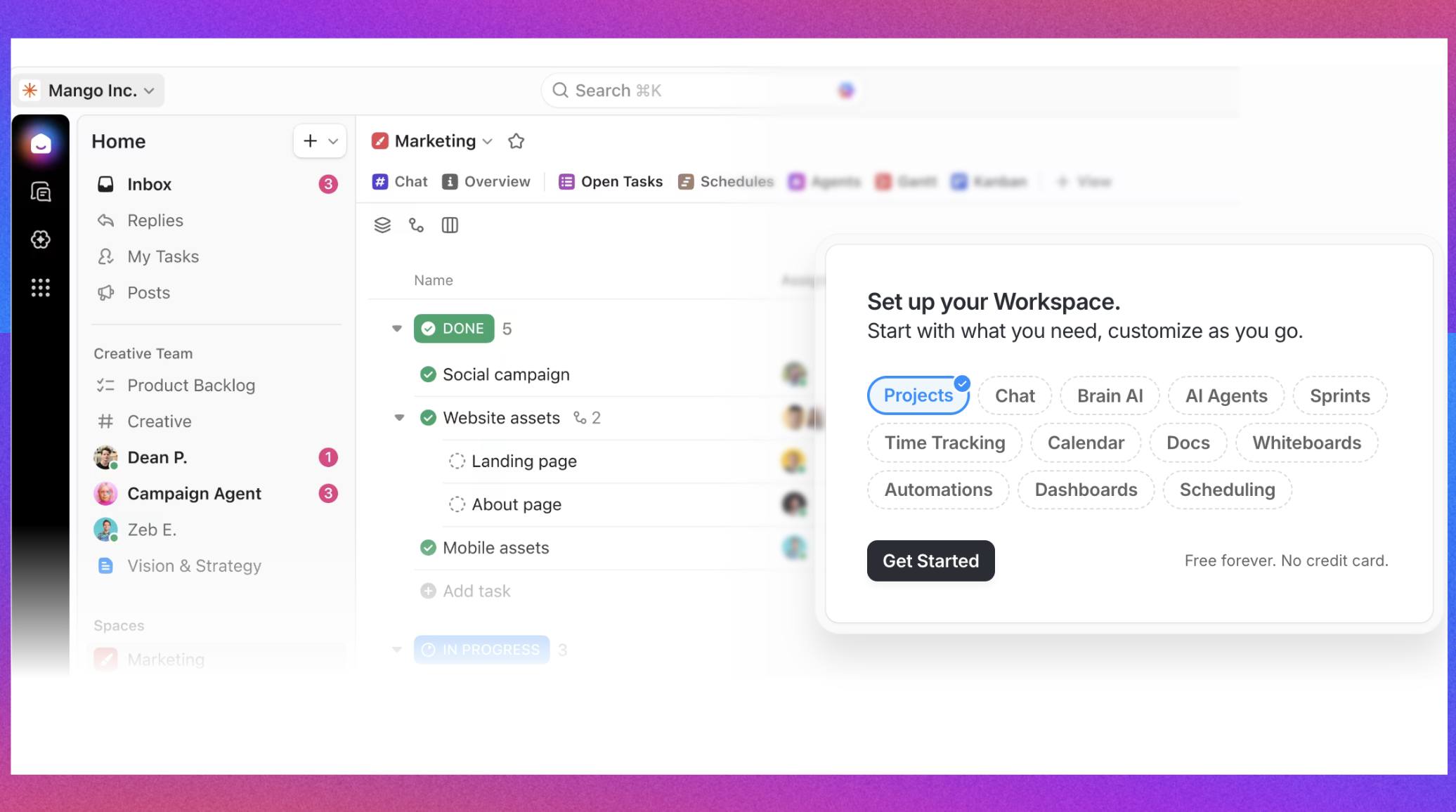
Image source: clickup.com
Key features:
- Tasks and subtasks with custom fields, dependencies, and relationships accommodate diverse work types.
- Boards and Gantt views provide multiple visualization perspectives for different project needs.
- Docs and notes enable collaborative documentation within the same platform as task management.
- Goal tracking aligns teamwork with strategic objectives and measures progress.
- Automation eliminates manual work and coordinates actions across tasks and projects.
- Powerful tools for productivity and workflow automation help teams streamline processes and boost efficiency.
Why use ClickUp as a GoodDay alternative: Its robust features for managing complex projects and diverse workflows, along with vast customization, enable teams to tailor views, fields, and processes to fit diverse workflows, supporting a unified work surface where technical and non-technical users collaborate effectively.
Pricing: Free plan forever with limited features; Unlimited plan at $7/user/month (annual); Business plan at $12/user/month (annual); Custom pricing for enterprise deployments.
For more information? 👉
12. Smartsheet: Data-driven work execution
Smartsheet extends spreadsheet-like sheets into a robust work execution platform with automation and reporting capabilities. It serves teams comfortably with tabular data representation while adding project management features like Gantt charts and dependency management.
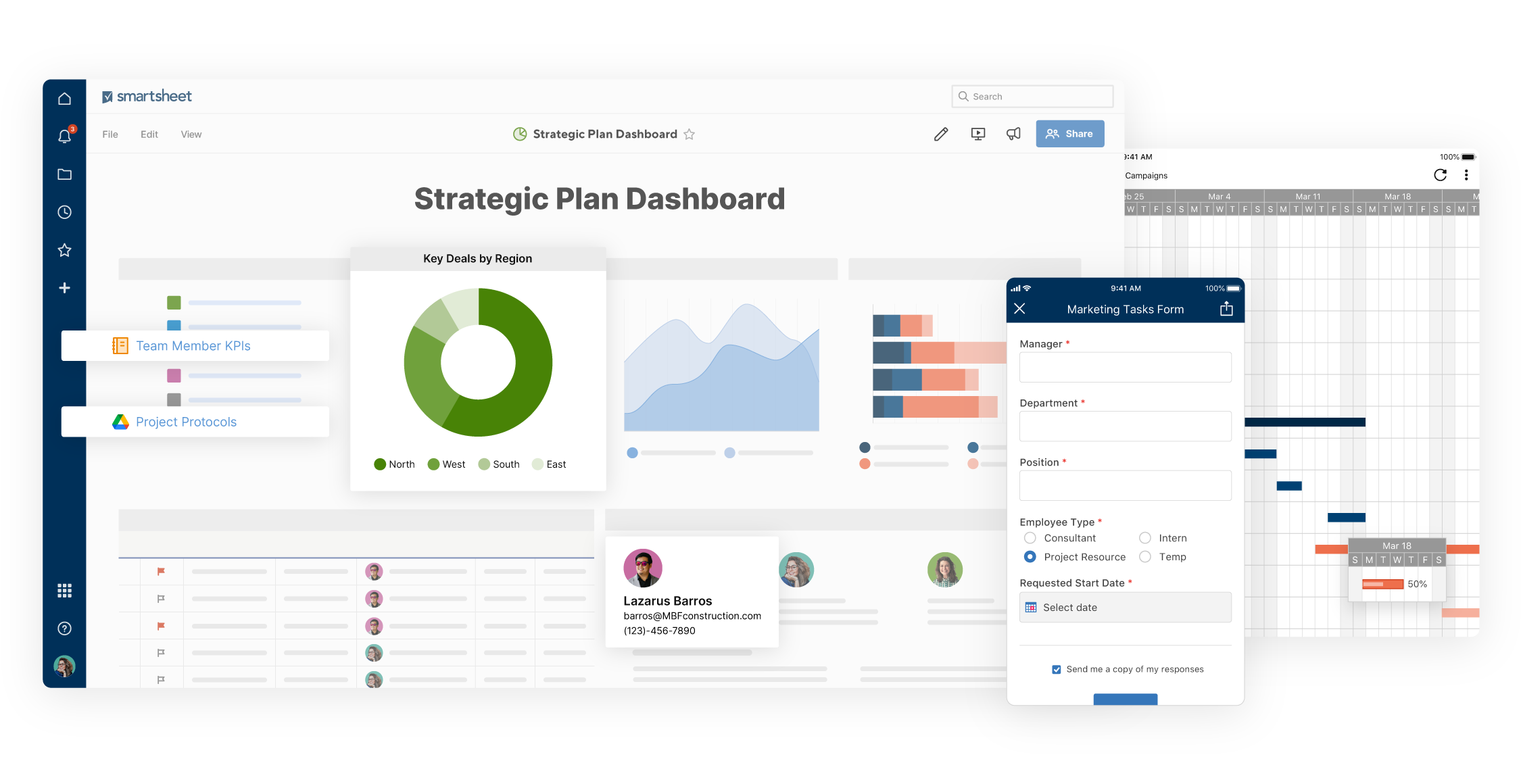
Image source: smartsheet.com
Key features:
- Sheets and board views let teams work in familiar spreadsheet interfaces or visual Kanban layouts.
- Gantt charts visualize project schedules with dependencies, critical paths, and resource assignments.
- Resource and dependency management identifies bottlenecks and optimizes team allocation.
- Task tracking features help monitor progress and deadlines, ensuring teams stay organized and productive.
- Forms and automation collect data and trigger workflows without manual intervention.
- Reports and analytics create dashboards and summaries for stakeholder communication, allowing teams to track projects and make data-driven decisions.
- Smartsheet prioritizes data security to protect sensitive project information across all workflows.
Why use Smartsheet as a GoodDay alternative: Particularly strong for data-driven planning and complex collaboration across multiple teams in a tabular interface, ideal for organizations comfortable with spreadsheet-based workflows seeking project management capabilities. Smartsheet enables teams to track projects efficiently with advanced analytics and reporting, while maintaining a high standard of data security for all project data.
Pricing: Free plan with basic features; Pro plan at $9/user/month; Business plan at $19/user/month; Enterprise plan requires a custom quote; annual billing options available for discounts.
Find your perfect project management tool today
How we select and assess software in our reviews
Our editorial team follows a transparent, repeatable methodology. Every review is based on using experience in realistic working scenarios, and we always stick to a set of consistent scoring criteria.
- Features and functionality
- Security, privacy, and compliance
- Integrations and compatibility
Our team reviews and assesses tools using consistent datasets and real-world scenarios, focusing on the things users care about most—such as sales pipelines, marketing automation, collaboration, and knowledge management. We confirm the official pricing and release notes of each product we review, and gather user feedback from across different channels. We do not accept paid placements and ensure our reviews are completely unbiased and fair. Additionally, as software and digital work environments constantly evolve, we review our content at least quarterly and update articles whenever products undergo significant changes. For more information about our review methodology, read the full rundown of.
Now let me search for more information about Trello and the best project management tools: Perfect! Now I have the information I need. Let me generate the content:
Tips for choosing the right GoodDay alternative
Selecting the ideal requires careful evaluation of your team's unique needs, budget constraints, and operational priorities. With numerous alternatives to GoodDay available, exploring alternatives is essential to find the best fit for your team's needs. Understanding key selection criteria will help you identify the platform that best aligns with your organizational objectives and . Key factors to consider when evaluating alternatives:
- Team size and structure: Assess whether you need tools designed for small teams or enterprise-scale deployments, considering platforms that offer flexible user licensing and capabilities.
- Core functionality requirements: Identify the must-have features, such as task management, time tracking, resource management, Gantt charts, or document collaboration, to ensure the platform covers your essential needs.
- Integration ecosystem: Evaluate the platform's ability to connect with your existing tech stack, including communication tools, document management systems, , and third-party applications.
- Ease of adoption and learning curve: Consider how quickly your team can become productive; platforms with intuitive interfaces and minimal training requirements accelerate deployment and reduce implementation costs.
- Customization and flexibility: Determine whether you need extensive workflow customization, custom fields, or , or if standard configurations suffice for your processes.
- Pricing and budget alignment: Compare total cost of ownership across platforms, including per-user fees, annual contracts, setup costs, and implementation services to ensure financial viability.
- Scalability and growth: Select a platform that can grow with your organization, supporting increasing users, projects, and complexity without requiring migration or significant reconfiguration.
- Customer support and community: Assess the quality of vendor support, documentation, training resources, and active user communities that can help your team maximize platform value.
Embrace an all-in-one solution for your business
Conclusion
Choosing the right GoodDay alternative is a critical decision that can significantly impact your team's productivity, collaboration efficiency, and project success. Each platform presented in this guide offers distinct advantages tailored to different organizational needs and workflows. The key is aligning your selection with your team's size, budget, technical requirements, and long-term growth objectives. Whether you prioritize visual workflows, advanced automation, comprehensive documentation, or seamless integrations, an appropriate alternative exists for your specific use case. Among the leading options, stands out as a particularly compelling choice for organizations seeking an all-in-one collaboration ecosystem that unifies communication, document collaboration, and task management, eliminating tool fragmentation while enabling rapid cross-functional teamwork. By carefully evaluating your requirements against the twelve alternatives detailed above, you can confidently select a platform that empowers your team to work smarter, collaborate more effectively, and deliver results consistently.
FAQs
Who is Workday's biggest competitor?
ADP is widely recognized as Workday's biggest competitor, particularly in payroll and HR services. Other major competitors include SAP SuccessFactors, Oracle, Paycom, Rippling, and Paylocity, each offering comprehensive human capital management and enterprise resource planning solutions that compete directly with Workday's platform.
What is the best project management tool?
The best project management tool depends on your specific needs and team structure. Leading options include ClickUp for customization and all-in-one functionality, Monday.com for visual workflows, Asana for user-friendliness, and Smartsheet for data-driven teams. Evaluate your requirements around team size, budget, integrations, and core features to identify the optimal platform for your organization.
What is the Trello app?
Trello is a visual project management application based on the Kanban board methodology, featuring cards and columns that represent tasks and workflow stages. It enables teams to organize work visually, collaborate on projects, and track progress through an intuitive card-based interface that appeals to both technical and non-technical users.
How do I migrate from GoodDay to a new platform?
Most project management platforms provide migration assistance and data import tools to facilitate transitions. Start by exporting your data from GoodDay in compatible formats (CSV, JSON, or XML), then use your new platform's import features or consult with their support team for guided migration assistance. Plan the transition during a low-activity period and involve key stakeholders to ensure smooth adoption.
What features should I prioritize when replacing GoodDay?
Key features to prioritize depend on your current usage, but commonly important elements include task and project management, team collaboration capabilities, reporting and visibility tools, integration options with your existing software, scalability for team growth, automation capabilities, and user-friendly interfaces that encourage adoption. Ensure your selected alternative maintains the critical workflows and functionality your team relies on today.
Related reading


















