














10 Best Rostering Software Tools to Simplify Your Job

Chloe Wang
Content Manager
Sep 18, 2026
Chloe Wang
Sep 18, 2026

16 min read


Managing your team's schedule doesn’t have to be a headache. With rostering software, you can ditch the spreadsheets and chaos and save yourself a whole lot of time.
But finding the right software for your business is key.
This article gives you an in-depth look at what rostering software can do, what features to look for, and the top 10 rostering software solutions on the market to make your job easier.
Capabilities and functionalities of rostering software
Keeping track of your employees' shifts and schedules can be tough, especially when you have a large workforce.
Rostering software makes this simpler. It’s an automated tool that helps you streamline the employee scheduling process, saving you time and reducing errors.
What can rostering software do?
Rostering software does a bit more than just assigning shifts, though. It can transform how you manage your workforce. Let’s take a look at its core capabilities:
- Creating schedules: Automates work schedule creation, saving you hours of manual work.
- Managing staff availability: Allows employees to submit their availability and request time off, making it easier to create schedules that work for everyone.
- Swapping shifts: Lets employees easily change shifts with approval from managers.
- Sending notifications: Sends out alerts and notifications to employees about their upcoming shifts or any schedule changes.
- Tracking time: Monitors when employees clock in and out. It’s often linked to payroll systems for convenience.
- Ensuring compliance: Helps ensure schedules comply with labor laws and industry regulations.
- Reporting: Provides reports on labor costs, employee hours, and other valuable data.
Who uses rostering software?
Rostering software isn't just for corporations. Businesses of all sizes across different industries can reap its benefits:
- Healthcare facilities: Manage complex shift scheduling, maintain the right staffing levels, and comply with regulations.
- Hospitality businesses: Cope with fluctuating customer demands, manage unpredictable hours, and make on-the-fly schedule adjustments.
- Retail stores: Handle seasonal staffing fluctuations and expansion needs, optimize shift coverage during peak hours, and simplify the payroll process.
- Educational institutions: Manage teacher availability and class schedules and cover absences.
- Manufacturing plants: Accommodate shift work, track overtime accurately, and ensure labor compliance.
- Construction: Manage project timelines, coordinate work across multiple sites, and make communication with subcontractors and crew members easy.
- Public sector: Optimize staffing allocation within budget constraints and track hours to keep payroll accurate.
- Transportation and logistics: Schedule drivers and warehouse workers and coordinate complex routes and delivery patterns.
- Food and beverage industry: Transform your restaurant’s operations to maintain employee satisfaction and a consistent, positive customer experience.
Why should you use rostering software?
Think of those endless spreadsheets, frantic phone calls, and trying to remember who's on vacation next week. Doesn't sound like the best use of your time, does it?
Rostering software takes those headaches away. With the right tool, you can:
Reduce time spent on manual scheduling tasks
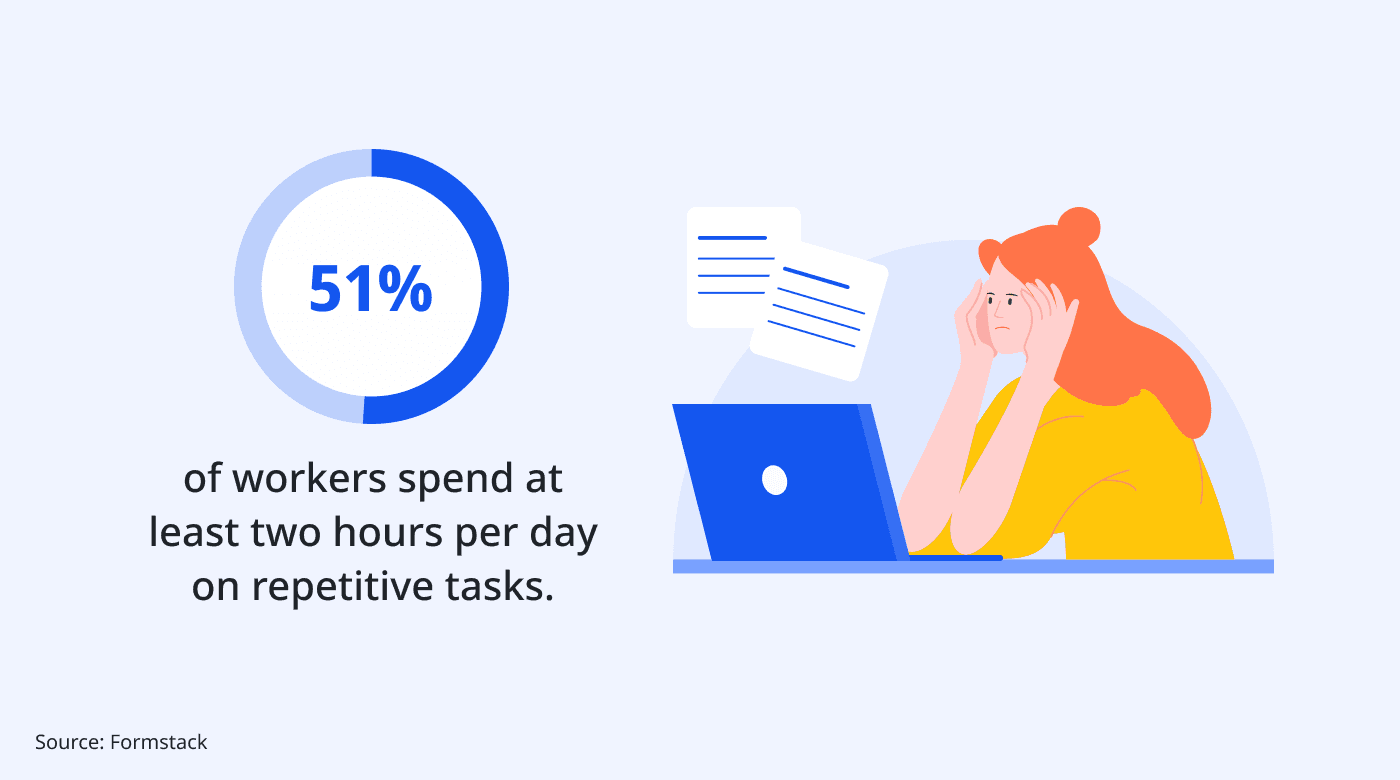
Formstack found that 51% of workers spend at least two hours per day on repetitive tasks. Rostering software brings you a step closer to reclaiming valuable time and resources through automation.
Because this software automates the scheduling process, you save the time and effort needed to schedule and manage your employees. Plus, you avoid the risk of human error.
Simplify communication
In addition to real-time schedule updates, many rostering software tools have in-app messaging and automated notifications to minimize miscommunication and keep teams on the same page.
Employees can send in requests to swap shifts directly within the platform. Managers then receive notifications of these actions and can approve or deny the requests. This simplifies the communication process, making shift changes and approvals quick and efficient.
Some software options also provide a space for employees to leave feedback on their schedules or make suggestions for improvement.
Customize staff workloads
Rostering software assists with managing and distributing workloads among your staff.
Plus, with rostering software, you can tailor employees’ work schedules to their availability, preferences, and even strengths.
For example, if you know a particular employee provides exceptional customer service, you can prioritize scheduling them during peak customer hours.
When employees have schedules that accommodate their needs and preferences, a happier and more engaged workforce is the result. And happiness at work boosts productivity and can help prevent employee burnout.
See everything in a single view
Rostering software centralizes all scheduling information, including staff shifts, availability, and time-off requests into one comprehensive view. Many rostering solutions integrate with payroll systems, too, making it easier to calculate hours and wages.
This visibility and easy access to real-time information can help you make quick adjustments and better allocate your resources. You can spot potential scheduling conflicts early on, preventing unexpected and frustrating situations.
Optimize workforce costs
For businesses that rely on hourly employees, it's incredibly important to schedule the right number of employees at the right time. Overstaffing can increase labor costs, and understaffing may put you in a difficult position that negatively affects the customer experience.
Rostering software helps you match staffing levels to work demands. It also makes it easier to track labor costs and make informed decisions to stay within budget.
What should you look for in rostering software?
Choosing the right rostering software for your business makes a big difference in how effectively you can manage your workforce. Here are the key features to prioritize and why they matter:
Pricing, plans, and free trial availability
Rostering software pricing models vary depending on the number of users and the features included. Evaluate each plan’s inclusions to find one that best fits your business needs.
Keep in mind that pricing should also fit your budget and give you value. Many software tools offer a free trial, which can be a great way to test-drive them before committing.
Navigation experience
Choose a solution that is simple for your team to use. For example, if you need to create schedules quickly, look for software with a user-friendly calendar view and clear visualizations. The interface should also be clean, intuitive, and easy to understand.
Some options offer drag-and-drop scheduling that can reduce the amount of time spent creating schedules. Others have mobile apps that make it easier for managers to make updates and for employees to check their schedules.
Tracking features (GPS, time tracking, etc.)
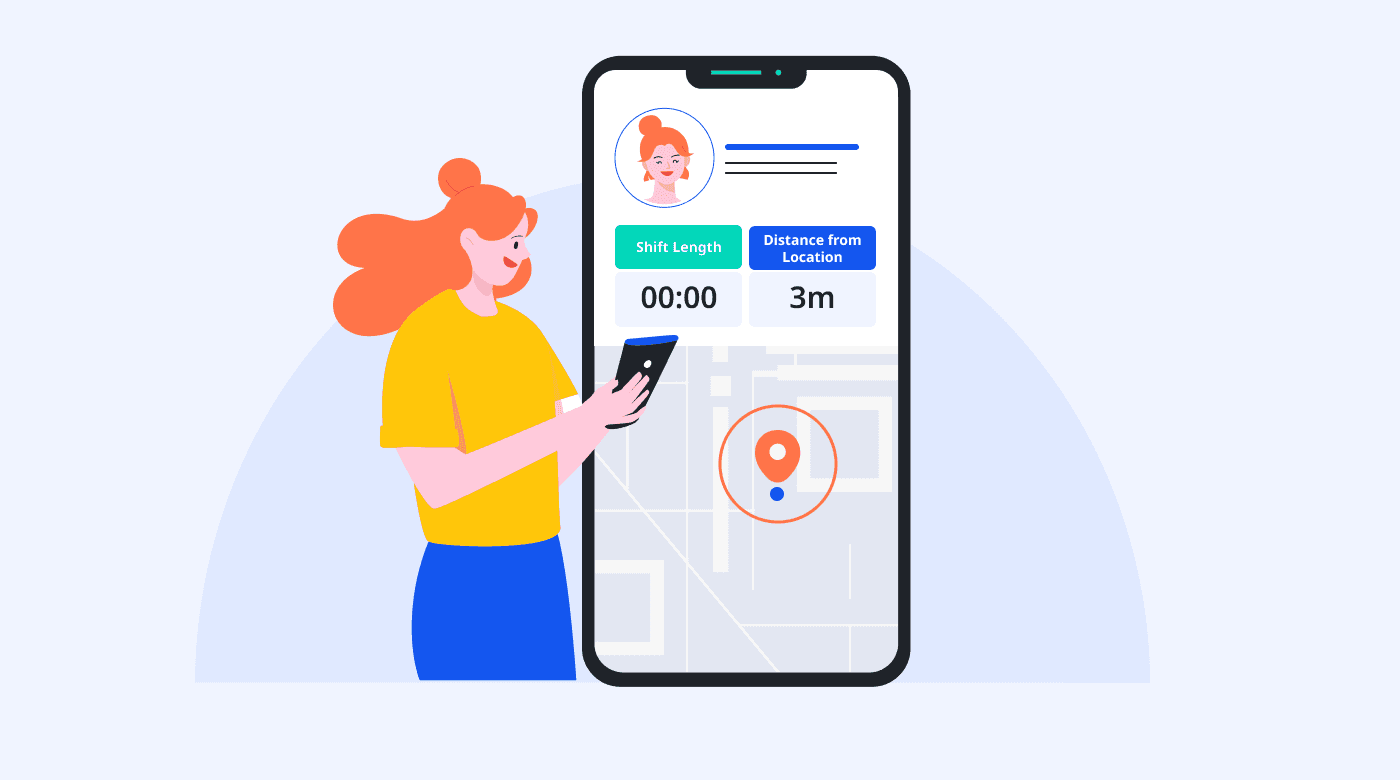
Depending on the nature of your business, tracking features can significantly enhance scheduling and resource management. For instance, GPS tracking for field workers helps monitor employee locations and optimize routes.
Other time-tracking features assist in recording work hours, which makes the payroll process simple and helps control labor costs.
Communication features
Communicating about schedule changes, availability, and time off can lead to miscommunication and missed shifts. Look for rostering software that has built-in communication features to make the interactions between you and your staff productive.
In-app messaging allows for quick conversations and eliminates the need for separate messaging platforms. Also, shift swap request functions allow employees to easily request shift changes. Then, managers can quickly approve them.
Integrations
Find a rostering software solution that integrates with your existing systems, such as payroll, HR platforms, and accounting software.
These integrations reduce the need for manual data entry, minimize errors, and contribute to a smooth workflow across different business functions.
10 best rostering software apps to use
Need a hand figuring out the best staff rostering software for your business? Here are our top picks:
1. Lark — Best all-in-one rostering software
Imagine being able to manage your employee scheduling, communication, and workforce on one single, powerful platform. That's Lark.
With Lark Base, you can build your own rostering workflow without code. Design a process that matches your industry requirements and exact needs, whether it's for simple scheduling or complex shift management.
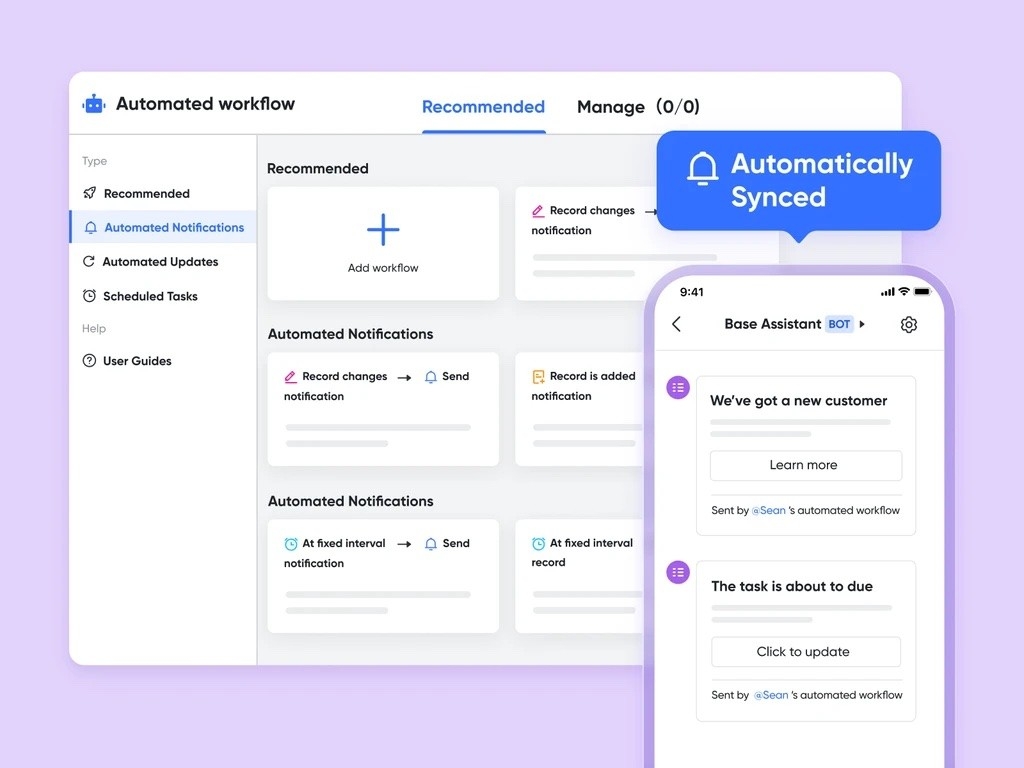
More than just rostering software, Lark gives you the tools to manage your entire workforce. Centralize communication, automate routine tasks, and gain insights into your operations all in one place.
Accurate time-tracking
Lark offers an intelligent time attendance management system that helps you manage both onsite and offsite employee attendance.
Attendance features such as smart scheduling management, GPS clock in/out, and real-time attendance records ensure accurate payroll calculations and give you insights into labor costs.
More intuitive scheduling
Don't spend hours manually creating schedules only to have to do it all over again when someone requests a shift change. Lark’s intuitive calendar provides a clear view of employee schedules so that you can spot potential conflicts and address them right away.
Quickly assign shifts, adjust durations, and manage overlaps with effortless drag-and-drop functionality. You can even set up automatic notifications for shift changes, approvals, and reminders to simplify your entire process.
Better communication
Lark Messenger is a communication hub designed to simplify how you interact with your team. Quickly gather employee availability preferences and feedback on schedules and make the necessary adjustments. For complicated scheduling concerns, just hop onto Lark Meetings for a quick call.
Managing multiple teams? Create dedicated chats for specific shifts, departments, or locations to keep conversations focused on relevant scheduling issues.
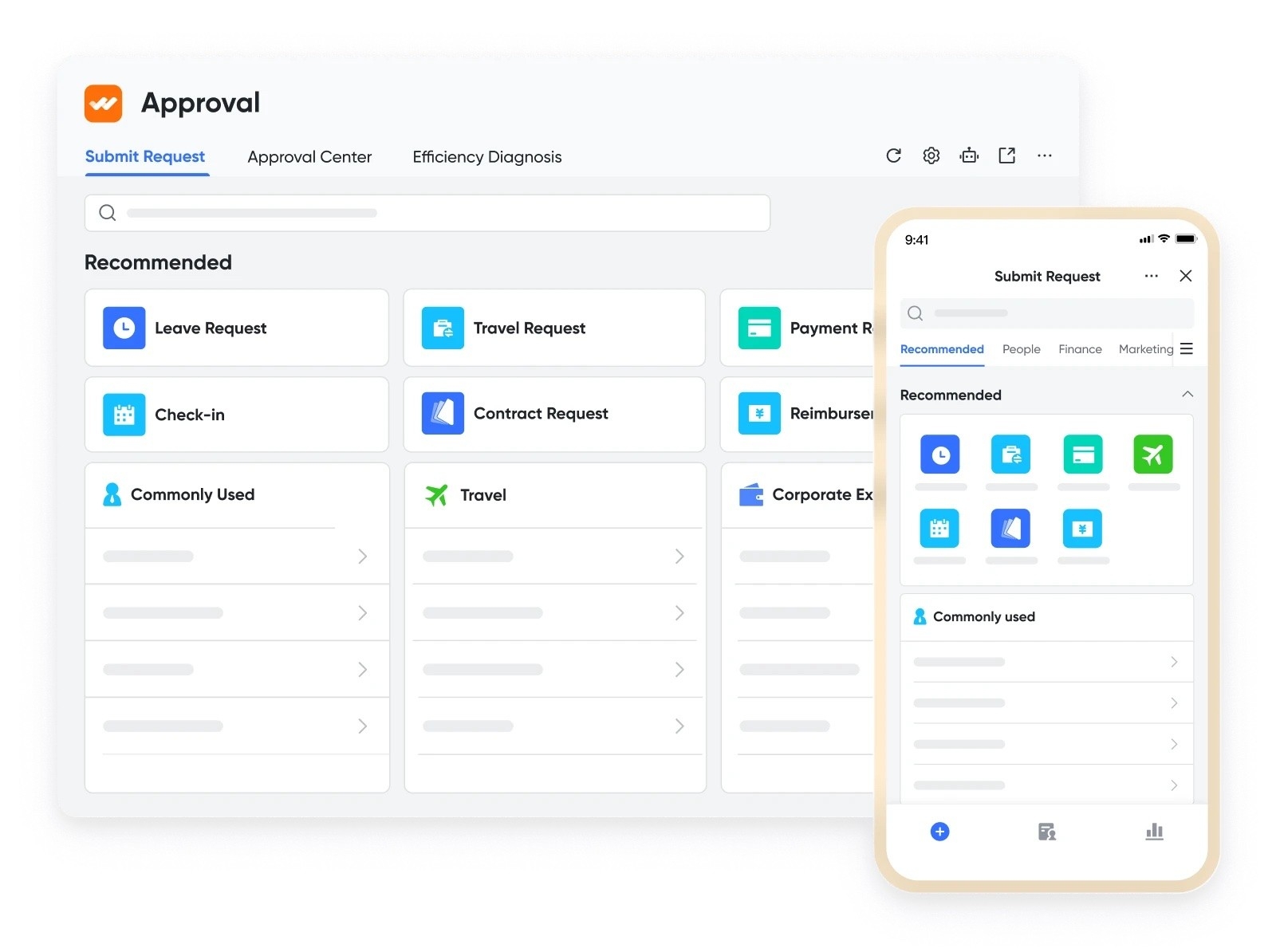
With Lark Approval, your employees can easily submit time-off requests for you to review and approve on the go.
Helpful templates
Get started right away with pre-built staff roster, employee availability, and time log templates. Customize these templates to fit your unique workflows.
Take your employee experience even further with our Employee of the Month template, which can be the foundation of a broader reward and recognition system.
Global support
Get the help you need when you need it with Lark’s 24/7 multilingual customer support. In-app support is ready to answer your questions, guide you through any features you need clarification on, and troubleshoot any issues you’re experiencing.
Integrations
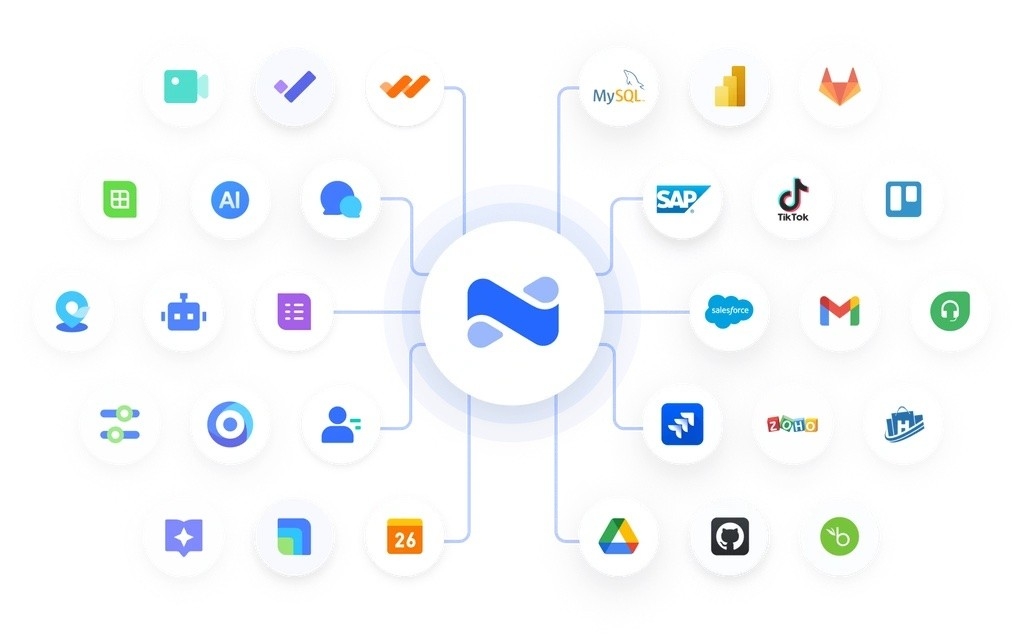
Connect Lark with popular apps using AnyCross for seamless workforce management. Unlock your potential when you connect Lark with everything from your CRM, task management, communication tools, and payroll systems to social media.
Pricing
Lark offers three packages for all types of businesses:
- Starter: Free for up to 50 users
- Pro: $12 per user per month for up to 500 users
- Enterprise: Contact Lark for more details
2. 7Shifts — Best for the restaurant industry
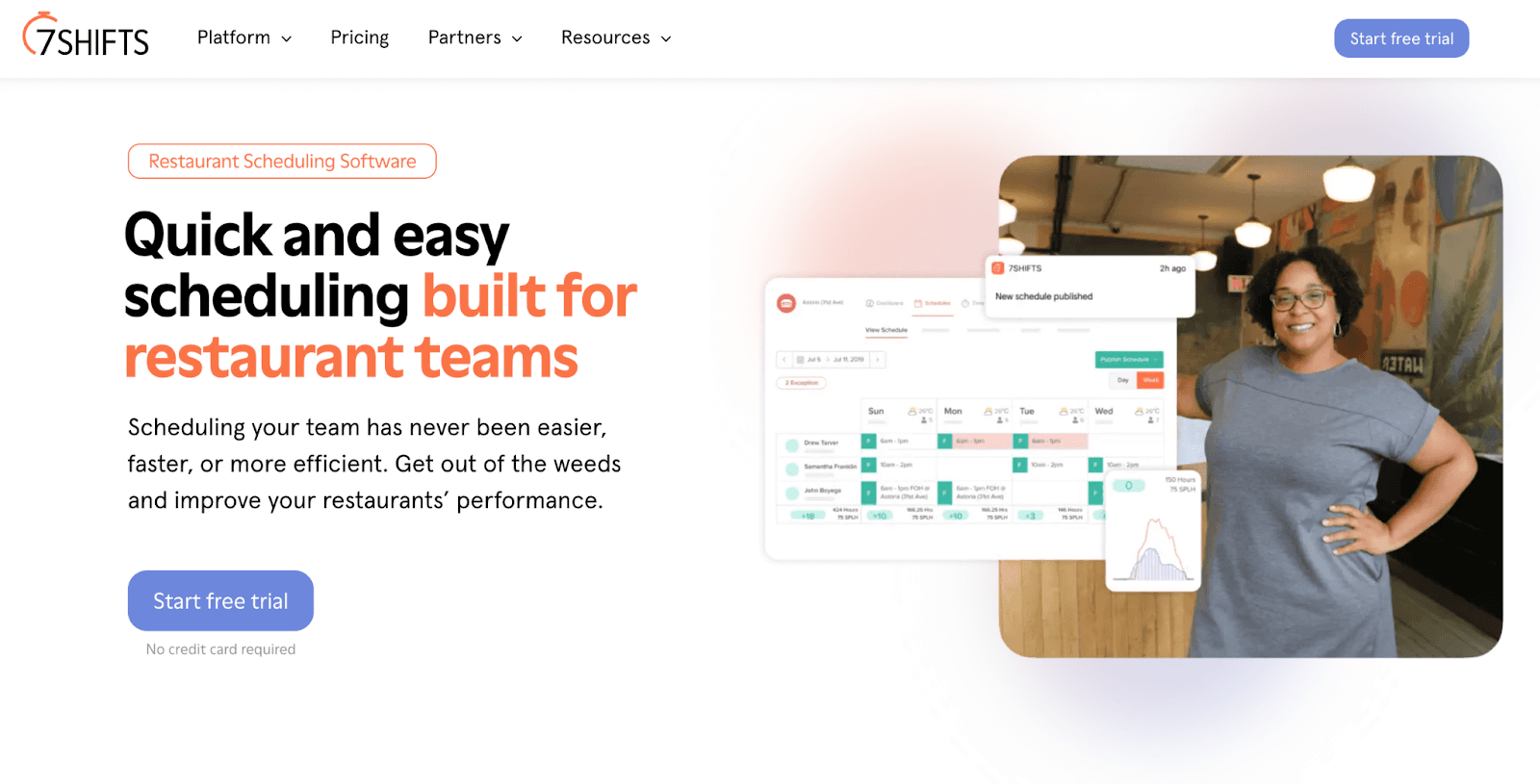
Designed specifically for the restaurant industry, 7Shifts understands the unique challenges business owners and managers face. It offers a comprehensive toolkit for restaurant businesses, handling many parts of employee management.
7Shifts aims to streamline hiring, training, scheduling, and payroll. With it, managers can effortlessly onboard new employees, create schedules, manage last-minute changes, and track labor costs in real time.
Beyond rostering, there are resources such as online courses, videos, and podcasts to help restaurants stay up-to-date on industry trends and compliance regulations.
Key features
- Auto-scheduling: Optimize schedules based on personalized rules and employee availability.
- In-app communication: Use direct messaging, group chats, and announcement boards.
- Labor management tools: Track labor costs, sales data, and overtime to make informed scheduling decisions and control expenses.
- Mobile time-clocking: Clock in and out directly from a smartphone.
- Tip pooling management: Manage and distribute tips fairly and efficiently.
Pros
- User-friendly interface
- Variety of templates
- Notification of overtime and compliance issues
Cons
- Limited use for other industries
- Advanced features and templates have added costs
- Occasional glitches
Integrations
- HigherMe
- Gusto
- Ceridian
- WagePoint
- Revel
- Square
- Toast
Pricing
- Entrée: $29.99 per month per location for 30 employees
- The Works: $69.99 per month per location for unlimited employees
- Gourmet: $135 per month per location for advanced features and unlimited employees
7Shifts also offers a 14-day free trial.
3. Homebase — Best for hourly teams
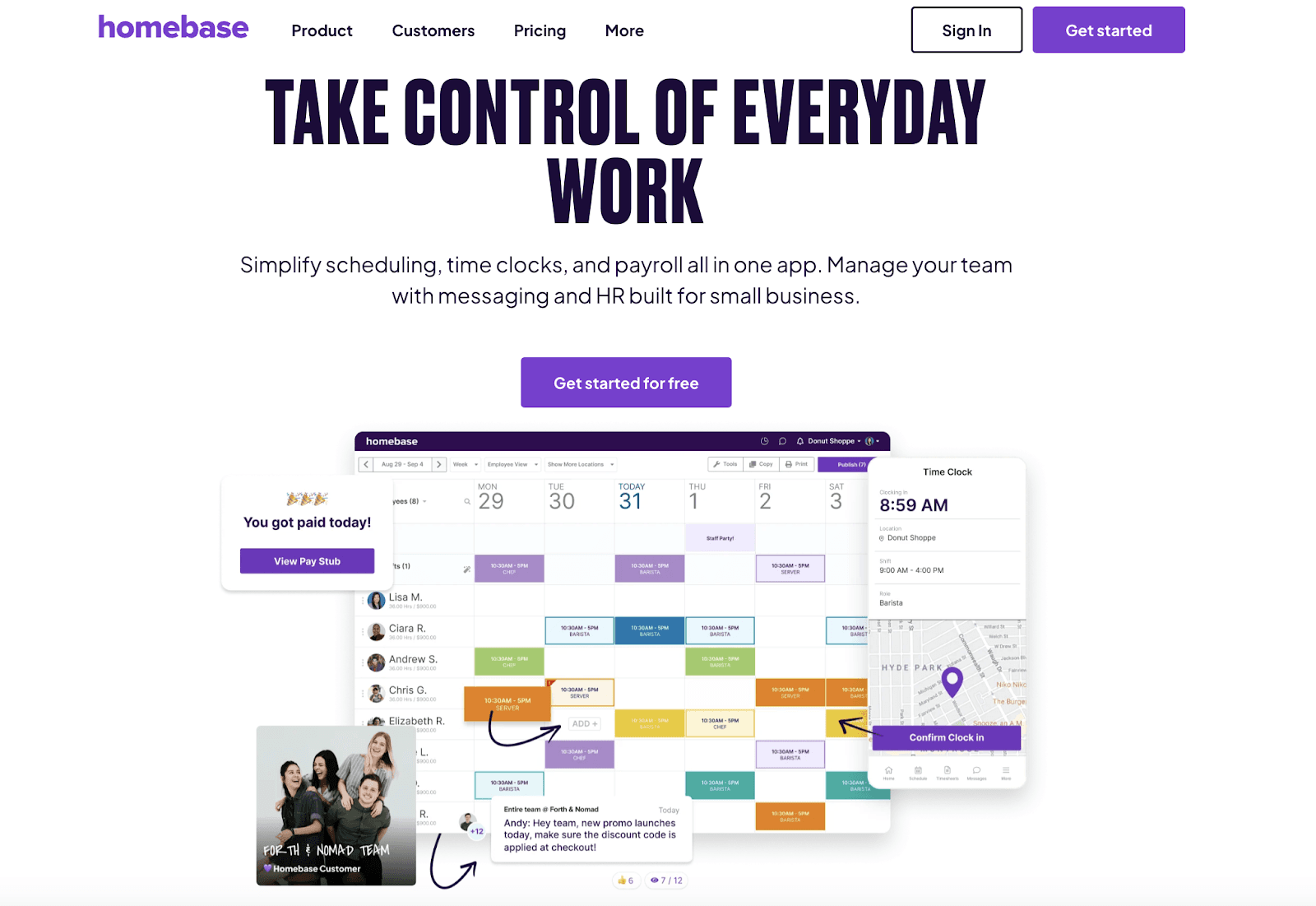
Homebase offers a comprehensive employee rostering app for hourly teams. It integrates scheduling, time tracking, and payroll into one platform.
This platform emphasizes ease of use, providing features like automated scheduling to reduce managerial workload. Its intuitive design makes it highly accessible even for those new to staff rostering software.
Key features
- Advanced scheduling tools: Take advantage of auto-scheduling, role-based scheduling, and conflict alerts.
- Time clock: Manage clock-ins and clock-outs with time-tracking and reporting features.
- Payroll integration: Simplify the entire payroll process, from time-tracking to wage calculation.
- In-app messaging: Send direct messages and share announcements directly on the platform.
- Labor cost management: Track labor costs, employee hours, breaks, and overtime.
Pros
- Tailored for hourly work environments
- Quick adoption and use
- Integrated with payroll systems
Cons
- Pricey for multiple locations
- Integration hiccups
Integrations
- QuickBooks
- Square
- Clover
- Toast
- Shopify
- Revel
Pricing
- Basic: Free for 1 location for 20 employees
- Essentials: $20 per month per location for up to 30 employees
- Plus: $48 per month per location for unlimited employees
- All-in-one: $80 per month per location for advanced features and unlimited employees
Homebase also offers a 14-day free trial.
4. When I Work — Best for small to medium-sized businesses
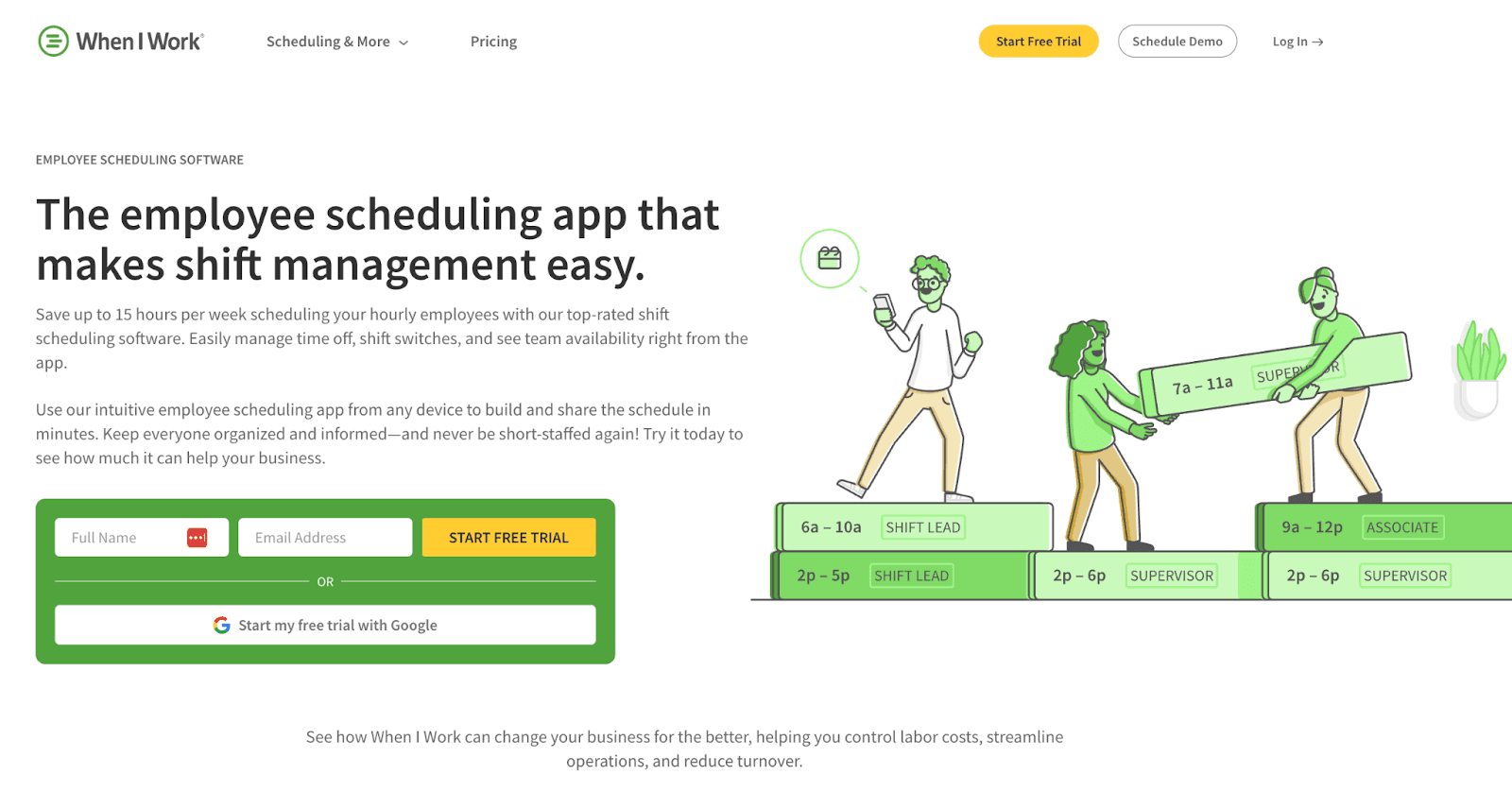
When I Work makes it simple to handle time-off requests, switch shifts, and view everyone's availability in one app. It enables both managers and employees to coordinate schedules with transparency and efficiency.
This software is especially beneficial for small to medium-sized businesses because it offers an affordable, scalable solution that grows with your company. Its ease of use and flexibility help businesses manage their teams without the need for extensive training or resources.
Key features
- Employee self-service: View schedules, request time off, and swap shifts from their devices.
- Attendance and time tracking: Use an online time clock app with GPS across devices.
- In-app communication: Communicate in a private team communication app.
- Timesheets: Control labor costs and export worked hours into payroll software systems.
Pros
- Quick adoption and use
- Mobile-friendly
- Easy to scale
Cons
- Limited customization availability
- Fewer advanced features than other options
Integrations
- Gusto
- Run
- ADP Workforce Now
- Square
- Paychex
- QuickBooks
Pricing
- Essentials: $2.50 per employee
- Pro: $5 per employee
- Premium: $8 per employee
When I Work also offers a 14-day free trial.
5. Calendly — Best for automation
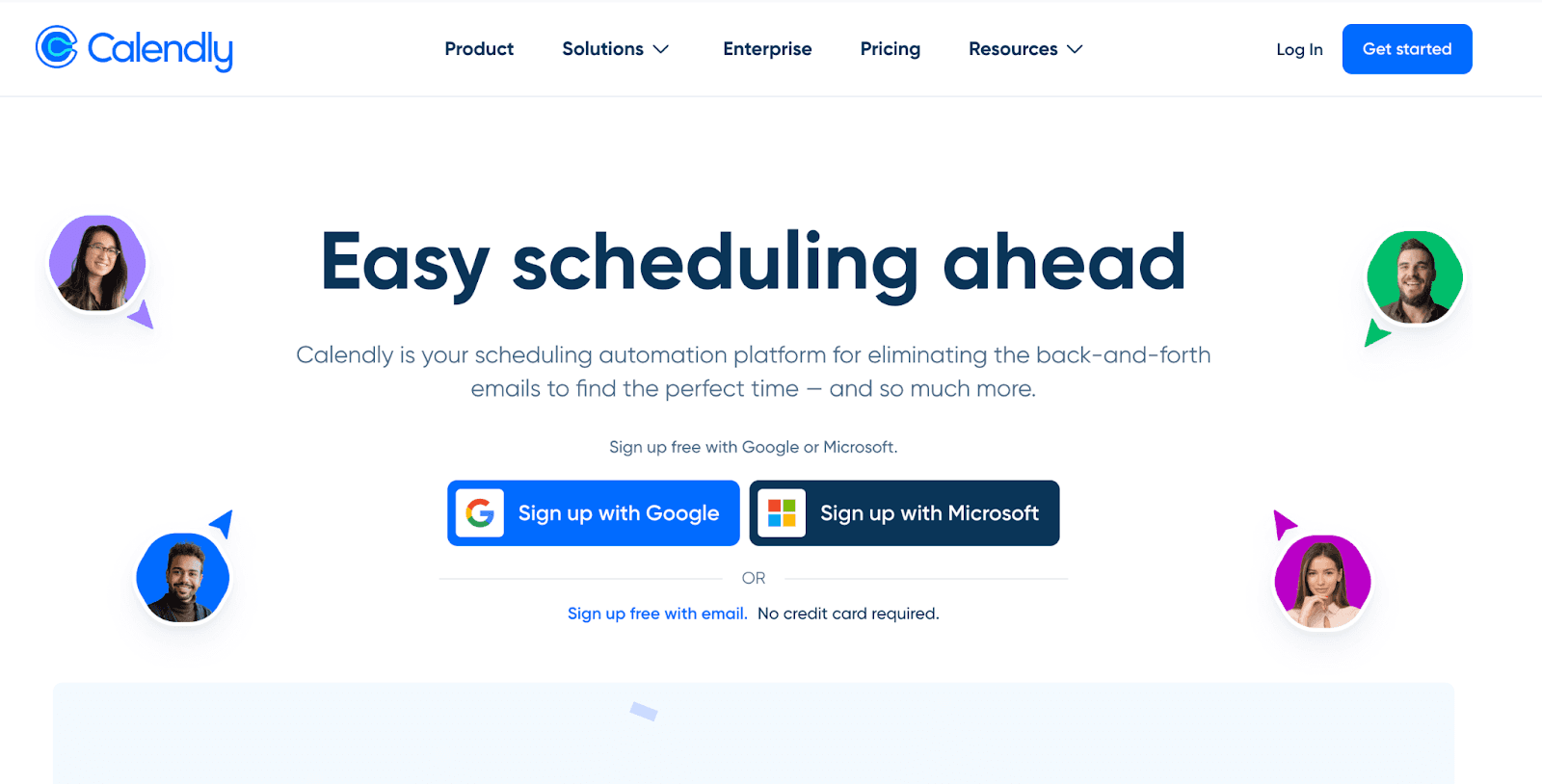
While Calendly is not solely designed for rostering, it specializes in streamlining scheduling and appointment settings through automation. It comes with features such as team scheduling, customizable notifications, and diverse integration capabilities to help you efficiently manage the rostering process.
Moreover, with Calendly, you can easily coordinate everyone's schedules and avoid double bookings, even when the team members are in different time zones or use different calendar systems.
Key features
- Open API and calendar integration: Integrate with major calendars like Office 365, Google, and Outlook to quickly sync schedules.
- Custom automated notifications: Receive automated invites and customizable reminders.
- Group events and team scheduling: Schedule webinars, classes, or team meetings.
- Enhanced privacy and controls: Strengthen data protection and privacy with user-specific scheduling preferences.
Pros
- Time efficiency
- Versatile integration
- User-friendly interface
Cons
- Limited functions in basic packages
- Slow support response times
Integrations
- Google Meet
- GoToMeeting
- Microsoft Teams
- Slack
- Zoom
Pricing
- Basic: Free
- Standard: $10 per user per month
- Teams: $16 per user per month
- Enterprise: Starts at $15k per year
6. Paycor — Best for HR and payroll management
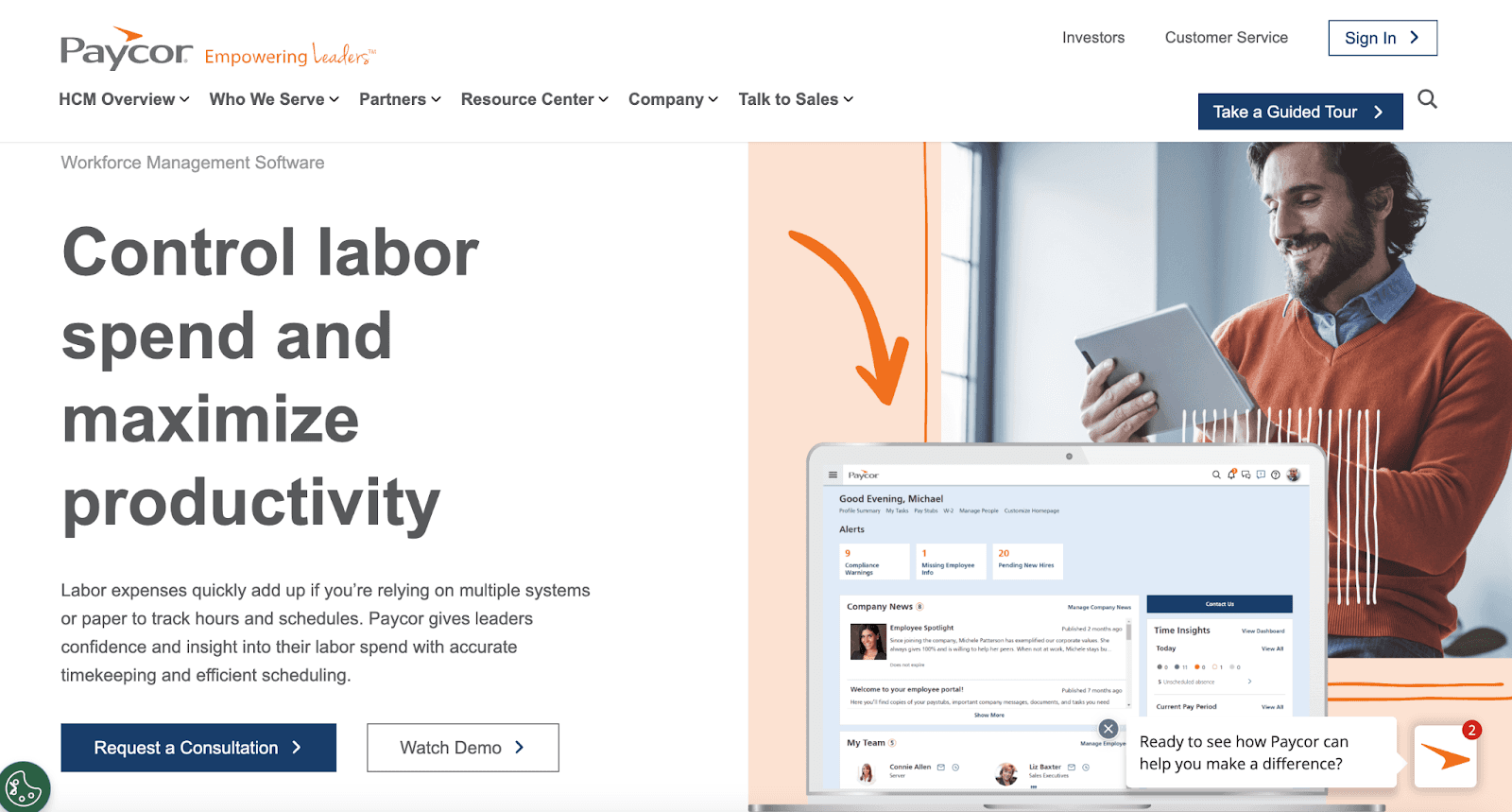
Paycor is a platform that provides not only employee scheduling features but also comprehensive HR and payroll solutions.
The rostering application within Paycor can be used to create employee rosters, communicate with employees, and work on the move. Moreover, it allows unlimited payroll runs, automated payroll processes, and custom reporting.
Key features
- Comprehensive payroll capabilities: Access extensive payroll services, such as unlimited runs, automated processing, and tax and regulation compliance.
- Customizable reporting tools: Generate detailed analyses and create reports that you need.
- Employee self-service: Access pay stubs and HR resources and manage employee information.
- Real-time availability updates: Update availability in real time.
- Mobile app: Use scheduling, HR, and payroll solutions on the go.
Pros
- Supports HR and payroll functions
- Offers customizable plans
Cons
- Pricier than other options
- Have to subscribe to the whole app to access the scheduling features
Integrations
- TrackTik
- Payscale
- Equifax
- A variety of payroll providers
Pricing
- 1 month free offer
- Basic: $99 + $6 per employee per month
- Complete: $229 + $16 per employee per month
7. Sling — Best for large, multi-location teams
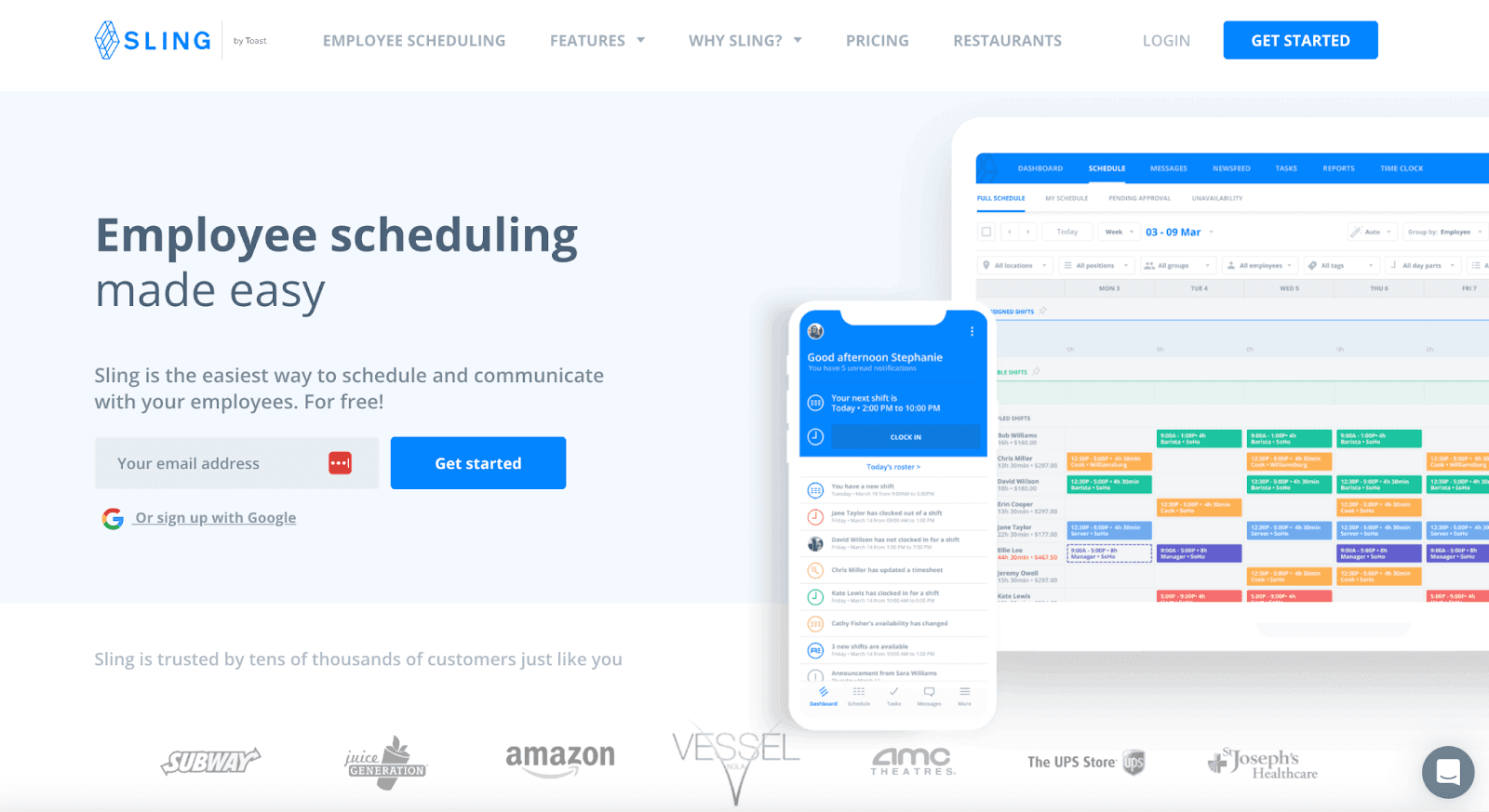
Sling offers robust communication and scheduling tools for large, multi-location teams. Because its plans don’t limit the number of employees, managers, or locations that can use the platform, it’s a good choice for larger companies with multiple branches.
A centralized dashboard allows you to create team schedules and manage staff availability. Your teams can also communicate and keep each other updated on schedules through the built-in messaging app.
Key features
- Time clock: Clock in and out directly from your device.
- Task management: Assign and track tasks for more accountability during shifts.
- Shift scheduling: Schedule creation, time-off management, and shift swaps.
- Location management: Manage different departments or locations easily.
Pros
- Ease of use for large workforces
- Cost-effective
Cons
- Performance issues
- Update delays
Integrations
- Toast
- Shopify
- Gusto
- Square
- Harbortouch
- Restaurant Manager
Pricing
- Free plan
- Premium: $1.70 per user per month
- Business: $3.40 per user per month
8. mHelpDesk — Best for the field services industry
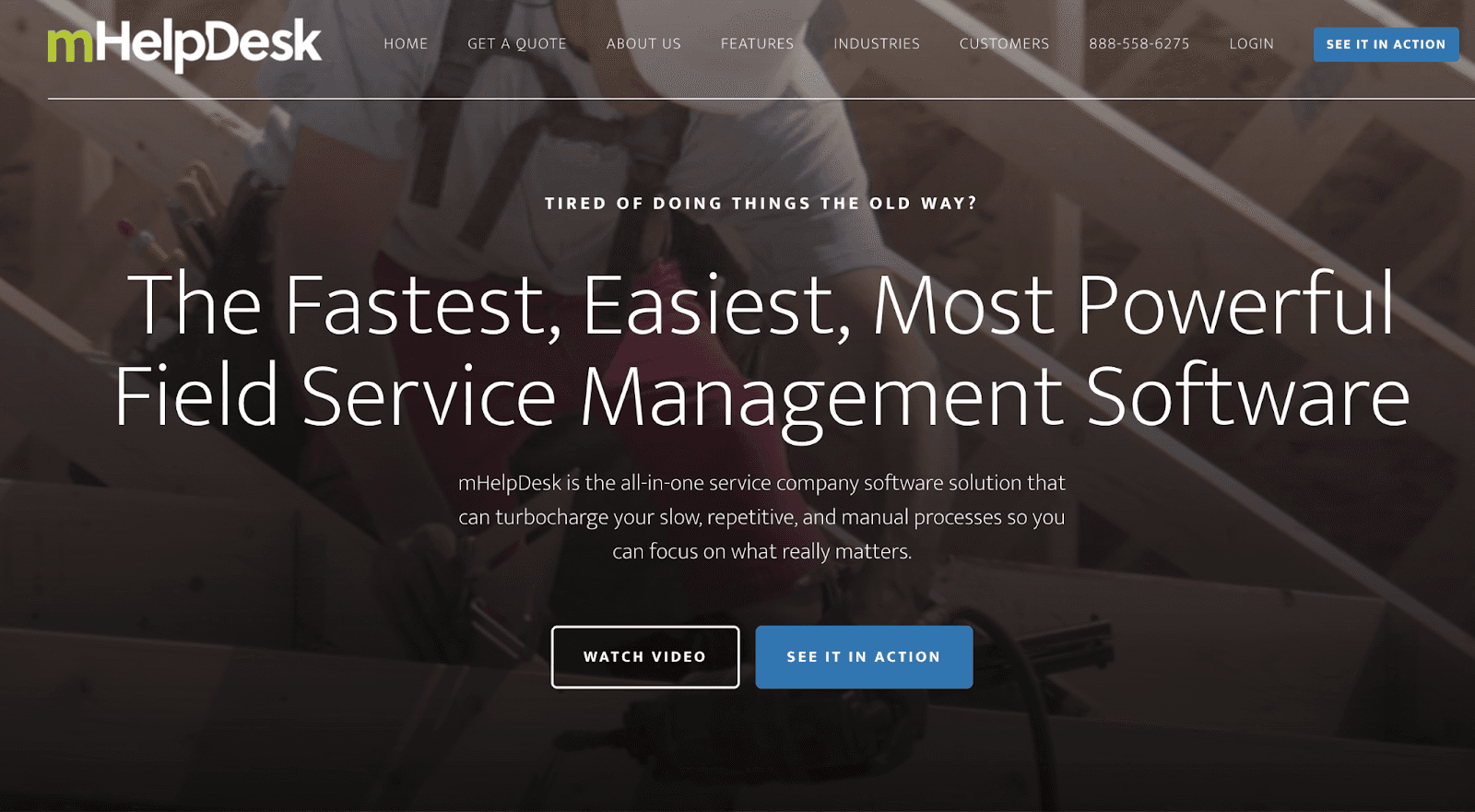
mHelpDesk is tailored to field service industries, such as home repair, plumbing, and HVAC. It streamlines processes from customer contact to payment.
This software also offers other features, like customer management, quoting, dispatching, inventory tracking, and billing, making it a strong contender for companies looking for a one-stop shop for managing their workflows.
Key features
- Workflow management: Provide visibility and track each job from beginning to end.
- Job management: Track the time your employees spend on a job and see each job’s current status.
- Scheduling and dispatch: Schedule employees for new jobs and prevent overbooking.
- GPS tracking: Provide location data for all workers and job locations.
Pros
- Comprehensive workflow management
- Great for managing remote workers
Cons
- Inconsistent data management
- More complicated system
Integrations
- QuickBooks
- Google Calendar
- HomeAdvisor
- Authorize.NET
- Stripe
- PayPal
Pricing
Pricing is not listed on mHelpDesk’s webpage. The latest information found online is $169.00 per month, or you can request a quote directly on their website.
9. Connecteam — Best for fluctuating staffing needs
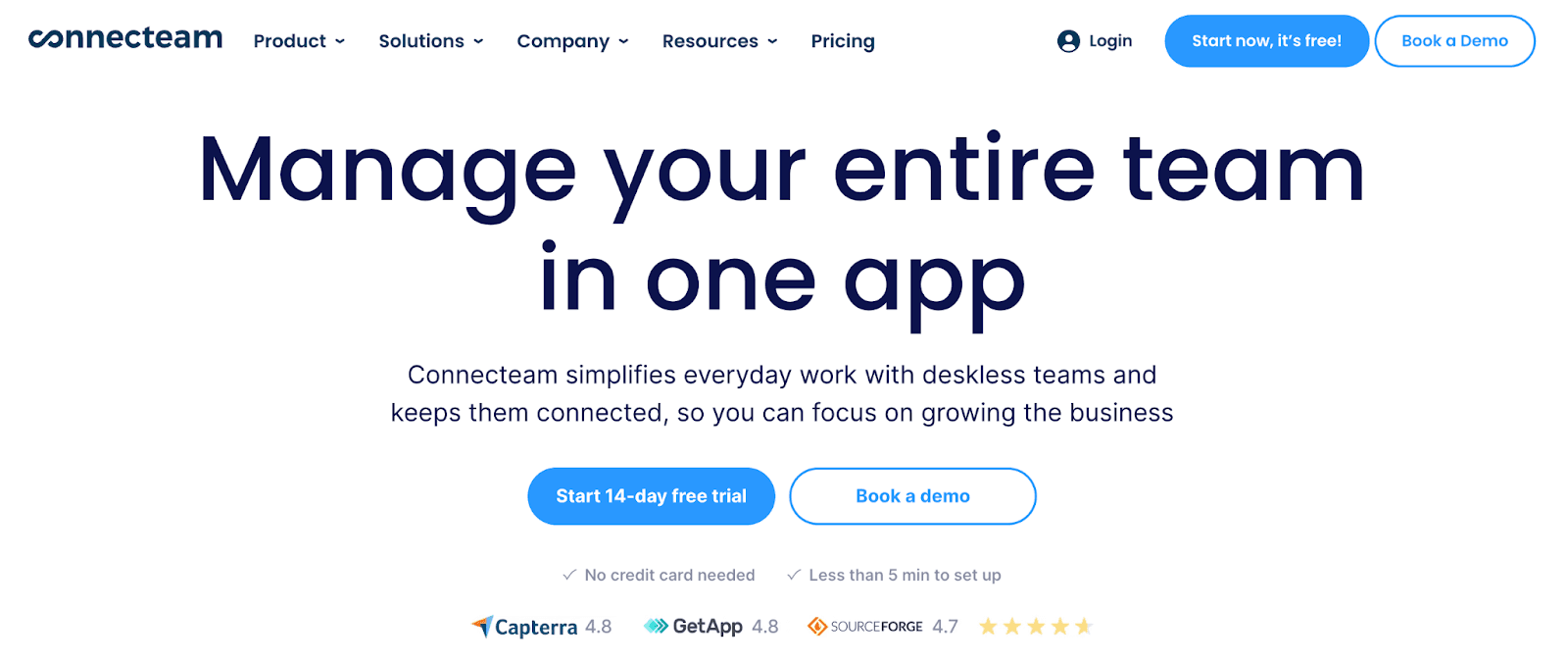
Connecteam is a comprehensive platform that offers not only rostering features but also a variety of workforce management tools. It’s ideal for businesses with fluctuating staffing needs and multiple shift types, as it provides tools to efficiently create, update, and share rosters.
With Connecteam, you can easily manage open shifts, adapt to employee availability, and maintain communication. Moreover, the software’s mobile app lets managers and employees view and update schedules from anywhere.
Key features
- GPS-enabled time clock: Clock in and out on the app’s time clock, which includes GPS capabilities.
- PTO management: Track and manage employee paid time off with PTO calculations.
- Automated timesheets and reminders: Export and share employee timesheets automatically.
- Shift-specific tasks, forms, and checklists: Create digital forms and checklists for scheduling employees.
- Document storage: Store all relevant employee files on the app.
Pros
- Budget-friendly
- Good customer support
Cons
- Needs internet or WiFi connection
- Advanced features only available in higher-tiered plans
Integrations
- QuickBooks
- Gusto
- Xero
- Google Calendar
- Google Sheets
Pricing
Connecteam offers three different sectors for pricing plans: Operations, Communications, and HR. The prices below are based on the pricing of Operations, which includes time clock and job scheduling functions:
- Free plan for small businesses
- Basic: $29 per month for 12 months for the first 30 employees
- Advanced: $49 per month for 12 months for the first 30 employees
- Expert: $99 per month for 12 months for the first 30 employees
10. Shiftboard — Best for complex scheduling
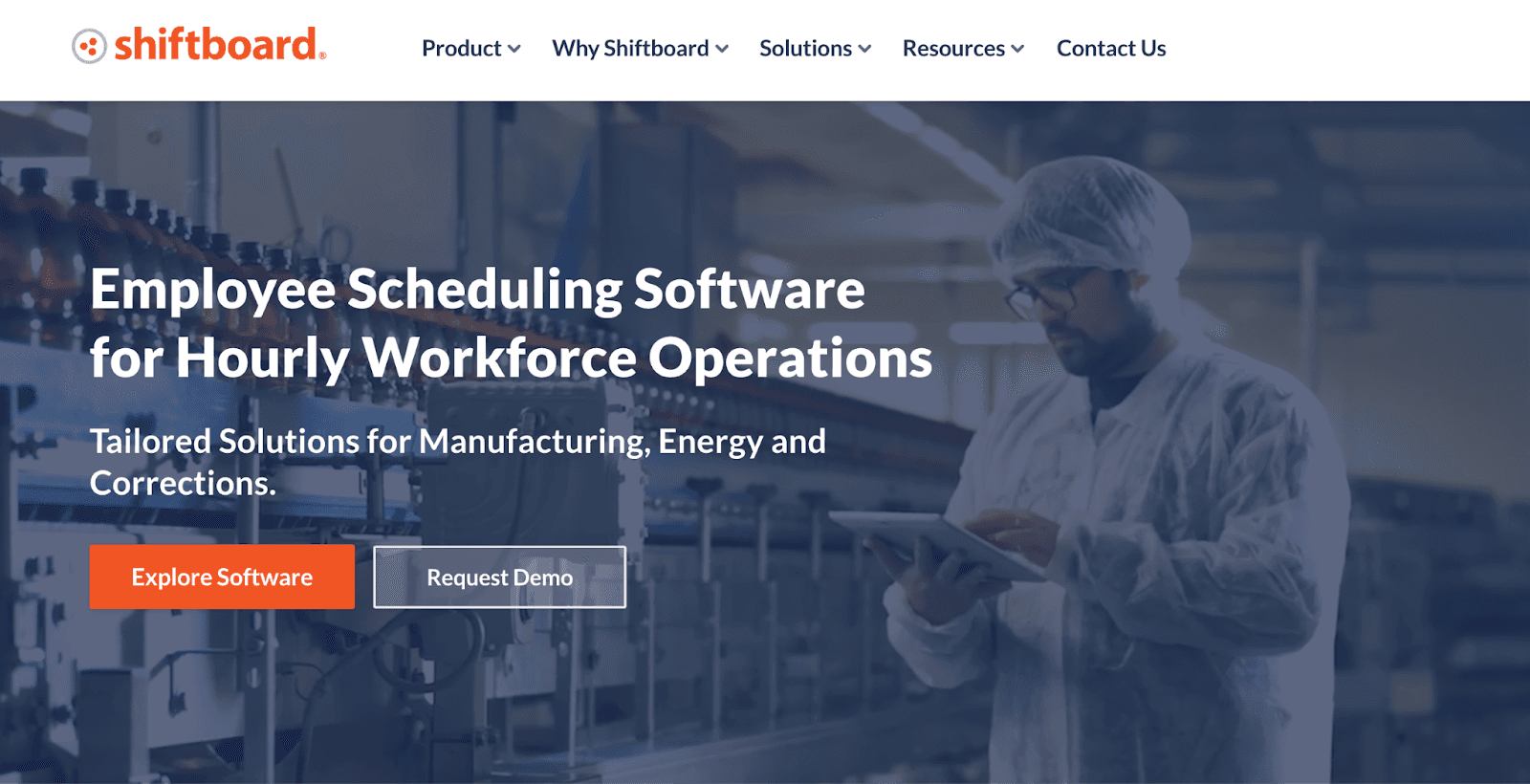
Shiftboard offers two powerful scheduling applications, SchedulePro and ScheduleFlex, which are designed to handle complex scheduling needs. Industries like healthcare or manufacturing, where schedules often get hectic, can greatly benefit from these tools.
SchedulePro focuses on businesses that are product-based, while ScheduleFlex caters to service organizations that experience frequent changes in staffing levels, like retail.
Shiftboard's solutions are highly customizable and leverage AI technology to optimize roster creation. Employees stay informed about schedule updates through email, text messages, and in-app alerts.
Shiftboard also makes sure your schedules adhere to workplace regulations.
Key features
- Roster creation: Build complex schedules based on location and department.
- Flex pools: Manage groups of employees with flexible schedules to fill last-minute staffing needs.
- Auto-scheduling: Let AI generate optimized schedules for you.
- Compliance guarantee: Ensure compliance with workplace laws and regulations.
Pros
- Compliance on demand
- Highly configurable workflows
Cons
- Intransparent costs
- Inconvenient email reminders
Integrations
- Circadian
- Plant Together
- Dayforce
- Zaddons
- Workday
- Oracle
Pricing
Shiftboard offers two plans, Enterprise and Enterprise Plus, but does not list its pricing system on its website. Request a demo for a quote.
Roster and schedule intelligently with Lark
Lark's all-in-one platform means no more juggling multiple scheduling, communication, and management apps. Save time and effort on employee rostering with Lark's intuitive drag-and-drop scheduling interface, intuitive scheduling features, time tracker, and variety of in-app communication tools.
Our mobile app empowers both managers and employees to access and adjust schedules anytime and anywhere, enhancing your operational agility.
But Lark is more than a scheduling solution. We also offer comprehensive tools to simplify processes and workflows, such as document sharing, project tracking, and data insights.
The best part? Our starter plan is entirely free for up to 50 users. Access unlimited chats, custom business emails, 100 GB storage, and more.
Table of contents
Start using Lark today

Manage all your work in one place
Boost team efficiency by 10x
Save up to 70% on software costs
Table of contents
Start using Lark today
Manage all your work in one place
Boost team efficiency by 10x
Save up to 70% on software costs
Keep reading









2026 Lark Technologies Pte. Ltd.
Headquartered in Singapore with offices worldwide.






Explore: