
pricing

ClickUp pricing for 2026

ClickUp is a cloud-based, all-in-one project management platform that brings tasks, docs, whiteboards, goals, and time tracking into a single workspace.

A free plan is available, while paid plans cost $7–$19 per user/month (annual billing) and $10–$29 per user/month (monthly billing). Enterprise pricing is custom. A free trial is available for the paid tiers.

ClickUp is a cloud-based, all-in-one project management platform that brings tasks, docs, whiteboards, goals, and time tracking into a single workspace.

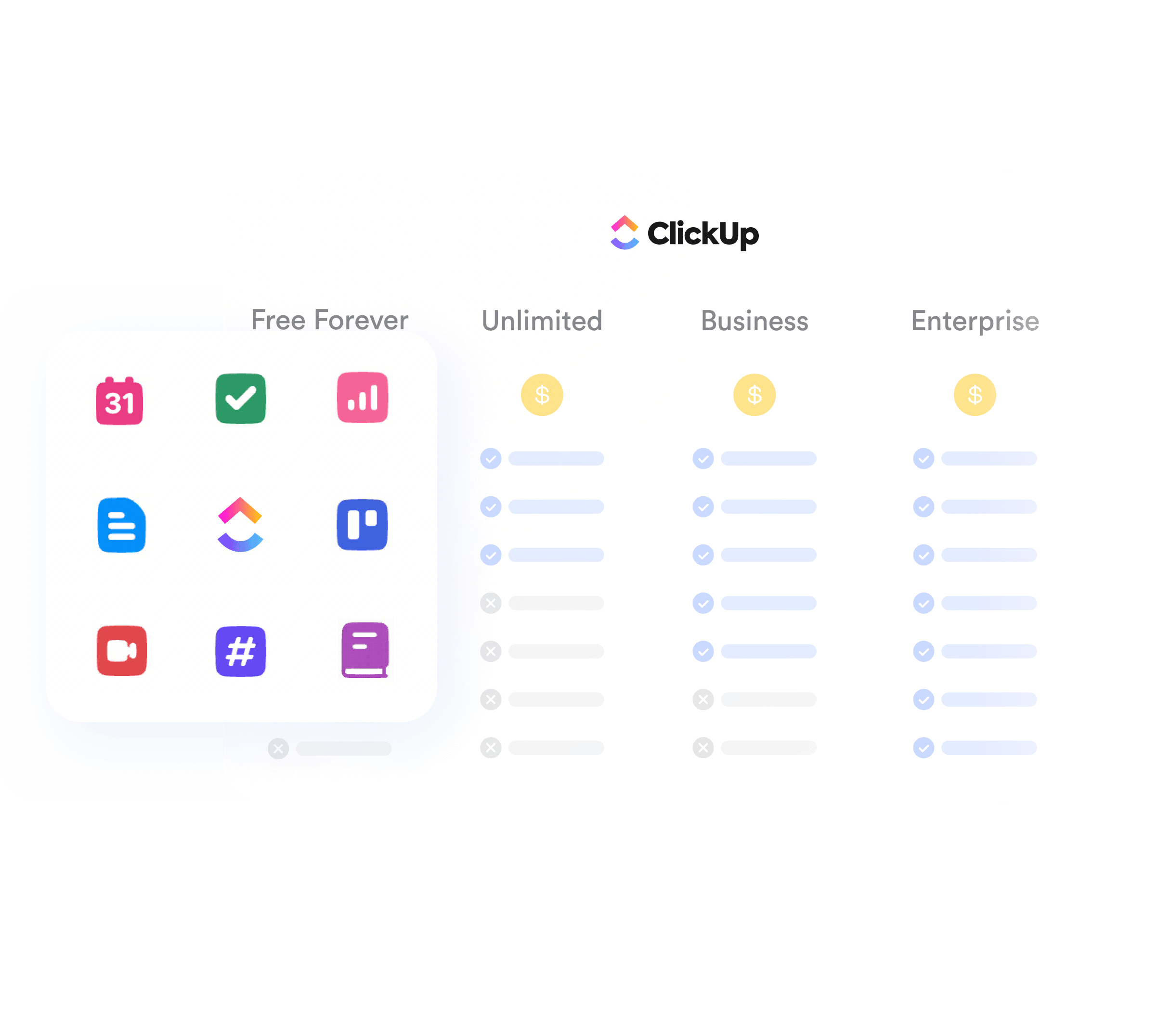
What's included in each ClickUp plan

Tasks, Docs, Whiteboards, Chat, Dashboards, Goals, Forms, Calendar, and 17 other products are included.

See other
plans

Free Forever

Best for testing, solo use, and very light workflows.

$0/ user / month

Unlimited

Best for small teams that need unlimited storage and day-to-day flexibility.

$7/ user / monthAnnual$10/ user / monthMonthly

Business

Best for cross-functional teams that need reporting, workload, and tighter controls.

$12/ user / monthAnnual$19/ user / monthMonthly

Business Plus

Best for multiple teams that need higher automation limits, custom roles, and team sharing.

$19/ user / monthAnnual$29/ user / monthMonthly

Enterprise

Best for large organizations with security, procurement, and rollout requirements.

Custom pricing
Max usersUnlimitedUnlimitedUnlimitedUnlimitedUnlimited
Storage60 MBUnlimitedUnlimitedUnlimitedUnlimited
Spaces5UnlimitedUnlimitedUnlimitedUnlimited
Monthly automations100 actions1,000 actions5,000 actions25,000 actions250,000 actions
Whiteboards310UnlimitedUnlimitedUnlimited
Gantt chartsTrialUnlimitedUnlimitedUnlimitedUnlimited
Advanced automations

ClickUp vs competitor pricing

When to choose Lark

Choose Lark for a more unified platform that brings messaging, docs, video, and project management into a single workspace. Lark also features more powerful built-in AI tools that have full context of your work, helping teams become more productive without paid add-ons. It's ideal for fast-growing teams that want everything in one place at a lower total cost.

ClickUpLark
Free planIncludedIncluded
Paid plans$7-$19 / user / month Custom for Enterprise$6-$12 / user / month Custom for Enterprise
20-member teamUnlimited: $140 / moStarter: $0 /mo100%savings
300-member teamBusiness Plus: $5,700 /moPro: $3,600 /mo36%savings


Pay less to get more with Lark

If you're looking for a truly all-in-one AI workspace that's much more cost-effective, Lark is your best option.

Basic
$6/ user / month
Pro
$12/ user / month
Business
$12/ user / month
Mobile and desktop appsIncludedIncluded
AI capabilitiesIncludedIncluded
Project managementIncludedIncluded
Team chatIncludedLimited
Text translationIncludedAdd-on
Video conferencing1 on 1200 participants
Meeting transcriptionIncludedAdd-on
Automations1,000 runs/month5,000 runs/month
EmailIncludedExternal providers
Knowledge base/WikiIncluded1 wiki only
ApprovalIncludedNot included
OKRIncludedNot included
WhiteboardIncludedIncluded
CalendarIncludedIncluded
DocumentsIncludedIncluded
SpreadsheetsIncludedNot included
Presentation/slidesIncludedNot included
Forms & SurveysIncludedIncluded

Calculate how much you can save by replacing your tools with Lark

Calculate how much you can save by replacing your tools
How many people work at your company?
By number of people
1
20
500
5000+
1000
Which apps do you use?
Calculations are based on case studies of Lark customers
Replace
0
1
2
3
4
5
6
7
8
9
apps
It is estimated thatLark EnterpriseLark Enterprise 4 can replace and complement at least 4 of your existing business tools.
Saves$
0
1
2
3
4
5
6
7
8
9
0
1
2
3
4
5
6
7
8
9
0
1
2
3
4
5
6
7
8
9
,
0
1
2
3
4
5
6
7
8
9
0
1
2
3
4
5
6
7
8
9
0
1
2
3
4
5
6
7
8
9
/year
For a company of 1000 employees, Lark can save a total cost of at least $390,000 per year.
Calculations are based on case studies of Lark customers

Find the right plan and price for your business

Tell us about your team, and we'll help you find the plan and pricing that fit, so you only pay for what you need.

Still interested in ClickUp?

If you've weighed the trade-offs and ClickUp still feels like the right call for your team, the next step is picking the plan that matches how you work. Explore your options below by use case, team size, industry, budget, and security and compliance needs.

  • Project management

    Unlimited covers everyday project tracking with unlimited storage, Gantt charts, and dashboards for teams coordinating tasks and timelines.

  • Product development

    Business adds sprint reporting, workload views, and advanced automations for product and engineering teams running agile cycles.

  • IT

    Business Plus adds custom roles, higher automation limits, and Google SSO for IT teams managing access and service workflows at scale.

  • Operations

    Enterprise adds SAML SSO, advanced permissions, audit logs, and HIPAA for ops teams standardizing processes across a large organization.

Explore your options below by use case.

What hidden costs should I watch out for?

The listed price only covers the essentials. There are additional fees for AI, automations, services, and more.

  • Workspace-wide upgrades

    You can't mix plans in one Workspace. If a few users need Business features, everyone must move to Business pricing.

  • Storage on the free tier

    Free Forever caps you at 60 MB across the whole Workspace. A single PDF can fill it, forcing an early upgrade.

  • Automation overages

    Plans cap monthly automation actions. Complex workflows burn through 1,000 or 5,000 actions fast, pushing you up a tier or into an add-on.

  • Guest & seat trade-offs

    Exceeding the guest model that fits your plan means buying extra paid seats or moving up a tier for controlled external access.

  • Implementation & training

    Mid-sized and large teams often need onboarding, live training, and admin setup before the workspace runs smoothly.

  • The AI premium

    AI is a paid feature. Brain or Everything AI can more than double your per-user cost even after you're already on a paid plan.

Add-ons come at an extra cost

  • Brain AI

    ClickUp's core premium AI for writing, project summaries, enterprise search, and more.

  • Everything AI

    All Brain AI features plus AI Fields, Super Agents, AI Notetaker, image generation, and more.

  • AI Super Credits

    Pay-as-you-go credits used by ClickUp's various AI features.

  • Extra automations

    Add 1,000–100,000+ monthly automation actions beyond your plan cap.

  • Email accounts

    Additional email accounts on Unlimited and above.

  • Live training

    1:1 expert training with workshops and a monthly session via ClickUp Assist.

Why teams choose Lark over ClickUp

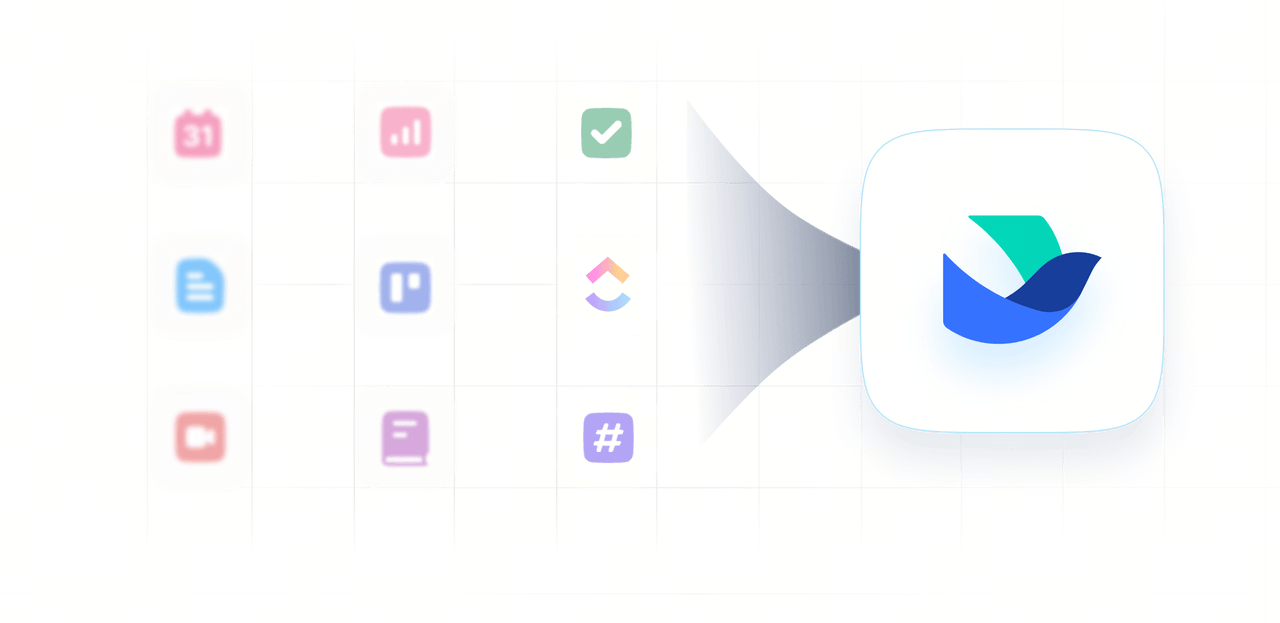
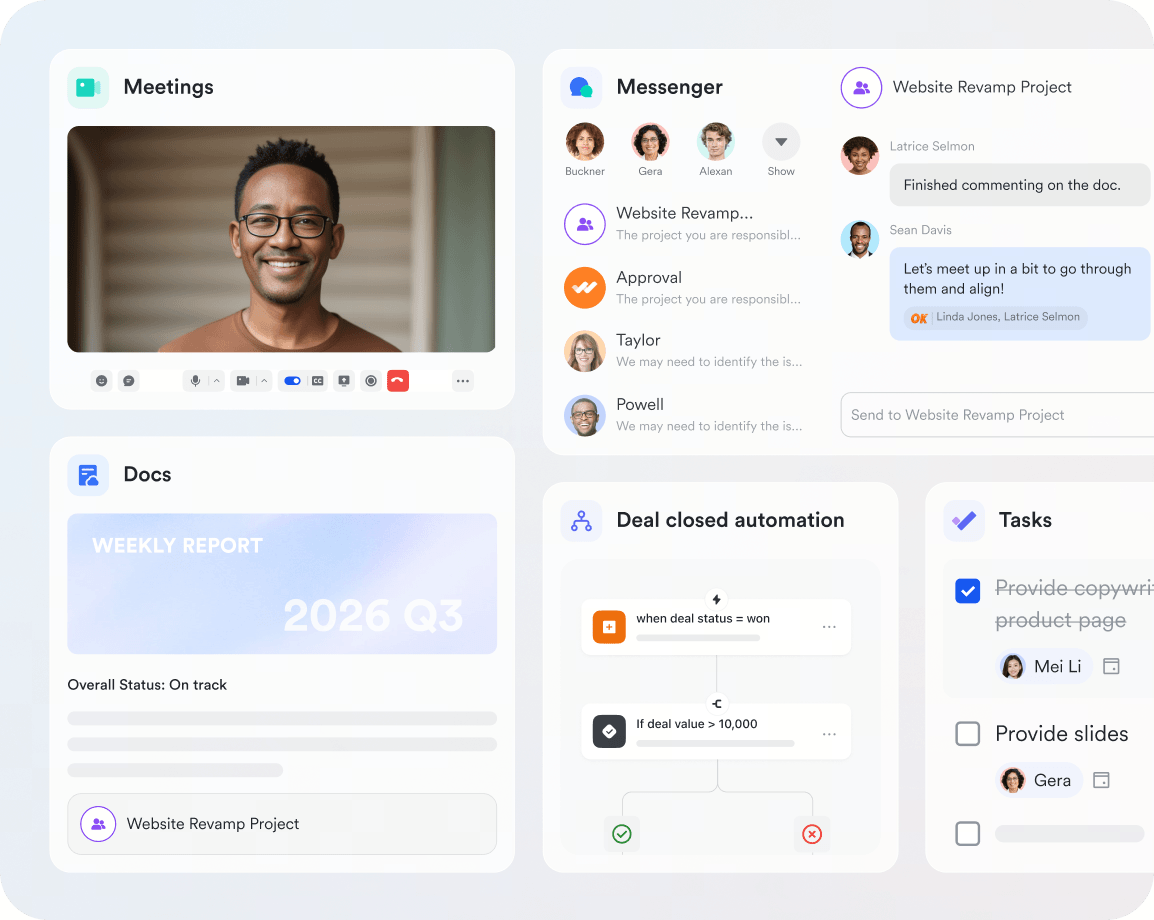
Lark brings tasks, docs, meetings, email, and many more into one app, with messenger seamlessly tying every tool together so work moves without friction. No more separate subscriptions and time lost toggling between disconnected platforms.

Explore the Lark platform
Lark brings tasks, docs, meetings, email, and many more into one app.

Lark brings tasks, docs, meetings, email, and many more into one app, with messenger seamlessly tying every tool together so work moves without friction. No more separate subscriptions and time lost toggling between disconnected platforms.

Explore the Lark platform
Lark brings tasks, docs, meetings, email, and many more into one app.

Fewer tools, fewer costs

Cut software bloat while keeping teams fast, clear, and connected.

Book a demo
10xoperational efficiency
39%more productive
70%cost savings

FAQs on ClickUp pricing

What is ClickUp?

ClickUp is a cloud-based, all-in-one project management platform that combines tasks, docs, whiteboards, goals, dashboards, chat, and time tracking in a single workspace. It is designed to replace several separate tools and is used by teams for project management, product development, IT, and operations. ClickUp offers a free plan plus paid Unlimited, Business, Business Plus, and custom Enterprise tiers, with AI available as a separate paid add-on.

Does ClickUp have new plans and pricing options?

Yes, ClickUp is rolling out a new set of plans, including Core, Business Plus, and Max, to eligible workspaces. You won't be able to find these plans on the public pricing page though, as they can only be accessed through the upgrade page on the ClickUp app. Prices vary depending on the tier, location, and billing cycle. For your consideration, Core costs $8/user/month, Business Plus $24/user/month, and Max $100/user/month on my workspace on September 7, 2026. Availability is rolling out gradually, so check ClickUp's Help Center article on new plans and pricing options for the latest details.

How much does ClickUp cost?

Paid plans range from $7 to $19 per user/month with annual billing: Unlimited is $7, Business is $12, and Business Plus is $19 per user/month. On flexible monthly billing, prices are $10, $19, and $29 respectively. Enterprise pricing is custom, so you need to contact sales for a quote.

Is there a free ClickUp plan?

Yes. ClickUp's Free Forever plan includes unlimited tasks and members, but storage is capped at 60 MB and automations at 100 actions per month, so it fills up fast for real work. If a more generous free plan matters to you, Lark offers one for teams of up to 20 users with 100 GB of storage, over 1,000× more, plus chat, video meetings, docs, and email at no cost.

How to get discounts for ClickUp pricing?

Annual billing saves up to around 30% compared to monthly billing. Eligible startups, nonprofits, and educators can qualify for credits or discounted rates. Larger teams can negotiate volume discounts with sales. To cut costs further, you can switch to Lark, which is free for up to 20 users and keeps a lower per-seat price as you scale.

What is the best ClickUp plan for small businesses?

The Unlimited plan ($7 per user/month) is usually the best fit for small businesses, adding unlimited storage, Gantt charts, and guest permissions. Small teams that want more for less can also consider Lark, which is free for up to 20 users and combines messaging, docs, meetings, and project management in one plan, with paid tiers starting at $6 per user/month as you grow.

How much does ClickUp AI cost?

ClickUp AI is a separate paid add-on on top of your plan. Brain AI costs $9 per user/month and Everything AI costs $28 per user/month, while AI Super Credits are $10/month for 10,000 credits. This means AI can more than double your per-user cost, whereas Lark includes built-in AI and agents at no extra charge.

What is the difference between ClickUp's monthly and annual billing?

With annual billing you pay upfront but get the lowest per-user rate (e.g. $7/user/month vs $10/user/month for Unlimited). Monthly billing offers flexibility with no long-term commitment, but costs roughly 30–45% more per month and can amplify the cost of over-buying seats.

Does ClickUp offer nonprofit, education, or startup discounts?

Yes. ClickUp offers discounted paid plans for qualifying nonprofits, and you apply through sales and mention your 501(c)(3) status, as the nonprofit rates aren't published. Educational organizations and eligible early-stage startups can also request discounted or credit-based pricing directly from ClickUp. Because these rates are handled case-by-case and never listed publicly, budgeting is hard to do in advance.

How does ClickUp handle guest billing and seat types?

ClickUp distinguishes between members (paid users) and guests (external collaborators). View-only guests are free and unlimited, but guests with edit, comment, or manage permissions count against a seat limit (5 on Unlimited, 10 on Business and above). If a guest's email domain matches your Workspace domain or SSO, they are automatically converted to a paid member.

Can I mix different ClickUp plans in one Workspace?

No. Plans apply at the Workspace level, not per user. If even one person needs Business features, every member must be on the Business plan. There is no prorated or partial upgrade path within a single Workspace.

What happens if I add seats mid-year on an annual plan?

ClickUp prorates additional seats for the remaining billing period. For example, if you add 5 users halfway through an annual Business plan ($12/user/month), it'll cost $360 (5 x $12 x 6 months) at the next billing cycle. On monthly billing, added seats take effect immediately with no proration discount.

What is ClickUp's cancellation and refund policy?

New subscribers get a 30-day satisfaction guarantee with a full refund option. After that window, annual subscriptions are non-refundable but can be cancelled to prevent renewal. Monthly plans can be cancelled before the next billing date, and downgrades take effect at the start of the next cycle.

Does ClickUp charge sales tax or VAT?

Yes. ClickUp applies applicable sales tax, VAT, or similar transaction taxes based on your billing address, calculated at checkout and not included in the advertised per-user price. Tax rates vary by country, state, and sometimes city. If you are tax-exempt (e.g., nonprofit or educational institution), contact ClickUp support with your exemption documentation.
Contact our sales team

Learn how we can help your team reach its potential

Unlock the power of simplicity. Ready to streamline your team’s workflow? Let’s chat! Get in touch to explore how Lark can boost your productivity.
Company name*
 
Company size*
Work email*
Phone number*
 
How can we help you?*
By continuing, I authorize Lark and its partners to contact me about Lark's offerings. I understand I can opt out by contacting Lark.