
Unscalable manual tracking
Large sheets lag. Without automated workflows, repetitive manual tracking cannot scale as leads grow.




 alternatives
Still managing leads in Excel CRM templates?
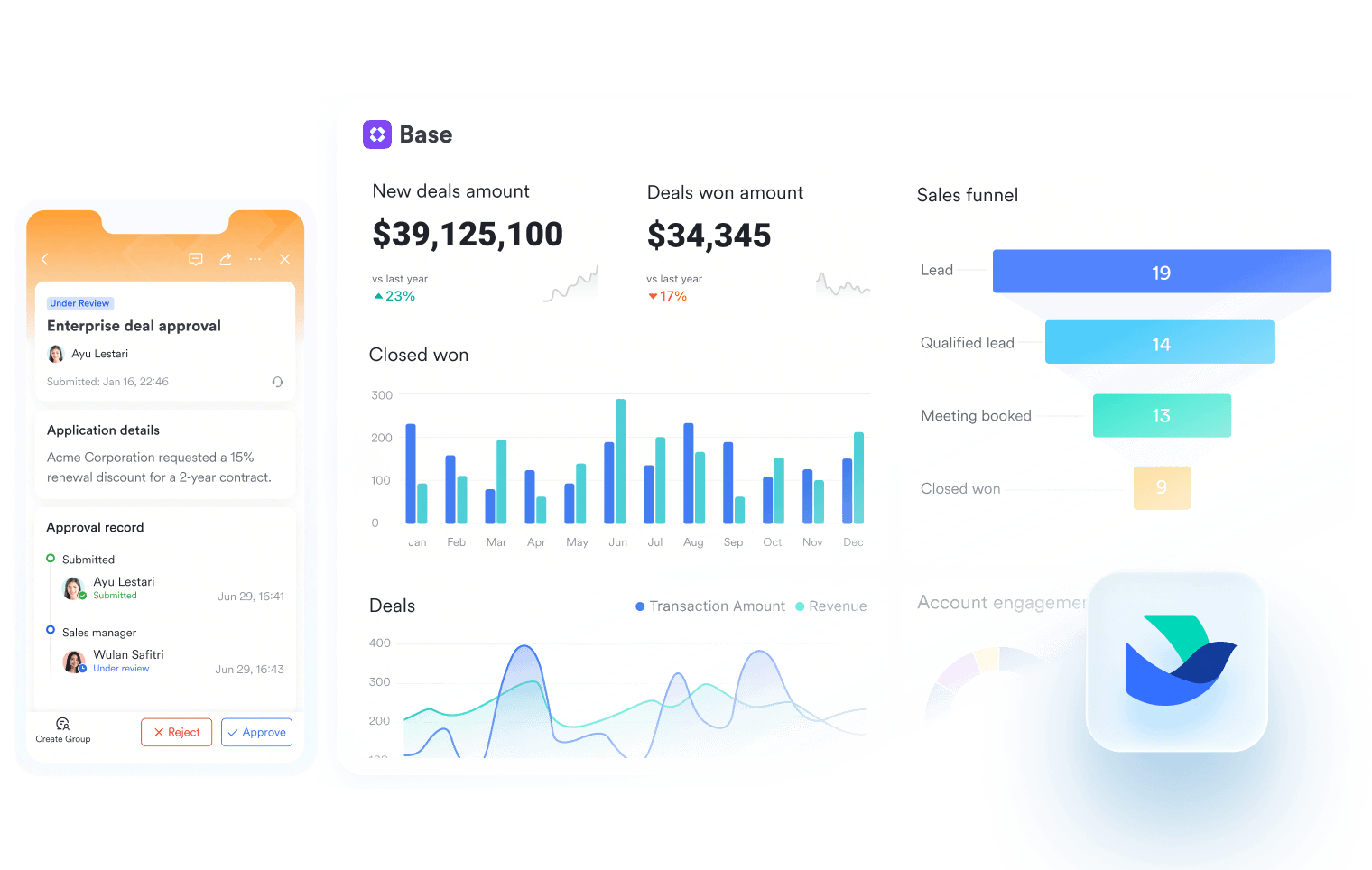
Lark helps sales teams turn manual spreadsheets into a collaborative workspace with built-in CRM tools for automated follow-ups, shared pipelines, permissions, and real-time communication.
Large sheets lag. Without automated workflows, repetitive manual tracking cannot scale as leads grow.
Shared sheets cause version chaos. With limited row-level controls, sensitive customer data can be exposed too easily.
Siloed spreadsheets make CRM data harder to keep in sync. Reps waste hours copying notes between email, chat, and cells.
In Lark Base, teams can update lead stages, assign owners, trigger reminders, and send alerts to Messenger when deals move forward, helping reps follow up without checking spreadsheets manually.
Explore Lark Base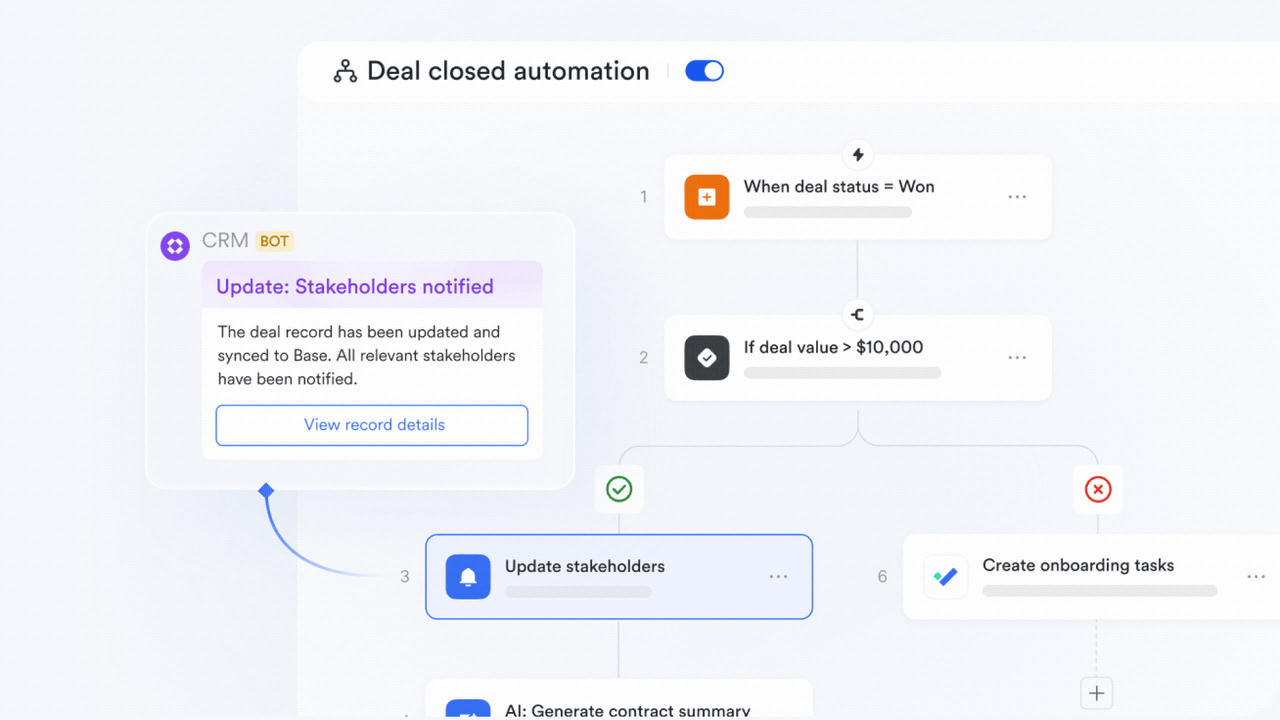
In Lark Base, teams can update lead stages, assign owners, trigger reminders, and send alerts to Messenger when deals move forward, helping reps follow up without checking spreadsheets manually.
Explore Lark BaseCut software bloat while keeping teams fast, clear, and connected.
Book a demo Pro Pro$12/ user / month |  $0/ user / month | ||
|---|---|---|---|
| Desktop app |  |  | Web only |
| CRM templates | | | |
| Web form lead capture | | | Manual |
| Lead source, owner & stage tracking | | | Manual |
| Kanban pipeline view | | |  |
| Automated follow-up reminders | | | |
| Unified activity timeline (calls, emails, meetings) | | | |
| Row/column-level access | | | |
| Role-based permissions | | | Limited |
| Monthly automation runs | 1,000 runs | 50,000 runs | |
| Messenger deal alerts | | | |
| Real-time CRM dashboards | | | |
| Automated revenue & pipeline forecasts | Basic | | |
Use our calculator to see how much Lark saves you over Excel's hidden cost of extra sales tools




Lark has changed how we uplevel sales and customer success. The month I shared our sales boards in Lark Base with our teams, I saw a real lift in digital advertising sales. These boards are where our race to the top can happen, and we finally have the transparency to do so efficiently.

With Lark, we enhance internal team collaboration and operational efficiency, enabling us to deliver better customer service and superior products to our clients. As the company enters a new decade, Lark continues to play a critical role in teams daily workflow, communication and task management.

Lark has significantly enhanced the way we manage internal communication, enabling more effective top-down and bottom-up interactions across our organization. From announcing customer promotion activities to driving employee engagement initiatives and recognizing individual performance, Lark has streamlined our communication processes.
Trusted by 2000+ global leaders across 125+ countries
















Pros
Cons
Pricing
Pros
Cons
Pricing
Pros
Cons
Pricing
Pros
Cons
Pricing
Pros
Cons
Pricing
Sales teams need a single source of truth for contacts, deals, activities, and account history as spreadsheets become hard to maintain.

Lark provides the Sales & CRM template to manage customer records, deal pipelines, and follow-ups. Use a CRM dashboard and relationship-map visual.

Airtable combines a spreadsheet-like interface with relational database capabilities, allowing sales teams to organize contacts, link accounts, and customize CRM fields.
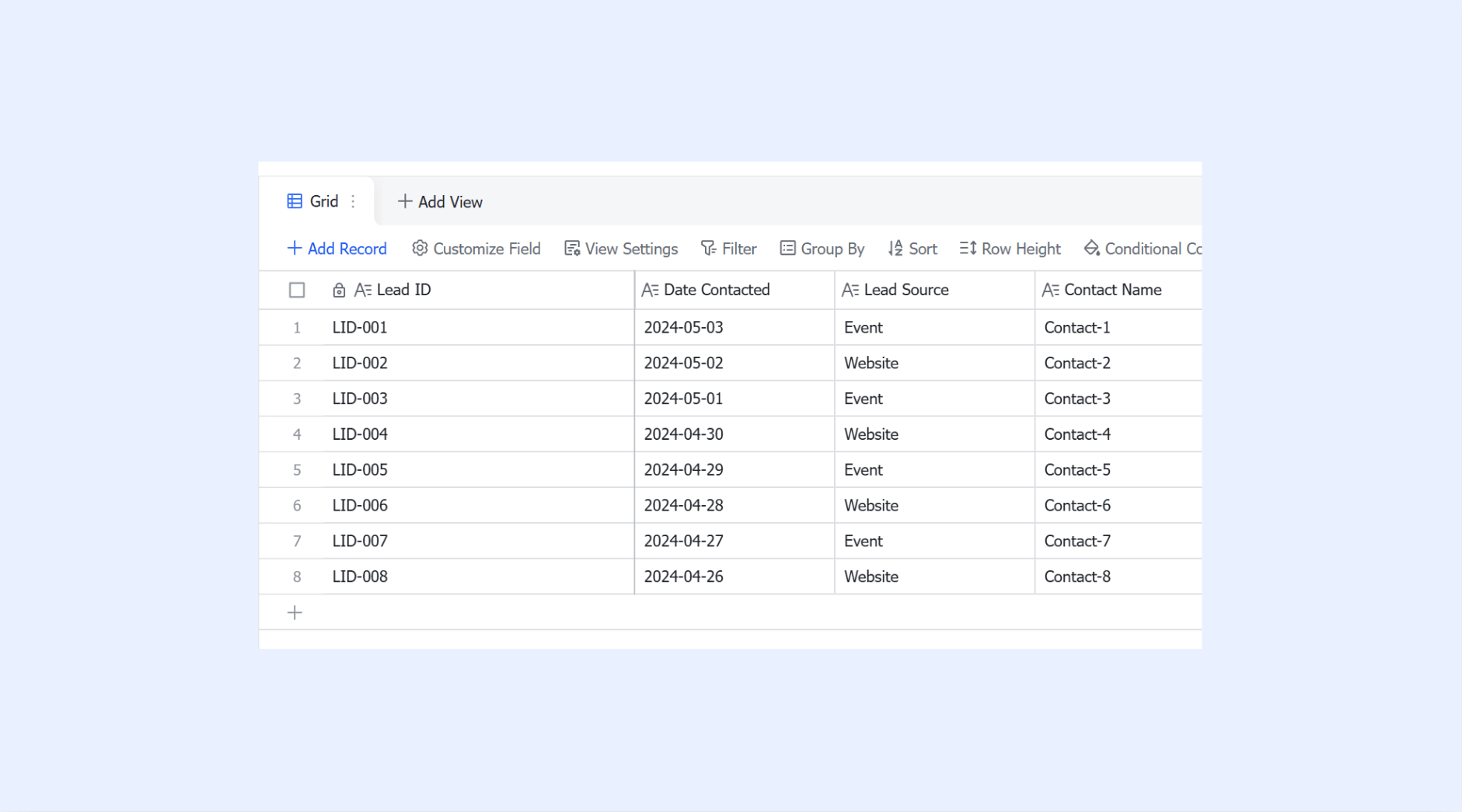
Growing sales teams must capture leads from multiple channels, qualify them quickly, and prevent promising prospects from disappearing in spreadsheet rows.
Lark's Sales Lead Management template helps organize lead sources, owners, stages, and next steps. Use a lead funnel with priority tags.

HubSpot automatically captures leads from web forms, emails, and ads, enabling quick qualification and seamless lead routing without manual entry.
Sales reps must coordinate reminders, meeting notes, proposals, and handoffs so warm opportunities keep moving after every customer conversation.
Lark supports follow-up workflows with the Sales Pipeline template, tracking deal stages, activities, and owners. Use a pipeline board with timeline and task-status visual.

Pipedrive centers on activity-based selling, offering visual pipeline stages, automated reminders, and activity scheduling to ensure consistent prospect follow-up.
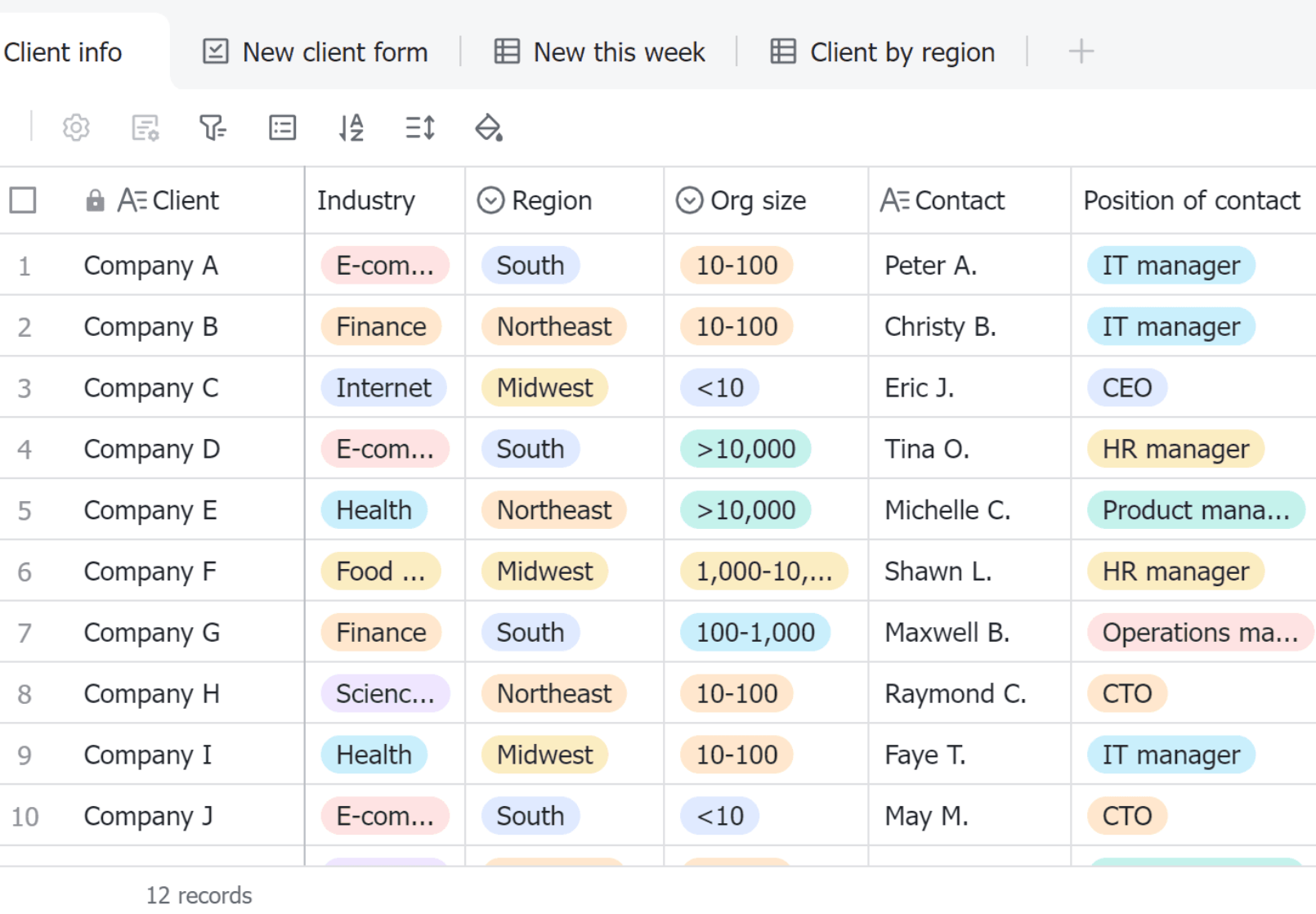
Sales operations need accurate quotes, contract terms, approvals, and renewal dates connected to each account before spreadsheet versions create risk.
Lark centralizes quote and contract work through the Sales Contract Management template. Use a contract tracker with approval-status and renewal-date visual.

Zoho CRM provides built-in inventory, quote generation, price books, and visual approval blueprints to govern quotes and contracts seamlessly.
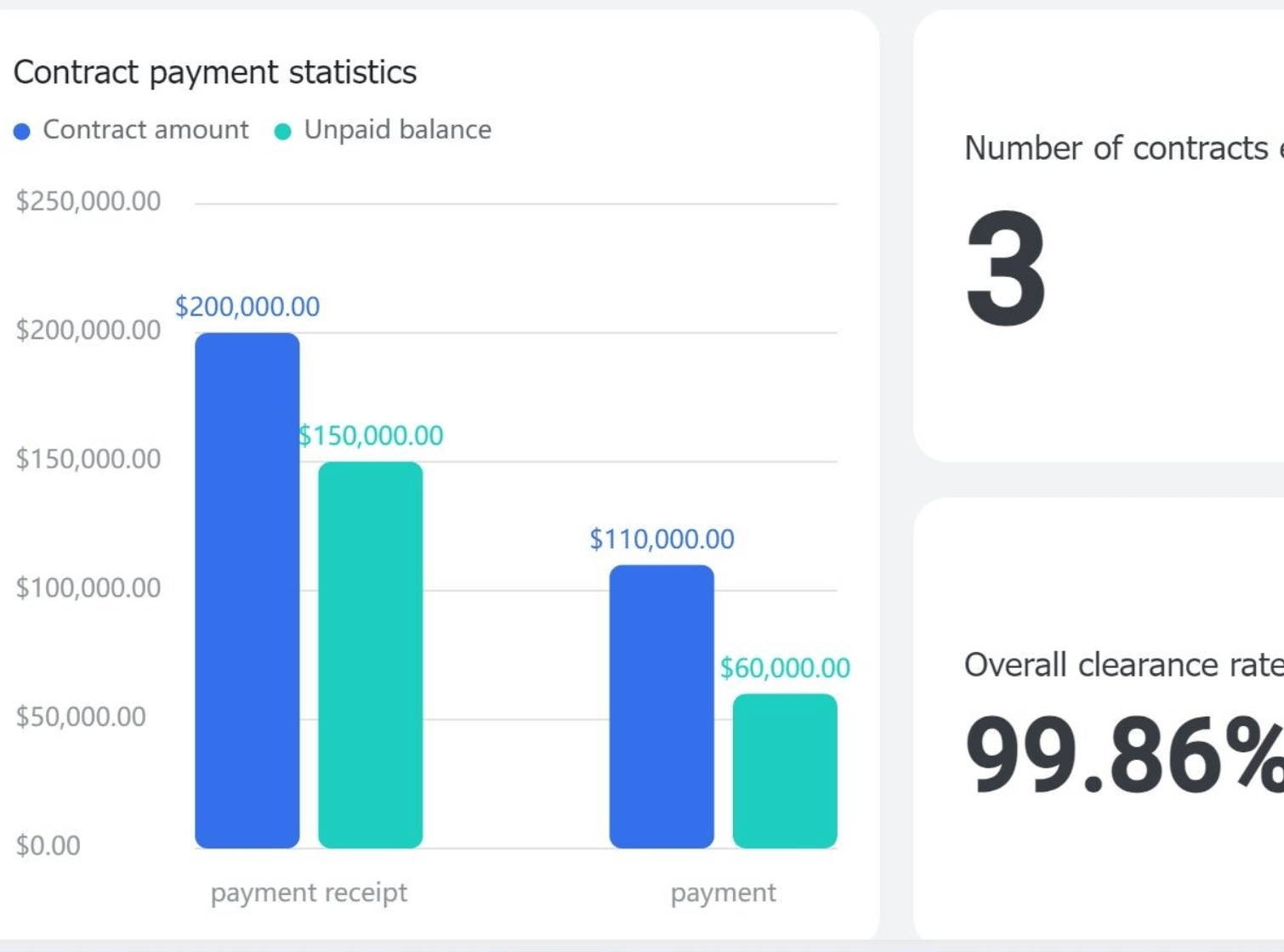
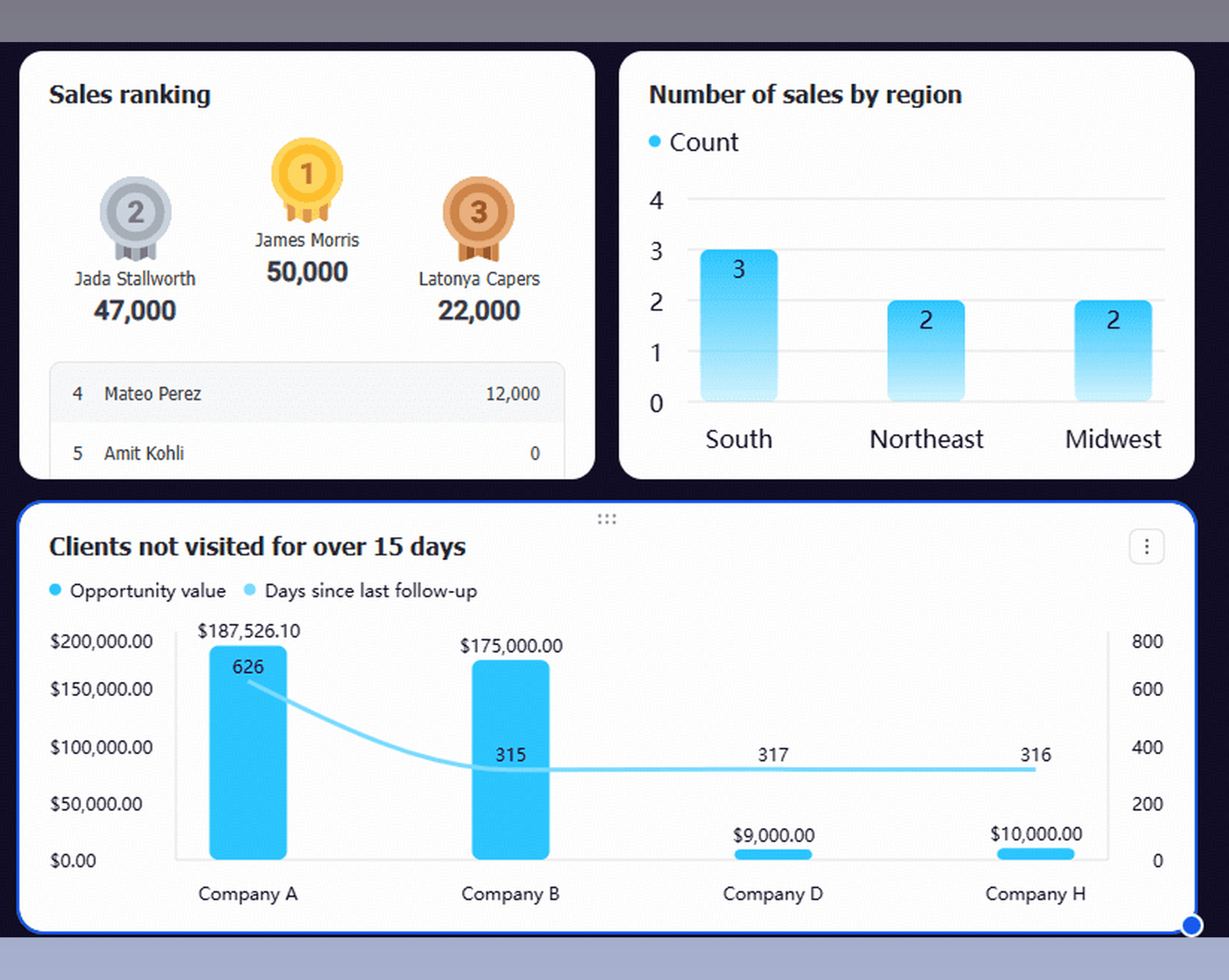
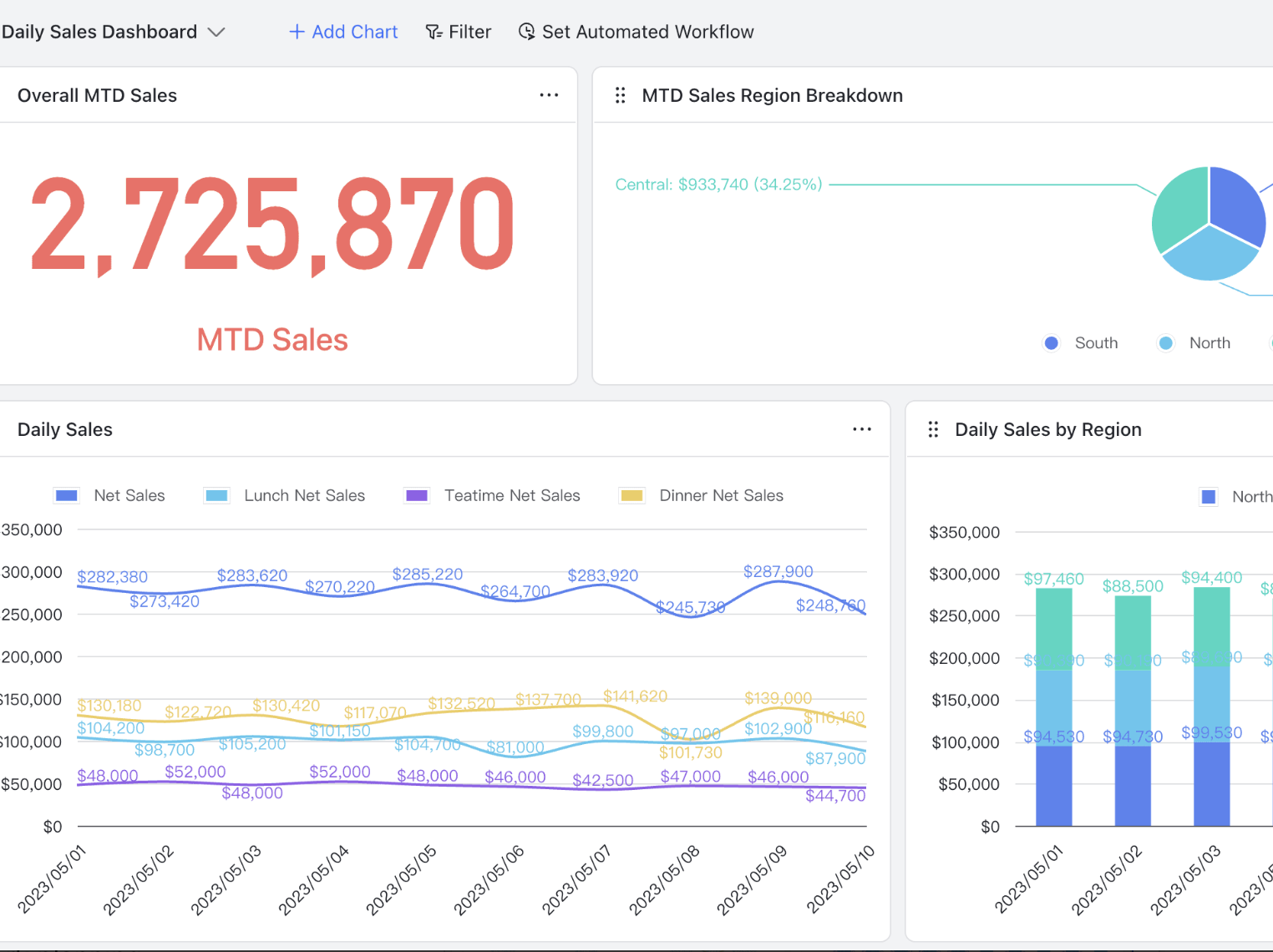
Revenue leaders need real-time visibility into pipeline health, win rates, activities, and forecasts without manually consolidating disconnected Excel files.
Lark makes sales reporting easier with the Sales Performance Dashboard template for revenue, conversion, activity, and forecasts. Use a KPI dashboard with charts and funnel visual.

monday CRM provides real-time customizable dashboards and reporting widgets to visualize sales performance, revenue targets, and pipeline forecasts.

2026 Lark Technologies Pte. Ltd.
Headquartered in Singapore with offices worldwide.