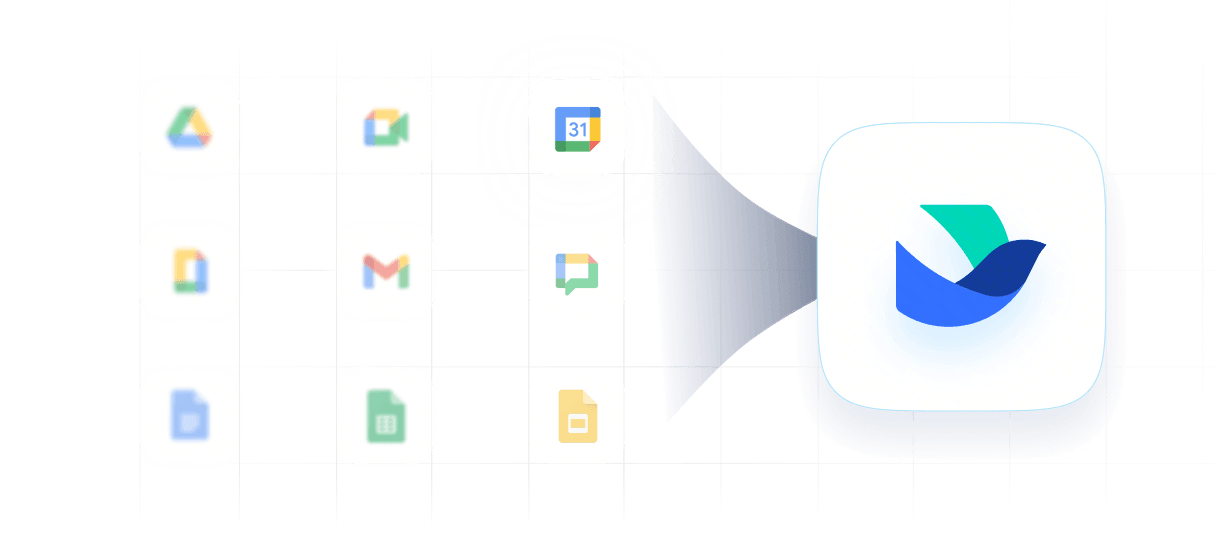

Lark Calendar vs Google Calendar
Are you still juggling Google Calendar, chat, and docs just to schedule a meeting? Lark aligns your whole team in one place—check availability, launch video calls, and attach files without switching tabs.
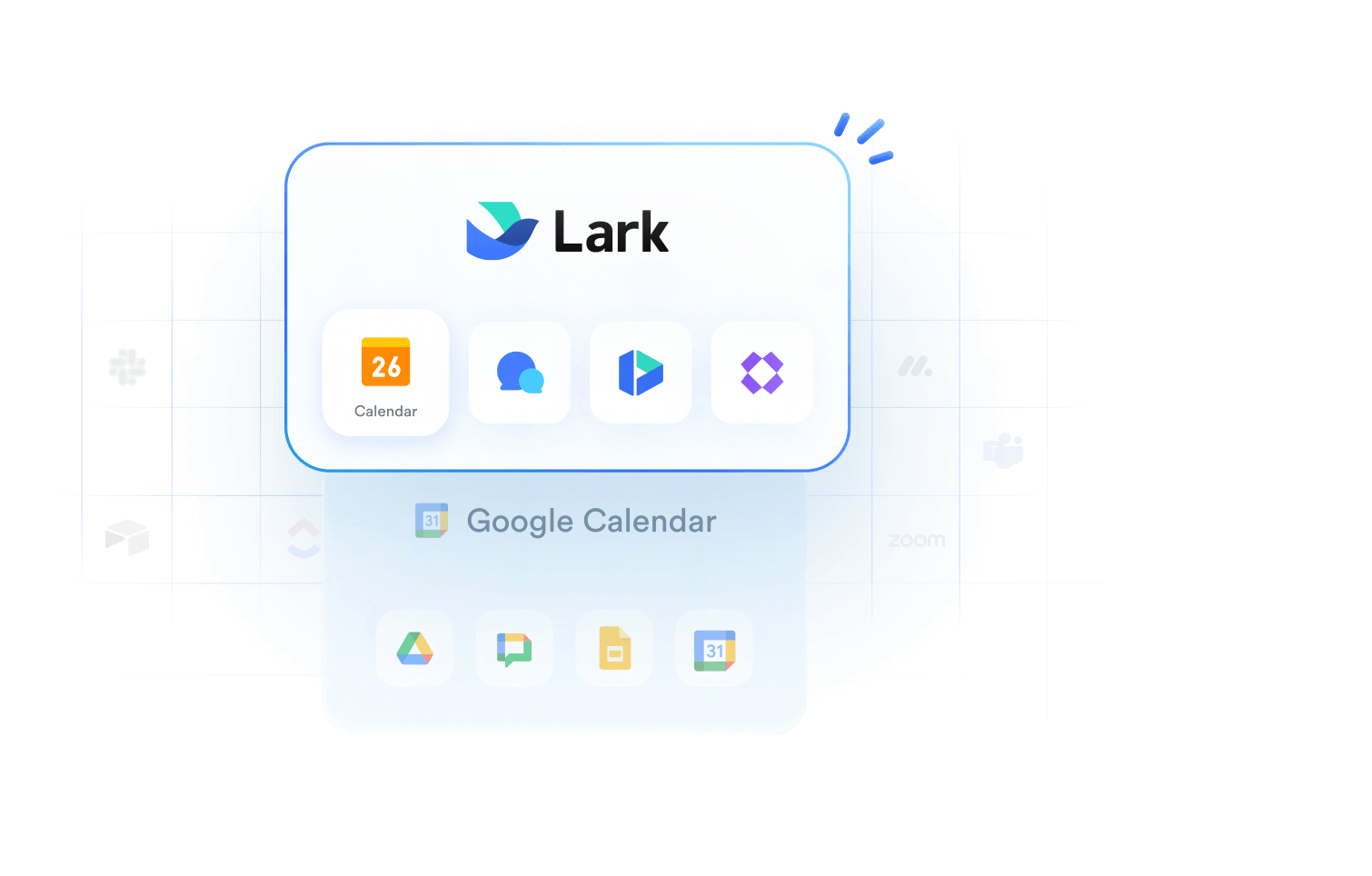
Why teams choose Lark Calendar over Google Calendar?
In Lark, scheduling can start closer to where the discussion happens. Teams can check availability, choose a workable slot, and share the event back into the conversation, reducing the back-and-forth between chat and calendar.
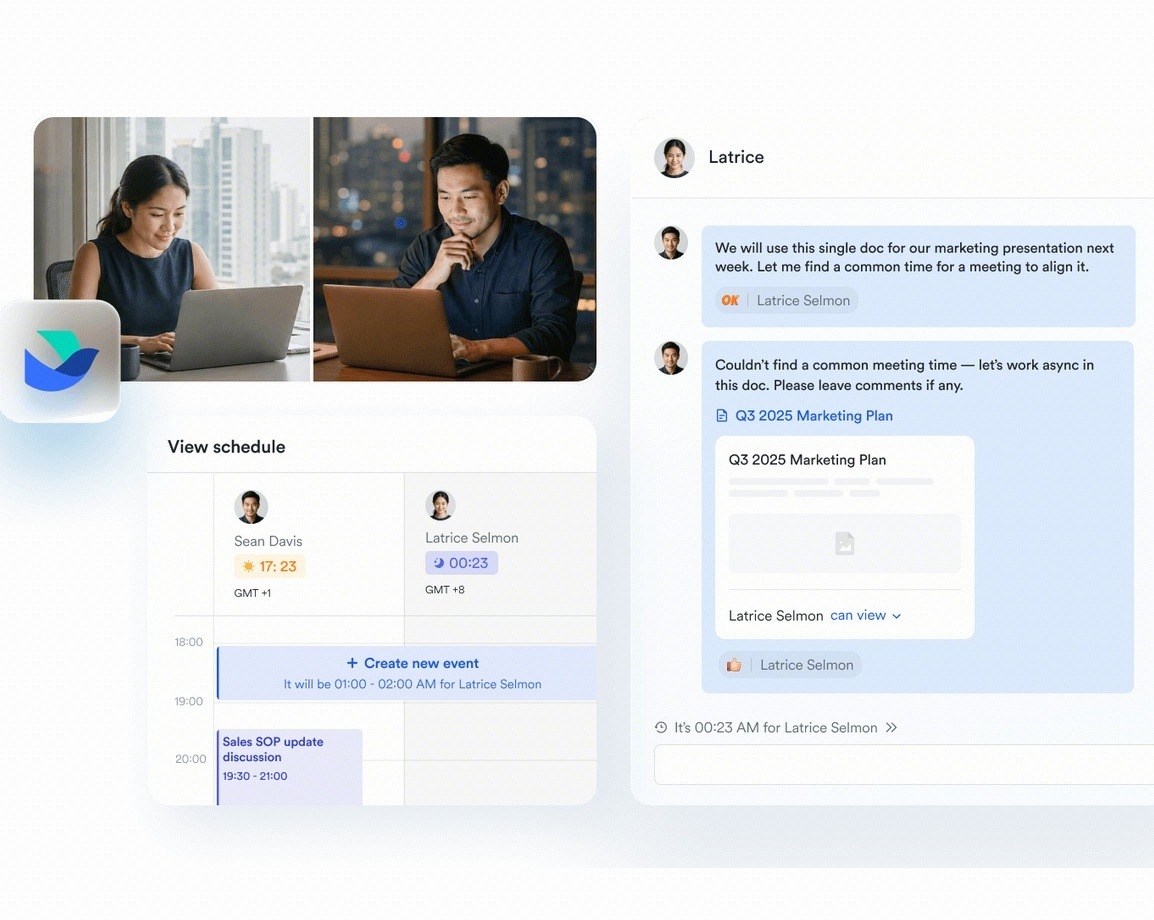
In Lark, scheduling can start closer to where the discussion happens. Teams can check availability, choose a workable slot, and share the event back into the conversation, reducing the back-and-forth between chat and calendar.

Lark Calendar vs Google Calendar: Why modern teams upgrade to Lark
 Pro Pro$12/user/month |  Business Standard Business Standard$14/user/month | |
|---|---|---|
| Native calendar |  |  |
| Shared calendars | Native sharing | Basic sharing |
| Schedule from chat | Direct from chat | Requires app switch |
| Meeting context | Chats, docs, notes | |
| Built-in video meetings | | |
| Meeting participants | 500 | 150 |
| Time zone scheduling | Multi-timezone view | Secondary TZ only |
| Meeting room booking | Native room booking | Admin setup needed |
| Appointment booking | Built-in booking page | Appointment schedules |
| Reminders | Smart reminders | Basic reminders |
| AI scheduling | Smart native AI | Gemini-assisted |
| Event attachments | Native doc attachments | Drive link only |
| Access control | Granular permissions | Basic sharing rights |
| Unified search | Cross-workspace search | Calendar-only search |
Calculate how much you can save by replacing your tool with Lark


















Fast-growing teams upgrade to Lark

"Migrating to Lark has been a real benefit to the team. We work better, communicate better and have overall become a lot more efficient. Lark has helped us save time, money and made the team feel more involved in their work. We don’t see ourselves returning to Gsuite, Zoom or any other standalone application anytime soon."

"We chose Lark because it's just better. The tools are better, it's all in one, and the price is also actually much less expensive than buying different tools separately. It increased our efficiency by 30% and the app made it extremely quick to communicate internally. With Lark, we have saved months of time."

"Lark has allowed the team to really enhance their efficiency by giving us the tools we need for a variety of situations. Coming from WhatsApp, Gsuite and the like, Lark’s all in one approach was a game changer that we really enjoy. We look forward to seeing what Lark has next in the pipeline."
Trusted by 2000+ global leaders across 125+ countries