









Google Workspace alternatives

Lark vs Slack: Which is better for your team?

Teams may start with Slack for messaging, then add other tools for documents, projects, meetings, and everything in between.

Lark brings all of that into one platform where conversations, content, and execution stay connected.
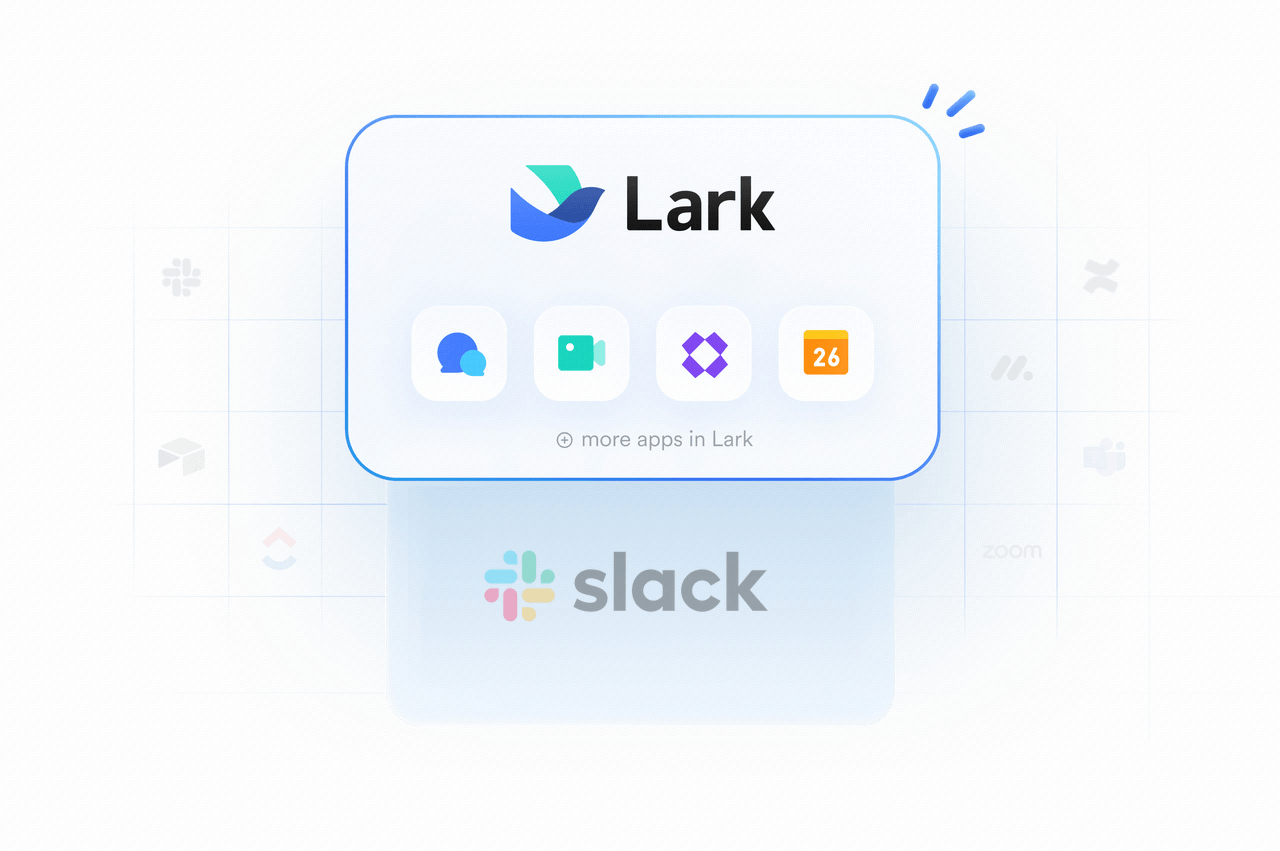
Lark workspace on desktop and mobile

Why teams choose Lark over Slack

Teams can move from discussion into action without losing the thread. A request from chat can turn into trackable work, structured data, approval flows, or visualizations to keep execution on course.
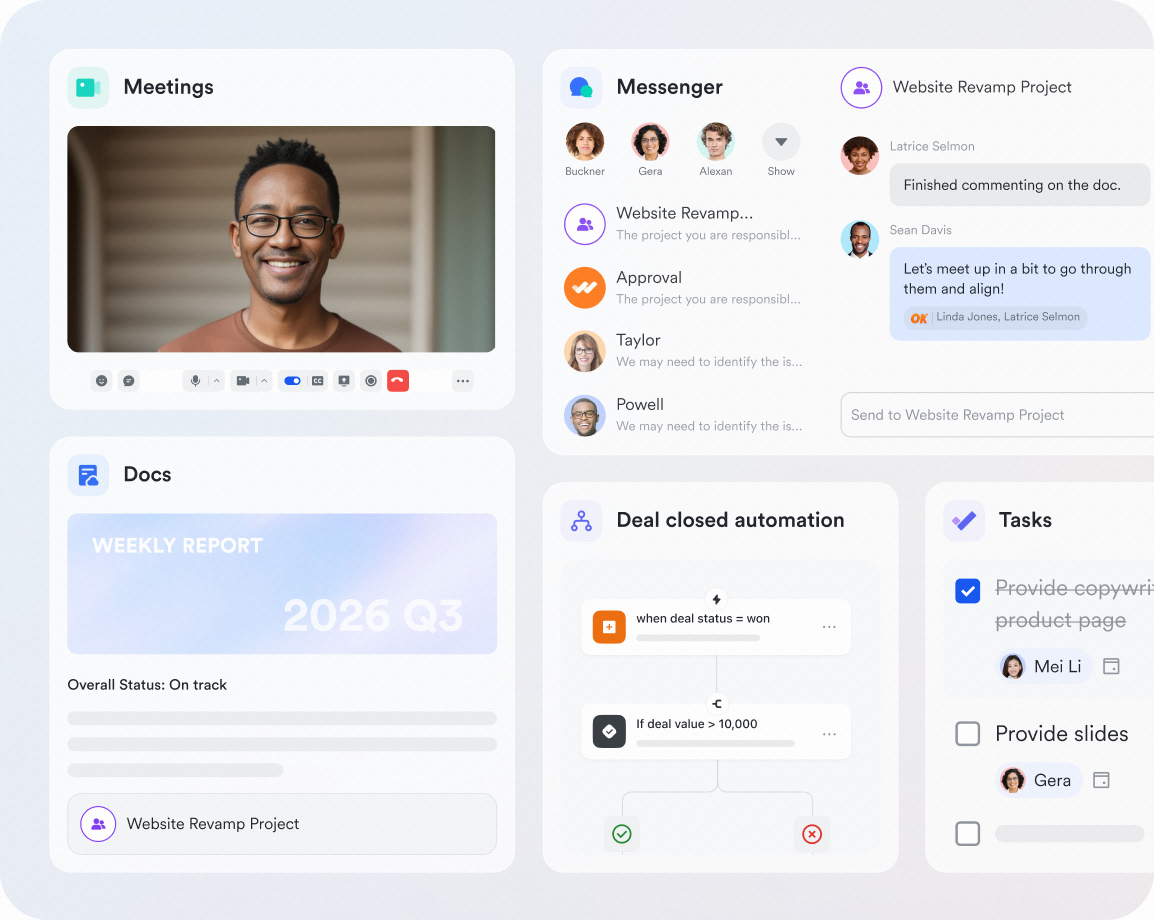
Interface of Lark's meetings, docs, automation, tasks, and messenger

Teams can move from discussion into action without losing the thread. A request from chat can turn into trackable work, structured data, approval flows, or visualizations to keep execution on course.

Interface of Lark's meetings, docs, automation, tasks, and messenger

Fewer tools, fewer costs

Cut software bloat while keeping teams fast, clear, and connected.

Book a demo
10xoperational efficiency
39%more productive
70%cost savings

Plan, organize, and collaborate better with Lark

Pro
$12/user/month
Business+
$15/user/month
Team messagingSlack Channels + DMs
EmailNot included
Video meetingsSlack Huddles
Meeting participants50 participants
WebinarNot included
CalendarNot included
TasksSlack Lists
DocumentsCanvas
SpreadsheetsNot included
PresentationsNot included
Forms & SurveysSimple forms only
Knowledge base/WikiNot included
No-code databaseNot included
ApprovalsNot included
Built-in goal trackingNot included

Calculate how much you can save by replacing a Slack-centered tool stack with Lark

See how much you’ll save
How many employees work at your company?
By number of people
1
20
500
5000+
1000
Which tools do you use?
Estimates are for reference only, contact us for an official quote
Calculate savings
Replace
0
1
2
3
4
5
6
7
8
9
apps
Lark Enterprisecan replace and surpass at least 4 of your existing business tools.
Saves$
0
1
2
3
4
5
6
7
8
9
0
1
2
3
4
5
6
7
8
9
0
1
2
3
4
5
6
7
8
9
,
0
1
2
3
4
5
6
7
8
9
0
1
2
3
4
5
6
7
8
9
0
1
2
3
4
5
6
7
8
9
/year
With 1000 employees, your company could save at least $390,000 per year by using Lark.
Estimates are for reference only, contact us for an official quote
Get an official quote
Calculate again
Lark calculator comparison

Move to Lark or use it with Slack

Switch or stay, Lark makes it easier for teams to work together with less tool switching

FAQs

Can Lark be used with Slack?

Yes. Teams can keep Slack for messaging and use Lark for docs, meetings, workflows, knowledge, tasks, project coordination, and more. This gives them a practical way to bring more of the work that happens around chat into one place without forcing an immediate full migration. For rollout planning or migration support, contact our team.

Does Lark have a free plan?

Yes. Lark offers a free plan for up to 20 users. It includes over 11 core collaboration tools, such as Messenger, Docs, Base, Meetings, Calendar, Mail, and more, as well as 100 GB of storage and 18 months of message history.

Does Slack have a free plan?

Yes. Slack lists a free plan with 90 days of message history, up to ten app integrations, 1:1 huddles, and 1:1 external messaging through Slack Connect.

How many plans does Slack offer?

Slack publicly lists four main plans: Free, Pro, Business+, and Enterprise+. For more details, see Slack Pricing 2026: Plans, Monthly Costs & Enterprise Pricing.

What are some alternatives to Slack?

Popular alternatives include Lark, Microsoft Teams, Google Workspace, Zoom, Discord, and Mattermost. Slack leads on channel-based chat, external collaboration through Slack Connect, and integrations, while Lark stands out as a more unified workspace that combines communication, meetings, docs, knowledge, and no-code workflows in one subscription. For more details, see Slack alternatives.

What's the difference between Slack and Slack Connect?

Slack is the overall work platform for channels, messaging, huddles, canvases, lists, automations, AI, and integrations. Slack Connect is the part of Slack designed for secure collaboration with people outside your organization, such as customers, partners, and vendors.

Does Lark offer better value than Slack?

For many teams, yes. Slack's official pricing shows Pro at $7.25 per user/month billed annually and Business+ at $15 per user/month billed annually, but many companies still pair Slack with separate tools for docs, knowledge, databases, approvals, or broader workflow management. Lark's paid plans start from $6 per user/month and natively integrates workflows, databases, documents, meetings, and project collaboration to lower the total tech stack costs.

What is the biggest difference between Lark Base and Slack Lists?

Slack Lists helps teams organize tasks and project items inside Slack, while Lark Base is a more flexible no-code database for building custom trackers, dashboards, forms, and automated workflows.

Can teams migrate from Slack to Lark?

Yes. Lark provides migration materials and guided support for teams moving from Slack to Lark, including help for data and rollout planning. Talk to our experts about migration
Contact our sales team

Learn how we can help your team reach its potential

Unlock the power of simplicity. Ready to streamline your team’s workflow? Let’s chat! Get in touch to explore how Lark can boost your productivity.
Company name*
 
Company size*
Work email*
Phone number*
 
How can we help you?*
By continuing, I authorize Lark and its partners to contact me about Lark's offerings. I understand I can opt out by contacting Lark.