Enterprise sales teams spend too much time updating records and too little time talking to prospects. As pipelines grow, manual data entry creates costly bottlenecks. While many organizations rush to adopt new artificial intelligence tools, slapping predictive features onto an old database rarely fixes the underlying workflow issues. You need a system that actively reduces administrative burden. In this guide, I will evaluate the best AI CRM software available, comparing how they automate tasks, manage data, and improve team productivity.
Best CRM software
Here are the top three CRM systems out of the nine we tested and reviewed:
- Lark: Best AI CRM software for unified workspaces
- Salesforce: Best CRM platform for large enterprises
- HubSpot CRM: Best CRM tool for inbound marketing
Why a standalone AI CRM is not enough
If your sales team has to switch between a chat app to discuss a deal, an email client to contact the prospect, and a database to log the interaction, you have . Buying a predictive CRM tool does not solve this context switching. In fact, it often makes it worse.
When a smart algorithm flags a high-priority lead in a standalone CRM, the friction remains. The sales representative still has to manually copy that information, paste it into a direct message to their manager, wait for approval, and then draft an email.
To actually gain speed, your foundational workspace needs to be unified. The database where the customer record lives must share the exact same environment where the team communicates.
A unified architecture transforms operations:
- Instant visibility: When a lead changes status, the system automatically alerts the relevant regional manager in their daily group chat.
- Rapid action: Managers can approve the next step with one click directly from the notification.
- Eliminated silos: Your software becomes an active operational hub rather than an isolated tool requiring manual upkeep.
Key features to look for in the best AI-powered CRM solutions
When evaluating platforms for enterprise operations, standard contact management is the bare minimum. You need capabilities that remove human intervention from repetitive tasks. - Automated lead capture and assignment: If a prospect fills out a form on your website, the system should evaluate their company size, route the lead to the correct territory representative, and trigger an alert without a manager ever getting involved.
- Native communication channels: Your team should be able to view a customer's history about the account. Keeping the database and the chat interface in the same window prevents critical details from slipping through the cracks.
- Meeting intelligence: A strong platform records client calls, generates transcripts, and summarizes key action items. For example, if a client mentions a budget constraint on a video call, the tool should capture that detail and let the sales representative push it directly into the CRM file
Automate your CRM workflow with Lark today
Top AI CRM software for enterprise teams
Before diving into the detailed reviews of each platform, I have compiled a quick reference guide below. This table highlights the core focus, starting price, and key strengths of the top contenders in the market. Use this overview to quickly identify which systems align with your business size and operational goals.
While the summary table above provides a quick look at pricing and core strengths, choosing the right platform requires understanding how these tools actually function in daily operations. A CRM that looks perfect on paper might require too much administrative upkeep for your specific team, or it might lack the collaborative features necessary for remote work. In the following sections, I will break down each platform's user experience, highlight their distinct advantages, and discuss the potential drawbacks you need to consider before making a long-term commitment.
1. Lark: Best AI CRM software for unified workspaces
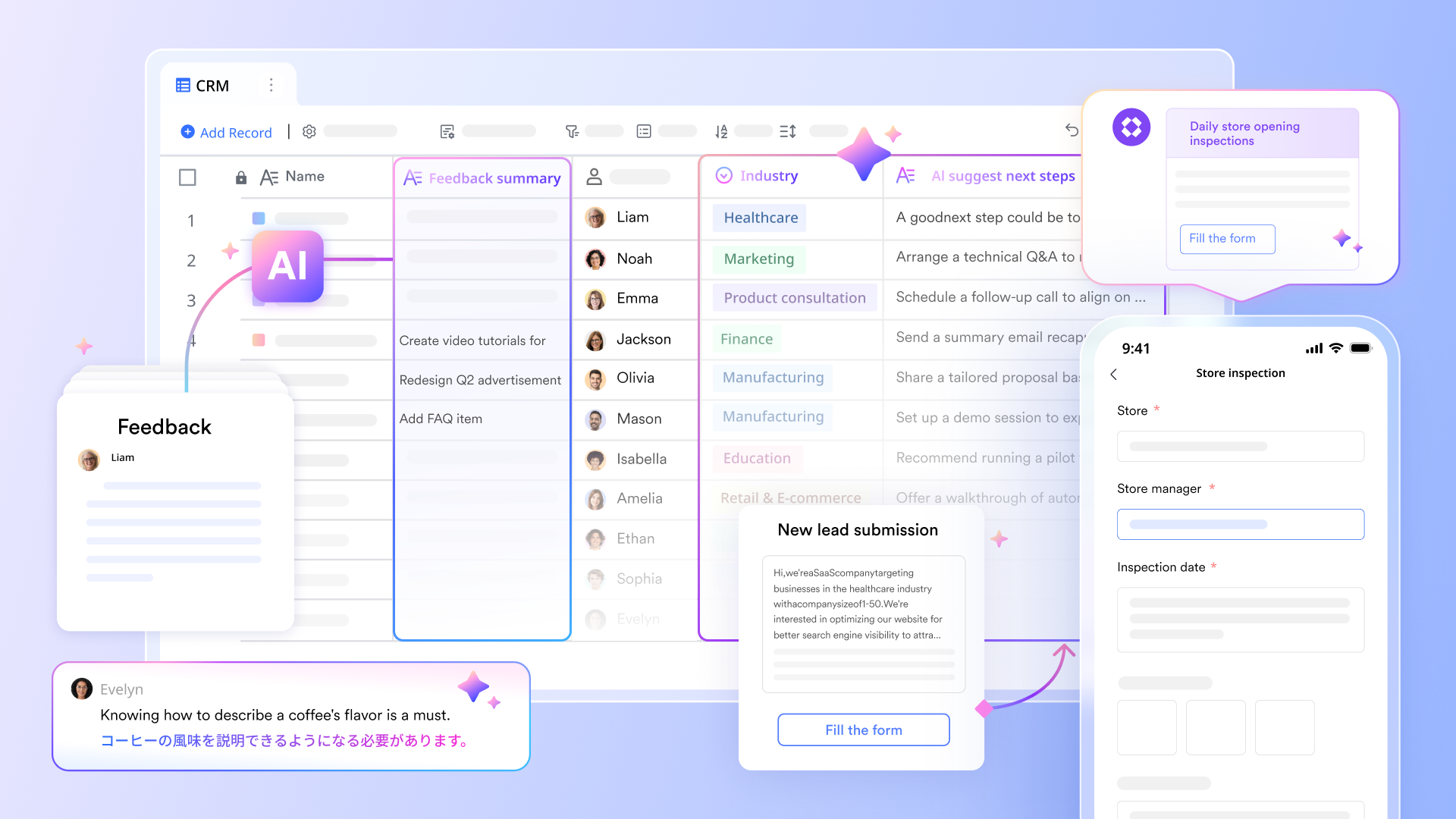
Lark is a unified collaboration platform designed to power through AI and seamless teamwork. By bringing , , , , and into a single workspace, Lark gives your team the clarity and context traditional CRMs lack.
Key features of this AI CRM software
- AI-driven lead management: Automatically categorize and enrich incoming data with details like company size and industry. The system generates personalized discovery questions, arming your team with specific insights before the first client call.
- Intelligent meeting tools: Record and transcribe client calls natively. The platform highlights action items and customer follow-ups, allowing representatives to track specific discussion points and push those details directly into the CRM without manual typing.
- Pipeline and feedback insights: Smart dashboards surface the exact next steps needed to keep deals moving forward. This visibility helps managers forecast revenue accurately, track representative activity, and monitor the entire customer lifecycle.
- Complete workflow automation: Streamline background operations by automatically routing leads, scheduling follow-up reminders, and sending personalized communications. This reduces manual upkeep and ensures timely outreach.
- Pre-built analytical dashboards: Quickly deploy ready-to-use templates for lead tracking, customer visits, and contract management. Real-time visualizations of sentiment analysis and feedback trends support rapid, data-driven decisions.
Pros:
- Consolidates chat, video, documents, and databases, drastically reducing software subscription costs.
- Lark Base allows for highly customizable CRM structures with built-in approval workflows.
- Native real-time translation in chats and video calls supports global sales operations.
Cons:
- Migrating an entire company from established tools like Slack or Google Workspace requires significant change management.
Pricing:
- Starter plan: that includes 11 powerful tools for up to 20 users. It also comes with 100GB of storage space, 1000 automation runs, AI translations, and more. No credit card needed.
- Basic plan: (billed annually) for up to 500 users. It includes everything in Starter and unlimited message history, 5TB of storage space, 1,000 automation runs, and more. Some users may need to to purchase this plan.
- Pro plan: (billed annually) for up to 500 users. It includes everything in Basic plus group calling for up to 500 attendees, 15TB of storage space, 50,000 automation runs, and more.
- Enterprise plan: for custom pricing. Supports unlimited users and includes even more automation runs and advanced security, compliance, and management features.
For small teams with simple communication needs

18 months message history
1000 Base automation runs/month
2000 rows per table in Base
Most POPULAR
For companies with comprehensive collaboration and management needs
Unlimited message history
500-participant video meetings
50k Base automation runs/month
20k rows per table in Base
For large companies with advanced security and organizational management needs
Get a personalized demo and pricing
Unlimited message history
500-participant video meetings
15 TB storage + 30 GB storage/user
500k Base automation runs/month
50k Base automation runs/month
Most POPULAR
For companies with comprehensive collaboration and management needs
Unlimited message history
500-participant video meetings
50k Base automation runs/month
20k rows per table in Base
2. HubSpot Smart CRM: Best for inbound marketing strategies and growing sales teams
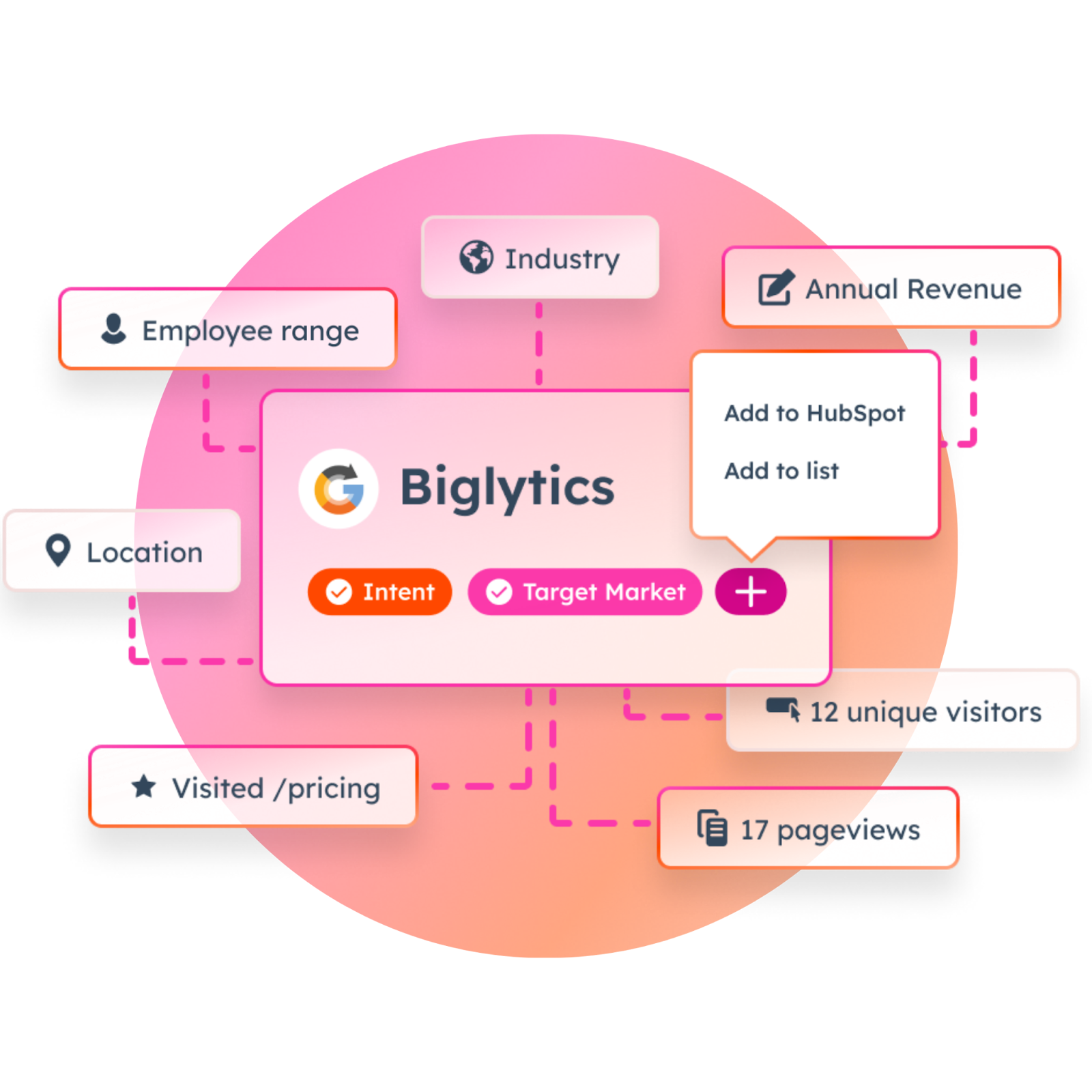
HubSpot CRM is a free, powerful CRM that connects smoothly with HubSpot's marketing, sales, and service hubs. It is designed to help businesses grow by attracting, engaging, and delighting customers through automated content creation and effortless data entry.
Pros:
- User-friendly interface and a wide range of free tools
- Strong focus on inbound marketing and customer engagement
- Offers a comprehensive suite of tools for sales, marketing, and service
Cons:
- Pricing scales aggressively as your contact database and user count grow
- Customizing the database architecture for highly unusual business models can be rigid
Pricing: Free plan available. Paid plan starts at $15/month.
3. Vtiger: Best CRM with AI
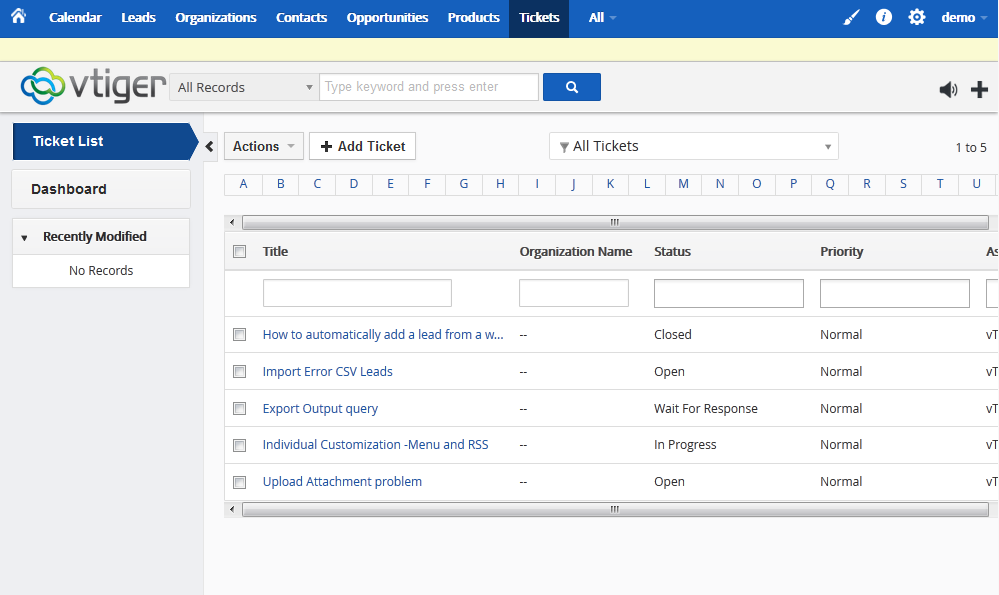
Image source: vtexperts.com
Vtiger positions itself as a unified CRM that breaks down the barriers between sales, marketing, and support teams. Instead of forcing users to navigate through separate modules, the platform pulls customer interactions into a single view powered by Calculus AI, allowing managers to focus coaching efforts on deals that need attention.
Pros:
- Built-in predictive analytics help forecast revenue more accurately based on historical data
- The unified view prevents sales reps from having to check marketing software to see if a lead opened an email
- Calculus AI provides actionable recommendations on the best time to contact specific leads
Cons:
- The learning curve is steep due to the high number of features and dashboard configurations
- It lacks modern, chat-first collaboration features for internal team discussions
Pricing: Vtiger pricing starts at $12 per user/month, and there's a free plan for 10 users available.
4. Salesforce Einstein: Best AI-powered CRM system for large enterprises
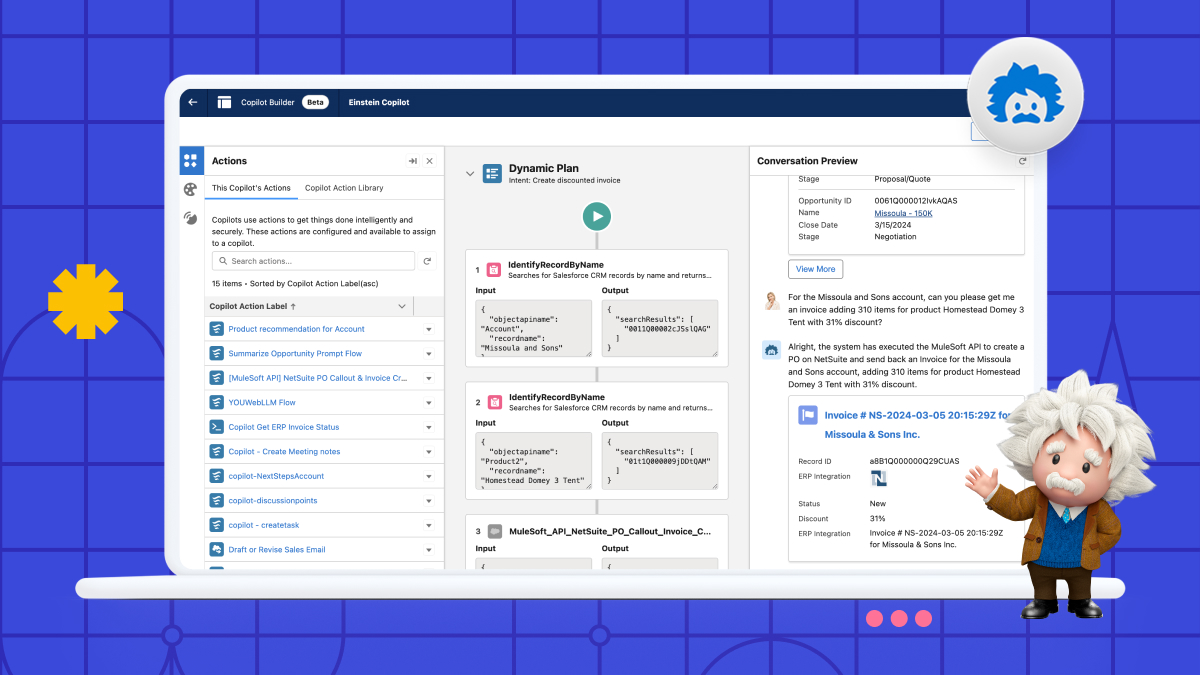
Salesforce remains the heavyweight in the market, with its Einstein intelligence layer embedded across the entire platform. It uses machine learning to score leads, recommend the next best action, and provide managers with highly accurate revenue forecasts based on historical pipeline velocity across massive datasets.
Pros:
- Incredibly deep predictive forecasting that analyzes vast amounts of historical data
- The platform can be customized to fit virtually any enterprise business model
- Einstein provides actionable next-step recommendations to sales representatives directly on the lead record
Cons:
- Requires significant time and often dedicated personnel to implement and maintain
- The interface can feel cluttered and unintuitive for users who are not accustomed to enterprise software
Pricing: No free plan. Paid plans start at $25/user/month
5. Pipedrive: Best for activity-driven sales teams
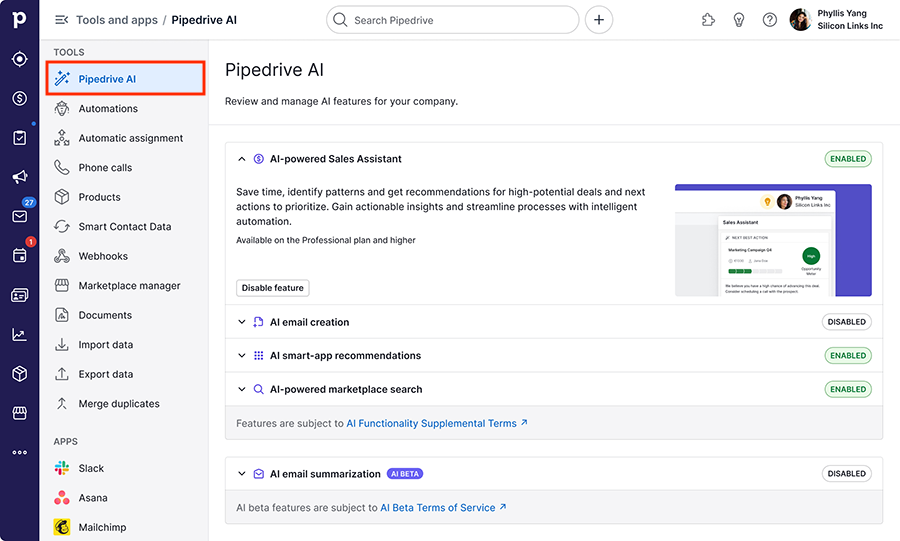
Image source: pipedrive.com
Pros:
- Clean visual pipeline focuses entirely on driving daily sales activities
- AI sales mentor provides personalized tips to improve individual representative performance
- Extremely easy to set up and deploy for small sales teams
Cons:
- Lacks native marketing tools, requiring connections to third-party software
- Custom data structures are limited compared to enterprise-grade platforms
Pricing: No free plan. Paid plan starts at $14/user/month (billed annually).
6. Microsoft Dynamics 365 Sales: Best for enterprise teams using the Microsoft ecosystem
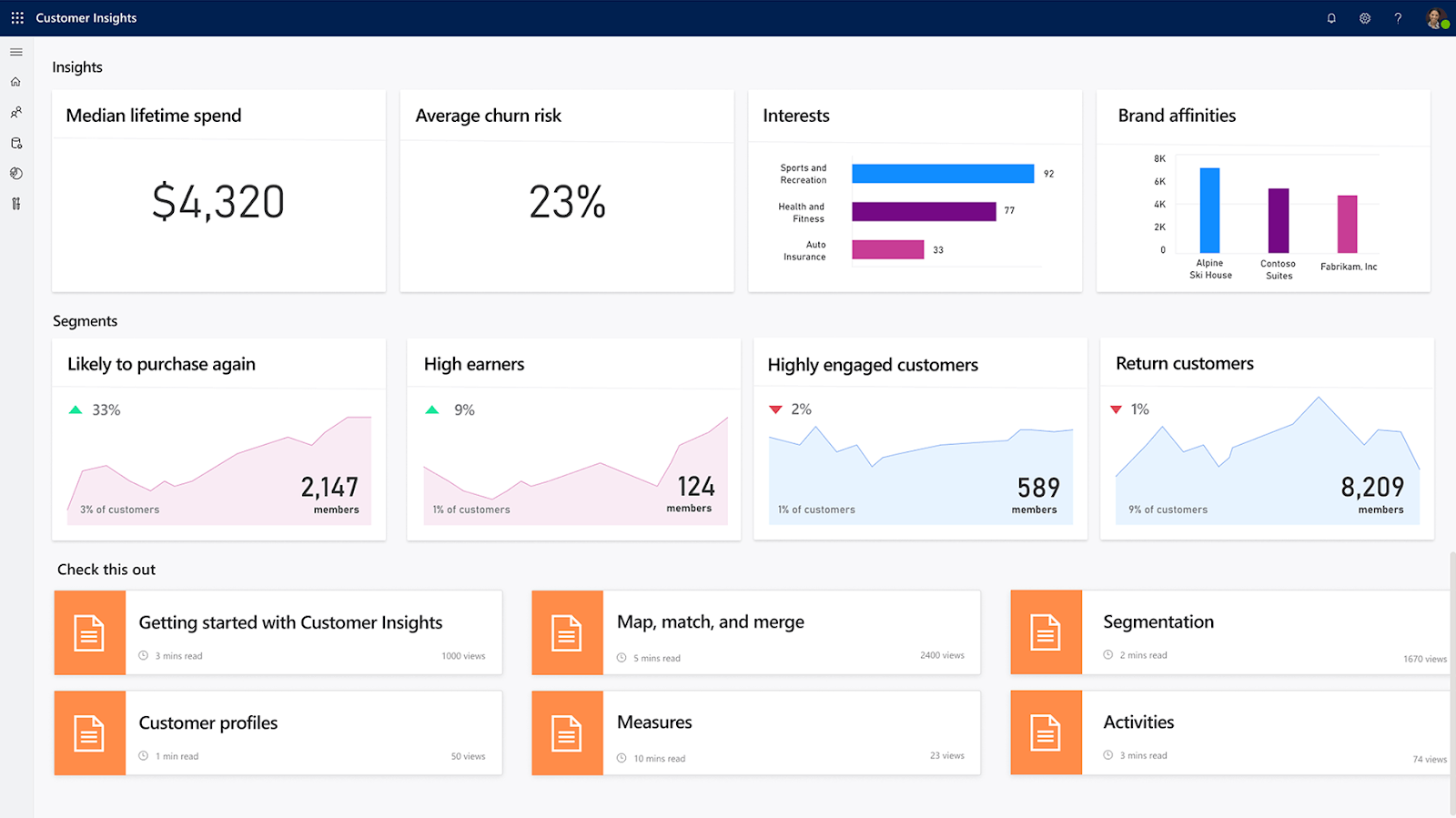
Image source: saglobal.cn
Microsoft Dynamics 365 Sales brings enterprise-grade relationship management directly into the tools your team already uses. With the addition of Copilot AI, representatives receive meeting summaries, drafted email replies, and relationship health scores right inside Outlook and Teams. It is a powerful engine for massive organizations that need deep connections across a global workforce.
Pros:
- Native connections with Outlook and Teams keep sales data accessible anywhere
- Copilot AI generates high-quality meeting summaries and email drafts
- Advanced enterprise security and compliance features come standard
Cons:
- Implementation is highly complex and requires specialized IT administrators
- The cost is prohibitive for smaller teams or startups
Pricing: No free plan. Paid plans start at $65/user/month.
7. Zoho CRM: Best for small businesses needing a comprehensive ecosystem
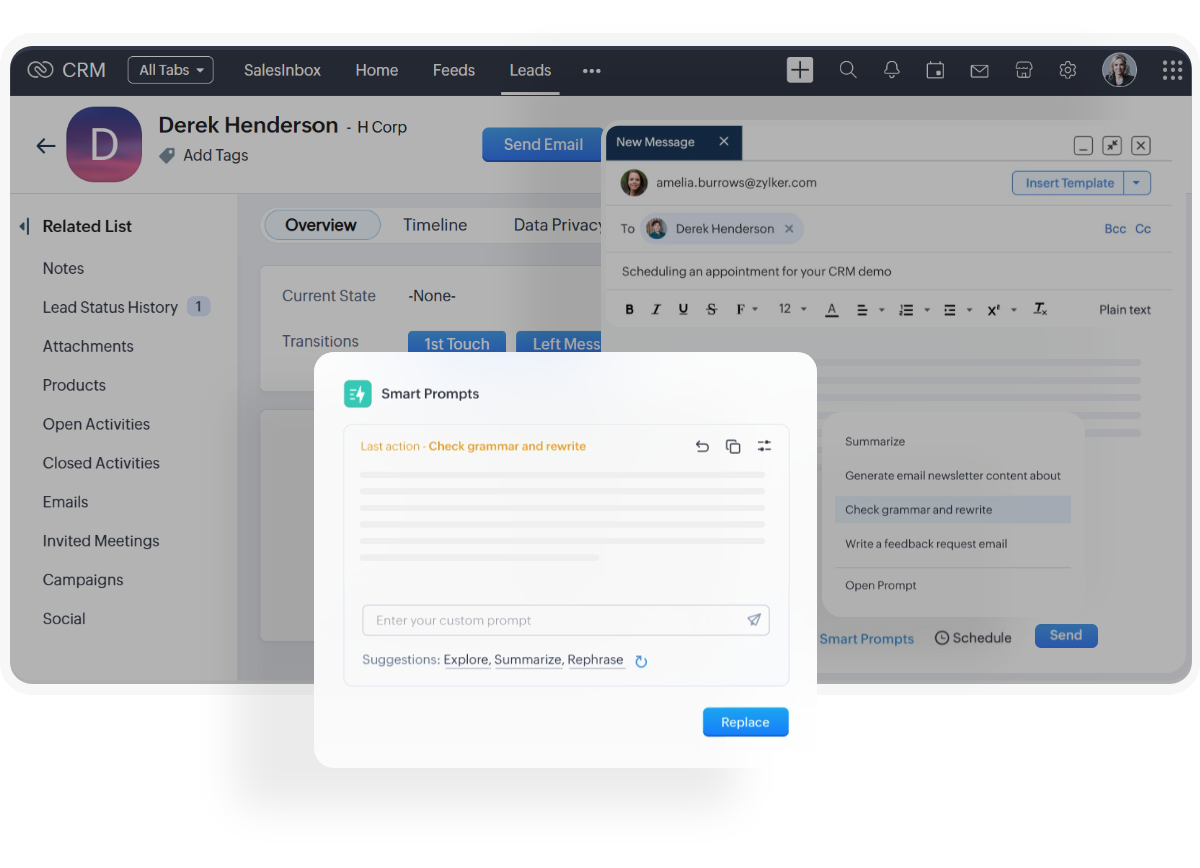
Image source: zoho.com
Zoho CRM offers a broad suite of sales tools designed to connect with its massive ecosystem of workplace applications. Its AI assistant, Zia, helps sales teams by predicting deal closures, suggesting the best times to contact leads, and analyzing email sentiment. This allows teams to prioritize their outreach effectively without guessing.
Pros:
- Extensive ecosystem connects smoothly with other Zoho applications
- Zia AI offers strong predictive sales analytics and email sentiment analysis
- Highly affordable pricing structure for growing teams
Cons:
- The user interface feels dated compared to modern competitors
- Setting up advanced custom workflows requires a steep learning curve
Pricing: Free plan available. Paid plan starts at $14/user/month (billed annually).
8. Monday sales CRM: Best for highly visual pipeline management
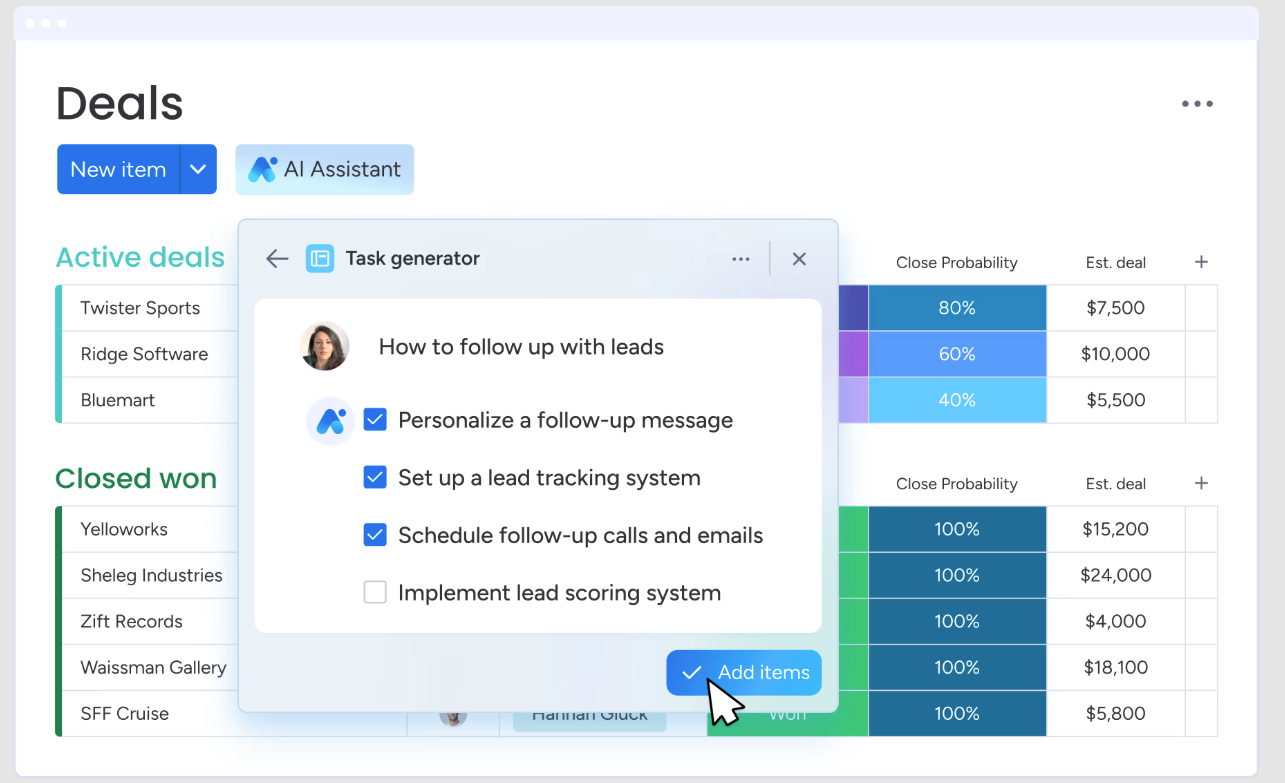
Image source: monday.com
Monday sales CRM takes the highly visual, board-based interface of its core project management tool and adapts it for sales teams. It allows representatives to track deal stages, manage contacts, and monitor post-sale onboarding in one customizable workspace. The platform relies heavily on visual cues and easy-to-build automations to keep pipelines moving.
Pros:
- Incredibly intuitive and visual interface that requires minimal training
- Customizable boards make it easy to track both sales and post-sale onboarding
- Strong automation builder reduces manual data entry for representatives
Cons:
- Reporting features lack the depth required for highly complex enterprise forecasting
- Paid tiers require a minimum of three seats, increasing the entry cost for solo users
Pricing: Free plan available. Paid plans start at $12/user/month
How to build an automated lead workflow from scratch
To understand how a unified system changes your daily operations, let's look at a practical example. We will construct a lead capture and approval process using a unified workspace tool, specifically utilizing Lark Base and its built-in approval features. This approach removes the need to copy data between your website, your database, and your
Step 1: Set up a form for lead intake
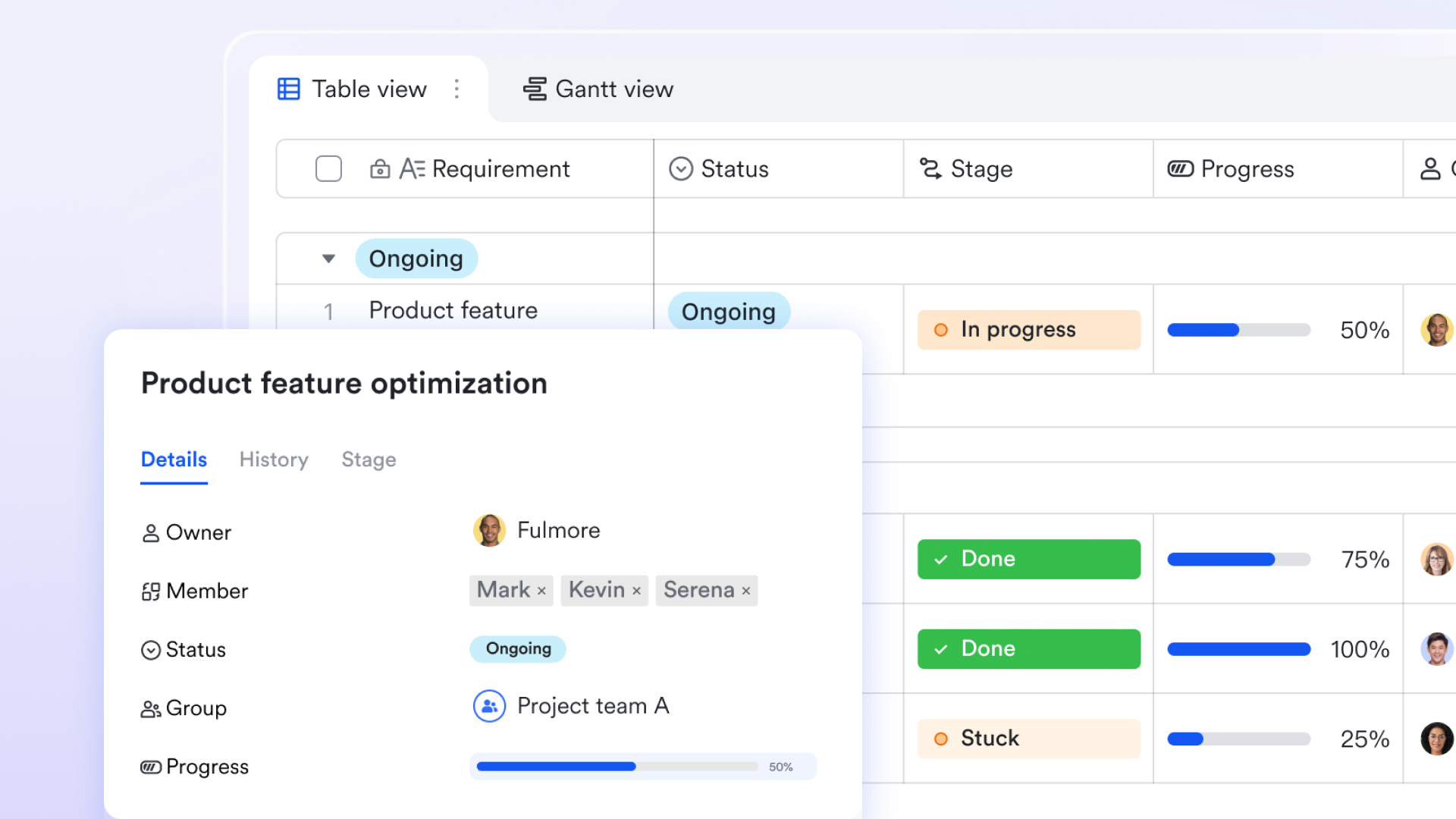
Open and create a new table to act as your core CRM. Add columns for the prospect's name, company, email, and estimated deal size. From this table, you can generate a digital form with a single click and embed it directly onto your company's landing page. Because the form connects directly to your database, every time a prospect submits their information, a new row populates automatically. There is no manual entry required.
Step 2: Automate notifications in a team group chat
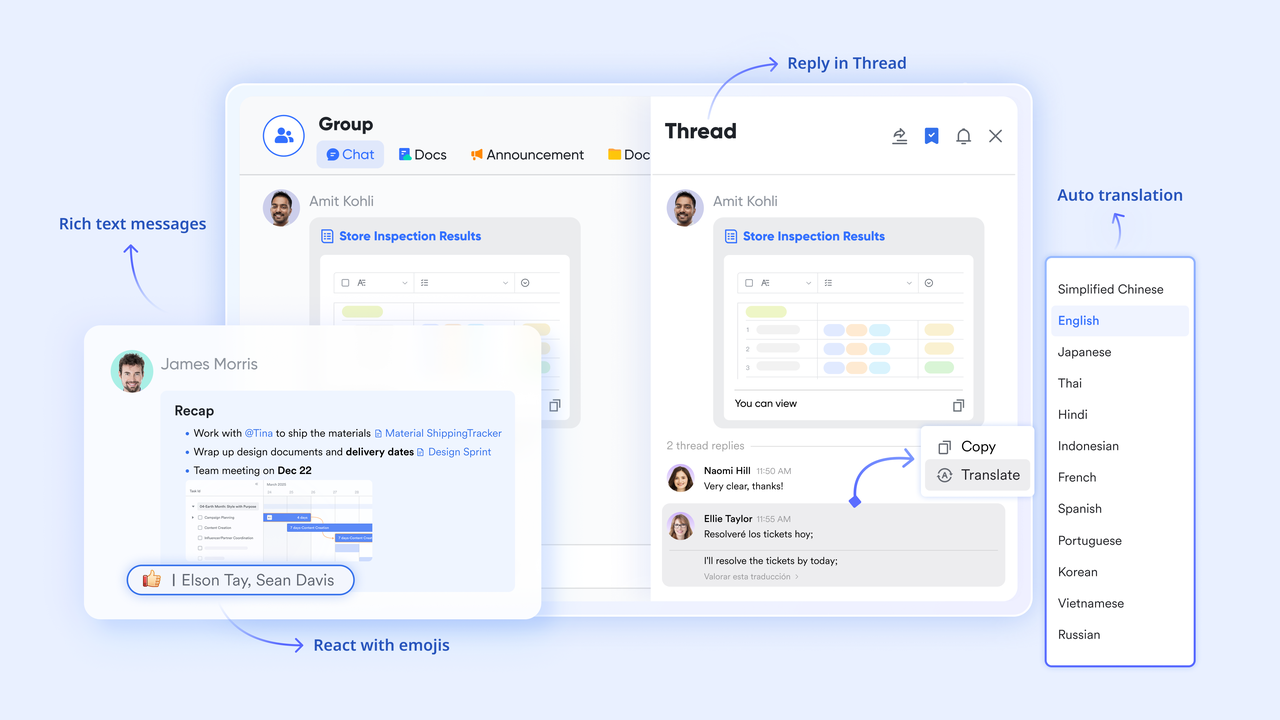
Set up an automation rule within . Configure the trigger to watch for new records added via the intake form, and set the action to push an alert directly into a specific group. You can customize the message payload to include the prospect's name and deal size. Whenever a high-value lead registers, the entire sales team receives an instant alert in their primary communication channel.
Step 3: Route approvals directly in the chat interface
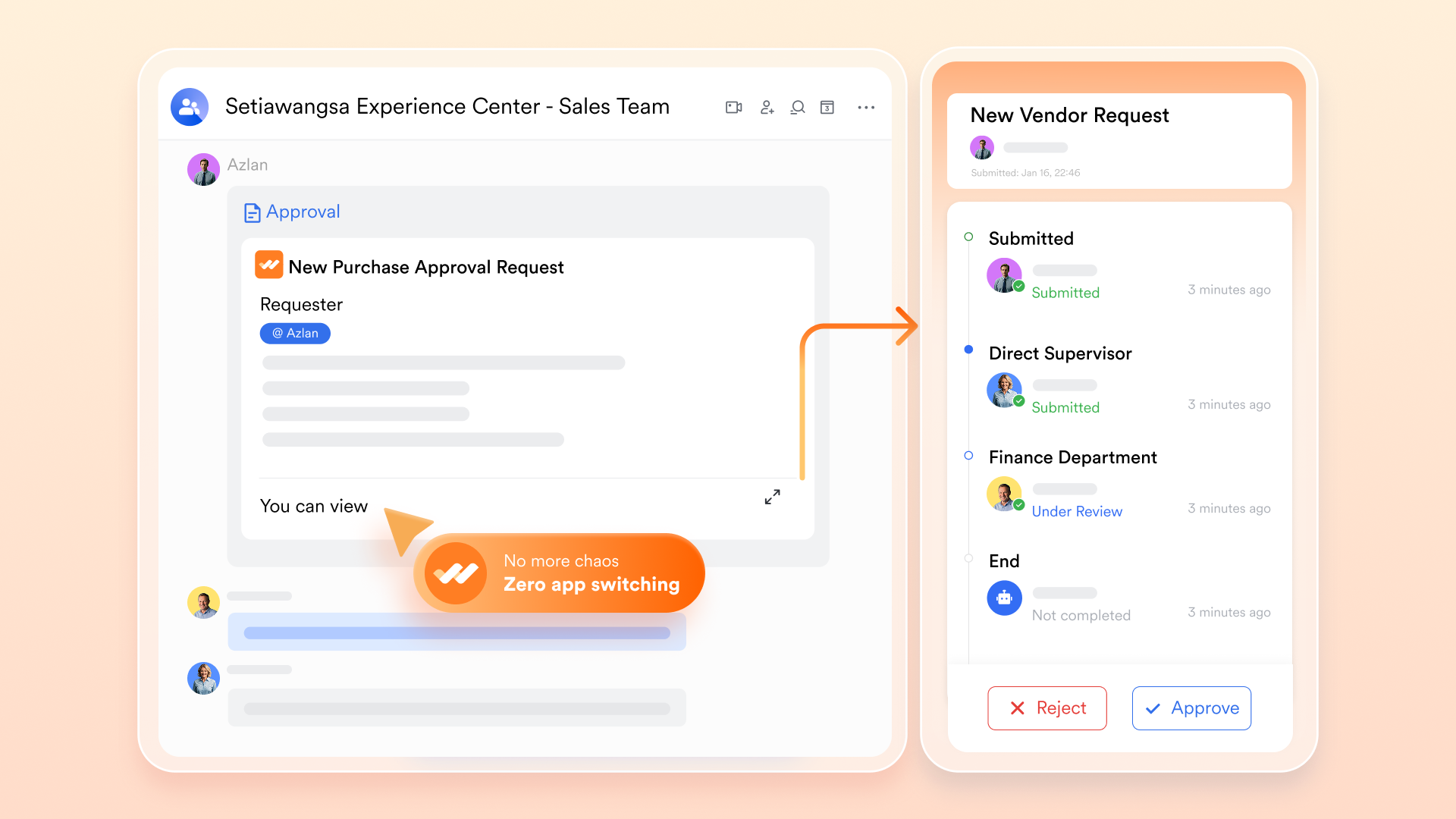
Add a status column to your table to track deal progression. When a representative changes a lead's status to "Contract Sent," trigger a workflow. Instead of sending a confusing email thread to the legal team, the system pushes a clear approval card directly into the legal team's chat. The legal manager can review the contract parameters and tap "Approve" right inside the chat window on their phone. The CRM updates immediately, allowing the sales representative to close the deal without delay.
Conclusion
The best CRM software for your enterprise operations depends entirely on how your team prefers to work. If you need complex predictive analytics and rely heavily on inbound marketing, specialized tools like Vtiger or HubSpot provide powerful forecasting features.
However, if your primary goal is to reduce context switching, eliminate manual data entry, and speed up internal approvals, you need a unified workspace. By moving your database into the same environment as your chat and video meetings, you remove the friction that slows down modern sales teams. For organizations ready to consolidate their software stack, delivers this exact architecture, bringing CRM, team messaging, and meeting intelligence under a single roof.
Experience Lark CRM AI now
FAQs
What's the best sales AI assistant for CRM?
The ideal assistant depends on your workflow. If you need automated email drafting, HubSpot Smart CRM excels. For background research and cross-app updates, Zapier provides autonomous agents. For real-time meeting transcription and internal workflow routing, Lark offers a strong built-in assistant.
Who makes the best CRM AI agents?
Zapier is currently leading the market for autonomous agents that connect disjointed software stacks. They allow you to build workflows where agents independently research leads, score them, and update external databases without human intervention.
How does AI help sales teams?
It primarily reduces administrative burden. It automatically enriches contact profiles with company data, transcribes and summarizes client calls, drafts context-aware emails, and predicts which deals in the pipeline are most likely to close based on historical data.
Related reading