














16 Popular Accounting Automation Tools: Boost Team Productivity

Ryan Tanner
Product Marketing Specialist
Sep 18, 2026
Ryan Tanner
Sep 18, 2026


Key takeaways: Best 5 tools for accounting automation
Overview of the top 5 platforms for accounting automation

What is an accounting automation tool?
Top 16 accounting automation tools for modern finance teams
1. Lark: All-in-one collaboration platform with automated workflows
- Highly integrated platform combining chat, docs, and automation.
- Excellent for remote and distributed teams.
- Reduces dependency on multiple disparate tools.
- Real-time collaboration on financial documents.
- May require a shift in culture for teams used to traditional tools, but its Help Center provides textual and video tutorials.
- Starter plan: Free forever plan that includes 11 powerful tools for up to 20 users. It also comes with 100GB of storage, 1000 automation runs, AI translations, and more.
- Basic plan: $6/user/month (billed annually) for up to 500 users. It includes everything in Starter plus group calling for up to 500 attendees, 5TB of storage, 1000 automation runs, and more. For more details, please contact sales.
- Pro plan: $12/user/month (billed annually) for up to 500 users. It includes everything in Basic plus group calling for up to 500 attendees, 15TB of storage, 50,000 automation runs, and more.
- Enterprise plan: Contact sales for custom pricing. Supports unlimited users and includes even more automation runs and advanced security, compliance, and management features.
Starter
For small teams with simple communication needs
$0
/ user / month

Pro
For companies with comprehensive collaboration and management needs
$12
/ user / month
Enterprise
For large companies with advanced security and organizational management needs
Get a personalized demo and pricing
Pro
For companies with comprehensive collaboration and management needs
$12
/ user / month
2. NetSuite: ERP-grade accounting automation software for scaling businesses
- Real-time financial visibility across the entire organization.
- Automated revenue recognition management to comply with standards.
- Global financial consolidation and multi-currency management.
- Advanced tax management and compliance tools.
- Highly scalable for growing businesses.
- Comprehensive ERP functionality beyond just accounting.
- Strong reporting and analytics capabilities.
- Implementation can be complex and time-consuming.
- Pricing is generally higher, targeting larger enterprises.
- Custom pricing
3. Microsoft Dynamics 365: AI-powered accounting automation
- AI-driven insights for cash flow forecasting.
- Seamless integration with Excel and Power BI for reporting.
- Automated accounts payable and receivable workflows.
- Project accounting and budgeting automation.
- Deep integration with the Microsoft productivity stack.
- Strong AI capabilities for predictive analytics.
- Flexible deployment options (cloud or hybrid).
- It can be complex to configure without specialized IT knowledge.
- User interface may feel dense compared to modern SaaS tools.
- Custom pricing
4. QuickBooks Online: Accounting automation software for small businesses
- Automatic bank feeds and transaction categorization.
- Automated invoicing and payment reminders.
- Expense tracking via receipt scanning.
- Integration with hundreds of third-party business apps.
- Easy to set up and use for non-accountants.
- Large marketplace of integrations.
- Strong mobile app for managing finances on the go.
- It can become expensive as users and features are added.
- Limited customization for complex manufacturing or inventory workflows.
- Custom pricing
5. Xero: Cloud accounting automation tool for small business finance teams
- Machine learning-powered bank reconciliation rules.
- Automated invoicing with online payment options.
- Inventory management and tracking.
- Multi-currency accounting support.
- Intuitive and clean user interface.
- Excellent collaboration features for advisors and accountants.
- Strong ecosystem of connected apps.
- Limited project management features compared to competitors.
- Customer support can sometimes be slow to respond.
- Starter: $2.90 per user/month
- Standard: $5 per user/month
- Premium: $7.50 per user/month
6. Zoho Books: Accounting automation software for budget-conscious SMBs
- Workflow automation rules for customizing processes.
- Automated recurring invoices and bills.
- Banking feeds and categorization using AI.
- Client portal for easy payment and communication.
- Very affordable pricing structure.
- Strong integration within the Zoho ecosystem.
- Good customization options for workflows.
- The user interface can be less polished than Xero or QuickBooks.
- Advanced reporting features can be limited to lower tiers.
- Free plan: $0
- Standard plan: $15 per organisation/month
- Professional plan: $40 per organisation/month
- Premium plan: $60 per organisation/month
- Elite plan: $120 per organisation/month
- Ultimate plan: $240 per organisation/month
7. Tipalti: Global payables automation tool for high-volume finance teams
- Automated supplier onboarding and tax compliance (W-8, W-9).
- Global payments support in multiple currencies.
- Invoice capture and coding automation.
- Self-service supplier portal for dispute resolution.
- Excellent for scaling companies with complex AP needs.
- Strong focus on compliance and fraud prevention.
- Reduces manual work significantly for payables teams.
- Primarily focused on AP, not a full general ledger accounting system.
- Higher cost points suitable for mid-market and above.
- Custom pricing
8. Stampli: AI-native AP automation tool for mid-market finance teams
- AI-based invoice coding and data capture.
- In-app communication for approval workflows.
- Automatic ERP synchronization.
- bots for handling status inquiries and exceptions.
- Reduces time spent on invoice processing significantly.
- Very user-friendly interface promoting collaboration.
- Strong integration with major ERPs.
- specialized mainly for AP, not a full accounting suite.
- May require training for the finance team to maximize AI features.
- Custom pricing
9. Spendesk: Spend management and AP automation tool for growing teams
- Virtual and physical corporate cards with spend controls.
- Automated invoice submission and approval workflows.
- Employee expense management via mobile app.
- Real-time budget tracking and spend analytics.
- Great for controlling employee spending proactively.
- Unified view of all company spending.
- Easy approval process for managers on the go.
- Not a replacement for a full general ledger system (needs integration).
- Pricing can add up with cards and user seats.
- Quote available on request
10. BILL: AP and AR accounting automation tool for small business finance
- Automated bill payment and sync with accounting software.
- Accounts receivable automation with online invoicing.
- Virtual card payments for vendor rebates.
- Approval workflow controls for internal processes.
- Simple and straightforward setup.
- Excellent network for connecting with vendors who also use BILL.
- Strong mobile app for approving payments anywhere.
- Transaction fees can accumulate for certain payment methods.
- Limited functionality outside of AP/AR (no full ledger).
- Essentials: $49 user/month
- Team: $65 user/month
- Corporate: $89 user/month
- Enterprise: Custom pricing
11. FreshBooks: Accounting automation software for freelancers and consultants
- Automatic late payment reminders and fees.
- Time tracking integrated with invoicing for billable hours.
- Expense tracking with receipt snapping.
- Project profitability reporting.
- Very easy to use for non-accountants.
- Excellent invoicing and time-tracking features.
- Strong customer support.
- Not suitable for product-based businesses with complex inventory.
- Limited multi-currency support in lower plans.
- Lite: $6.90 USD/mo
- Plus: $12.90 USD/mo
- Premium: $21.00 USD/mo
- Select: Custom pricing
12. Quadient AP Automation (formerly Beanworks): Mid-market AP automation tool
- Three-way matching (PO, receipt, invoice).
- Automated invoice capture and data extraction.
- Configurable approval routing.
- Payment execution via electronic transfers.
- Strong PO matching capabilities reduce errors.
- Well-suited for organizations with strict purchasing controls.
- Streamlines the end-to-end AP process.
- Backed by Quadient ecosystem and integrations.
- Interface feels dated compared to newer fintech platforms.
- Implementation can be complex depending on ERP setup.
- Price is available on request
13. FreeAgent: MTD-compliant accounting automation tool for freelancers
- Automatic tax estimation and filing (HMRC compatible).
- Project time tracking and expense management.
- Recurring invoices and automated payment chasing.
- Cash flow forecasting.
- Excellent for UK-based freelancers regarding tax compliance.
- Simple, all-inclusive pricing.
- Easy to understand dashboard.
- Limited functionality outside the UK tax system.
- Not scalable for larger businesses with complex needs.
- Billed annually: $110/year
14. Melio: Free bill payment and AP automation tool for small businesses
- Schedule payments in advance.
- Pay vendors via credit card (even if they don't accept them).
- Syncs with QuickBooks and Xero.
- Free platform with no subscription fees (transaction fees may apply).
- No monthly subscription fee.
- Flexible payment options for vendors.
- Very easy to set up and use.
- Primarily a payment tool, not a full accounting solution.
- Transaction fees for card payments and same-day transfers.
- Go: $0/free forever
- Core: $25/month
- Boost: $55/month
- Unlimited: $80/month
- Platinum: Custom pricing
15. Sage Intacct: Cloud accounting automation tool for multi-entity firms
- Automated multi-entity consolidation and eliminations.
- Dimensional accounting for granular reporting.
- Revenue management automation for complex billing scenarios.
- Project and grant accounting capabilities.
- Powerful automation for complex financial structures.
- Excellent reporting and dimensional analysis.
- Scalable for large organizations.
- Higher price point suited for mid-to-large enterprises.
- Steeper learning curve than small business tools.
- Pricing available on request
16. Trullion: AI-powered accounting and audit automation platform
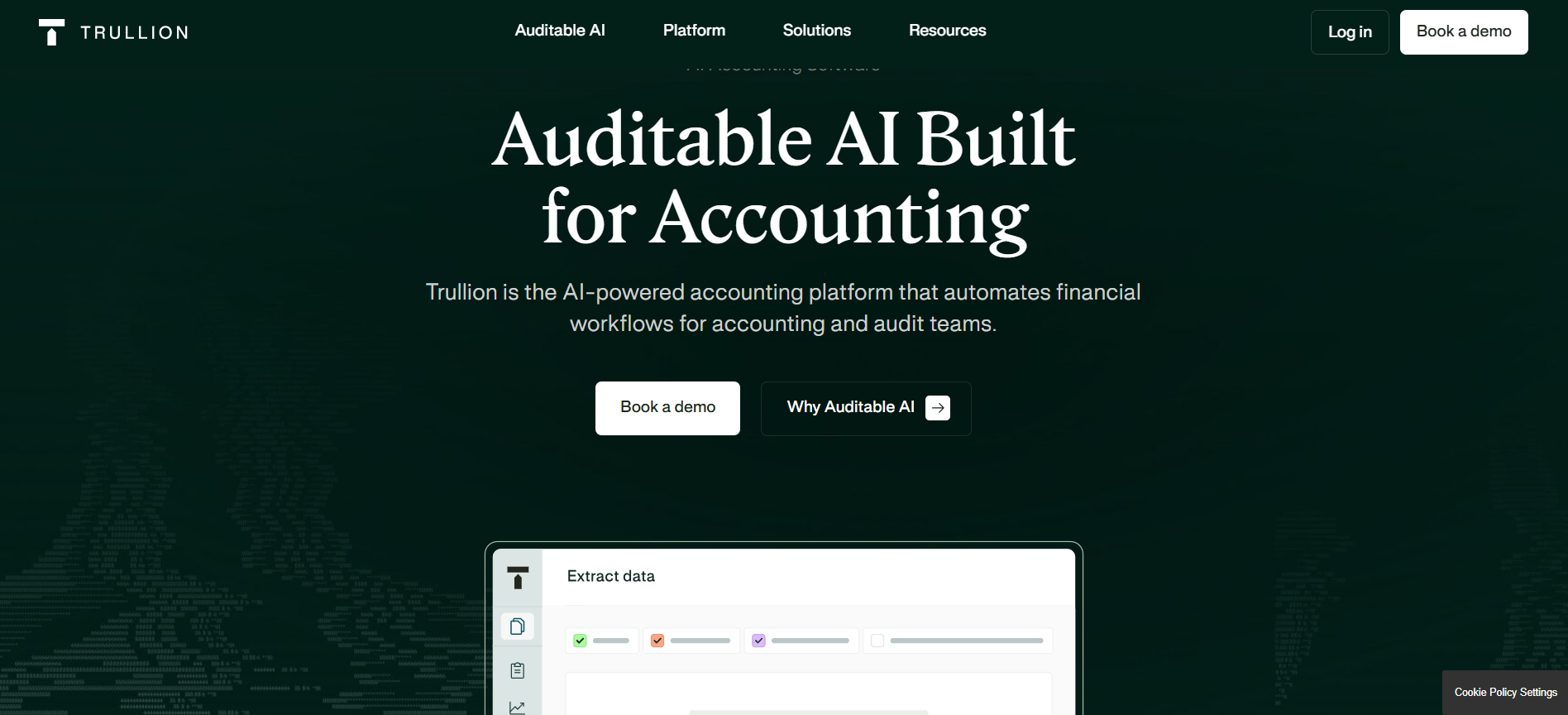
- An agentic assistant that surfaces answers and spots patterns in financial data.
- Simplifies ASC 842 and IFRS 16 compliance with automated data extraction.
- Streamlines complex revenue workflows and ensures audit readiness.
- Connects auditors and clients on a single platform with real-time data access.
- Enhances accuracy through automated data extraction from source documents.
- Speeds up the monthly close and audit cycles significantly.
- Provides a single source of truth for both internal teams and external auditors.
- Specialized focus on complex accounting (lease, revenue) might exceed simple business needs.
- Requires initial configuration to map existing documents and workflows.
- Custom pricing
Common challenges when implementing accounting automation tools
- Resistance to change from staff: One of the most significant barriers is the human element. Finance teams accustomed to manual spreadsheets or legacy systems may be resistant to adopting new technology. This resistance often stems from a fear of job displacement or simply the discomfort of learning a new system.
- Data migration and integrity issues: Transferring historical financial data from old systems to a new platform can be fraught with difficulties. Inconsistent data formats, missing entries, or corrupted files can lead to errors in the new system. A thorough digital operations management guide suggests performing a rigorous data audit before migration and running parallel systems for a period to ensure accuracy before fully committing to the new tool.
- Complexity of integration with existing systems: While modern tools boast open APIs, the actual integration process can be technically challenging. Connecting accounting software with CRM, inventory, or payment gateways often requires specialized IT knowledge or third-party consultants. Poor integration can lead to data silos, defeating the purpose of automation. It is crucial to test integrations thoroughly during the pilot phase.
- Misunderstanding financial workflows: Sometimes, businesses automate bad processes. If you automate a workflow that is fundamentally flawed or inefficient, you simply speed up the production of errors. It is vital to map out your current processes, identify bottlenecks, and optimize them before implementing automation. Understanding the invoice purchase order difference and how they flow through your system is a prerequisite for setting up correct automation rules.
- Cost overruns and hidden fees: Budget constraints are a common challenge. While the base subscription price might seem attractive, additional costs for implementation, training, add-on modules, and transaction fees can quickly escalate. It is important to have a clear understanding of the total cost of ownership (TCO) and set a realistic budget that accounts for these variables.
How to choose the right accounting automation tool for your business
- Assess your business size and complexity: The scale of your operations is a primary determinant. Small businesses and freelancers might find all-in-one solutions like QuickBooks or Lark sufficient, where ease of use and speed are paramount. However, as businesses grow into mid-to-large enterprises with multiple entities or complex inventory needs, they require more robust ERP-grade systems like NetSuite or Sage Intacct that can handle sophisticated financial structures and high transaction volumes.
- Identify key pain points and automation goals: What specific problems are you trying to solve? If your team is drowning in manual data entry, look for tools with strong optical character recognition (OCR) and bank feed capabilities. If the bottleneck is approved, prioritize a platform that offers a flexible purchase order management system and customizable workflows. For teams struggling with remote collaboration, choosing a platform that facilitates communication is vital.
- Evaluate integration capabilities: Your accounting tool should not exist in a vacuum. It must integrate seamlessly with your existing tech stack, including CRM, HR, and e-commerce platforms. For distributed teams, ensuring the tool works well with other collaboration tools for remote teams is essential for maintaining data continuity across departments.
- Consider scalability and future growth: Choose a tool that can grow with you. While a basic package might fit your budget now, consider the cost and effort of migrating data later. A platform that offers tiered plans or modular features allows you to scale up as your financial processes become more complex without switching systems.
- Review security and compliance features: Financial data is sensitive. Ensure the tool adheres to industry-standard security protocols, such as encryption and multi-factor authentication. If you operate in a regulated industry or globally, verify that the software supports compliance standards like GDPR, SOX, or local tax laws to avoid legal pitfalls.
Conclusion
FAQs
What is the best accounting automation tool?
How is automation used in accounting?
What are the 6 components of AIS?
- People: The users who operate the system, including accountants, managers, and consultants.
- Procedures and Instructions: The methods and processes for using the system, both manual and automated.
- Data: The financial information processed by the system, such as transactions and balances.
- Software: Computer programs are used to process data, including accounting software and databases.
- Information Technology Infrastructure: The hardware, networks, and cloud resources that support the software.
- Internal Controls: The security measures and checks (like purchase order management systems) that ensure data accuracy and prevent fraud.
What are the 5 accounting software?
- QuickBooks Online: A staple for small businesses.
- Xero: Known for its strong bank reconciliation and cloud-native design.
- NetSuite: A leading ERP for larger, scaling businesses.
- FreshBooks: Popular among freelancers and service-based small businesses.
- Lark: An emerging favorite for teams prioritizing workflow automation and collaboration alongside financial management.
Related reading

Start using Lark today

Manage all your work in one place
Boost team efficiency by 10x
Save up to 70% on software costs
Start using Lark today
Manage all your work in one place
Boost team efficiency by 10x
Save up to 70% on software costs
Keep reading






2026 Lark Technologies Pte. Ltd.
Headquartered in Singapore with offices worldwide.





