Virtual events have become a core part of how organizations connect with audiences, partners, and teams worldwide. But hosting a successful online event requires more than just a basic meeting link. Event organizers today need reliable tools that support audience engagement, networking, live sessions, and smooth event management from start to finish. That is where online conference platforms play a crucial role. These platforms bring together video streaming, attendee interaction, analytics, and event management features in one place. From webinars and product launches to large-scale digital conferences, the right platform can transform a simple online meeting into an engaging and professional event experience.
In this guide, we explore 15 online conference platforms that help businesses host impactful virtual events, connect with global audiences, and deliver seamless digital conference experiences.
Key takeaways: 5 leading platforms for online conferences
Modern organizations are increasingly relying on to host engaging and professional online events. From team meetings to large-scale digital conferences, the right platform can streamline planning, improve attendee experience, and ensure seamless event delivery. Here are five leading platforms shaping today's online conferences:
1. Lark: Lark combines real-time video, messaging, and collaborative tools。
2. Airmeet: Airmeet is designed specifically for interactive virtual events.
3. Bizzabo: Bizzabo is a comprehensive platform for large-scale conferences and hybrid events.
4. Hubilo: Hubilo focuses on creating branded and highly interactive virtual experiences.
5. Whova: Whova stands out for its networking and attendee engagement capabilities.
Overview: Top 5 platforms for online conferences
Choosing the right platform can make all the difference in how smoothly virtual events run and how engaged attendees feel. Here's a quick comparison of five leading platforms to help organizers identify the best fit for their next virtual event, whether it's a team meeting, webinar, or large-scale digital conference.
Information source: Official vendor sites
Update time: 2026-03-06
Note: Pricing and plan details reflect publicly available data as of the update date and may vary based on region, billing cycle, and number of agents.
Host interactive conferences with Lark collaboration tools
What are online conference platforms?
In today's connected world, teams and organizations can no longer rely on in-person meetings alone. provide the tools needed to host virtual events, webinars, and large-scale digital conferences efficiently. Unlike basic video calls, these platforms combine live streaming, attendee engagement, and event management features to create a seamless experience for hosts and participants.
Whether you are hosting a team meeting, an international webinar, or a fully virtual conference, these platforms centralize communication, simplify event logistics, and enhance engagement, making it easier than ever to connect with audiences globally. Several of these platforms come from trusted that prioritize security, reliability, and high-quality streaming.
15 platforms designed for online conferences and events
From interactive networking features to advanced streaming capabilities, today's solutions make hosting virtual events easier and more engaging than ever. In this list, you'll discover 15 conference platforms designed for seamless online events that help organizations connect with global audiences, manage event logistics efficiently, and deliver professional virtual conference experiences.
1. Lark: Best for all-in-one collaboration and online conferences
provides a unified workspace where teams can communicate, collaborate on documents, and manage projects within one platform. It combines messaging, meetings, documents, and workflow tools to support coordinated teamwork. Teams can conduct online conferences while simultaneously sharing materials and updating project information. This structure helps organizations maintain visibility across conversations, tasks, and operational workflows.
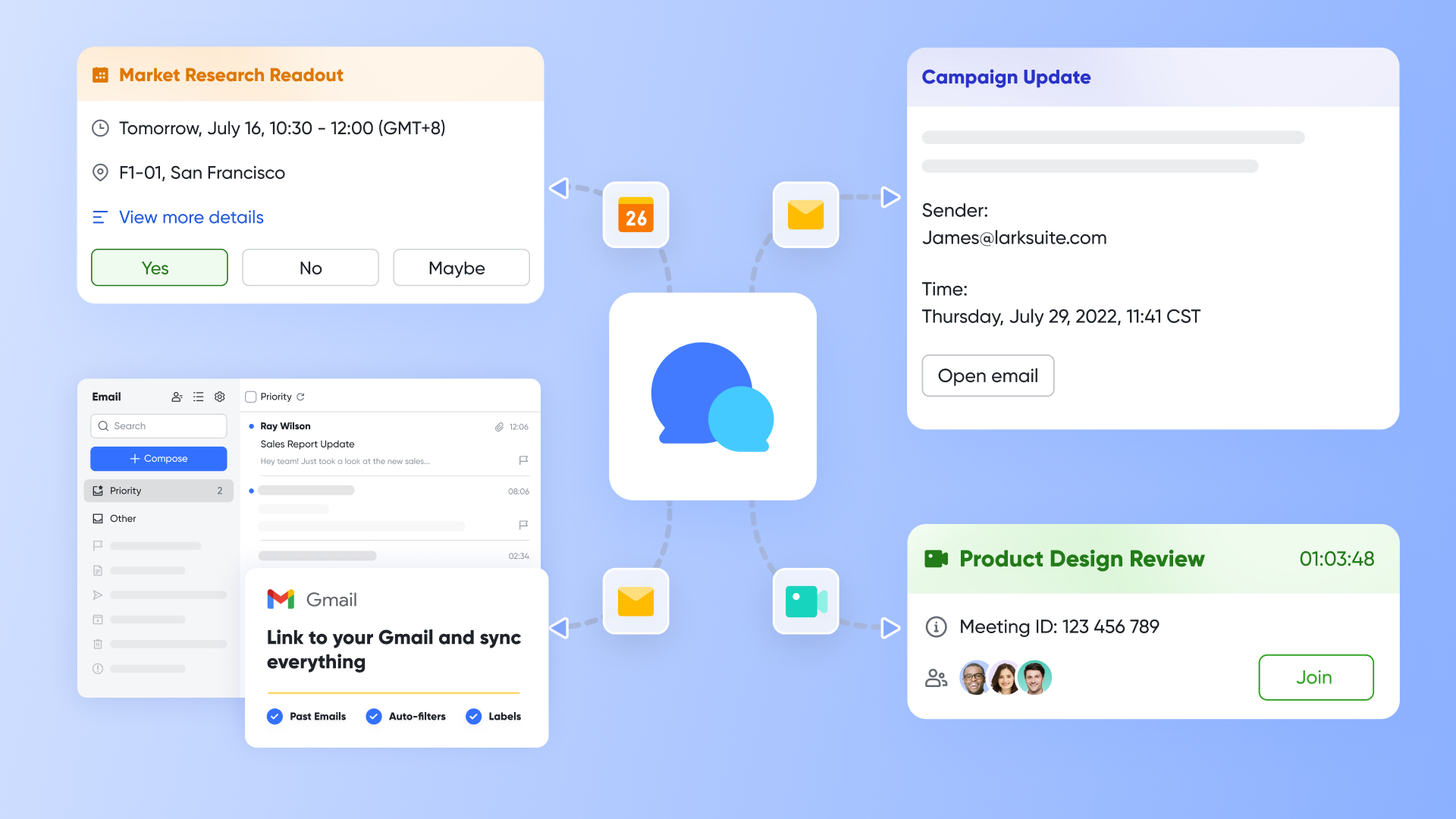
High-definition video conferencing
provides the core infrastructure for hosting stable, high-quality video and audio sessions for teams of any size. It features a one-click join system built directly into the calendar, ensuring participants can enter online conferences without complex login steps. The tool supports advanced host controls, such as managed microphone access and custom layouts, to keep large virtual gatherings organized and professional.
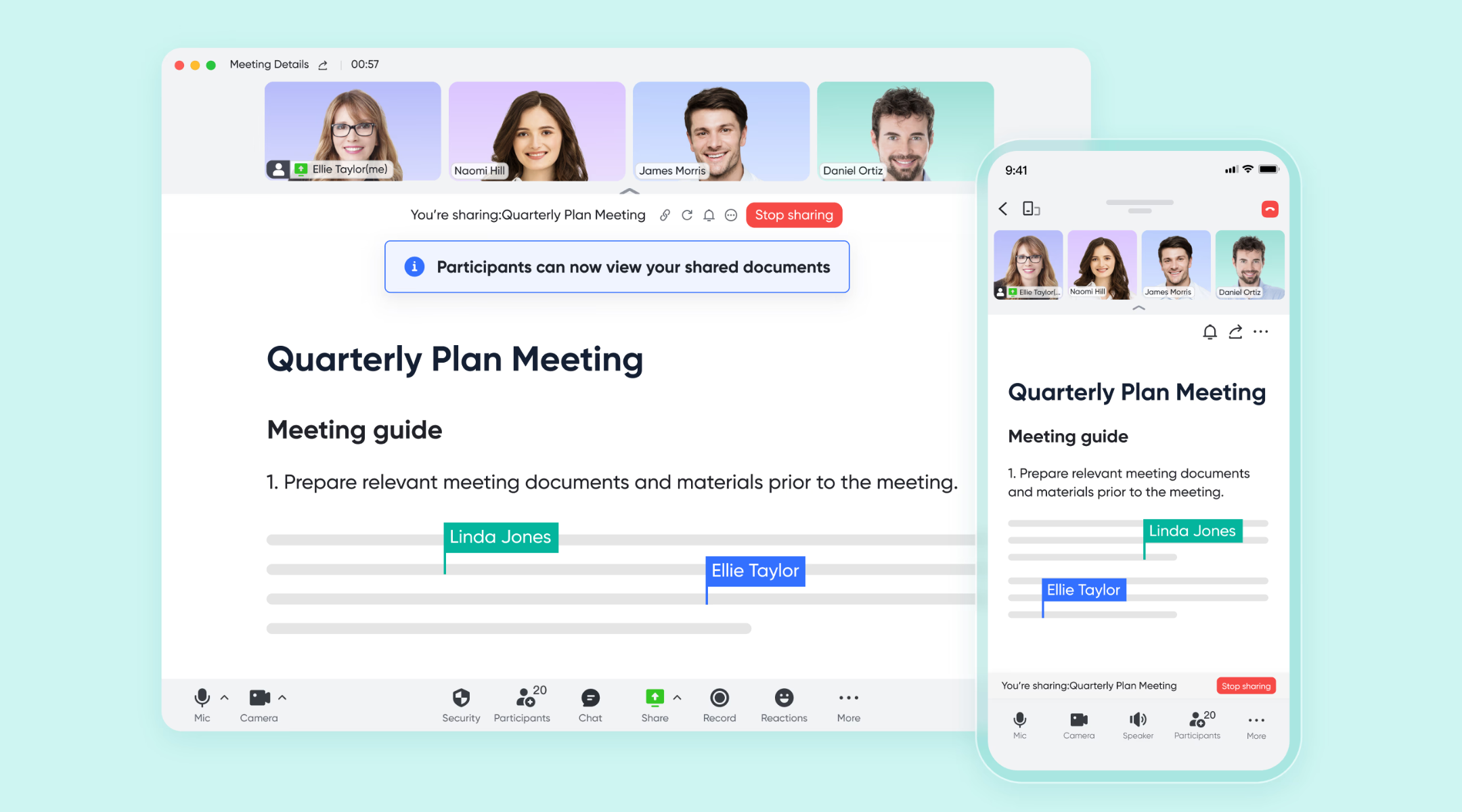
Interactive document collaboration
is a specific conferencing function that allows presenters to share live, editable documents instead of a static screen. This feature enables every participant to scroll through, click on links, and co-edit the shared file independently within the meeting window. It eliminates the "passive viewer" problem by turning every attendee into an active collaborator during online workshops or syncs.
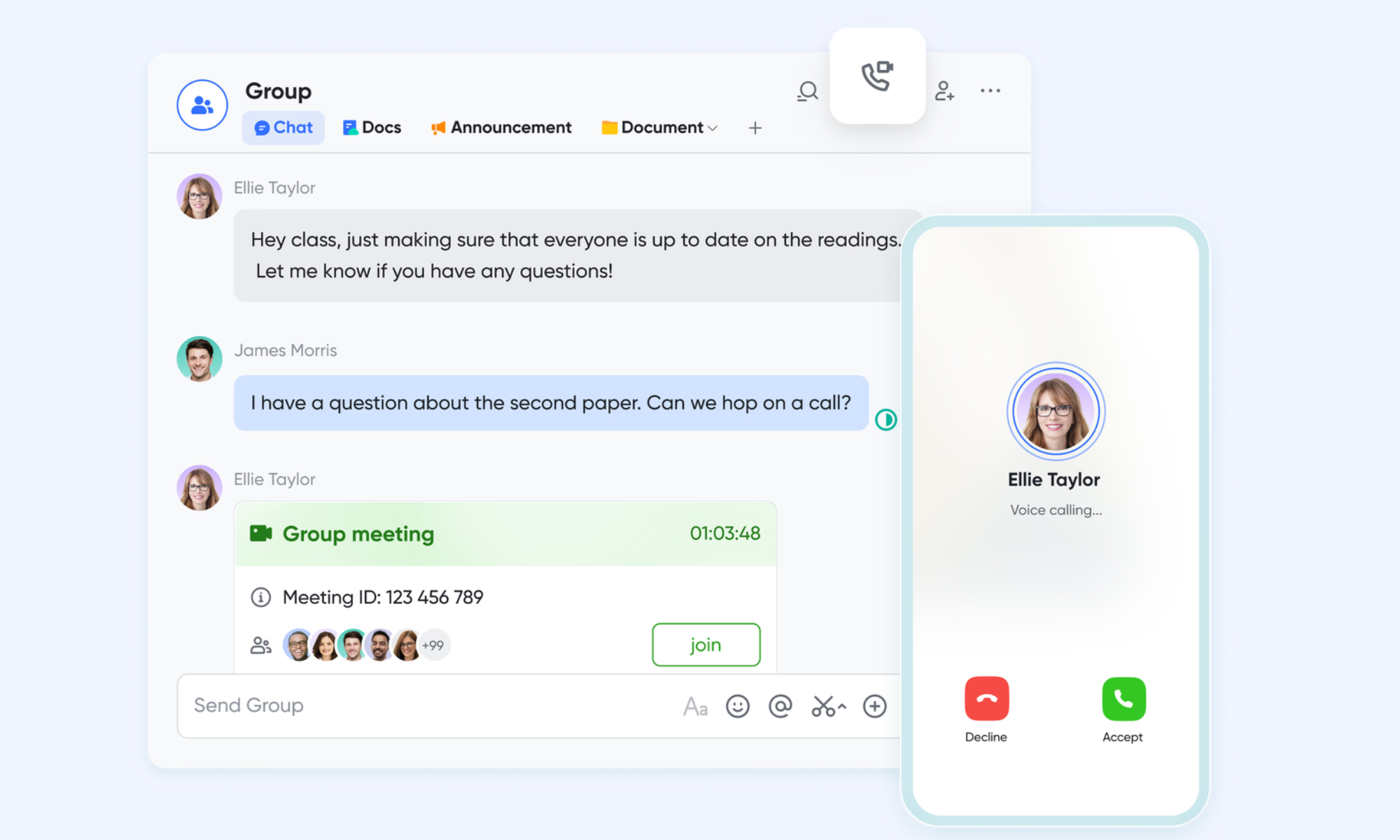
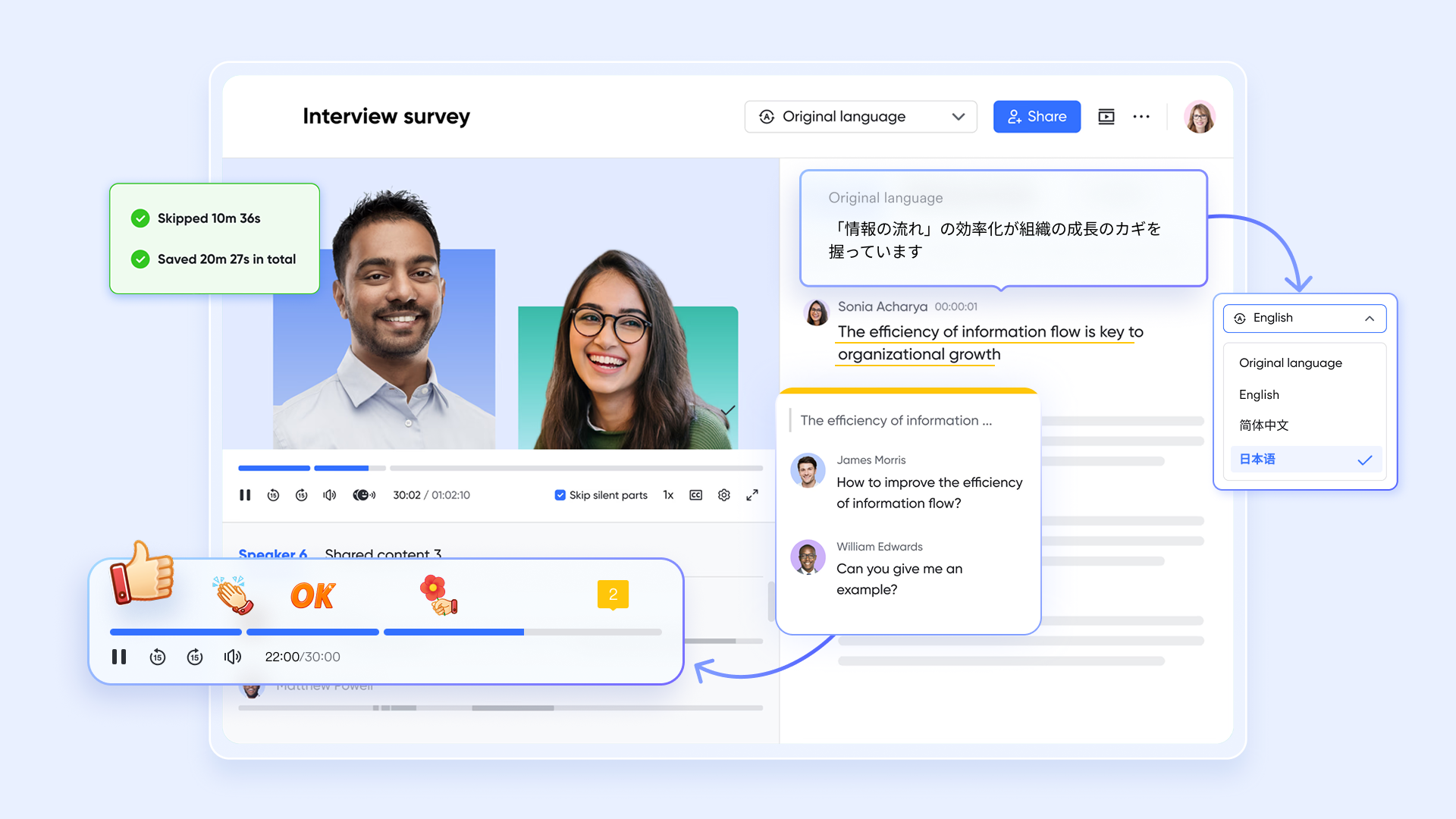
Smart meeting transcription
is an intelligent recording and transcription tool that converts conference audio into a searchable text transcript in real-time. It automatically identifies different speakers and generates time-stamped "Smart Chapters" to help users quickly navigate long video recordings. After the conference, attendees can click any part of the text to play the corresponding video segment, making it easy to review specific action items.
Large-scale virtual event hosting
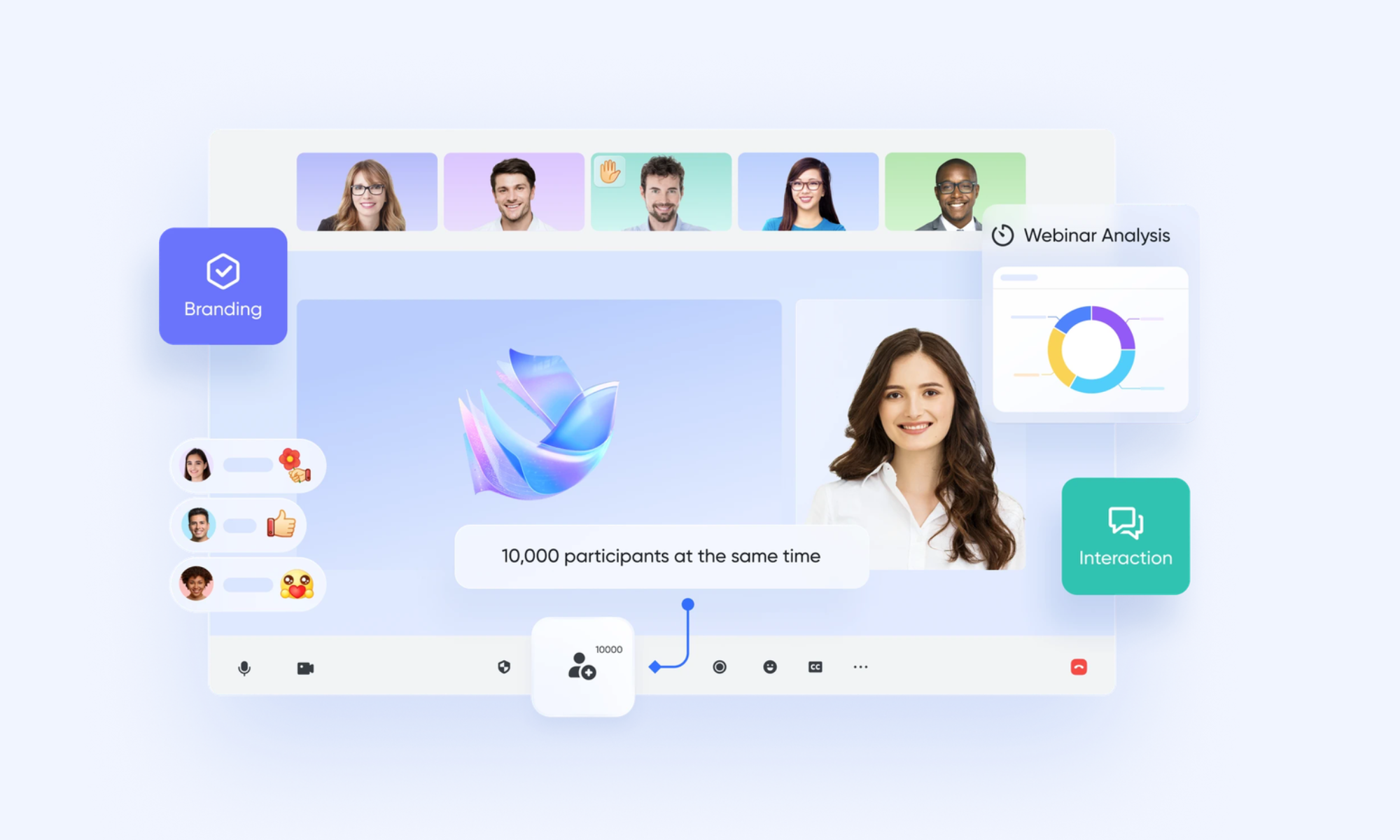
is a specialized broadcasting tool designed to host professional online events for up to 10,000 participants. It features a "Backstage" area where speakers can coordinate privately before going live to the general audience. The host maintains total control over the "Stage" view, ensuring that only the designated presenters and materials are visible to the attendees at any given time.
Pros:
- Combines communication, documents, meetings, and workflows in one platform.
- Real-time collaboration across teams and departments.
- Strong support for remote meetings and online conferences.
- Flexible tools for project coordination and information sharing.
Cons:
- New users may need initial onboarding, though the provides guidance.
:
- Starter plan: Free forever plan that includes 11 powerful tools for up to 20 users. It also comes with 100GB of storage, 1000 automation runs, AI translations, and more.
- Basic plan: $6/user/month (billed annually) for up to 500 users. It includes everything in Starter plus group calling for up to 500 attendees, 5TB of storage, 1000 automation runs, and more. For more details, please .
- Pro plan: $12/user/month (billed annually) for up to 500 users. It includes everything in Basic plus group calling for up to 500 attendees, 15TB of storage, 50,000 automation runs, and more.
- Enterprise plan: for custom pricing. Supports unlimited users and includes even more automation runs and advanced security, compliance, and management features.
For small teams with simple communication needs

18 months message history
1000 Base automation runs/month
2000 rows per table in Base
Most POPULAR
For companies with comprehensive collaboration and management needs
Unlimited message history
500-participant video meetings
50k Base automation runs/month
20k rows per table in Base
For large companies with advanced security and organizational management needs
Get a personalized demo and pricing
Unlimited message history
500-participant video meetings
15 TB storage + 30 GB storage/user
500k Base automation runs/month
50k Base automation runs/month
Most POPULAR
For companies with comprehensive collaboration and management needs
Unlimited message history
500-participant video meetings
50k Base automation runs/month
20k rows per table in Base
2. Airmeet: Best for virtual conferences and community events
Airmeet is designed for organizations that want to host engaging and interactive virtual events. Built specifically for conferences and community gatherings, it offers features such as virtual stages, networking tables, and live chat to replicate the experience of in-person events. With tools for attendee engagement, session management, and event analytics, Airmeet makes it easier for organizers to run professional online conferences while keeping participants actively involved.
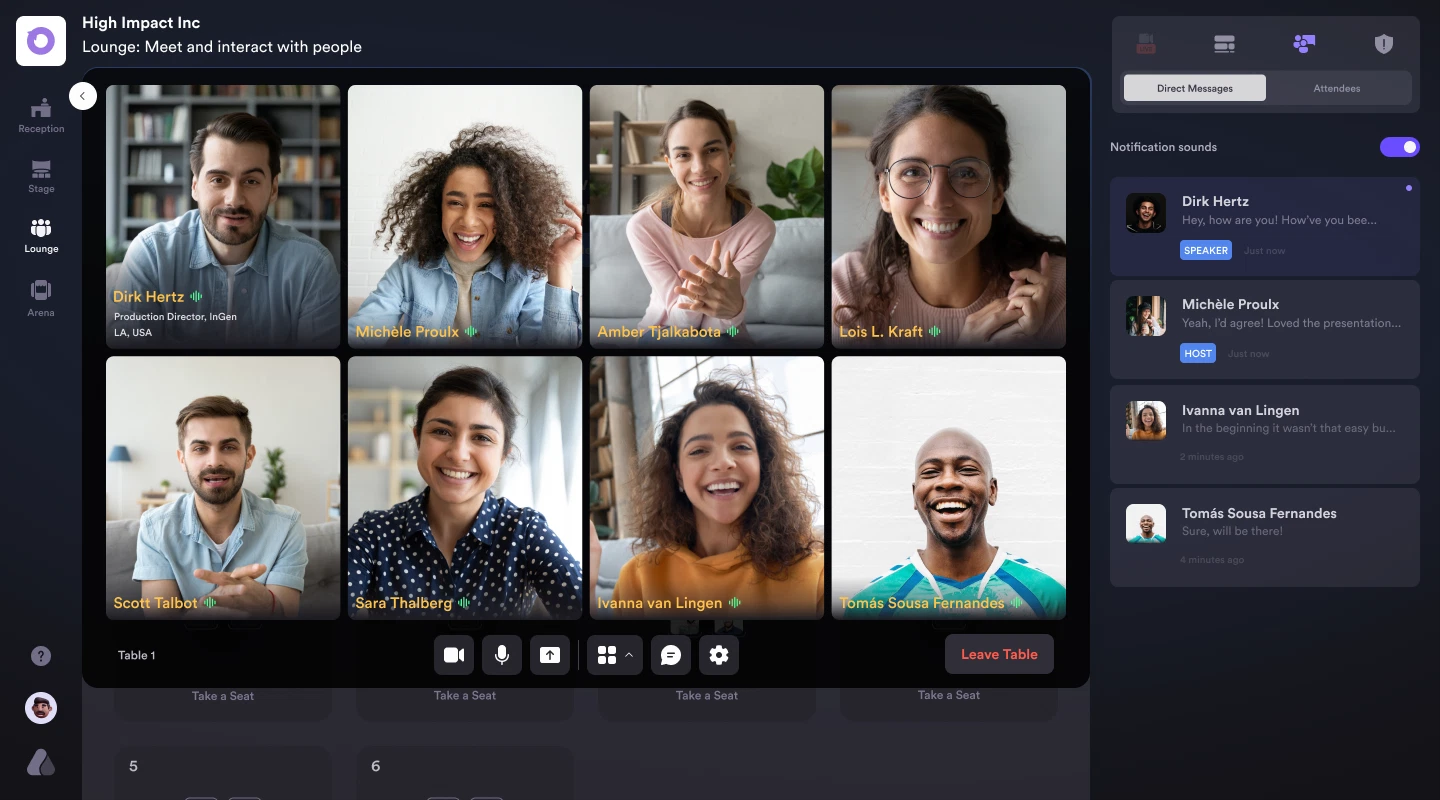
Image source: airmeet.com
Key features:
- Virtual stages for live sessions
- Networking tables for attendees
- Live chat, polls, and Q&A
- Event analytics and insights
Pros:
- Built for virtual conferences
- Strong networking features
Cons:
- Higher cost for advanced features
Pricing:
3. Bizzabo: Best for large-scale virtual and hybrid events
Bizzabo is a comprehensive event management platform built for organizations hosting large virtual or hybrid conferences. It provides tools for registration, live streaming, attendee engagement, and analytics in one place. With strong customization and marketing integrations, Bizzabo helps event teams create professional experiences while managing complex events efficiently.
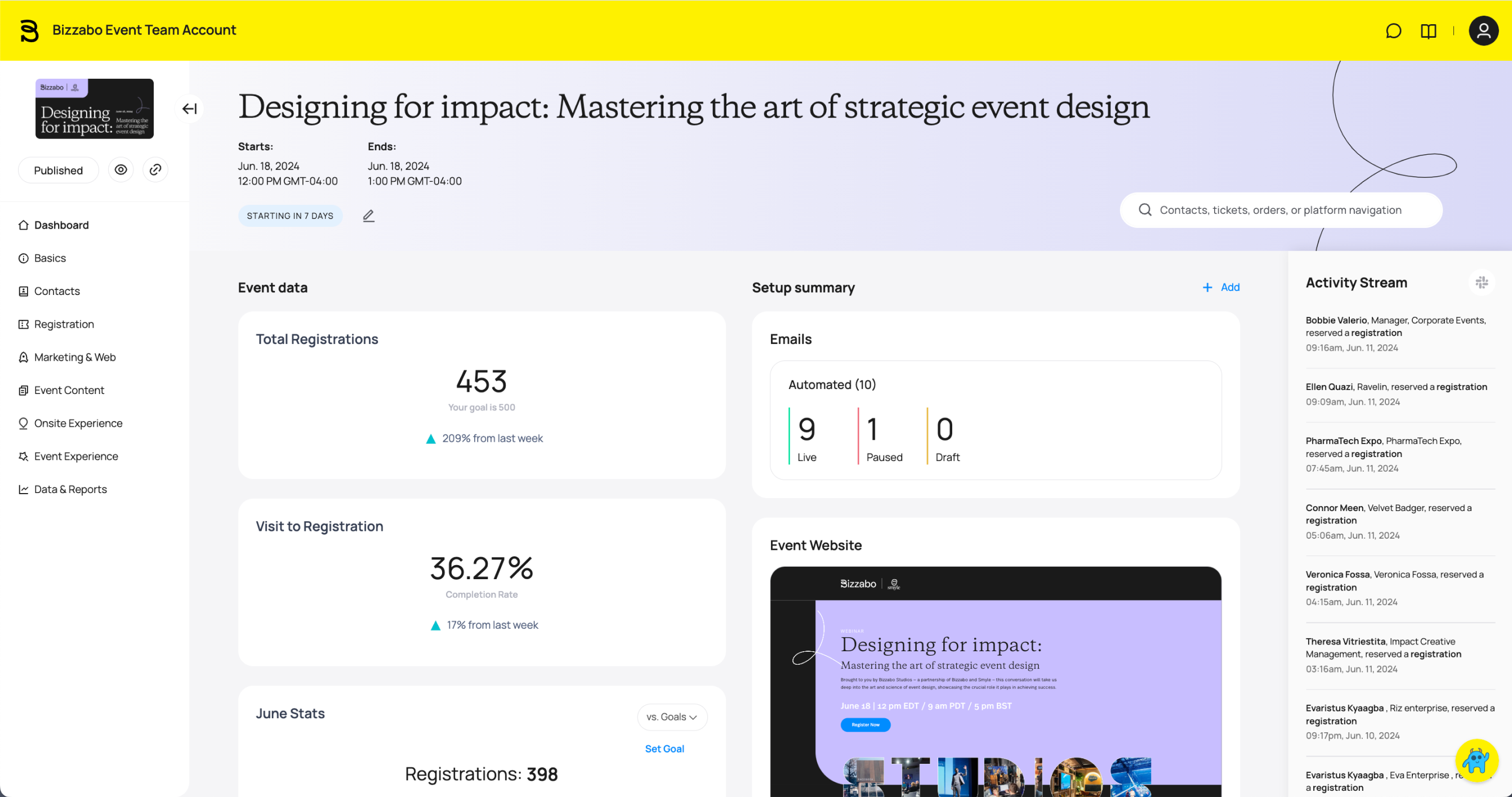
Image source: bizzabo.com
Key features:
- Event registration and ticketing
- Live streaming and hybrid event tools
- Audience engagement features
- Real-time event analytics
Pros:
- Strong customization options
Cons:
- Higher pricing for small teams
Pricing:
4. Hubilo: Best virtual event platform for event marketing
Hubilo is designed for organizations that want to turn virtual events into powerful marketing opportunities. The platform focuses on audience engagement, branded event experiences, and detailed analytics that help teams measure event performance. With tools for webinars, virtual conferences, and hybrid events, Hubilo enables marketers to attract attendees, generate leads, and deliver memorable digital experiences.
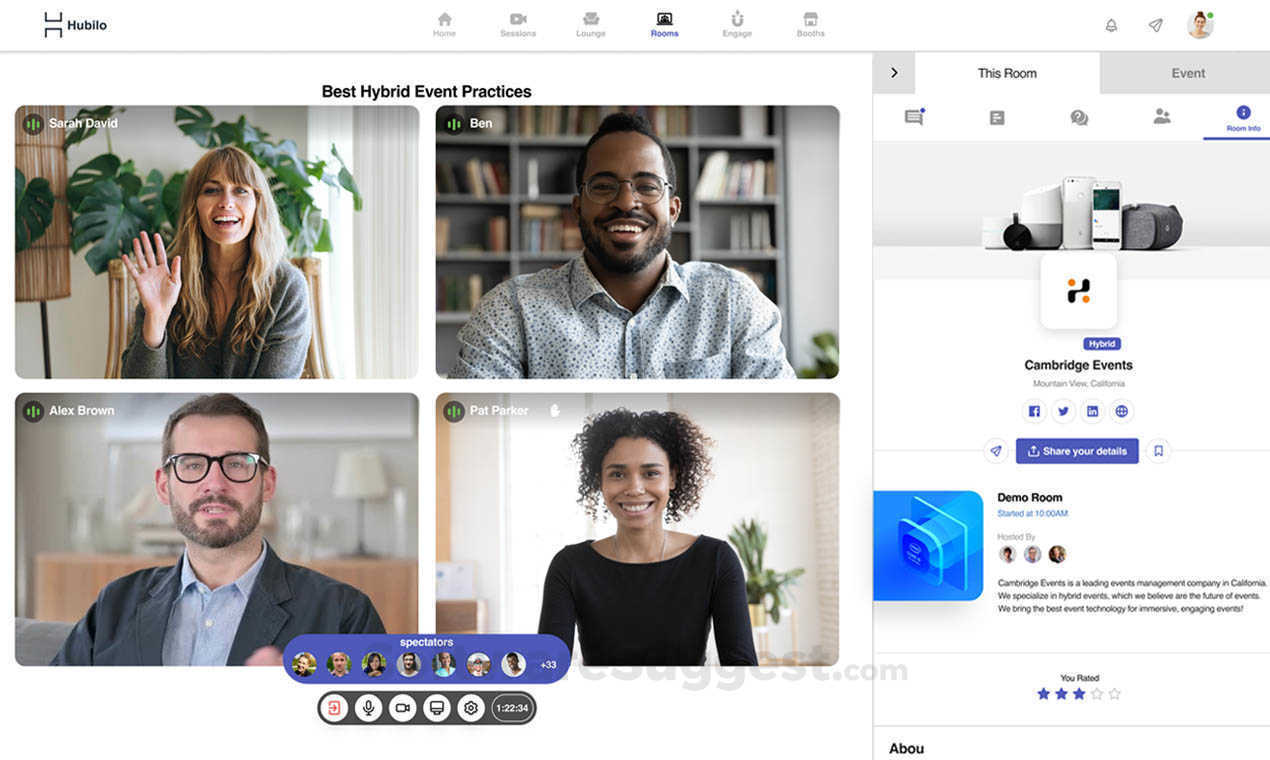
Image source: hubilo.com
Key features:
- Customizable event pages
- Live polls and Q&A tools
- Audience engagement features
- Event performance analytics
Pros:
- Strong marketing integrations
- Highly customizable events
Cons:
- Higher cost for small teams
- Some features require setup time
Pricing:
5. Whova: Best for networking and attendee engagement
Whova is a popular event management platform known for its strong networking and attendee engagement capabilities. It helps organizers create interactive event experiences with tools for agenda management, attendee networking, and community discussions. By making it easy for participants to connect, share ideas, and interact during sessions, Whova helps virtual conferences feel more dynamic and collaborative.
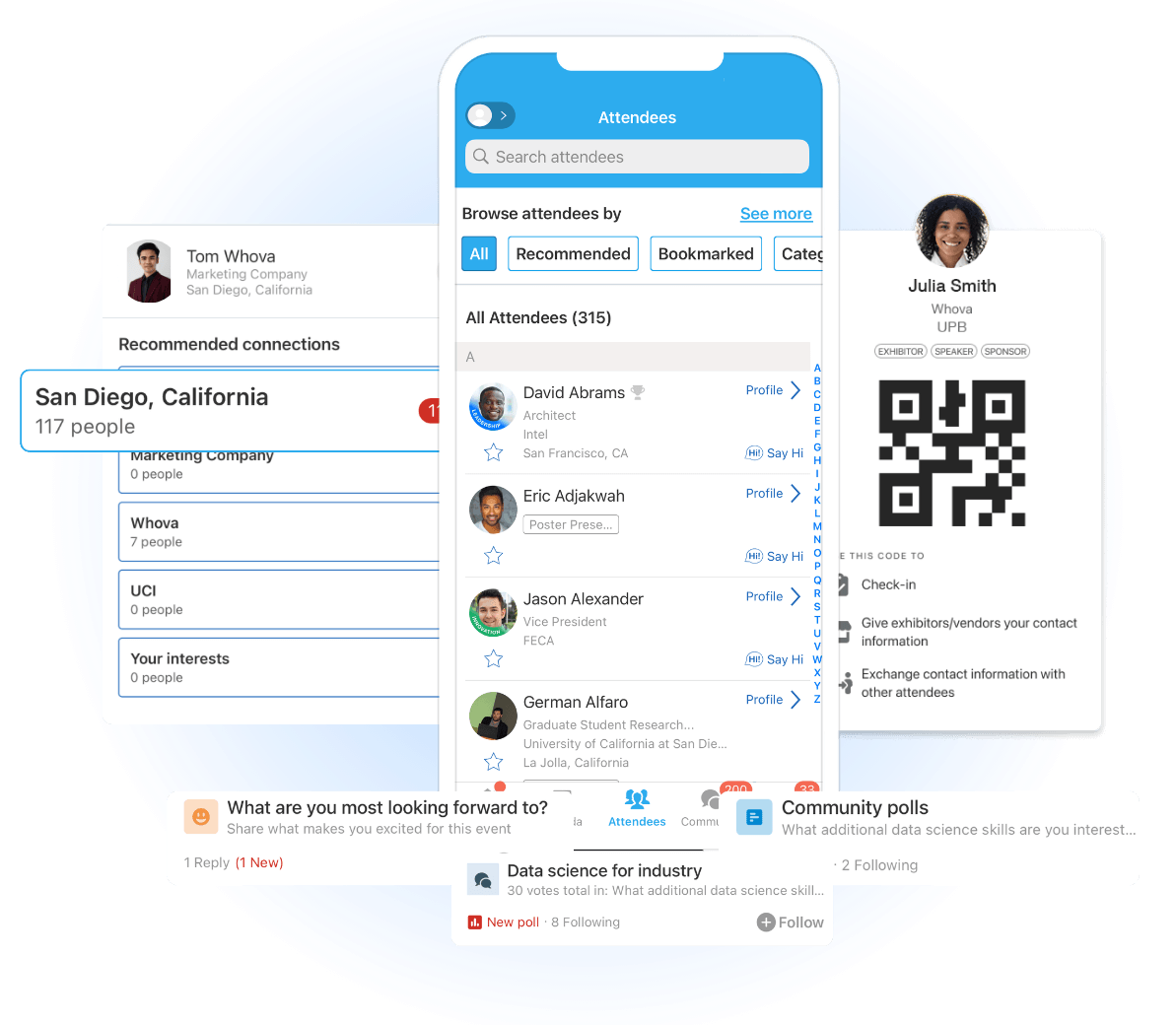
Image source: whova.com
Key features:
- Attendee networking tools
Pros:
- Strong networking features
- Easy attendee interaction
Cons:
- Some features require setup
Pricing:
6. ON24: Best for webinar hosting and B2B virtual events
ON24 is a powerful platform designed for organizations that rely on webinars to drive marketing, education, and customer engagement. It enables teams to host live, simulive, and on-demand webinars with interactive features like polls, Q&A, and branded event pages. With strong analytics and marketing integrations, ON24 helps businesses turn webinars into measurable engagement and lead-generation opportunities.
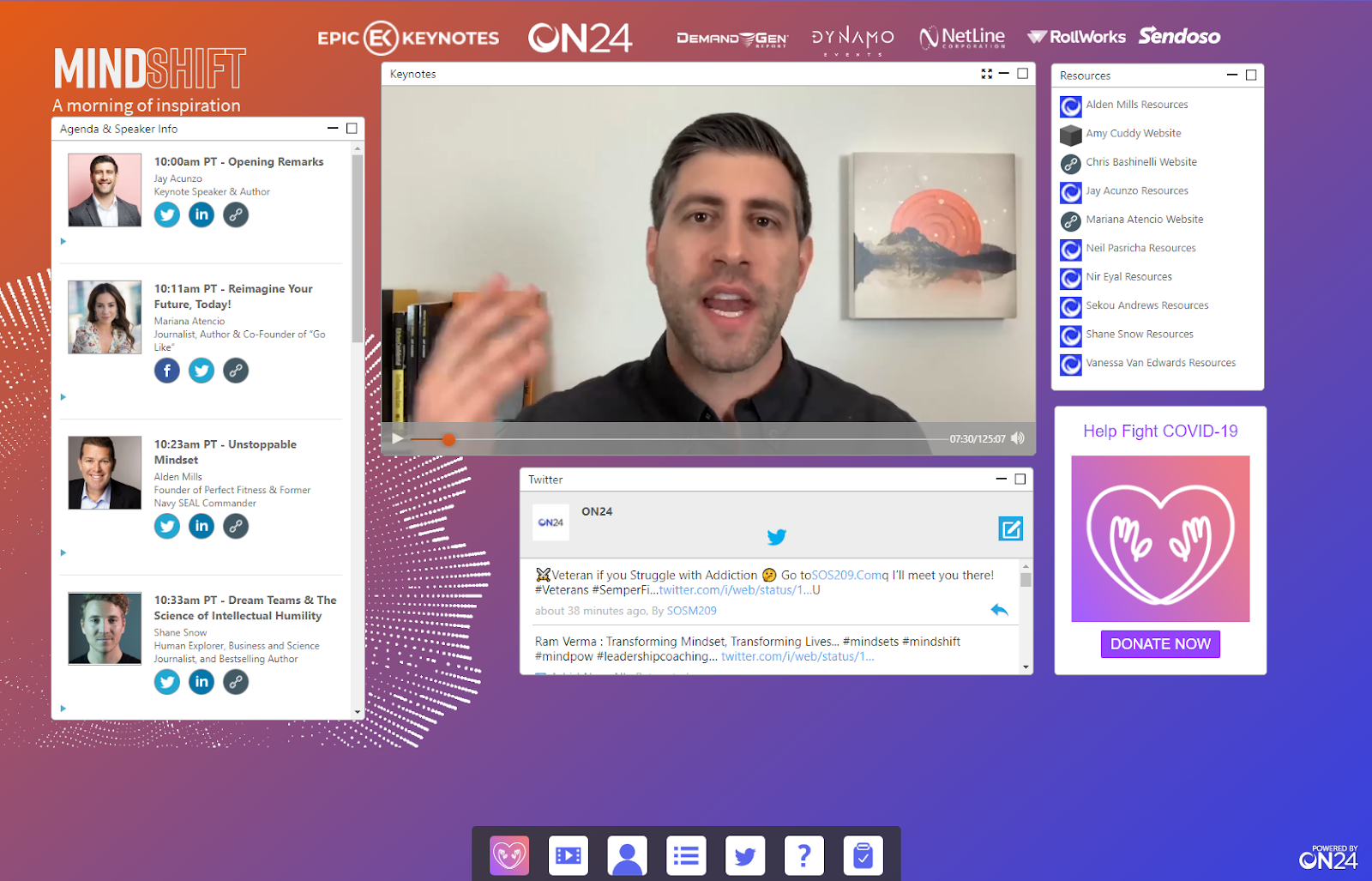
Image source: on24.com
Key features:
- Live, simulive, and on-demand webinars
- Interactive polls, Q&A, and surveys
- Branded webinar consoles
- Advanced engagement analytics
Pros:
- Strong webinar engagement tools
- Detailed audience analytics
- Good marketing integrations
Cons:
- Higher cost for small teams
- Complex setup for beginners
Pricing:
- Custom pricing (enterprise plans)
7. BigMarker: Best for customizable virtual events and webinars
BigMarker is a flexible platform built for organizations that want full control over their virtual events and webinars. It supports live, automated, and on-demand webinars while allowing organizers to customize registration pages, event channels, and branding. With built-in engagement tools and marketing features, BigMarker helps teams create highly tailored online event experiences.
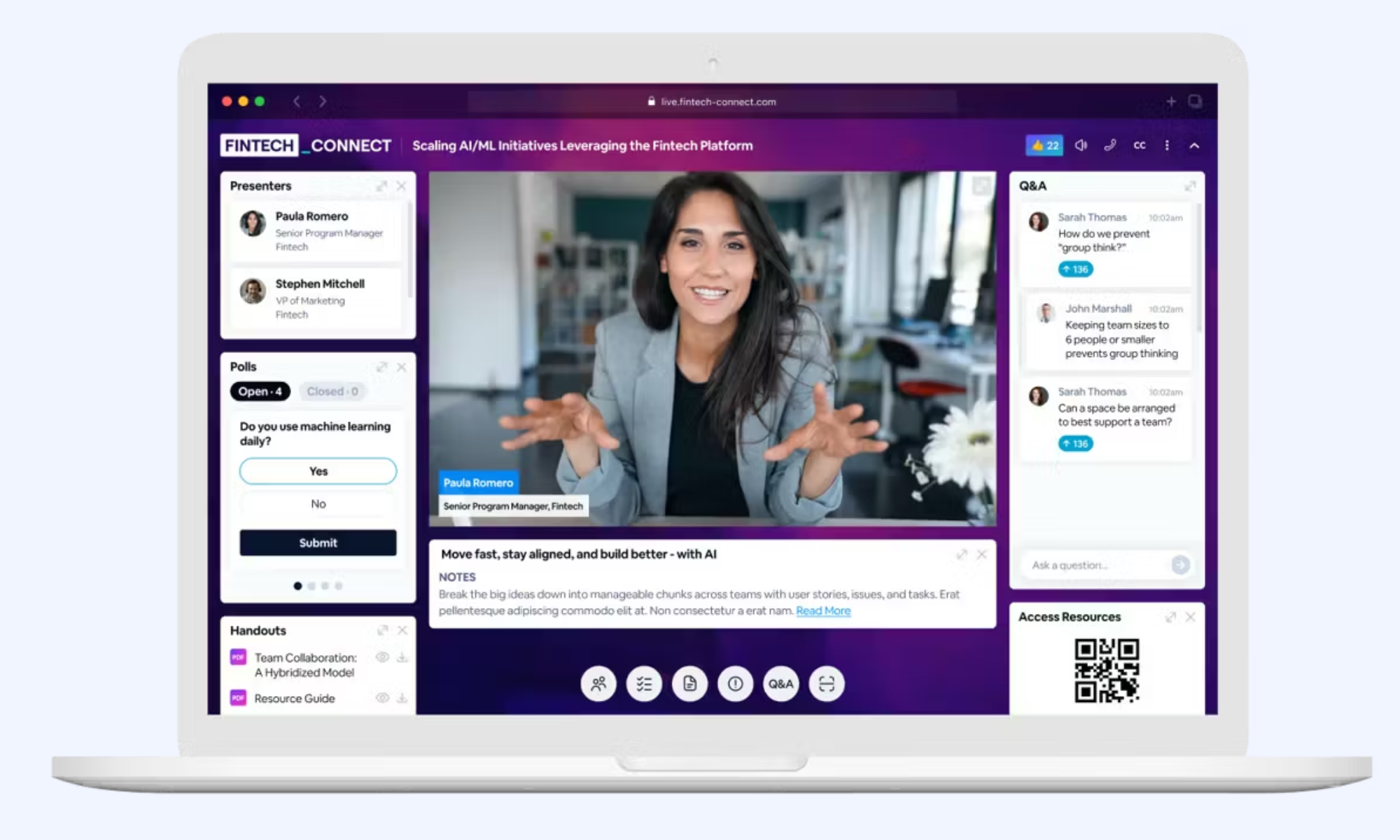
Image source: bigmarker.com
Key features:
- Customizable webinar pages
- Live, automated, and on-demand webinars
- Polls, chat, and Q&A tools
- Built-in email invitations
Pros:
- Highly customizable events
- Browser-based (no downloads)
Cons:
- Learning curve for beginners
- Pricing may be high for small teams
Pricing:
8. vFairs: Best for immersive 3D virtual event environments
vFairs is designed for organizations that want to create visually engaging and interactive virtual events. The platform is known for its immersive 3D environments that replicate real event venues, including virtual lobbies, exhibition halls, and auditoriums. These features help attendees navigate events more naturally while enabling organizers to host conferences, trade shows, and career fairs in a highly interactive digital space.
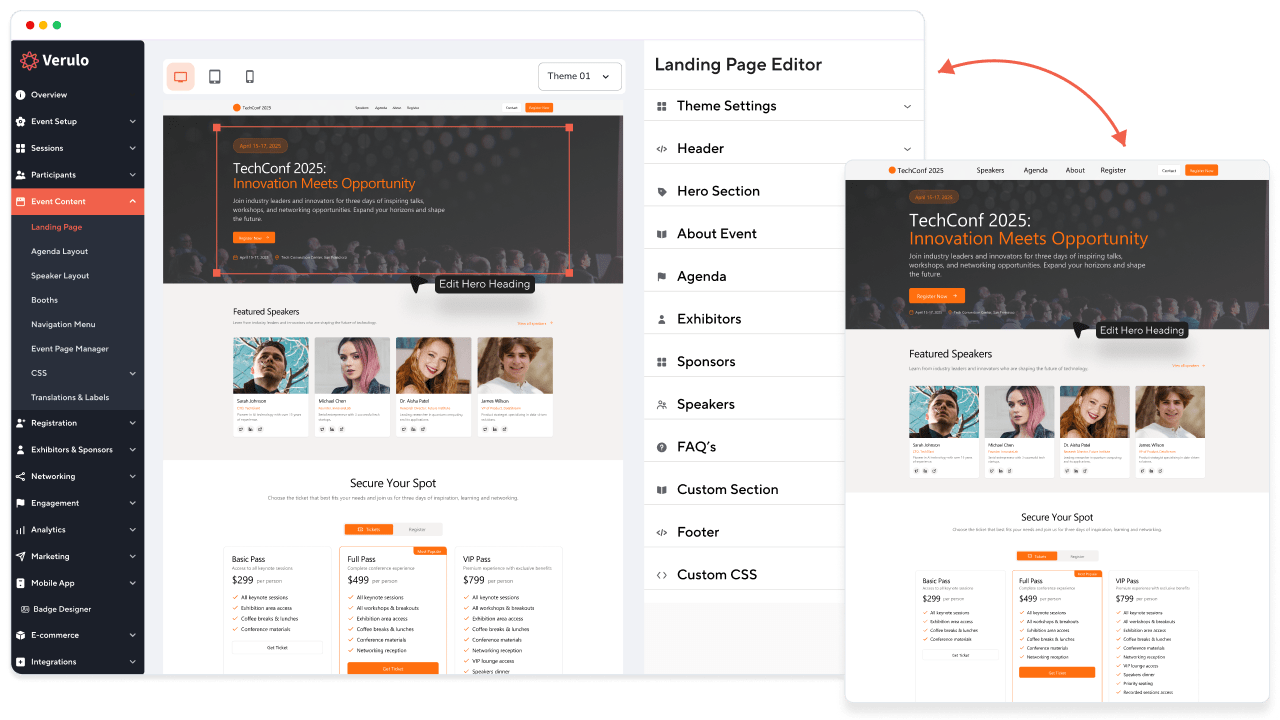
Image source: vfairs.com
Key features:
- 2D and 3D virtual event environments
- Virtual booths and exhibition halls
- Live sessions and webinar support
- Real-time event analytics
Pros:
- Highly immersive event experience
- Strong branding customization
Cons:
- Pricing may be high for small teams
Pricing:
- Custom pricing based on event size
9. Accelevents: Best for enterprise virtual conferences
Accelevents is an all-in-one event management platform designed to support large virtual, hybrid, and in-person conferences. It provides tools for registration, ticketing, live streaming, networking, and analytics in a single system, helping event teams manage complex conferences more efficiently. The platform is especially suited for enterprise organizations that run multiple events and need strong reporting and integration capabilities.
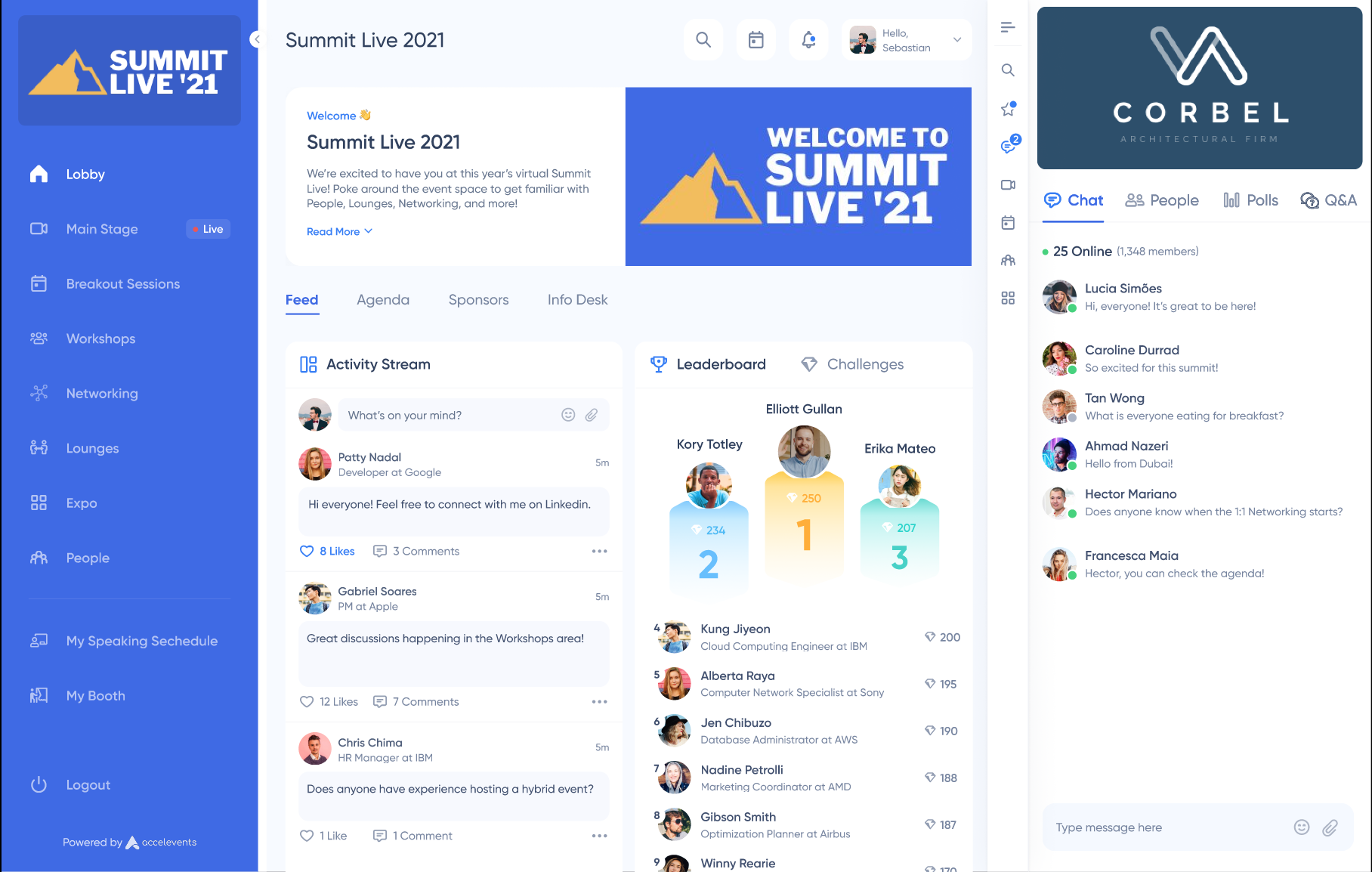
Image source: accelevents.com
Key features:
- Event registration and ticketing
- Live streaming and networking tools
- Virtual booths and exhibitor management
- Event analytics and reporting
Pros:
- Supports virtual and hybrid events
- Strong analytics and integrations
- Scales for large conferences
Cons:
- Pricing may be high for small teams
- Interface may require training
Pricing:
- Professional plan: from about $7,000 per event
- Business plans: around $13,500/year
- Enterprise plans: custom pricing
10. Google Meet: Best for simple web-based conferencing
Google Meet is a widely used conferencing tool known for its simplicity and seamless integration with Google Workspace. It allows teams to host quick video meetings directly from a browser without installing additional software. With features like screen sharing, live captions, and easy scheduling through Google Calendar, it's a practical option for organizations that want straightforward and reliable web-based conferencing.
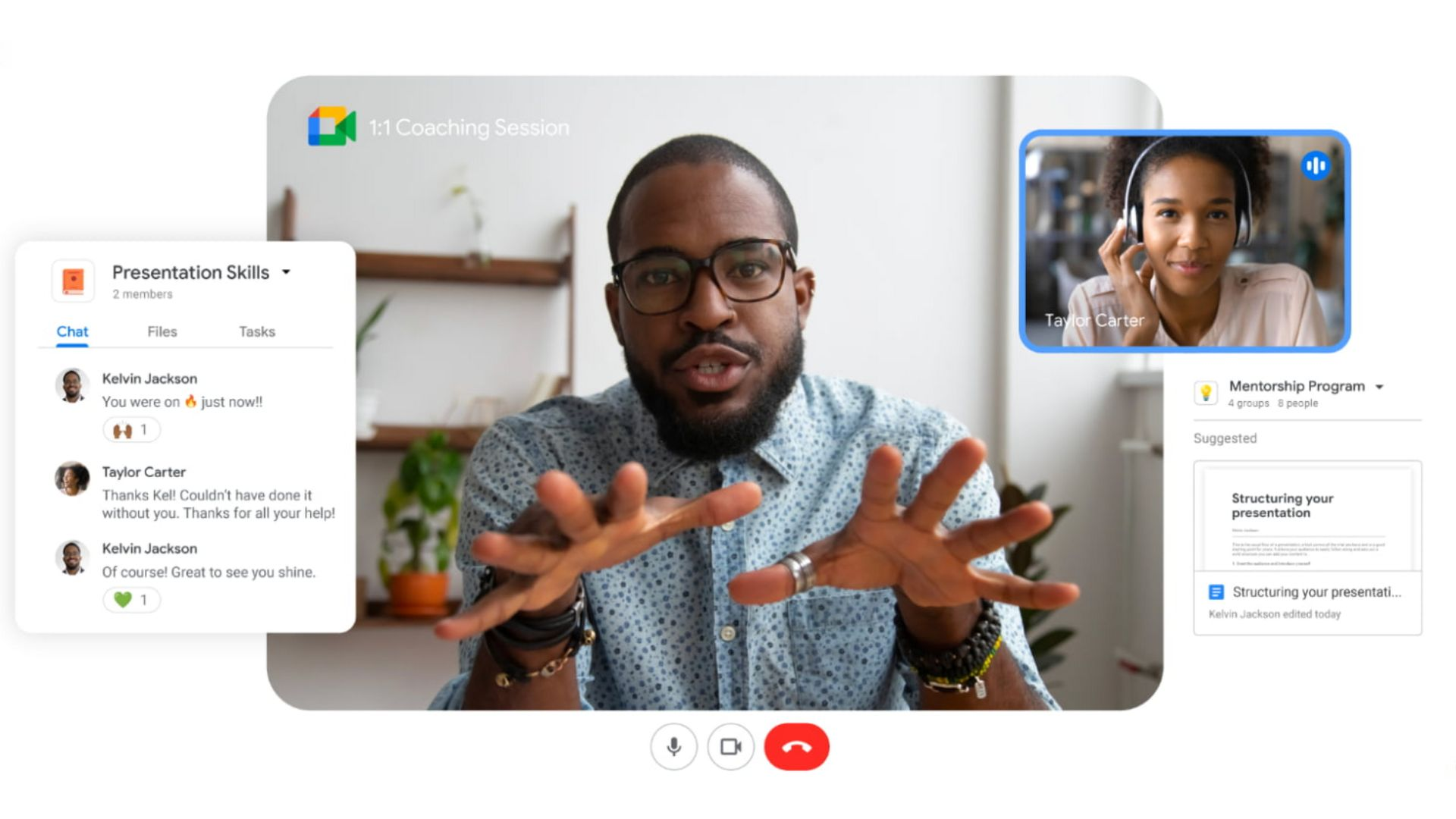
Image source: workspace.google.com
Key features:
- Browser-based video meetings
- Screen sharing and live captions
- Google Calendar scheduling
- Integration with Google Workspace
Pros:
- Strong Google integrations
Cons:
- Fewer advanced features than competitors
- Some features require Workspace plans
Pricing:
- Paid plans: from about $7/user/month
11. Microsoft Teams: Best for enterprise collaboration conferences
Microsoft Teams is a widely used collaboration platform that combines video meetings, messaging, file sharing, and event hosting in a single workspace. Designed for organizations already using Microsoft 365, it allows teams to run virtual meetings, webinars, and large conferences while keeping communication and project collaboration connected in one place. Its enterprise-level security and integration capabilities make it a reliable choice for large businesses.
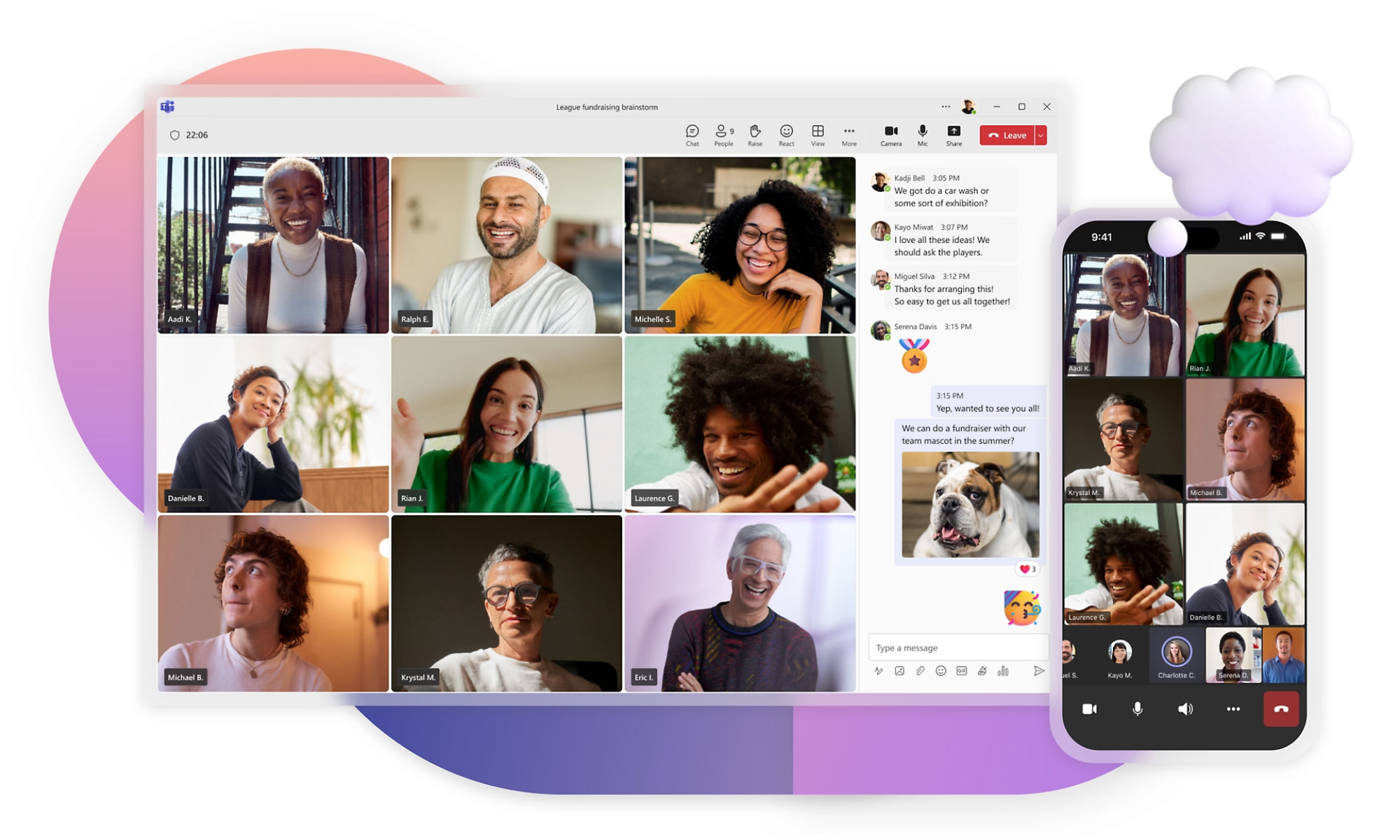
Image source: microsoft.com
Key features:
- Video meetings and webinars
- Chat and file collaboration
- Meeting recording and live captions
- Integration with Microsoft 365
Pros:
- Strong enterprise integrations
- Secure and reliable platform
- Good collaboration features
Cons:
- Interface can feel complex
- Advanced features require higher plans
Pricing:
- Teams Free plan: $0 per user/month, billed annually
- Teams Essentials: $4 per user/month, billed annually
12. Kaltura: Best for video integrations and media events
Kaltura is a powerful video platform designed for organizations that rely heavily on video content for webinars, conferences, and virtual events. It offers advanced streaming, video hosting, and customization capabilities, making it a strong choice for enterprises, universities, and media organizations that need scalable and flexible video-based event solutions.
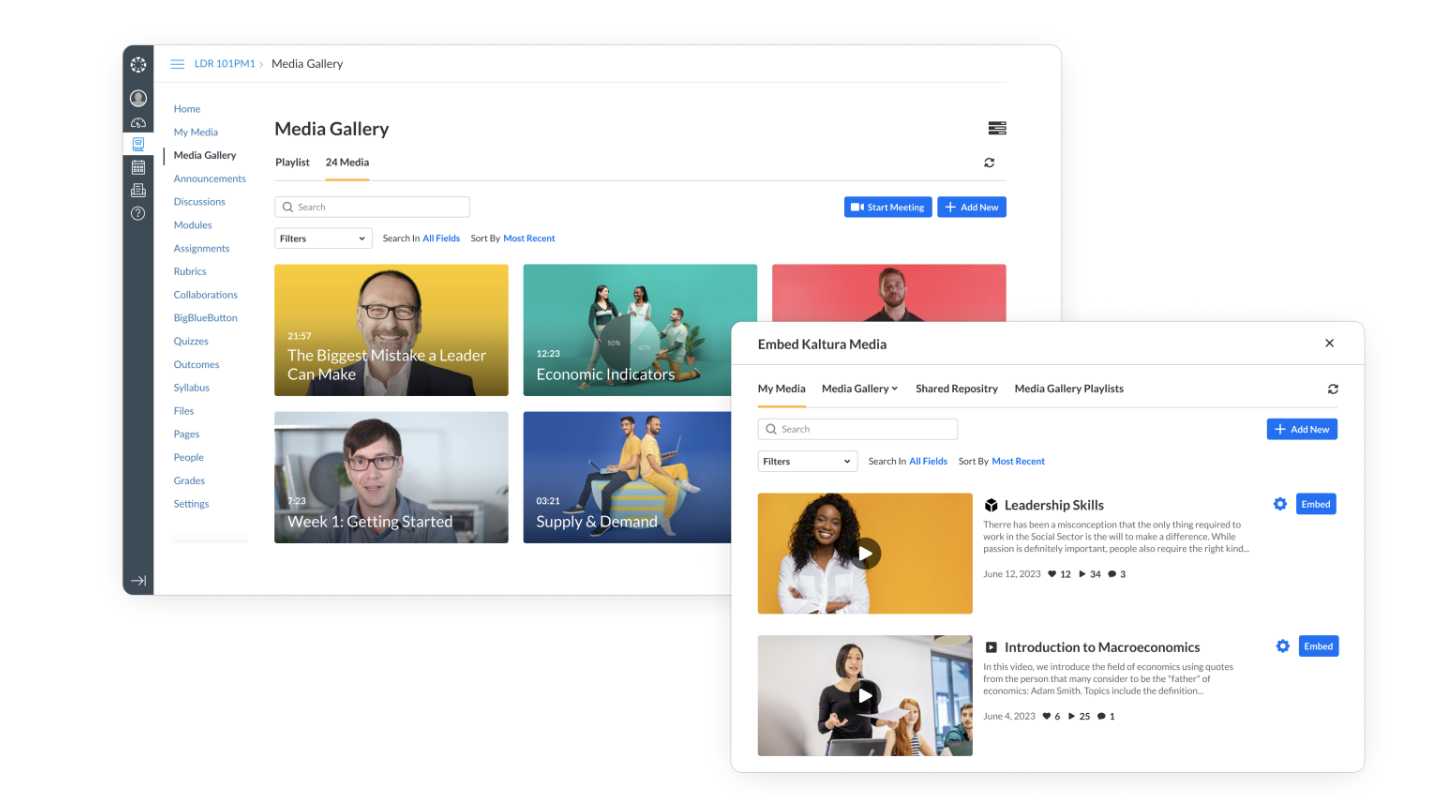
Image source: kaltura.com
Key features:
- Video hosting and live streaming
- Interactive webinar tools
- Customizable event experiences
- Advanced video analytics
Pros:
- Strong video infrastructure
- Highly customizable platform
- Scales for large audiences
Cons:
- Complex setup for beginners
- Higher pricing for full features
Pricing:
13. SpotMe: Best for branded enterprise virtual events
SpotMe is an enterprise event platform designed to help organizations deliver branded and secure virtual conferences. It offers tools for audience engagement, networking, and event analytics while allowing companies to fully customize the event experience with their own branding and content.
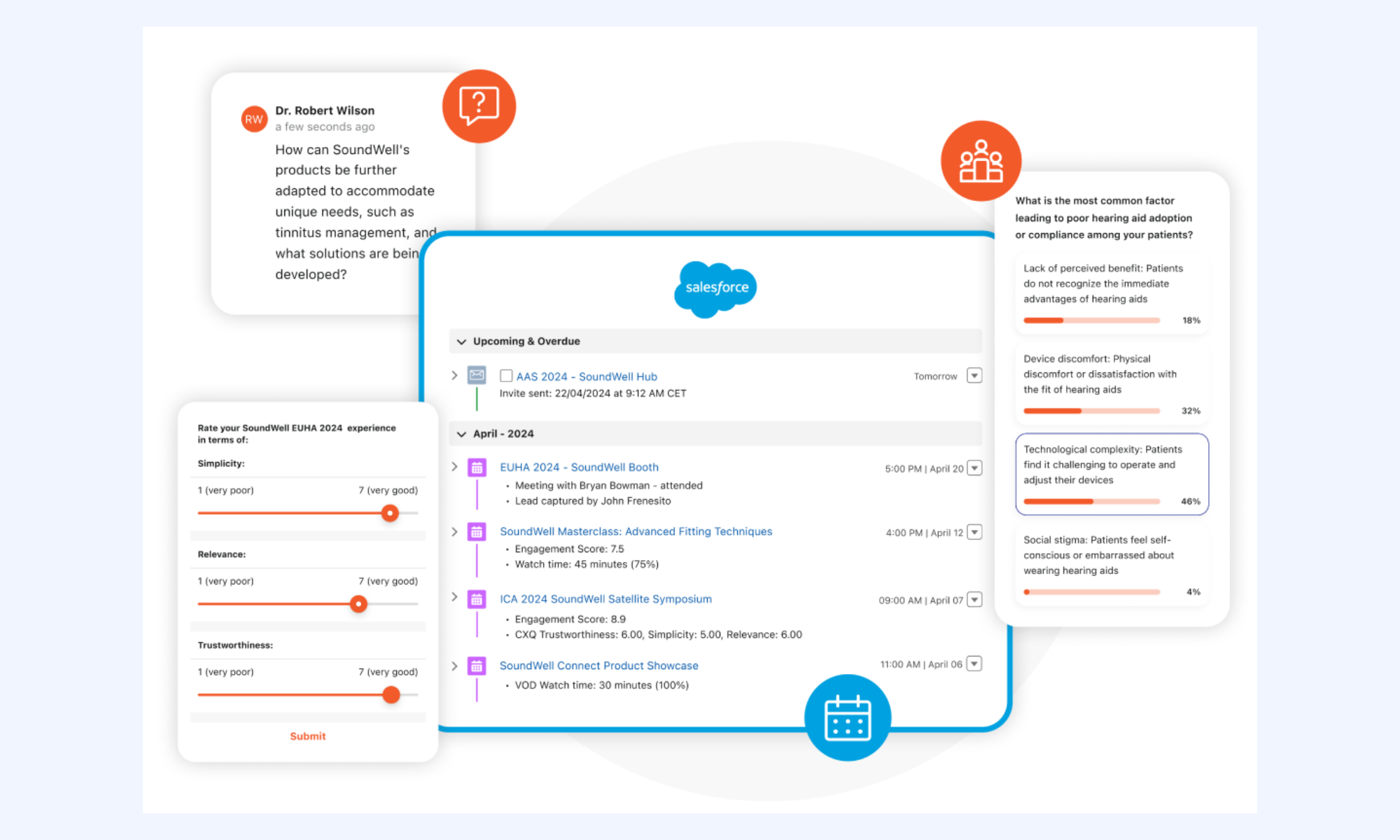
Image source: spotme.com
Key features:
- Branded virtual event environments
- Audience engagement tools
- Networking and chat features
- Event analytics and insights
Pros:
- Strong branding capabilities
- Enterprise-level security
- Good attendee engagement tools
Cons:
- Higher cost for small teams
- Setup can require planning
Pricing:
14. PheedLoop: Best for hybrid and multi-format events
PheedLoop is a flexible event management platform built to support virtual, hybrid, and in-person conferences. It provides tools for registration, ticketing, event apps, and attendee engagement, making it easier for organizers to manage different event formats from a single platform.
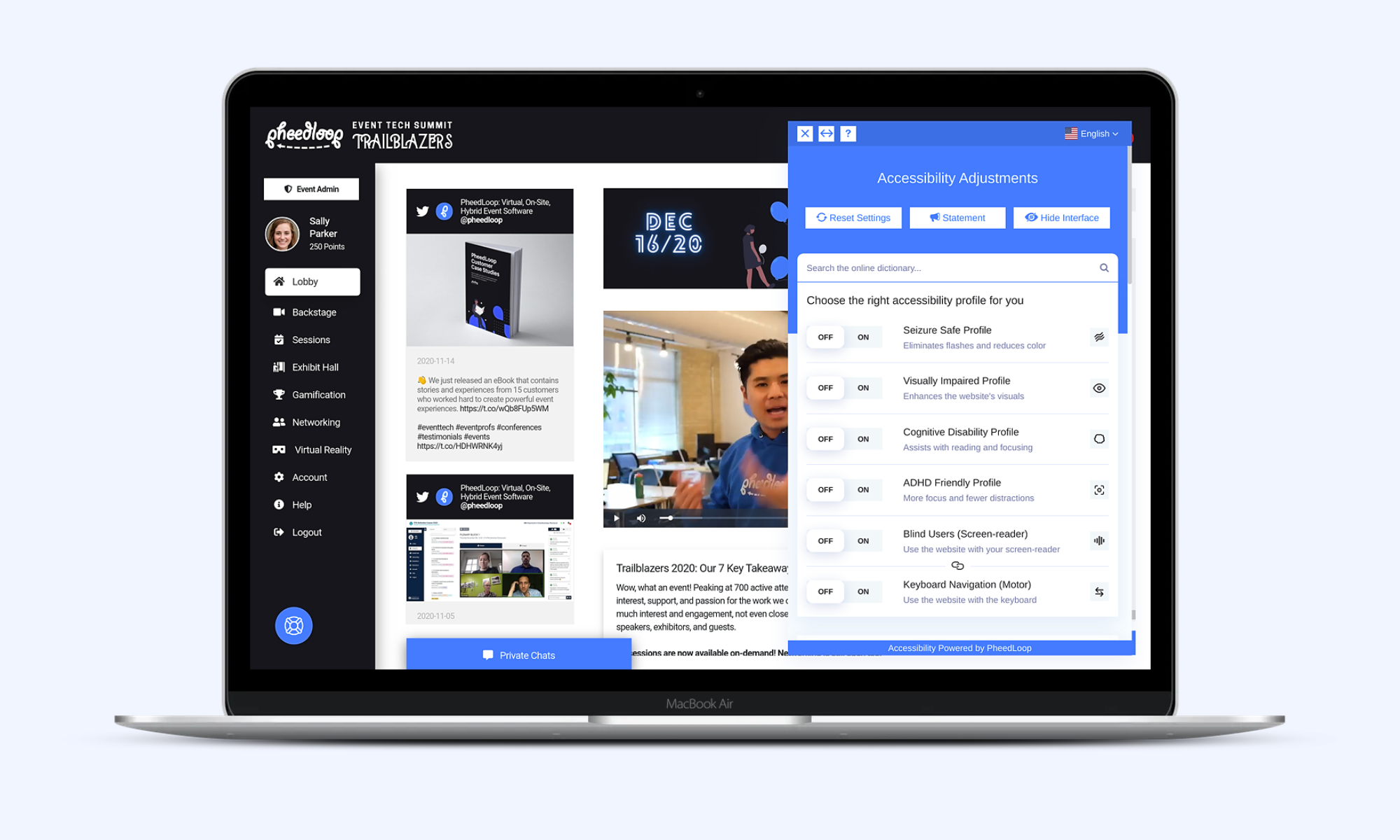
Image source: pheedloop.com
Key features:
- Event registration and ticketing
- Hybrid event management tools
- Engagement and networking features
Pros:
- Supports multiple event formats
- Good customization options
- Comprehensive event tools
Cons:
- Interface may require training
- Some advanced features cost extra
Pricing:
15. EventsAir: Best for managing virtual, hybrid, and in-person events
EventsAir is a comprehensive event management platform designed to handle every stage of event planning and execution. It supports virtual, hybrid, and physical conferences while offering tools for registration, attendee management, and event analytics, making it suitable for organizations that run events regularly.
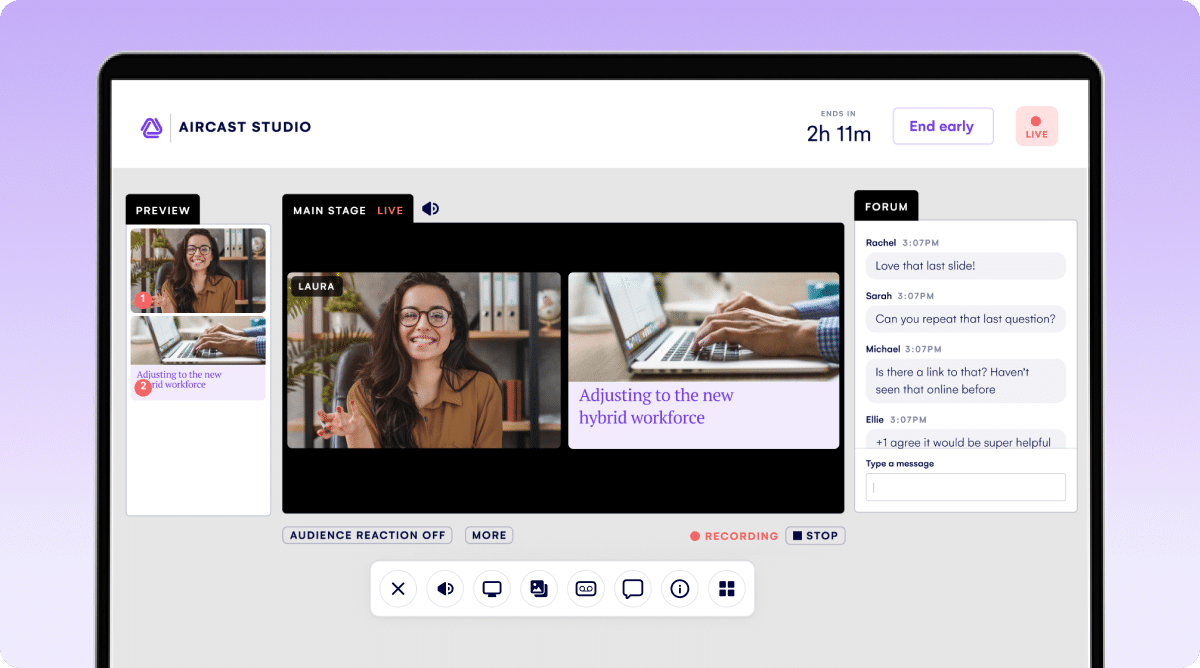
Image source: eventsair.com
Key features:
- Event registration and management
- Virtual and hybrid event tools
- Attendee tracking and analytics
- Customizable event websites
Pros:
- Full event lifecycle management
- Strong reporting capabilities
Cons:
- Learning curve for new users
- Pricing may be high for small events
Pricing:
Benefits of using online virtual conference platforms
Online virtual conference platforms offer far more than simple video calls. They provide tools that enhance engagement, simplify event management, and improve collaboration across teams. Here are five key benefits of using these platforms:
- Seamless collaboration: Modern platforms integrate messaging, file sharing, and scheduling features, enabling teams to coordinate efficiently before, during, and after an event. Many platforms also connect with existing , allowing organizers to track attendees, follow up with leads, and centralize all event-related data in one place.
- Enhanced audience engagement: Interactive features such as polls, Q&A sessions, breakout rooms, and virtual networking lounges keep participants engaged and encourage active participation throughout the event.
- Professional event management: Platforms streamline registration, ticketing, agenda creation, and session scheduling. Organizers can manage all aspects of a virtual event from a single dashboard, saving time and reducing logistical complexity.
- Reliable video and audio quality: High-quality streaming and clear audio ensure participants enjoy a smooth experience, even for large-scale conferences. Some platforms also provide tools for, so sessions can be archived, shared with absent attendees, or repurposed for marketing and training.
- Analytics and reporting: Detailed attendee analytics help organizers understand engagement levels, session popularity, and overall event success. These insights enable continuous improvement for future conferences and more informed decision-making.
Boost team productivity without communication gaps
Future trends shaping online conference platforms
As virtual events continue to evolve, new technologies are transforming how conferences are hosted and experienced. Modern platforms are moving beyond simple meetings to create immersive, data-driven, and highly interactive digital events. Here are five trends shaping the future of online conference platforms:
- AI-powered personalization: Artificial intelligence helps platforms personalize the conference experience for each attendee. AI can recommend sessions, suggest networking opportunities, and tailor event agendas based on participants' interests and activity levels.
- Hybrid events are becoming the new standard: Many organizations are combining in-person and virtual formats to expand their audience reach. Hybrid events allow attendees to participate remotely while still maintaining the engagement and networking opportunities of traditional conferences.
- More advanced video collaboration technology: As demand for virtual events grows, platforms are adopting more sophisticated to support larger audiences, improve streaming quality, and ensure smooth interaction during sessions.
- Greater integration with event planning tools: Online conference platforms are increasingly integrating with tools that support event logistics, marketing, and attendee management. Many organizers rely on resources like event planning and management to coordinate schedules, registrations, and event promotion more effectively.
- Stronger engagement and networking features: Future platforms focus on deeper engagement through virtual lounges, AI-powered matchmaking, and interactive sessions that encourage participants to connect and collaborate throughout the event.
Conclusion
Choosing the right online conference platform can significantly impact the success of virtual events. The best platforms do more than host video sessions. They help organizers manage registrations, encourage attendee interaction, and create engaging digital experiences that keep audiences involved from start to finish. Many modern solutions also prioritize capabilities, ensuring speakers and participants communicate clearly during sessions, panels, and discussions.
Platforms like stand out by combining conferencing, collaboration, and workflow tools in a single workspace, making it easier for teams to plan and host events efficiently. Ultimately, the right platform is the one that aligns with your event strategy, streamlines management, and delivers memorable virtual conference experiences for every participant.
Connect your people and drive teamwork with Lark
FAQs
What's the best virtual conference platform?
The best virtual conference platform depends on the size and purpose of your event. Platforms like Lark, Airmeet, and Bizzabo are popular because they combine video sessions, attendee engagement tools, and event management features in one place.
What is the best platform for online meetings?
For everyday online meetings, tools like Google Meet, Microsoft Teams, and Lark are widely used. They offer reliable video calls, screen sharing, and collaboration features that make team communication simple and efficient.
What has replaced Zoom?
Zoom is still widely used, but many organizations now explore alternatives like Microsoft Teams, Lark, and Google Meet. These platforms often provide deeper integrations with workplace tools and better collaboration features for teams.
What is better than a Zoom meeting?
Some platforms offer more than just video calls. Tools like Lark or Airmeet provide additional features such as collaboration workspaces, event engagement tools, and networking options, which can create a more interactive experience than a standard Zoom meeting.
Related reading



















![What Is a 2-2-3 Work Schedule? Explanation and More [2026]](https://framerusercontent.com/images/uKHRfkp4v7y4azRNTYUmuteNQz8.png)








