
Google Chat vs Lark Messenger: the ultimate comparison
Google Chat vs Lark Messenger

Google Chat vs. Lark Messenger

Google Chat is a familiar team messaging tool—but as teams scale, its limits show: tab overload, lost action items, fragmented collaboration.

This guide breaks down those gaps and shows how Lark replaces them with one all-in-one workspace for chat, docs, meetings, and tasks.
Google Chat vs Lark Messenger

Why teams choose Lark Messenger over Google Chat

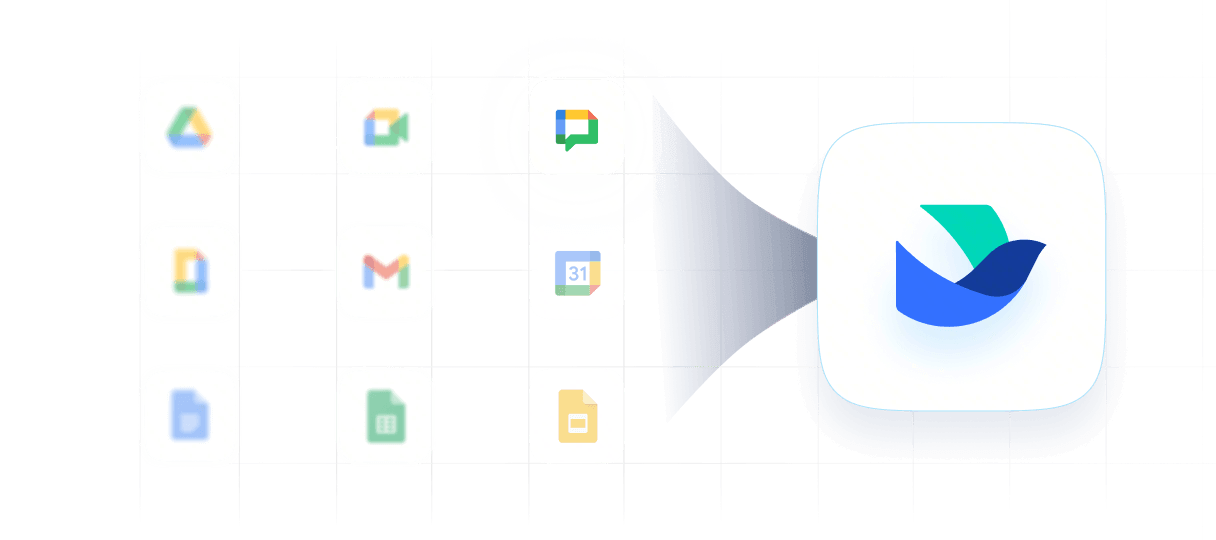
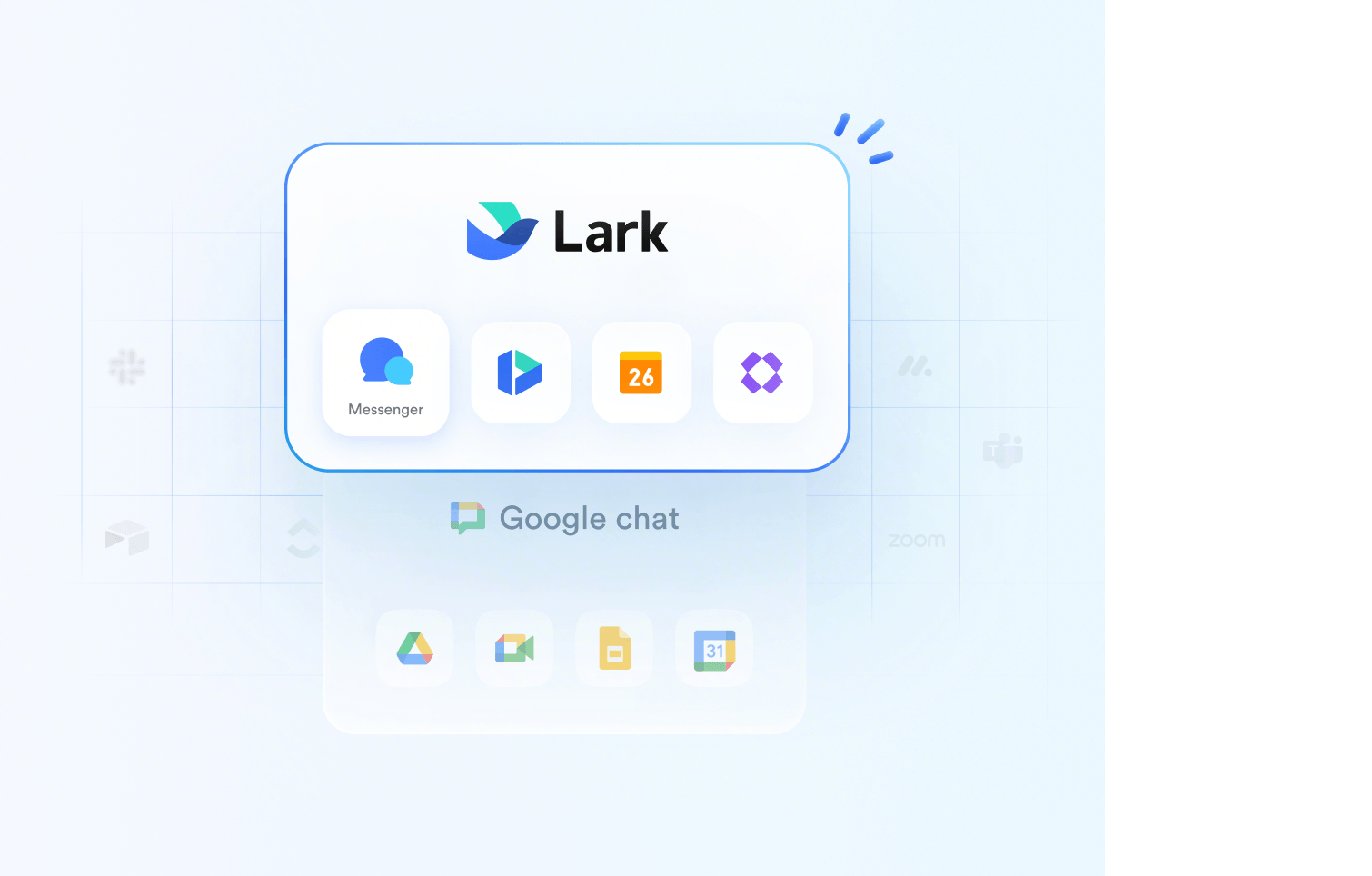
Juggling Gmail, Meet, and Docs? Lark Messenger unifies communication, allowing you to edit documents, check schedules, and run video calls directly inside separate side-by-side panes in your chat window.
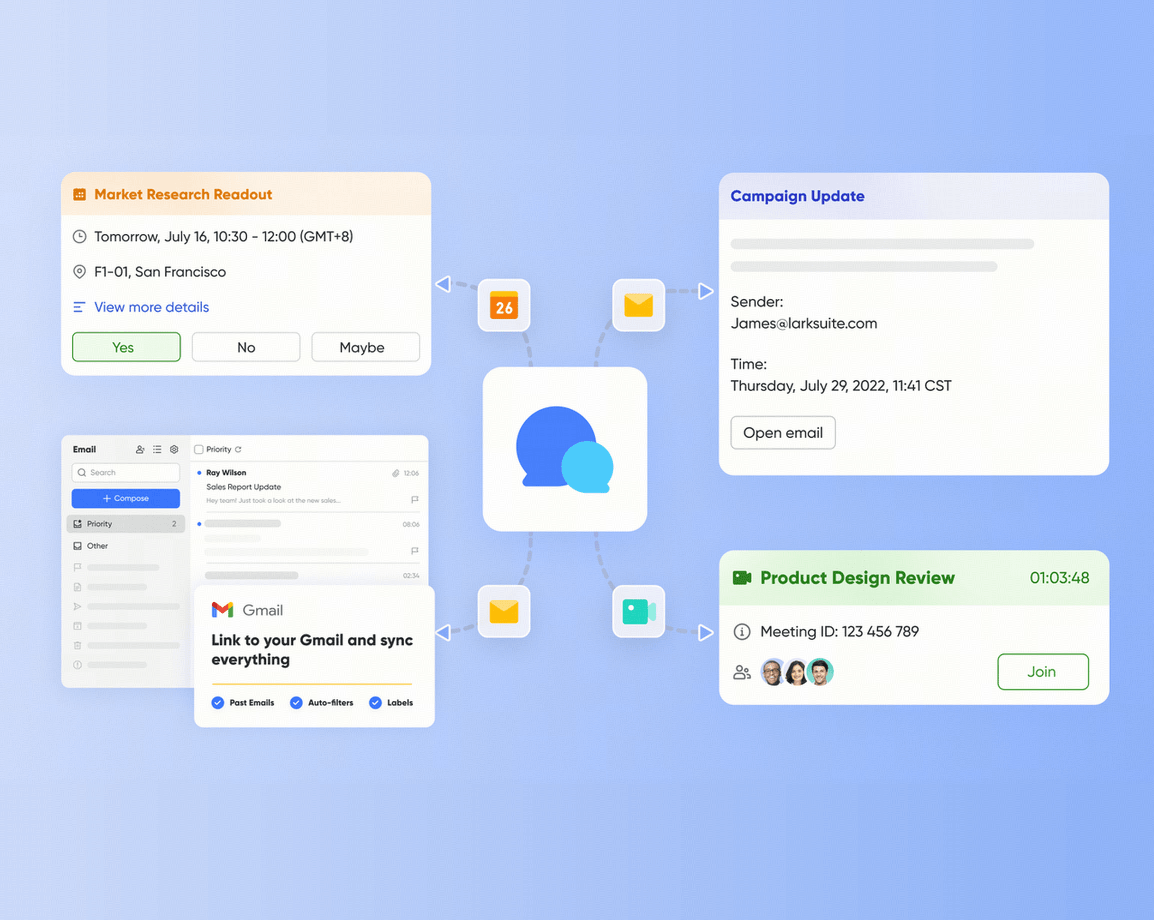
Lark integrates chat, docs, and meetings side-by-side.

Juggling Gmail, Meet, and Docs? Lark Messenger unifies communication, allowing you to edit documents, check schedules, and run video calls directly inside separate side-by-side panes in your chat window.

Lark integrates chat, docs, and meetings side-by-side.

Fewer tools, fewer costs

Cut software bloat while keeping teams fast, clear, and connected.

Book a demo
10xoperational efficiency
39%more productive
70%cost savings

Empower your team with a smarter messenger

Pro
$12/user/month
Business Standard
$14/user/month
Product designMultiple disjointed apps
Granular group settingsLess granular permissions
Reply in threadSupported, no previews
'/Slash' commandsVia installed apps
Audio messageAudio playback only
Pin chat Non-intuitive display
Pin messageBoard tab pinning
Clip message to topNot included
DictationNot included
Chat translation Not included
Translate as you typeNot included
AI assistantGemini integrated
Chat formatNo numbering, quotes, codeblocks
Supported group typePublic, Private, Topic spaces
Search capabilityUnified global search
Message history for new memberSupported
Time-based self-destructing messagehistory-off only
Screen-capture & screenshot restrictionsNot included
In-app integrationsNative and third-party apps
Mobile UI/UXSimple, standalone layout
Desktop versionWeb app (PWA) only

Lark Messenger beats Google Chat at every turn—but the real savings come from replacing your entire tool stack with one suite.


See how much you’ll save
How many employees work at your company?
By number of people
1
20
500
5000+
1000
Which tools do you use?
Estimates are for reference only, contact us for an official quote
Calculate savings
Replace
0
1
2
3
4
5
6
7
8
9
apps
Lark Enterprisecan replace and surpass at least 4 of your existing business tools.
Saves$
0
1
2
3
4
5
6
7
8
9
0
1
2
3
4
5
6
7
8
9
0
1
2
3
4
5
6
7
8
9
,
0
1
2
3
4
5
6
7
8
9
0
1
2
3
4
5
6
7
8
9
0
1
2
3
4
5
6
7
8
9
/year
With 1000 employees, your company could save at least $390,000 per year by using Lark.
Estimates are for reference only, contact us for an official quote
Get an official quote
Calculate again
Lark calculator comparison
Switch from Google Chat with expert help

Switch from Google Chat with expert help

Ready to switch? Let our experts handle the heavy lifting.

Switch from Google Chat with expert help

FAQs about Google Chat vs. Lark Messenger

Is Lark better than Google?

Yes, for team execution and focus. Google Workspace is a collection of fragmented, standalone apps (Gmail, Chat, Drive, Meet) that force constant browser tab-switching. Lark is a unified, "all-in-one" platform where chat, docs, video meetings, and calendars are natively integrated into a single client, eliminating context-switching and boosting team velocity.

Can teams easily migrate from Google Chat to Lark Messenger?

Yes, very smoothly. While Google does not offer official migration tools to export chats, Lark provides open APIs, native connectors (like AnyCross/Workato), and dedicated migration support to help enterprise IT teams transition history, users, and workflows securely without business downtime. Talk to our experts about migration ->

What has replaced Google Chat?

Historically, Google Chat replaced "Google Hangouts". However, in modern business, basic messaging apps are being replaced by collaborative execution hubs like Lark, which treat chat as an active workspace where you can run tasks, collaborate on docs side-by-side, and translate meetings in real time.

Does anyone use GChat (Google Chat) anymore?

Yes, but primarily due to ecosystem lock-in. Many companies still use Google Chat simply because it is pre-bundled in their Google Workspace subscription. However, fast-growing startups and global-first enterprises are actively upgrading to more advanced, feature-rich alternatives like Lark to unlock higher daily productivity.

What's the difference between Lark Messenger and Google Chat?

Google Chat: A basic text-messaging tool. Sharing files requires jumping to Google Drive with permission checks; scheduling a meeting requires opening Google Calendar in a new tab. Lark Messenger: An action-oriented hub. It features built-in voice-to-text, real-time multilingual chat translation, custom chat tabs (pinning up to 20 resources), and granular admin group settings—all within the chat window.

Why would someone want to use Google Chat?

The primary reason is convenience and cost. For small businesses or teams with simple communication needs who are already fully invested in Google Workspace, Google Chat is a low-barrier, "good-enough" messaging tool that requires no extra IT setup or separate billing.

Is there a better Messenger than Google?

Absolutely, and Lark is the premier choice. If your team operates across multiple timezones, deals with multilingual communication, or is tired of losing files and context in messy chat histories, Lark is a vastly superior alternative. It brings your entire workspace under one screen so your team can focus on execution rather than managing app clutter. Learn more about Lark Messenger ->

Does Google Chat have message translation?

Yes. Google Chat supports Automatic Translation across 120+ languages on web, Android, and iOS. However, this feature requires an eligible Google Workspace with Gemini or Google AI plan—it is not included in base Business Standard without the Gemini add-on.

Can I schedule messages in Google Chat?

Yes. Launched in December 2025, users can schedule messages up to 120 days in advance via the down arrow next to Send. Available to all Workspace and personal Google accounts.

Does Lark have a free plan?

Yes. Lark Starter is $0 for up to 20 users and includes core collaboration capabilities such as Messenger, Docs, Base, Meetings, Calendar, and Mail.
Contact our sales team

Learn how we can help your team reach its potential

Unlock the power of simplicity. Ready to streamline your team’s workflow? Let’s chat! Get in touch to explore how Lark can boost your productivity.
Company name*
 
Company size*
Work email*
Phone number*
 
How can we help you?*
By continuing, I authorize Lark and its partners to contact me about Lark's offerings. I understand I can opt out by contacting Lark.