Creating a professional logo in 2026 no longer requires hiring an expensive marketing agency or spending long hours editing on Adobe Photoshop. Tons of logo maker tools have surfaced to make logo-making a more accessible process by giving users customizable templates, simplified editors, and AI logo generator features.
However, this also means there are hundreds of logo makers out there competing for your attention. How do you know which one is the best tool to use?
We tested out multiple platforms to bring you the five best logo makers in 2026, each offering unique features, pricing models, and design capabilities. Whether you're launching a startup, rebranding an existing business, or exploring creative projects, these tools deliver professional results without the professional price tag. Here is the list:
- Design.com - Best for fast and on-brand logos
- BrandCrowd - Best for stylish and creative logos
- Canva - Best for beginners
- Adobe Express - Best for clean and modern branding
- Wix Logo Maker - Best for website-centric brands
- DocHipo - Best for neat and professional business logos
Information source: Official vendor sites
What is a logo maker?
A logo maker is a digital tool that makes logo creation easier and more affordable. They do this by focusing on either one or all of the following features:
- Templates: Premade designs that can be customized and personalized, so users can just edit or add on to the design without building everything from scratch.
- Beginner-friendly editors: Logo makers tend to have drag-and-drop controls, so users will just need to click and drag elements to change or move them, rather than dealing with layers, masks, or other complex controls.
- AI features: There are now also AI logo generators where users just need to enter their name or prompt to get designs tailored to their request.
Why should you use a logo maker?
Logo design used to involve hiring an agency or a graphic designer to have them make your idea come to life. This typically has a lot of back and forth since you'll have to discuss your creative brief, undergo revisions or changes, and generally some waiting time as the designer works on your logo. Cost will depend on the scope of work, but it can range from $300 to $10,000, which is too high for startups and small businesses operating on tight budgets.
A low-cost alternative is to create the design yourself on software like Photoshop or Illustrator. However, this will require mastery of these advanced tools, not to mention spending hours on it, which you may not have as a busy business owner. This is where logo makers come in.
Logo makers can:
- Save time with instant results: Logo makers can generate dozens (or even hundreds) of logo concepts in minutes, instead of taking days or weeks with a designer.
- Lower your branding costs: Most logo makers let you design for free, with optional paid upgrades for high-resolution or commercial files.
- Make quick edits anytime: Need to adjust the color or layout? Logo makers allow instant revisions without needing to wait for your designer.
- Experiment with different styles easily: You can test multiple design directions, like minimalist, vintage, or elegant, without committing to one early (or incurring costs if you change your mind).
- No design experience required: Logo makers have drag-and-drop editors, so you can customize fonts, colors, icons, and layouts even without technical skills.
- Access professionally designed templates: Many platforms use logo templates created by professional designers, so your logo starts with a polished foundation.
To sum it all up, logo makers make it possible to create a professional logo without needing design skills or a big budget.
Empower your design businesses with Lark today
The 6 best logo maker tools
We reviewed today's most popular platforms and narrowed it down to the five best logo makers worth using in 2026.
1. Design.com
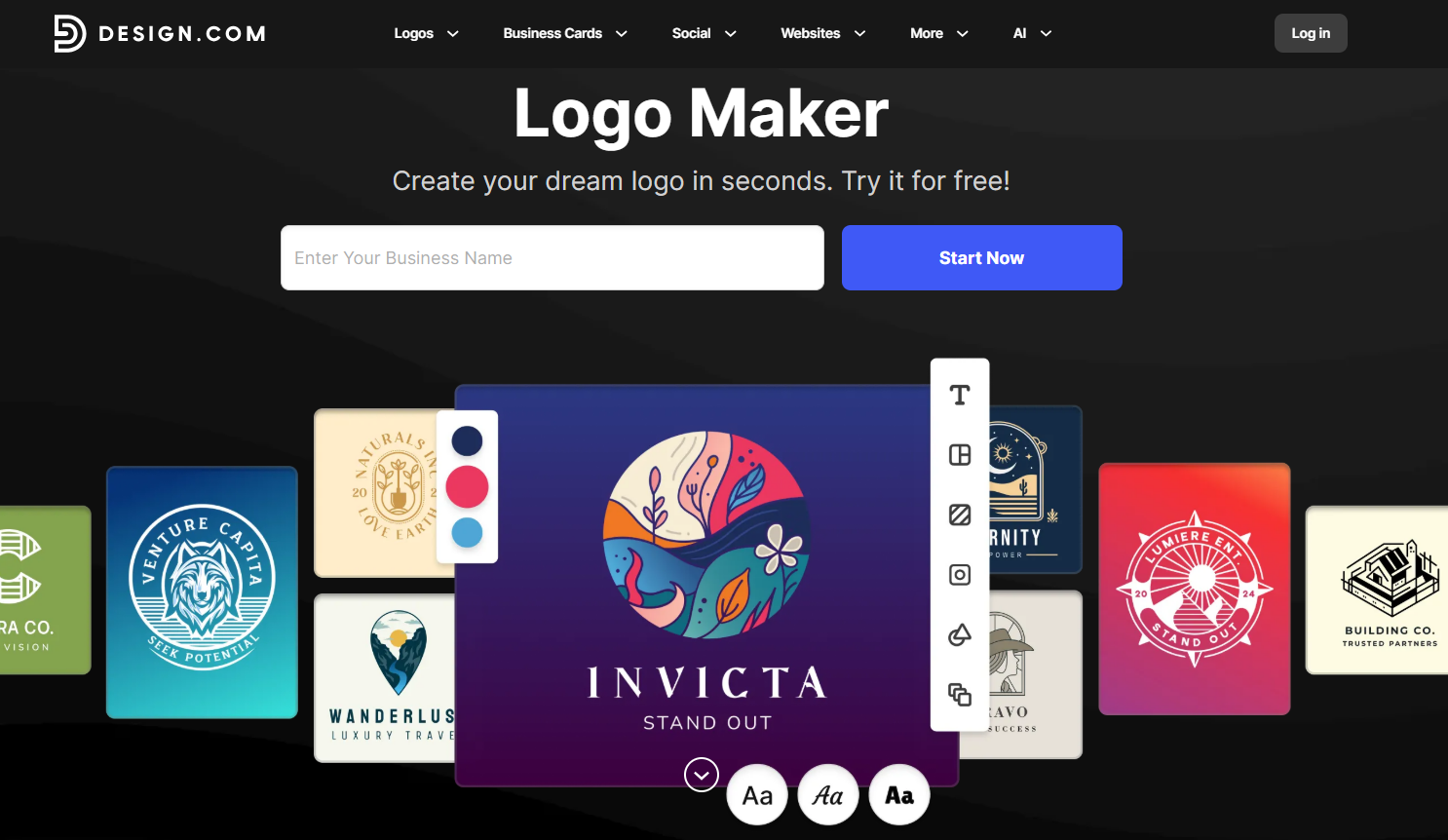
Design.com is the best to use if you want to balance convenience and speed with quality. Users can access 360,000+ logo templates (the largest in the market) that span across industries, niches, and art styles. Design.com also has an AI logo generator that can produce thousands of unique and relevant logo designs within seconds just from your business name or keyword. Whether you have a beauty salon, coffee shop, or construction company, you can surely get a suitable logo.
What's also great about the tool is that while you can get a logo easily and quickly, the designs never look rushed, generic, or basic. The templates and their AI pull from their library of handcrafted designs made by actual human designers, rather than stock photos. They also have their own exclusive library of fonts and custom shapes. This means that your designs will inherently look more unique, custom-made, and high-quality compared to most template websites.
Key features:
- 360,000+ logo templates and over 1 million total design templates
- 575+ exclusive fonts (750+ total fonts available)
- 62,000+ custom vector shapes and icons
- AI logo generator and other AI design tools
- 50+ additional design tools including websites, business cards, and social media
- Vector files (SVG, EPS, PDF), raster files (PNG, JPG), and animated files (GIF, MP4)
- 100% commercially safe designs, with options for exclusive licensing
Pros
- Easier to get on-brand and relevant designs with their huge library
- Smart AI logo generator that can produce logos that need little to no editing
- Beginner-friendly editor
- Brand Kit creator that can automatically give you matching branded assets
- Global accessibility with multilingual and multicurrency support
Cons:
- Web-based only, no native app yet
- Controls may be too simple for advanced designers
Best for: Small businesses, startups, and solopreneurs that need fast, polished branding.
Pricing: Design.com offers free logos for download. To download and use premium logos, you'll need to subscribe to a paid plan. The Saver Plan costs $15/month, the Value Plan is $24/month, and the Premium Plan costs $29/month.
2. BrandCrowd
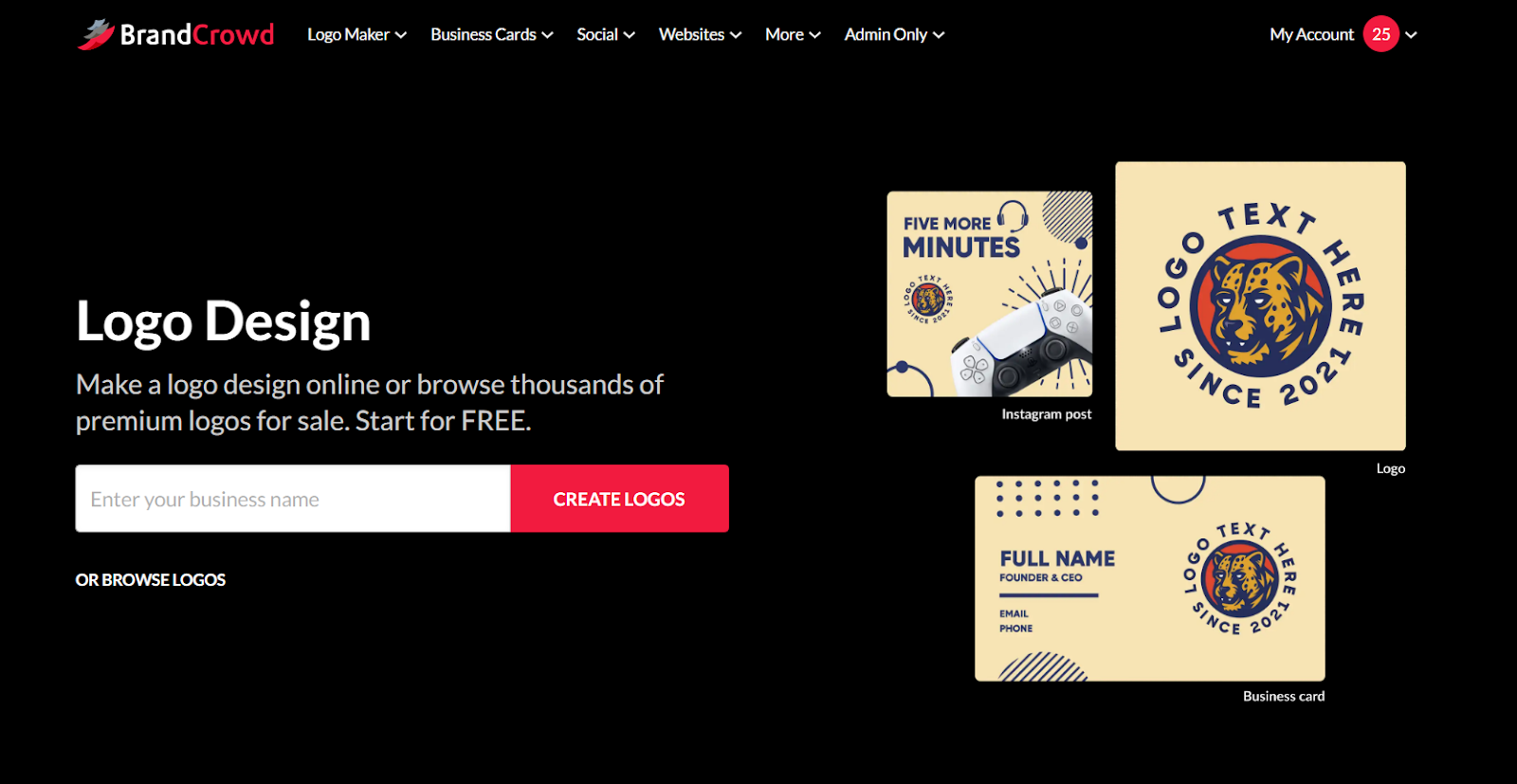
If you're looking for stylish and design-forward logos, then BrandCrowd is the top logo generator choice for you. In BrandCrowd, you'll see more creative designs (whether you want something elegant and minimalist or something more unconventional and playful) rather than just basic or plain logos. This makes them perfect for brands that prioritize aesthetics and a strong visual identity.
Templates in BrandCrowd are also created by top designers all over the world, and undergo rigorous checking for originality and quality before they get to the platform. Therefore, users can rest assured that they only get the best of the best logo designs.
Key features:
- 350,000+ logo templates to choose from
- Designs that range from various styles like modern, vintage, mascot, wordmark, and more
- AI logo generator feature to streamline the creation process
- Unlimited image generation and refinement for the AI tools
- Full customization of elements from fonts, layout, animation, and shapes
- Favorites list and voting polls for collaboration
- Multiple hi-res files like PNG, JPG, SVG, EPS, PDF, GIF, and MP4
- Icon-only and transparent background options
Pros:
- Creative and stylish designs
- Huge library to choose from
- Ability to edit and tweak every element in the template
- Comprehensive file format options
- Highly-rated 24/7 customer support
Cons:
- Collaboration tools are simpler compared to enterprise tools
- Fewer options for technical integrations compared to advanced software
Best for: Brands that prioritize visual identity and want a logo that looks less “template” and more creative.
Pricing: BrandCrowd has free logos available for download. These are completely free, no watermarks or hidden charges. If you want the premium logos, you'll have to pay for a plan which starts at $9 per month.
3. Canva
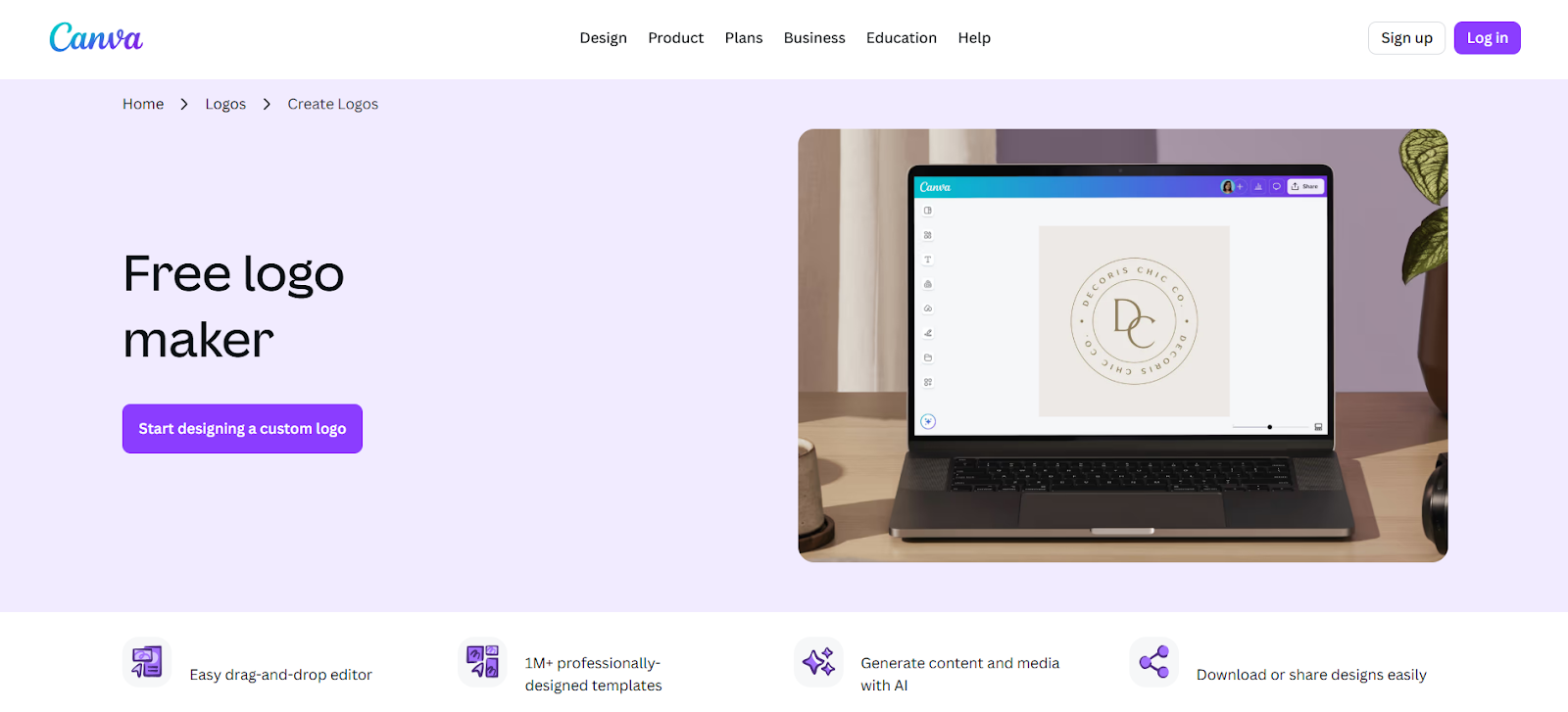
Canva needs little introduction. It's one of the world's most popular design platforms, with hundreds of millions of users creating everything from social media graphics to business presentations.
Their logo maker tool is also well-known for its wide variety of templates that can be edited with Canva's extremely beginner-friendly editor. What makes it exceptional, though, is how seamlessly it integrates into this broader ecosystem, allowing you to design your logo and then immediately use the styling across countless other materials in the platform.
Canva offers two approaches to logo creation. You can choose from their templates, then easily customize them to your needs. Alternatively, you can use Canva's AI logo generator, which converts text prompts into logo concepts. The AI tends to produce detailed, illustration-style logos, though many users still prefer the template approach for greater control over the final design.
Key features:
- Drag-and-drop editor with intuitive interface
- AI logo generator converting text prompts to designs
- Comprehensive editing tools like Magic Background, image flip, or drawing, to make your designs more dynamic
- Brand Kit for storing logos, colors, and fonts
- Extensive across marketing materials like flyers, Facebook posts, or presentations
- Extensive collaboration tools
- 100+ million stock photos, videos, and graphics (Pro plan)
Pros:
- Extremely easy to use, suitable for beginners
- Versatile platform handles all design needs beyond logos
- Excellent collaboration features for teams
- Brand Kit ensures consistency across all materials
Cons:
- Some graphics, templates, and editing features are only available on Pro plan
- Logos are not exclusive, so you can't trademark them
- Canva is popular, so your logo might not feel as special or unique
Best for: Beginners who have little to no technical skills in design. It's also ideal for users who frequently create content beyond logos, such as social media videos, infographics, or worksheets.
Pricing: Canva offers a Free plan albeit with more limited features. If you want to upgrade to Canva Pro, it starts at $5 per month.
4. Adobe Express
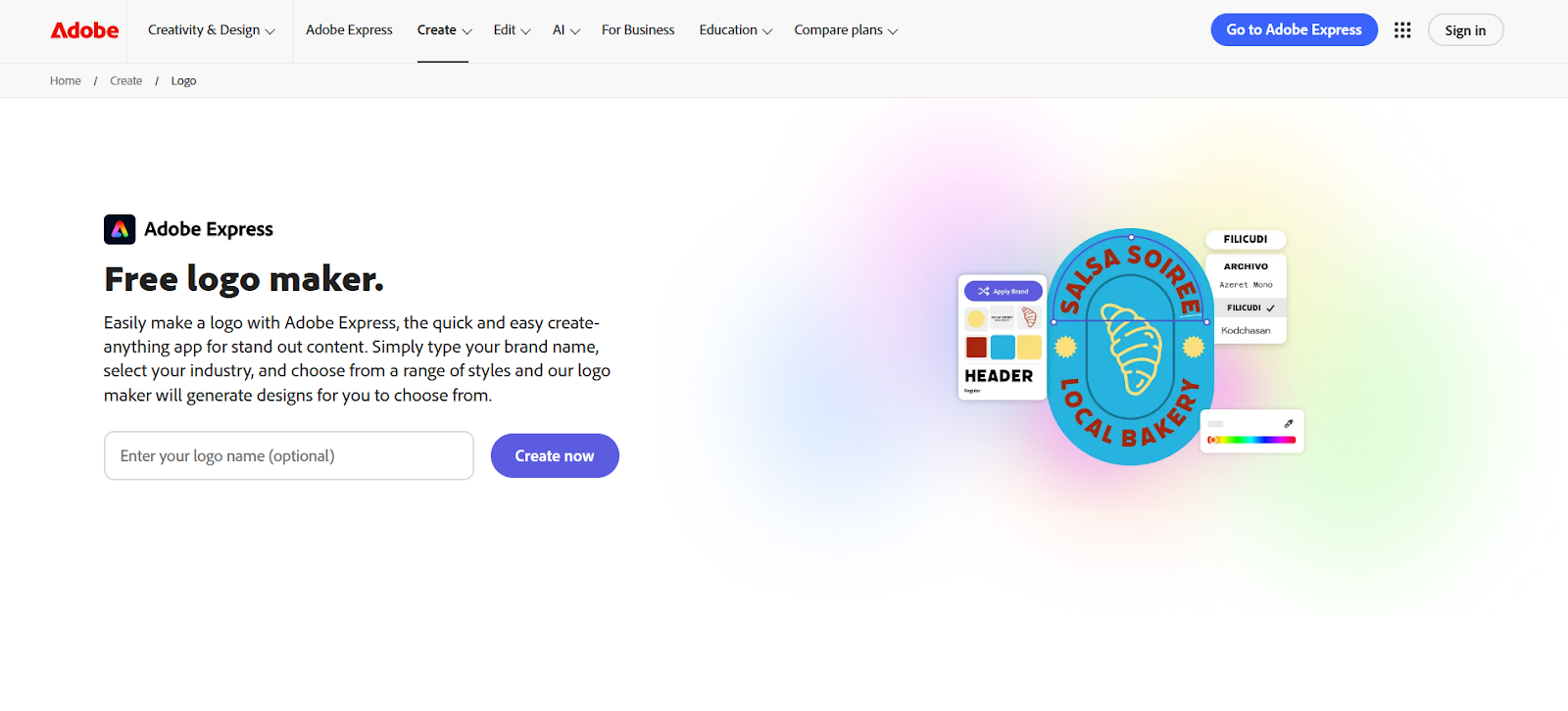
Adobe Express brings Adobe's design legacy into a simplified online tool that's more accessible for beginners.
The editor is simpler than traditional Adobe tools but still gives enough control for quality results. You can adjust the arch of texts, add shadows, change the gradient color, and so on.
Adobe Express also features a wide set of customizable logo templates with balanced layouts, modern icons, and clean yet strong typography. We see their designs fitting more tech apps, corporate businesses, or brands that lean towards modern branding. Their templates also pull from Adobe's library of fonts, graphics, and stock images, so you can get the premium quality of Adobe graphics without the complexity of Photoshop. Their logo maker also integrates with their other Adobe tools, so if you are already in the ecosystem, you'll find it even easier to use.
Key features:
- Thousands of customizable templates
- Access to thousands of Adobe Fonts professional typefaces, Adobe stock graphics, and icons
- Integration with the Adobe Creative Cloud ecosystem
- Intuitive drag-and-drop editor
- AI-powered logo generation
- Comprehensive editing and enhancement tools
- PNG logo downloads for free plans, with high-resolution, vector, and print-ready files available in paid plans
Pros:
- Easy to use, yet still offers comprehensive editing features
- AI logo generator can produce creative and advanced designs
- Modern and minimalist designs fit for the digital era
- Seamless integration with Creative Cloud for advanced users
- Access to the premium Adobe library
Cons:
- Free plans have a lot of limitations
- Fewer logo templates to choose from compared to other platforms
- Less varied and creative logo designs
Best for: Creative professionals and small businesses already invested in the Adobe ecosystem, or anyone seeking a balance between professional design tools and a user-friendly interface.
Pricing: Adobe Express offers a free plan with limited features. The Premium plan starts at $6 per month which unlocks the premium editing tools, hi-res files, and other features.
5. Wix Logo Maker
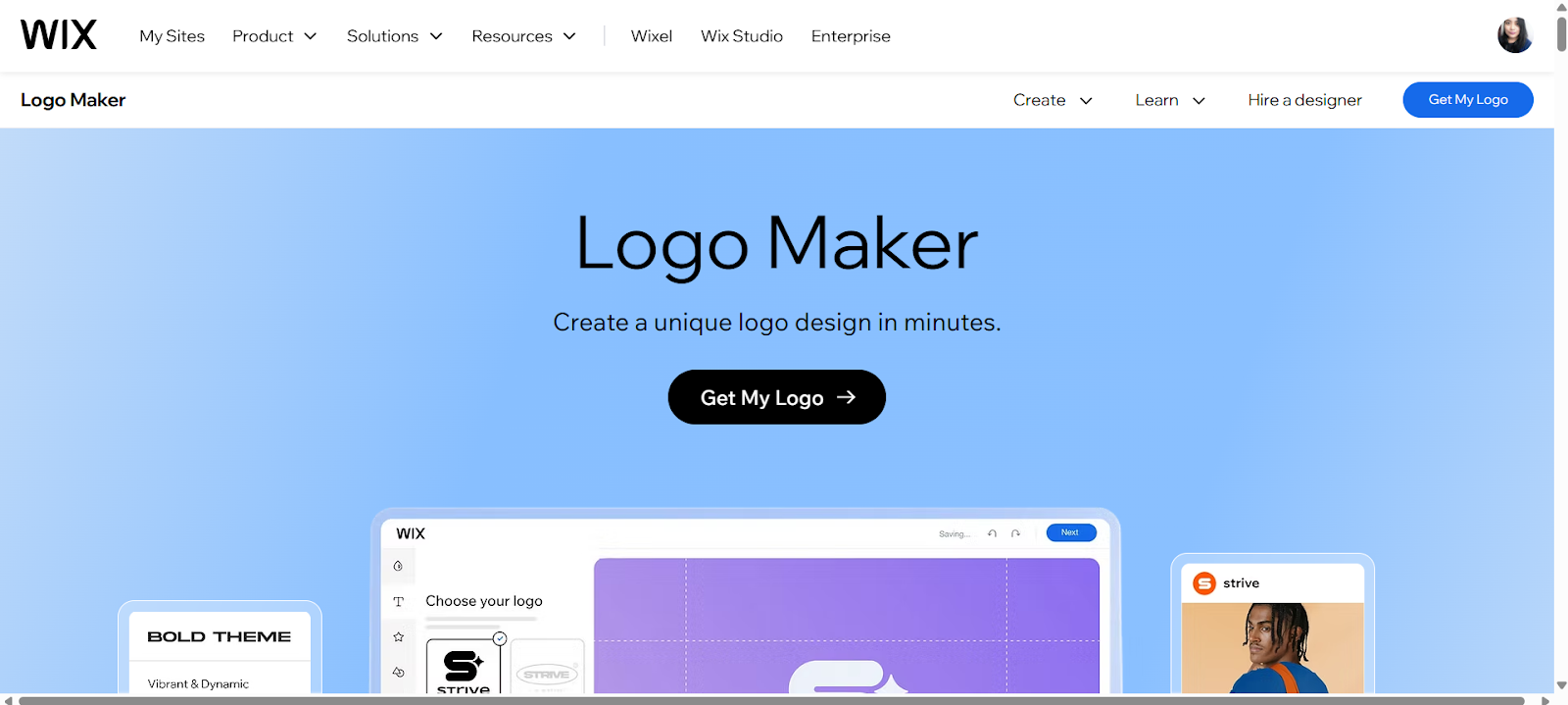
Wix may be best known as a leading website builder, but its AI-powered logo maker has become one of the platform's most valuable tools, especially for businesses that want their logo and website to work together seamlessly from day one.
The Wix Logo Maker takes a conversational and guided approach that sets it apart from competitors. An AI chatbot asks you questions about your business type, target audience, aesthetic preferences, and more. Based on your responses, it compiles a design brief and generates a variety of logo options, which you can then customize.
Wix offers flexible purchasing options. You can buy just a logo as a one-time purchase, or bundle it with a Wix website plan for a comprehensive online presence. For entrepreneurs just starting out, this integrated approach eliminates the hassle of jumping between platforms.
Key features:
- Guided design process via the AI chatbot
- Seamless integration with the Wix website builder
- Simple editing interface and controls
- Real-world preview in multiple contexts (websites, business cards, merchandise)
- Commercial usage rights included
- Available in high-resolution PNG, JPG, and vector file formats
Pros:
- A guided approach is ideal for beginners or those who have no clear idea of their design yet
- Logos are optimized for websites, which is helpful if that is what you need
- Logos are also integrated with the Wix website builder, so it's even easier if you are building a website on the platform
- Flexible pricing with one-time and subscription options
- Easy to use and understand
Cons:
- Initial AI suggestions can be generic and need more substantial tweaking
- The number of logo options and editing features is limited compared to other platforms
- Designs are a bit simpler compared to other tools
Best for: Entrepreneurs and small business owners planning to build a Wix website (or any other website platform) who want seamless integration between their logo and online presence.
Pricing: Wix offers a free version of your created design, albeit a low-resolution version. If you want the high-quality file, you'll need to pay. You can choose between the one-time payment that starts at $20 or the logo + website bundle, which starts at $11.
6. DocHipo

is a business-oriented visual content design tool that lets you craft neat and unique logos. It offers professionally designed logo templates, exclusive design assets, and thoughtfully organized customization tools to help you create logos easily. The templates are available across industries including fashion, food, real estate, travel, and education.
You can choose from hundreds of preset fonts, custom or brand fonts. Apply solid, gradient, transparent, or mixed colors as per the typography you want. The Text Art lets you style your text with text fill, outline, and transform to capture the vibe of your brand. The image generator produces logos with just a detailed text prompt. You can download your logo as a JPG, PNG, PDF, or a transparent file.
Key features:
- Industry-specific logo templates
- AI Text-to-Image Generator to generate logos
- Ability to upload custom fonts
- On-theme vector icons library
- Dedicated library for geometrical, abstract, trendy, and ornamental shapes
- Color Themes to get ready-made cohesive color combinations
- Brand Kit for storing and applying your brand assets
Pros:
- Minimalist and creative logo designs
- Full control for customizing the wordmark and logomark
- Ability to download logos in various file formats
- Drag-and-drop design editor
- Intuitive interface with no learning curve
Cons:
- Some templates and features are only available on the Pro plan
- Fewer logo templates compared to dedicated logo maker tools
Best for: Solopreneurs, startups, small businesses who need to create simple, professional, and memorable logos without requiring a design background.
Pricing: DocHipo offers a generous free plan to use forever. If you want to upgrade, the Pro plan starts at $12/user/month, billed annually. The Pro Unlimited plan starts at $288/month for unlimited users, billed annually.
How to choose the right logo maker tool
Selecting the right logo maker depends on your specific needs, technical level, branding goals, and budget. Here's a guide to help you make the best decision:
- Evaluate your skill level: Complete beginners can benefit from Wix's guided approach or the intuitive interfaces of Canva and Design.com. Creative professionals may prefer Adobe Express for its professional-grade tools and Creative Cloud integration.
- Think about your broader branding needs: If you only need a logo, Design.com and BrandCrowd provide better value with their higher-quality designs. But if you are building a website, Wix's integrated approach might be a better fit. If you consistently make a lot of marketing materials, Canva (especially the Pro plan) might be more worth it with its huge library of graphics and templates.
- Assess required file formats: You'll ideally need a wide range of vector and raster files to fit all your printing or digital needs. All five platforms offer these formats, but check whether they're included in free plans or require paid subscriptions. For instance, Design.com and BrandCrowd include all formats in their free plans, while Adobe Express and Wix reserve some for their premium tiers.
- Consider long-term flexibility: Some platforms lock you into templates with limited modification options, while others offer unlimited edits. Check whether your chosen platform allows you to refine your design as your brand evolves.
- Evaluate ecosystem integration: If you're already using specific tools, integration matters. Adobe Express works seamlessly with Creative Cloud. Wix Logo Maker integrates with Wix websites. Canva connects with social media platforms and marketing tools. Design.com and BrandCrowd operate as standalone ecosystems with all branding tools built in.
These platforms also offer free plans that let you experiment with a design before committing. Take advantage of these to test which interface feels most intuitive and which logo design you like best. This should help you narrow down your choices.
Manage your innovative teams with Lark now
Choose a project management tool for your design team: Try Lark
As an all-in-one platform, offers a comprehensive set of tools that can empower design teams to collaborate seamlessly and manage projects efficiently from start to finish. Its unified platform reduces the need to switch between multiple apps, enabling teams to focus on creativity and productivity.
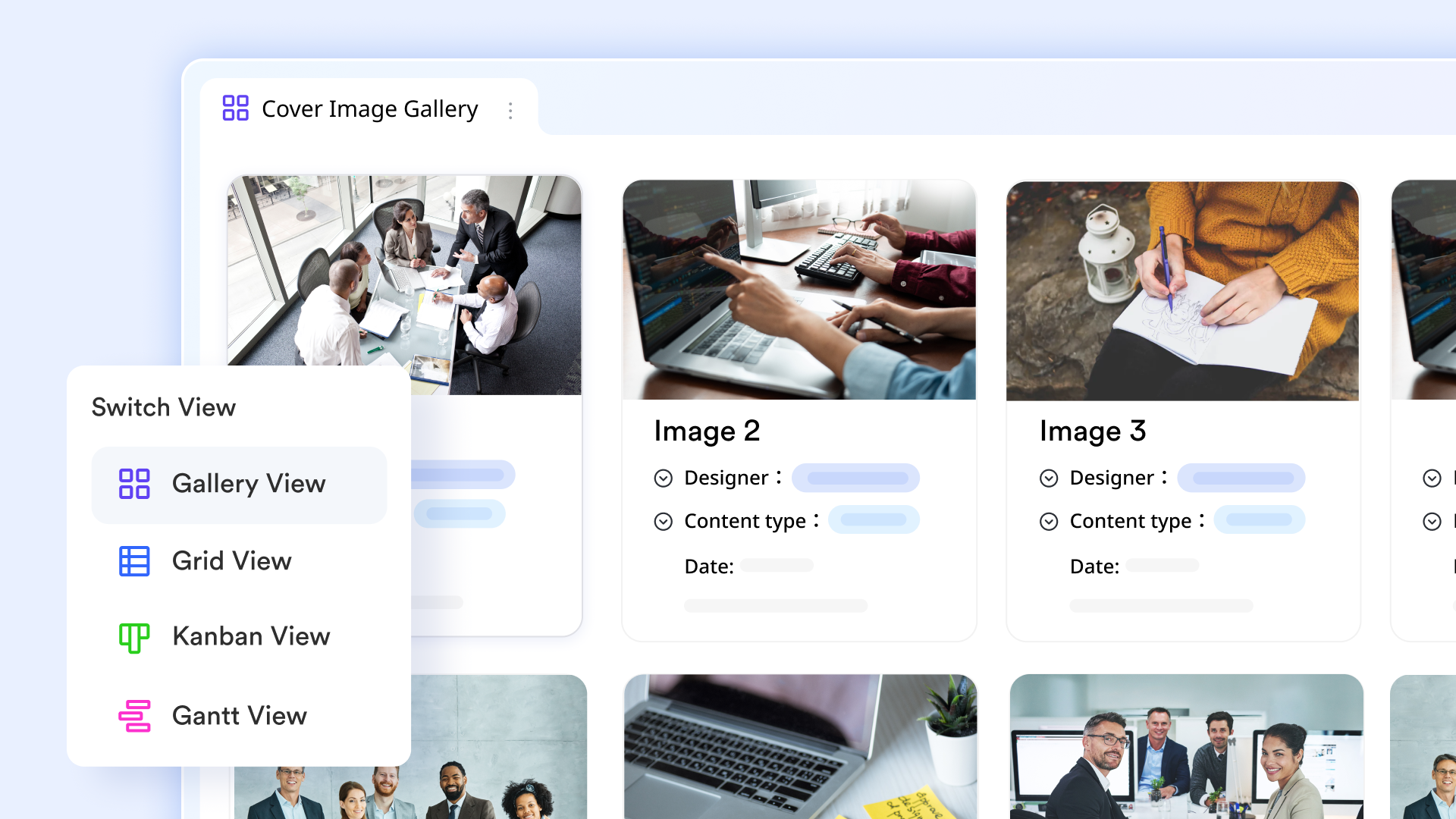
At the core of Lark's offering is , a flexible project management tool that helps design teams organize workflows, , and assign tasks with customizable views and automation. It supports collaboration across multiple projects, making it easy to manage deadlines, resources, and deliverables in one place.
Communication is streamlined with , which supports instant messaging, group conversations, and rich media sharing. Design teams can discuss ideas, share files, and provide quick feedback without leaving the platform, enhancing team communication and speeding up decision-making.
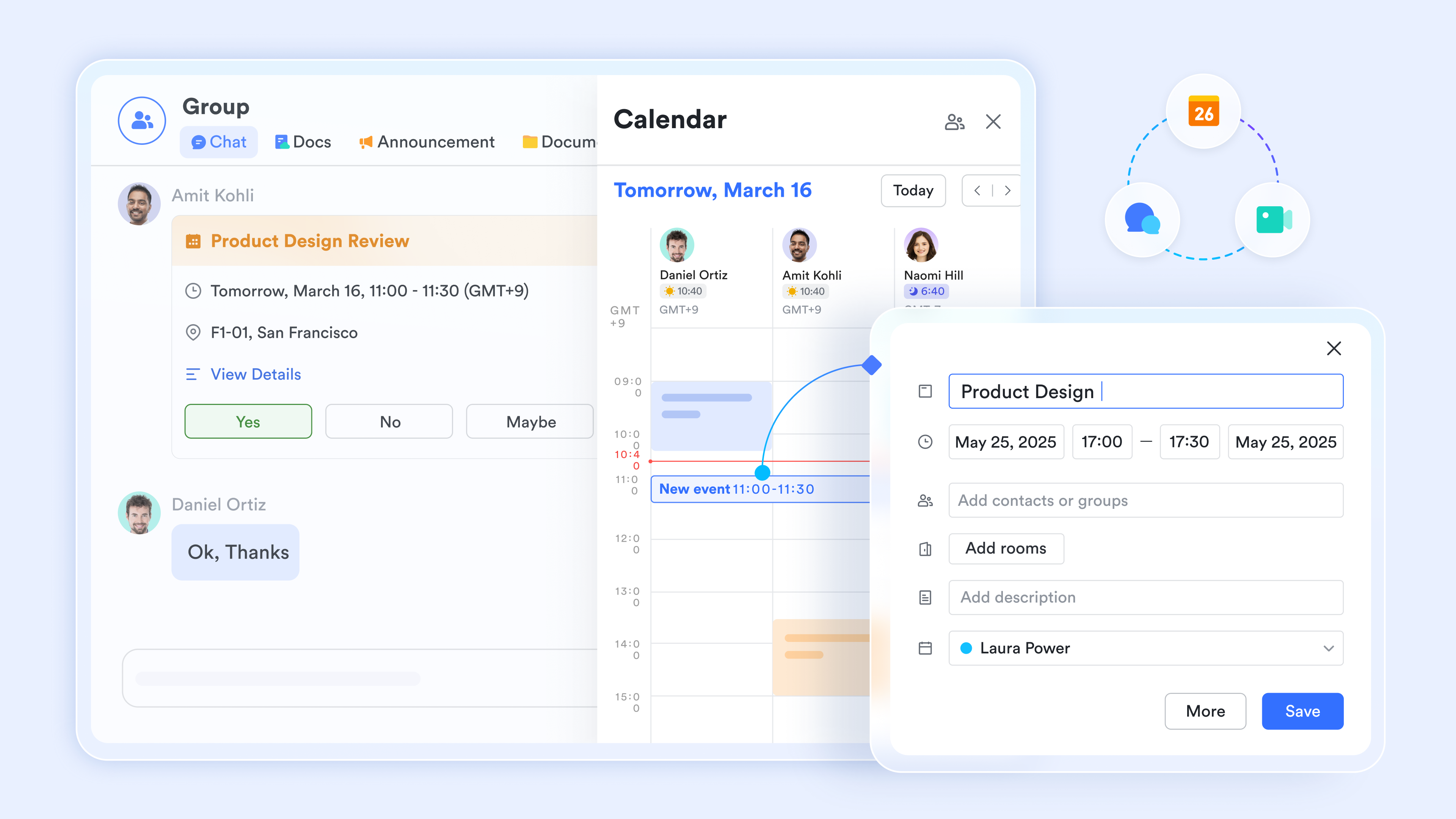
offers high-quality video conferencing with screen sharing and real-time feedback features, perfect for design reviews, brainstorming sessions, and client presentations. The seamless transition between chat and video calls supports dynamic collaboration regardless of team members' locations.
For task management, Lark Tasks helps design teams assign, prioritize, and monitor individual and collective responsibilities. It combines smoothly with other Lark tools, ensuring tasks stay connected to relevant documents, messages, and meetings. 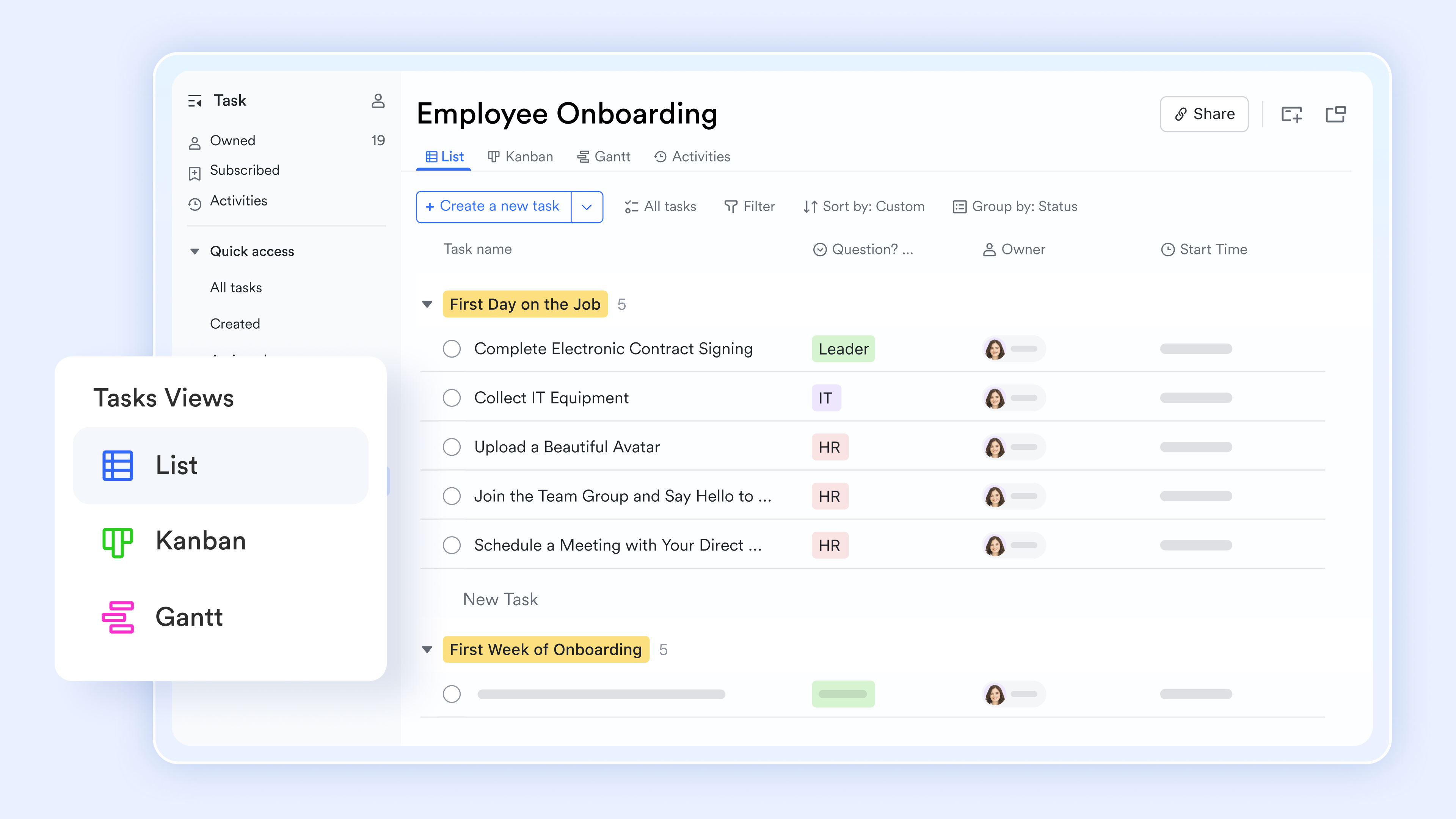
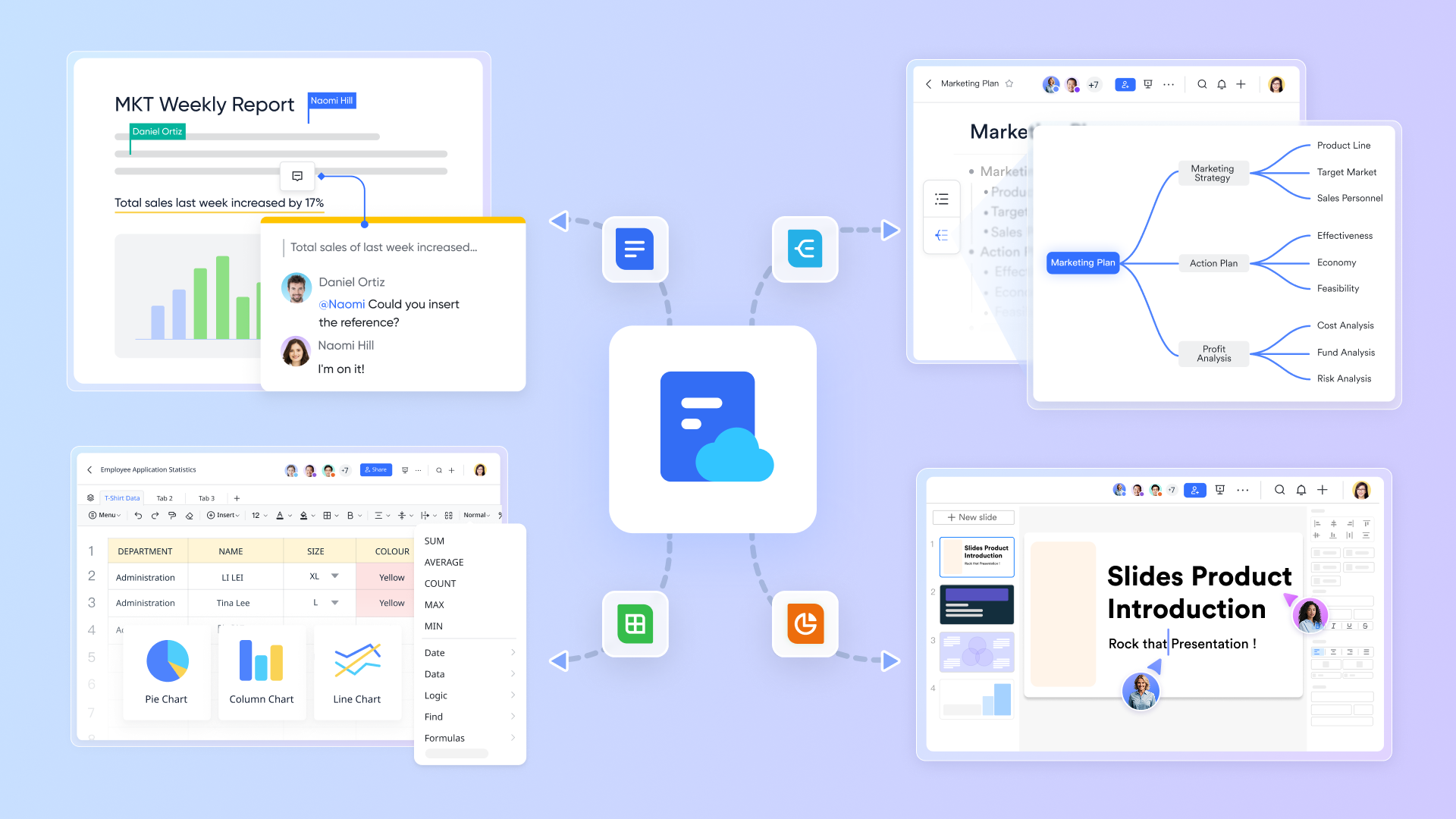
provides cloud-native documents and sheets that allow multiple team members to co-edit design briefs, style guides, and project plans in real time. This real-time collaboration ensures everyone stays aligned and can contribute simultaneously, reducing miscommunication and version control issues.
Creative brainstorming and mind mapping are made easy with MindNotes, which allows teams to visually organize ideas and concepts. This tool is especially valuable for early-stage design thinking and planning. 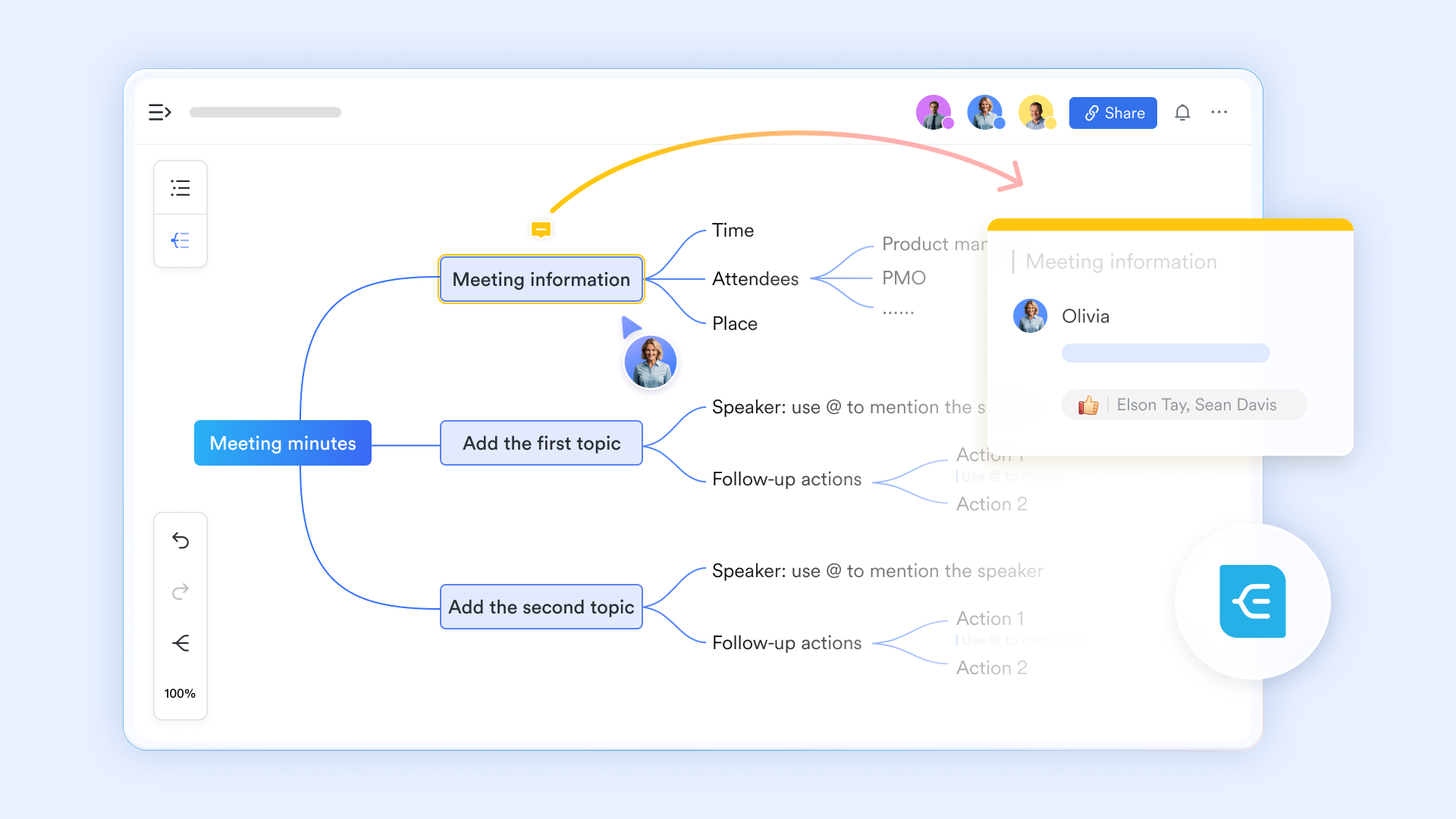
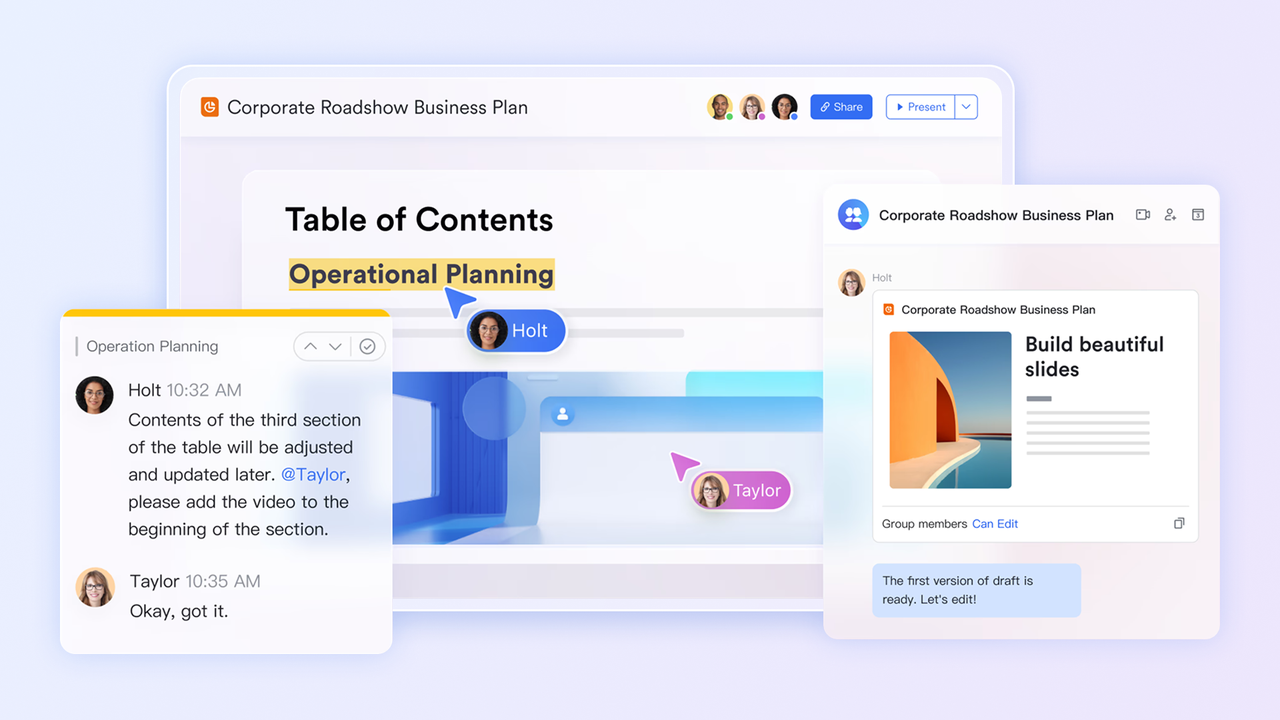
With , design teams can create, edit, and collaborate on presentations that showcase concepts, progress, and final deliverables. The cloud-native nature of Slides ensures that updates are instantly available to all stakeholders.
Lastly, Lark's function provides a visual collaboration canvas where teams can map workflows, create storyboards, and organize assets. This visual tool complements the design process by providing an intuitive space for collective creativity and project tracking.
Together, these tools make Lark an excellent project collaboration tool tailored to the unique needs of design teams, supporting real-time collaboration, task management, communication, and creative workflows all within a single, integrated platform.

:
- Starter plan: that includes 11 powerful tools for up to 20 users. It also comes with 100GB of storage space, 1000 automation runs, AI translations, and more. No credit card needed.
- Pro plan: (billed annually) for up to 500 users. It includes everything in Starter plus group calling for up to 500 attendees, 15TB of storage space, 50,000 automation runs, and more.
- Enterprise plan: for custom pricing. Supports unlimited users and includes even more automation runs and advanced security, compliance, and management features.
For small teams with simple communication needs

18 months message history
1000 Base automation runs/month
2000 rows per table in Base
Most POPULAR
For companies with comprehensive collaboration and management needs
Unlimited message history
500-participant video meetings
50k Base automation runs/month
20k rows per table in Base
For large companies with advanced security and organizational management needs
Get a personalized demo and pricing
Unlimited message history
500-participant video meetings
15 TB storage + 30 GB storage/user
500k Base automation runs/month
50k Base automation runs/month
Most POPULAR
For companies with comprehensive collaboration and management needs
Unlimited message history
500-participant video meetings
50k Base automation runs/month
20k rows per table in Base
Tips for effective logo design
Creating a great logo goes beyond choosing the right tool. It requires understanding fundamental design principles that make logos memorable, versatile, and effective. Here are some tips you can keep in mind to make more effective designs:
- Keep it simple and memorable: The most iconic logos (Apple, Nike, McDonald's) are remarkably simple. A clean, uncluttered design is easier to recognize, reproduce across different sizes, and remember. Avoid the temptation to include too many elements, intricate details, or multiple fonts.
- Choose colors strategically: Colors have specific traits and emotions that we associate with them. Blue conveys trust and professionalism (think banks and tech companies), red communicates energy and excitement (restaurants and entertainment), while black exudes sophistication and luxury (fashion and premium brands). Research color psychology to know which color is best to use for you.
- Select appropriate typography: Your font choice communicates as much as your imagery. Serif fonts feel traditional, trustworthy, and established. They're ideal for law firms, , and heritage brands. Sans-serif fonts appear modern, clean, and approachable. They're perfect for tech companies, startups, and contemporary brands. Script fonts suggest elegance and creativity, but can be difficult to read at small sizes. Whatever you choose, ensure legibility and avoid trendy fonts that will date quickly.
- Ensure relevance to your brand: Your logo should reflect your business identity, values, and target audience. A playful, colorful logo works for a children's toy company but would undermine a law firm's credibility. At the same time, a plain and formal logo will look too boring for an experimental fashion house.
- Make it timeless, not trendy: While it's tempting to embrace current design trends, remember that rebranding is expensive and disruptive. Aim for a logo that will look professional in five or ten years, not just today. Avoid overly trendy effects like heavy gradients, drop shadows, or popular design styles of the moment. Classic, simple designs withstand the test of time better than flashy, complex ones.
- Ensure scalability and versatility: Your logo must work across countless applications, from massive billboards to tiny business card corners, from color printing to black-and-white photocopies, from embroidered apparel to digital screens. Test your logo at various sizes to ensure all elements remain clear and legible. Create versions with and without text, in full color and monochrome, with white and black backgrounds. This versatility ensures your logo performs well in any context.
Remember that your logo is just one element of your overall brand identity. It should work in harmony with your color palette, typography, imagery style, and brand voice to create a cohesive customer experience.
Experience seamless collaboration for your team with Lark
Conclusion
Your logo is your first impression to potential customers. It appears on your website, social media profiles, business cards, packaging, signage, and countless other touchpoints.
With the powerful, affordable logo maker tools available in 2026, there's no excuse for settling for a mediocre logo. Choose the right logo maker from our list, apply the design principles we've shared, and create a logo that makes your business proud. Also, if you are searching for a suitable tool for team collaboration or project management, consider to suit your deisgn businesess.
FAQs
What is a logo maker?
A logo maker is an online tool that helps you create a professional-looking logo without needing design skills. Most platforms offer ready-made templates, drag-and-drop editing, and AI-generated logo suggestions to speed up the process.
What is the best logo maker tool?
The best logo maker depends on factors like what you need, your budget, and your skill level. Design.com is one of the strongest all-around options for 2026 because it combines a massive template library with high-quality designs and beginner-friendly editing. If you care most about aesthetics, BrandCrowd is also a top choice.
Is a logo maker better than hiring a designer?
A logo maker is better if you want a fast, affordable logo that still looks polished. Hiring a designer is usually better for brands that need a fully custom identity, deeper strategy, and a logo built completely from scratch.
How long does it take to create a logo?
With modern logo makers, you can create, customize, and download a logo in 10-30 minutes. The AI generation process takes seconds, while customization time varies based on how much tweaking you want to do. This is still dramatically faster than traditional design processes, which take weeks.
Can I use logos from logo makers for commercial use?
A: It depends on the tool. Make sure to read their licensing agreement first before using it. Take note also that some platforms allow commercial use on their free plan, while others require a paid plan for full commercial rights and high-resolution files.
Related reading