Microsoft Dynamics 365 is a comprehensive suite of business applications that combines Customer Relationship Management (CRM) and Enterprise Resource Planning (ERP) solutions. Its modular structure allows organizations to select the apps they need, from sales and marketing to finance, supply chain, and field service management. Understanding Microsoft Dynamics 365 pricing can be challenging, as each module is priced separately and advanced features such as AI insights, automation, and analytics may incur additional costs.
In this guide, we break down pricing for all Dynamics 365 applications, explain licensing options, highlight potential hidden costs, and provide examples to help businesses plan effectively.
Start organizing construction workflows with ease
What is Microsoft Dynamics 365?
Microsoft Dynamics 365 is a cloud-based business platform that unifies capabilities within a single ecosystem. It enables organizations to manage sales, marketing, customer service, finance, supply chain, human resources, and project operations efficiently. With a modular design, companies can purchase only the apps they need, such as Microsoft Dynamics 365 Sales, Customer Service, Finance and Operations, or Business Central, making it flexible for businesses of all sizes.
Dynamics 365 provides tools for automation, analytics, and AI-driven insights, helping teams improve decision-making, , and operational efficiency. Its licensing model varies across applications, from Essentials and Professional tiers to Enterprise and Premium plans, with pricing depending on features and user roles. While Microsoft Dynamics 365 pricing can be complex due to add-ons, separate app fees, and advanced AI features, it offers a scalable solution for organizations seeking integrated CRM and ERP functionality in a single platform.
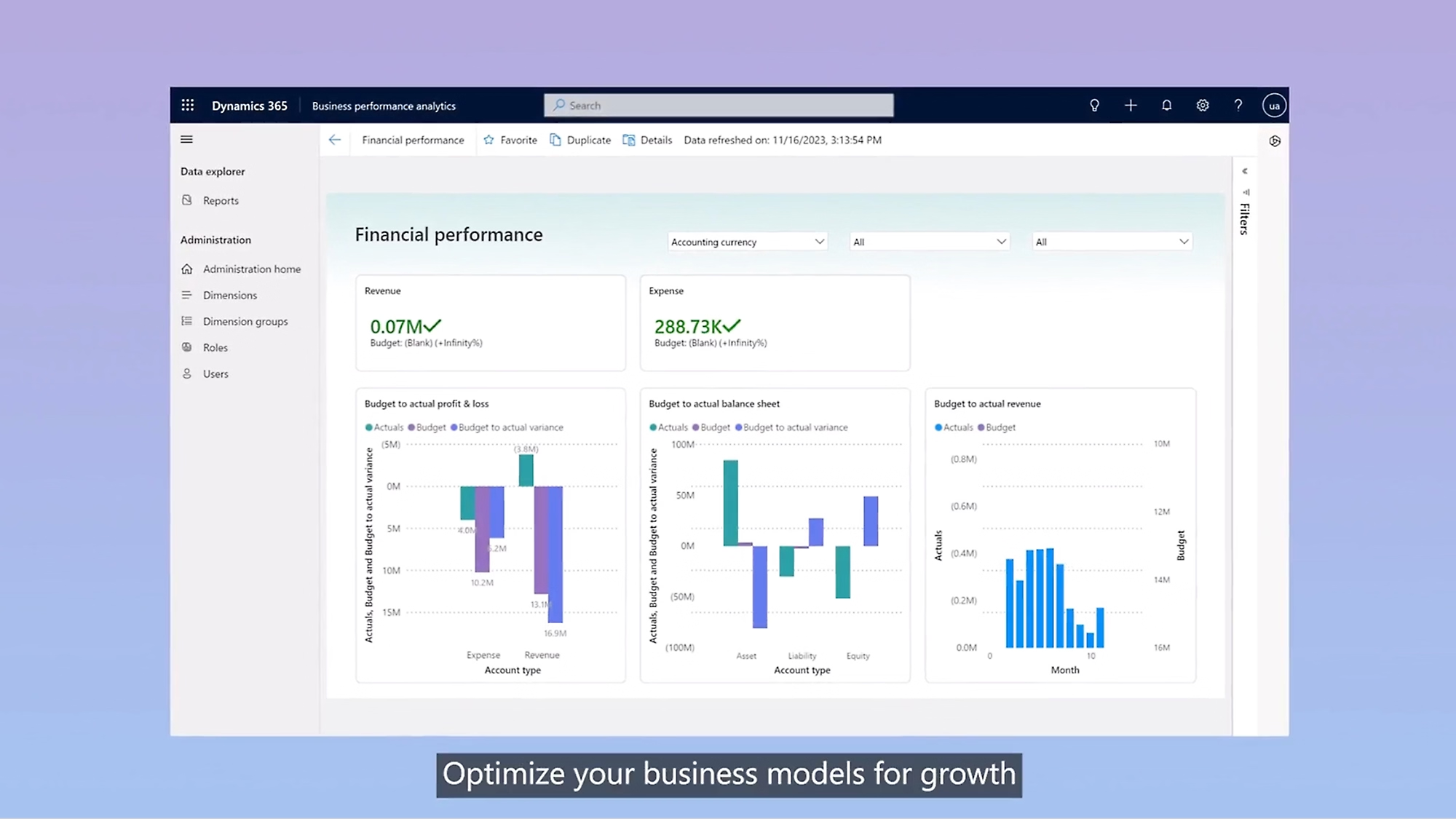
Image source: microsoft.com
How Microsoft Dynamics 365 pricing works
Microsoft Dynamics 365 pricing is based on a modular, subscription-driven model, where most applications are billed per user, per month. Each app, whether Microsoft Dynamics 365 Sales, customer service, finance and operations, or Business Central, offers multiple tiers, typically Essentials/Professional and Enterprise/Premium, which unlock varying levels of functionality. Essentials or Professional plans provide core features, while Enterprise and Premium plans include , AI insights, and analytics.
Add-ons such as Microsoft Relationship Sales, Copilot AI features, or additional storage often incur extra fees, and some advanced capabilities require separate modules or Power Platform integrations. Teams may also face costs for sandbox environments, training, implementation partners, and customizations.
The modular structure allows organizations to tailor solutions to their needs, but it can make total cost planning challenging. Smaller teams may find it expensive to purchase multiple apps individually, while larger enterprises benefit from scalability and integration across CRM and ERP functionalities. Understanding licensing, user roles, and optional add-ons is crucial for .
Overview of Microsoft Dynamics 365 pricing for all products
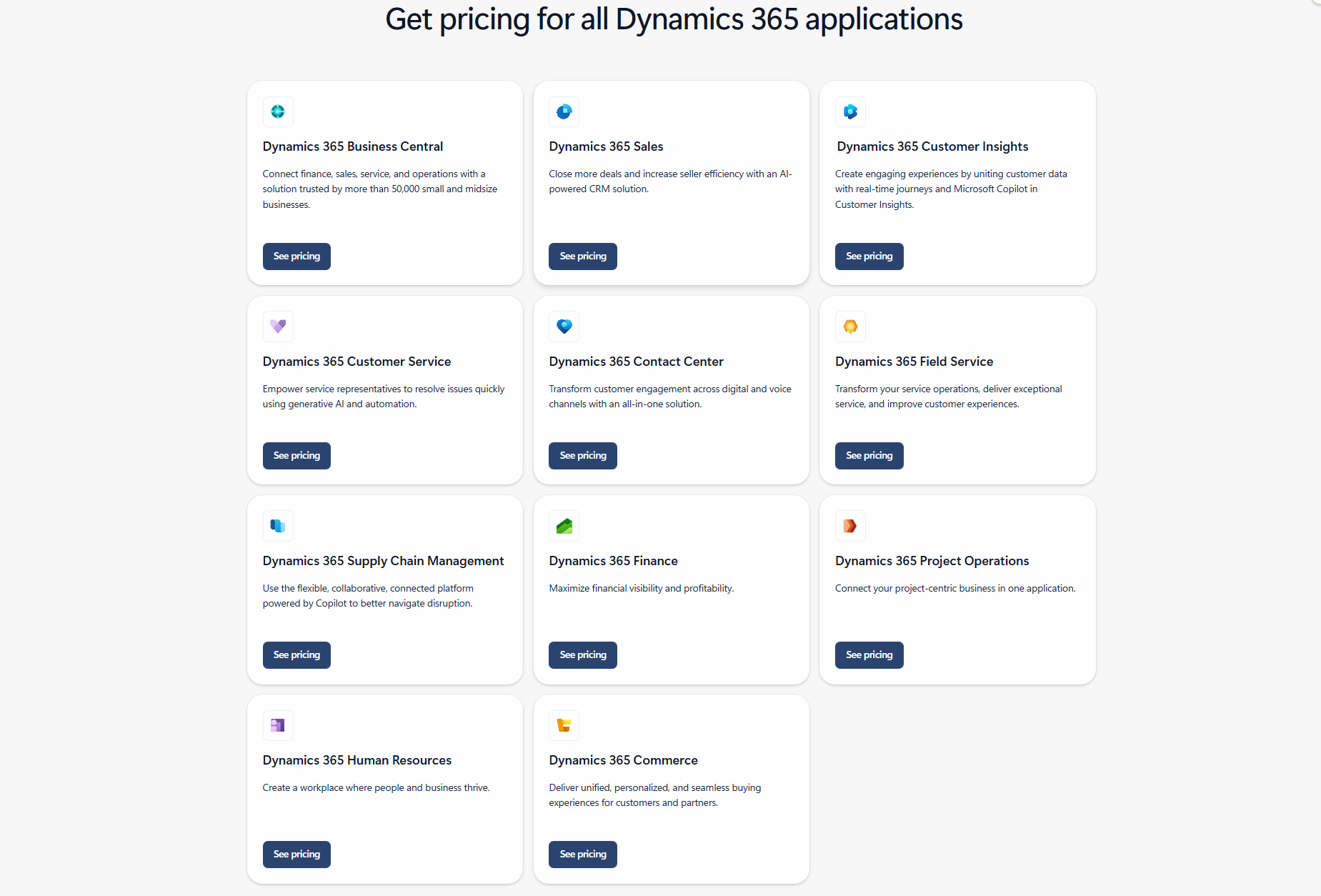
Understanding Microsoft Dynamics 365 pricing across its various apps is essential for and planning. Each application, from Microsoft Dynamics 365 sales and CRM to Finance and Operations and Business Central, has its own pricing tiers and add-ons. Costs vary depending on user roles, plan levels, and optional features. This section breaks down pricing for all key Dynamics 365 applications in a clear, easy-to-read format.
Information source: microsoft.com
Update time: 2025/12/13
Note: Pricing and plan details reflect publicly available data as of the update date and may vary based on region, billing cycle, and number of agents.
Microsoft Dynamics 365 business central pricing
Microsoft Dynamics 365 sales pricing
Microsoft Dynamics 365 customer insights pricing
Microsoft Dynamics 365 customer service pricing
Microsoft Dynamics 365 contact center pricing
Microsoft Dynamics 365 field service pricing
Microsoft Dynamics 365 supply chain management pricing
Microsoft Dynamics 365 finance pricing
Microsoft Dynamics 365 project operations pricing
Microsoft Dynamics 365 human resources pricing
Microsoft Dynamics 365 commerce pricing
Information source: microsoft.com
Update time: 2025/12/10
Note: Pricing and plan details reflect publicly available data as of the update date and may vary based on region, billing cycle, and number of agents.
Hidden costs that Dynamics 365 buyers often overlook
While Microsoft Dynamics 365 pricing lists base costs for each app, many organizations encounter additional hidden expenses. These costs can significantly increase total ownership if not planned for. Understanding them upfront ensures more accurate budgeting and deployment.
- Implementation partner fees: Deploying Dynamics 365 often requires certified partners to set up, configure, and integrate the system. Partner fees can vary widely depending on project size and complexity. These costs are usually not included in the base pricing.
- Customization and scripting costs: Tailoring workflows, reports, or dashboards often requires custom scripts and developer expertise. This customization adds to overall expenses. Without it, some may not run optimally.
- Data migration expenses: Transferring legacy data into Dynamics 365 involves careful mapping, cleansing, and validation. This process is labor-intensive and can be costly. Errors during migration may also lead to additional corrective work.
- Mandatory training costs: Employees need guidance to use both basic and advanced Dynamics 365 features effectively. Training programs, workshops, or online courses can incur high costs. Proper training ensures higher adoption and productivity.
- Premium AI add-ons (Copilot features): like Copilot are often sold separately. These add-ons provide automation and predictive insights but increase subscription costs. Organizations need to budget for these if they want advanced intelligence.
- Storage overage fees: Each Dynamics 365 tenant comes with a standard storage limit. Exceeding this limit triggers additional monthly charges. Storage management is essential to avoid unexpected costs.
- Extra sandbox environments: Sandbox environments are needed for safe testing and development. Additional environments usually require separate licenses. Without them, updates and customizations may risk production stability.
- Integration with Power Platform or third-party tools: Many workflows rely on Power Automate, Power Apps, or external apps. Each connector or flow can have recurring costs. Proper planning ensures automation without surprise fees.
Is Dynamics 365 worth the price?
Understanding Microsoft Dynamics 365 pricing is crucial before committing, as the platform offers robust features but can be costly depending on the organization's size and needs. Evaluating its value helps businesses decide if the investment aligns with their operational requirements.
- Worth it for companies needing deep CRM + ERP functionality: Dynamics 365 provides integrated CRM and ERP capabilities across sales, finance, supply chain, and service operations. Large organizations benefit from AI insights, automation, and analytics. This makes it ideal for businesses with and multiple departments.
- Expensive for small teams needing simplicity: or startups may find modular pricing and separate app costs challenging to manage. Paying for multiple apps and add-ons can exceed their budget. Simpler solutions may provide essential features without extra complexity.
- Complexity and modular pricing may increase total cost compared to unified platforms: Each Dynamics 365 app has different tiers and optional add-ons. Combining multiple apps can lead to high cumulative costs. Organizations must plan carefully to avoid unexpected expenses and licensing overlaps.
In short, Microsoft Dynamics 365 provides deep, specialized CRM and ERP functionality essential for large enterprises with complex, multi-application business requirements, but demands significant investment, licensing complexity, and high implementation costs. That's where Lark comes into play, offering a single, cost-effective, and unified alternative. Let's take a close look and discover where Lark make the differences.
Choose an affordable alternative to Microsoft 365
Affordable alternative: A simpler and more affordable alternative
For businesses seeking an easier and cost-effective solution, provides a unified workspace that eliminates the need for multiple paid Microsoft apps. Unlike Microsoft Dynamics 365 pricing, which requires separate licenses for each module, Lark bundles , meetings, tasks, docs, and into a single platform. This reduces overall SaaS costs while maintaining workflow efficiency. It's ideal for teams looking to simplify collaboration and project management.
No-extra-cost alternative to Microsoft's paid add-on apps
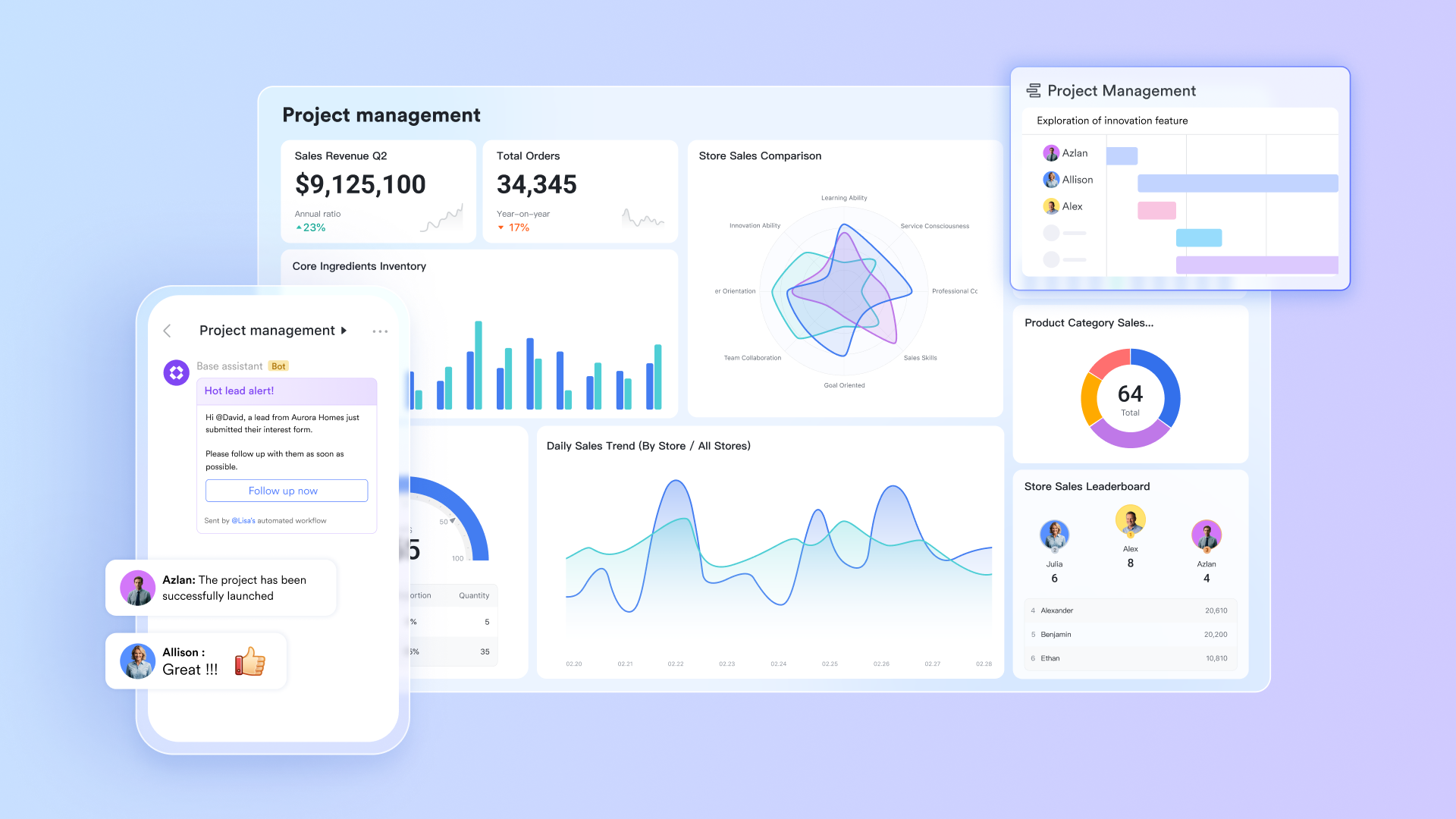
Many operational features in Dynamics rely on additional paid tools, such as Microsoft Lists, Power Automate, or Project Operations. gives teams a relational database, , and without extra licensing or per-app fees. This helps companies avoid the escalating costs of Microsoft's modular ERP/CRM add-ons while gaining a flexible operational system that works across all departments, not just CRM or ERP users.
Automated workflow without the premium automation fees of Power Automate
Dynamics 365 automation often relies on Power Automate, which introduces extra per-flow, per-month charges and usage limits that become costly at scale. Lark provides a built-in that updates records, routes approvals, triggers tasks, and sends notifications across teams at no added cost. This makes process automation accessible for smaller organisations that can't afford Microsoft's automation pricing tiers. 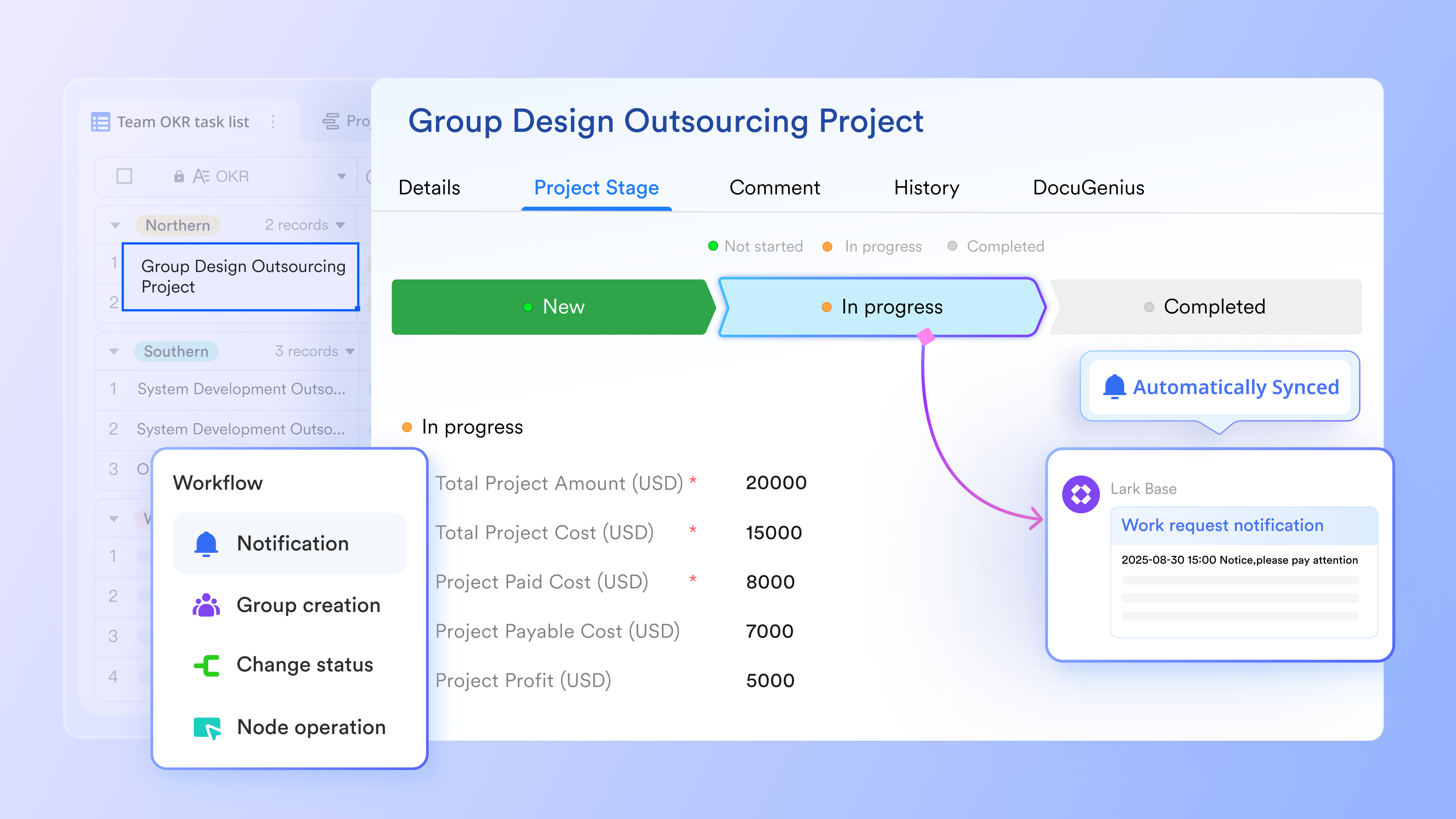
Real-time collaboration without paying for Office apps, SharePoint storage, or Teams add-ons
Dynamics 365 users must also pay for Microsoft 365 apps to collaborate effectively, including Word, Excel, OneDrive, SharePoint, and Teams, each of which contributes to the overall cost. Lark includes , Sheets, file storage, comments, and inside the same platform, meaning collaboration doesn't require additional subscriptions or storage upgrades. This removes the hidden costs that make Microsoft's ecosystem expensive to maintain. 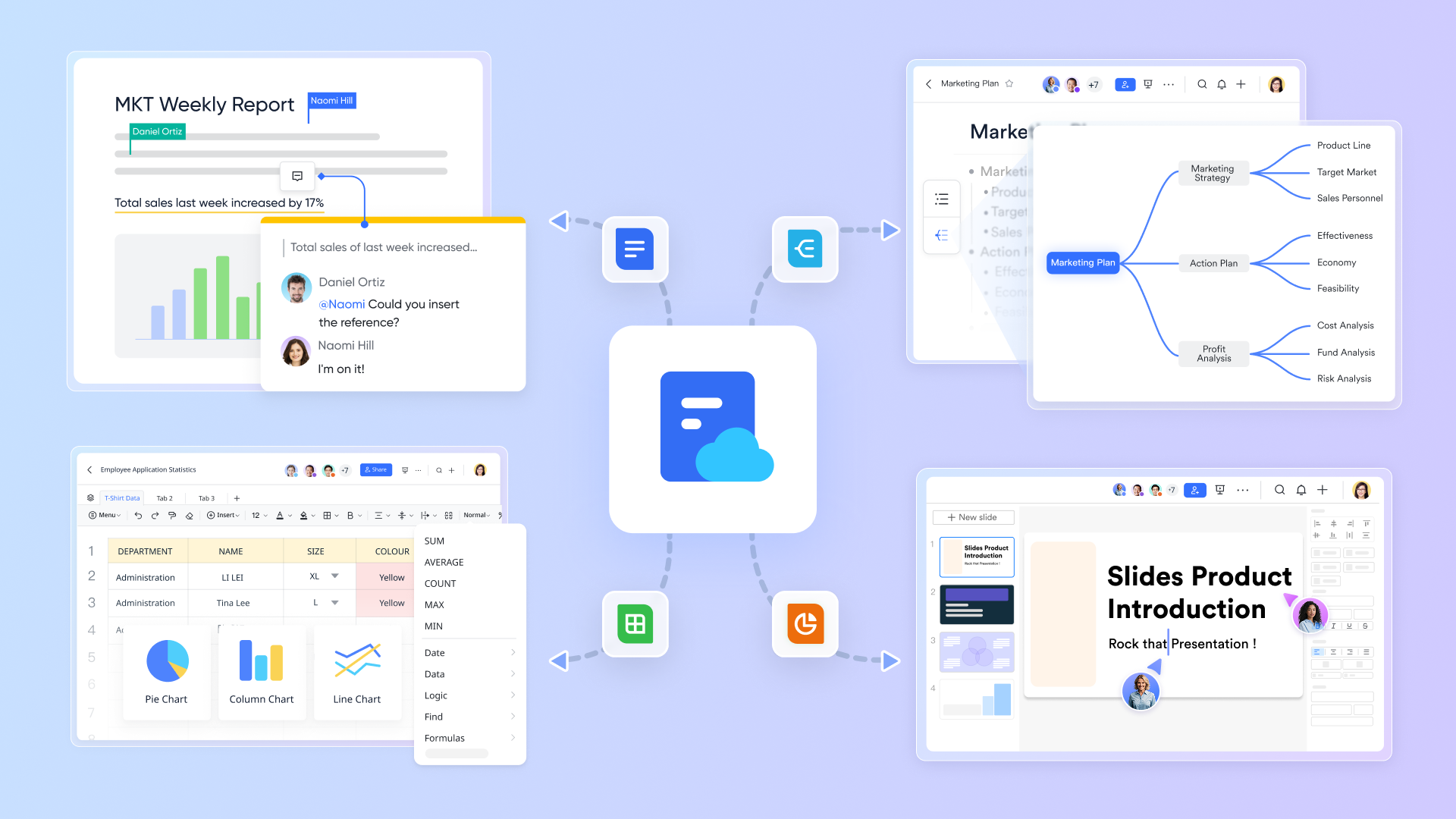
Advanced meeting and screen-sharing tools without Teams Premium costs
Microsoft Teams charges extra for advanced meeting features like webinar controls, AI meeting recap, timeline markers, and premium screen-sharing options. includes Magic Share, annotations, dual-window sharing, , host controls, and document sharing without requiring a separate "Premium" tier. This gives teams modern meeting capabilities without increasing their subscription bill.

Unified workspace that eliminates the need for multiple paid modules
Dynamics 365 forces teams to purchase separate licenses for Sales, Customer Service, Marketing, Business Central, Teams, and SharePoint, leading to rapidly rising costs as workflows expand. Lark replaces this multi-app licensing structure with one unified workspace that includes chat, meetings, email, docs, tasks, and . This reduces overall SaaS spend and avoids the layered pricing Microsoft requires when teams outgrow basic features. 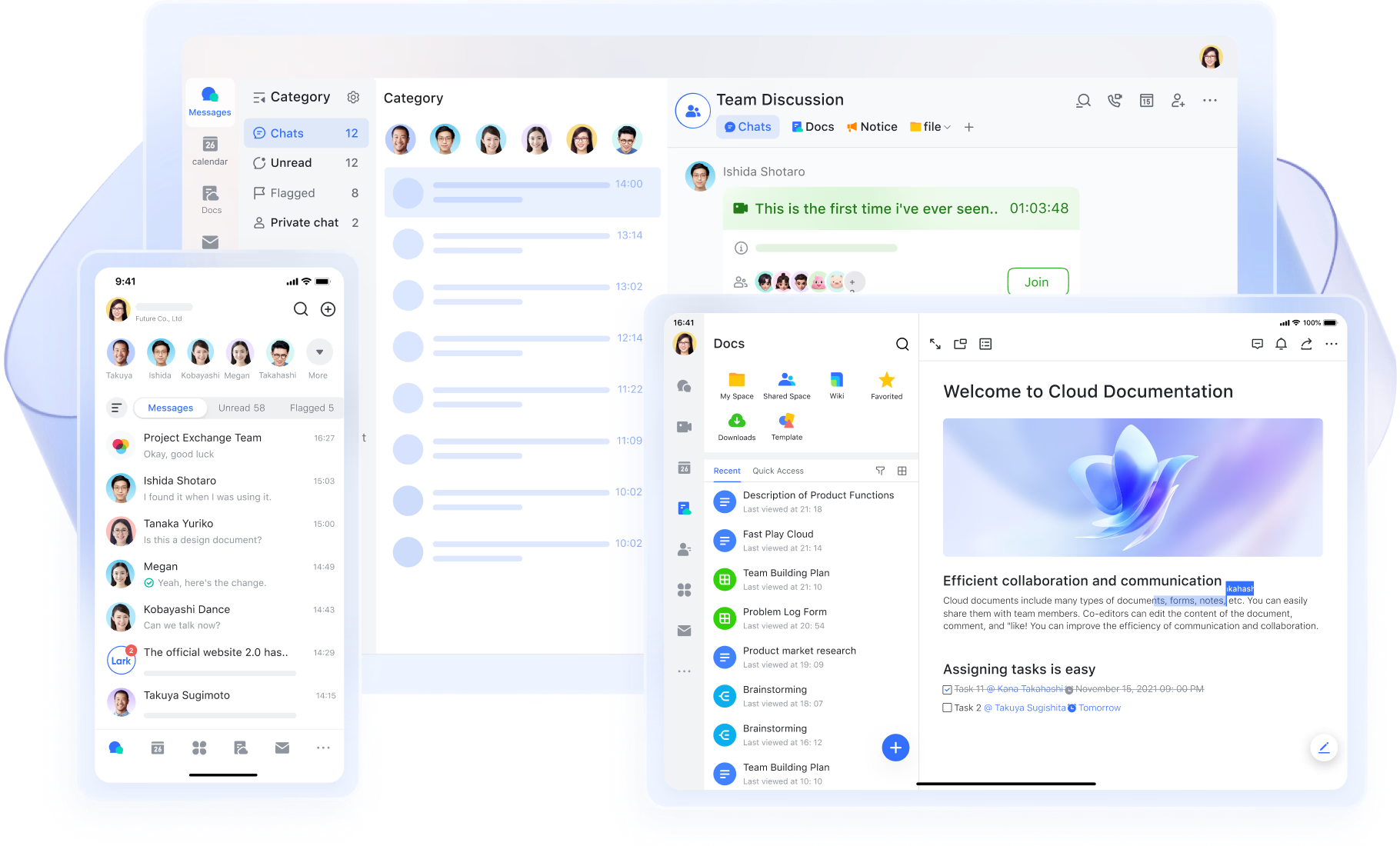
:
- Starter plan: Free forever plan that includes 11 powerful tools for up to 20 users. It also comes with 100GB of storage, 1000 automation runs, AI translations, and more.
- Pro plan: $12/user/month (billed annually) for up to 500 users. It includes everything in Starter plus group calling for up to 500 attendees, 15TB of storage, 50,000 automation runs, and more.
- Enterprise plan: for custom pricing. Supports unlimited users and includes even more automation runs and advanced security, compliance, and management features.
For small teams with simple communication needs

18 months message history
1000 Base automation runs/month
2000 rows per table in Base
Most POPULAR
For companies with comprehensive collaboration and management needs
Unlimited message history
500-participant video meetings
50k Base automation runs/month
20k rows per table in Base
For large companies with advanced security and organizational management needs
Get a personalized demo and pricing
Unlimited message history
500-participant video meetings
15 TB storage + 30 GB storage/user
500k Base automation runs/month
50k Base automation runs/month
Most POPULAR
For companies with comprehensive collaboration and management needs
Unlimited message history
500-participant video meetings
50k Base automation runs/month
20k rows per table in Base
Lark vs Dynamics 365: Pricing and workflow comparison
Comparing Microsoft Dynamics 365 pricing with Lark helps businesses understand the differences in cost, , and collaboration features. Dynamics 365 uses a modular, per-app subscription model, which can become complex as organizations scale. Lark offers a unified platform that combines communication, , and automation in one workspace. This comparison highlights key differences in pricing, functionality, and scalability.
Final verdict:
If you are prioritizing cost-efficiency and unified collaboration, Lark is your ideal solution. You benefit from a low, predictable price (e.g., $12/user/month billed annually) that includes all core tools—chat, video, docs, and automation via Lark Base—eliminating the high cumulative costs and complexity of buying separate modules.
If you require deep, specialized functionality in areas like Finance, Supply Chain Management, or advanced Customer Service, Microsoft Dynamics 365 is the necessary investment. You accept the high cost and complexity of its modular, per-app licensing to gain industry-leading customization, compliance, and functional depth.
Conclusion
Microsoft Dynamics 365 pricing reflects the platform's flexibility and depth, offering modular CRM and ERP solutions across sales, marketing, finance, supply chain, and more. While it delivers powerful automation, analytics, and AI-driven insights, costs can quickly add up due to separate app licenses, add-ons, and hidden fees. Large organizations with complex workflows often find it valuable, but smaller teams may struggle with complexity and high total cost. For businesses seeking a simpler, unified, and affordable alternative that still supports collaboration, workflow automation, and project management, platforms like provide a cost-effective solution without the layered pricing challenges of Dynamics 365.
Streamline your workflow on a low budget with Lark
FAQs
Does Microsoft charge for API calls or custom integrations?
While Microsoft Dynamics 365 pricing covers core app subscriptions, , and custom integrations often incur additional costs. Organizations using Microsoft Dynamics 365 CRM pricing, Microsoft Dynamics 365 sales pricing, or Microsoft Dynamics 365 marketing pricing need to budget for connectors, flows, and third-party integrations. Similarly, Microsoft Dynamics 365 ERP pricing and Microsoft Dynamics 365 Business Central pricing may require extra fees for data connections or custom solutions.
How many environments are included by default?
Most Microsoft Dynamics 365 pricing plans include one production and one sandbox environment. For Microsoft Dynamics 365 Finance and Operations pricing and Microsoft Dynamics 365 ERP pricing, additional environments are usually paid. Teams using Microsoft Dynamics 365 Sales pricing 2025 or Microsoft Dynamics 365 CRM pricing may need extra sandboxes for testing or development, which can add to overall costs.
Do team member licenses cover approvals and workflow participation?
Yes, team member licenses in Microsoft Dynamics 365 pricing allow read access, approvals, and participation in workflows. However, full capabilities in Microsoft Dynamics 365 sales pricing, Microsoft Dynamics 365 marketing pricing, or Microsoft Dynamics 365 business central pricing require higher-tier plans. Similarly, Microsoft Dynamics 365 Finance and Operations pricing and Microsoft Dynamics 365 ERP pricing may restrict team members to limited functionality.
What is the difference between Professional vs Enterprise apps?
Professional apps include core features at a lower price under Microsoft Dynamics 365 pricing, suitable for small to mid-sized teams. Enterprise plans, reflected in Microsoft Dynamics 365 CRM pricing and Microsoft Dynamics 365 sales pricing 2025, offer advanced AI, analytics, and automation. Microsoft Dynamics 365 marketing pricing, ERP pricing, and Microsoft Dynamics 365 finance and operations pricing tiers also differ in modules, scalability, and customizability. Are there penalties for reducing licenses mid-contract?
Microsoft may apply fees if licenses are reduced before the end of the contract under Microsoft Dynamics 365 pricing. This applies to Microsoft Dynamics 365 sales pricing, Microsoft Dynamics 365 marketing pricing, Microsoft Dynamics 365 CRM pricing, and Microsoft Dynamics 365 Business Central pricing. Even Microsoft Dynamics 365 ERP pricing and finance and operations pricing contracts often include penalties or prorated charges for early reductions.






























