














OpenClaw Use Cases: AI Automation for Work & Life
Lark Team
Sep 18, 2026
Lark Team
Sep 18, 2026

13 min read


In our always-on digital world, teams are tirelessly looking for solutions to streamline workflows, enhance communication, and automate those repetitive tasks that drain valuable time and energy. This drive often leads us to powerful innovations like OpenClaw – an intelligent AI agent designed to integrate with diverse communication platforms.
But what can OpenClaw do for you in practice? In this article, I want to move beyond the abstract and dive deep into real-world OpenClaw use cases. We'll explore how this versatile AI agent can truly transform your daily operations, whether you're managing a bustling community on Telegram, a vital client base on WhatsApp, or collaborating within a comprehensive enterprise suite like Lark. My goal is to provide you with clear, actionable insights, helping you understand how OpenClaw can empower your team and deliver genuine information gain.
What is OpenClaw and how does it work?
At its heart, OpenClaw is an open-source AI agent built to automate a wide spectrum of tasks by acting on defined "jobs" rather than solely relying on direct user prompts. Unlike many AI tools that require constant human input, OpenClaw differentiates itself by its autonomous execution capabilities. Imagine assigning a task, and having an intelligent assistant not just generate text or data, but actually perform a series of steps to complete it. That's the essence of the "OpenClaw AI Agent."
Technically speaking, OpenClaw operates by leveraging local hardware for its execution environment while connecting with cloud-based AI models for sophisticated processing. This hybrid approach offers a balance of control and computational power. Its strength lies in an extensible "Skills" system. Think of these skills as specialized modules that enable OpenClaw to interact with various applications and perform specific functions. Whether it's drafting an email, scheduling an event, or analyzing data, OpenClaw learns and executes, making it a highly customizable and adaptable tool for automation. This architecture allows users to tailor OpenClaw to their unique needs, building personalized automation workflows for virtually any scenario.
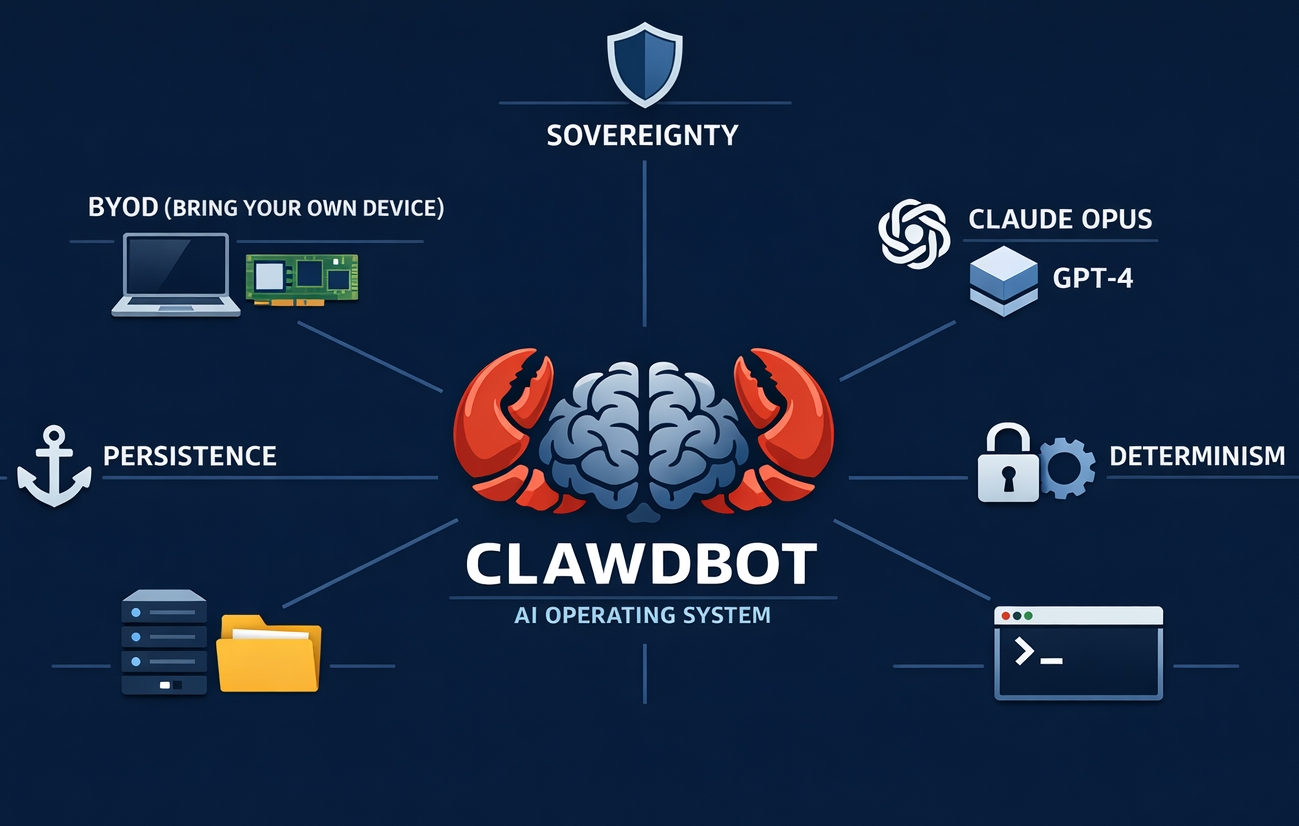
OpenClaw in action: 30 practical use cases for work and personal productivity
The real magic of OpenClaw becomes apparent when we explore its diverse applications. It's not just about simple shortcuts; it's about rethinking entire workflows to achieve significant efficiencies. Here are numerous compelling "openclaw use cases" demonstrating its versatility across professional and personal domains, showcasing how it can transform your daily operations:
Streamlining communication and information management
Communication overload is a universal challenge, but OpenClaw can act as your intelligent filter, assistant, and content curator, ensuring you receive the right information at the right time.
- Automating chat summaries: Whether you're part of active project discussions on OpenClaw Telegram or internal team chats on OpenClaw WhatsApp, OpenClaw can monitor conversations, identify key decisions, summarize discussions, and extract action items. Imagine receiving a concise daily digest of all critical points from your team's chat, saving hours of catching up.
- Email triage and summarization: OpenClaw can intelligently process incoming emails, categorize them based on content or sender, flag urgent messages for immediate attention, and provide concise summaries of longer threads. This ensures you prioritize effectively, manage your inbox with greater ease, and quickly grasp the essence of important communications without reading every word.
- Meeting insights & transcription: Post-meeting, OpenClaw can transcribe audio recordings of your sessions, summarize key discussion points, and pinpoint action items with assigned responsibilities. This not only ensures accurate record-keeping and follow-through but also makes meeting outcomes easily searchable, allowing team members to quickly review decisions or tasks without re-watching the entire recording.
- Internal knowledge base updates: Automate the upkeep of your company's wiki or knowledge base. OpenClaw can pull information from various sources, such as meeting notes, project updates, or internal documents, and intelligently integrate it into your knowledge management system.
- Customer support automation: OpenClaw can process incoming customer queries from multiple channels, categorize them based on issue type or urgency, suggest relevant FAQ responses, or even draft initial replies.
- Social media community management: For brands and organizations, OpenClaw can monitor various social media channels for mentions of your brand, product, or relevant keywords. It can track sentiment, identify emerging trends, flag urgent customer queries, and help teams respond promptly, ensuring active and positive engagement with their audience.
- Team update generation: Consolidate contributions from various team members into a structured daily or weekly update. OpenClaw can gather fragmented information from different project tools, individual reports, or communication channels and present it in a digestible format for stakeholders, ensuring everyone is aligned without requiring manual compilation.
Enhancing project management and collaboration
Project work often involves a myriad of repetitive updates, data gathering, and coordination tasks. OpenClaw is designed to take on these administrative burdens, allowing teams to focus on strategic execution and innovation.
- Automated project updates & status reports: Instead of manually compiling progress reports, OpenClaw can gather real-time data from various sources like task trackers, shared documents, communication channels, and generate concise, scheduled updates for your team or stakeholders.
- Customer feedback analysis: Integrate OpenClaw with your customer support channels, survey tools, or review platforms. It can analyze incoming feedback for sentiment, identify recurring issues, and flag critical customer concerns, allowing product teams to respond proactively and improve services based on data-driven insights.
- API documentation generation: For development teams, OpenClaw can assist in generating or updating API documentation based on code changes or new features. By monitoring code repositories, it can automatically detect modifications and suggest or even draft updates to the documentation, ensuring technical documentation remains current, accurate, and accessible to developers and users.
- Automated testing reports: After running automated tests, OpenClaw can compile the results into a structured report, highlighting successes, failures, and providing relevant logs for debugging. This accelerates the QA process, ensures that developers are immediately aware of issues, and reduces the manual effort of test result analysis.
- Bug tracking & prioritization: Integrate OpenClaw with your bug tracking system. It can automatically categorize incoming bugs based on severity or keywords, assign priority based on predefined rules, and notify the relevant team members.
- Automated client onboarding: Streamline the client onboarding process by automating key steps. OpenClaw can trigger welcome emails, send introductory materials, facilitate the setup of initial meetings by checking team availability, and integrate new client data into your CRM, ensuring a smooth and consistent onboarding experience.
Research, development & marketing intelligence
OpenClaw's ability to rapidly process and synthesize vast amounts of information makes it an invaluable asset for strategic intelligence and content creation, keeping your business informed and competitive.
- Academic paper tracking: Researchers can deploy OpenClaw to monitor specific academic databases or journals for new publications relevant to their field. It can alert them to new findings, and even summarize key insights from newly published papers, ensuring they stay at the forefront of their research area.
- Competitive intelligence: Track your competitors' online activities, product launches, pricing changes, and news mentions in real-time. OpenClaw can consolidate this information from various sources, providing you with a dynamic and comprehensive overview of the competitive landscape, helping you make informed strategic decisions.
- Industry trend analysis: Stay ahead of the curve by having OpenClaw monitor industry news, analyst reports, expert discussions, and emerging technologies. It can identify and highlight significant trends and opportunities, providing early warnings or insights that could shape future business strategies.
- Market research data collection: Automate the collection of publicly available market data, consumer reviews, product specifications, and pricing information. OpenClaw can systematically gather this data, providing a rich, structured dataset for detailed market analysis without tedious manual compilation.
- News monitoring & curation: Set up OpenClaw to track specific news outlets, RSS feeds, or keywords relevant to your business or personal interests. It can then deliver a personalized news feed, curated and summarized, ensuring you're always up-to-date on topics that matter most to you.
- Blog post research & content idea generation: For content creators, OpenClaw can scour the web for relevant information, statistics, popular topics, and trending keywords related to your content strategy. It provides a solid foundation for blog posts, articles, and marketing campaigns, significantly speeding up the research phase.
- SEO monitoring & keyword research: Automate the tracking of your website's search engine rankings for target keywords, monitor competitor keyword performance, and identify new opportunities for SEO optimization. OpenClaw can alert you to changes in search visibility or suggest new content topics based on rising search queries.
- Press release drafting assistance: Provide OpenClaw with key facts, bullet points, and an intended tone, and it can help draft initial versions of press releases, marketing copy, or public announcements. This saves significant time for your communications team, allowing them to refine and finalize content more quickly.
Boosting personal productivity & life management
Beyond the professional sphere, OpenClaw offers numerous ways to simplify and organize your daily life, transforming routine tasks into automated convenience.
- Personalized morning briefs: Start your day informed and prepared. OpenClaw can generate a customized morning brief, including hyper-local weather forecasts, your calendar events, real-time traffic updates for your commute, and top news headlines tailored to your interests, delivered directly to your preferred channel before you even get out of bed.
- Smart grocery lists: Imagine texting "Need to add milk, eggs, and bread" to a chat interface, and OpenClaw automatically adds these items to a shared grocery list, accessible by all household members and potentially categorized (e.g., dairy, produce) for convenience during shopping.
- Voice notes to journal entries: For those who prefer speaking their thoughts, OpenClaw can transcribe voice notes and transition them into coherent daily journal entries, preserving reflections, ideas, and experiences without the effort of typing. This makes personal journaling more accessible and consistent.
- Expense tracking & categorization: Automatically log and categorize your expenses. By integrating OpenClaw with banking apps or receipt scanners, it can extract transaction details, assign categories (e.g., "Dining," "Travel"), and compile them into a clear overview of your spending habits, aiding in personal finance management.
- Health monitoring & reminders: Set up OpenClaw to track personal health metrics from wearables (e.g., step count, sleep patterns), provide gentle reminders for medication, water intake, or suggest short breaks throughout the workday. This supports healthier habits and consistent self-care routines.
- Travel planning assistance: Provide OpenClaw with your travel dates and preferences, and it can research flight options, hotel availability, local attractions, and even create a preliminary itinerary. It can also monitor price changes for flights or accommodations, alerting you to optimal booking times.
- Package status tracking: Automatically monitor the delivery status of your online orders. OpenClaw can pull tracking information from various carriers and provide real-time updates and notifications as your packages move through the shipping process, eliminating the need to constantly check different websites.
- Recipe & meal planning: Input dietary preferences or available ingredients, and OpenClaw can suggest recipes, create meal plans for the week, and even generate a corresponding grocery list, simplifying the often time-consuming process of meal preparation.
- Home smart device control: With appropriate integrations, OpenClaw could automate routines for smart home devices, such as adjusting thermostats based on weather forecasts, turning lights on/off based on your schedule, or even initiating cleaning cycles for robotic vacuums.
Integrating OpenClaw with popular communication platforms: Telegram vs. WhatsApp
Many users first encounter the practicality of OpenClaw through its integrations with popular messaging platforms like OpenClaw Telegram and OpenClaw WhatsApp. This is often where the journey into AI automation begins for individuals, as these chat apps provide an immediate and familiar interface for triggering and receiving automated responses.
The typical functionality here involves OpenClaw interacting as a bot within these applications. For instance, you might send a command or a specific message to your OpenClaw bot, and it responds by performing a task, like summarizing a chat thread, fetching a piece of information, or adding an item to a list. The strength of these integrations lies in their accessibility and ease of use for simple, personal automations. They allow for quick, on-the-go interactions, fitting naturally into existing communication habits.
However, for complex, collaborative work scenarios, relying solely on chat app integrations can present limitations. Data can become fragmented across different chats and applications, making it difficult to maintain a single source of truth. Features like integrated document management, shared calendars, or structured project workflows are often absent, leading to a disconnected experience. While excellent for individual convenience, these setups fall short when an entire team or organization needs a truly cohesive, auditable, and scalable automation solution. An all-in-one platform like Lark can elevate OpenClaw's capabilities into a unified operational hub.

Integrating OpenClaw with Lark: A unified productivity powerhouse
While OpenClaw excels at automating tasks in individual messaging apps, its true enterprise-level efficiency potential is unlocked when integrated into a unified collaboration suite like Lark. As an all-in-one workspace, Lark unifies messaging, video meetings, cloud-native docs and sheets, calendars, email, wikis, approval workflows, OKR tracking, and automation tools in a cohesive environment. Infusing OpenClaw's AI agent capabilities into Lark to form OpenClaw Lark builds a synergistic powerhouse that resolves the core pain of fragmented tool stacks and unlocks new team productivity levels.
This unification brings profound advantages: OpenClaw no longer operates in isolated silos on Telegram or WhatsApp for specific external interactions, but intelligently orchestrates and automates all internal workflows within Lark. A single AI agent can retrieve document information, update project management tools, schedule calendar meetings, and share results directly in team chats—all on this centralized platform. It mitigates context-switching, ensures data consistency, embeds intelligence into daily work, and accelerates decision-making.
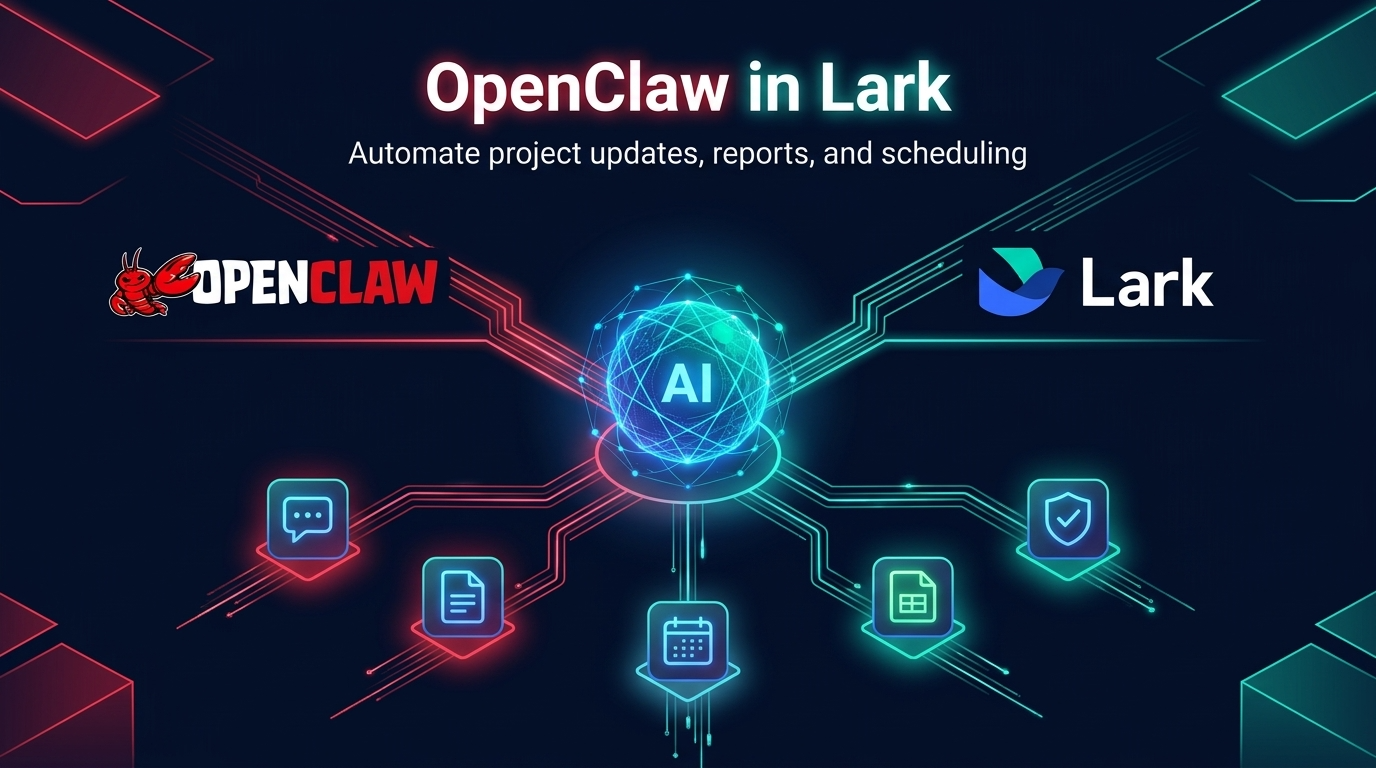
OpenClaw in Lark Messenger for task automation: Imagine a project manager assigning a new task in a Lark chat. You can ask your OpenClaw agent to create a task in Lark Tasks, assign it to the relevant team member, and set a due date. This ensures no task falls through the cracks and everyone is always aware of their responsibilities.
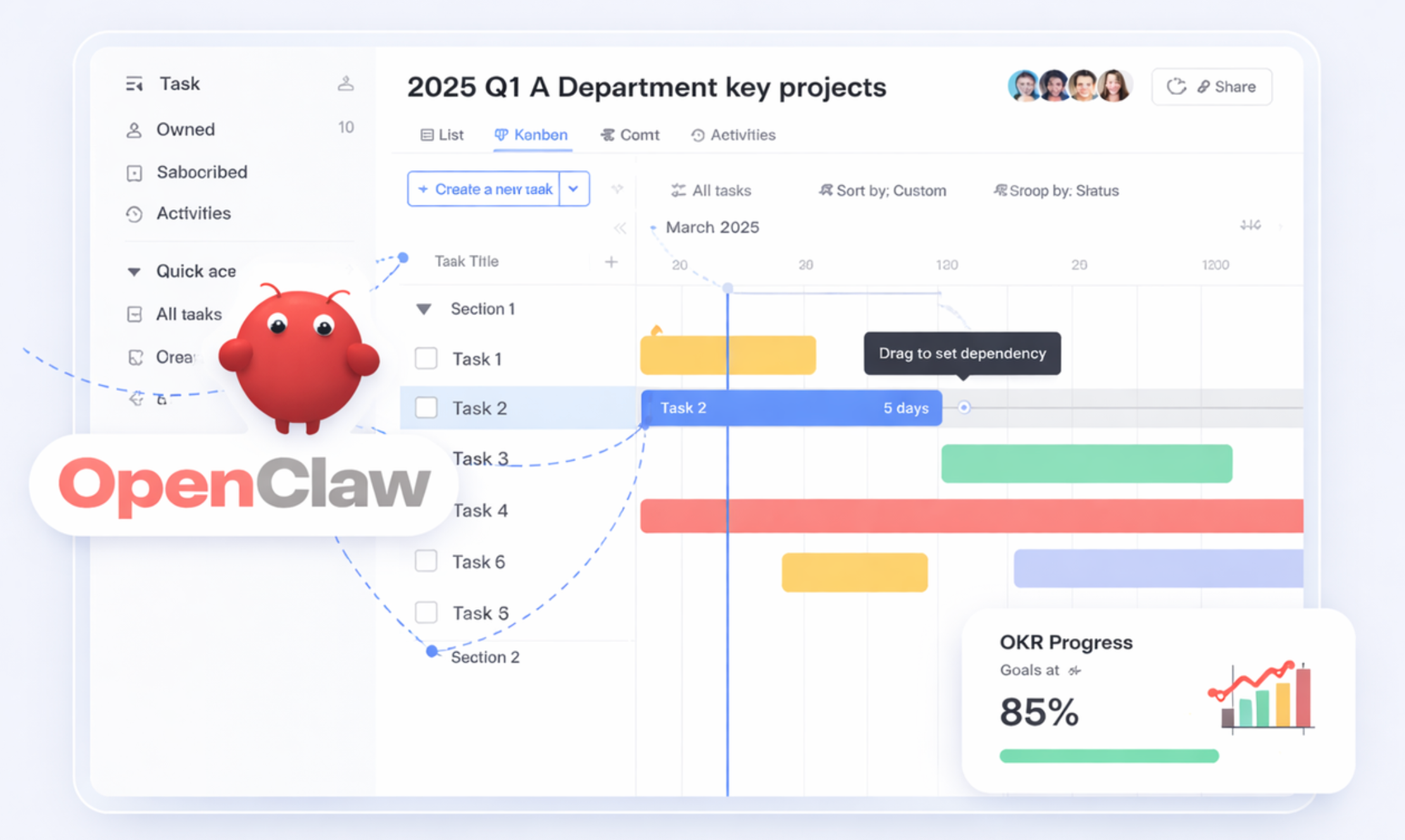
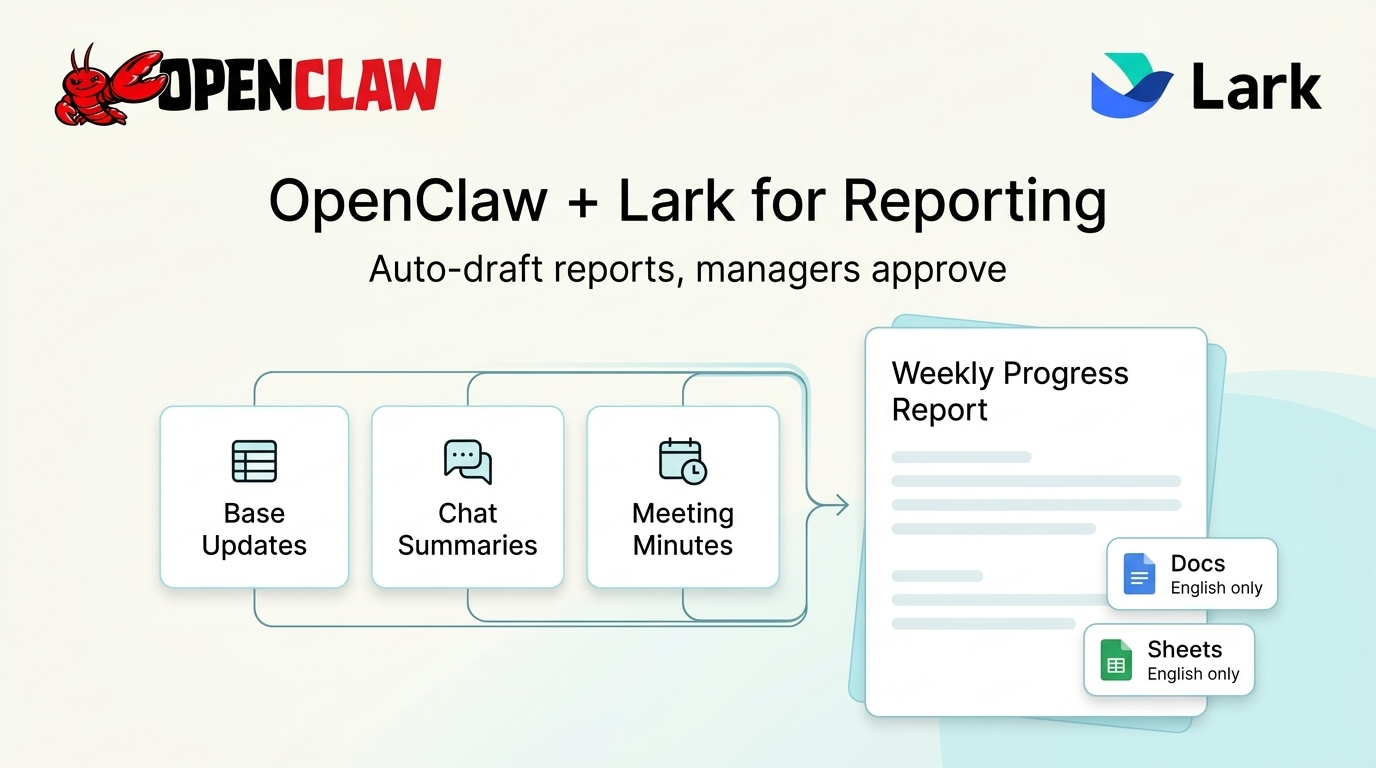
OpenClaw with Lark Docs/Sheets for automated reporting: Consider the challenge of compiling weekly project progress reports. An OpenClaw agent can be configured to pull updates from various sources within Lark, like discussion summaries from project chats, or key decisions from meeting minutes in Lark Docs. This drastically cuts down on administrative overhead, allowing more time for strategic project oversight.
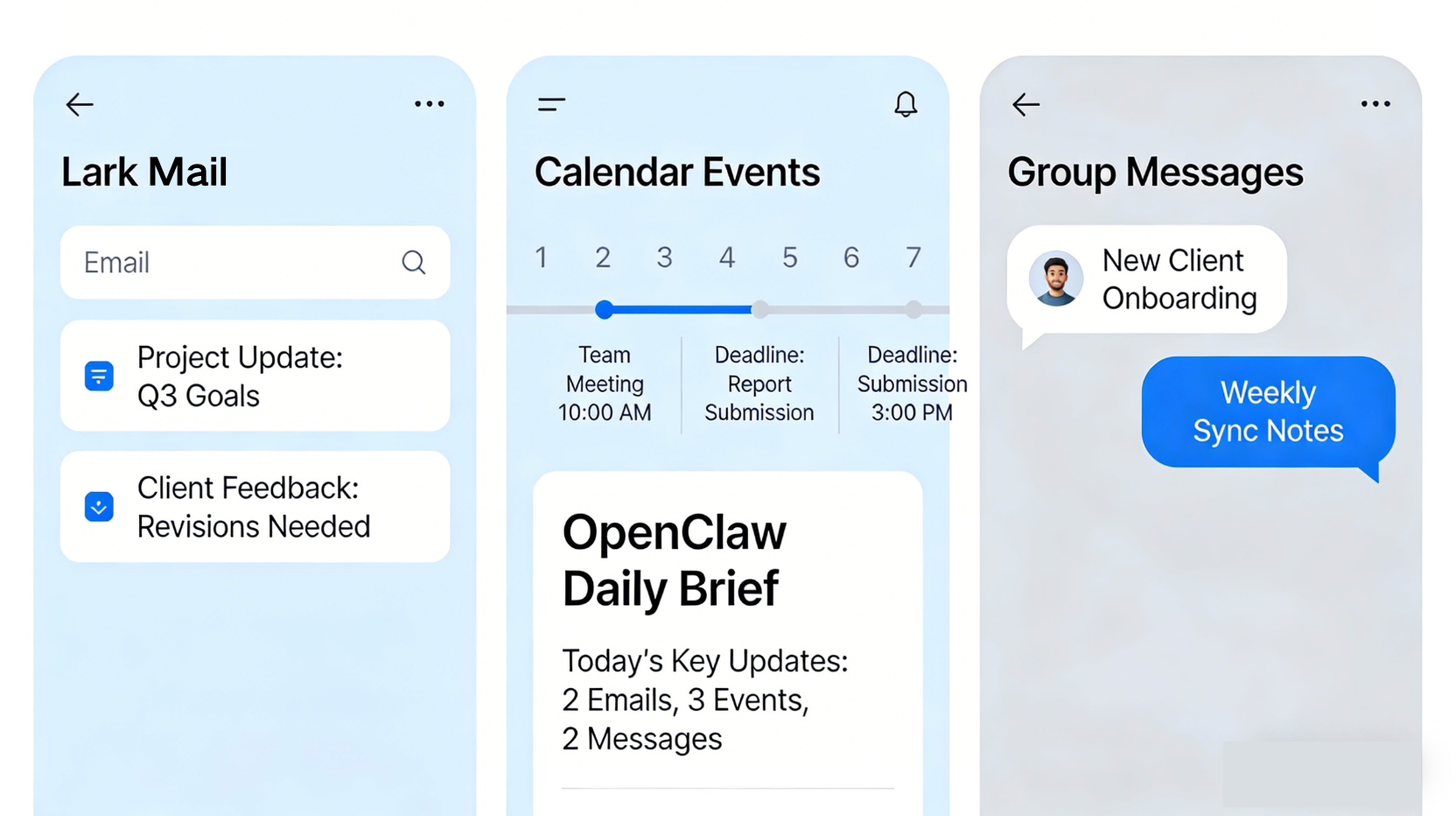
OpenClaw for Lark Mail/Calendar for personalized briefings: Leaders and team members often start their day sifting through emails, checking calendars, and reviewing news. An OpenClaw agent can synthesize this information into a personalized daily briefing delivered directly to Lark. It can triage urgent emails, flag important calendar events, and even summarize key discussions from project groups you're part of, drawing data from Lark Mail, Calendar, and Messenger. This helps individuals quickly grasp their priorities and context for the day ahead.
Beyond these specific examples, the true power of OpenClaw within Lark extends to its remarkable ease of implementation. You don't have to install OpenClaw for days or weeks; you can just install it within Lark in one minute. This rapid setup, coupled with Lark's integrated environment, means teams can quickly experiment, iterate, and scale their AI automations, moving from concept to tangible productivity gains almost instantly. For the method to install OpenClaw with Lark, read How to Install OpenClaw: Your Step-by-Step Guide
OpenClaw pricing and OpenClaw setup
The prospect of automating so many facets of work and life with an AI agent like OpenClaw is exciting. But how do you actually get started? Let's break down the practicalities of setting it up, understanding potential costs, and how to access its capabilities.
Is OpenClaw free? Understanding open-source and cost implications
As an open-source project, the core OpenClaw software itself is generally free to download and use. This aligns with the open-source philosophy of community contribution and free access to code. However, "free" often comes with nuances, especially when dealing with AI agents. While the software might not have a license fee, there can be associated costs:
- Hosting: OpenClaw operates using local hardware and leverages cloud-based AI models. If you're not self-hosting on your own infrastructure, you might incur costs for cloud hosting services (like TencentCloud mentioned in one of the attachments) or for running a dedicated server.
- Cloud-based AI models: OpenClaw integrates with cloud-based AI models for its processing capabilities. Depending on the specific models used and your usage volume, there may be API access fees or usage charges from the AI service providers.
- Development and integration: While OpenClaw is highly customizable, developing specific skills or complex integrations might require technical expertise, which could be an internal or external cost.
For those looking for a cost-effective environment, Lark's free plan provides a robust platform for up to 20 users, offering a significant amount of storage and automation runs. This can be an excellent way to experiment with OpenClaw integrations without immediately incurring additional software or platform costs. It's also important to clarify that OpenClaw is an agent, a piece of software you configure, rather than an OpenClaw app in the sense of a standalone mobile application available for direct download from an app store.
How to Use OpenClaw
As an open-source project, OpenClaw offers flexibility in deployment. The most common approach for continuous operation and full data control is to self-host it on a Virtual Private Server (VPS). This provides a dedicated environment for your OpenClaw agent to run 24/7, ensuring it's always active and responsive.
- Setup: The setup typically involves deploying OpenClaw onto a server environment. Platforms often provide tutorials or one-click solutions to simplify this process. This usually includes setting up the necessary operating system, installing dependencies, and configuring OpenClaw's core components. To learn how to set up OpenClaw, read Get Started with OpenClaw.
- Configuration and skills: Once deployed, you'll configure OpenClaw by defining its "skills" and connecting it to the tools you want it to interact with (e.g., your email account, calendar, or messaging platforms). This might involve providing API keys or setting up webhooks. The beauty of the Skills system is that it allows you to build or extend OpenClaw's capabilities to suit your exact needs.
- Interaction: You generally interact with OpenClaw through chat interfaces (like Telegram, WhatsApp, or even Lark Messenger, once integrated), a web interface, or directly via its API for more programmatic control. This means you can give commands and receive updates using natural language.
When you choose to integrate OpenClaw within a platform like Lark, these steps become even more seamless and powerful. Lark provides a unified environment where you can manage your communications, documents, and workflows, making it an ideal central hub for configuring and interacting with your OpenClaw automations. This integration not only simplifies the management of your AI agent but also multiplies its impact by connecting it directly to your team's collaborative workspace.
OpenClaw news and future trends
The world of AI agents is evolving at an incredible pace, and OpenClaw, as an open-source project, is right at the heart of this innovation. Staying informed about its developments and the broader trends helps us anticipate its future impact.
Community contributions and skill development
A significant driver of OpenClaw's evolution is its active open-source community. Unlike proprietary solutions, where new features are solely dependent on a single company, OpenClaw benefits from collective intelligence:
- Rapid skill expansion: Community members constantly develop and share new "skills" – modules that extend OpenClaw's capabilities and integrations. This means the range of tasks OpenClaw can perform is continuously growing, often addressing niche needs that commercial products might overlook.
- Knowledge sharing: Forums, GitHub discussions, and community channels serve as vital hubs for sharing best practices, troubleshooting tips, and innovative use cases. This collaborative environment accelerates adoption and helps users maximize the value of their OpenClaw deployments.
- Robustness and security: With many eyes on the code, the community also plays a crucial role in identifying and addressing bugs, improving security, and ensuring the stability of the platform.
This decentralized development model means OpenClaw is highly adaptable and responsive to user needs, fostering a vibrant ecosystem of automation possibilities.
The evolving landscape of AI agents
OpenClaw's trajectory is deeply intertwined with the broader trends in AI agent technology. We're moving beyond simple large language models (LLMs) to truly intelligent agents that can:
- Autonomous decision-making: Future agents will likely demonstrate even greater autonomy, capable of more complex reasoning and multi-step decision-making without constant human oversight.
- Enhanced sensory input: Expect agents to better interpret diverse forms of input, including visual, auditory, and even contextual cues from various digital environments.
- Seamless interoperability: The drive for agents to work together and communicate with each other will only intensify. OpenClaw's approach to integrating with existing tools positions it well within this trend, and we can anticipate more sophisticated inter-agent communication protocols.
- Personalized and context-aware AI: Agents will become increasingly personalized, understanding individual preferences, work styles, and priorities to offer hyper-relevant assistance.
As these trends mature, OpenClaw is poised to continue playing a pivotal role, offering an open and adaptable platform for harnessing the power of next-generation AI agents in both our personal and professional lives.
Conclusion
We've explored the wide-ranging use cases of OpenClaw and how this versatile AI agent transforms work and daily life. From streamlining customer support on messaging apps to enabling intelligent data extraction, reporting, and scheduling, it goes far beyond basic automation by understanding context and executing complex workflows, greatly boosting efficiency and freeing up human potential.
The greatest value of OpenClaw emerges when integrated with unified platforms like Lark, solving the pain of fragmented tools and creating a synergistic productivity engine. We encourage you to explore OpenClaw's flexible, open-source automation capabilities—whether for simple tasks or end-to-end organizational workflows. Pairing it with Lark can drive your team's next efficiency breakthrough, ushering in a smarter, more connected future of work.
FAQs
What kind of tasks can OpenClaw automate?
OpenClaw is an incredibly versatile AI agent designed to automate a broad spectrum of tasks across work and personal life. This includes streamlining communication (like chat summarization, email triage, and meeting insights), enhancing project management (such as automated updates and client onboarding), assisting with research and marketing intelligence (like competitive analysis and content idea generation), and boosting personal productivity (with features like personalized morning briefs and smart grocery lists). Its "extensible Skills system" means its capabilities are constantly evolving and customizable.
Is OpenClaw difficult to set up for a beginner?
The setup of OpenClaw does require some technical expertise, particularly for its installation, configuration, and ensuring proper security measures are in place. It's not a plug-and-play mobile application in the traditional sense. However, its open-source nature fosters a community where resources and guidance are often available, which can assist users in navigating the initial setup and skill configuration.
Can OpenClaw work with other tools besides chat apps?
Absolutely. While OpenClaw is commonly used with chat applications like Telegram and WhatsApp for immediate interactions, its strength lies in its ability to integrate with a wide array of tools. Through its "Skills" system, OpenClaw can connect with email clients, calendar applications, document management systems, project management platforms, CRM systems, and more. When deployed within a unified platform like Lark, its integration capabilities expand significantly to cover messaging, documents, sheets, calendar, and approval workflows.
What are the benefits of using OpenClaw with Lark compared to just WhatsApp or Telegram?
Integrating OpenClaw with Lark offers significant advantages, especially for teams and enterprises, over standalone chat app usage. Lark provides a unified workspace, enabling seamless workflow integration where OpenClaw can automate tasks directly within Lark Docs, Sheets, and Calendar. This leads to enhanced collaboration and data governance within a controlled enterprise platform, improved scalability for teams, and can contribute to cost efficiency by reducing fragmented tool stacks. It transforms individual automations into cohesive, collaborative team workflows.
How can I ensure my OpenClaw automations are secure?
Ensuring the security of your OpenClaw automations requires responsible configuration and vigilant oversight. Key steps include carefully managing access controls to your OpenClaw instance and its integrated services, ensuring data encryption where necessary, and implementing robust authentication mechanisms. Given its autonomous nature, it's also crucial to maintain human oversight, particularly for tasks involving sensitive information or critical decision-making, to prevent unintended consequences and ensure compliance.
Related reading
Table of contents
Start using Lark today

Manage all your work in one place
Boost team efficiency by 10x
Save up to 70% on software costs
Table of contents
Start using Lark today
Manage all your work in one place
Boost team efficiency by 10x
Save up to 70% on software costs
Keep reading







2026 Lark Technologies Pte. Ltd.
Headquartered in Singapore with offices worldwide.






Explore: