The relentless influx of emails often transforms our inboxes into productivity battlegrounds. We constantly juggle essential communications with project deadlines, leading to lost time, mental fatigue, and fragmented workflows. Email AI assistant offers a promising solution, promising to automate mundane tasks and cut through the clutter. However, many individual AI tools fall short of delivering a truly transformative impact, especially for teams. We believe the real power of AI email assistance lies not in isolated capabilities, but in seamless integration within a unified productivity suite, fundamentally enhancing your entire workflow beyond simple email management.
The best AI Email Assistants at a glance
- Lark: Best for teams desiring a truly unified productivity suite with deeply integrated AI email.
- Microsoft Copilot for Outlook: Ideal for users fully committed to the Microsoft 365 ecosystem.
- Superhuman: Perfect for high-volume email users who prioritize speed and efficiency.
- Gmelius: Great for sales, support, and marketing teams using Gmail for collaborative inbox management.
- Shortwave: Excellent for individuals and small teams seeking a smarter, organized Gmail experience.
Explore the best AI Email Assistant Lark
What is an AI Email Assistant?
An AI email assistant is a software tool that leverages artificial intelligence, primarily through Natural Language Processing (NLP) and Machine Learning (ML), to help users manage their email communications more efficiently. These tools go beyond traditional email features by understanding the context, sentiment, and intent of messages. Think of it as having a highly intelligent, virtual assistant dedicated to your inbox, capable of performing tasks that once required significant manual effort. The evolution of email tools has shifted from basic organizational features to sophisticated AI-driven solutions that can actively participate in and streamline your communication workflows.
What can an AI Email Assistant do?
The capabilities of AI email assistants are constantly expanding, but several core functions stand out as particularly beneficial for business users:
- Intelligent Drafting and Response Generation: Instead of staring at a blank screen, AI can suggest entire email drafts or generate quick, context-aware replies. For instance, if you receive an inquiry about your product, an AI could draft a response that includes relevant details pulled from your knowledge base.
- Email Summarization: For long threads or dense newsletters, an AI assistant can condense the content into concise summaries, saving you valuable reading time and ensuring you grasp the key points quickly.
- Prioritization and Organization: AI can learn your preferences and identify important emails, flagging urgent messages or categorizing incoming mail automatically. This helps you focus on what matters most, rather than getting lost in less critical communications.
- Task Automation: Some advanced AI assistants can convert emails into tasks, schedule meetings, or even update CRM records based on email content, directly linking your communication to actionable items.
- Natural Language Search: Beyond keyword searches, AI allows you to query your inbox using natural language, making it easier to find specific information even if you don't remember exact terms. For example, "Find all emails from Sarah last month about the Q2 report."
These functionalities collectively aim to reduce the cognitive load associated with email management, freeing up time for more strategic and impactful work.
The hidden cost of fragmented tools: Why your inbox is still overwhelming
Many businesses rely on separate tools for email, messaging, documents, and project management. While each tool may perform well individually, constantly switching between them creates friction and reduces productivity.
Consider a typical workflow: an email arrives about a new project. You reply, create a task in your project management tool, open a document to draft plans, and jump into team chat for discussion. Every app switch interrupts focus, increases mental load, and makes deep work harder.
Even AI email assistants don't fully solve this problem. An AI may help draft an email, but teams often still need to manually transfer information into project trackers, documents, and collaboration tools. Instead of eliminating inefficiency, AI is frequently layered onto an already fragmented workflow. As a result, information remains siloed, processes stay disconnected, and the promise of seamless automation falls short.
Ready to experience a truly frictionless workday with Lark?
How we selected the top 10 AI Email Assistant
In compiling our list of the top AI email assistants, we focused on tools that offer tangible benefits to business productivity and address the complexities of modern team collaboration. Our selection criteria emphasized:
- Core AI Features: We prioritized tools that deliver robust capabilities in email drafting, summarization, prioritization, and automation, going beyond basic grammar checks.
- Integration Capabilities: How well does the tool integrate with existing email clients and, more importantly, with broader collaboration and productivity suites? We looked for solutions that minimize fragmentation.
- User Experience and Ease of Use: The best tools are intuitive and enhance workflow without introducing new complexities or steep learning curves.
- Business Applicability: We considered features relevant to teams and organizations, such as shared inbox functionality, collaborative drafting, and workflow automation.
- Pricing: Transparency and Value: While not all tools offer free plans, we assessed their Pricing: models for clarity and the overall value they provide for their cost.
- Reputation and Reviews: We factored in insights from user reviews on platforms like G2 and Capterra, as well as industry analysis, to ensure our recommendations are well-regarded.
Our aim is to provide a balanced overview that helps you identify the AI email assistant best suited for your specific needs, whether you're an individual power user or part of a growing enterprise.
Top 10 Tools: Finding Your Best AI Email Assistant
1. Lark: Smart AI-driven email with team chat, calendar, and automated workflows
is an all-in-one collaboration platform that redefines email management by infusing smart AI capabilities and bridging the gap between communication silos. Instead of constantly switching tabs between a standalone email client, team chat, , and , Lark unifies them into a single, connected workspace. It is an all-in-one suite that combines , , cloud-native documents and sheets, , , , , goal/, and automation tools into a unified workspace. It doesn't just manage your inbox—it converts your emails into actionable , powered by intelligent automation and AI assistance.
Key AI & productivity features:
Smart Inbox & auto-filters: uses intelligent sorting to declutter your inbox automatically. You can set up smart rules and filters to archive, tag, or move incoming emails into designated folders, ensuring you only focus on high-priority messages. 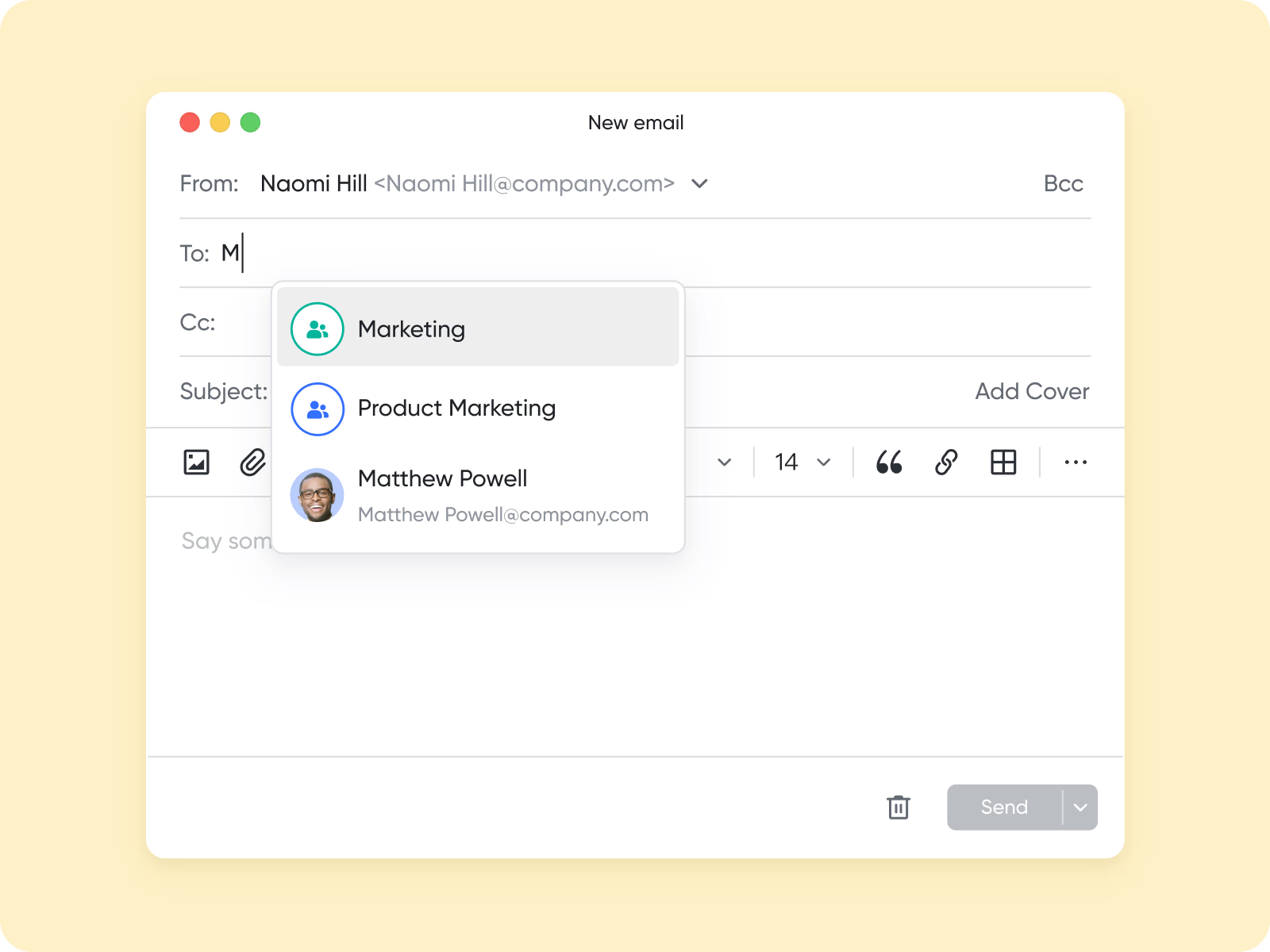
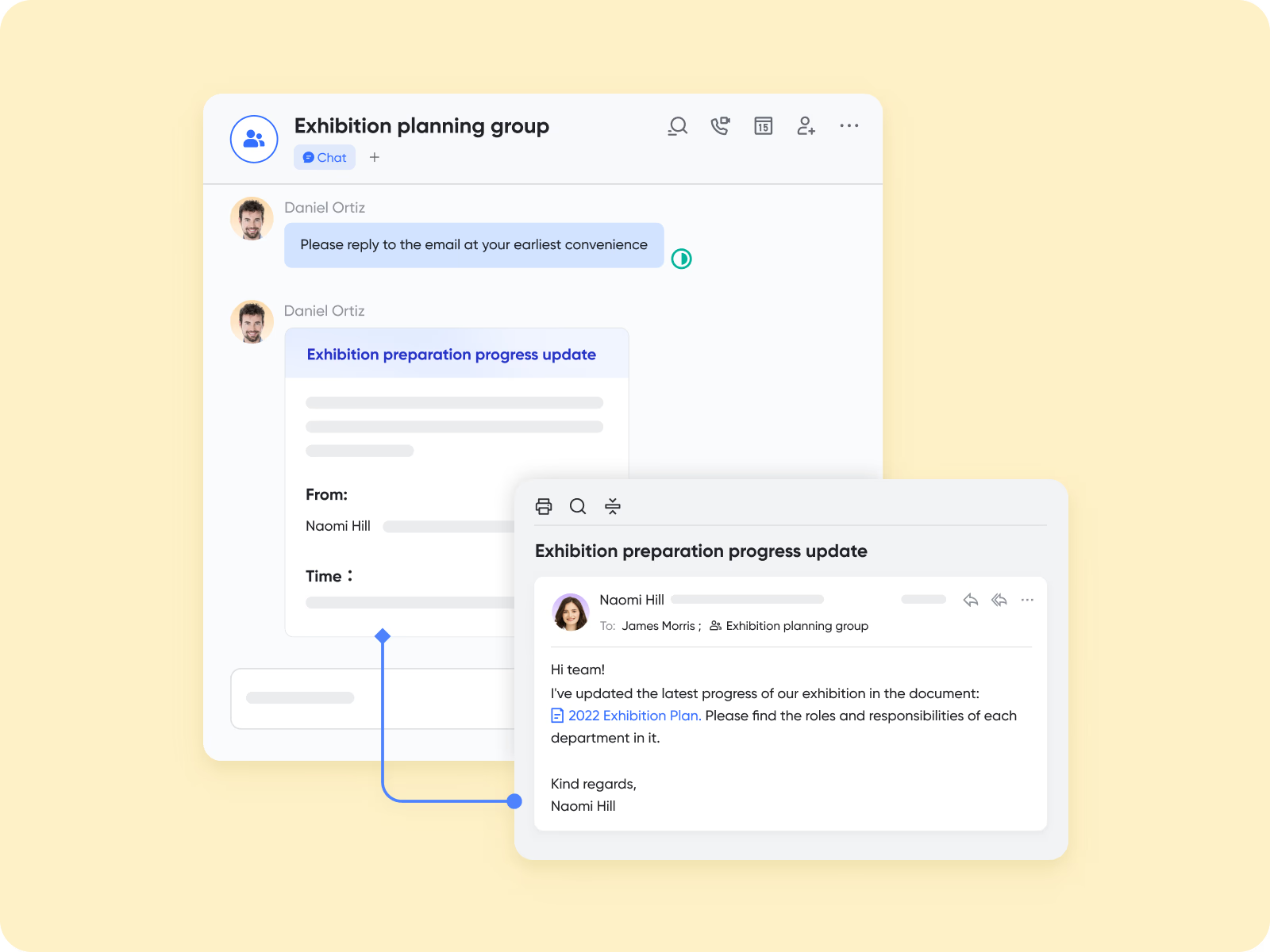
Email-to-workflow automation: Transform emails into tasks instantly. Integrated with (a low-code database), you can automatically route incoming emails (like operations queries or customer support tickets) into customized project pipelines and approval tracks.
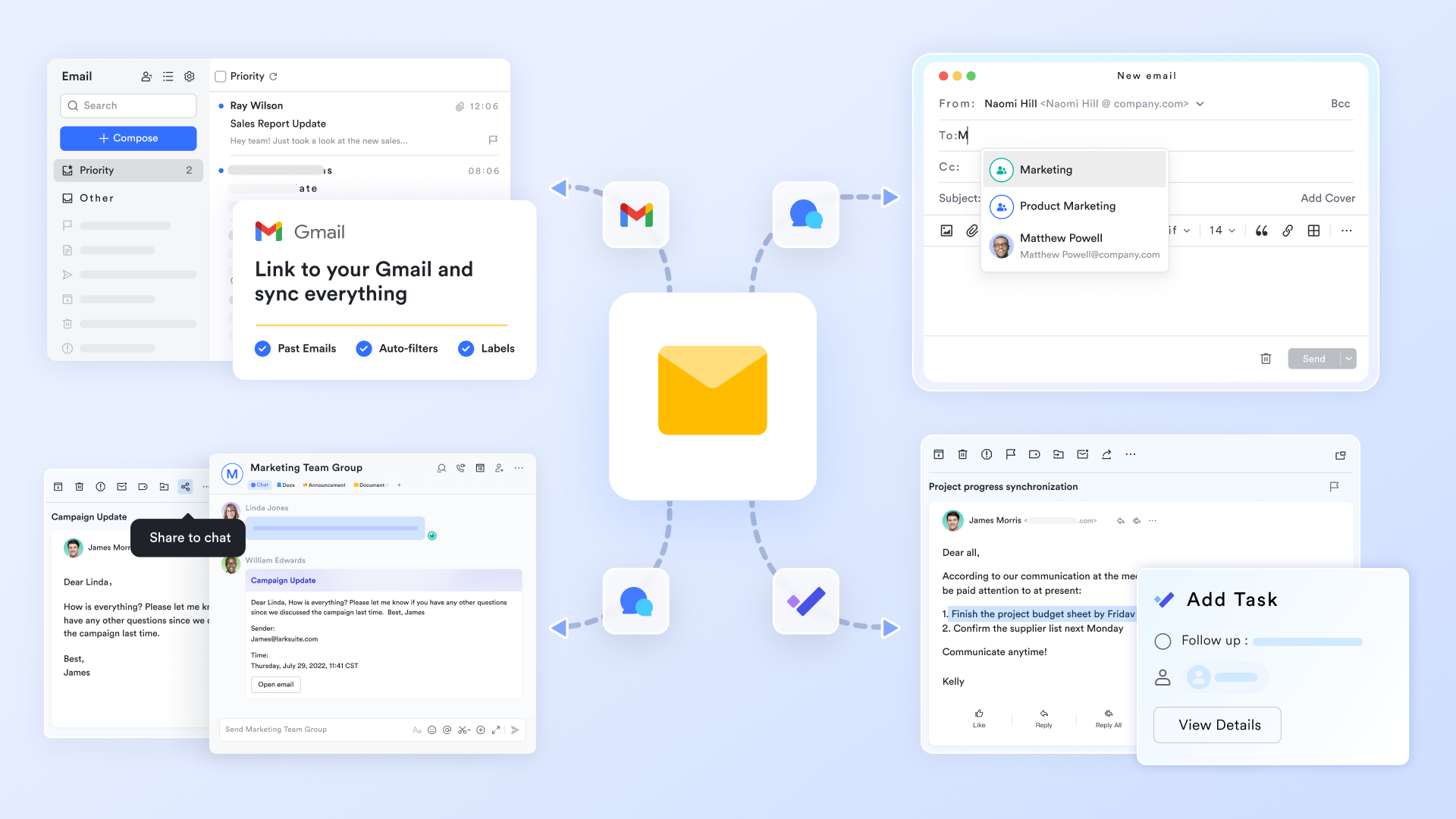
Effortless migration & sync: Transitioning from legacy providers is foolproof. Lark supports seamless one-click sync and migration from Gmail or Microsoft Outlook, pulling your inbox, calendar events, and contacts into a unified environment without any data loss. 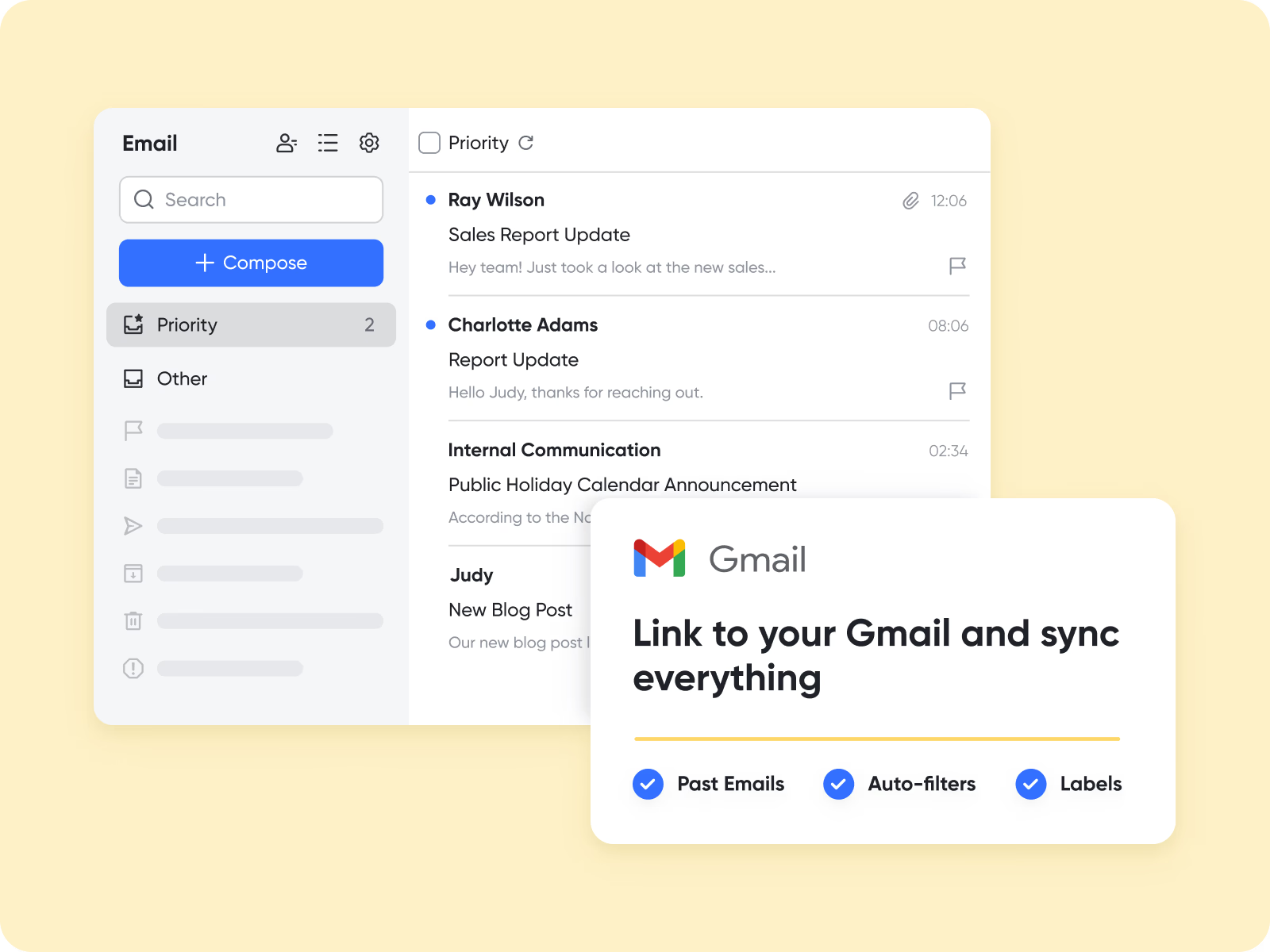
Best for:
Teams looking for more than an AI writing assistant. Lark is ideal for organizations that want to transform email from a standalone communication channel into a connected productivity workflow where conversations, documents, tasks, and collaboration happen together.
Pros:
- A true all-in-one ecosystem that eliminates app-switching fatigue.
- Highly generous Free Plan that includes AI translation and robust automation features.
- Powerful automation that effortlessly turns raw emails into project tasks or formal approval tickets.
Cons:
- Advanced custom automation configurations may have a slight learning curve for beginners.
- Deeply integrated ecosystem means users get the most value when adopting the full suite rather than just standalone mail.
:
- Starter plan: that includes 11 powerful tools for up to 20 users. It also comes with 100GB of storage space, 1000 automation runs, AI translations, and more. No credit card needed.
- (Optional)Basic plan: (billed annually) for up to 500 users. It includes everything in Starter and unlimited message history, 5TB of storage space, 1,000 automation runs, and more. Some users may need to to purchase this plan.
- Pro plan: (billed annually) for up to 500 users. It includes everything in Basic plus group calling for up to 500 attendees, 15TB of storage space, 50,000 automation runs, and more.
- Enterprise plan: for custom pricing. Supports unlimited users and includes even more automation runs and advanced security, compliance, and management features.
For small teams with simple communication needs

18 months message history
1000 Base automation runs/month
2000 rows per table in Base
Most POPULAR
For companies with comprehensive collaboration and management needs
Unlimited message history
500-participant video meetings
50k Base automation runs/month
20k rows per table in Base
For large companies with advanced security and organizational management needs
Get a personalized demo and pricing
Unlimited message history
500-participant video meetings
15 TB storage + 30 GB storage/user
500k Base automation runs/month
50k Base automation runs/month
Most POPULAR
For companies with comprehensive collaboration and management needs
Unlimited message history
500-participant video meetings
50k Base automation runs/month
20k rows per table in Base
2. Microsoft Copilot for Outlook: Native AI for Microsoft 365 Users
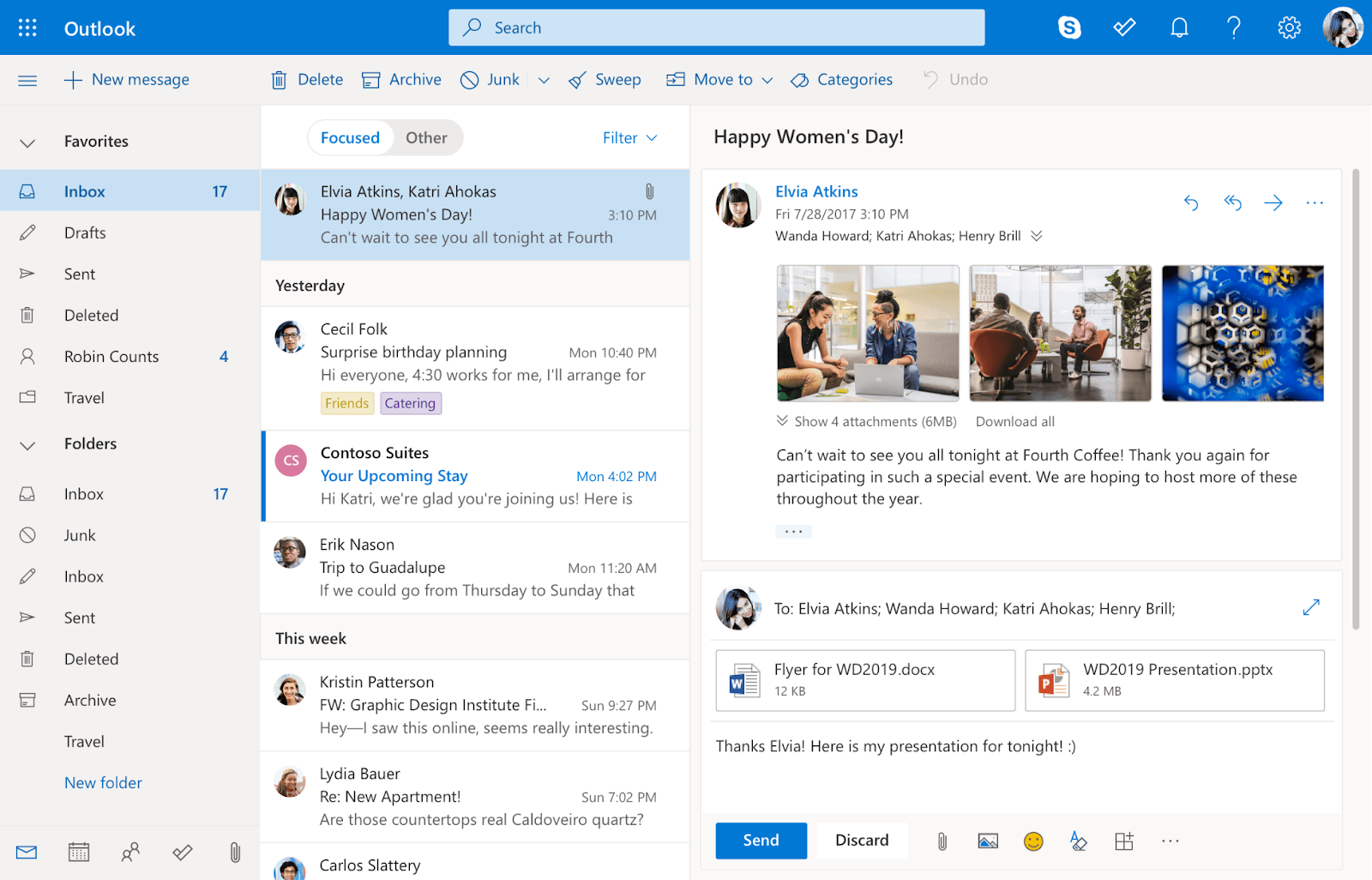
Image source: outlook.com
Microsoft Copilot for Outlook is best suited for individuals and organizations deeply embedded in the Microsoft 365 ecosystem who want to enhance their existing Outlook experience with AI-powered assistance without leaving their familiar environment.
Microsoft Copilot represents Microsoft's significant foray into AI assistance across its productivity suite. For Outlook users, this means bringing intelligent drafting, summarization, and task management directly into their familiar email environment. The goal is to make email interaction more efficient by reducing the manual effort involved in composing responses and digesting lengthy threads.
Pros:
- Deep integration with Microsoft 365: Works seamlessly with other Microsoft apps like Word, Excel, and Teams, leveraging a unified platform experience for Microsoft users.
- Familiar user experience: Enhances Outlook without requiring users to learn a completely new interface.
- Powerful drafting and summarization: Leverages Microsoft's AI capabilities for intelligent content generation directly within the email client.
Cons:
- Tied to the Microsoft ecosystem: Less beneficial for teams not primarily using Microsoft 365.
- Additional cost for advanced features: The free Outlook plan often comes with ad clutter, and advanced AI features like Copilot require a paid subscription.
Pricing:
- Copilot Pro plan: $20/user/month (for individuals, requires Microsoft 365 Personal or Family).
- Copilot Business standalone add-on: $18/user/month billed annually ($21/user/month standard rate).
- Copilot Business monthly add-on: $25.20/user/month (flexible commitment).
- Copilot Enterprise add-on: $30/user/month billed annually (requires M365 E3/E5 base plan).
- Bundled business plans: Business Standard with Copilot is $22/user/month, Business Premium with Copilot is $32/user/month (billed annually).
3. Superhuman: The Speed Demon for Power Users
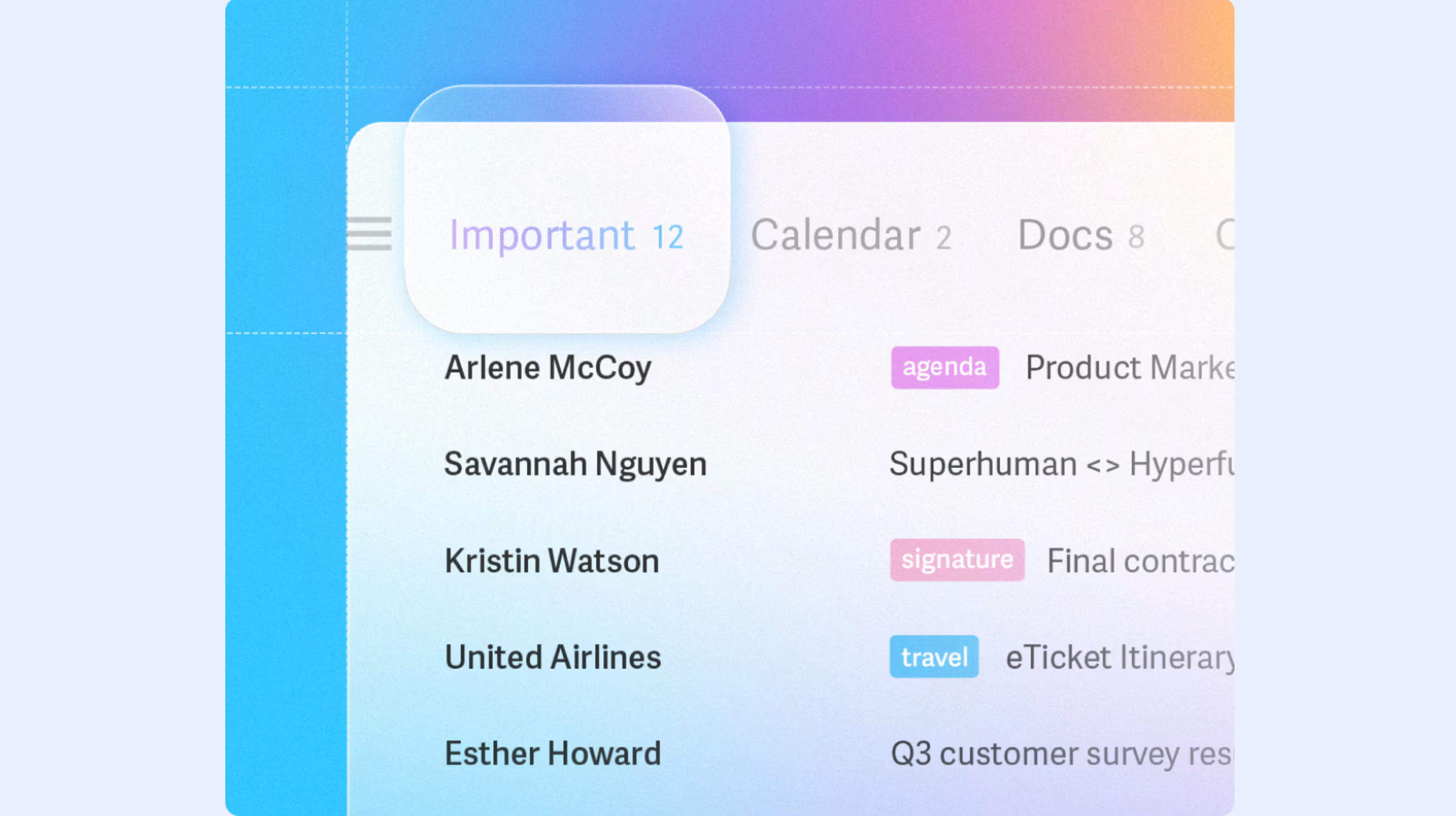
Image source: superhuman.com
Superhuman is designed for high-performing professionals and executives who prioritize speed, efficiency, and a minimalist email experience. It's for users who see their inbox as a critical command center and are willing to invest in a premium tool to gain every possible edge in email management.
Superhuman is not just an AI email assistant; it's an entire email client built around the philosophy of speed and efficiency. It aims to make your email experience so fast that it feels like using a keyboard shortcut for every action. While it offers AI features like "Instant Intro" and "Smart Compose," its core value proposition lies in its incredibly fast interface, extensive keyboard shortcuts, and features designed to help users reach "Inbox Zero" quickly. It helps users manage a high volume of email by providing tools for quick sorting, templated responses, and reminders.
Pros:
- Exceptional speed and efficiency: Built for users who value rapid email processing above all else.
- Powerful keyboard-driven interface: Allows for incredibly fast navigation and action execution.
- Smart AI features for drafting and personalization: Helps create concise and personalized emails quickly.
Cons:
- Premium Pricing: Significantly more expensive than many other email solutions, targeting a niche user base.
- Limited integration outside of email: Primarily focused on optimizing the email experience itself, rather than unifying with broader collaboration tools.
Pricing:
- Starter plan: $30/month (or $25/month billed annually).
- Business plan: $40/month (or $33/month billed annually).
- Enterprise plan: Contact sales for custom organization pricing.
4. Gmelius: Gmail Power-Up for Collaborative Teams
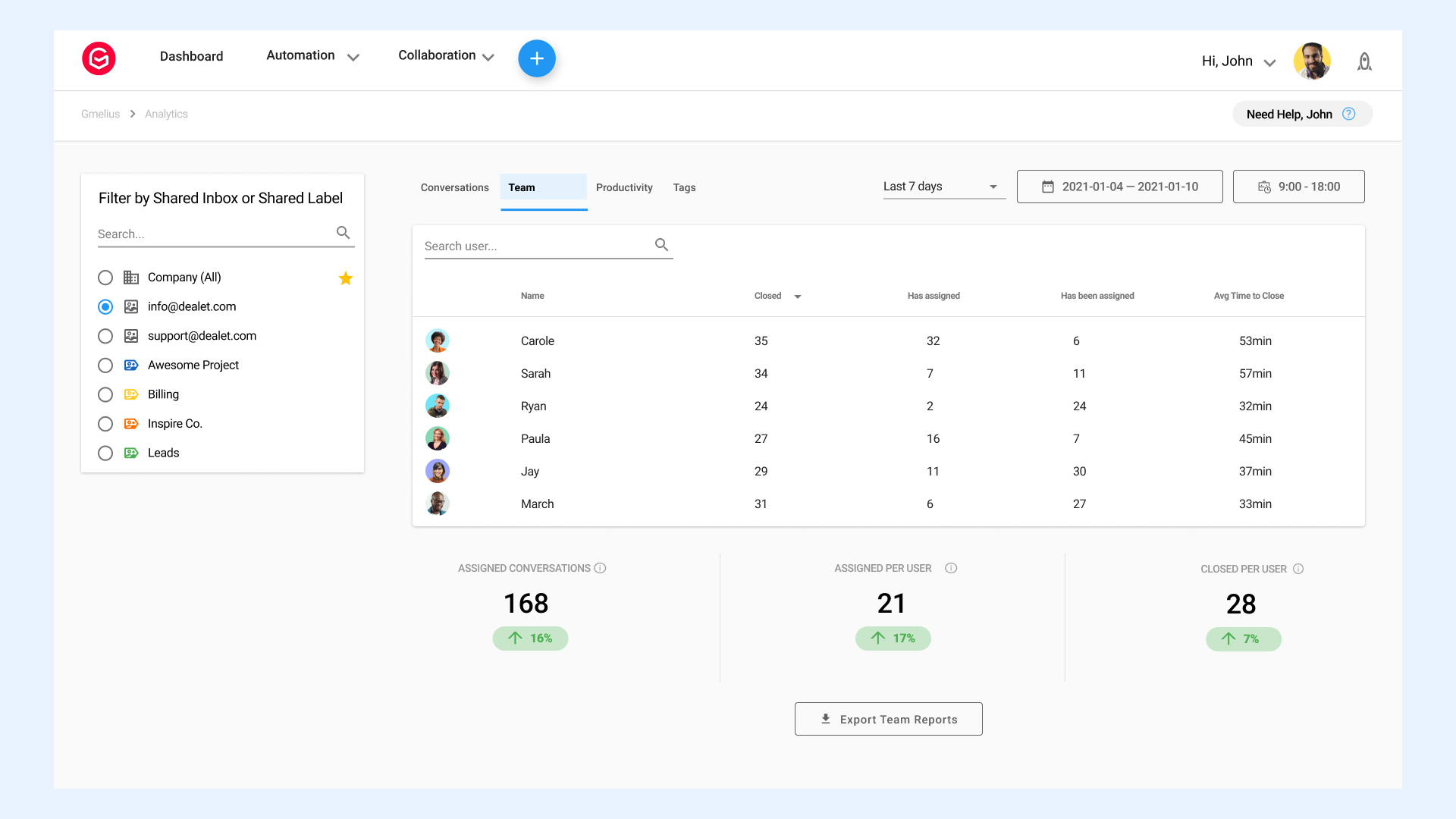
Image source: gmelius.com
Gmelius is best for sales, support, and marketing teams who operate within Gmail/Google Workspace and need to transform their inbox into a collaborative workspace for shared inboxes, task management, and automated outreach.
Gmelius is an AI-powered collaboration and automation platform built specifically for Gmail and Google Workspace. It extends Gmail's functionality, turning it into a shared inbox, a light CRM, and a project management tool. For teams managing customer support, sales outreach, or shared department inboxes, Gmelius allows multiple users to access and manage emails collaboratively, assign conversations as tasks, and automate follow-ups directly from their Gmail interface. Its AI capabilities can assist with email categorization, identifying key information, and even drafting personalized outreach sequences.
Pros:
- Transforms Gmail into a collaborative workspace: Excellent for shared inboxes, help desks, and team communication within Gmail.
- Strong automation features: Ideal for sales sequences, follow-ups, and workflow automation in email.
- Seamless integration with Google Workspace: Naturally extends existing Gmail and Google productivity tools.
Cons:
- Gmail-centric: Less suitable for teams not using Google Workspace as their primary email provider.
- Can add complexity to a simple inbox: For individual users who only need basic AI email help, it might offer more features than necessary.
Pricing:
- Meli plan: $21/user/month (or $19/user/month billed annually).
- Growth plan: $33/user/month (or $25/user/month billed annually).
- Pro plan: $50/user/month (or $40/user/month billed annually).
- Enterprise plan: Custom quote based on unique requirements (minimum 50 users).
5. Shortwave: Smart Inbox for Gmail Simplification
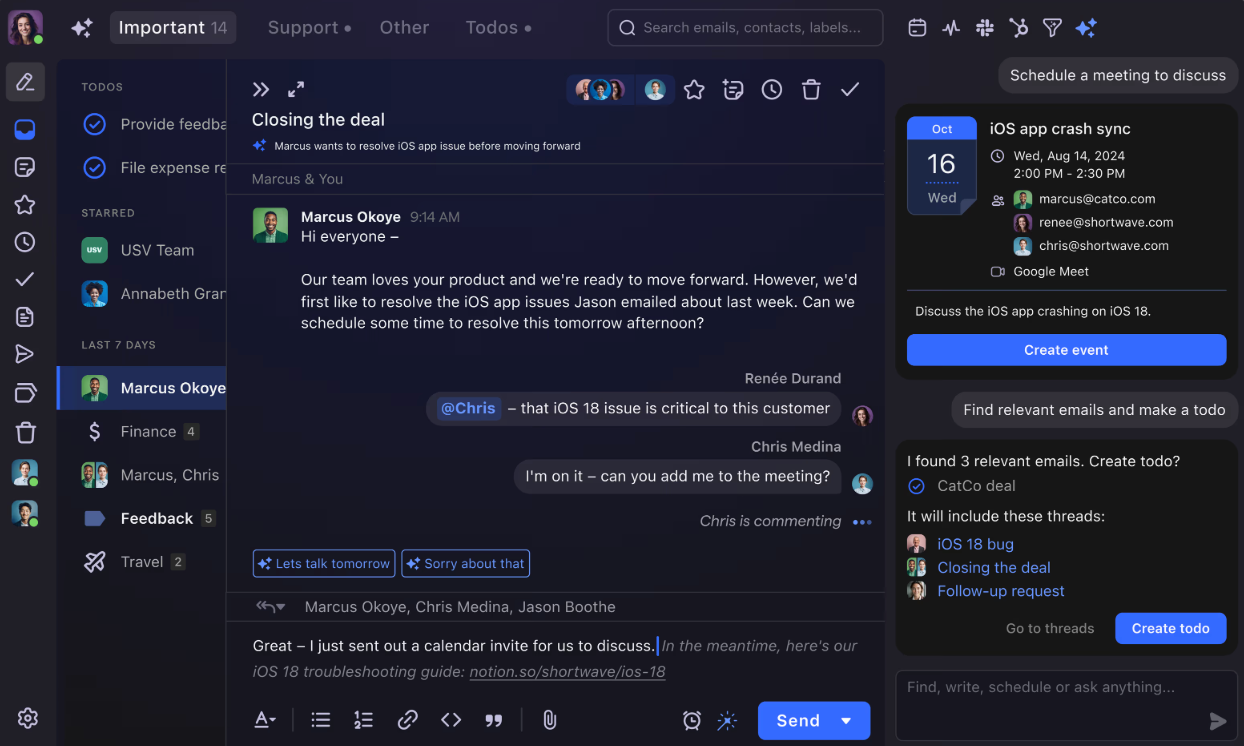
Image source: shortwave.com
Shortwave is an excellent choice for individual users and small teams seeking a smarter, more organized Gmail experience with AI-powered summarization and organization, designed to help achieve "Inbox Zero" more effectively.
Shortwave acts as a modern, AI-enhanced front-end for Gmail. It re-imaginates the traditional email interface, focusing on reducing clutter and making email management more intuitive. Its core AI features include bundling related emails into "batches" (e.g., all promotional emails or social media notifications), providing AI-generated summaries of email threads, and offering AI-powered smart replies. The aim is to help users process their inbox more efficiently by grouping less urgent emails and quickly grasping the essence of conversations.
Pros:
- Intelligent email bundling and summarization: Significantly reduces visual clutter and helps prioritize.
- Modern and intuitive interface: Offers a fresh take on the Gmail experience.
- Focus on Inbox Zero: Features designed to help users quickly process and clear their inbox.
Cons:
- Limited to Gmail: Only works with Gmail accounts, excluding users of other email providers.
- Primarily an individual productivity tool: While it has some team features, its core strength is personal inbox management, not full team collaboration across various tools.
Pricing:
- Business plan: $24/seat/month (billed annually).
- Premier plan: $36/seat/month (billed annually).
- Max plan: $100/seat/month (billed annually).
6. Fyxer AI: Seamless AI Automation for Existing Email Clients
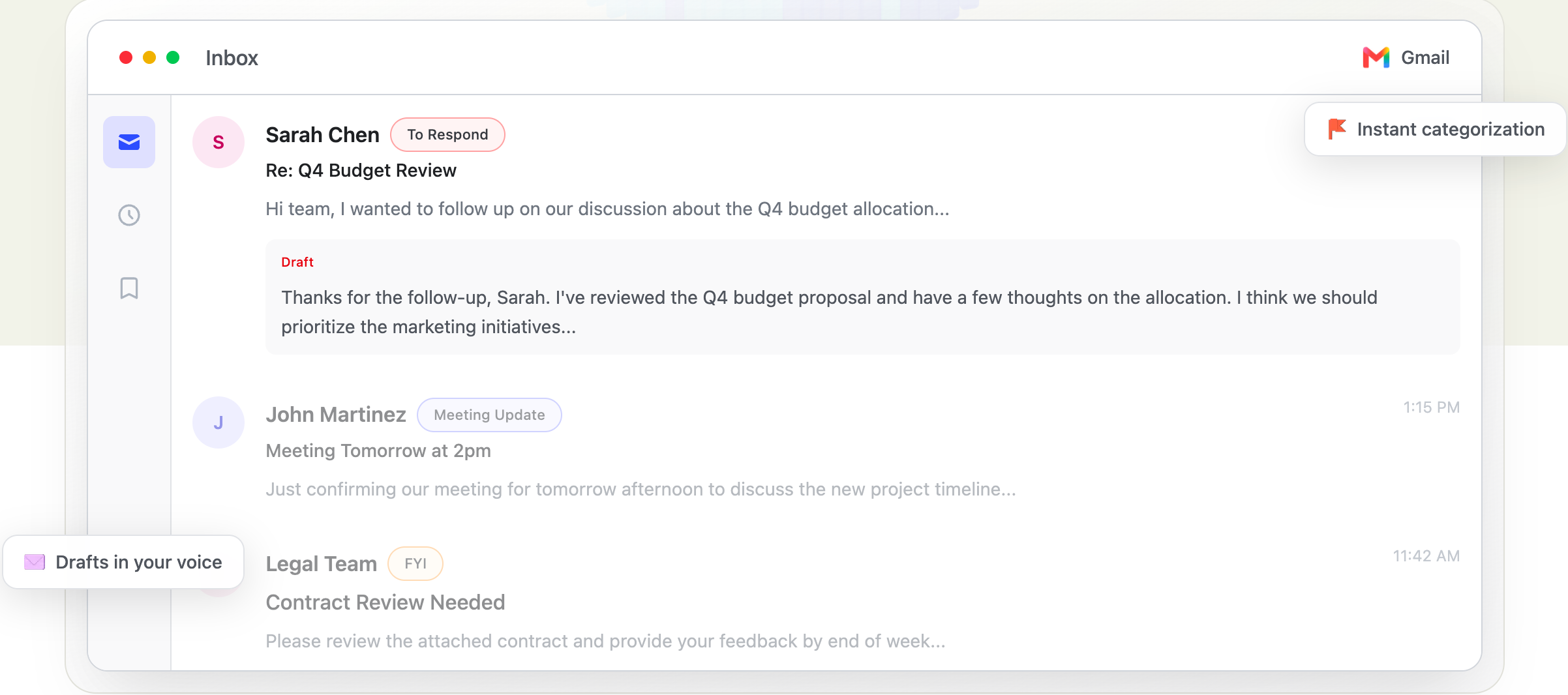
Image source: fyxer.com
Fyxer AI is ideal for professionals who want to integrate advanced AI email drafting and automation directly into their existing email client (Outlook, Gmail, Apple Mail) without having to switch platforms or adopt a new interface.
Fyxer AI positions itself as an AI automation layer that works within your current email setup, rather than replacing it. Its strength lies in its ability to offer sophisticated email drafting, summarization, and automation functionalities as a seamless extension to popular email clients like Outlook, Gmail, and Apple Mail. This approach means users don't have to learn a new email system; they simply augment their existing one with powerful AI.
Pros:
- Works with existing email clients: No need to switch email providers or learn a new interface.
- Focus on automation without disruption: Integrates AI drafting and workflow automation directly into your inbox.
- Supports multiple major email platforms: Offers flexibility for users across Outlook, Gmail, and Apple Mail.
Cons:
- Not a unified collaboration suite: While it enhances email, it doesn't offer the broader collaboration tools found in platforms like Lark.
- Reliance on external integrations: Its capabilities are limited by what it can do within the confines of the host email client.
Pricing:
- Starter plan: $30/user/month (or $22.50/user/month billed annually).
- Professional plan: $50/user/month (or $37.50/user/month billed annually).
- Enterprise plan: Contact sales for bespoke business tiers.
7. Carly (AI Email Agent): Autonomous Email Management
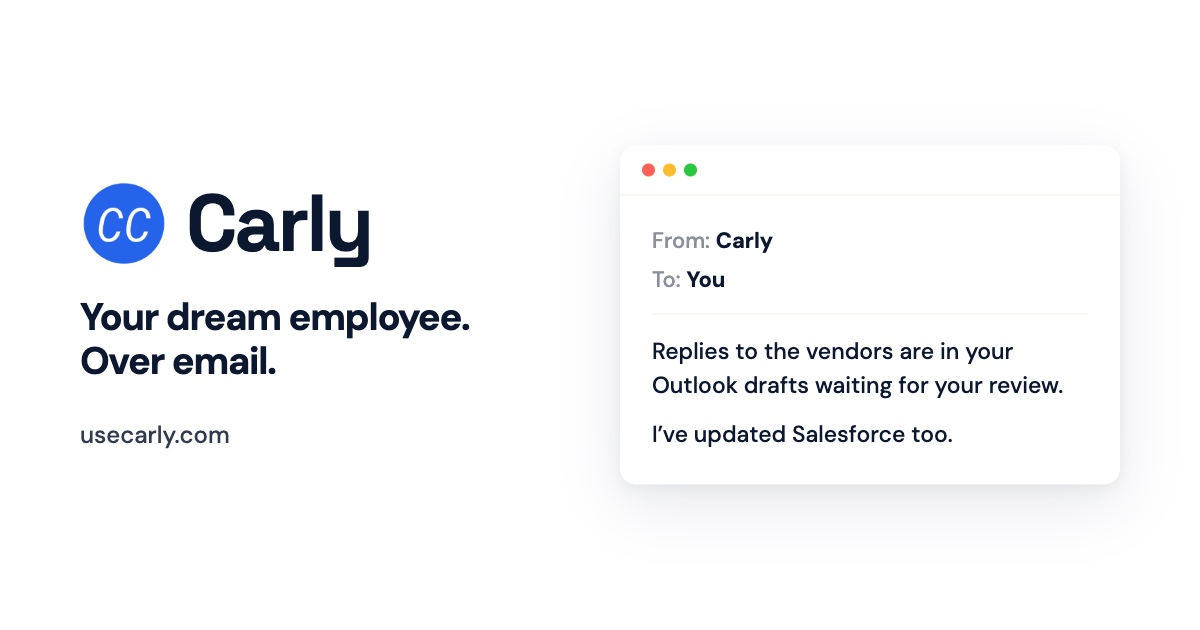
Image source: usecarly.com
Carly is best suited for busy professionals and small business owners who need a highly autonomous AI agent to manage a significant portion of their email correspondence and even integrate with other apps to automate tasks beyond the inbox.
Carly stands out from many other AI email assistants by aiming to be a truly autonomous "agent" rather than just a writing aid. While most tools assist in typing faster, Carly goes further by attempting to handle substantive email tasks on its own. It's designed not only to manage emails but also to integrate with over 200 other applications, allowing it to automate responses, schedule meetings, update CRM data, and perform a wide range of tasks triggered by email content.
Pros:
- High degree of autonomy: Can manage and act on emails without constant human intervention.
- Extensive app integrations: Connects with over 200 applications to automate workflows beyond email.
- Significant time savings: Designed to free up substantial time by handling email-driven tasks.
Cons:
- Premium Pricing: Its advanced capabilities come with a higher monthly subscription cost.
- Requires trust in automation: Users need to be comfortable with an AI agent taking semi-autonomous actions on their behalf.
Pricing:
- Standard plan: $35/month for complete AI assistant access.
- Enterprise plan: Contact sales for centralized team deployment.
8. Quillbot's AI Email Writer: Quick Drafting for Any User
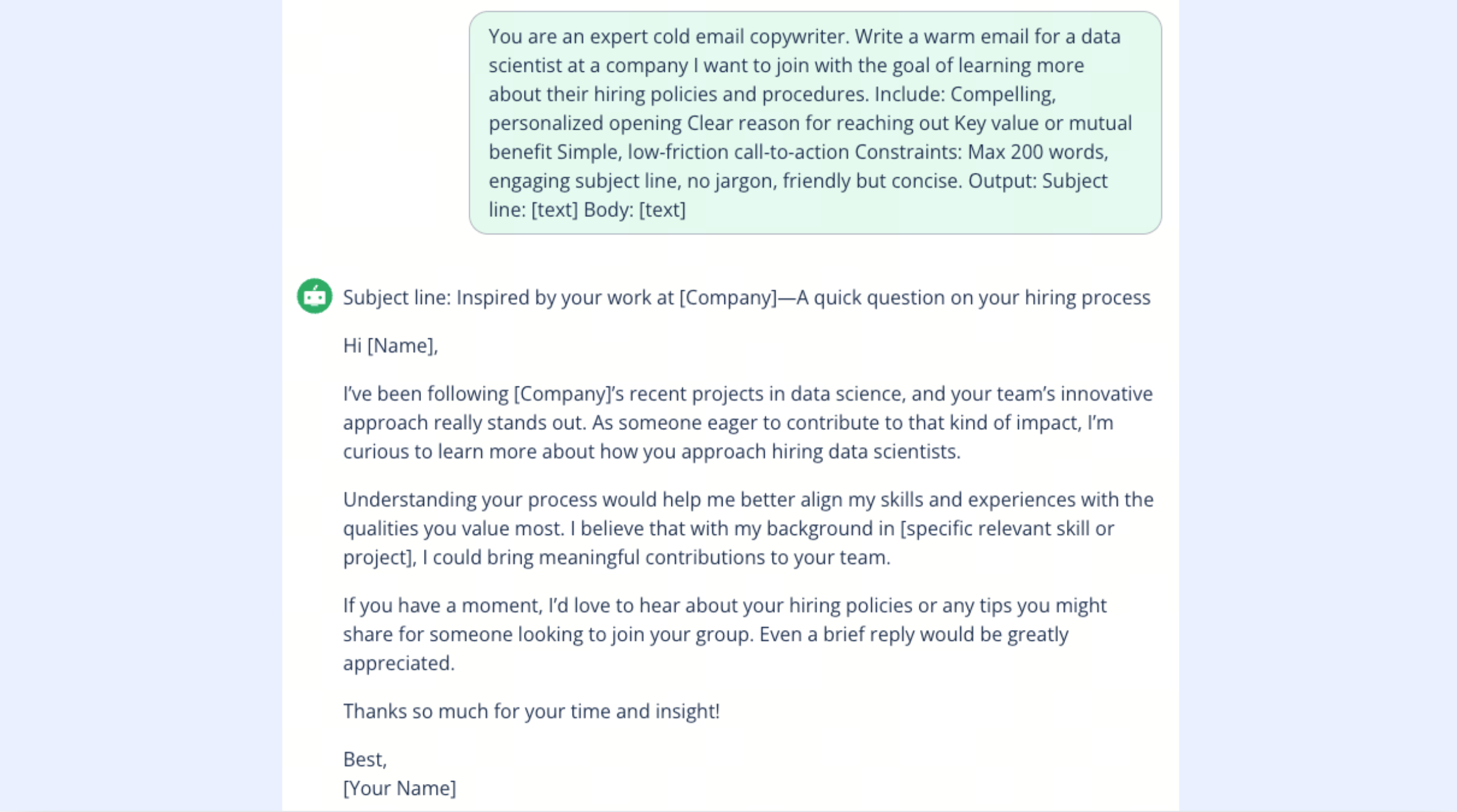
Image source: quillbot.com
Quillbot's AI Email Writer is an excellent tool for anyone needing quick, professional email drafting assistance without requiring deep integration into an existing email client or a full suite of management features. It's ideal for composing one-off emails or enhancing existing drafts.
Quillbot is primarily known for its paraphrasing and writing enhancement tools, and its AI Email Writer extends these capabilities specifically to email composition. This tool focuses on helping users draft professional emails rapidly by leveraging AI to generate content and refine tone. Users can input a few keywords or a brief outline, and Quillbot will produce a well-structured email. It also allows for customization of tone and style to match personal or brand voice.
Pros:
- Fast and easy email drafting: Quickly generates professional email content.
- Customizable tone and style: Users can adjust the output to fit their specific needs.
- User-friendly and privacy-focused: Often doesn't require sign-ups, making it convenient for quick use.
Cons:
- Limited to writing assistance: Does not offer inbox management, summarization of threads, or broader workflow automation.
- No direct integration with email clients: It's a separate tool where you compose and then copy/paste the content into your email client.
Pricing:
- Free plan: $0/month with basic feature access and limits.
- Premium plan: $4.17/month (billed annually).
9. MailMaestro: Intelligent Outlook Add-in
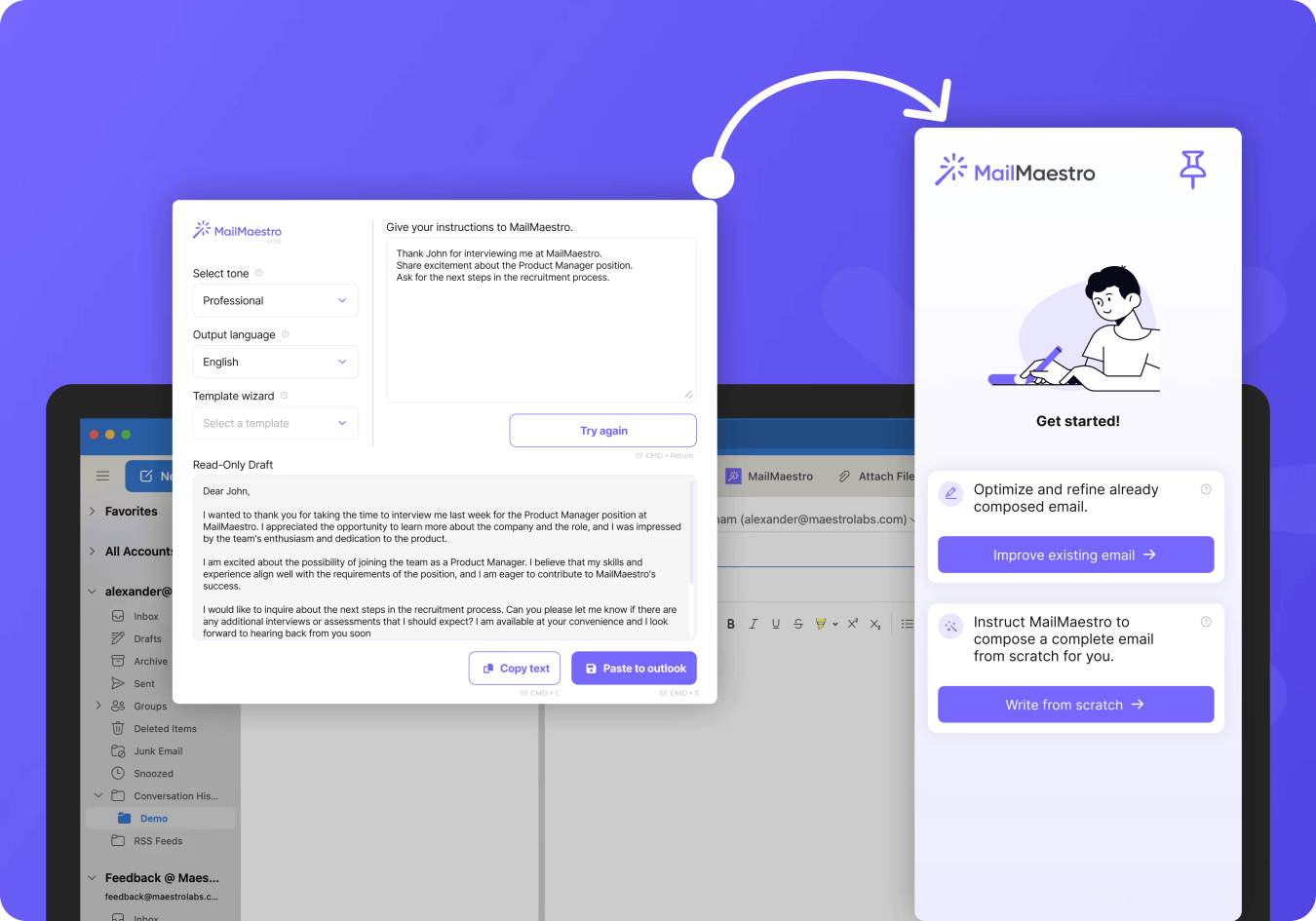
Image source: mailmaestro.com
MailMaestro is an excellent add-in for Outlook users who specifically need intelligent assistance with writing, summarizing, and managing their emails within the Outlook interface, enhancing their communication efficiency.
MailMaestro integrates directly with Outlook, providing AI-powered functionalities that help users craft better emails faster. It goes beyond basic spell-checking and grammar, offering features like context-aware suggestions for email composition, sentiment analysis to ensure your tone is appropriate, and summarization of long email chains. Its focus is squarely on enhancing the writing aspect of email communication within Outlook, making it easier to articulate messages clearly and efficiently.
Pros:
- Direct Outlook integration: Seamlessly enhances the Outlook email experience without changing clients.
- Strong writing and summarization capabilities: Focused on improving the quality and efficiency of email composition.
- Context-aware suggestions: Provides intelligent assistance based on the content of your email conversations.
Cons:
- Outlook-specific: Only benefits users of Microsoft Outlook, not other email clients.
- Limited beyond email writing: Does not offer broader collaboration features or project management tools.
Pricing:
- Starter plan: $25/month with restricted monthly credit volume.
- Professional / Team plans: $45/month.
- Enterprise plan: Contact sales for specialized configurations and strict compliance tools.
10. Lindy: AI Assistant for Email and Follow-up Tasks Across Apps
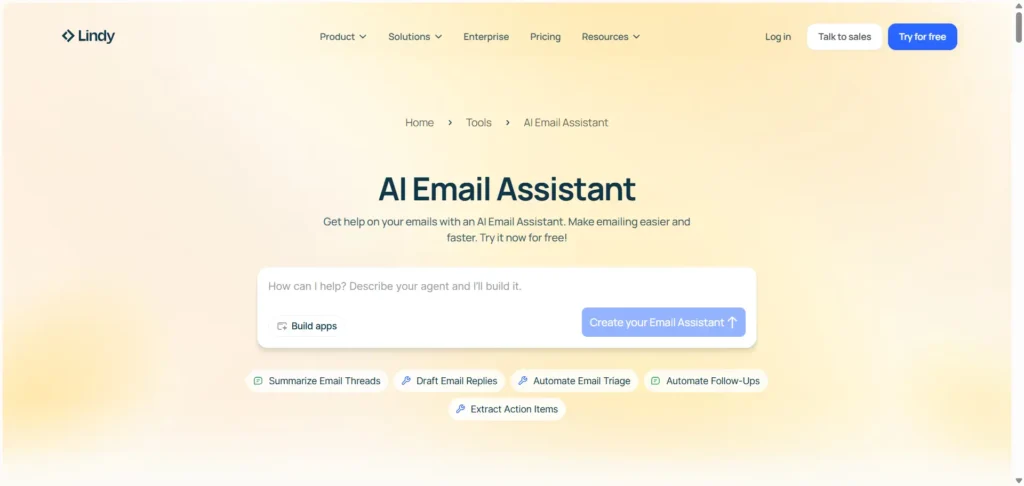
Image source: reliqus.com
Lindy is an effective AI assistant for busy professionals who need help automating email-related tasks and ensuring timely follow-ups, particularly those that involve interacting with other applications and workflows.
Lindy positions itself as an AI assistant that not only helps manage your email but also takes action based on email content across various applications. It's less about just writing emails and more about automating the consequences of emails, especially follow-up tasks. This includes scheduling meetings, setting reminders, and integrating with project management tools or CRMs based on the context of your email conversations. For example, if an email confirms a meeting, Lindy can automatically add it to your calendar and send a confirmation to attendees.
Pros:
- Strong automation for follow-ups and tasks: Excellent for ensuring timely responses and actions based on emails.
- Integrates with multiple apps: Connects email actions to other productivity and workflow tools.
- Reduces administrative overhead: Automates common email-driven tasks.
Cons:
- Requires setup and configuration: May need initial effort to customize automation rules and integrations.
- Less focus on email composition assistance: While it manages emails, its primary strength is workflow automation, not drafting detailed content.
Pricing:
- Free plan: $0/month (allots 400 workflow credits per month).
- Plus plan: $49.99/month.
- Pro plan: $99.99/month (or $59.99/month billed annually).
- Max plan: $199.99/month.
- Enterprise plan: Contact sales for managed operations.
Our Final Verdict: Unification is the Ultimate Productivity Hack
The email landscape is changing, and AI assistants are at the forefront. However, true, transformative productivity comes not from isolated tools, but from a unified approach. That is why : The Unified Powerhouse stands out as our ultimate recommendation for teams and organizations.
Lark doesn't just add AI to your email; it redefines your entire workflow by deeply integrating chat, docs, project management, and email. This eliminates the "hidden cost of fragmented tools," preventing constant context switching and breaking down information silos across your entire operation.
In contrast, other tools on the market only optimize isolated functions:
- For Ecosystem Loyalists: Microsoft Copilot (for Outlook) or Gmelius (for Gmail teams) only provide AI enhancements within familiar, restrictive environments.
- For Individual Power Users: Superhuman (for speed), Shortwave (for Gmail), or Quillbot (for quick drafting) offer great immediate relief, but fail to connect the dots for team collaboration.
For those aiming to move beyond incremental gains and achieve a fundamental shift in how they work, Lark is the holistic investment that delivers.
Conclusion
The future of work belongs to intelligent integration. Platforms like seamlessly connect tasks, communication, and collaboration. As you navigate AI tools, look beyond the inbox. By choosing a unified ecosystem that harmonizes your entire workflow, you can eliminate digital overwhelm and unlock a truly cohesive, high-performing team future.
Discover how Lark transforms your team’s productivity
FAQs
What is the primary benefit of using an AI email assistant?
The primary benefit is increased efficiency and reduced time spent on email management. AI assistants can help with drafting, summarizing, prioritizing, and even automating tasks, allowing you to focus on more strategic work.
Are AI email assistants secure?
Most reputable AI email assistants prioritize security and data privacy. They often employ encryption, secure servers, and adhere to compliance standards. However, it's crucial to review the privacy policy and security measures of any tool you consider, especially for sensitive business communications.
Can AI email assistants fully replace human interaction?
No, AI email assistants are designed to augment human interaction, not replace it. While they can automate routine tasks and draft responses, nuanced communication, complex problem-solving, and building personal relationships still require human judgment and empathy. They free you up to focus on those higher-value interactions.
What's the difference between a standalone AI email assistant and one integrated into a productivity suite?
A standalone AI email assistant focuses solely on email tasks (drafting, summarizing) and operates within your existing email client or as a separate web app. An integrated AI email assistant, like those found in a productivity suite, not only enhances email but also seamlessly connects it with other tools like chat, documents, and project management, minimizing context switching and creating a unified workflow.
How do AI email assistants learn and personalize?
AI email assistants typically use machine learning algorithms. They learn from your past email interactions, writing style, preferences, and the context of your communications. The more you use them, the more accurately they can personalize suggestions, drafts, and task automations.
What should I consider when choosing an AI email assistant for my team?
When choosing for a team, consider integration capabilities with your existing software stack, collaborative features (shared inboxes, team drafts), scalability, security, and the potential for unifying your team's workflow across multiple functions, not just email.
Related reading






























