














Kanban board: What It Is, Examples, and Templates

Prathyusha
Freelance Content Creator
Oct 30, 2026
Prathyusha
Oct 30, 2026

14 min read
Add to preferred sources


A Kanban board is more than just a collection of sticky notes; it's a visual project management tool designed to help teams track tasks, manage workflow, and improve productivity. By providing clear visibility into ongoing work, it ensures that everyone is aware of what's in progress, what's pending, and what has been completed. From physical boards to digital platforms, Kanban boards have evolved to streamline collaboration, reduce bottlenecks, and enhance efficiency. Lark brings this concept into one unified hub, offering customizable templates, automation, and seamless team collaboration. Whether you're managing a small project or large-scale initiatives, using a Kanban board makes workflow management intuitive and practical, keeping your team aligned and on track.

What is a Kanban board?
A Kanban board is a visual tool that represents tasks across different stages of a workflow, making project management transparent and organized. Originating from Toyota's production system, the Kanban methodology was later adapted into Agile practices and now plays a central role in modern project management. The primary purpose of a Kanban board is to provide transparency, maintain a smooth workflow, and help teams focus on priorities without getting overwhelmed.
By clearly displaying tasks as they move from "to-do" to "in progress" and "completed," teams can identify bottlenecks, improve efficiency, and optimize delivery. Platforms like Lark Base take this a step further, offering Kanban board examples, automation, and real-time collaboration. From sprint planning to sales pipelines, Lark Base ensures that teams can manage projects effectively while embracing key kanban principles for better outcomes.
Components of a Kanban board
- Columns: They represent the different stages of a workflow, such as 'To-Do', 'In Progress', and 'Done', providing a clear visual structure for tracking tasks on a Kanban board. They help teams quickly understand the status of work items and identify where attention is needed to maintain smooth progress..
- Cards: Cards represent individual tasks displayed on a Kanban board, containing details such as descriptions, deadlines, and ownership. They make it easy for teams to assign responsibilities, track updates, and ensure accountability across projects of any scale.
- WIP limits: Work-in-progress (WIP) limits cap the number of tasks that can be in a column at a time, helping teams focus on completing work efficiently. Applying WIP limits on a Kanban board prevents bottlenecks and encourages consistent workflow management.
- Swimlanes: Swimlanes divide a Kanban board horizontally to group tasks by type, priority, or team, offering an organized view of multiple streams of work. They make it easier to balance workloads and monitor progress across different categories simultaneously.
Kanban board examples
- Software development: A typical Kanban board for software teams moves tasks from backlog to in progress, then testing, and finally to done. This helps developers visualize the workflow, track progress, and ensure the timely delivery of features or bug fixes.
- Marketing campaign: Marketing teams can utilize a Kanban board to manage campaigns by moving tasks through the plan, design, publish, and review stages. It provides clarity on deadlines, responsibilities, and campaign progress at a glance.
- Sales pipeline: In sales, a Kanban board tracks leads as they progress from "contacted" to "proposal" and ultimately to "closed." This enables sales managers to prioritize opportunities and forecast revenue effectively.
- HR recruitment: HR teams can monitor hiring pipelines on a Kanban board, moving candidates through sourcing, interviewing, offer, and hired stages. It simplifies collaboration and ensures no step is overlooked.
With Lark Base, teams can get started quickly using ready-made Kanban board templates tailored for HR, sales, marketing, and more. Each template is fully customizable, allowing you to adjust columns, cards, and swimlanes to fit your workflow. Automation features streamline task management, while real-time collaboration keeps everyone aligned. Whether you’re managing a small project or a complex pipeline, Lark makes it simple to organize, track, and execute tasks efficiently.
Kanban board templates you can use
- Simple project tracker template: With Lark’s free Kanban board, teams can quickly organize projects, assign responsibilities, and visualize progress across every stage. This template is ideal for keeping tasks transparent, deadlines visible, and collaboration effortless.
- Agile workflow template: Lark provides an Agile Kanban board example that helps teams break down backlogs, plan sprints, and manage testing in real time. It brings structure to complex projects while allowing flexibility when priorities shift.
- Marketing content planner template: Marketers can rely on Lark's Kanban board to design campaigns, schedule posts, and track reviews in one place. This template makes it easy to balance creativity with deadlines and ensure smooth execution.
- Lead and sales funnel template: Sales teams gain visibility with Lark’s free Kanban board, where leads progress from initial contact to closed deals in a clear, defined funnel. By assigning ownership and automating updates, it keeps pipelines active and efficient.
- Daily task organizer template: For individuals, Lark offers a smart template based on Kanban principles that helps prioritize daily goals and track personal progress. It’s perfect for maintaining focus, reducing clutter, and celebrating small wins that build momentum.
How to set up a Kanban board step by step
- Identify your workflow stages: Start by mapping out the key phases of your project or process, such as 'To-Do', 'In Progress', and 'Done'. Clearly defining workflow stages ensures every task has a place and provides your team with a visual roadmap to follow, making progress easier to track.
- Create board columns: Set up columns on your Kanban board to represent each workflow stage. Columns act as containers for tasks, providing a structured view that enables team members to quickly understand what's in progress, what's pending, and what has been completed.
- Add tasks/cards with assignees: Populate your Kanban board with cards representing individual tasks. Include relevant details, such as descriptions, deadlines, and priorities, and assign them to team members to ensure accountability and clarity throughout the workflow.
- Set WIP limits for focus: Establish Work-in-Progress (WIP) limits to cap the number of tasks allowed in each stage at a time. This keeps teams focused on completing tasks efficiently, prevents bottlenecks, and promotes a steady and smooth workflow.
- Track and refine the flow: Continuously monitor your Kanban board to identify bottlenecks, improve processes, and optimize efficiency. Regularly refining the workflow ensures that tasks progress smoothly from start to finish and that your team remains aligned and productive.
With Lark Base, setting up a Kanban board is quick and intuitive. Drag and drop cards, assign tasks instantly, and automate updates to keep your team informed and up to date. Combined with Tasks, Calendar, and Messenger, Lark enables smooth communication and scheduling. Ready-made templates for projects, sales, marketing, and HR would allow teams to get started immediately while customizing boards to fit their specific workflow. Real-time collaboration keeps everyone aligned, bottlenecks visible, and projects moving efficiently from start to finish.
Benefits of using a Kanban board
- Visual clarity and accountability: A Kanban board provides a clear visual representation of tasks, priorities, and workflow stages. This transparency enables team members to understand their responsibilities, track progress, and remain accountable for completing assignments on time.
- Faster delivery by removing bottlenecks: By highlighting work-in-progress limits and task flow, a Kanban board enables teams to identify bottlenecks and address them promptly. This improves efficiency, reduces delays, and accelerates delivery of projects, campaigns, or product releases.
- Flexible for multiple departments: Kanban boards are adaptable across teams—from software development and marketing to sales pipelines and HR recruitment. Their flexibility ensures that every department can organize work according to its specific workflow and priorities.
- Encourages collaboration and continuous improvement: Teams using a Kanban board benefit from enhanced collaboration, as everyone can see what others are working on. Regular tracking and refinement foster continuous improvement, helping teams optimize processes over time.
Unlike standalone project management tools, Lark Kanban boards work seamlessly with Messenger and Calendar, providing real-time updates, notifications, and task reminders. This keeps teams aligned, reduces miscommunication, and ensures projects, campaigns, and tasks move smoothly. With Lark, collaboration is effortless, progress is evident at a glance, and workflow management becomes efficient and stress-free. Teams can customize boards to fit any workflow, track priorities easily, and stay productive across multiple projects, making Lark the go-to solution for modern, agile teams.
Challenges of Kanban boards
- Misuse without clear workflow policies: A Kanban board is only effective when teams define clear workflow rules and guidelines. Without them, tasks can be misplaced, priorities may become unclear, and the board can lose its purpose as a management tool.
- Overloaded columns if WIP is ignored: Ignoring Work-in-Progress (WIP) limits can lead to overloaded columns, resulting in bottlenecks and reduced overall efficiency. A crowded Kanban board makes it difficult to track progress and slows down task completion.
- Risk of clutter: Adding too many tasks, unnecessary details, or excessive columns can clutter a Kanban board, making it confusing and complicated to manage. This reduces the clarity and visual simplicity that makes Kanban effective.
With Lark Base’s automated workflow, teams can enforce WIP alerts, trigger reminders, and maintain clean, organized boards. This ensures tasks move smoothly, priorities are clear, and workflows remain efficient without clutter or confusion.
Lark Kanban boards: A smarter way to manage workflows
Lark offers a more innovative, all-in-one approach to Kanban boards, combining flexibility, automation, and collaboration in one platform. Teams can manage projects of any size, track tasks effortlessly, and keep everyone aligned in real time. With customizable templates, Lark adapts to various workflows across departments, including marketing, HR, and software development.
Automated reminders and updates ensure nothing is overlooked, while seamless communication keeps projects moving smoothly. By connecting tasks, messaging, calendars, and documentation, Lark transforms traditional Kanban boards into a dynamic and efficient workflow management system.
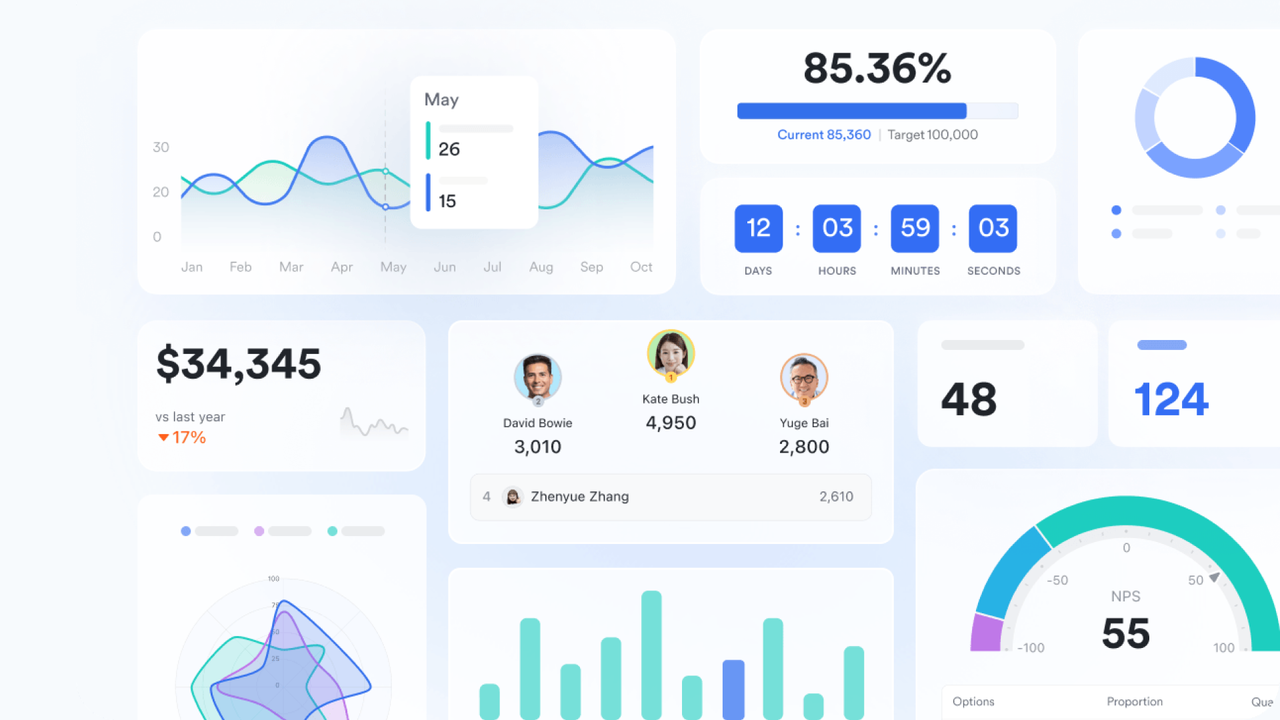
Lark Base: Customizable Kanban boards for any team
At the core of Lark’s Kanban experience is Lark Base, a powerful, no-code database that lets teams design and manage workflow, exactly how they work.
Each Kanban board in Base can be customized with columns that represent your process stages—such as To Do, In Progress, Review, and Done. Cards within these columns capture detailed task information, including owners, deadlines, files, and linked records.
You can add swimlanes to separate projects, departments, or task types, and apply filters or grouping to visualize bottlenecks or overdue items instantly.
For example, a marketing team can use one board to plan campaign deliverables across channels, while a product team uses another to manage feature development and bug tracking—all within the same workspace.
And when priorities change, Base makes it easy to drag, drop, and rearrange tasks in real time—keeping the entire team aligned without disrupting momentum.
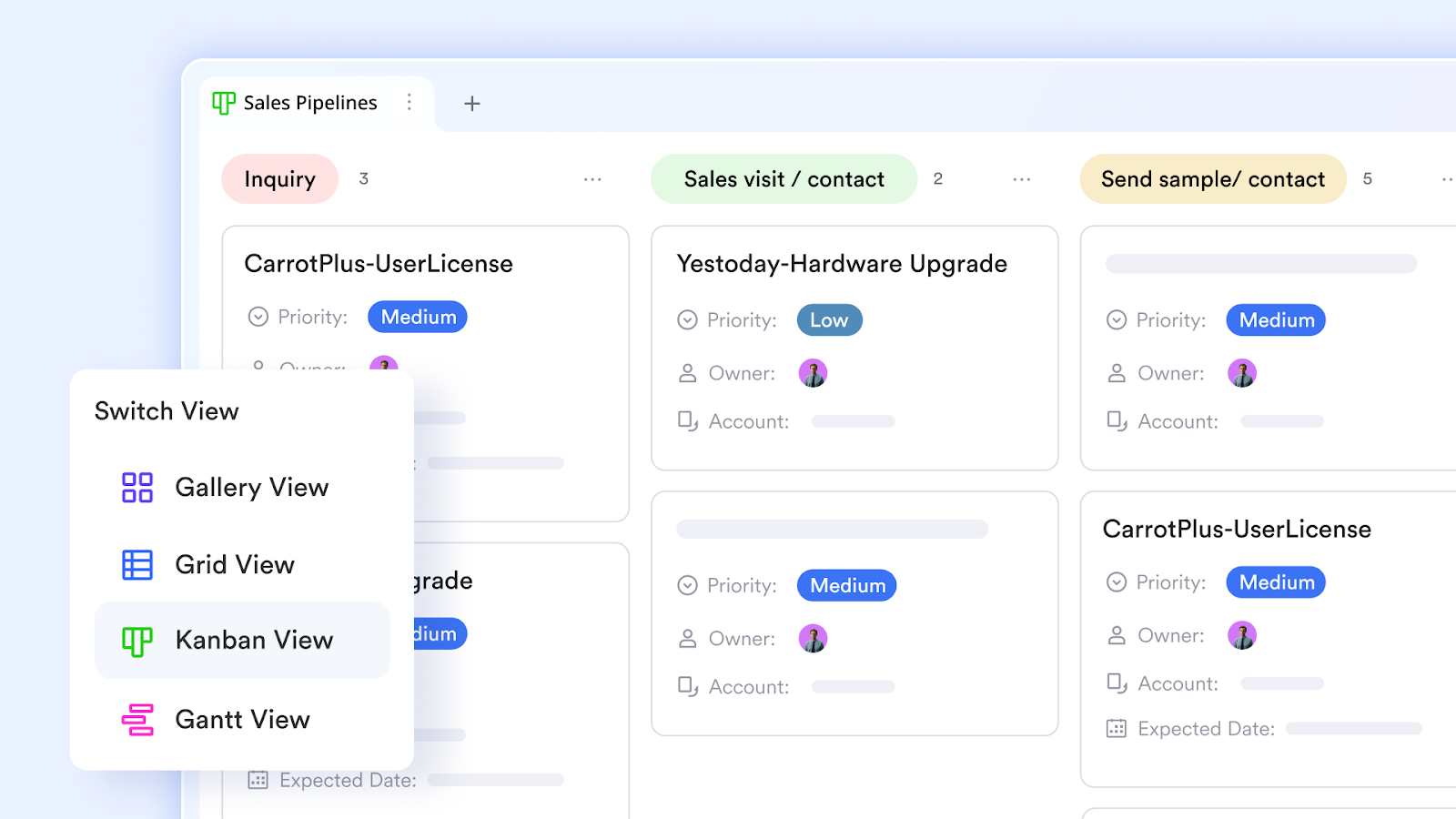
Lark Tasks: Clear accountability and streamlined execution
Lark Tasks brings structure and visibility to every Kanban board. Each task clearly displays ownership, priority, and due dates so everyone knows their next step. You can add checklists, attachments, and dependencies, while progress indicators highlight what’s moving forward and what needs attention.
For example, when a card shifts to "Review," a reminder can be sent to the reviewer automatically, ensuring no task stalls.
Lark Tasks also connects seamlessly with other Lark tools like Calendar, keeping schedules and workload distribution visible in one place.
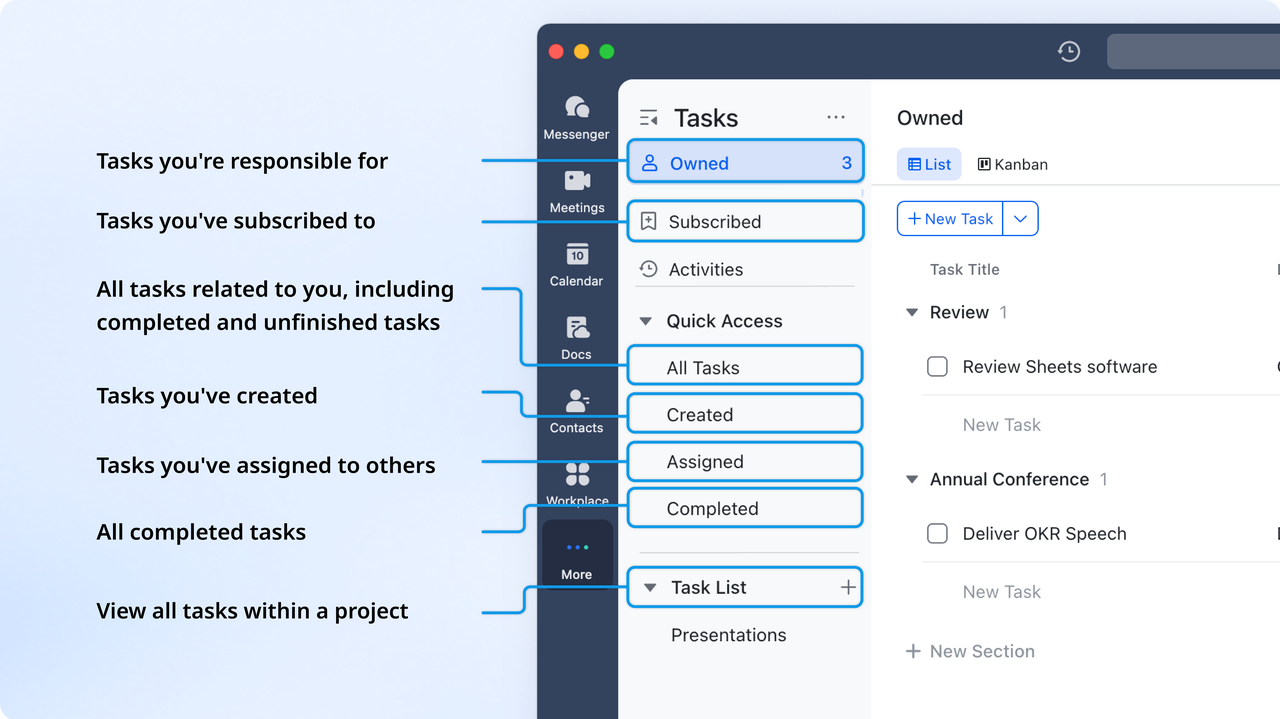
Lark Messenger: Real-time communication that keeps work moving
Project success depends on fast, clear communication. Lark Messenger keeps conversations tied directly to your workflow so discussions never get lost.
Team members can reply to comments, mention colleagues, or share updates directly from a task or board.
If a designer encounters an issue, they can message the product manager in the same context, so decisions happen faster and without confusion.
Features like , , and make collaboration smoother—especially for global teams that rely on constant coordination.
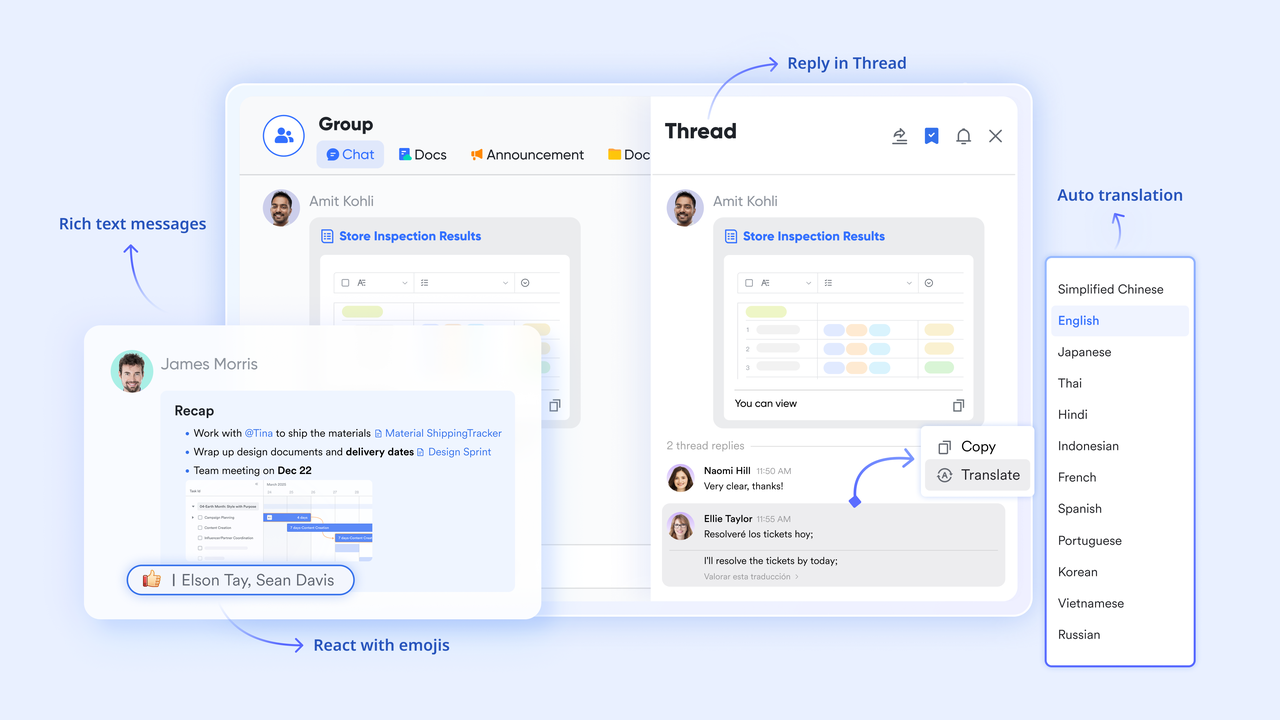
Lark Calendar: Align schedules and project flow
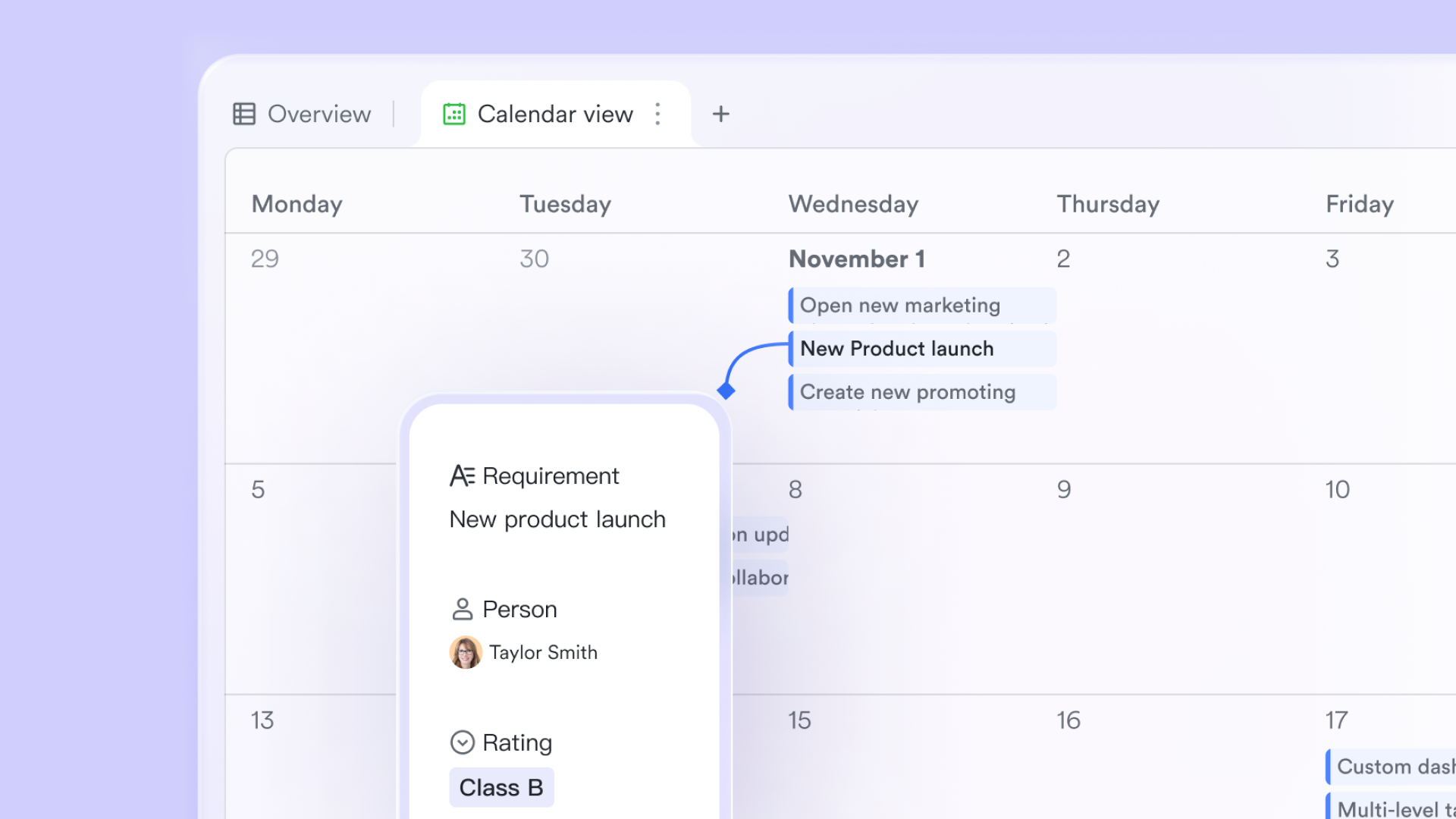
Lark Calendar brings time management into the same workspace. When a task or milestone is assigned in Base or Tasks, its due date automatically appears on the shared calendar. This gives everyone visibility into deadlines, reviews, and launches—keeping projects on pace and avoiding conflicts.
Teams can plan meetings, retrospectives, and sprints directly from the calendar, using color-coded events to distinguish between deadlines and sessions.
For instance, when a product launch card moves to "Done," the event updates automatically, giving teams an accurate timeline for follow-ups or post-launch analysis.
Pricing:
- Free plan: Includes 11 powerful products, supporting up to 20 users, 100 GB storage, 1,000 automation runs and unlimited AI translation in chats, docs and email.
- Paid plans: Starts at $12/user/month, supporting up to 500 users. Includes unlimited message history, 50,000 automated Base workflow executions per month.
- Enterprise plan: Contact sales for custom pricing. Supports unlimited users and includes even more automation runs and advanced security, compliance, and management features.
Conclusion
Kanban boards empower teams with visibility, smooth workflow, and improved collaboration, helping track tasks, prioritize work, and identify bottlenecks across departments. They bring clarity to complex projects, ensuring accountability and efficiency throughout the entire process. With Lark Base, teams can launch Kanban boards instantly using ready-made templates, customize columns and cards to fit any workflow, and automate updates, reminders, and approvals. Real-time collaboration keeps everyone aligned, making project management effortless and productive. Whether for marketing, sales, HR, or software development, Lark transforms how teams organize and execute work—try Lark Base today and streamline your workflows with ease.
FAQs
What is a Kanban board used for?
A Kanban board is used to visualize tasks, track progress, and manage workflow efficiently. It helps teams prioritize work, identify bottlenecks, and maintain accountability across projects. Teams can see at a glance what’s in progress, pending, or completed. With Lark Base, you can create customizable Kanban boards that provide real-time updates, automation, and collaboration to streamline any project or process.
How do Kanban boards differ from Scrum boards?
Kanban boards focus on continuous workflow and task visualization, while Scrum boards are designed for time-boxed sprints with defined backlogs. Kanban emphasizes flexibility and limiting work-in-progress, whereas Scrum follows a structured approach through iterations. Using a Lark Kanban board, teams can combine visual clarity with automation and notifications, making it easier to manage ongoing tasks without rigid sprint cycles.
Can non-technical teams use Kanban boards?
Absolutely. Kanban boards are adaptable for any team, including marketing, HR, sales, and operations. They help organize tasks, track progress, and improve collaboration without technical expertise. In Lark Base, ready-made templates, drag-and-drop cards, and automated reminders make it simple for non-technical teams to start managing projects efficiently.
What's the best free Kanban board tool?
Many tools offer free Kanban board solutions, but Lark Base stands out for combining flexibility, automation, and collaboration in one platform. Free templates let teams launch boards quickly, while tasks, Calendar, and Messenger keep work organized. Its real-time updates and seamless workflow management make Lark an ideal choice for teams of any size.
Related reading
Table of contents
Start using Lark today

Manage all your work in one place
Boost team efficiency by 10x
Save up to 70% on software costs
Table of contents
Start using Lark today
Manage all your work in one place
Boost team efficiency by 10x
Save up to 70% on software costs
Keep reading







2026 Lark Technologies Pte. Ltd.
Headquartered in Singapore with offices worldwide.






Explore: