In modern data-driven organizations, databases rarely expose raw tables directly to every user or application. Instead, they rely on views—a powerful abstraction in a database management system (DBMS) that controls how data is presented, secured, and consumed. A database view does not store the actual data; it only stores the definition or query used to generate the view.
A view in a database management system, also known as a database view, acts like a virtual table, shaping data for specific needs without duplicating it. This guide offers a complete, practical explanation of views in DBMS. You'll learn what a view is, how it works, its main types, real-world use cases across industries, best practices, limitations, and how modern collaborative platforms like Lark extend the idea of views beyond traditional SQL.
What is a view on a database management system
A view in a database management system is a virtual table created from predefined complex queries that displays data from one or more underlying tables. A SQL view is defined by a query, not by storing the actual data. Unlike physical tables, a view does not store data itself; it stores only the query definition. The view retrieves data stored in the base table(s) whenever it is queried, so any changes made through the view can affect the base table that holds the actual data. Whenever a view is accessed, the database executes this query and returns the resulting dataset.
Views are used to simplify complex database queries by presenting only relevant columns and rows to users. They also improve data security by restricting access to sensitive information while allowing controlled visibility. In addition, views help maintain consistency by centralizing business logic, ensuring that the same rules and filters are applied across the view's use.
Because views behave like tables in queries, they make easier to work with, especially for reporting, analytics, and role-based access scenarios.
5 types of views in database management systems
Views in a database management system can be categorized , behavior, and how they interact with underlying tables. Understanding these types helps teams choose the right view for performance, security, and data management needs.
- Simple views: A simple view is created from a single table without using complex functions, joins, or groupings. Simple views are easy to understand, maintain, and are often used to restrict columns or rows for basic data access.
- Complex views: Complex views are built using multiple tables, joins, aggregations, or subqueries. They are helpful for reporting and analytics, but can be harder to update and may impact performance.
- Read-only views: Read-only views do not allow insert, update, or delete operations. They are commonly used for reporting or compliance scenarios where data integrity must be preserved.
- Updatable views: Updatable views allow changes to underlying tables through the view, as long as specific database rules are met. They simplify data entry while enforcing predefined filters and constraints.
- Materialized views: Materialized views store the query results physically rather than computing them each time. They for heavy queries but require refresh mechanisms to stay up to date.
Explore different database views in practice
Creating views in database management systems
Creating views in is a fundamental technique for organizing, simplifying, and securing data. A view is a virtual table based on the result of a SQL query. It does not store data itself; instead, it presents data from one or more tables in a structured and controlled way. In this section, SQL is used as the primary example, since most relational database management systems (such as MySQL, PostgreSQL, Oracle, and SQL Server) rely on SQL syntax to create and manage views.
Step 1: Identify the purpose of the view
Before writing any SQL, define why the view is needed. Views are commonly used to simplify complex queries, restrict access to sensitive data, or present information in a consistent format for reporting.
For example, a view might display only non-sensitive columns from a table, combine related data from multiple tables, or filter rows based on business rules.
Step 2: Write the underlying SELECT query
Next, write the SQL SELECT query that defines the data the view will expose. This query determines which columns are shown, how tables are joined, and which conditions are applied.
For instance, you might write a query such as: SELECT column1, column2 FROM table1 JOIN table2 ON table1.id = table2.id WHERE condition;
This query becomes the foundation of the view.
Step 3: Create the view using CREATE VIEW
Once the SELECT query is ready, create the view using the CREATE VIEW statement. The database stores this query as a named object. Example syntax: CREATE VIEW view_name AS SELECT column1, column2 FROM table1 JOIN table2 ON table1.id = table2.id WHERE condition;
After this step, the view can be referenced by name without rewriting the full query.
Step 4: Query the view like a table
After the view is created, you can retrieve data from it using a standard SELECT statement, just like a regular table.
Example: SELECT * FROM view_name;
Even though it behaves like a table, the view does not store data. The database runs the underlying query each time the view is accessed.
Step 5: Manage security and maintenance
Views are often used to improve security by limiting user access to specific columns or rows. You can grant permissions on the view without granting access to the underlying tables.
Notes: If requirements change, views can be updated using CREATE OR REPLACE VIEW or by dropping and recreating the view. Regular maintenance ensures views stay aligned with the database structure and business logic.
Common limitations and risks of database views
While offer clear advantages, they also introduce certain limitations that teams must manage carefully. Ignoring these risks can lead to performance issues and increased maintenance effort over time. Understanding common pitfalls helps teams use views appropriately and avoid over-reliance.
- Maintenance overhead: As schemas evolve, views often need to be updated to stay aligned with the underlying tables. When an existing view is no longer needed or becomes incompatible with schema changes, it should be removed using the drop view statement. In large systems, managing and validating many dependent views can become time-consuming.
- Schema dependency issues: Views are tightly coupled to and column definitions. Even small schema changes can break views or cause unexpected query failures.
- Debugging challenges: Errors inside views are harder to trace because logic is abstracted away from application queries. This can slow troubleshooting, especially in layered view designs.
- Misuse in high-volume workloads: Using complex views for high-concurrency or heavy transactional workloads can degrade performance. Views are best suited for controlled access and reporting rather than intensive write operations.
As data complexity grows, teams often need more than static database abstractions to stay aligned. Traditional views help structure access, but they stop at query-level logic. Modern teams increasingly seek to connect data visibility with collaboration, workflows, and real-time context. This is where platforms like Lark extend the idea of views into shared, actionable workspaces.
Review best practices for designing reusable data views
How Lark goes beyond traditional database views
goes beyond traditional database views by rethinking how people interact with structured data in daily work. Instead of relying solely on SQL-defined abstractions, it makes data directly usable by non-technical teams. Data visibility, permissions, and workflows are designed around rather than database schemas. Changes to data are immediately connected to communication and collaboration, not isolated in backend systems. This shifts views from being passive query results to active, shared contexts for decision-making and execution.
Visual data modeling instead of SQL-only logic
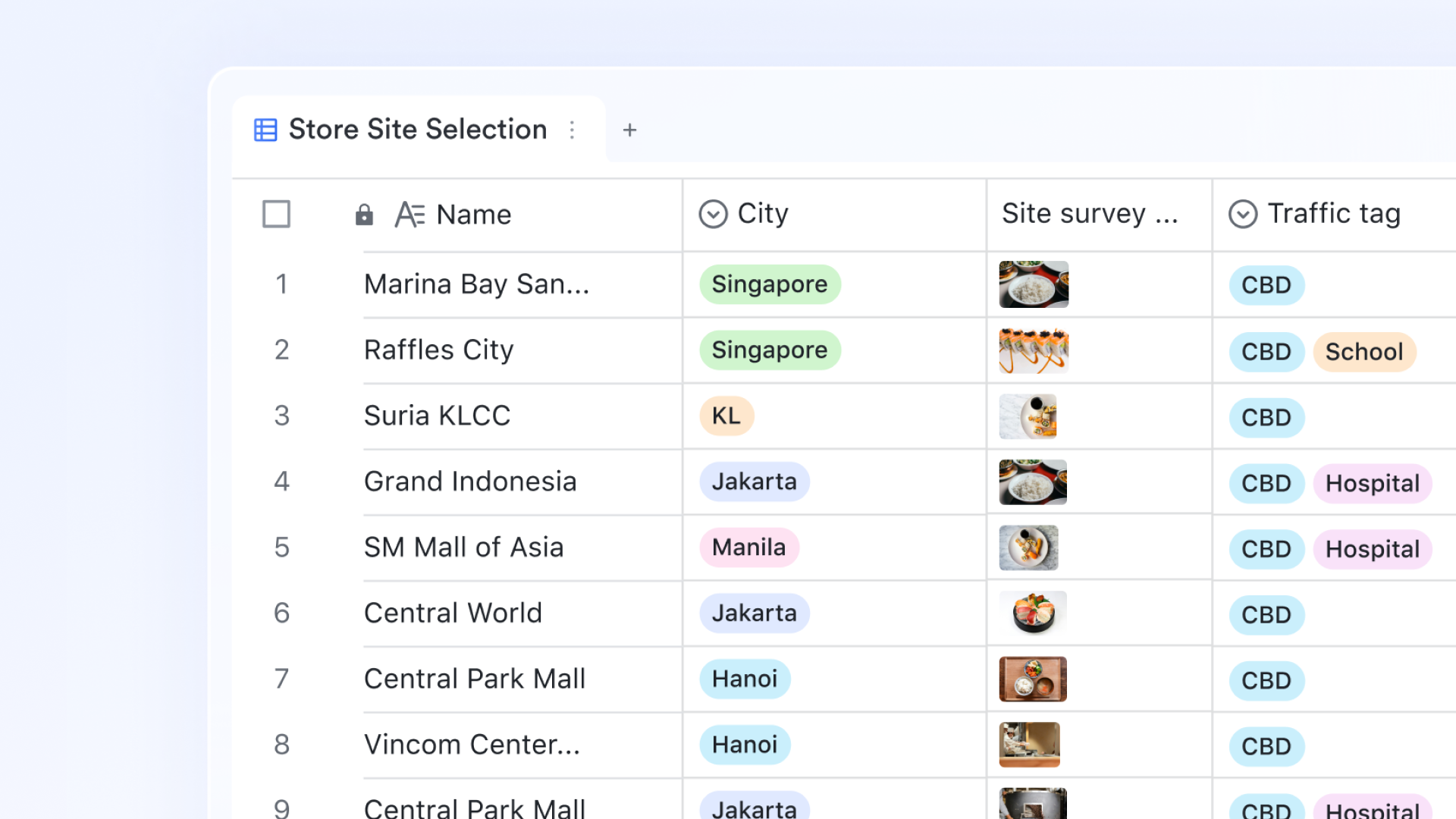
With , teams can model data visually using records, fields, and tables without writing SQL. Business users define structures through an intuitive interface rather than query syntax. This reduces dependency on technical teams for everyday data changes. Visual modeling also makes data logic easier to audit and iterate. As a result, evolve more quickly to meet business needs.
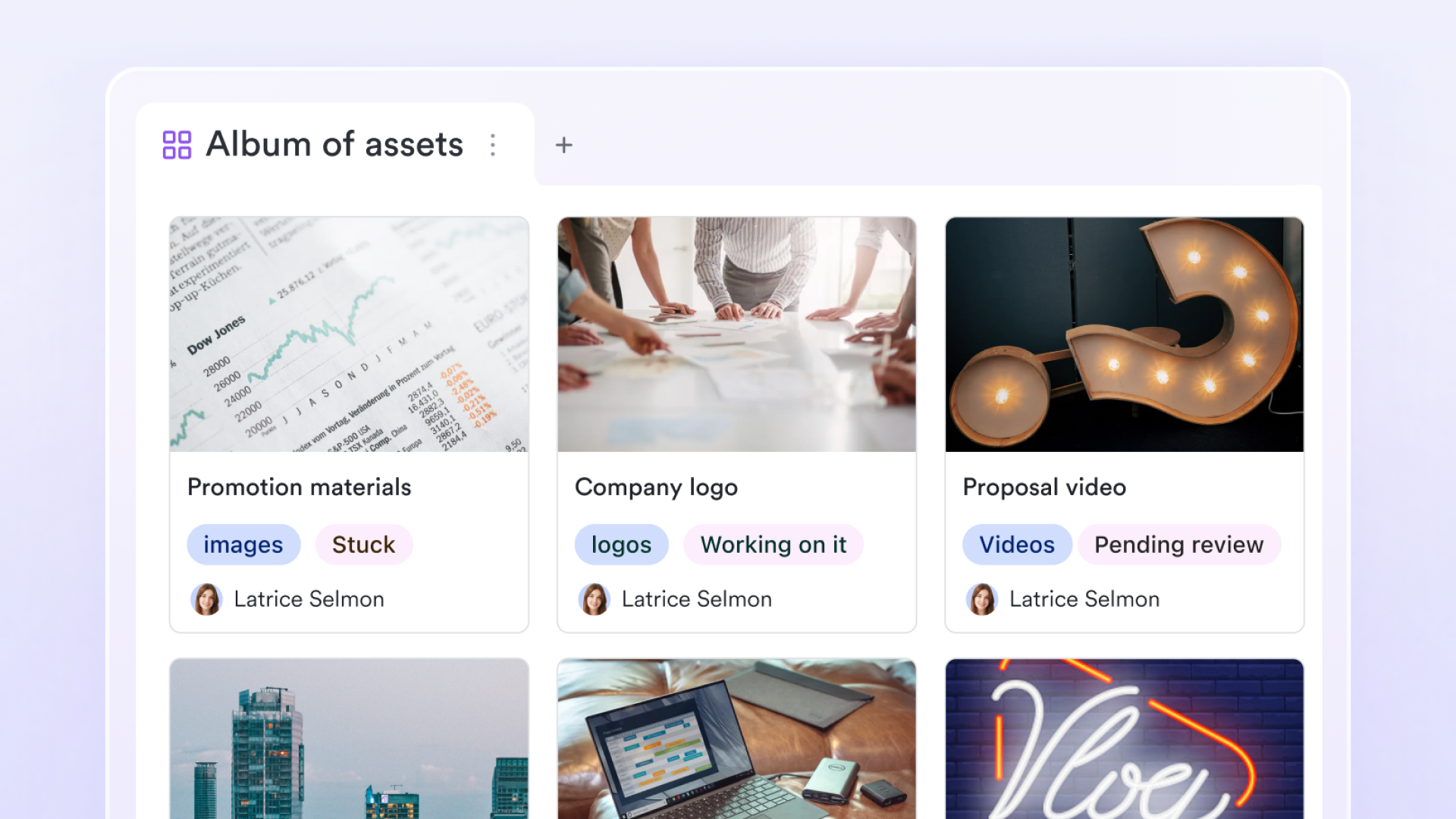
One unified data management hub with multiple views
Lark Base streamlines data management by visualizing a single data source across diverse perspectives, including Grid, Kanban, Gantt, and Gallery views. This setup allows teams to transition seamlessly among structured spreadsheet entry, visual , and process-driven boards without duplicating data manually. Because every view remains in sync, users can apply independent filters and record hierarchies to manage complex subtasks or personalized workflows without disrupting the collective dataset. 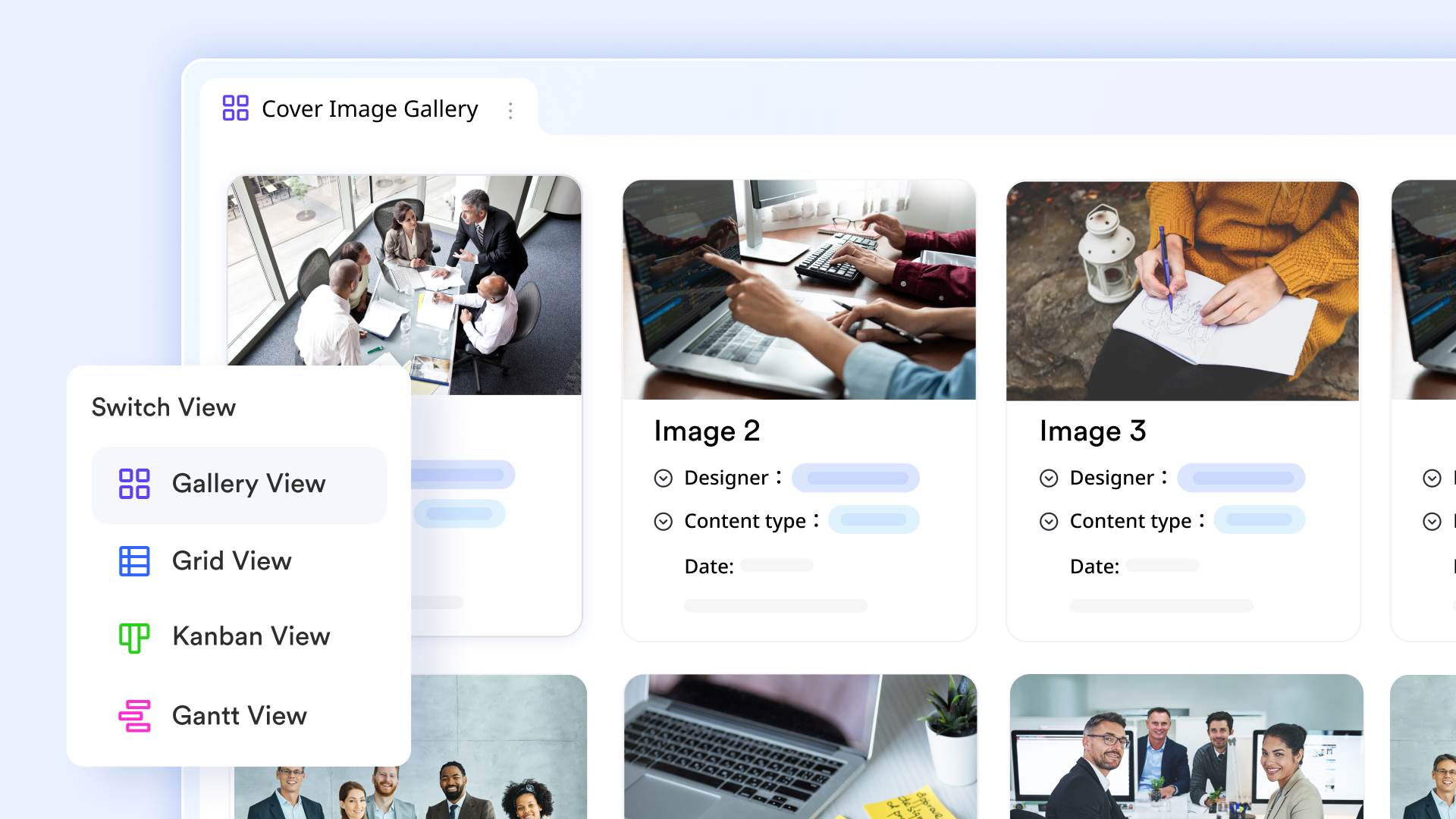
Real-time dashboards give full control of data
Lark Base dashboards help users to turn raw records into real-time, actionable insights through over 36 block types. By embedding multi-dimensional charts, like column and pie charts, managers can monitor and operational trends from a single centralized interface. Key metrics such as metric blocks for YoY comparisons, progress trackers, and automated button triggers, turning static data into a dynamic control center. Overall, this visualization layer allows teams to identify correlations, bottlenecks, and the current status of data instantly. 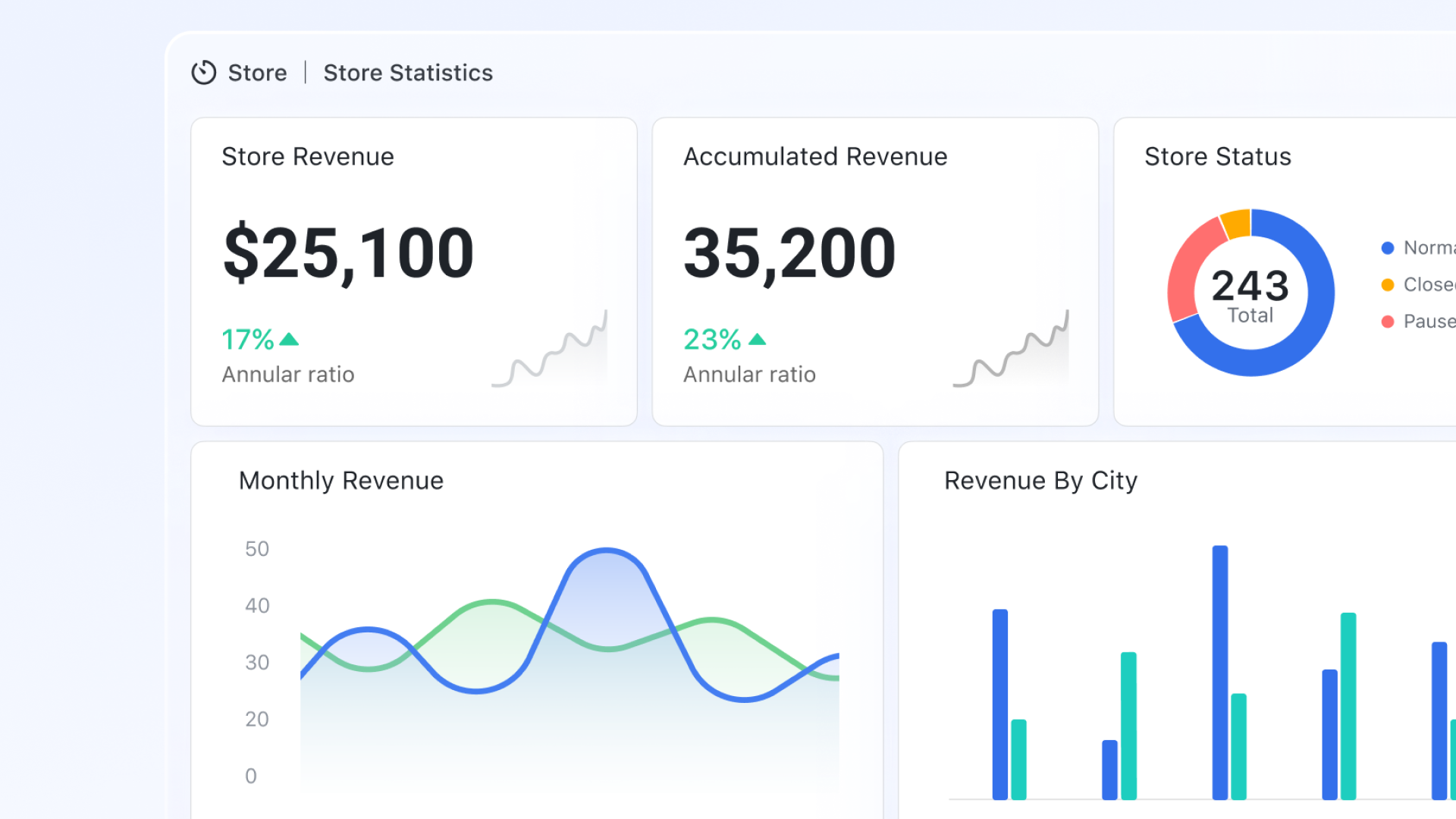
Built-in automation for approvals and updates
Lark Base automation enables rule-based triggers such as approvals, notifications, or record updates. When data meets predefined conditions, actions run automatically without scripts. This replaces manual intervention common in view-based reporting systems. Automations scale consistently across teams and use cases. Operational logic stays transparent and easy to adjust. 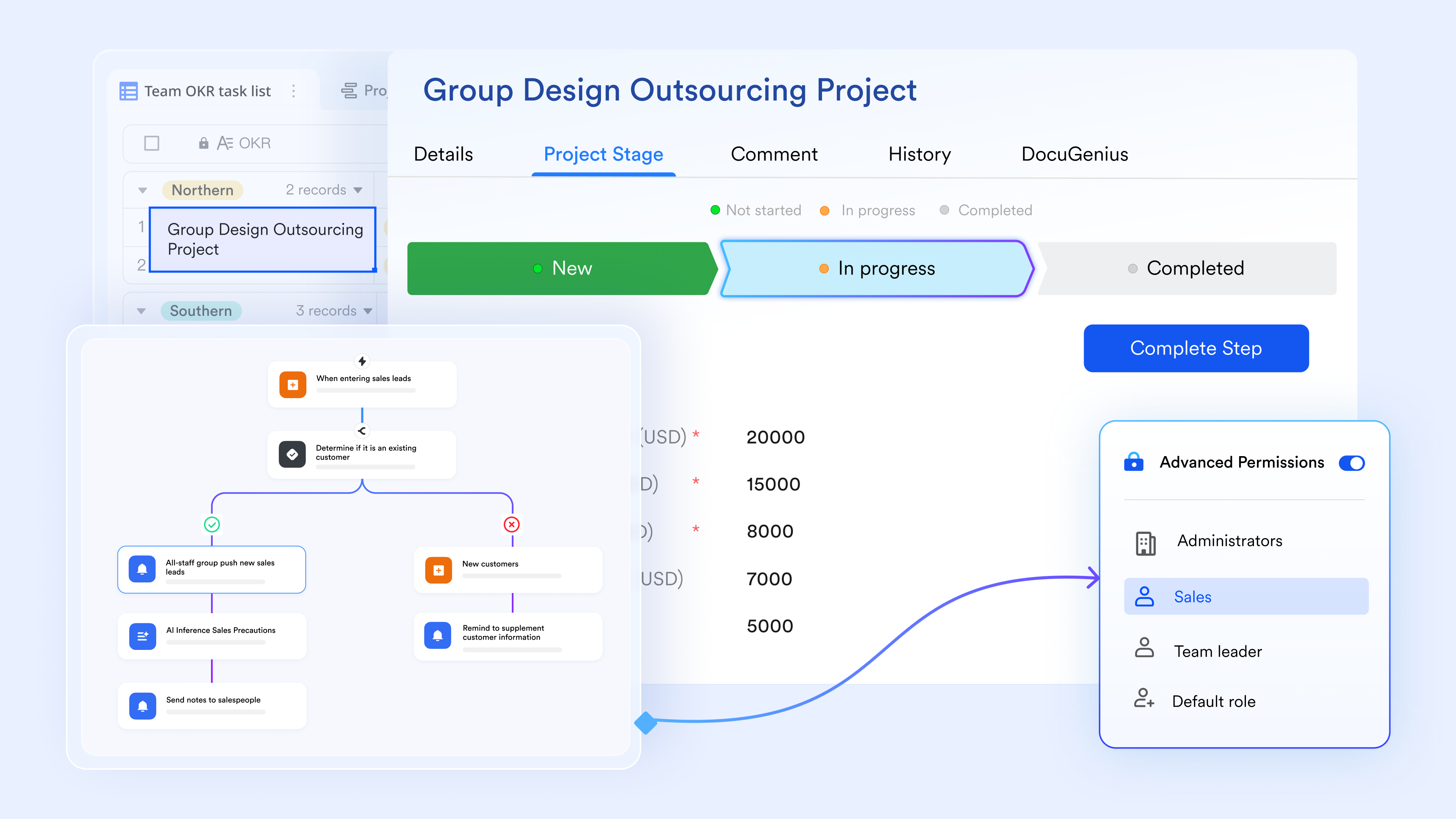
Real-time communication around data changes
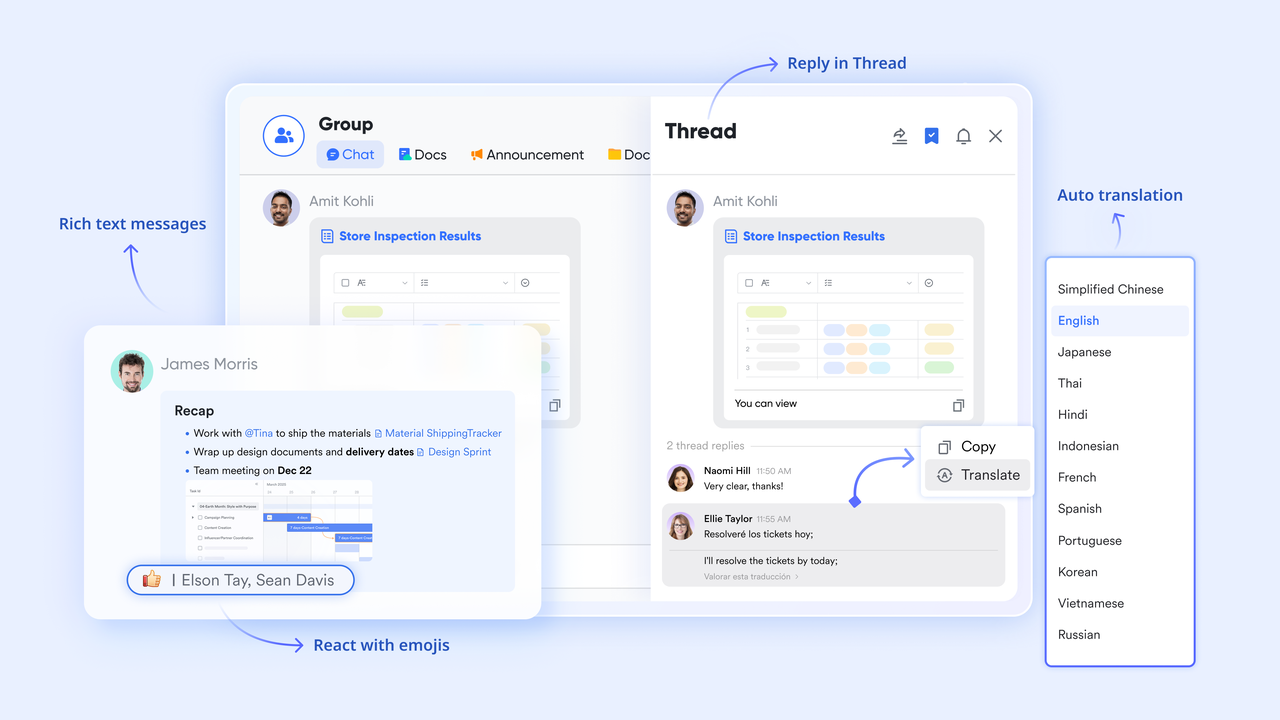
With , discussions are embedded directly alongside data records. Teams can comment, mention stakeholders, and resolve questions in real time as data updates occur. This avoids long email threads or detached chat messages. and traceable. Decisions are documented exactly where data changes happen.
:
- Starter plan: Free forever plan that includes 11 powerful tools for up to 20 users. It also comes with 100GB of storage, 1000 automation runs, AI translations, and more.
- Pro plan: $12/user/month (billed annually) for up to 500 users. It includes everything in Starter plus group calling for up to 500 attendees, 15TB of storage, 50,000 automation runs, and more.
- Enterprise plan: for custom pricing. Supports unlimited users and includes even more automation runs and advanced security, compliance, and management features.
For small teams with simple communication needs

18 months message history
1000 Base automation runs/month
2000 rows per table in Base
Most POPULAR
For companies with comprehensive collaboration and management needs
Unlimited message history
500-participant video meetings
50k Base automation runs/month
20k rows per table in Base
For large companies with advanced security and organizational management needs
Get a personalized demo and pricing
Unlimited message history
500-participant video meetings
15 TB storage + 30 GB storage/user
500k Base automation runs/month
50k Base automation runs/month
Most POPULAR
For companies with comprehensive collaboration and management needs
Unlimited message history
500-participant video meetings
50k Base automation runs/month
20k rows per table in Base
Practical use cases across teams and industries
Database views are widely used across teams and industries to present the correct data to the right users without exposing unnecessary complexity. Views can present only a subset of data tailored to the needs of each end user, making data access more efficient and user-friendly. They help standardize reporting, improve security, and reduce repetitive query logic.
- Sales dashboards with filtered customer data: to display active leads, regions, or deal stages without exposing sensitive fields. By restricting access to certain columns, views enhance security and keep dashboards focused while ensuring consistent metrics across reports.
- Retail inventory summaries: Retail teams rely on views to summarize stock levels, reorder thresholds, and product categories. These views simplify by providing a subset of inventory data without requiring access to detailed transaction tables.
- Finance reporting views: Finance teams use views to aggregate revenue, expenses, and compliance data. This ensures consistent calculations while limiting access to confidential financial details.
- Role-based operational views for large teams: Operations teams create role-specific views, so each user sees only relevant tasks or records. This reduces errors, improves accountability, and supports scalable access control.
Discover common use cases for controlled data visibility
Best practices for designing scalable views
Designing scalable views requires balancing simplicity, performance, and long-term maintainability. Well-designed views remain reliable as data volumes grow and schemas evolve. Following a few proven practices helps prevent performance issues and reduces future rework.
- Keep view logic simple and focused: Limit each view to a clear purpose and avoid excessive joins or nested logic. Simpler views are easier to optimize, debug, and reuse across applications.
- Avoid overusing views in high-traffic queries: Chaining multiple views can increase query complexity and execution time. For high-volume workloads, carefully or consider alternative designs.
- Document dependencies and business logic clearly: Always document what tables a view depends on and why it exists. reduces errors during schema changes and team handovers.
- Use indexing and materialization strategically: Where supported, combine views with proper indexing or materialized views. This improves performance while keeping the abstraction benefits intact.
Conclusion
Views in a database management system play a vital role in simplifying data access, improving security, and maintaining consistency across applications. They help teams abstract complexity, reuse logic, and control visibility without duplicating data. However, as organizations scale, the limitations of traditional views become more apparent—especially around collaboration, , and real-time decision-making. Views are powerful at the query level, but they are not designed to support how modern teams actually work with data day to day.
This is where complements and extends the concept of views. By combining structured data, role-based access, automation, and real-time communication, Lark turns data from a passive resource into an active workspace. Teams can not only see the correct data but also act on it together, with context and accountability built in. If your organization is looking to move beyond static database abstractions toward collaborative, execution-ready data, Lark offers a practical next step.
Learn how filtered data supports better decisions
FAQs
Can database views be safely used in high-concurrency systems?
Yes, database views can work in high-concurrency environments when they are lightweight and well-optimized. Understanding what a view is in a helps teams avoid overloading transactional systems with complex logic. Lark complements this by shifting collaborative and operational access away from high-traffic databases.
How do views affect database migration and schema changes?
Views are dependent on underlying schemas, so migrations can break them if changes are not managed carefully. Knowing what view in the database management system highlights why dependency tracking is critical during upgrades. Lark reduces migration risk by separating business workflows from frequent schema-level changes.
Are views suitable for real-time analytics workloads?
Standard views may struggle with real-time analytics due to on-demand query execution. The view of data in a management system works best for controlled reporting rather than live analytics. Lark supports faster insight sharing by combining structured data with real-time collaboration.
How do database views impact long-term maintainability?
As systems grow, managing many views can increase technical debt and complexity. This challenge becomes clearer when dealing with diverse data types in a database management system across teams. Lark improves maintainability by making data structures and processes easier to understand and manage collaboratively.
Related reading





























