Managing a team right now feels like drowning in software. You buy one tool to summarize meetings, another to write emails, and a third to manage your calendar. Ironically, trying to automate your workday has created more work. I have watched enterprise leaders waste hours jumping between disconnected platforms, losing vital context along the way. If you want the best AI assistant app to actually save time, you need consolidation, not just a bunch of fancy new tabs. Let us look at how to stop context switching and build a unified, efficient system for your entire team.
What actually makes a good AI assistant app for managers?
on how well they chat, write, summarize, or schedule. Those are fair benchmarks for individual users. But if you're managing a team, your daily job involves something those benchmarks miss entirely: context continuity across people, tools, and time.
Here's what that means in practice.
A strong AI assistant app for a manager needs to do more than answer questions well. It needs to help you:
- Hold context across your work environment: not just remember your last message, but understand the relationship between your calendar, your team's tasks, the documents you're working from, and the conversations you've had
- Support the full meeting lifecycle: preparation, presence, and follow-through, not just transcription
- Scale beyond the individual: work across a team's shared calendar, approval flows, and , not just one person's inbox
- Surface the right information at the right moment: before a stakeholder call, not after it
- Fit into your existing infrastructure: with appropriate security controls and admin visibility for an enterprise environment
With that framing, here are the five criteria I'd use to evaluate any AI assistant if you're a manager:
- Workflow coverage: does it touch the workflows that actually consume your time?
- Context coherence: can it maintain a coherent picture of your work across multiple sources?
- Calendar and scheduling intelligence: not just booking meetings, but understanding when you have capacity and what deserves it
- Meeting lifecycle support: from agenda preparation to action item distribution
- Platform consolidation: does it reduce the number of tools you need, or add to the pile?
Streamline your entire management workflow with Lark today
A quick overview of the leading AI assistant apps in 2026
Before diving into detailed reviews, here's a reference overview of the tools covered in this guide. Pricing is based on publicly available information at the time of writing and may change.
Which tool fits which use case:
Bring your entire team together on Lark
The best AI assistant apps reviewed: general-purpose and reasoning tools
This category covers AI assistants that work as thinking partners: tools you bring to your work, rather than tools designed around a specific . For managers, these are most useful for research-heavy preparation, drafting communications, synthesizing long documents, and reasoning through complex decisions.
1. ChatGPT: Best all-round general-purpose assistant
ChatGPT remains the most versatile starting point in this category. Its strength for managers is range: it handles Q&A, drafting, data analysis, structured reasoning, and now agentic tasks through its Agent mode. The newest model assesses the complexity of your question automatically and adjusts its reasoning depth accordingly, which cuts down on the prompt-engineering overhead that used to frustrate less technical users.
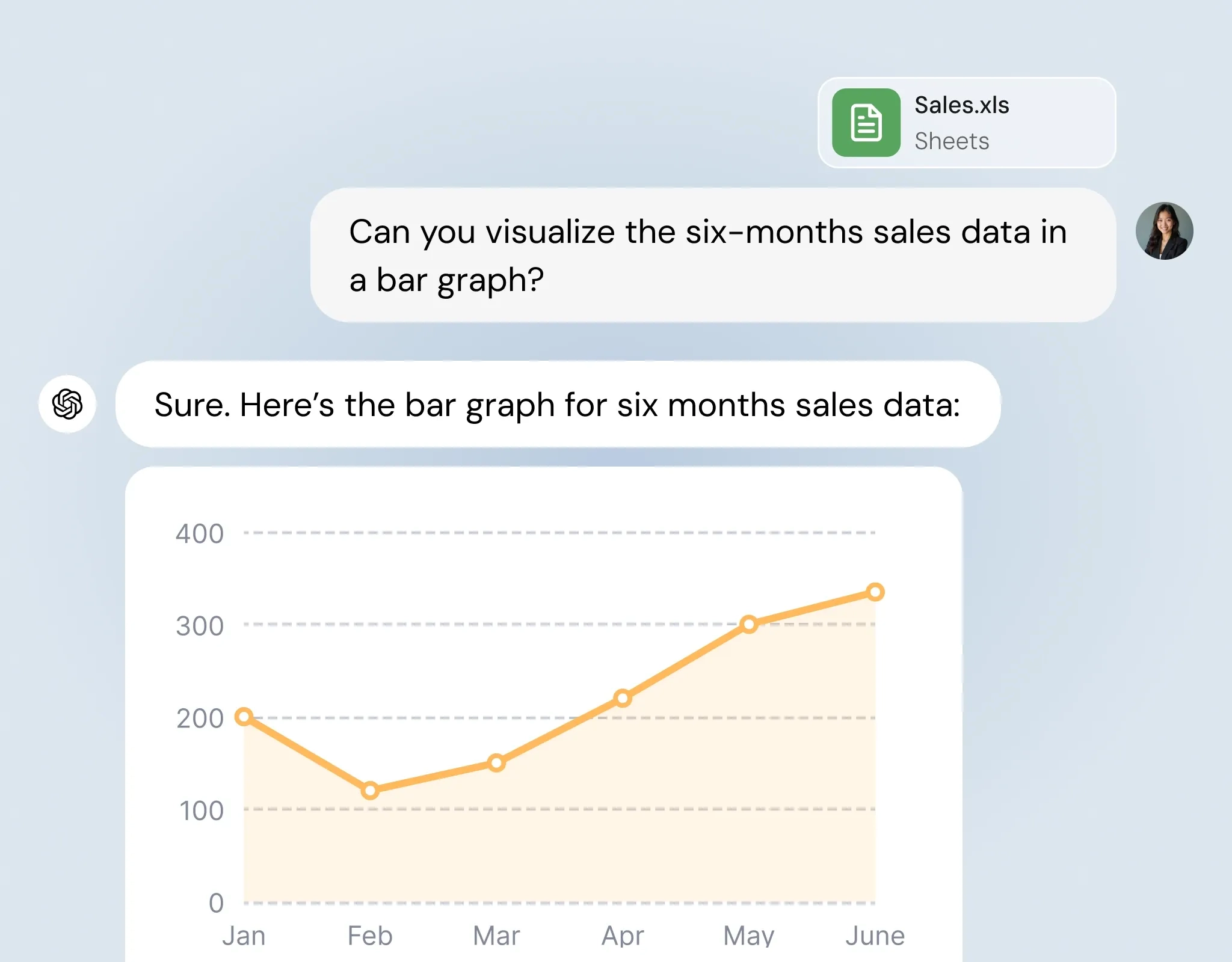
Image source: chatly.ai
For a manager, the most practical use cases are:
- Drafting communications quickly: status updates, executive summaries, meeting pre-reads
- Summarizing uploaded documents: PDFs, CSVs, and reports can be uploaded and interrogated directly
- Exploratory thinking: working through a decision or strategy before bringing it to a team
The main limitation for management use is scope: ChatGPT doesn't have visibility into your calendar, your team's tasks, or your active documents. It's a powerful standalone reasoning engine, but it operates outside your workflow unless you explicitly bring information to it. Responses should be verified for factual accuracy, particularly around numbers or dates.
Pricing:
- Free: $0/month — Intelligence for everyday tasks
- Go: $8/month — Keep chatting with expanded access
- Plus: $20/month — Do more with advanced intelligence
- Pro: $200/month — Full access to the best of ChatGPT
2. Claude: Best for long documents and careful reasoning
Claude, built by Anthropic using Constitutional AI principles, is the tool I'd reach for when the job involves reading something long, reasoning carefully, or producing writing that actually needs to hold up to scrutiny.
Its context window is among the largest available (up to 1 million tokens on Sonnet 4, per Anthropic's documentation), which means a manager can upload an entire project brief, a competitor analysis, or a lengthy contract and ask Claude to pull out specific information, flag inconsistencies, or draft a summary formatted for a specific audience.
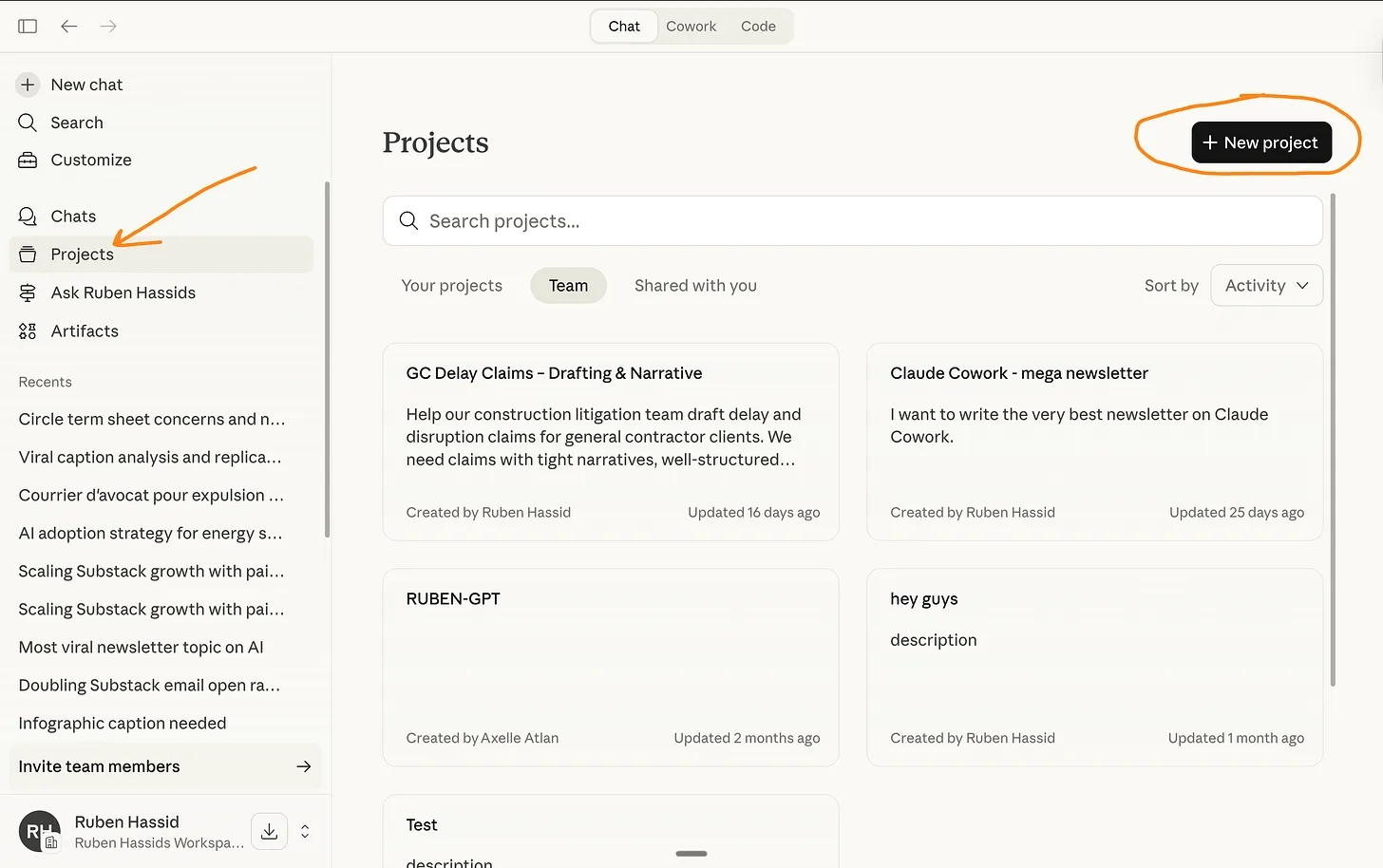
Image source: substack.com
What sets Claude apart in practice is its intellectual honesty. It's more likely to surface uncertainty than to paper over it with confident-sounding text ,which matters when you're using AI output to inform a real decision.like all LLMs, Claude can confidently produce incorrect information, especially on specific numbers or recent events. Always verify critical facts against source documents.
Pricing:
- Free: $0 — Try Claude, free for everyone
- Pro: $17/month (annual, $200 upfront) or $20/month (monthly) — For everyday productivity
- Max: From $100/month — Get the most out of Claude
3. Google Gemini : best for teams inside Google Workspace
Gemini is Google's AI assistant, and its primary advantage is precisely where its competitors can't reach: inside Gmail, Google Docs, Google Drive, Google Calendar, and Google Meet. If your team already runs on Google Workspace, Gemini doesn't require you to copy information out of one tool and paste it into another — it operates on the documents and conversations you already have.
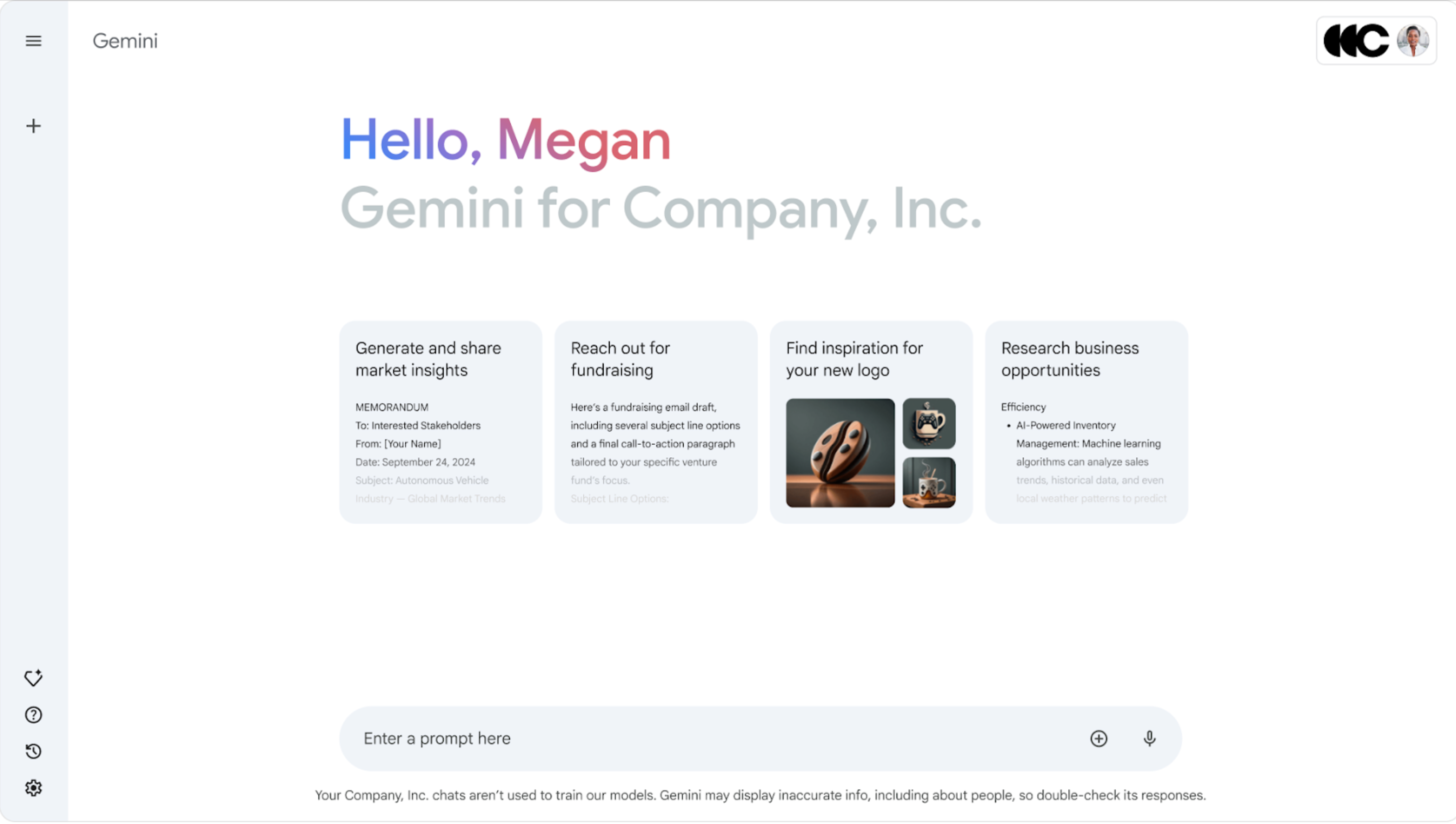
Image source: google.com
For managers who live in this ecosystem, the practical wins are immediate: summarizing a long email thread, drafting a reply in context, retrieving a document from Drive based on a natural language description, or pulling calendar context before a call.
The limitation is equally clear: Gemini's strength depends on your commitment to the Google ecosystem. If your team uses Slack instead of Google Chat, or Notion instead of Docs, Gemini's context coherence drops significantly. Its reasoning quality is also somewhat less consistent than ChatGPT or Claude on complex multi-step tasks, according to independent reviewers.
Pricing:
4. Microsoft Copilot: Best for Microsoft 365 environments
Microsoft Copilot is the equivalent of Gemini for the Microsoft ecosystem — deeply embedded in Word, Excel, PowerPoint, Outlook, and Teams. If your organization is fully committed to Microsoft 365, Copilot represents the lightest path to AI assistance because it's already where your work happens.
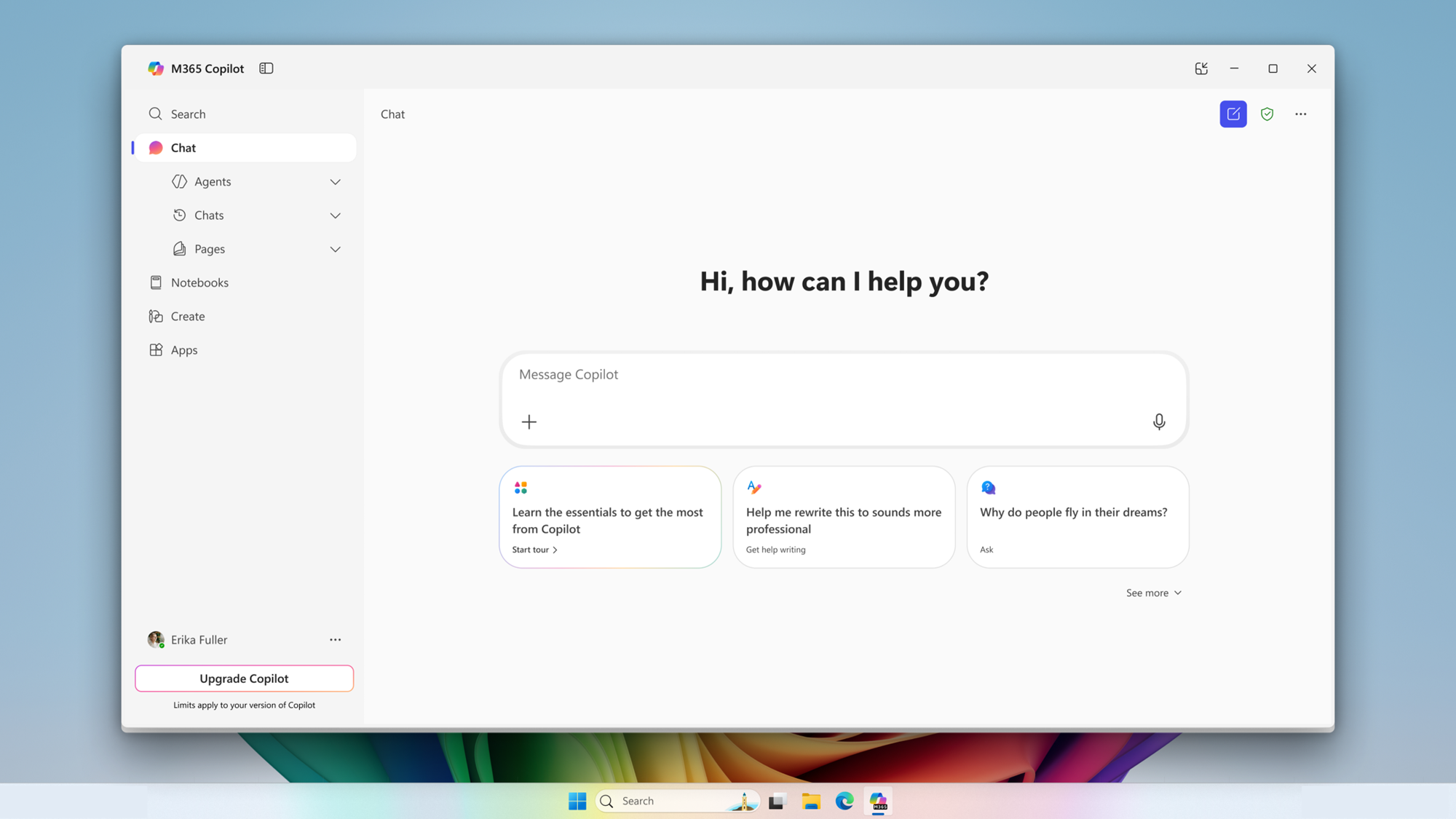
Image source: microsoft.com
Its strongest feature for managers is meeting follow-through: Copilot in Teams can capture intelligent recaps that include notes, highlights, and action items from recorded meetings. Combined with its ability to draft follow-up emails or summaries directly in Outlook, it handles a meaningful portion of the administrative burden that managers carry after every call.
The limitation that matters: like Gemini, Copilot's value is tightly coupled to its host ecosystem. Mixed-stack teams will see significantly less coherence. Individual licenses are also on the premium end for what you get at the base tier.
Pricing:
- Microsoft 365 Copilot Chat: Included in Microsoft 365 subscription.
- Microsoft 365 Copilot Business: $18.00user/month, paid yearly
The best AI assistant apps reviewed: scheduling, task, and workflow tools
These tools were built to take action on your behalf within specific domains: your calendar, your tasks, your meeting notes, your research, or your cross-app workflows. Each solves a specific and well-defined problem well. The tradeoff — as discussed earlier in this guide — is that none of them connects all of those domains in a single coherent layer.
1. Motion: best for project management with AI scheduling
Motion started as a smart calendar and has evolved into a more ambitious AI workspace. Where Motion focuses on managing projects with scheduling intelligence baked in: its AI predicts when projects will complete based on team capacity, before they become crises, and auto-generates task lists and due dates when you describe what a new project needs.
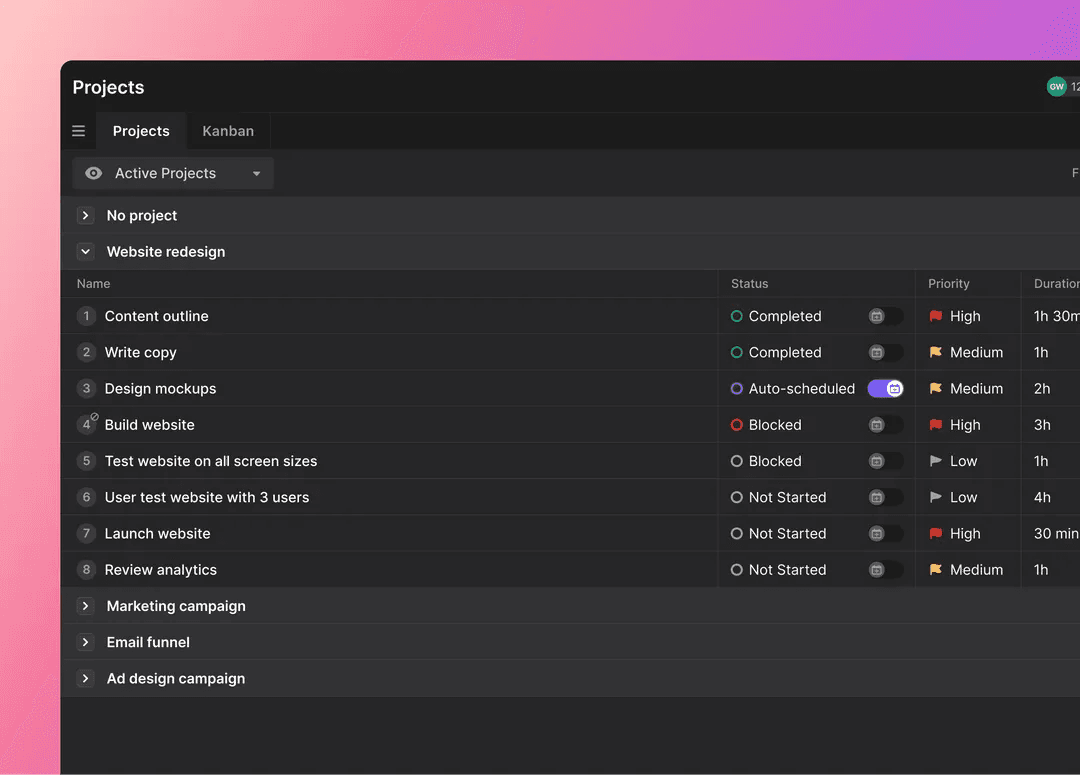
Image source: motion.com
For managers overseeing multiple concurrent projects, the risk-flagging alone has practical value. The system watches progress data and sends alerts when deadlines are at risk, while you still have time to adjust rather than escalate.
The trade-off is setup investment. Motion's AI features require meaningful configuration before they return meaningful output, and the learning curve is noticeable. For teams running complex, multi-person projects, the payoff compounds over time. For simpler setups, the overhead may not be worth it.
Pricing:
2. Zapier Agents: Best for connecting fragmented workflows
Zapier Agents is the most architecturally interesting tool in this category. It pairs large language models with connections to over 8,000 apps, enabling agents that can monitor your inbox, extract action items, create tasks in your project manager, update your , and schedule follow-ups — across tools that were never designed to talk to each other.
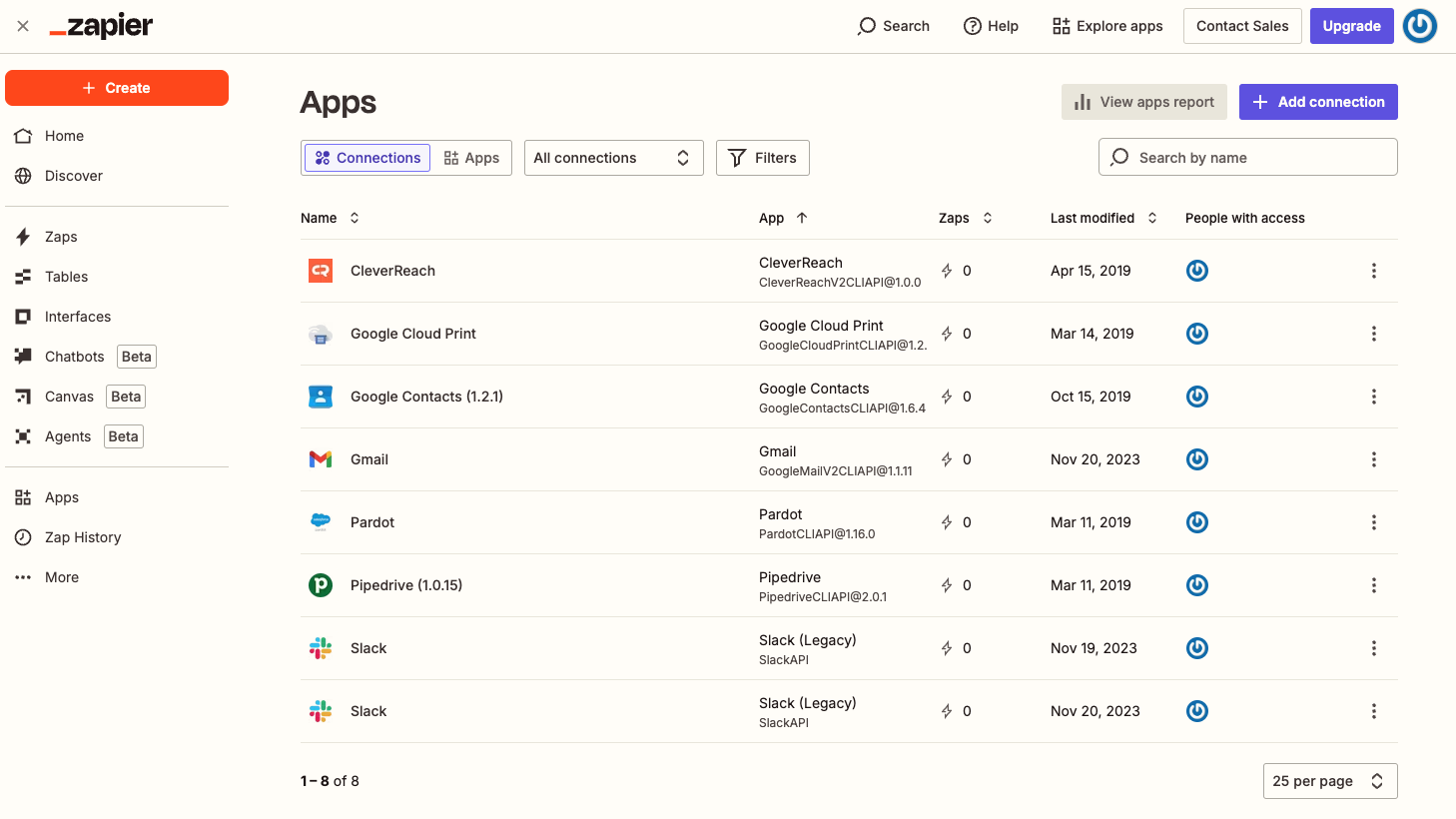
Image source: zapier.com
For a manager running a fragmented stack, Zapier Agents can serve as the connective tissue between specialized tools. If your meeting notes tool and your task manager don't share data natively, an agent can bridge them. If you want to automatically route specific email types to specific workflows, Agents can handle that too.
The honest caveat: as discussed in the section on tool sprawl, Zapier Agents is a sophisticated workaround for fragmentation — not an elimination of it. You're still managing multiple underlying systems; Zapier is coordinating them. For teams with deeply specialized, tool-specific workflows, that's a genuine solution. For teams who'd rather reduce their tool count, it adds a layer rather than removing one.
Pricing:
- Free plan: available (400 activities)
- Enterprise: Contact for pricing
3. Perplexity: Best for cited real-time research
Perplexity is narrowly focused on one thing: giving you accurate, cited answers to research questions, fast. It's not trying to be a writing assistant or a scheduling tool. Its search results default to linked citations, and its Deep Research mode runs multi-step, structured research to produce longer reports.
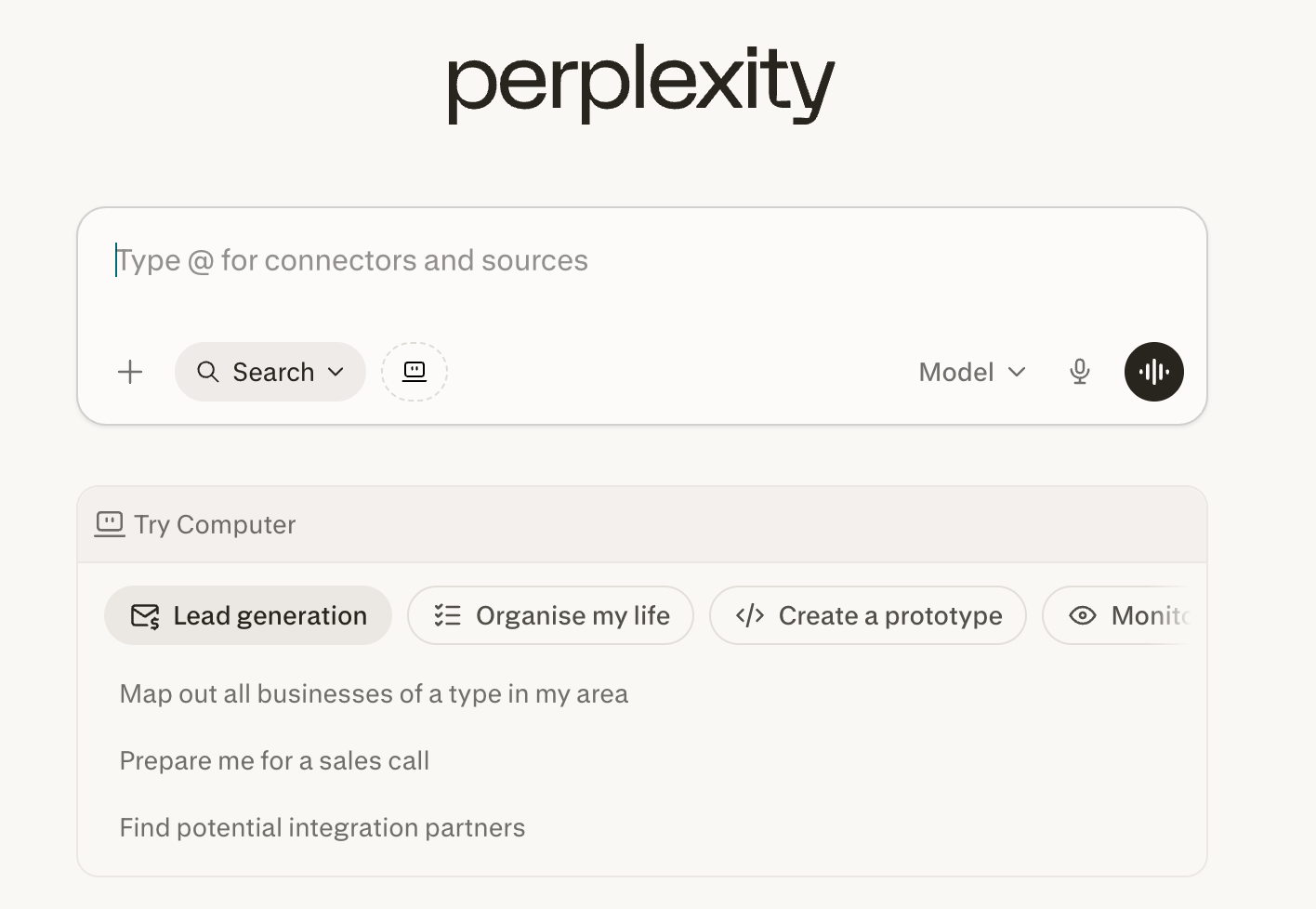
Image source: perplexity.ai
For managers who need to fact-check a claim before presenting it, quickly understand a competitor's positioning, or get a market overview before a client call, Perplexity is more reliable than asking a general-purpose LLM and significantly faster than manual research.
The limitation is equally clear: Perplexity is purpose-built for information retrieval, not for taking action. It doesn't connect to your calendar, manage your tasks, or summarize your team's internal documents. It's a research tool, not an assistant.
Pricing:
- Pro: $34/seat each month, billed annually
- Max: $271/seat each month, billed annually
Taken together, this category is full of excellent, narrowly excellent tools. Motion manages your projects. Perplexity answers your research questions. Zapier Agents connects your apps.What none of them do is maintain a coherent, living picture of how your team is actually working across communication, tasks, goals, and time. That gap matters most at the management level, where your job isn't to execute individual tasks but to coordinate across all of them simultaneously.
What to look for when your team is growing: the enterprise and management lens
Most AI assistant reviews evaluate tools as personal productivity aids. That lens works for individual contributors. It doesn't capture what actually matters at the management or organizational level, where the stakes are different and the failure modes are different.
Here's what to evaluate when you're choosing an AI assistant for a growing team, not just for yourself.
Individual vs. team-level AI
A tool that makes one person more productive doesn't automatically make a team more productive. In fact, when every individual on your team adopts a different AI assistant, you can end up with a new coordination problem: different people working from different contexts, different summaries, and different sources of truth.
The question to ask isn't just "does this AI help me?" It's: "does this AI help the team operate from shared context?" Those are different questions, and most AI assistant tools are optimized for the first one only.
Enterprise considerations that most reviews skip
When evaluating AI tools at scale, there are several factors that matter to management and IT stakeholders that rarely appear in consumer-oriented reviews:
- Security and compliance certifications: SOC 2 Type II, GDPR compliance, and data residency options are non-negotiable for many enterprise contexts.
- Admin controls and user provisioning: Can IT centrally manage user access, permissions, and data retention? This .
- Multilingual support: For distributed or international teams, an AI assistant that operates well across languages is a practical requirement, not a nice-to-have.
- Data training policies: Does your train the vendor's AI models? Most enterprise tiers explicitly exclude this, but the policies vary significantly at the free and individual tiers.
The OKR and goal-tracking gap
Here's a gap that stands out clearly when you look at the tools reviewed in this article from a management perspective: almost none of them connect individual task activity to team-level goals or OKRs.
Motion knows your project tasks. ChatGPT knows what you've told it in a conversation. None of them know whether this week's work is advancing your team's quarterly objectives — because none of them have access to that goal structure.
For managers who are accountable for outcomes at the team or department level, this is a meaningful blind spot. An AI assistant that helps you execute tasks efficiently but has no awareness of whether those tasks map to your current priorities is an efficiency tool, not a management tool.
Approval workflows and cross-team communication
Another dimension that consumer AI assistant reviews rarely address: how does this tool handle multi-person workflows? Specifically, approval processes (budget sign-offs, time-off requests, ) are a significant part of a manager's operational overhead. A tool that assists with individual tasks but has no concept of a structured approval flow forces you to manage those processes separately.
Similarly, AI assistants that operate only on individual communication (your inbox, your calendar) can't surface what's happening in the channels where your team actually communicates, and can't help you see where decisions are getting stuck.
These gaps (OKR visibility, approval workflow support, and team-channel awareness) are what distinguish a personal AI assistant app from a platform designed for management-scale work.
Connect OKRs and team workflows instantly using Lark
How Lark approaches the AI assistant challenge for enterprise teams
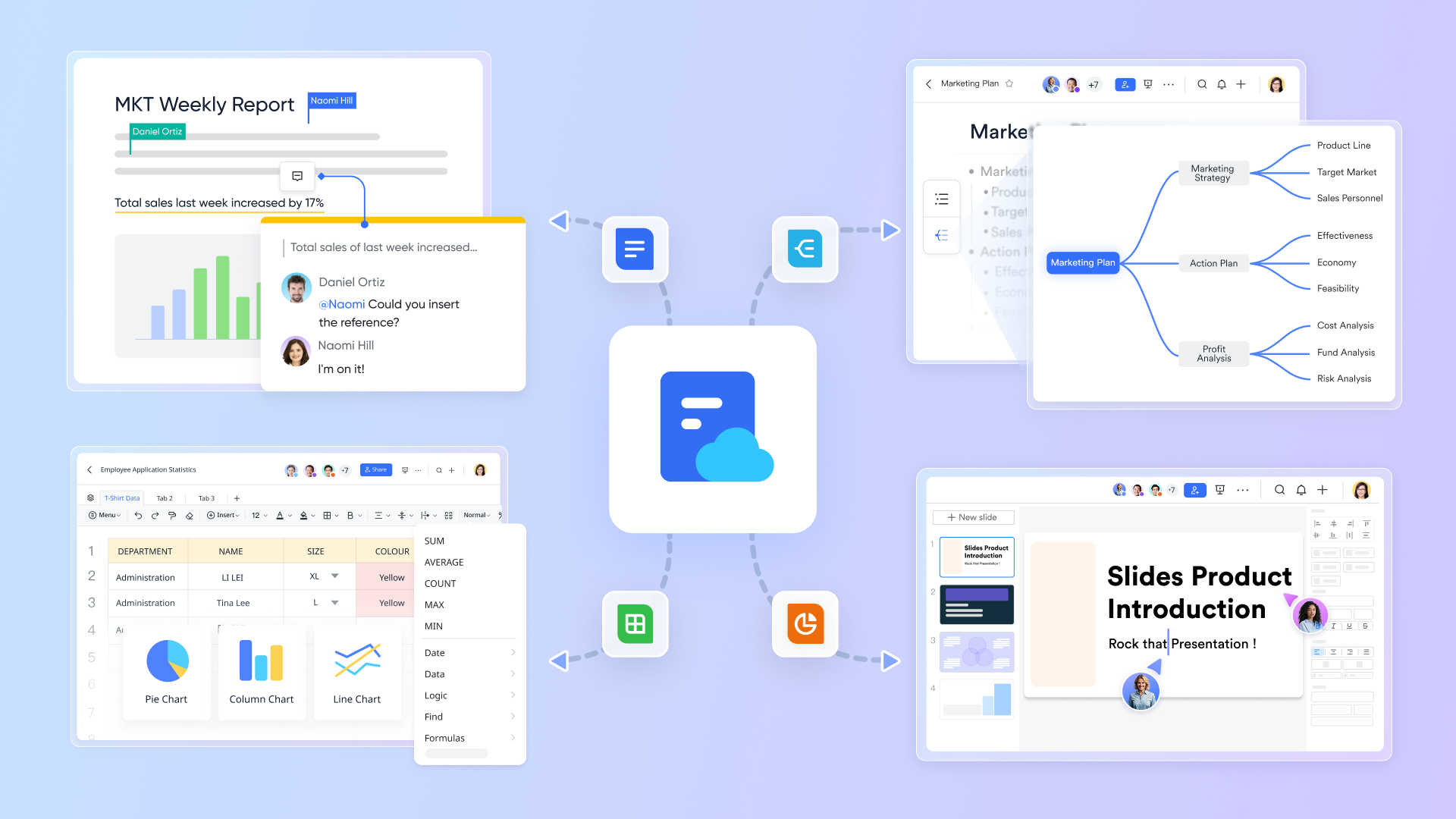
Most tools focus on a single layer of your work, like calendars or emails. is built differently: it's an all-in-one platform combining messaging, meetings, documents, and approvals in a single environment.
This structure transforms what AI can do. Because your team’s communication, goals, and workflows live in one place, ’s AI accesses a complete picture of how you work. Instead of just answering questions based on fragmented data, it actively surfaces the exact context you need, right when you need it.
Pre-meeting intelligence
A marketing director is preparing for a weekly team sync. In a typical fragmented stack, this means opening a tool to check task status, opening a separate notes tool to find last week's decisions, searching email for follow-up items, and opening the calendar to see who's attending.
In , Knowledge AI generates responses based on the messages, documents, and wiki spaces the manager has permission to access. This allows them to securely surface outstanding action items by reviewing recent activity and check confirmed attendance in without leaving the platform. With strict permission controls ensuring data privacy, the manager can maintain full context and gather all necessary meeting intelligence in one place.
Post-meeting action management
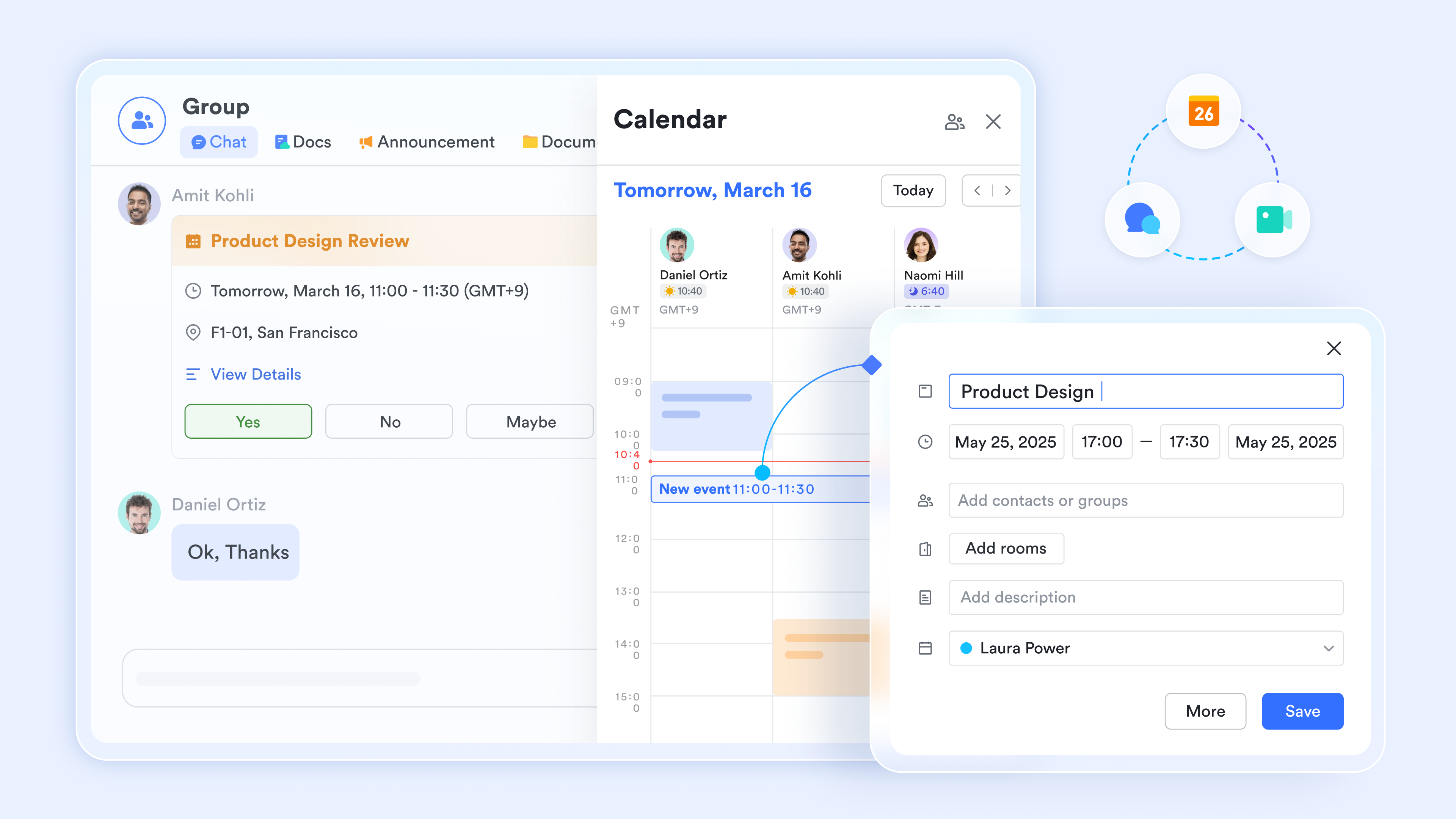
A decision gets made during discussions in base . Rather than scrambling to take notes and manually transferring them to a separate project manager, Lark's AI automatically generates a meeting summary and a to-do list right after the call ends. While you still finalize and assign these action items manually, having the AI extract key deliverables directly into your workspace significantly reduces the friction of post-meeting coordination.
The meeting-to-action gap, one of the most common failure points in team coordination, shrinks when the tools involved are the same tools, not separate systems that have to be manually synchronized.
Cross-team coordination for distributed teams
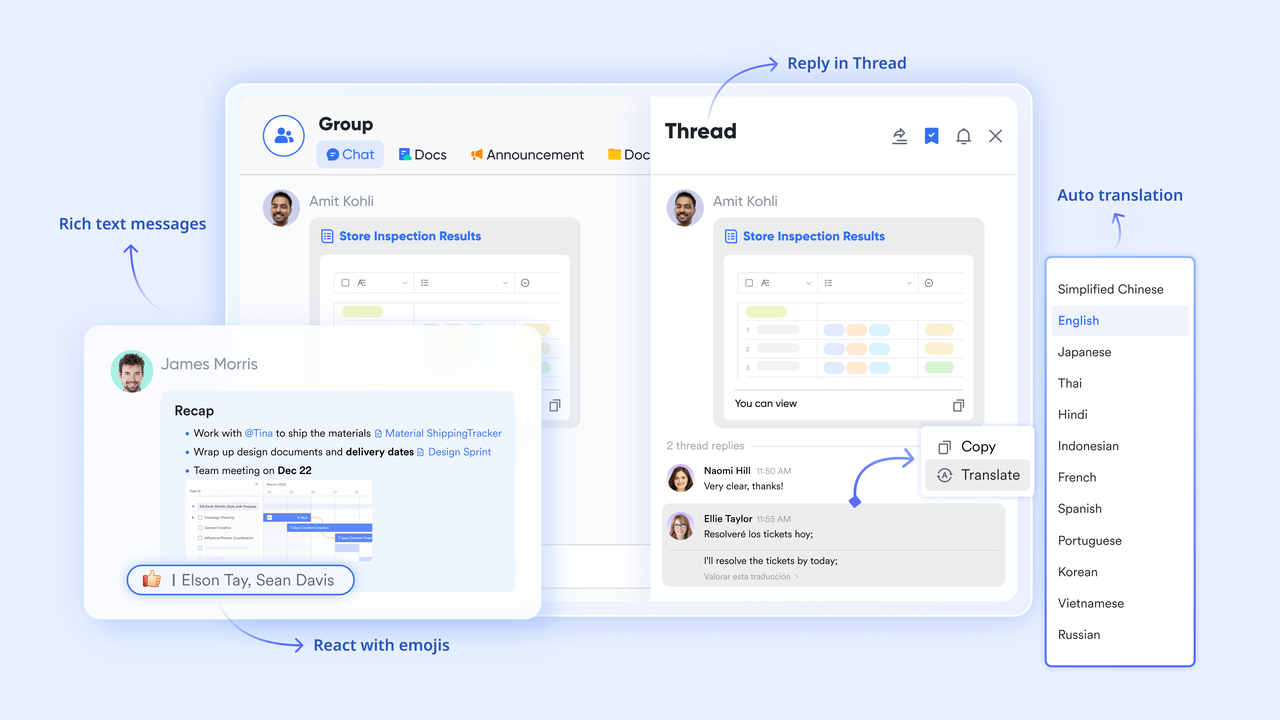
For a manager overseeing teams across multiple time zones or regions, language and scheduling barriers often disrupt workflows. breaks down these walls by offering auto-translation in and real-time subtitle translation during video meetings across more than 100 languages. Coupled with the ability to view and manage multiple time zones directly within , managers can seamlessly coordinate global schedules and ensure unified communication. This creates a shared and accessible foundation for distributed teams to collaborate smoothly without relying on disconnected standalone apps.
:
- Starter plan: that includes 11 powerful tools for up to 20 users. It also comes with 100GB of storage space, 1000 automation runs, AI translations, and more. No credit card needed.
- Basic plan: (billed annually) for up to 500 users. It includes everything in Starter and unlimited message history, 5TB of storage space, 1,000 automation runs, and more. Some users may need to to purchase this plan.
- Pro plan: (billed annually) for up to 500 users. It includes everything in Basic plus group calling for up to 500 attendees, 15TB of storage space, 50,000 automation runs, and more.
- Enterprise plan: for custom pricing. Supports unlimited users and includes even more automation runs and advanced security, compliance, and management features.
For small teams with simple communication needs

18 months message history
1000 Base automation runs/month
2000 rows per table in Base
Most POPULAR
For companies with comprehensive collaboration and management needs
Unlimited message history
500-participant video meetings
50k Base automation runs/month
20k rows per table in Base
For large companies with advanced security and organizational management needs
Get a personalized demo and pricing
Unlimited message history
500-participant video meetings
15 TB storage + 30 GB storage/user
500k Base automation runs/month
50k Base automation runs/month
Most POPULAR
For companies with comprehensive collaboration and management needs
Unlimited message history
500-participant video meetings
50k Base automation runs/month
20k rows per table in Base
How to choose the right AI assistant app: a decision framework for managers
There's no universally correct answer here. The right tool depends on where your biggest friction is, how your team is structured, and how much operational complexity you're willing to manage. Here's a practical four-step framework for making this decision clearly.
Step 1: Map your biggest time drains
Before evaluating any tool, spend five minutes identifying where your time actually goes. Common management time drains include:
- Preparing for and recovering from meetings (pre-meeting context gathering, post-meeting follow-up distribution)
- Triaging email and messages across multiple channels
- across people and projects
- Conducting ad hoc research before decisions or presentations
- Managing approvals and administrative requests
Your answer shapes which category of tool matters most. If meetings dominate, look at Lark, or Claude for document/context work. If scheduling is the problem, Motion. If research is the bottleneck, Perplexity.
Step 2: Identify where your context gets lost
This is the more revealing question. Specifically: at what point in your workday does information fall out of your control?
- Does it disappear between meetings and task lists?
- Does it live in someone's email that you don't have access to?
- Does it exist in a conversation but never make it to a document?
- Does it get captured in a notes tool that nobody else can see?
The answer tells you where you need AI assistance most — and whether you need a point solution (fix one specific gap) or a platform (reduce the number of gaps overall).
Step 3: Decide between point solutions and platform consolidation
This is the strategic fork in the road.
Choose point solutions if:
- You have one specific, well-defined problem (protecting calendar time, transcribing meetings, researching information)
- Your team already has a well-functioning stack and you don't want to change it
- You're a solo manager without a team-wide adoption requirement
Consider platform consolidation if:
- Your team is growing and tool sprawl is becoming a management overhead
- Context is regularly getting lost between tools
- You want AI to operate on shared team data, not just your individual data
- You're evaluating enterprise security and admin requirements
Step 4: Evaluate for your team, not just yourself
The final check: will this tool work for the people you manage, not just for you?
Consider: how easy is onboarding? Does it require individual accounts per user, or team-level provisioning? Does the free tier support enough users to pilot it before committing? And critically: will the people on your team actually use it, or will it become another tool they ignore?
Conclusion
The best AI assistant app for a manager isn't necessarily the most capable one, but rather the one with the most relevant context about how your team actually works. A brilliant reasoning engine that can't see your team's tasks, goals, or conversations will always leave you doing the connective work yourself. Start by identifying where your coordination breaks down, then choose accordingly. Most tools here have a free plan worth testing. If you are looking for a unified platform that brings all your team's context together, consider giving a try.
Turn AI assistant into execution using Lark
FAQs
What is an AI assistant app?
An AI assistant app is software that uses artificial intelligence and natural language processing to understand your intent and help you complete tasks — answering questions, scheduling time, drafting content, summarizing information, or automating actions across your tools. Modern AI assistants range from general-purpose reasoning models (like ChatGPT or Claude) to specialized tools focused on scheduling, meeting notes, or research.
What is the best AI assistant app for managers?
The answer depends on your primary friction point. For research, Perplexity. For general reasoning and drafting, ChatGPT or Claude. For teams that need AI operating across a shared workspace — covering messaging, docs, tasks, goals, and approvals in one environment — Lark is worth evaluating seriously.
Is there a free AI assistant app for work?
Yes. Several tools in this guide offer meaningful free tiers. ChatGPT, Claude, Google Gemini, Perplexity, all have free plans with functional capabilities. Lark's Starter plan is free forever for up to 20 users and covers 11 tools including messaging, docs, calendar, and video meetings — with 100 GB of storage and no credit card required.
How is an AI assistant different from a traditional productivity app?
Traditional productivity apps (task managers, calendars, note-taking tools) require you to manually organize and input information. AI assistants understand natural language instructions and can organize, summarize, draft, or act on information on your behalf. The practical difference is the direction of effort: with traditional tools, you maintain the system; with AI assistants, you describe what you need and the system does the work.
Can AI assistants help with meeting prep and follow-ups?
Yes, this is one of the clearest use cases. Tools help with in-meeting capture and post-meeting note enrichment. Claude is useful for pre-meeting document synthesis. A platform like Lark, where meeting context, tasks, and communication share the same environment, supports the full cycle: preparation, capture, and action distribution in one place.
What should I look for in an AI personal assistant app for my team?
Beyond the individual feature set, evaluate: whether the tool supports team-level adoption (not just one user), what security and compliance certifications it holds, whether it connects to the workflow layers your team actually uses (communication, documents, tasks, goals), and whether its free tier is substantial enough to pilot with real usage before committing.
What is the best AI virtual assistant app for enterprise use?
For enterprise contexts, the most important factors are security compliance (SOC 2, GDPR), admin controls, user provisioning, multilingual support, and whether the AI operates on shared organizational data rather than individual data. Microsoft Copilot and Google Gemini are strong choices for organizations already standardized on their respective ecosystems. Lark is built for enterprise teams from the ground up and includes advanced security, compliance, and management features at the Enterprise tier.
How do I avoid tool sprawl when adopting AI assistants?
Start with a clear problem statement, not a feature wish list. Identify the one or two workflows that consume the most coordination time, and evaluate tools specifically against those. Resist the impulse to adopt separate tools for each function — at the management level, the coordination cost of maintaining a multi-tool AI stack often exceeds the productivity benefit. If you're evaluating multiple point solutions, ask whether a single platform could cover the same ground before adding another application to your team's workflow.
Related reading