Scattered team knowledge
Google Drive organizes files into folders, but SOPs, onboarding guides, and project documentation still need consistent naming and ongoing curation to become an easy-to-use team knowledge hub.




 alternatives
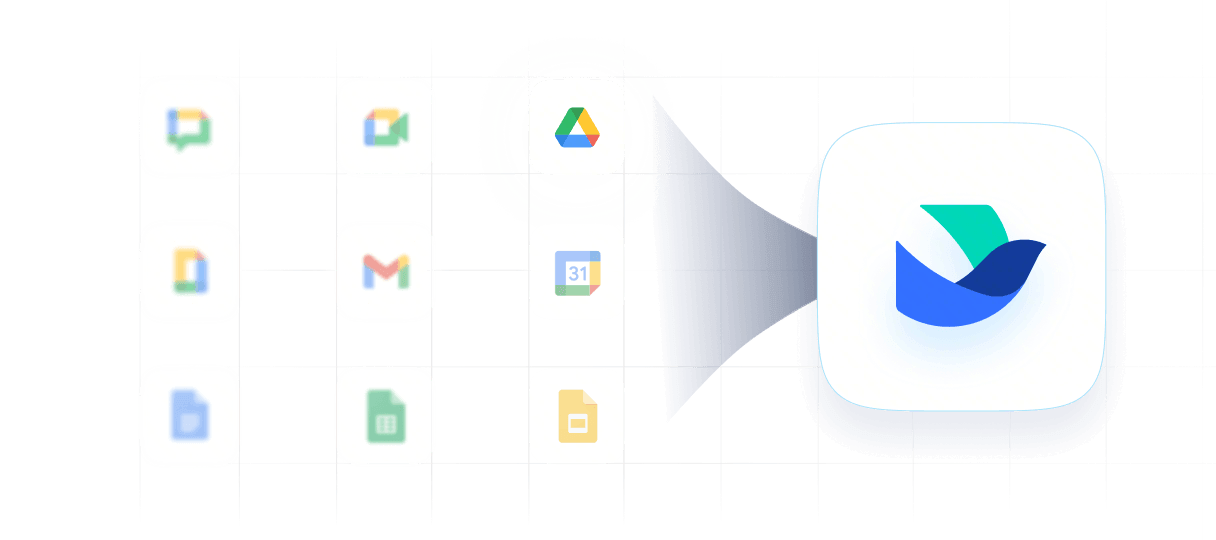
Want a Google Drive alternative that does more than store files? Bring your whole team together with Lark, one AI-powered workspace that replaces standalone cloud drives, fragmented chat apps, disconnected meetings, and scattered project tools.
Google Drive organizes files into folders, but SOPs, onboarding guides, and project documentation still need consistent naming and ongoing curation to become an easy-to-use team knowledge hub.
Project files sit in Drive, while discussions, updates, and meetings span other apps. Keeping decisions connected to the right documents adds coordination work and can complicate handoffs.
Teams that add paid project management or workflow tools alongside Google Workspace face a higher total software bill, with separate subscriptions increasing costs as their tool stack grows.
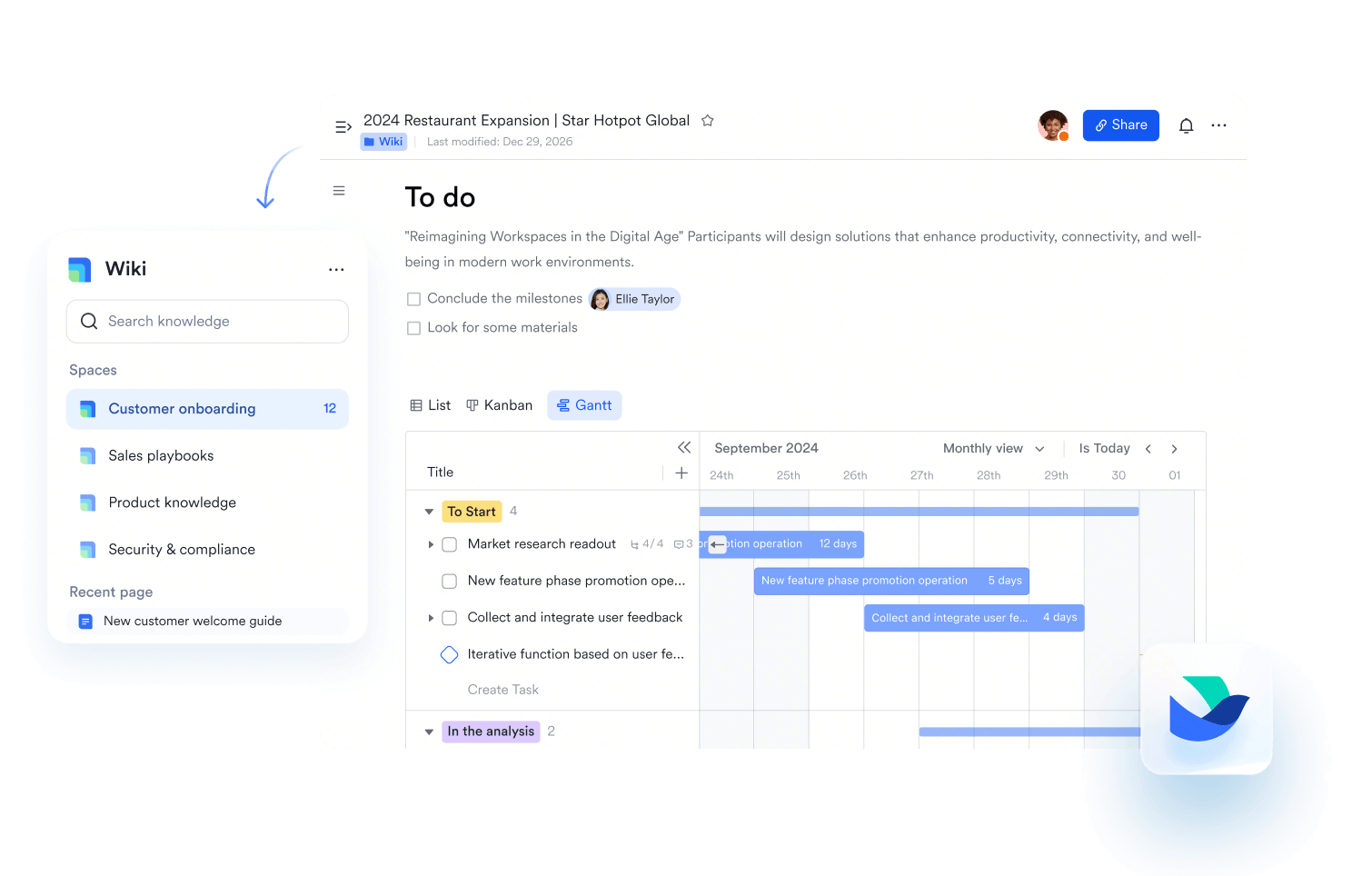
Lark Wiki brings SOPs, onboarding guides, and project documentation into a structured knowledge hub. Wiki's clear page navigation and search help teams find what they need and reuse knowledge across projects.
Explore Lark Wiki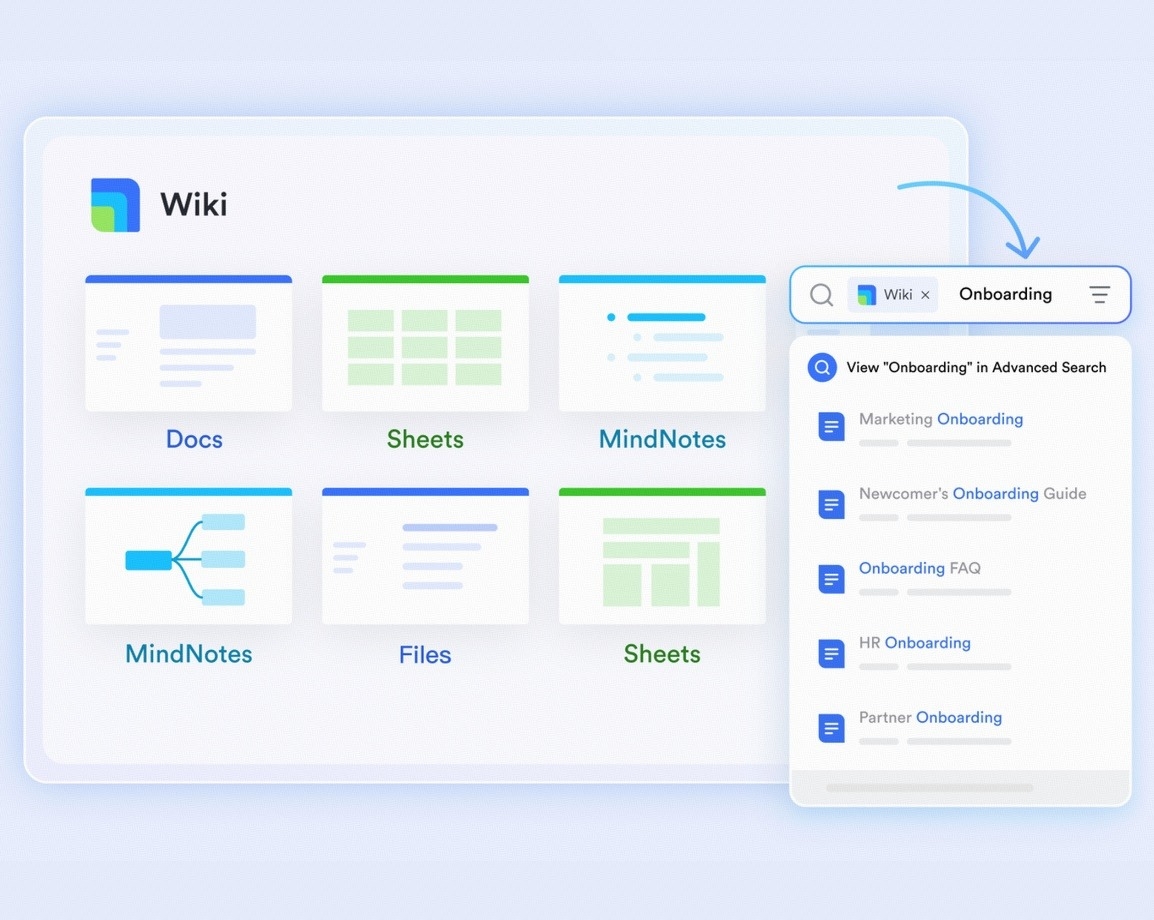
Lark Wiki brings SOPs, onboarding guides, and project documentation into a structured knowledge hub. Wiki's clear page navigation and search help teams find what they need and reuse knowledge across projects.
Explore Lark WikiCut software bloat while keeping teams fast, clear, and connected.
Book a demo Basic Basic$6/ user / month | Pro $12/ user / month |  Business Standard Business Standard$14/ user / month | |
|---|---|---|---|
| All-in-one workplace |  |  |  |
| User limit | 500 | 500 | 300 |
| Cloud storage | 5 TB | 15 TB | 2 TB |
| File sharing and permissions | | | |
| Collaborative documents | | | |
| Centralized knowledge base | | | Limited |
| Searchable team knowledge | | | Limited |
| No-code database | | | |
| Custom workflow apps | | | |
| Approval workflows | | | |
| Project management | | | |
| Auto-translation | | | Limited |
| Video conferencing participants | 1-on-1 only | 500 | 150 |
| Custom business email | | | |
| HR tools | | | |
| OKR management | | | |
Calculate your savings by moving away from fragmented software with Lark


"Xiaomi has been using Lark for a while now. With Lark, document creation and information sharing are much more efficient. Collaboration between teams is easier than ever."
"Lark has significantly boosted our efficiency without juggling paperwork and multiple tools. Lark not only empowers us to provide the service we have been proud of, but also helps us pave the way for all restaurant managers to solve their growth challenges through digitization."
"Lark has allowed us to 'walk the talk' when it comes to our management philosophy. It enables us to turn our ideas into reality, so that the daily behaviors of our teams mirror our ideals of how an organization should work."
Trusted by 2000+ global leaders across 125+ countries













Pros
Cons
Pricing
Pros
Cons
Pricing
Pros
Cons
Pricing
Pros
Cons
Pricing
Pros
Cons
Pricing
Pros
Cons
Pricing
Teams that need more than file storage should choose a platform that connects documents, messages, meetings, approvals, and project workflows in one document collaboration software.

An all-in-one workspace that combines Messenger, Docs, Meetings, Calendar, Email, Approval, Base, and Wiki, helping teams move from file sharing to full execution.
Best for simple file syncing and sharing, especially for teams focused on storage rather than broader cross-functional collaboration.

Privacy-focused users need secure storage, encryption, protected sharing, and stronger control over sensitive personal or business files.
Lark supports secure team collaboration with encryption in transit and at rest, granular permission controls, password protection for external sharing links, and continuous security monitoring. Plus, Customers retain full ownership and control of their data.
Designed for privacy-first teams that prioritize encrypted storage and secure sharing over broad collaboration features.

Teams working with clients, agencies, or partners need simple file sharing, clear access permissions, and a way to collect feedback without emailing multiple versions.
Share documents with clients and partners, assign viewing or editing permissions, and keep feedback in document comments. External sharing and commenting must be enabled in the relevant settings.

Share files and folders with clients or partners through links or invitations, with view or edit access. Available sharing options depend on your organization's settings.

Enterprise teams need secure sharing, access control, compliance support, auditability, and a system that can scale with structured content operations.
Lark combines enterprise collaboration with built-in workflows, approvals, admin controls, and cross-functional workspace visibility.
Well suited for enterprises needing advanced compliance, governance, and secure content management.

Small businesses need affordable Google Drive alternatives combining easy collaboration, and simple tools that reduce software costs without creating operational complexity.
Lark offers a generous free plan and affordable paid tiers make Lark ideal for small teams that want storage, chat, docs, meetings, and workflows together.

An affordable team file management solution for businesses already using Zoho or looking for structured shared folders.


2026 Lark Technologies Pte. Ltd.
Headquartered in Singapore with offices worldwide.