If you rely on cloud storage solution every day, you've probably wondered whether Microsoft's service is still the best fit. OneDrive is convenient, especially if you already use Microsoft 365, but it's not the only option. From integrated work hubs like Lark to privacy‑first providers and self‑hosted platforms, there are now many strong OneDrive alternatives for personal use and for business. In this guide, I'll walk through when OneDrive starts to fall short, how to evaluate alternatives to OneDrive for business and individuals, and what to look for in truly modern cloud storage solutions and collaboration tools.
Quick glance at first 3 OneDrive alternative
What is OneDrive
OneDrive is Microsoft's cloud storage service and file syncing service. It sits at the heart of the Microsoft 365 ecosystem and is designed to keep your files available across devices, backed up in the cloud, and ready for collaboration.
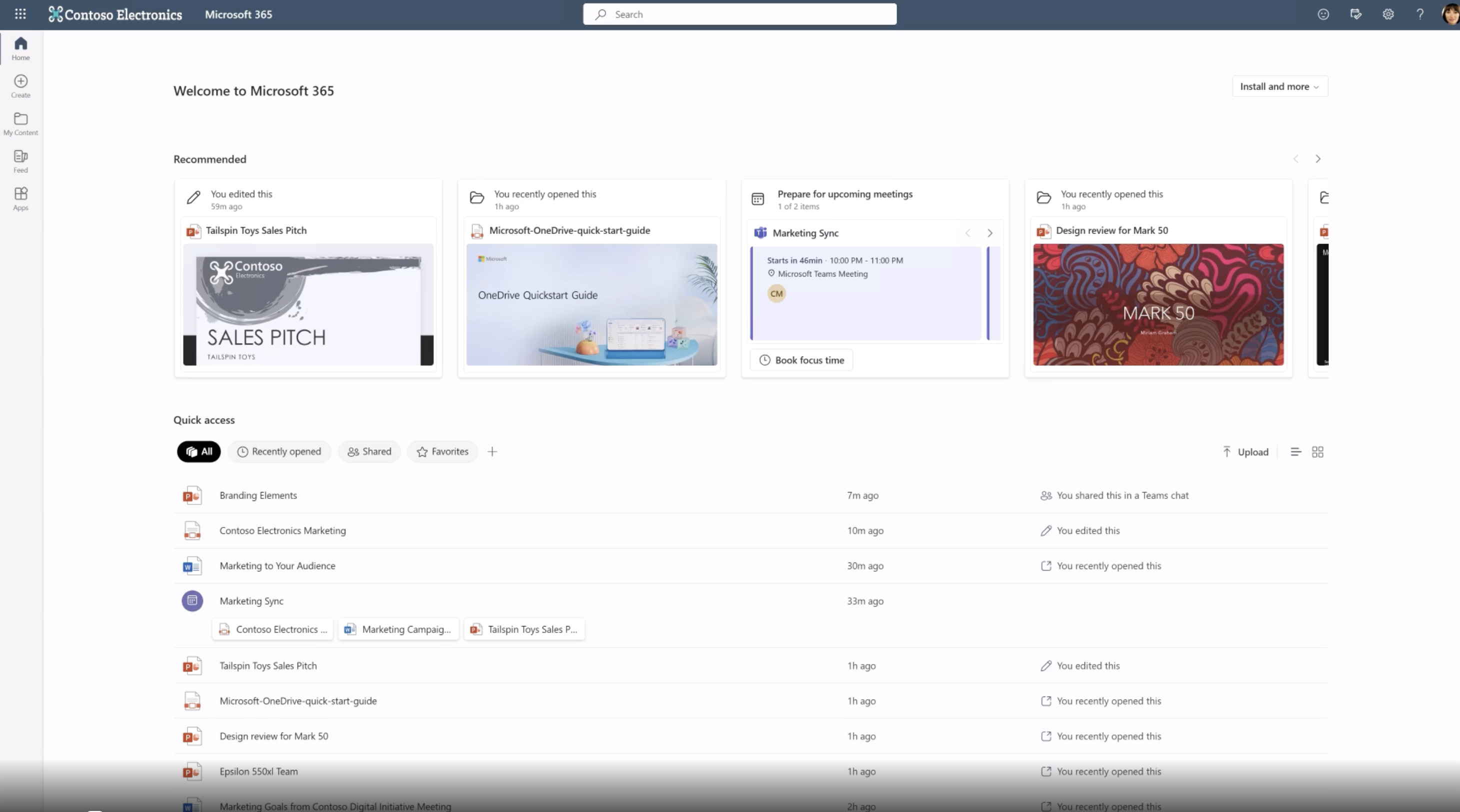
Image source: microsoft.com
At a basic level, OneDrive lets you instead of only storing them on your computer or phone. OneDrive is designed to store and sync all the files across your devices, ensuring easy accessibility and reliable backup. You can sign in with a Microsoft account, upload or sync files, and then open them from any supported device. This is the foundation of most cloud storage service tools, and with the growing market of cloud storage solutions, it's important to choose the right one for your needs, so any realistic alternatives to OneDrive for personal use need to match this baseline.
Where OneDrive becomes more interesting is when it connects with . Documents stored in OneDrive can be opened directly in Word, Excel, and PowerPoint, either on the desktop or in the browser. You can share links instead of sending attachments, and multiple people can work on the same file at the same time. In a typical office setup, OneDrive is also closely tied to SharePoint and Teams, which adds more structured team storage and messaging on top.
When considering where your files are stored and privacy concerns, it's important to note that OneDrive stores your data in Microsoft-managed data centers, which are certified for security and reliability.
In short, OneDrive is:
- A general‑purpose cloud drive for storing and syncing files
- A collaboration layer for Office documents
- A core part of the Microsoft 365 bundle for both personal and business use
The question is not whether it works at all, but whether it remains the best fit when your needs evolve, your team grows, or your priorities around privacy and flexibility change.
Common pain points of OneDrive
People usually start searching for OneDrive alternatives when the day‑to‑day experience no longer feels smooth or reliable enough. The issues tend to cluster around a few core themes rather than a single dramatic failure.
- Storage, cost, and value feel out of balance: As files, shared folders, and archives grow over time, space can start to feel tight and upgrades feel unavoidable. Handling large files—such as media, backups, or collaborative documents—can quickly consume storage space and impact performance.
- Sync reliability and performance: Users report situations where files take longer than expected to upload, changes don't appear immediately on other devices, or documents occasionally end up in conflicting versions when edits happen in parallel. File sync, a core feature of cloud file management, can sometimes be unreliable, leading to delays or inconsistencies.
- Privacy, data location, and control raise questions: OneDrive uses industry‑standard protections, but it is not built as a zero‑knowledge service, and data typically sits in large, shared cloud infrastructures. For individuals and organizations with stricter expectations around who can access content and where it is stored, this model may feel too centralized or too opaque, leading them to explore options that promise tighter control. Some users specifically seek providers that use secure data centers with strong compliance standards, such as GDPR or ISO certifications, to better safeguard their data.
- Collaboration feels fragmented across tools: Many teams also find the overall experience fragmented. Files live in OneDrive or , while discussions, approvals, and decisions happen in separate tools. It is easy to lose context: a document link is shared in chat, feedback arrives in email, and the "source of truth" becomes hard to track. In practice, this makes collaboration slower than it should be, even though the individual products are powerful.
- Platform and ecosystem fit is not always ideal: OneDrive is strongest in a Windows‑centric, MS 365 environment. Users who work heavily on other or spend most of their time in the browser may feel that the client apps, integration patterns, or workflows are not designed with their setup in mind. Over time, these small frictions accumulate and make the idea of switching to a different service more appealing.
Fix these pain points via a better tool
How to evaluate the best OneDrive alternatives
When I look at cloud storage services and , I like to think in terms of a few broad dimensions rather than a long checklist of minor features. These dimensions help you decide whether you need a direct like‑for‑like replacement or a broader rethink of how your files and workflows are organized. Users often look for the best alternatives to OneDrive to meet their evolving needs.
- Storage and pricing: Ask yourself how much you realistically need, how quickly your data grows, and whether you prefer a generous free plan or a clear, predictable paid tier. If you mainly care about documents and a moderate archive, many mainstream providers will work. If you need room for large media libraries or backups, or want to back up all files—including photos and videos—some OneDrive alternatives free tiers will no longer be enough, and you will be comparing paid plans or even specialized backup tools.
- Security, encryption, and privacy: should match your risk profile and values. For some users, standard server‑side encryption and mainstream vendor protections are perfectly adequate. Others will only consider services that minimize the provider's access to data, offer strong client‑side encryption, or run under specific regional regulations. If you are drawn to a OneDrive alternative Europe‑based option or are exploring a OneDrive alternative open source for self‑hosting, this is likely your main concern. For users with strict data protection requirements, choosing a GDPR compliant service is essential.
- Collaboration and productivity: If your work is mostly solo and you just need a safe place for files, a drive‑first service can be enough. If you spend much of your week in meetings, chats, and shared files, you may benefit more from an integrated workspace like Lark that treats storage as one part of a larger system. In that case, the right alternative to OneDrive for business is not simply "another drive", but a platform that helps you reduce tool sprawl and connect discussions, tasks, and files more naturally. Some cloud platforms also offer business automation features to and improve efficiency. Organizations looking to consolidate file storage and collaboration into a single platform often evaluate to compare different approaches to productivity and document management.
- Cross‑platform support and ecosystem alignment: The best provider is the one that works well where you actually work. If your daily tools and teammates are rooted in Google's world, choosing Google Drive as your main hub may be more efficient than trying to force OneDrive into that environment. If you need a reliable OneDrive alternative for Linux, prioritize vendors that treat Linux as a first‑class citizen, not a checkbox feature.
- Migration and long‑term adaptability: A convenient import wizard is helpful, but so is a realistic understanding of how much you will need to change your workflows. If you are reading deep OneDrive alternative Reddit discussions or detailed reviews, pay attention not just to feature lists but to how people describe the transition period and whether they ultimately stayed with the new platform. During migration, the ability to import certain documents, such as bank statements or health records, can be crucial for maintaining access to important files.
By stepping back and assessing your needs across these dimensions—storage, security, collaboration, ecosystem, and migration—you can filter down the crowded field of OneDrive alternatives and focus on a shortlist that actually fits the way you work, rather than chasing whichever tool happens to be trending this month. Finding the best alternative depends on your specific needs, and reviewing the best alternatives can help you identify which service is the right fit.
Skip comparison and try the best cloud storage option
10 OneDrive alternatives that worth a try
1. Lark – all‑in‑one work hub as a modern OneDrive alternative
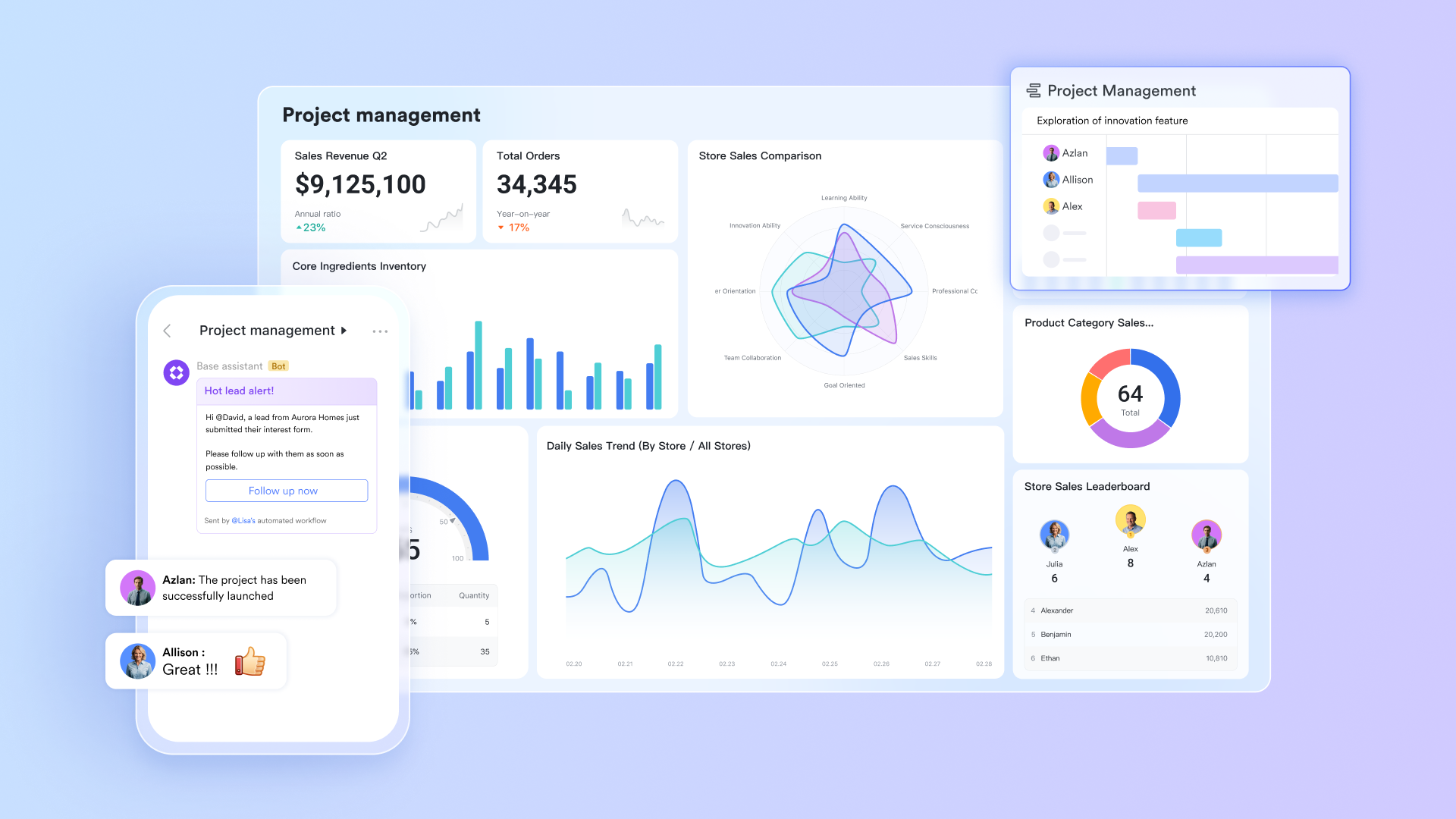
is an all‑in‑one collaboration suite that combines chat, video meetings, cloud docs, file storage, calendar, and lightweight project tools in a single workspace. Instead of treating storage as a separate "drive" you visit occasionally, Lark weaves documents and files directly into everyday conversations and workflows, making it a compelling option for teams looking beyond traditional OneDrive‑style storage. Its unified storage and permissions model provides a secure environment for storing files of all types, ensuring that your data is protected and easily accessible.
Key features
Structured knowledge base with .
Lark Wiki is a powerful internal where teams can build a structured, always‑up‑to‑date repository of information. You can create different spaces and categories for companies, departments, and projects, and each space automatically aggregates related Docs, Sheets, Slides, Base tables, and upload files into an orderly library. Granular, multi‑level permissions let creators control who can view, edit, or manage specific pages or folders, which helps keep sensitive information safe while still being easy to find for the right people. With folder hierarchies, tags, and robust search, Lark Wiki can function like a Confluence/Notion‑style knowledge system, but it stays in the same unified cloud storage layer as all your other Lark files and uploaded files such as PDFs and Office documents. 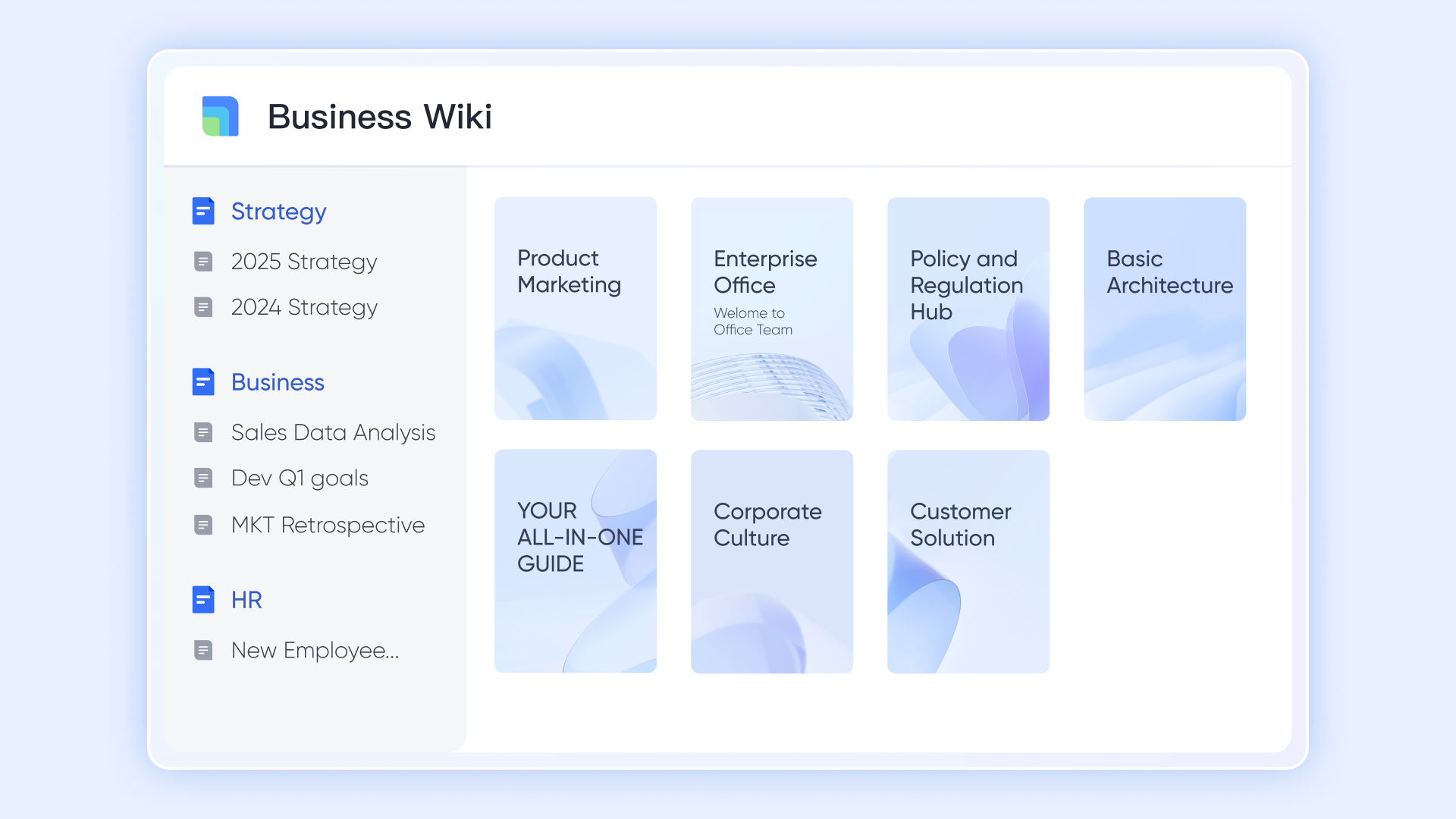
Real‑time co‑editing and version history in Docs and Base
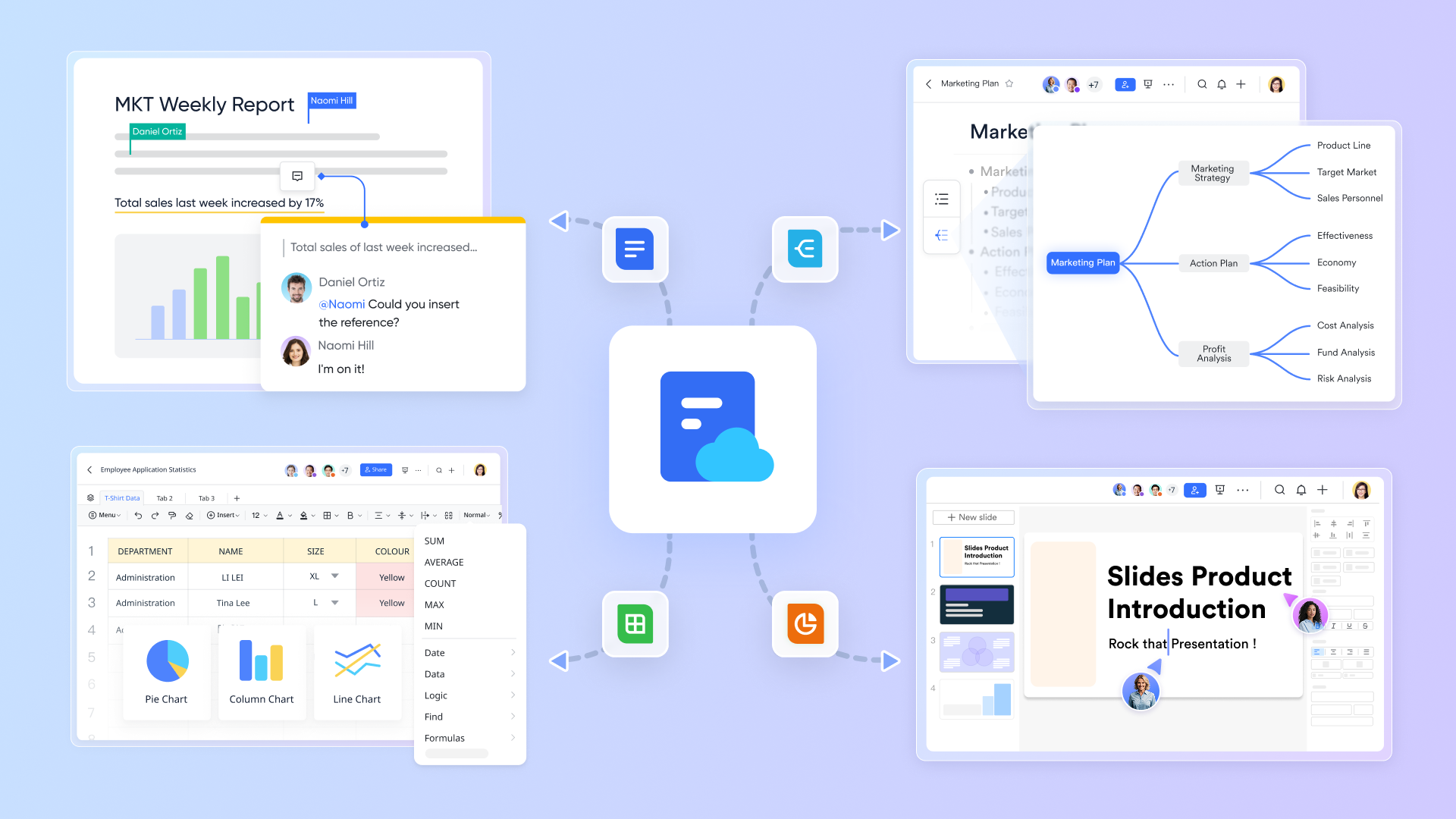
and Lark Base support true multi‑user, real‑time collaboration. Multiple teammates can edit the same Docs or Base at once, see each other's cursors, and use @mentions, inline comments, and suggestions to coordinate work without leaving the page.
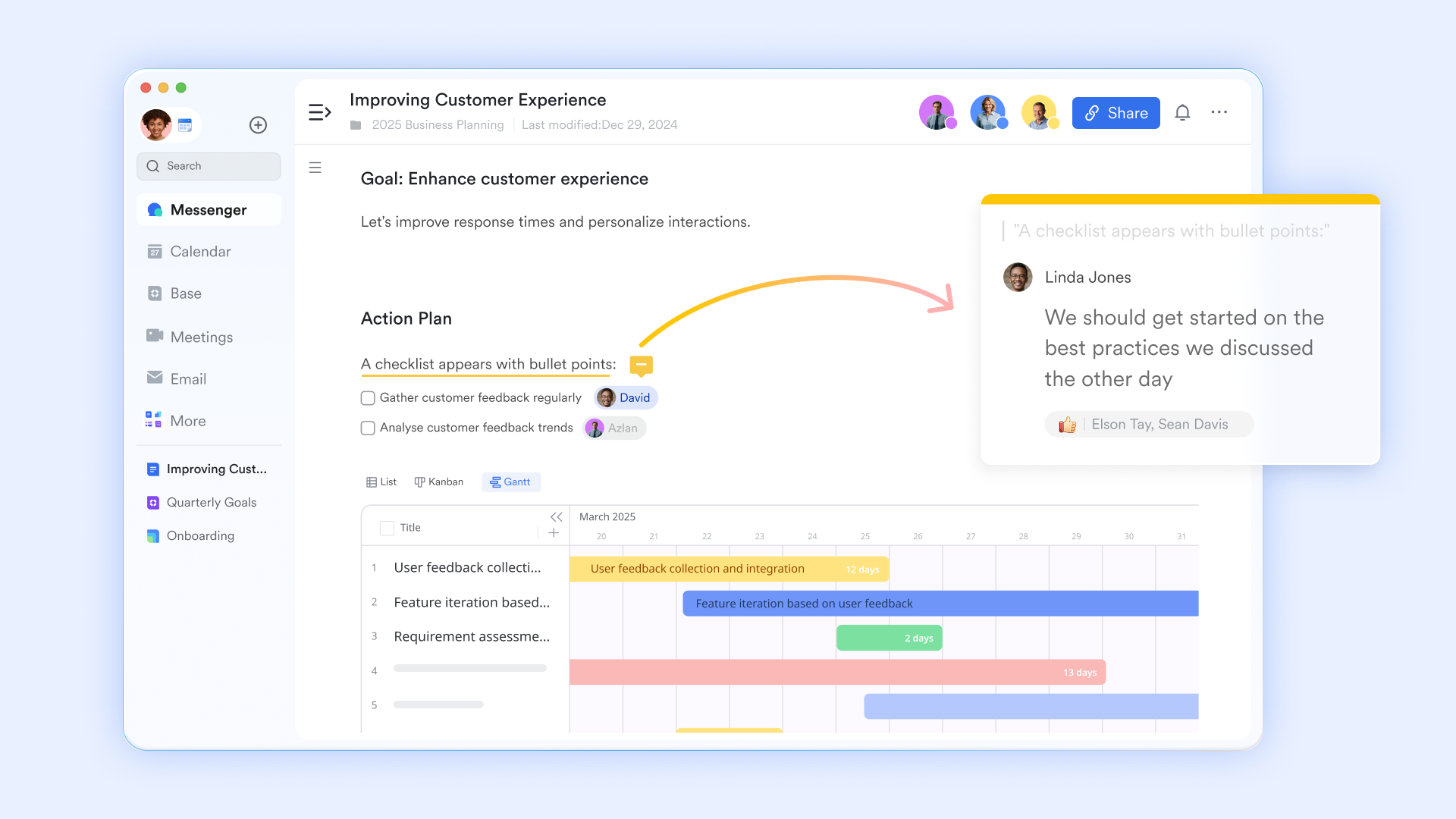
All changes are automatically synced to the cloud when you are online, and a detailed version history lets you review, compare, and restore previous versions whenever needed. Users can also save the current state as a new version for easier before‑and‑after comparison. Rich native online document suite
Lark offers a full set of native online content tools built around collaboration: Lark Docs provides rich text documents that support embedded tasks, tables, polls, OKRs, and other interactive blocks. offers online spreadsheets with multi‑user editing, formulas, and permission controls. MindNotes and Board serve well as visual workspaces for brainstorming, workshops, and meeting minutes. And works for collaborative presentations where multiple people can edit slides simultaneously, comment, and prepare decks together in the browser.
Deep communication and workflow integration
Lark's documents are tightly woven into everyday communication. A file can be created from a chat, pinned in a group conversation, attached to a calendar event, or shared live during a meeting. Comments, decisions, and follow‑up actions stay linked to the same "living document" instead of scattering across email and separate tools. 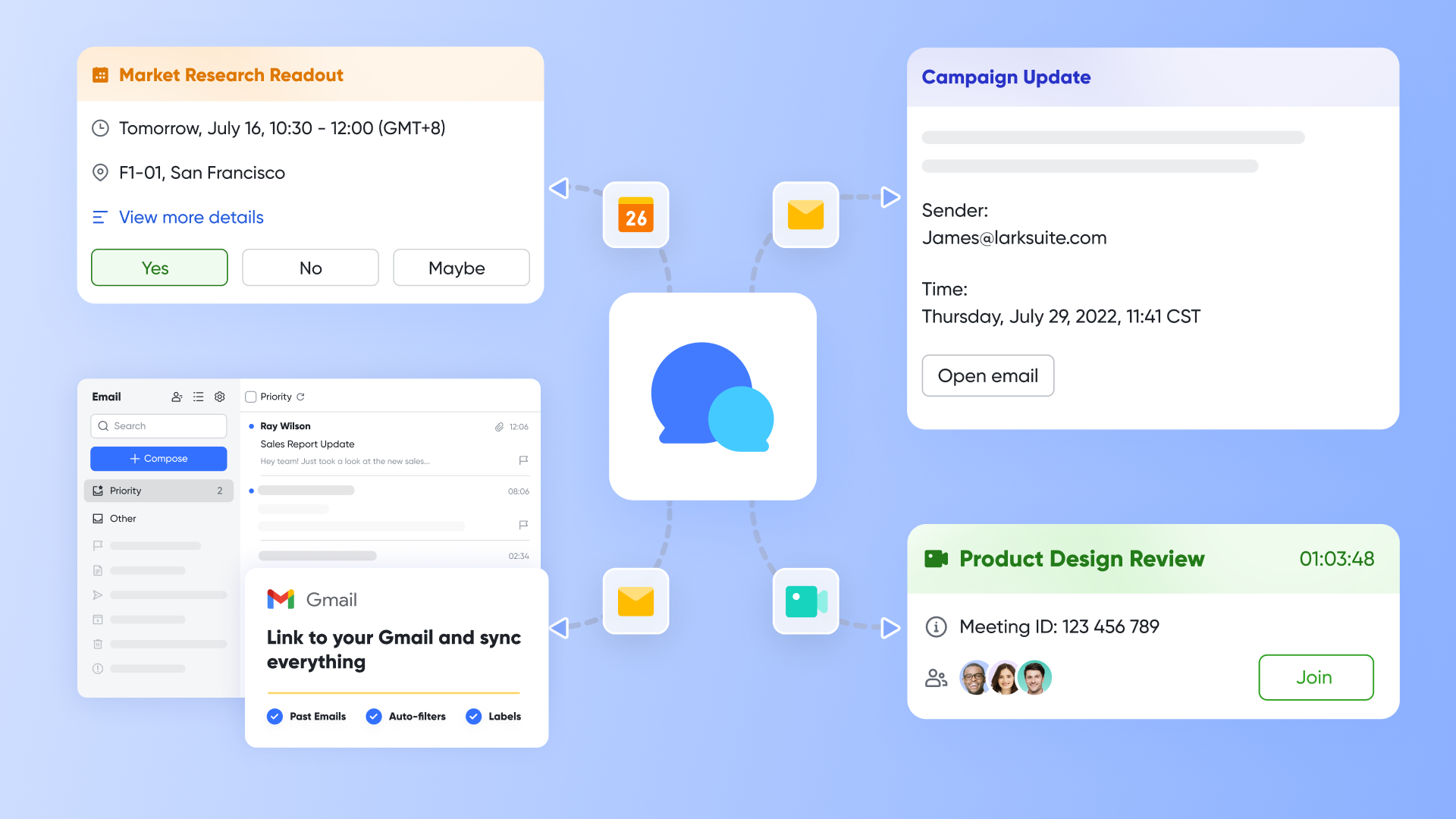
Because of feature, Lark is particularly strong for teams who are not just seeking OneDrive alternatives free for more space, but are rethinking how they manage collaboration end to end. Teams that require more advanced project planning and task management may also find it useful to compare alongside storage and collaboration platforms during their software evaluation process.
How does Lark compare to OneDrive?
Both OneDrive and Lark provide online storage and . OneDrive is primarily a cloud drive tied closely to MS 365. It excels at storing Office files, syncing them to Windows, and connecting them with Outlook and Teams. Collaboration is possible, but often spread across separate tools that each handle a piece of the puzzle. Lark starts from the opposite direction. It is first a unified collaboration environment, with file storage as one of several core layers. Where OneDrive expects you to move between apps for chat, meetings, and documents, Lark aims to keep those activities in one place.
:
- Starter plan: Free forever plan that includes 11 powerful tools for up to 20 users. It also comes with 100GB free cloud storage, 1,000 automation runs, AI translations, and more.
- Basic plan: $6/user/month (billed annually) for up to 500 users, including everything in Starter plus 1-on-1 video meetings, 5TB of storage, 1,000 automation runs, and more. To know more about Basic plan, .
- Pro plan: $12/user/month (billed annually) for up to 500 users. It includes everything in Basic plus a group calling for up to 500 attendees, 15TB of storage, 50,000 automation runs, and more.
- Enterprise plan: for custom pricing. Supports unlimited users and includes even more automation runs and advanced security, compliance, and management features.
Compared with traditional "storage‑only" services, Lark bundles chat, docs, calendar, meetings, and automation at a price point close to standalone cloud storage solution, giving you a clear advantage in total cost of ownership.
For small teams with simple communication needs

18 months message history
1000 Base automation runs/month
2000 rows per table in Base
Most POPULAR
For companies with comprehensive collaboration and management needs
Unlimited message history
500-participant video meetings
50k Base automation runs/month
20k rows per table in Base
For large companies with advanced security and organizational management needs
Get a personalized demo and pricing
Unlimited message history
500-participant video meetings
15 TB storage + 30 GB storage/user
500k Base automation runs/month
50k Base automation runs/month
Most POPULAR
For companies with comprehensive collaboration and management needs
Unlimited message history
500-participant video meetings
50k Base automation runs/month
20k rows per table in Base
2. Google Drive – a natural OneDrive alternative for Google‑centric teams
Google Drive is Google's cloud storage and collaboration service and the backbone of Google Workspace. Google Drive offers a range of features including secure cloud storage, real-time collaboration through web-based apps like Docs, Sheets, and Slides, and seamless integration with other Google tools. It provides flexible pricing plans for individuals and businesses, making it a strong productivity solution within the Google ecosystem. For anyone already using Gmail, Google Calendar, or other Google tools, it often becomes the default hub for personal and team documents.
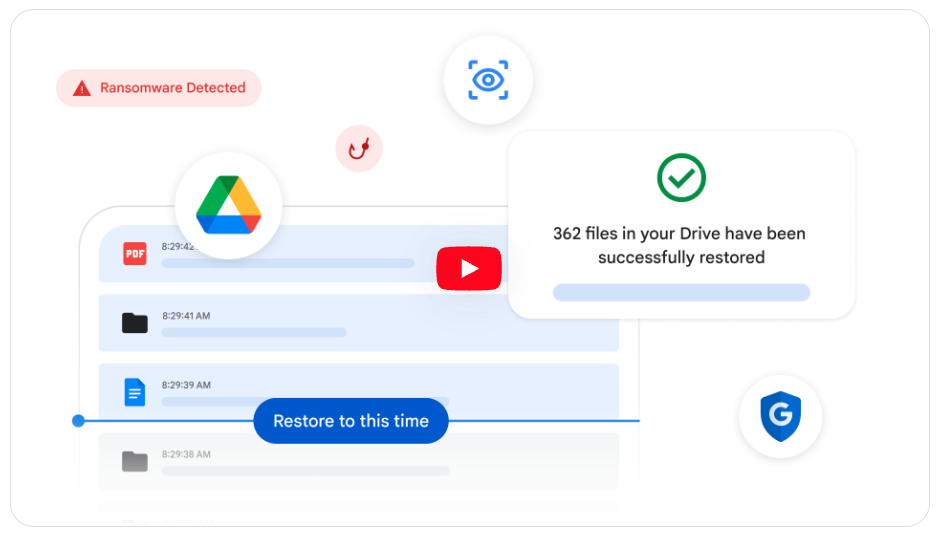
Image source: google.com
Key features
- Cloud storage accessible via web, desktop sync clients, and mobile apps
- Tight integration with Google Docs, Sheets, and Slides for real‑time collaboration
- Simple sharing via links and fine‑grained access control for individuals and groups
- Search that leverages Google's indexing to make files easy to find by name or content
These features make it easy to work together on documents without emailing attachments back and forth, and they align well with browser‑first workflows.
How does Google Drive compare to OneDrive?
Both services cover the basics of cloud storage and online collaboration, but they sit in different ecosystems. OneDrive fits naturally into a MS 365 environment, while Google Drive lines up with Gmail, Google Calendar, and the rest of Google Workspace.
In everyday use, Google Drive can feel more web‑native and straightforward for teams that already live in their browser and favor Google Docs over desktop Office. On the other hand, compatibility with traditional Office files may be smoother when you keep those documents in OneDrive and edit them in Word, Excel, or PowerPoint. For users actively evaluating alternatives to One Drive and alternatives to Google Drive and OneDrive together, the choice often comes down to which ecosystem the rest of their tools align with.
Pricing (annual billing)
- Starter: $7/user/month (50% off for 3 months)
- Standard: $14/user/month (50% off for 3 months)
- Plus: $22/user/month (50% off for 3 months)
- Enterprise: Custom pricing
3. Dropbox – a straightforward OneDrive alternative focused on sync
Dropbox is one of the original cloud file syncing and sharing services. It focuses on making files available and consistent across devices with minimal friction, and it supports individuals, small teams, and larger organizations with a mix of consumer‑style usability and business features.
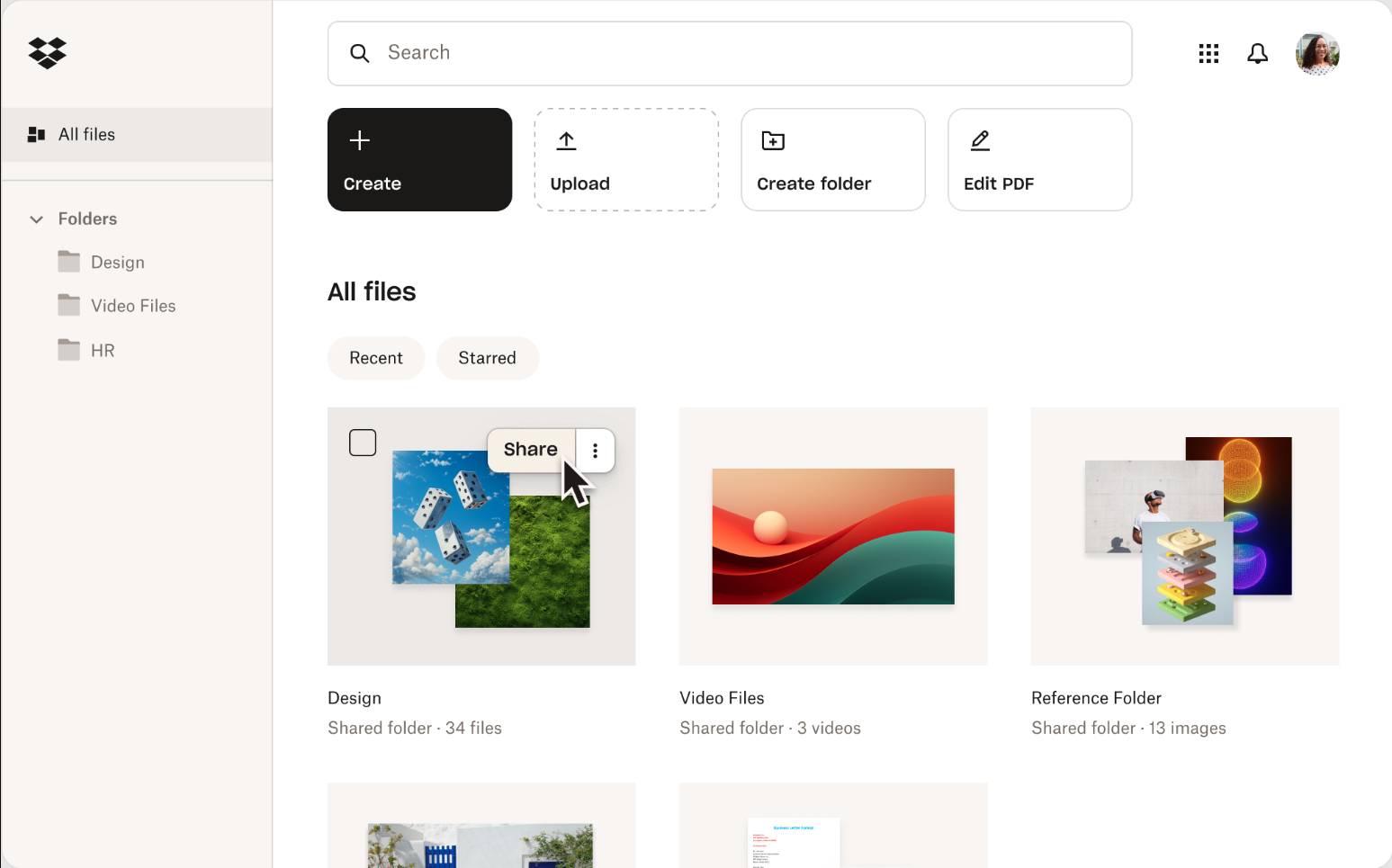
Image source: dropbox.com
Key features
- Reliable folder syncing across desktop and mobile devices
- Desktop client for seamless file syncing between your local device and the cloud
- Shared folders and link‑based file sharing for easy collaboration
- Version history and recovery for accidentally changed or deleted files
- Integrations with a broad range of third‑party apps for editing and collaboration
Advanced features like selective sync, smart sync, and team spaces are designed to give users a sense that their files are "just there" wherever they work, while still living in the cloud.
How does Dropbox compare to OneDrive?
Functionally, Dropbox and OneDrive both offer cloud storage, sync, and sharing. OneDrive's advantage is its deep tie‑in with MS 365, especially on Windows. Dropbox tends to appeal to users and teams who want a more neutral, cross‑platform experience that doesn't assume a particular productivity suite.
In some setups, Dropbox's sync clients and conflict handling are perceived as more polished, particularly for mixed‑OS environments. However, it does not provide the same tight native integration with Office as OneDrive, so the best choice depends on how much you rely on Microsoft's desktop apps versus a broader mix of tools.
Pricing (annual billing)
- Professional: $16.8/user/month for 3 TB; 1 user only
- Standard: $15/user/month for 5TB for 3+users
- Advanced: $24/user/month for 15TB for 3+users
4. Box – a business‑oriented OneDrive alternative for content management
Box is a cloud content management and file sharing platform aimed primarily at businesses and enterprises. It focuses on secure storage, collaboration, and integration with many third‑party applications, from productivity suites to CRM and security tools.
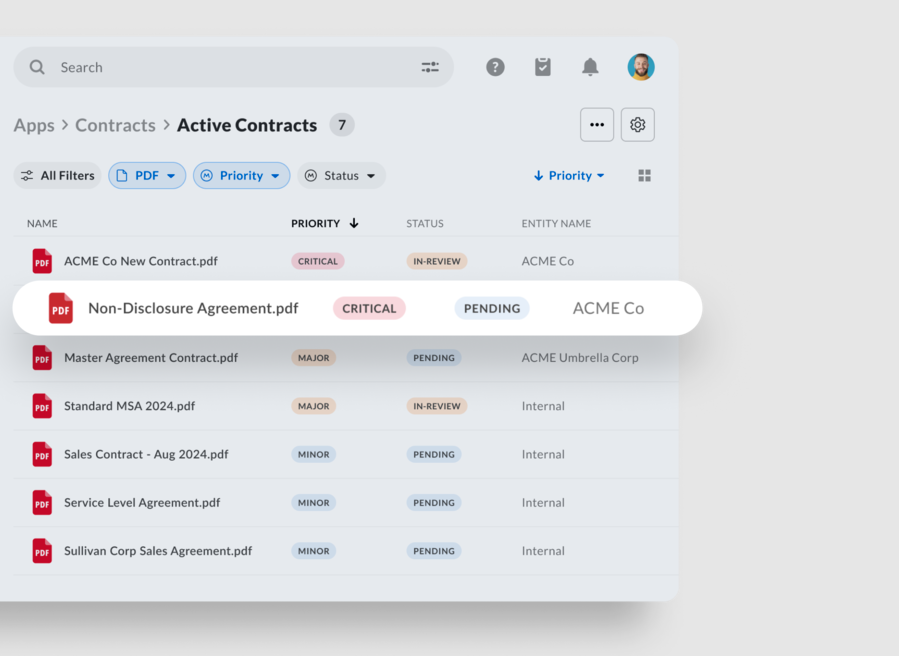
Image source: box.com
Key features
- Centralized file storage with strong permission controls and audit logging
- Secure file sharing for protecting sensitive business documents and ensuring data protection
- Collaboration features such as shared folders, comments, and simple workflows
- Integrations with MS 365, Google Workspace, and other major business applications
- Governance and compliance capabilities for regulated industries
Box is often used as a central repository for company content, with policies and controls that help IT and security teams maintain visibility and compliance.
How does Box compare to OneDrive?
Both Box and OneDrive address storage and sharing for organizations, but they occupy slightly different positions. OneDrive is part of MS 365 and fits naturally into that environment. Box positions itself as a neutral content platform that can integrate with many ecosystems at once.
From a user perspective, OneDrive may feel more straightforward in a heavily Microsoft‑centric workplace. Box may appeal more when you need advanced governance or when your tools are spread across different vendors and you want a single content layer that ties them together. For companies exploring alternatives to OneDrive for business because of multi‑tool complexity, Box can be one way to keep storage centralized while keeping app choices flexible.
Pricing (annual billing)
- Business: $15/user/month for 5GB
- Business Plus: $25/user/month for 15GB
- Enterprise: $35/user/month for 50GB
- Enterprise Plus: $50/user/month for 150GB
5. pCloud – a performance‑oriented OneDrive alternative with strong sharing
pCloud is a cloud storage provider known for its focus on performance, flexible storage options, and media‑friendly features. It offers both traditional subscription plans and, in some regions, long‑term access options that appeal to users who prefer one‑time purchases over ongoing subscriptions.
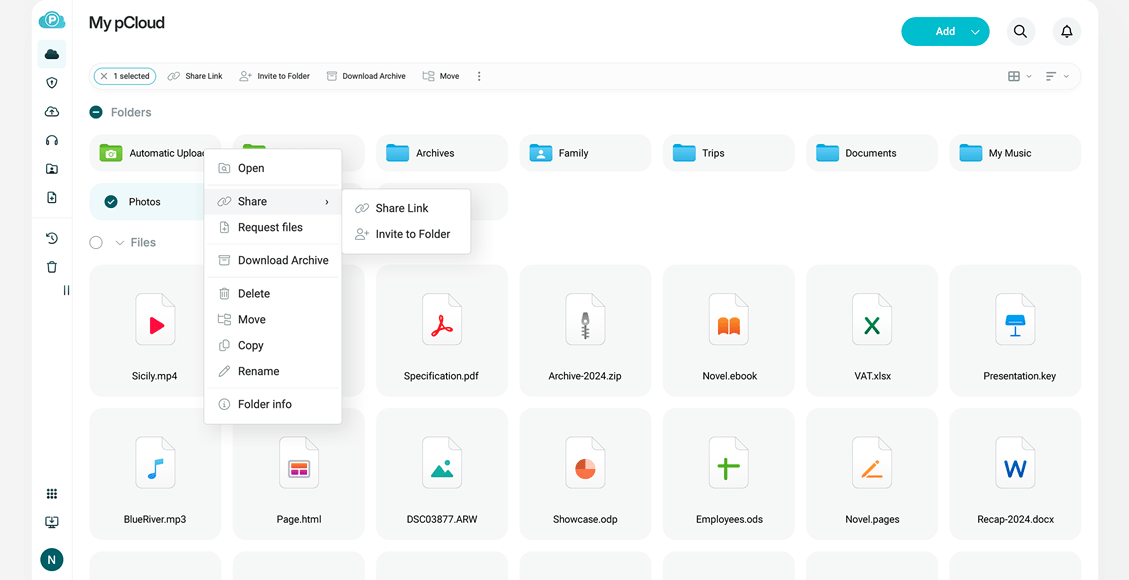
Image source: pcloud.com
Key features
- Cross‑platform desktop and mobile apps, plus a virtual drive model for accessing cloud files without fully downloading them
- File sharing with access controls and optional link security settings
- Built‑in media playback and organization for audio and video files
- Optional client‑side encryption add‑ons for particularly sensitive data
- Free account available with generous storage and core features
- Efficient handling and sharing of large files, making it suitable for media, backups, and collaborative work
These features can make pCloud attractive for users who handle a mix of files and media, or who want more control over how storage interacts with local disk usage.
How does pCloud compare to OneDrive?
Compared with OneDrive, pCloud is more focused on storage, sync, and sharing, and less on providing a full productivity suite. OneDrive's main advantage remains its integration with Microsoft 365 apps and the broader MS ecosystem.
Users who primarily need robust cloud storage, fast performance, and flexible sharing may find pCloud better aligned with their priorities than OneDrive. Those relying heavily on Office documents, Outlook, and Teams may still find OneDrive's ecosystem benefits more compelling.
Pricing:
- Premium: $49.99 for 500 GB (annual billing); $199 for 500 GB (lifetime)
- Premium Plus: $99.99 for 2 TB (annual billing); $399 for 2 TB (lifetime)
- Ultra: $199.99 for 10 TB (annual billing); $1190 for 10 TB (lifetime)
- Free account available with generous storage (lifetime)
6. Sync.com – a privacy‑first OneDrive alternative
Sync.com is a cloud storage service that places strong emphasis on privacy and end‑to‑end encryption. It is designed so that only the account holder can access file contents, with the provider unable to read user data.
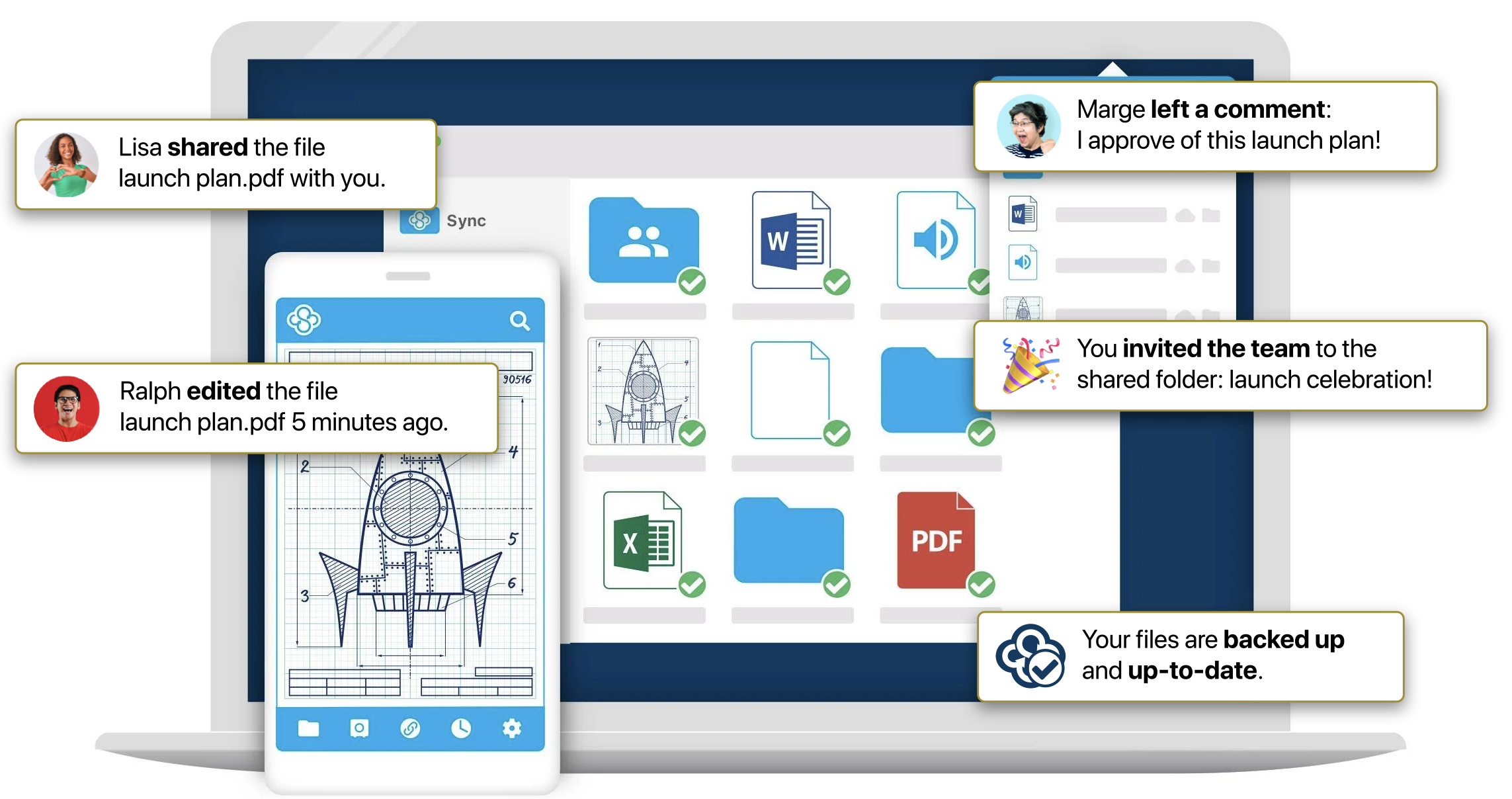
Image source: sync.com
Key features
- End‑to‑end encryption for stored files and many sharing operations
- Robust file sync capabilities for seamless collaboration and file management across devices and infrastructures
- Secure link sharing with passwords and expiration options
- Desktop and mobile clients for syncing and accessing files
- Business features such as team folders and admin‑level controls
For users who treat privacy as a top priority, this approach can feel more reassuring than traditional server‑side encryption models.
How does Sync.com compare to OneDrive?
The biggest difference between Sync.com and OneDrive is the security model. OneDrive focuses on integration and ease within Microsoft 365, using strong but conventional cloud security practices. Sync.com aims to minimize how much it can access user data in the first place.
As a result, Sync.com can be more appealing for individuals and organizations who want stricter confidentiality by design. On the other hand, its focus on encryption means it does not replace all the productivity and integration features of Microsoft 365. Users mainly seeking OneDrive alternatives free for casual storage might not need this level of protection, but those handling sensitive information may consider it a worthwhile trade‑off.
Pricing (annual billing)
- Personal 1TB: $6/user/month
- Pro Solo 5TB: $14/user/month
- Teams Standard: $6/user/month (save 50% 1 year)
- Teams+ Unlimited: $15/user/month (save 50% 1 year)
7. MEGA – a OneDrive alternative with generous free storage and encryption
MEGA is a cloud storage provider known for offering relatively large free storage allocations and emphasizing client‑side encryption. It provides web, desktop, and mobile access to files, along with encrypted chat and other communication tools.
Image source: mega.com
Key features
- End‑to‑end encryption for files and many communication features
- A sizable free storage allowance relative to some competitors
- Web, desktop, and mobile apps for sync and access
- Link sharing with configurable access and security options
- Ability to generate a public link for sharing files or folders with anyone
The combination of encryption and free capacity has made MEGA popular among users looking to get started without immediate payment while still having stronger privacy than some mainstream options.
How does MEGA compare to OneDrive?
MEGA and OneDrive target overlapping but not identical needs. OneDrive is more tightly aligned with office productivity and business collaboration within Microsoft 365. MEGA leans more toward secure file storage and sharing, with less focus on rich editing tools or corporate suite integration.
For users whose main concern is storing and sharing files securely while benefiting from a relatively generous free tier, MEGA can be more attractive than OneDrive. For those who want seamless editing of Office files, integrated email and calendars, and the rest of Microsoft's services, OneDrive remains more convenient.
Pricing (annual billing after tax)
- Free plan: 20 GB storage with limited transfer
- Pro I: $9.64 for 3 TB of storage and 36 TB of transfer
- Pro II: $19.29 for 10 TB of storage and 120 TB of transfer
- Pro III: $28.93 for 20 TB of storage and 240 TB of transfer
8. Proton Drive – a privacy‑centric OneDrive alternative from Proton
Proton Drive is an encrypted cloud storage service developed by the team behind Proton Mail and Proton VPN. It aims to bring the same privacy‑first approach to file storage and sharing, focusing on strong encryption and minimal data access by the provider.
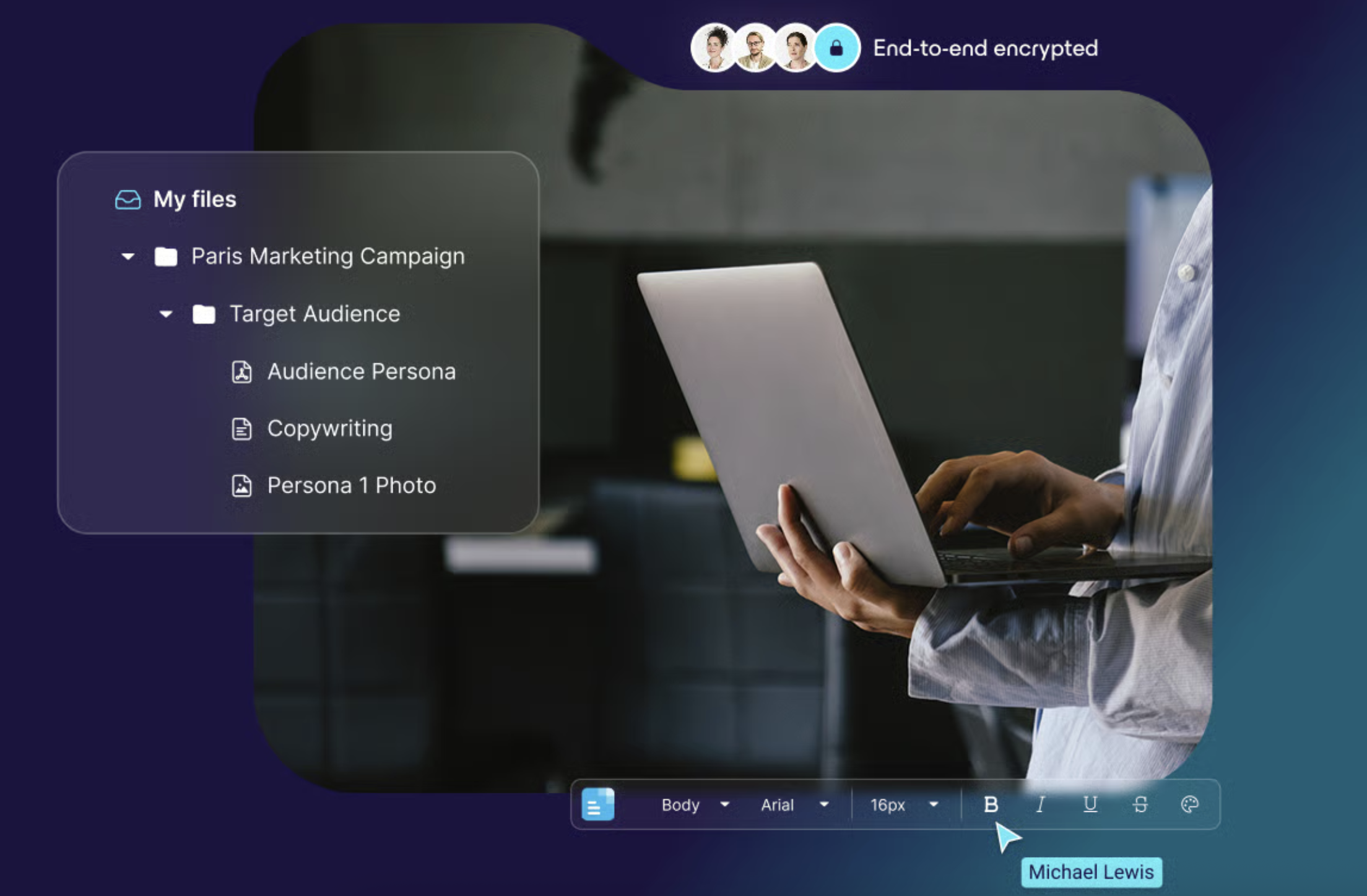
Image source: protondrive.com
Key features
- End‑to‑end encryption for stored files and many sharing actions
- Integration with Proton's broader privacy ecosystem (mail, VPN, calendar)
- Web and mobile apps for managing and accessing files
- Secure sharing links designed to protect content in transit and at rest
For users already invested in Proton's tools, Proton Drive extends that privacy model into their file storage.
How does Proton Drive compare to OneDrive?
The contrast between Proton Drive and OneDrive is similar to the difference between privacy‑centric services and mainstream productivity suites in general. Unlike other cloud storage services, Proton Drive stands out by prioritizing private encryption and user privacy, rather than focusing on productivity integrations. OneDrive's strengths lie in integration with Office, Windows, and enterprise collaboration. Proton Drive emphasizes confidentiality and user control over data visibility.
Users who are already exploring privacy‑focused OneDrive alternatives free or paid may find Proton Drive's alignment with secure email and VPN particularly compelling. However, it is not intended as a complete productivity replacement for Microsoft 365, so organizations may still need separate tools for editing, communication, and project management.
Pricing
- Proton Free: for 5 GB storage and online editor
- Drive Plus: Billed at $29.88 for the first year, then renews at $47.88 every 12 months.
- Proton unlimited: Billed at $77.88 for the first year, then renews at $119.88 every 12 months.
- Proton Duo: Billed at $179.88 every 12 months.
9. Nextcloud – a self‑hosted OneDrive alternative for full control
Nextcloud is an open‑source platform that lets individuals and organizations run their own cloud storage and collaboration service. Instead of using a shared public cloud, you install Nextcloud on your own infrastructure or on a managed host and retain control over where your data lives and how it is accessed.
Image source: nextcloud.com
Key features
- File syncing and sharing with web, desktop, and mobile clients
- Syncs files over a local network as well as the internet, enabling fast and private device-to-device transfers
- Optional modules for calendars, contacts, and collaboration apps
- Extensive configuration and integration options through its open‑source ecosystem
- The ability to choose your own hosting location and hardware
This makes it popular among users who require or prefer self‑hosting and a high degree of customization, including those specifically searching for a OneDrive alternative open source or a stronger OneDrive alternative for Linux environments.
How does Nextcloud compare to OneDrive?
Functionally, a well‑configured Nextcloud instance can replicate many aspects of cloud storage and even some collaboration features. Nextcloud syncs files directly across devices without relying on third-party servers, giving you more privacy and control. However, the responsibilities shift significantly. With OneDrive, Microsoft handles hosting, maintenance, and updates. With Nextcloud, you or your hosting provider must manage the infrastructure, backups, and security hardening.
For organizations that want full data control, exact choice of hosting region, and deep customization, Nextcloud can provide advantages that public cloud drives cannot. For users who want a simple, managed service with minimal upkeep, OneDrive or other hosted solutions may remain more practical.
Pricing:
The core Nextcloud software is open source and can be used without license fees, but there are still costs: servers, storage hardware or cloud hosting, and staff or service providers to maintain the system. Nextcloud also offers paid enterprise support plans. When compared with OneDrive, the total cost of ownership can be higher or lower depending on scale and in‑house expertise, so it is best considered as a strategic infrastructure decision rather than a simple app subscription.
10. Internxt – a security‑focused OneDrive alternative
Internxt is a cloud storage provider that emphasizes security, privacy, and a decentralized‑inspired design. Its branding and feature set are aimed at users who want encrypted, privacy‑friendly storage as an alternative to mainstream cloud services.
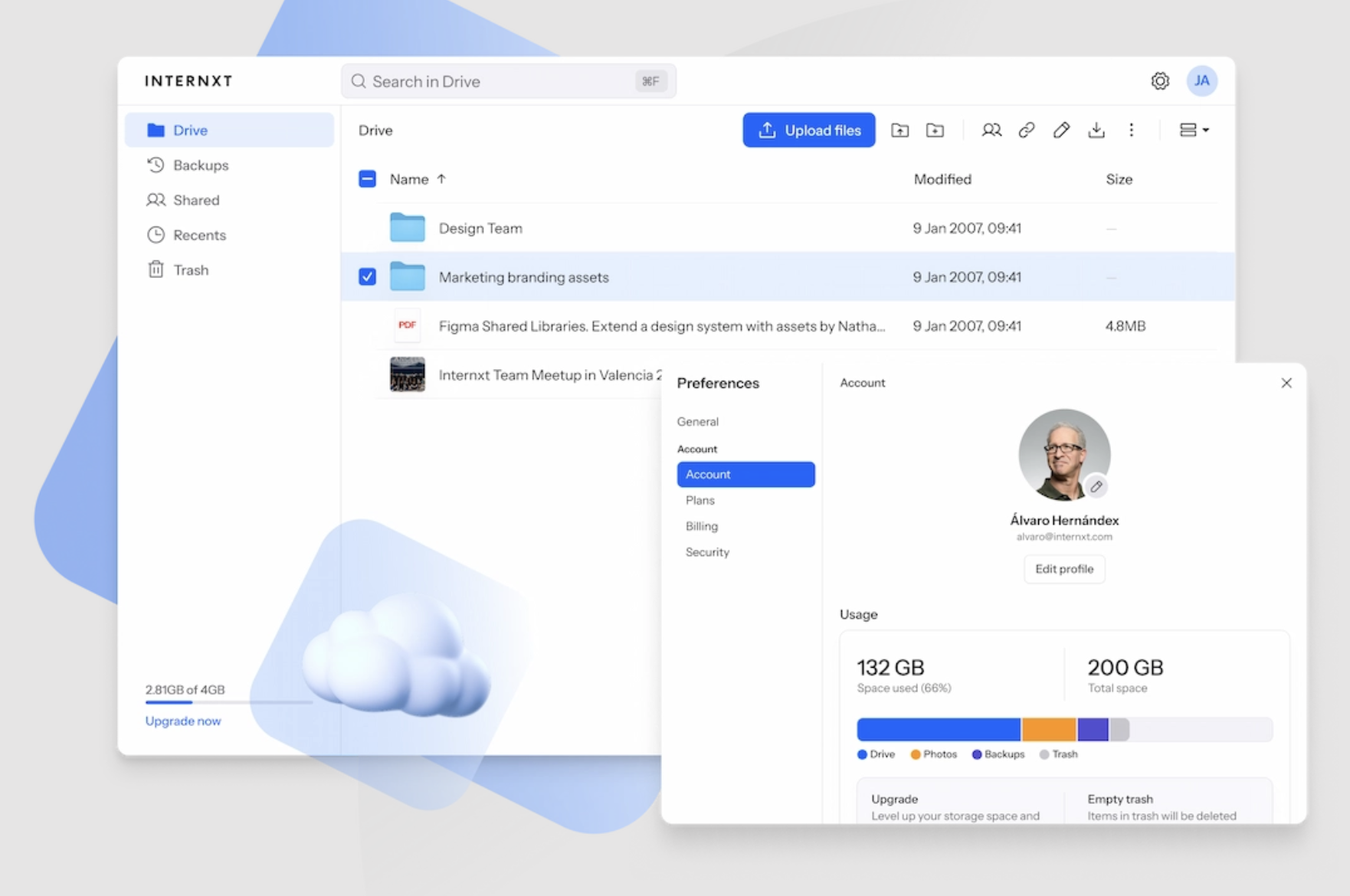
Image source: Internxt.com
Key features
- End‑to‑end encrypted cloud storage for files, securely storing files so only you can access your data
- Web and mobile access, along with desktop sync options
- A strong focus on privacy principles and minimal data collection
- Roadmaps or add‑ons related to secure sharing and backups
The service appeals to users who see data protection as a core requirement rather than an optional extra.
How does Internxt compare to OneDrive?
Like other privacy‑focused drives, Internxt differs from OneDrive primarily in philosophy and security model. OneDrive is optimized for seamless integration with office apps and business workflows, while Internxt is built around the idea that user data should be as private as possible by default.
Users who are primarily exploring security‑oriented OneDrive alternatives free or paid often compare Internxt with other encrypted services rather than with mainstream drives. It is less about replacing Microsoft 365 and more about ensuring that stored files have a different risk profile.
Pricing
- Free plan: 1 GB of encrypted cloud storage
- Essential: $33/year: 1TB encrypted storage
- Premium: $66/year for 3 TB encrypted storage
- Ultimate: $99/year for 5 TB encrypted storage
Which OneDrive alternative is best for you?
Choosing among the best alternatives to OneDrive is easier if you focus on your rather than on every small feature. Different tools shine for different types of users and teams.
- For collaboration‑heavy teams and startups: Lark is a powerful alternative in this scenario. It combines chat, video meetings, cloud docs, file storage, calendar, and light project tools in . This approach works particularly well for remote or hybrid teams, and for startups that want to minimize tool sprawl and keep everything in one coherent environment.
- For privacy‑conscious individuals and organizations: Services like Sync.com, Proton Drive, MEGA, and Internxt emphasize strong encryption and limited provider access to user data. Many of them offer end‑to‑end encryption for stored content and secure link sharing designed to minimize how much the provider itself can see.
- For self‑hosting and full data control: Nextcloud stands out as the leading self‑hosted option in this space. It lets you deploy your own cloud storage and collaboration solution on servers you manage directly or on infrastructure run by a hosting provider of your choice.
- For users tied to specific ecosystems: In the Google ecosystem, Google Drive is a logical cloud storage hub. It ties directly into Gmail, Google Calendar, Docs, and other Workspace tools, making it easy to keep communication and content under one account and interface.
Some cloud storage solutions, such as NordLocker, also offer seamless with drag-and-drop functionality similar to Windows Explorer, making them especially convenient for Windows users. With so many cloud storage solutions available, you can find the best fit for your privacy, collaboration, or integration needs.
Find a cloud storage solution that empower your work
Conclusion
OneDrive remains a capable cloud storage and collaboration foundation, especially for organizations that are firmly rooted in Microsoft 365. However, it is no longer the only sensible choice. As your needs around privacy, collaboration, storage, or ecosystem alignment evolve, exploring One Drive alternatives can open the door to more focused, more integrated, or more privacy‑respecting ways of working. By understanding OneDrive's limitations, clarifying your priorities, and carefully planning your migration, you can move to a new provider—whether that is a collaboration suite like , a privacy‑first drive, a self‑hosted platform, or an ecosystem‑native service—without losing the continuity and trust your files and workflows depend on.
FAQs
Should I get rid of Microsoft OneDrive?
You don't have to drop OneDrive if it works well for your storage and Microsoft 365 workflows. Consider reducing or replacing it only if you often face sync issues, have stricter privacy or compliance needs, or mostly use non‑Microsoft tools so its bundling no longer adds real value.
Which free cloud storage is most reliable?
Among major providers, OneDrive, Google Drive, Dropbox, and Box all have strong reliability records, with minor differences in sync behavior and ecosystem fit. Free plans are fine for light use, but limits on storage, features, and support mean you should not rely on any free tier as your only long‑term backup.
Is Dropbox better than OneDrive?
Dropbox is often praised for simple, reliable cross‑platform sync and a clean user experience, especially in mixed‑device environments. OneDrive tends to be better if you live inside Microsoft 365, thanks to deep integration with Office and Windows. The "better" option depends on whether you value ecosystem integration (OneDrive) or neutral, polished sync (Dropbox).
What is the downside to using OneDrive?
Common downsides include occasional sync quirks with large or complex folder structures, some confusion between OneDrive, SharePoint, and Teams in business setups, and the fact that it is a sync and collaboration tool rather than a full backup solution. Its strongest features also assume you are committed to the Microsoft ecosystem, which can feel like lock‑in if you later move toward other platforms.
Related reading






























