














Top 16 Application Lifecycle Management Software

Ryan Tanner
Product Marketing Specialist
Sep 18, 2026
Ryan Tanner
Sep 18, 2026


Key takeaways: Top 5 application lifecycle management software
Quick overview: 5 application lifecycle management tools comparison

What is application lifecycle management?
5 key features to look for in ALM software
- End-to-end lifecycle tracking: Ensures complete visibility across every phase of application development, from planning to maintenance. Helps teams maintain alignment and identify issues early.
- Requirements management: Supports clear definition, prioritization, and traceability of requirements throughout the lifecycle. Reduces rework and improves delivery accuracy.
- Collaboration tools: Bring developers, testers, and stakeholders into shared workflows and documentation. Improves communication and speeds up decision-making.
- Testing and quality management: Integrates testing and defect tracking directly into lifecycle workflows. Helps teams maintain consistent software quality.
- Reporting and analytics: Provides real-time insights into project health, progress, and risks. Enables informed, data-driven lifecycle decisions.
16 application lifecycle management tools: Full comparison guide
1. Lark: All-in-one collaboration for application lifecycle management
- End-to-end ALM visibility by linking requirements, tasks, testing, and releases in one system
- Strong collaboration features that support real-time reviews, approvals, and documentation
- Flexible automation and open APIs that combine with existing CI/CD and DevOps tools
- Scales well for distributed and fast-growing teams with cloud-based access
- Initial setup may require guidance, with step-by-step resources available through the Lark Help Center.
- Starter plan: Free forever plan that includes 11 powerful tools for up to 20 users. It also comes with 100GB of storage, 1000 automation runs, AI translations, and more.
- Basic plan: $6/user/month (billed annually) for up to 500 users. It includes everything in Starter plus group calling for up to 500 attendees, 5TB of storage, 1000 automation runs, and more. For more details, please contact sales.
- Pro plan: $12/user/month (billed annually) for up to 500 users. It includes everything in Basic plus group calling for up to 500 attendees, 15TB of storage, 50,000 automation runs, and more.
- Enterprise plan: Contact sales for custom pricing. Supports unlimited users and includes even more automation runs and advanced security, compliance, and management features.
Starter
For small teams with simple communication needs
$0
/ user / month

Pro
For companies with comprehensive collaboration and management needs
$12
/ user / month
Enterprise
For large companies with advanced security and organizational management needs
Get a personalized demo and pricing
Pro
For companies with comprehensive collaboration and management needs
$12
/ user / month
2. Jira: Agile issue tracking for software development teams
- Agile boards and sprint planning
- Issue and bug tracking
- Custom workflows
- Reporting and velocity charts
- Strong support for agile frameworks
- Large ecosystem of integrations
- Highly customizable workflows
- Scales well for development teams
- Configuration complexity for new users
- Limited native documentation tools
- Can feel developer-centric
- Free: Up to 10 users
- Standard: Starts from $8/user/month
- Premium: Starts from $14/user/month
- Enterprise: Custom pricing
3. Azure DevOps: End-to-end development lifecycle platform
- Boards for work tracking
- CI/CD pipelines
- Test management
- Git repositories
- Deep Microsoft ecosystem integration
- Strong CI/CD capabilities
- Enterprise-ready security
- Supports large teams
- Less flexible outside the Microsoft stack
- Steeper learning curve
- UI can feel complex
- Basic: First 5 users are free, then $6/user/month
- Basic + Test: $52/user/month, offers a free trial for 30 days
4. GitLab: DevOps platform for the complete software lifecycle
- Git-based version control
- CI/CD automation
- Security and compliance scanning
- Release management
- Unified DevOps lifecycle
- Strong automation support
- Open-source foundation
- Cloud and self-hosted options
- Less intuitive for non-developers
- Interface can feel dense
- Limited HR or business collaboration
- Free plan: $0/user/month
- Premium and Ultimate plans: Custom pricing
5. IBM: Enterprise-grade application lifecycle management
- Requirements management
- Test and quality tracking
- End-to-end traceability
- Compliance reporting
- Strong governance controls
- Suitable for regulated industries
- Deep lifecycle traceability
- Enterprise scalability
- High implementation effort
- Expensive licensing
- Less flexible UI
- Custom pricing for your business needs
6. Micro Focus: Testing-focused ALM solution
- Test planning and execution
- Defect tracking
- Requirements linkage
- QA reporting
- Excellent testing depth
- Strong defect management
- Reliable enterprise performance
- Compliance-friendly
- Limited collaboration tools
- Dated user interface
- High cost
- Custom pricing
7. Polarion: ALM for regulated industries
- Requirements traceability
- Audit-ready documentation
- Test management
- Compliance workflows
- Excellent regulatory support
- Strong documentation controls
- End-to-end traceability
- Enterprise reliability
- Complex configuration
- Steep learning curve
- Premium pricing
- Free plan: 30-day free trial
8. Rally: Agile portfolio and program management
- Portfolio planning
- Agile metrics
- Program tracking
- Team alignment dashboards
- Strong agile scaling support
- Clear portfolio visibility
- Enterprise-grade reporting
- Supports large organizations
- Limited customization
- Less suitable for small teams
- Complex pricing
- Request for a Custom quote
9. VersionOne: Scaled agile lifecycle management
- Agile planning tools
- Release tracking
- Backlog management
- Agile analytics
- Strong agile focus
- Good reporting capabilities
- Supports large teams
- Proven SAFe support
- Limited documentation features
- Less flexible workflows
- Aging interface
- Custom pricing
10. CodeBeamer: ALM for complex products
- Requirements management
- Risk and test tracking
- Workflow customization
- Traceability matrices
- Handles complex lifecycles
- Strong traceability
- Flexible configuration
- Enterprise-ready
- Steep learning curve
- Complex setup
- Higher cost
- Starts at $35/user/month
11. Redmine: Open-source application lifecycle management tool
- Issue tracking
- Project management
- Plugin ecosystem
- Role-based access
- Free and open source
- Highly customizable
- Lightweight deployment
- Active community
- Limited modern UI
- Manual configuration required
- Basic reporting
- Essentials plan: $7.5/user/month
- Business plan: $14.90/user/month
- Platform plan: $27.90/user/month
- Enterprise plan: Custom pricing
12. Tuleap: DevOps-oriented ALM platform
- Agile planning
- CI/CD integration
- Traceability tools
- Open-source extensibility
- Flexible workflows
- DevOps-friendly
- Open-source option
- Customizable
- Smaller ecosystem
- Limited out-of-box templates
- UI learning curve
- muTuleap plan: $15.20/user/month (billed annually)
- Tuleap enterprise expert plan: $26.89/user/month (billed annually)
- Tuleap cloud premium plan: $29.23/user/month (billed annually)
- Tuleap cloud ultimate plan: Custom pricing
13. Taiga: Agile project management for dev teams
- Backlog management
- Sprint planning
- Issue tracking
- Agile boards
- Easy to use
- Clean interface
- Affordable pricing
- Open-source option
- Limited scalability
- Basic reporting
- Fewer integrations
- Free plan: Free for public projects and a limited number of private projects.
- Enthusiast plan: $5.25/month
- Basic plan: $21.00/month
- Premium plan: $63.00/month
14. Monday Dev: Visual lifecycle management platform
- Visual workflow boards
- Custom automation
- Lifecycle tracking
- Team collaboration
- Easy adoption
- Highly visual
- Flexible configuration
- Strong collaboration
- Limited deep ALM features
- Requires customization
- Higher cost at scale
- Basic plan: $9/seat/month
- Standard plan: $12/seat/month
- Pro plan: $20/seat/month
- Enterprise plan: Contact sales
15. ClickUp: Flexible lifecycle management for teams
- Task automation
- Custom workflows
- Documentation tools
- Reporting dashboards
- Highly flexible
- All-in-one workspace
- Strong automation
- Suitable for mixed teams
- Overwhelming feature set
- Requires setup time
- Not purpose-built ALM
- Free plan: Free forever
- Unlimited plan: $7/user/month
- Business plan: $12/user/month
- Enterprise plan: Custom pricing
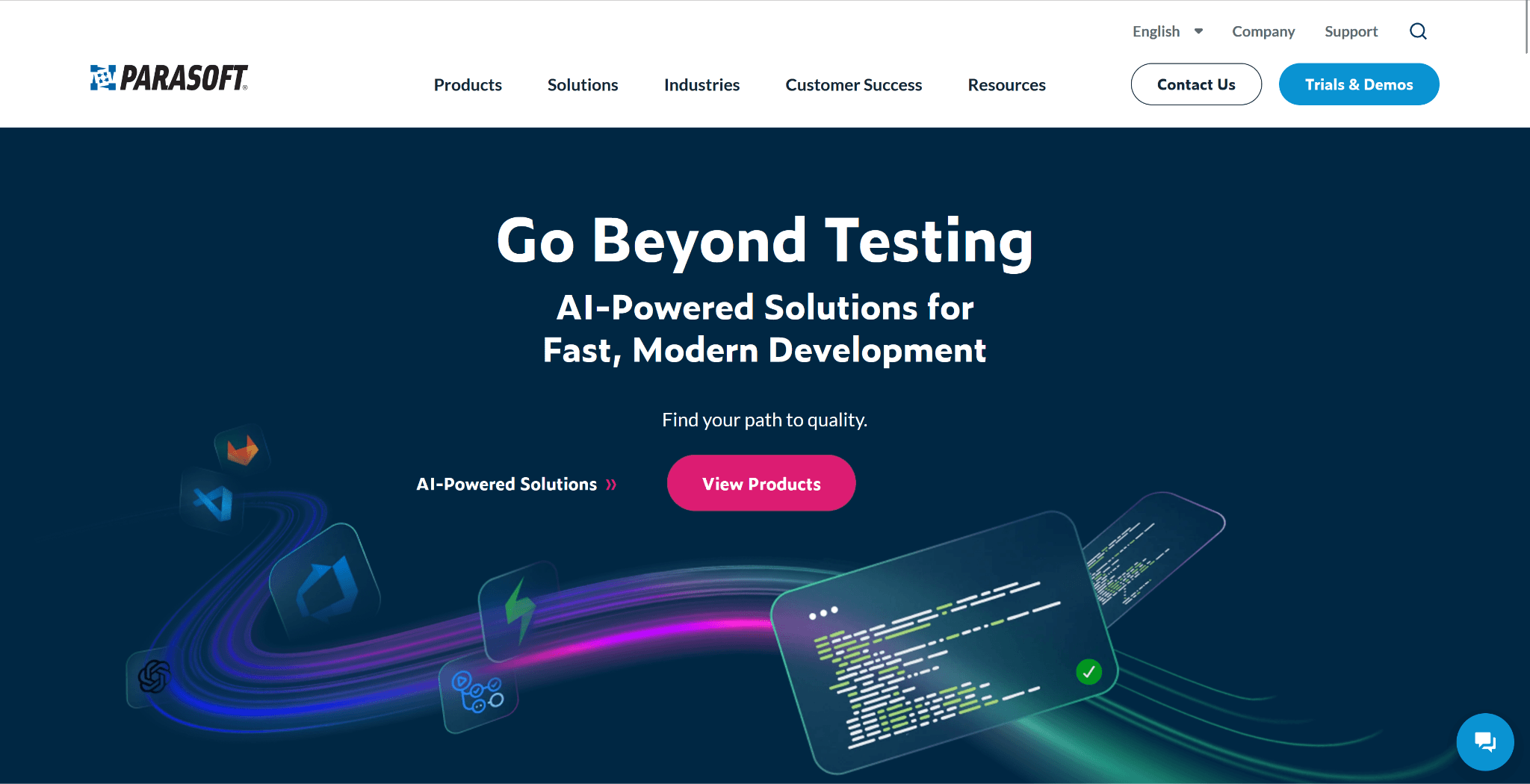
16. Parasoft: A continuous testing and software quality platform
- Automated unit, API, and regression testing
- Static code analysis and security testing
- Centralized reporting
- Service virtualization
- Integration with tools like Jira and Azure DevOps
- Strong support for continuous testing and DevOps workflows
- Comprehensive test coverage across multiple layers
- Advanced reporting and traceability capabilities
- Helps ensure compliance with industry standards
- Can have a learning curve for new users
- Setup and configuration may require technical expertise
Benefits of using application lifecycle management tools
- Improved project visibility: Application lifecycle management software provides real-time insight into requirements, development progress, testing status, and releases. This visibility helps teams identify risks early and maintain alignment across the application lifecycle.
- Better team collaboration: Centralized lifecycle management software connects developers, testers, and stakeholders in shared workflows. Comments, approvals, and documentation remain linked to lifecycle records, reducing miscommunication.
- Faster release cycles: Automation within application lifecycle management tools reduces manual handoffs and delays. Teams can move efficiently from development to testing and deployment while maintaining consistent processes.
- Higher software quality: Application lifecycle management (ALM) tools integrate testing and defect tracking throughout the lifecycle. This ensures issues are identified early and resolved before impacting production environments.
- Stronger compliance and governance: Lifecycle management software maintains audit trails for requirements, changes, and approvals. This supports regulatory compliance and enforces standardized governance across projects.
Conclusion
FAQs
What are examples of ALM tools?
Are there ALM tools suitable for non-developers?
How secure are cloud-based ALM platforms?
Do ALM tools support legacy system management?
Related reading

Start using Lark today

Manage all your work in one place
Boost team efficiency by 10x
Save up to 70% on software costs
Start using Lark today
Manage all your work in one place
Boost team efficiency by 10x
Save up to 70% on software costs
Keep reading







2026 Lark Technologies Pte. Ltd.
Headquartered in Singapore with offices worldwide.





