Businesses frequently encounter managers and team leaders navigating the complexities of project management, often relying on Google project planning tools. This default reliance on Google Workspace for project planning and execution is understandable because it's ubiquitous, familiar, and appears to offer solutions for many needs. However, as projects grow in complexity and teams expand, many find themselves grappling with a fragmented ecosystem, spending more time managing the tools than the projects themselves.
This article aims to cut through that complexity. It will explore where Google's individual tools excel for project planning and, more importantly, where they fall short. The goal is to provide a clear perspective on when a collection of separate applications becomes a genuine bottleneck and how a truly unified platform can offer a more effective, efficient path forward.
The Google Workspace dilemma: A collection of tools, not a project management solution
, fundamentally, comprises a robust suite of individual productivity applications. Tools like , , , , and Google Tasks each excel in their specialized functions, empowering individual and team efficiency in daily operations. However, a significant challenge emerges when these individual tools are applied to comprehensive project management: they are not inherently designed as a cohesive, end-to-end system.
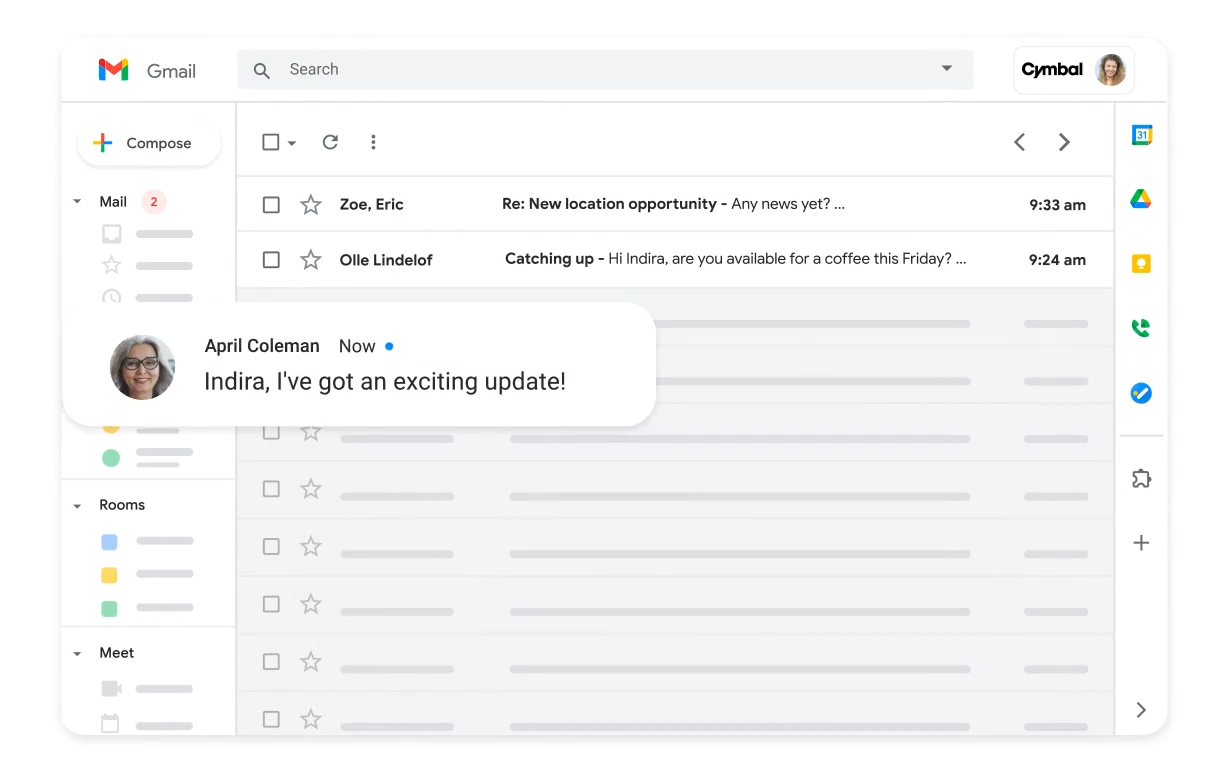
Image source: workspace.google.com
This fundamental design leads to several key issues:
- Fragmented solutions: Teams frequently attempt to "patch together" a project management system by repurposing these separate tools. For example, a marketing team might use Google Sheets for deadline tracking, Google Docs for campaign briefs, Google Calendar for launch dates, and Google Chat for communications.
- Information silos and disparate locations: This piecemeal approach invariably leads to fragmentation of information. Critical project details become scattered across multiple applications, creating isolated "silos" where data resides separately.
- Increased overhead and context-switching: Consequently, project managers dedicate substantial time to manually gathering updates, cross-referencing data, and painstakingly assembling a holistic project view. This constant switching between applications is not only time-consuming but also prone to errors and significantly slows down decision-making processes.
In essence, while Google Workspace provides powerful individual components, their lack of native integration for project management results in significant operational inefficiencies and a hindered strategic oversight capability for complex projects.
Empower project management with Lark
Leveraging Google Sheets (and its limits) for project management
Google Sheets is perhaps the most common Google Workspace application repurposed for project management, and for good reason. Its flexibility, accessibility, and collaborative features make it an attractive starting point for many teams. Basic task lists can be quickly created, responsibilities allocated, due dates set, and simple project management templates developed. For a small, straightforward project with minimal dependencies, a well-structured Google Sheetspreadsheet can indeed be quite effective. Teams have been observed successfully using it to manage a short-term event checklist or a simple content calendar, leveraging its ability for .
Google Sheets is widely repurposed for project management, and for good reason. Its make it an attractive starting point. For small, straightforward projects with minimal dependencies, such as a short-term event checklist or a simple content calendar, a well-structured spreadsheet is highly effective.
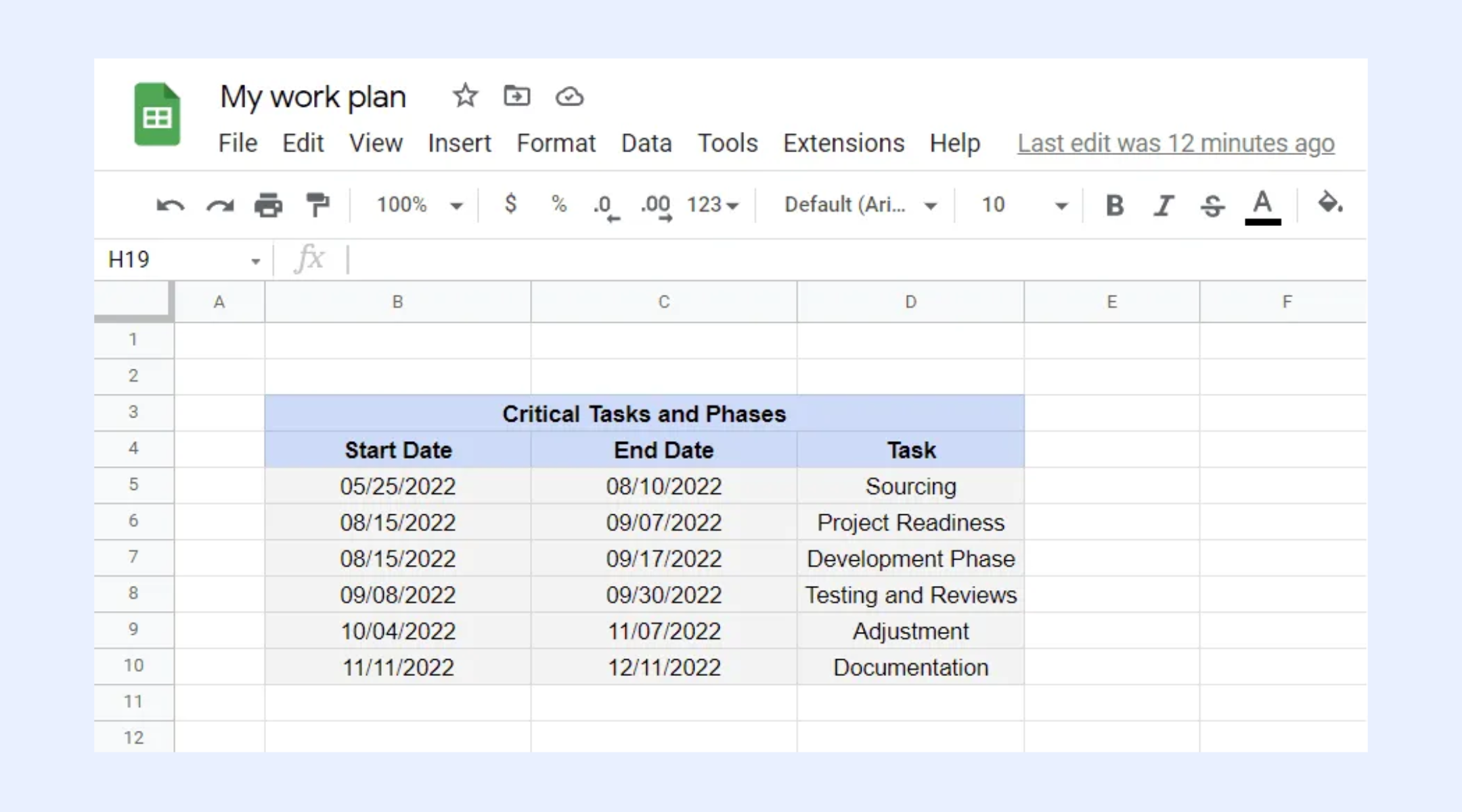
Image source: google.com
However, the flexibility that makes Sheets appealing quickly becomes its Achilles' heel. It lacks true relational database capabilities and built-in automation. or linking datasets requires extensive manual effort, custom formulas, or complex scripts that demand specific technical knowledge.
Consider a manager overseeing a product launch with separate sheets for development, marketing, and budgeting. If a development deadline shifts, they must manually update marketing tasks and recalculate the budget across all files. Because changes don't automatically cascade, this manual overhead grows exponentially with team size and project complexity, quickly turning a seemingly "free" solution into a frustrating drain on time and resources.
Visualizing progress: Google Calendar versus dedicated timeline tools
Beyond task lists, visualizing a project's timeline is crucial. For many organizations, Google Calendar becomes the primary tool for marking key milestones, deadlines, and team meetings. Its visual simplicity and ease of use for scheduling events are undeniable. A project manager might set a series of calendar events for a product launch, indicating design reviews, development freeze dates, and the final release. This offers a high-level overview of critical dates and helps ensure awareness of upcoming events.
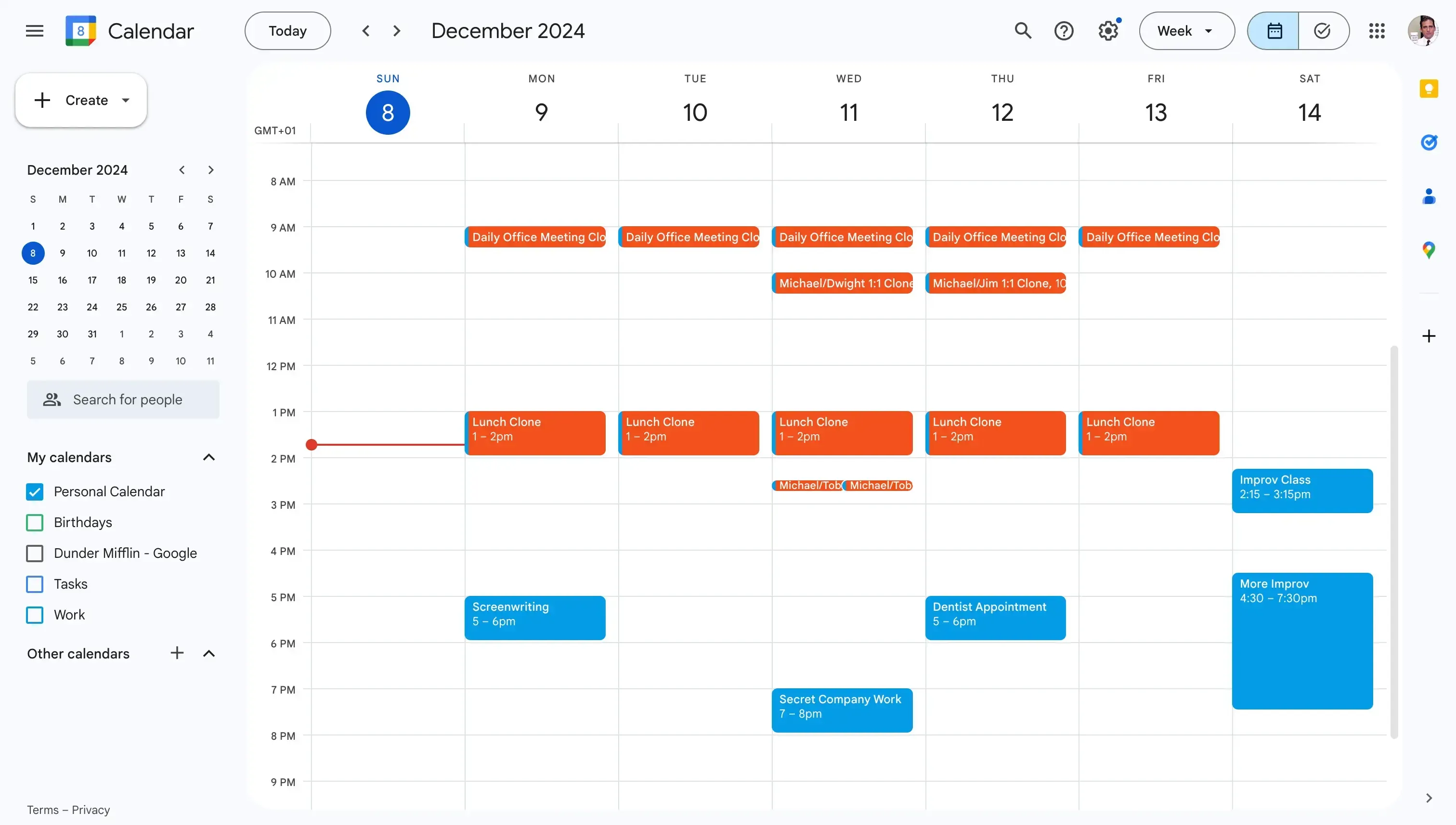
Image source: google.com
However, Google Calendar's strengths as a scheduling tool quickly become its limitations when it comes to sophisticated project timeline management. Project planning often requires more than just marking dates; it involves understanding dependencies between tasks, identifying critical paths, and allocating resources across various stages.
Google Calendar does not offer features like Gantt charts, which visually represent project schedules and task dependencies, nor does it allow for dynamic adjustments that ripple through connected tasks when one deadline shifts. It is not straightforward to assess how delaying Task A will impact Task B and the overall project completion date within Calendar. For complex projects, this absence of detailed timeline management means project managers lose crucial foresight, making proactive adjustments difficult and increasing the risk of bottlenecks or missed deadlines.
Why Google's approach often falls short for growing teams
When the limitations of individual Google Workspace applications are combined, a clear pattern emerges: while they are excellent for individual productivity and basic collaboration, their collective shortcomings create significant challenges for growing teams and complex projects. The core pain points become magnified:
- Inefficiencies and manual overhead: The constant need to manually update information across multiple documents and applications leads to wasted time and effort. Project managers may find themselves acting as data reconcilers rather than strategic leaders.
- Lack of real-time comprehensive overview: Without a single source of truth, obtaining an accurate, up-to-date picture of project status, risks, and resource allocation becomes a monumental task. Critical information can be buried in a chat thread, an outdated spreadsheet, or a meeting note.
- Difficulty in reporting and accountability: Aggregating data for progress reports or post-project analyses from disparate Google tools is often a laborious, manual process prone to errors. This hinders the ability to objectively assess performance or hold team members accountable based on consistent data.
- Hindered scalability and: As project portfolios expand and teams grow, the fragmented nature of Google's approach becomes unsustainable. New team members may struggle to find information, existing members can waste time searching, and the overall collaborative flow suffers. This directly impacts a team's ability to undertake more complex initiatives or manage multiple projects concurrently.
These are not merely minor inconveniences; they represent hidden costs that erode productivity, delay projects, and ultimately impact an organization's financial performance. The "free" aspect of Google Workspace for basic use often comes with a significant price tag in terms of lost efficiency and team frustration when pushed beyond its intended scope for project management.
The unified workspace advantage: A new paradigm for project management
Recognizing the pervasive challenges of fragmented tools, many organizations are actively seeking a more unified approach to project management. This is precisely where the concept of a unified workspace enters the picture, offering a distinct advantage over piecemeal solutions. A unified workspace is designed from the ground up to bring together the essential components of team collaboration and project execution into a single, cohesive platform, fundamentally reimagining how work is managed.
This unified approach yields several critical benefits:
- Elimination of context-switching: By , and task management within one interface, a unified workspace drastically reduces the need for constant application switching. This allows team members to maintain focus and prevents the cognitive load associated with jumping between disparate tools.
- Enhanced information flow and accessibility: All project-related data, discussions, and decisions reside in a central location. This eradicates information silos, ensuring that everyone has access to the most current and relevant details, fostering transparency and reducing misunderstandings.
- Streamlined collaboration: Real-time collaboration becomes more fluid and intuitive. Discussions can happen directly within documents or tasks, feedback is contextual, and approvals are , accelerating decision-making and project progression.
- Greater consistency and automation potential: With all functions unified, it becomes easier to enforce consistent processes and implement automation across different aspects of a project, from task assignments to status updates and approval flows.
An exemplar of this philosophy is Lark. It embodies the unified workspace model by providing comprehensive functionalities—including messaging, document creation, calendar scheduling, and task management—all within one thoughtfully constructed environment. This fundamental shift eliminates the fragmentation inherent in traditional approaches to project planning, allowing teams to stay focused on achieving project goals rather than managing their tools.
Turn complex plans into automated workflows effortlessly
Lark: A comprehensive approach to project management and team collaboration
For project managers seeking clarity and control across the entire project lifecycle, offers a cohesive environment that addresses the fragmentation commonly experienced with Google tools. From initial planning to final delivery, Lark consolidates key project activities within a single platform. This means that project goals can be defined, tasks assigned to team members, deadlines set, and progress tracked without needing to switch applications.
Streamlined project planning and tracking
Using for custom databases and Lark Tasks for assignments, project managers can efficiently establish project phases, set deadlines, and track progress. Project stages are defined in , with tasks assigned priorities and linked to relevant documents. This ensures all project data is current and accessible, fostering a shared understanding of project status. Overall goal alignment can be monitored through , centralizing all project-related information. 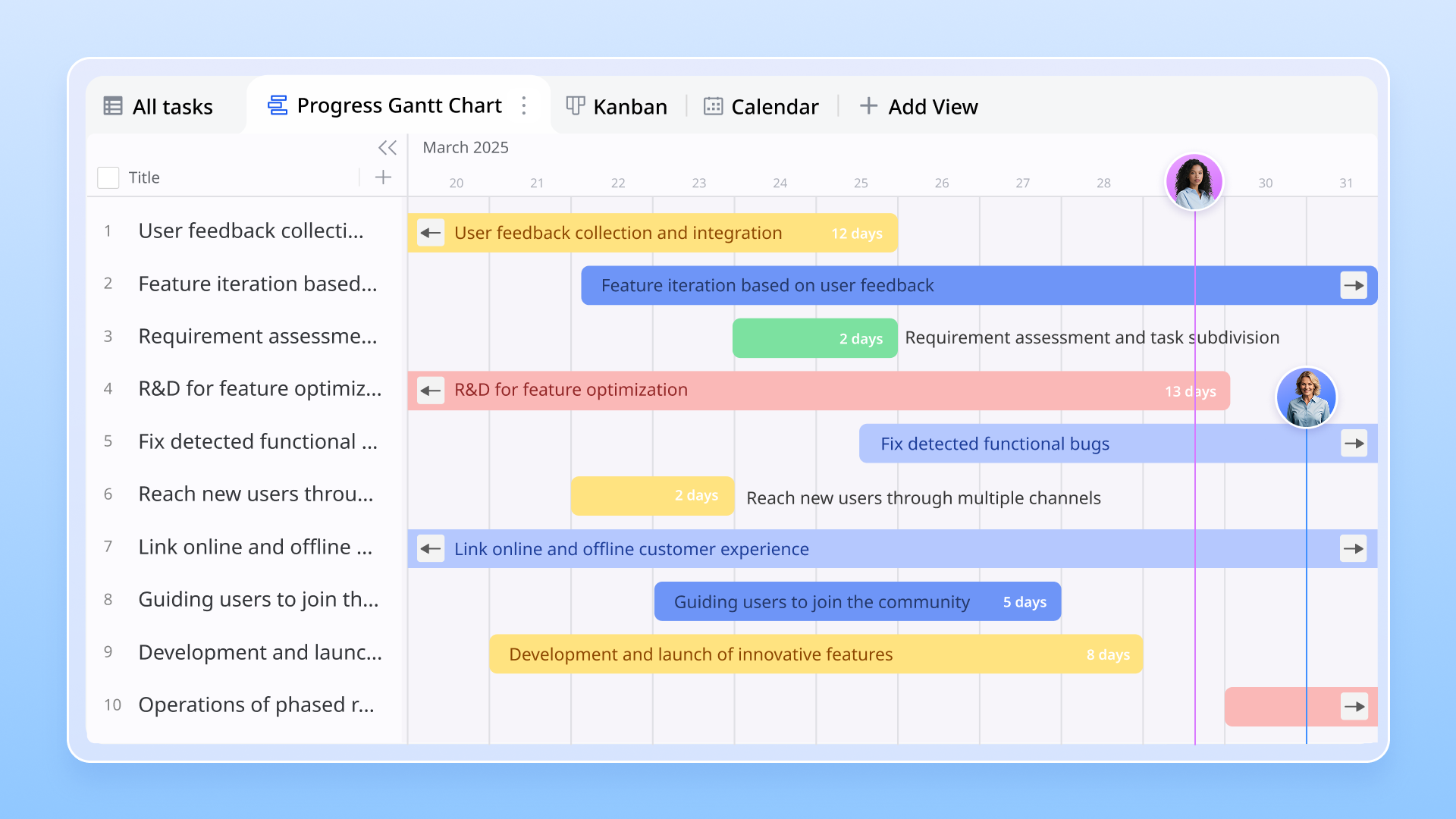
Enhanced communication and real-time collaboration
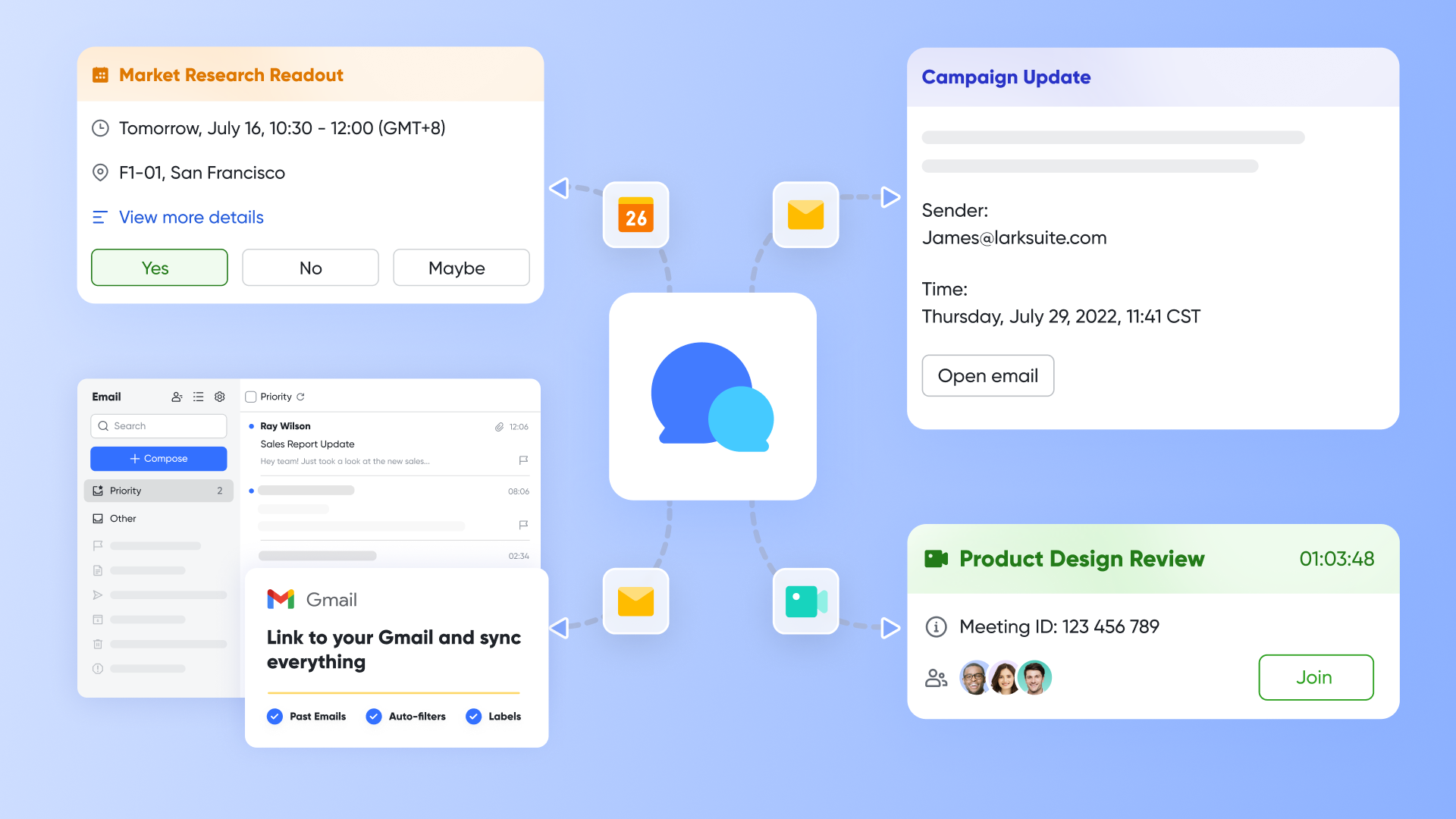
Effective communication is vital for project success, and is built to enhance it. unifies deeply with project work, allowing task-specific discussions to remain contextual and searchable. Documents within enable real-time co-editing with visible version history and comments. Teams can initiate video meetings directly from chats.This constant, contextual communication significantly reduces miscommunication and ensures efficient decision-making.
Custom workflows and automation for efficiency
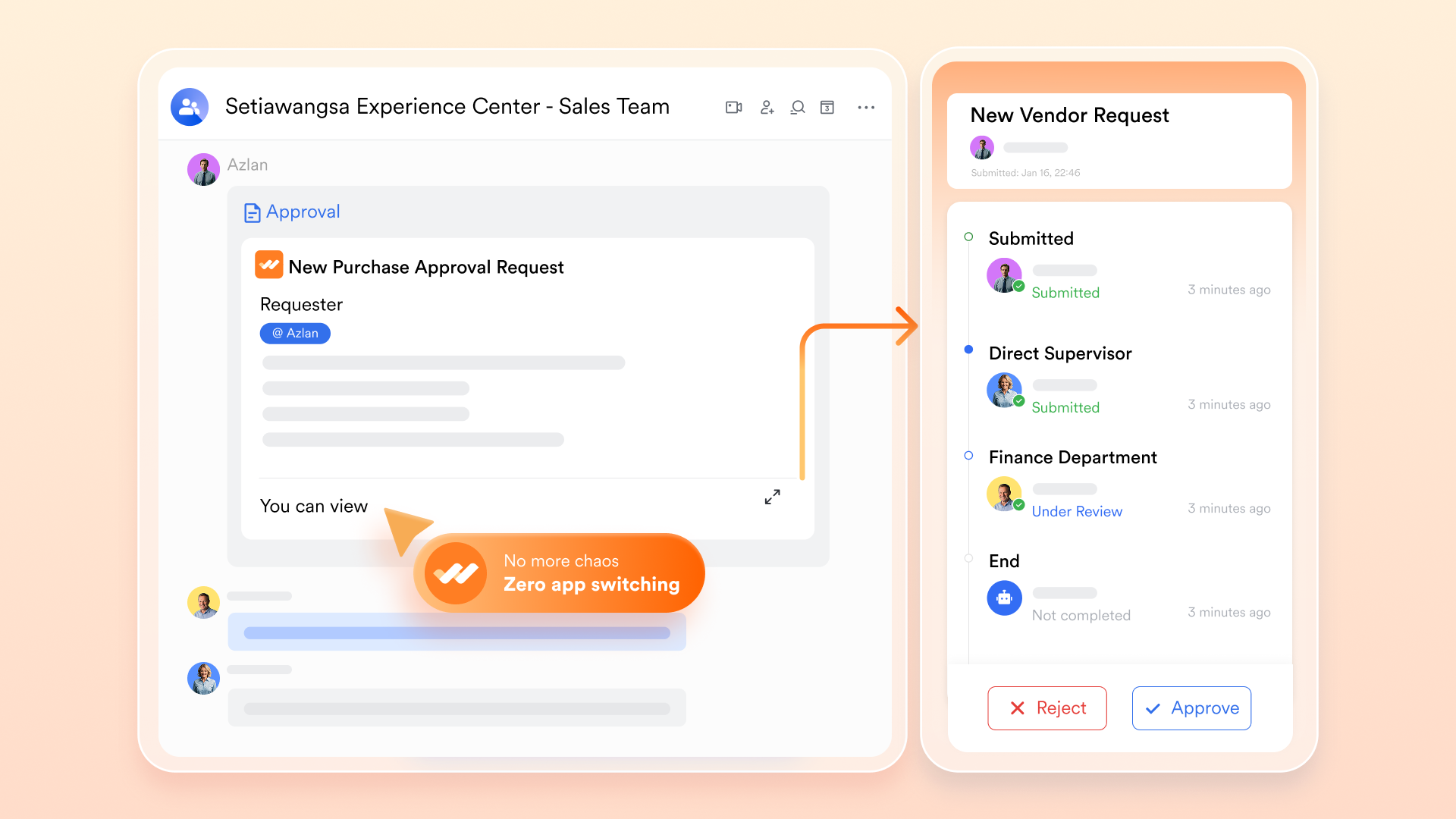
excels at tailoring and , a feature often challenging with disparate tools. Teams can design specific processes using for standardized reviews, such as approving creative assets. This eliminates manual email chains, ensuring adherence to processes. Custom automation rules can automatically update task statuses or send reminders based on triggers. This automation reduces manual effort, minimizes errors, and ensures consistency, allowing project managers to focus on strategic oversight.
In essence, Lark provides a truly unified solution that moves beyond mere co-location of tools. By embedding critical functionalities for planning, communication, and automation directly into the workflow, it empowers teams to operate with unparalleled efficiency and clarity, transforming how projects are managed from inception to completion.
:
- Starter plan: that includes 11 powerful tools for up to 20 users. It also comes with 100GB of storage space, 1000 automation runs, AI translations, and more. No credit card needed.
- Basic plan: (billed annually) for up to 500 users. It includes everything in Starter and unlimited message history, 5TB of storage space, 1,000 automation runs, and more. Some users may need to to purchase this plan.
- Pro plan: (billed annually) for up to 500 users. It includes everything in Basic plus group calling for up to 500 attendees, 15TB of storage space, 50,000 automation runs, and more.
- Enterprise plan: for custom pricing. Supports unlimited users and includes even more automation runs and advanced security, compliance, and management features.
For small teams with simple communication needs

18 months message history
1000 Base automation runs/month
2000 rows per table in Base
Most POPULAR
For companies with comprehensive collaboration and management needs
Unlimited message history
500-participant video meetings
50k Base automation runs/month
20k rows per table in Base
For large companies with advanced security and organizational management needs
Get a personalized demo and pricing
Unlimited message history
500-participant video meetings
15 TB storage + 30 GB storage/user
500k Base automation runs/month
50k Base automation runs/month
Most POPULAR
For companies with comprehensive collaboration and management needs
Unlimited message history
500-participant video meetings
50k Base automation runs/month
20k rows per table in Base
Choosing the right tool for your project needs
Deciding on the best project planning tools ultimately depends on specific project needs, team size, and the complexity of the work. If projects are extremely simple—perhaps involving a very small team managing a short, independent checklist—then repurposing Google Sheets and Calendar might suffice. However, for any team that is growing, dealing with multiple projects, or managing work with dependencies and varied stakeholders, the inefficiencies of a fragmented tool stack quickly become apparent.
Consider these factors when making a choice:
- Project complexity: Does the project involve numerous tasks, dependencies, and external collaborators?
- Team size and geographical distribution: Is seamless communication and collaboration needed across different locations and time zones?
- Need for automation: Is too much time being spent on manual updates and routine tasks that could be automated?
- Desire for a unified experience: Is there value in having all work tools—messaging, documents, calendar, and project management—in one place to reduce context-switching and information silos?
If the answers to these questions lean towards more sophisticated needs, then a dedicated or unified solution, such as Lark, will offer far greater efficiency, clarity, and control, allowing teams to focus on achieving project success rather than wrestling with their tools.
Conclusion
While Google Workspace offers robust individual productivity tools, relying on a fragmented suite for complex project management inevitably leads to inefficiencies and hinders team potential. Project managers often find themselves piecing together information from disparate applications, diverting focus from strategic initiatives.
A unified platform offers a superior solution, consolidating communication, documentation, and project management functionalities into a single, cohesive environment. This approach streamlines the entire project lifecycle, enhances collaboration, and empowers teams with custom workflows and automation, providing greater efficiency, clarity, and control. For teams ready to move beyond the limitations of disconnected tools, embracing a unified workspace like is a strategic step towards undeniable project success.
See how Lark's unified workspace scales
FAQs
Is Google Workspace good for project management?
Google Workspace is excellent for individual productivity and basic collaboration, but it lacks a dedicated, comprehensive project management tool. While its applications can be repurposed for simple tasks, they often lead to fragmentation and inefficiencies for complex projects.
Does Google have a project planner tool?
Google Workspace does not offer a single, dedicated project planner tool akin to a full-fledged project management application. Instead, users often combine various tools like Google Sheets for task tracking, Google Calendar for deadlines, and Google Docs for documentation to create a makeshift planning system.
Does Google have a project plan template?
While Google Sheets and Docs offer various templates, including some that users adapt for project planning, there is not an official, comprehensive "project plan template" directly from Google designed for robust project management features like dependency tracking or resource allocation. Users typically create or find third-party templates and customize them.
Does Google have a tool like MS Planner?
Google Workspace does not have a direct equivalent to Microsoft Planner, which is designed for team task management with visual cards and boards. While Google Tasks offers personal to-do lists, and Google Sheets can be manipulated to create similar visual tracking, there is no native Google tool with the same structured team planning and visual board capabilities as MS Planner.
What project management tools does Google use?
Google itself often uses a variety of internal and external tools for project management, depending on the scale and nature of the project. For example, they develop and utilize their own highly customized internal systems for large-scale product development (like Google Cloud products), and they also leverage popular third-party tools for specific needs or smaller team projects.
What are the best alternatives to Google project planning tools?
Many dedicated project management tools offer more robust features than Google Workspace for project planning. These include specialized tools like ClickUp, Asana, and Trello, as well as unified workspace platforms like Lark, which combine project management with communication, documents, and other business applications.
How does Lark help with project management compared to Google tools?
Lark offers a unified platform that brings together messaging, video conferencing, documents, calendar, and project management functionalities. This eliminates information silos, reduces context-switching, and provides custom workflows and automation, offering a more streamlined and efficient project management experience than using disparate Google tools.
Can I create a Gantt chart in Google Sheets?
Yes, basic Gantt charts can be created in Google Sheets using conditional formatting and custom formulas. However, these are often static and require significant manual effort to update, lacking the dynamic dependency tracking and resource allocation features of dedicated project management software.
Related reading






























