Inventory mistakes are expensive. A missing SKU, a miscounted reorder level, or a supplier field left blank can result in a stockout or an overfill that costs more than the time it would have taken to set up a proper system. An inventory template sample gives every business, retail, warehouse, food and beverage, IT, or office, a structured starting point: the right columns, the right format, and a consistent way to record what comes in and goes out. This guide covers what an inventory template needs to include, six practical Excel samples organized by business type, and when a template alone is no longer enough.
What is an inventory template?
An inventory template is a structured document—usually a spreadsheet—that helps businesses consistently track, organize, and manage their stock. It provides predefined fields such as item name, SKU (stock-keeping unit), quantity, unit cost, supplier details, and reorder levels, ensuring every item is recorded systematically.
Instead of building a tracking system from scratch, teams use an inventory template to standardize how data is entered and maintained. This reduces errors like duplicate entries, missing information, or incorrect stock counts. It also makes it easier to , calculate total stock value, and identify when items need restocking.
An inventory template is especially useful for small to mid-sized businesses that need a simple, cost-effective way to manage inventory before moving to more advanced systems or .
Key columns every inventory template must include
A well-structured inventory template depends on having the right columns. Each field plays a specific role in ensuring , reporting, and decision-making. Missing even one key column can lead to errors, inefficiencies, or costly stock issues.
Below are the essential columns every inventory template must include, along with why each one matters.
- Item ID/SKU: A unique SKU ensures that every product is identifiable without confusion, even if names are similar. It prevents duplicate entries and supports barcode integration. Without it, tracking and auditing inventory becomes unreliable.
- Item name and description: This column provides a clear understanding of what the product is and its specifications. It helps teams quickly identify items during stock checks or reporting. Detailed descriptions reduce ambiguity and errors in handling.
- Category: Categorizing items allows businesses to group products for easier filtering and analysis. It supports reporting by product type, department, or usage. It improves visibility into inventory distribution and trends.
- Quantity in stock: This is the most critical field, showing the current on-hand inventory at any given time. It directly impacts sales, fulfillment, and purchasing decisions. Inaccurate quantities can lead to stockouts or overstocking.
- Unit of measure: Defining whether items are counted in units, kilograms, liters, or boxes ensures consistency. It avoids confusion when recording or interpreting quantities. It is especially important in industries with mixed measurement types.
- Unit cost: Unit cost reflects the true cost of each item, including shipping and handling where applicable. It enables accurate profit calculations and inventory valuation. Relying only on purchase prices can distort financial insights.
- Total inventory value: This auto-calculated field multiplies the quantity by the unit cost to show the total stock value. It provides into inventory assets. It is essential for budgeting, accounting, and audits.
- Reorder level: The reorder level sets the minimum stock threshold that triggers replenishment. It helps prevent stockouts by signaling when inventory is running low. Without it, restocking becomes reactive rather than planned.
Eliminate inventory errors and get total accuracy
10 ready-to-use inventory templates
Managing inventory shouldn't feel like a constant game of catch-up. While spreadsheets are a common starting point, they often struggle to keep pace as your SKU count and team grow. To help you move from manual tracking to a more streamlined, automated workflow, we've rounded up 10 versatile templates designed to bring structure to every stage of your supply chain:
Inventory management
Inventory management tracks the movement, quantity, and value of stock across its entire lifecycle. It ensures the right products are available at the right time while minimizing excess inventory and costs. A structured template helps standardize data, improve accuracy, and support better purchasing and forecasting decisions.
Inventory
An inventory template is a structured format for recording and managing stock details consistently. It includes predefined fields such as item name, SKU, quantity, cost, and supplier information. Using a template helps standardize tracking, reduce errors, and maintain over time.
Inventory report
An inventory report template is a structured format for summarizing stock data over a specific period. It typically includes item details, opening and closing stock, stock movements, and total inventory value. This template helps businesses analyze trends, track discrepancies, and make informed restocking and financial decisions.
Inventory inbound & outbound management
An inventory inbound and outbound management template tracks all stock movements entering and leaving a business. It records details such as item name, quantity, date, movement type, and the person responsible for each transaction.
Order & inventory management
An order and inventory management template combines order tracking and real-time stock monitoring into a single, structured system. It records customer orders, item quantities, order status, and corresponding inventory updates. Smart inventory management system
A smart inventory management system template uses automation and to streamline stock tracking and control. It includes dynamic fields for quantities, alerts for low stock levels, and integrated workflows for updates.
Office inventory management
An office inventory management template tracks everyday supplies such as stationery, equipment, and consumables. It includes fields for item name, quantity on hand, reorder level, and supplier details.
Merchandise store inventory tracking
A merchandise store inventory-tracking template helps retailers monitor product stock, sales movements, and availability in one place. It includes fields for SKU, item name, quantity, price, and reorder level. This template , supports faster restocking decisions, and reduces the risk of lost sales due to stockouts.
Virtual stockroom for online viewing
A virtual stockroom for online viewing template provides a centralized, digital view of all inventory accessible from any device. It displays item details, images, quantities, and availability in a user-friendly format. This template improves visibility for remote teams and supports faster.
Marketing material inventory list for marketing material coordinators
A marketing material inventory list template helps coordinators track promotional assets such as brochures, banners, and branded merchandise. It includes fields for item name, quantity, storage location, and usage status.
Systematic approach: Manage inventory data and workflows in Lark
As inventory operations scale, static spreadsheets often become a bottleneck for accuracy and efficiency. Lark replaces these manual hurdles with a dynamic, real-time workspace that turns inventory tracking into a seamless, automated process.
Instead of chasing manual updates, teams can manage stock through a centralized system that syncs instantly for every user. With , customizable databases, and integrated barcode support, you can eliminate human error while reclaiming valuable time. shifts your strategy from reactive tracking to proactive, data-driven control.
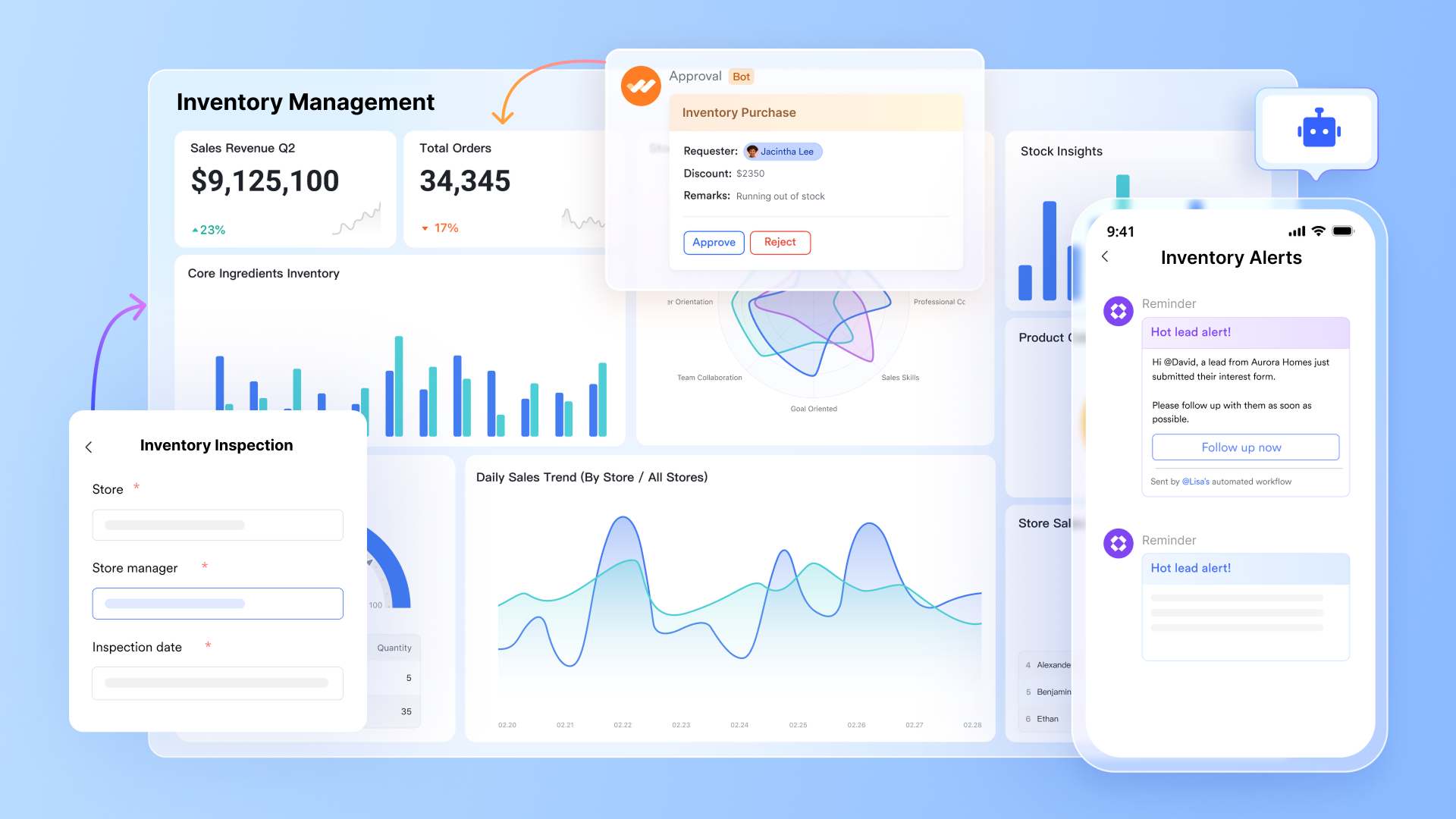
A live inventory database with real-time multi-user editing
stores the inventory as a with custom field types: number fields for quantity in stock, unit cost, and reorder level; formula fields that auto-calculate total inventory value and available quantity; single-select fields for category and status; date fields for last updated and expiry date; member fields for assigned owner; and a barcode field that accepts scanner input directly into the record. Every field update, quantity change, reorder level adjustment, or supplier edit is reflected instantly across all users, with a full field-level change history stored automatically.
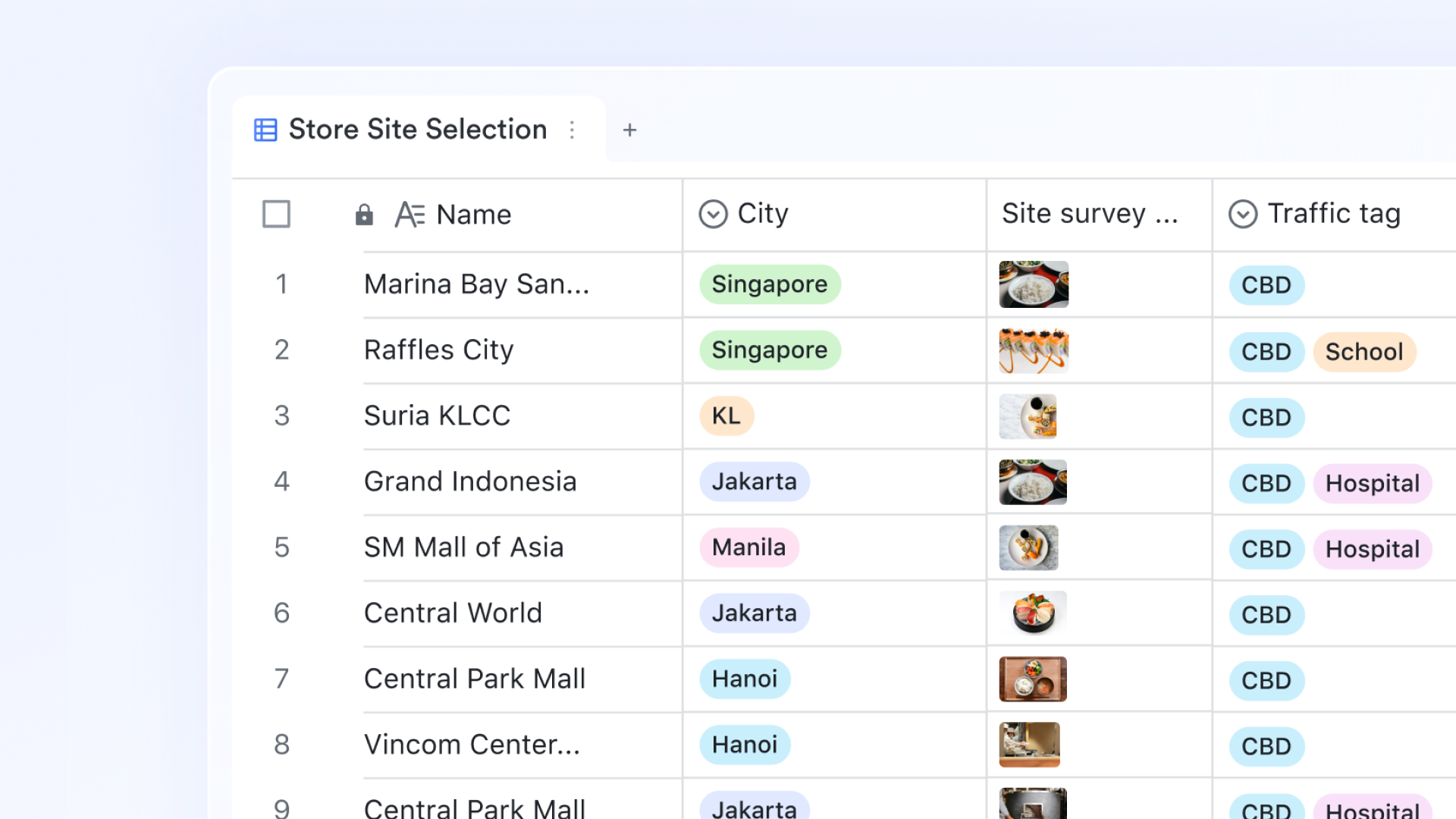
Restock alerts that fire the moment stock hits the reorder level
Lark Base Automation lets inventory managers configure trigger-action rules that replace manual stock monitoring. When a quantity in the stock field drops to or below the reorder level field value, the automation fires a notification directly to the purchasing manager in Lark Messenger with the item name, current quantity, reorder level, and preferred supplier embedded in the message. When a new stock receipt is logged, the , clears the restock alert, and records the transaction date. 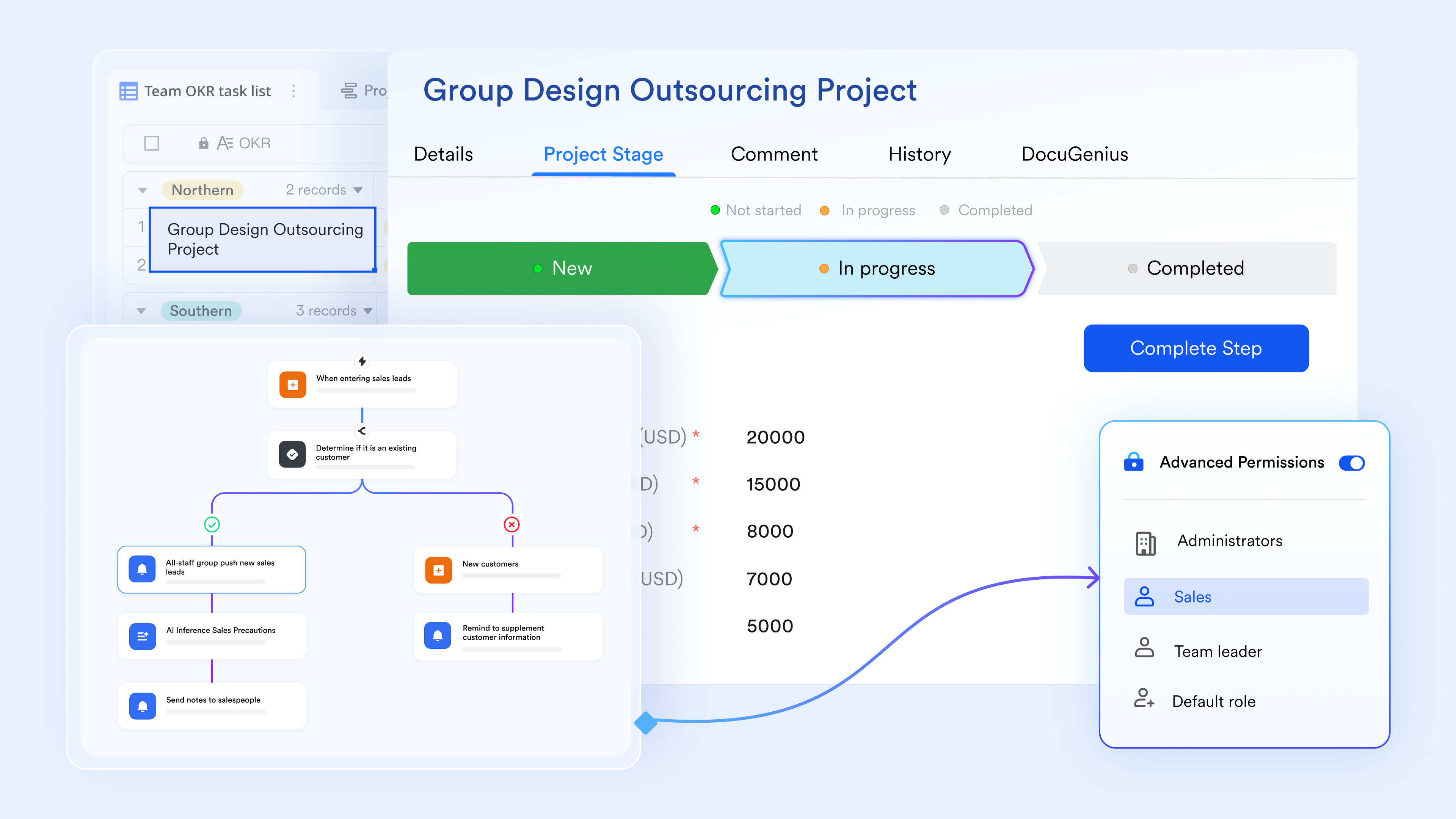
Barcode-enabled stock-in and stock-out logging from any device
lets warehouse and retail teams log stock movements using a form submission that populates directly into the Lark Base inventory table. The form includes a barcode field that accepts scanner or camera input on any mobile device—the scanned SKU automatically matches the existing item record, pre-populating the item name, category, and current quantity. The submitter enters the movement type (inbound/outbound / adjustment), quantity, and reason. On submission, the Lark Base the quantity in the stock field and records the transaction.
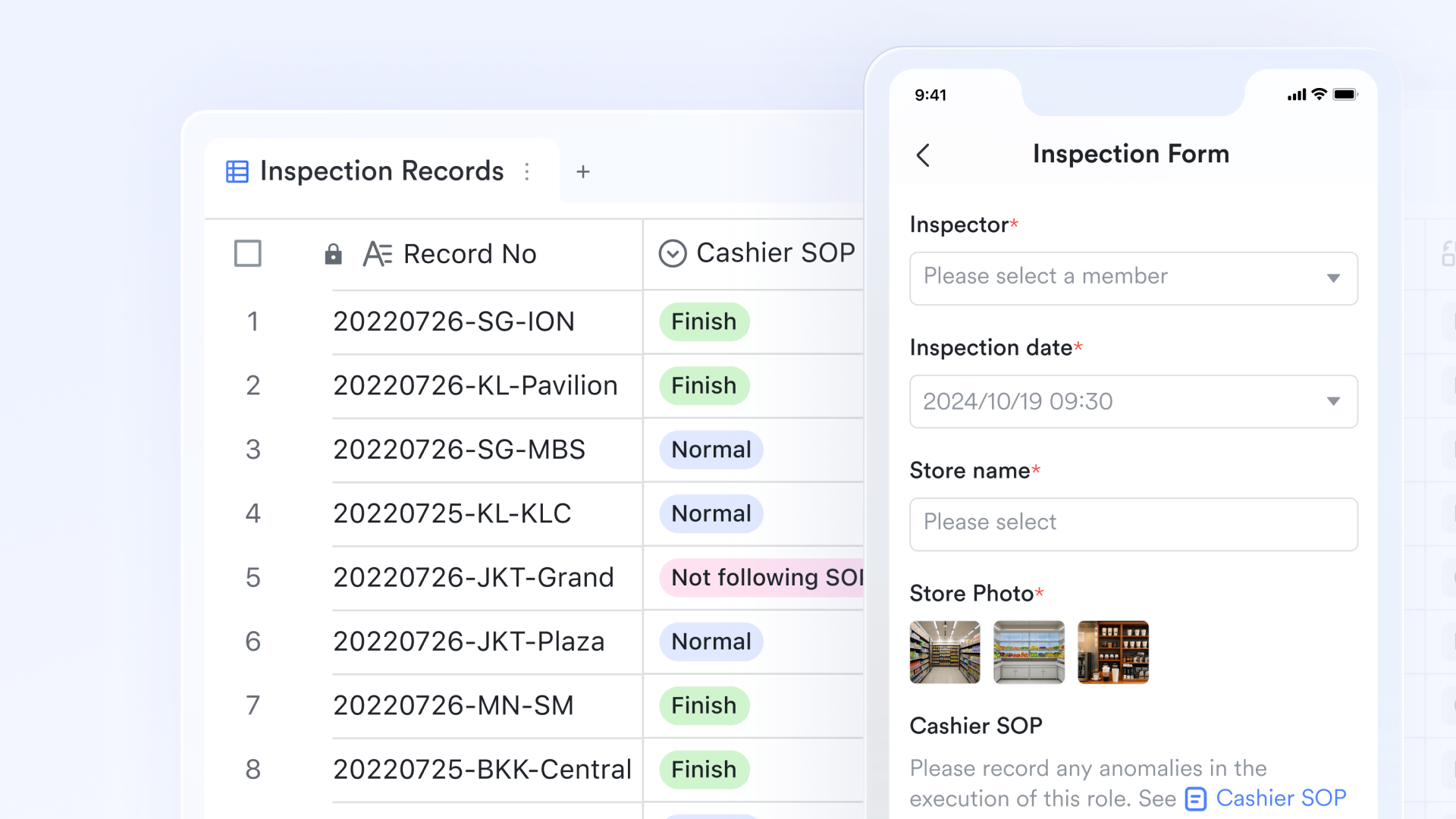
Grid, gallery, and dashboard from one dataset
The same inventory table renders in multiple formats from a single dataset. The grid view gives the stock controller a complete, sortable, and filterable table of all inventory records—equivalent to the Excel template but live and multi-user. The gallery view provides retail and warehouse staff with a visual card layout showing product images, SKUs, and current quantities, making it easier to navigate on a tablet or mobile device during a physical stock check.

Controlled editing by role-based permission
Lark Base field permissions let inventory managers restrict which fields each team member can view or edit, down to the individual record level. The warehouse receiving team can update the quantity in stock and the last received date, but cannot edit the unit cost or supplier fields. The can update supplier details and reorder quantities, but cannot modify physical stock counts. The finance team has read-only access to unit cost and total inventory value fields for reporting purposes. 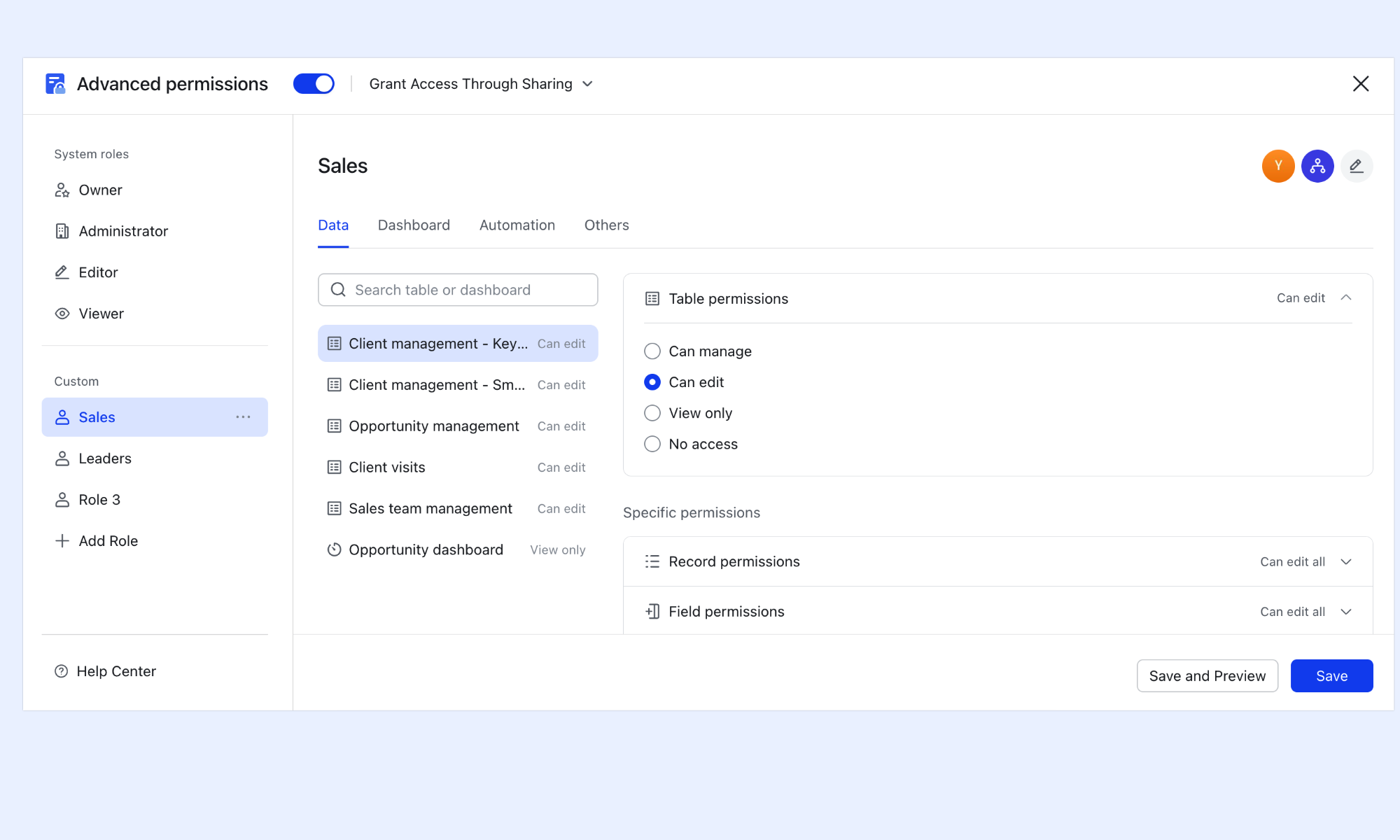
:
- Starter plan: Free forever plan that includes 11 powerful tools for up to 20 users. It also comes with 100GB of storage, 1000 automation runs, AI translations, and more.
- Pro plan: $12/user/month (billed annually) for up to 500 users. It includes everything in Starter plus group calling for up to 500 attendees, 15TB of storage, 50,000 automation runs, and more.
- Enterprise plan: for custom pricing. Supports unlimited users and includes additional automation runs, as well as advanced security, compliance, and management features.
For small teams with simple communication needs

18 months message history
1000 Base automation runs/month
2000 rows per table in Base
Most POPULAR
For companies with comprehensive collaboration and management needs
Unlimited message history
500-participant video meetings
50k Base automation runs/month
20k rows per table in Base
For large companies with advanced security and organizational management needs
Get a personalized demo and pricing
Unlimited message history
500-participant video meetings
15 TB storage + 30 GB storage/user
500k Base automation runs/month
50k Base automation runs/month
Most POPULAR
For companies with comprehensive collaboration and management needs
Unlimited message history
500-participant video meetings
50k Base automation runs/month
20k rows per table in Base
What are common mistakes when using inventory templates?
Using an inventory template can simplify stock management, but common mistakes often reduce its effectiveness. These errors usually stem from inconsistent data entry, missing fields, or poor tracking habits. Identifying and fixing them early helps maintain accurate and reliable inventory records.
- Not using unique SKUs: Without unique SKUs, products with similar names can easily be confused or duplicated. This leads to incorrect stock counts and reporting errors. A proper SKU system ensures every item is tracked distinctly and consistently.
- Skipping reorder level tracking: Ignoring reorder levels means there is no clear signal for when to restock items. This often results in unexpected stockouts or rushed purchasing decisions. Setting reorder thresholds enables proactive and efficient inventory planning.
- Forgetting to update stock regularly: An inventory template is only as accurate as its latest update. Delayed or inconsistent updates create mismatches between recorded and actual stock. Regular updates ensure reliable data for and decision-making.
- No transaction history for audits: Without a record of stock movements, it becomes difficult to trace discrepancies. Missing transaction logs make audits time-consuming and unreliable. A proper history helps track changes, identify errors, and maintain accountability.
- Managing multiple locations in separate files: Using different files for each location creates data silos and inconsistencies. Consolidating information manually increases the risk of errors and delays. A ensures real-time visibility across all inventory locations.
Conclusion
An effective inventory template provides businesses with a strong starting point for accurately tracking stock, reducing errors, and improving day-to-day operations. By including the right columns, choosing a format suited to your business type, and avoiding common mistakes, teams can maintain better control over inventory and make smarter purchasing decisions. However, as operations grow, Excel templates often fall short due to limited automation, a lack of real-time updates, and difficulty managing multiple users or locations.
This is where transforms inventory management from a static process into a dynamic, collaborative system. With real-time data, , and centralized tracking, Lark helps teams eliminate manual errors and stay fully aligned. If you're ready to move beyond spreadsheets and take control of your inventory with greater accuracy and efficiency, now is the time to get started with Lark.
Master your inventory with real-time tracking in Lark
FAQs
What is the difference between an inventory list and an inventory template?
An inventory list is a simple record of items and quantities at a given time, while an inventory template is a structured system designed for ongoing tracking and updates. Templates include predefined fields, formulas, and workflows for consistency. Tools like Lark enhance templates by turning them into live, collaborative .
When should I stop using an Excel inventory template?
You should move beyond Excel when your inventory involves multiple users, locations, or frequent updates that cause version conflicts. Lack of automation and real-time visibility also signals the need for a better system. Lark provides a scalable solution with real-time collaboration and automated workflows.
What is the best format for an inventory template?
The best format depends on your business type, but it should include clear columns for SKU, quantity, cost, and reorder levels. It should also support easy filtering, calculations, and updates. Lark offers flexible, database-style templates that adapt to different inventory needs.
How often should inventory be updated?
Inventory should be updated in real time or immediately after every stock movement to maintain accuracy. Delayed updates can lead to discrepancies and poor . With Lark, updates happen instantly across all users, ensuring data is always current.
Related reading