








Opaque AI licensing
Unexpected pricing changes and limited access come with new Gemini features, with rollouts varying by license tier and region, making it hard to predict paid accounts.




 alternatives
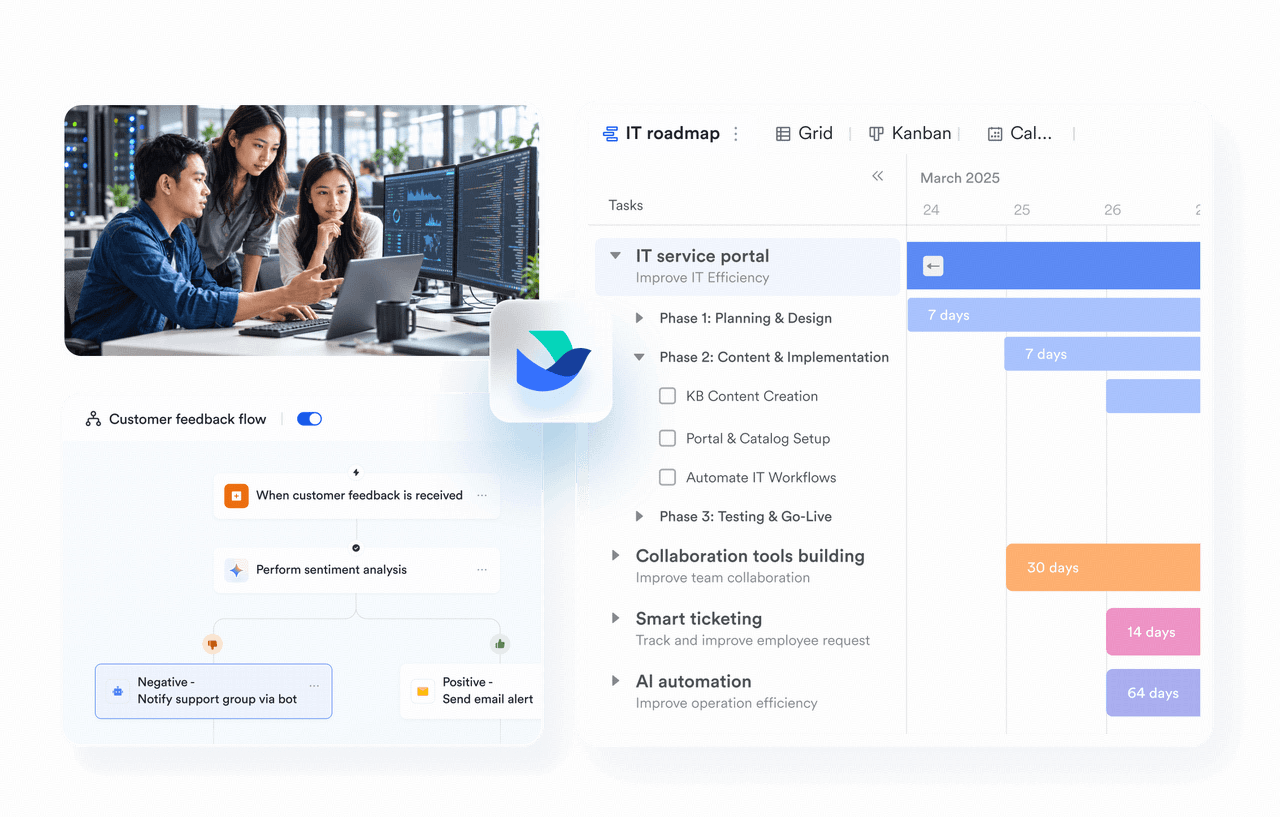
Love Google Workspace's Gmail, Drive, and Docs? You're not alone. But if you are looking for a Google Workspace alternative for tech teams, you have likely encountered opaque AI pricing, fragmented admin controls, and limited auditability. Lark goes further by uniting chat, projects, meetings, and no-code automation into one AI-powered workspace.
Unexpected pricing changes and limited access come with new Gemini features, with rollouts varying by license tier and region, making it hard to predict paid accounts.
Support tickets stall unresolved for months, and account provisioning and verification flows can block large migrations before they start.
Tenants drift from their original configs unchecked, audit logs rarely reach a SIEM, and teams need third-party tools for acceptable coverage.
Stop coding across scattered consoles and opaque model gating. Lark open platform provides a comprehensive set of APIs with official Node, Python, Go, and Java SDKs, plus an open-source CLI so you can build on one transparent, connected stack.
Explore Lark Developer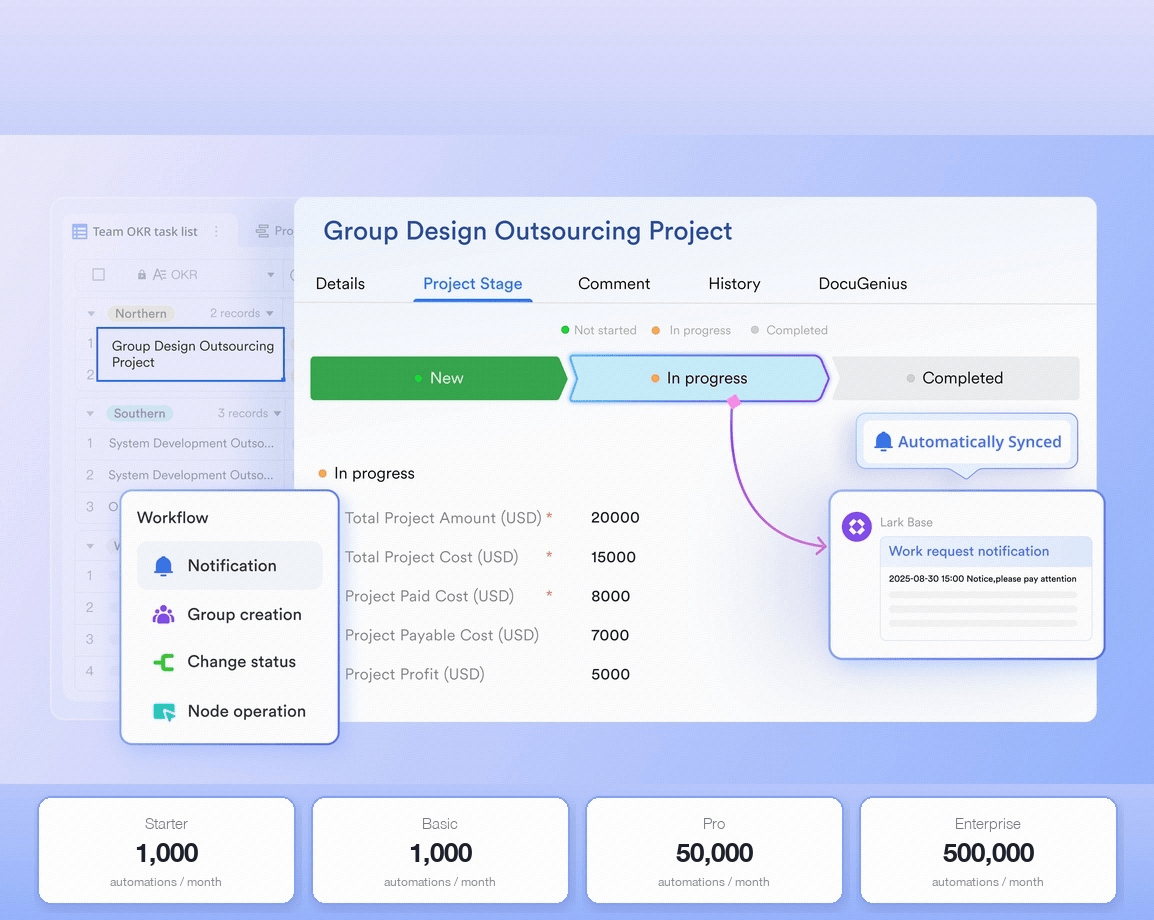
Stop coding across scattered consoles and opaque model gating. Lark open platform provides a comprehensive set of APIs with official Node, Python, Go, and Java SDKs, plus an open-source CLI so you can build on one transparent, connected stack.
Explore Lark DeveloperCut software bloat while keeping teams fast, clear, and connected.
Book a demo Basic $6/ user / month | pro $12/ user / month |  Business Standard $14/ user / month | |
|---|---|---|---|
| Built-in chat, docs & meetings |  |  |  |
| File storage | 5 TB | 15 TB | 2 TB |
| Chat | | | |
| | | |
| Video conferencing | 1 on 1 | 500 participants | 150 participants |
| AI content generation in docs | | | |
| Real-time translation | Chat, Docs, Mail | Chat, Docs, Mail and Meetings | Chat and Meet |
| Co-editing documents | | | |
| In-context tasks | | | |
| No-code databases | | | |
| Developer APIs | 10,000 calls/mo | Unlimited | Limited |
| Custom bots | | | |
| Approval workflows | | | |
| Automated workflows | | | |
| Attendance management | | | Multi-app |
| Native OKR management | | | |
Calculate how much you can save by using Lark to replace your tools



"Xiaomi has been using Lark for a while now. With Lark, document creation and information sharing are much more efficient. Collaboration between teams is easier than ever."
"Lark stands out as an exceptionally integrated organizational tool, enhancing communication and collaboration while adapting business processes to suit the dynamic needs of companies targeting the youth market."
"Lark has transformed the way we work, bringing discipline, transparency, and collaboration into one integrated platform."
Trusted by 2000+ global leaders across 125+ countries













Pros
Cons
Pricing
Pros
Cons
Pricing
Pros
Cons
Pricing
Pros
Cons
Pricing
Pros
Cons
Pricing
Engineering teams need issue tracking, technical documentation, sprint planning, and async discussions connected so product decisions and development progress stay visible.
Lark connects technical docs, project plans, team chats, meetings, and task coordination, helping engineering teams keep specifications, decisions, and execution in one collaborative workspace. Lark's open platform adds APIs and an open-source CLI without extra consoles.

Asana is a practical option for engineering teams that need task management, sprint boards, and custom workflows for software delivery.

IT teams need a secure workspace for knowledge management, request tracking, incident documentation, and cross-team communication without switching between too many systems.
Lark combines Docs, Messenger, Approval workflows, Meetings, and permission controls to help IT teams manage requests, document processes, and coordinate support in one secure hub with enterprise-grade security.

Microsoft 365 suits IT teams that want enterprise-grade security tooling, device management, and deep integrations already inside the Microsoft ecosystem.

Marketing teams need campaign planning, content calendars, approvals, and performance updates connected in one place so every launch moves faster without scattered context.
Lark brings marketing plans, creative briefs, approval workflows, chats, meetings, and campaign documents into one workspace, helping teams align from strategy to launch.

Microsoft 365 suits marketing teams that already standardize on Word, Excel, PowerPoint, and Teams for decks, reporting, and cross-team communication.

Design teams need a shared space for briefs, feedback, creative reviews, asset discussions, and project timelines so ideas can move smoothly from concept to delivery.
Lark helps design teams centralize creative briefs, feedback threads, review meetings, files, and project updates, making collaboration with product, marketing, and engineering easier.
ClickUp serves design teams that want task tracking, feedback boards, and project timelines layered on top of existing file and chat tools.

Sales teams need account notes, deal tracking, customer handoffs, proposals, and internal updates organized in one place so every opportunity moves forward with clear ownership.
Lark connects customer documents, sales discussions, approvals, meetings, and shared trackers, helping sales teams collaborate on deals and keep customer context easy to access.
Airtable is a useful Google Workspace alternative for sales teams that want flexible databases for CRM-style tracking, pipeline visibility, and customer operations.

Map email, docs, databases, project tools, and the whole google office developer workspace against total cost and complexity, including how your Google Workspace developer account is billed per seat.
Choose a unified workspace that merges chat, meetings, docs, and automation so your google developer workspace stops living across five separate tabs and logins.
Check APIs, SDKs, and whether a Google Workspace developer sandbox covers your testing needs. Then compare Google Workspace add-ons developer documentation with platforms that ship official tooling and a CLI under one roof.
Use free tiers with real workflows to validate automation limits, mobile capture, and the Google Workspace developer tools your team depends on daily before committing.
Verify the provider offers import tools or expert help to move email, files, and projects without data loss, especially when testing self-hosted or open-source options.
Decide whether AI writing, meeting summaries, and workflow automation matter, then confirm whether Google Workspace developer support covers code-level issues or if you will rely on community forums.

2026 Lark Technologies Pte. Ltd.
Headquartered in Singapore with offices worldwide.