
Basic design and themes
Limited themes and layout options make forms look generic, so it is hard to make them stand out or keep respondents engaged to the end.




 alternatives
Want a Google Forms alternative that looks better, does more, and still costs nothing to start? Create surveys, quizzes, and polls with Lark Forms, beautifully designed, powered by logic, and connected to a no-code database, all inside one AI workspace.
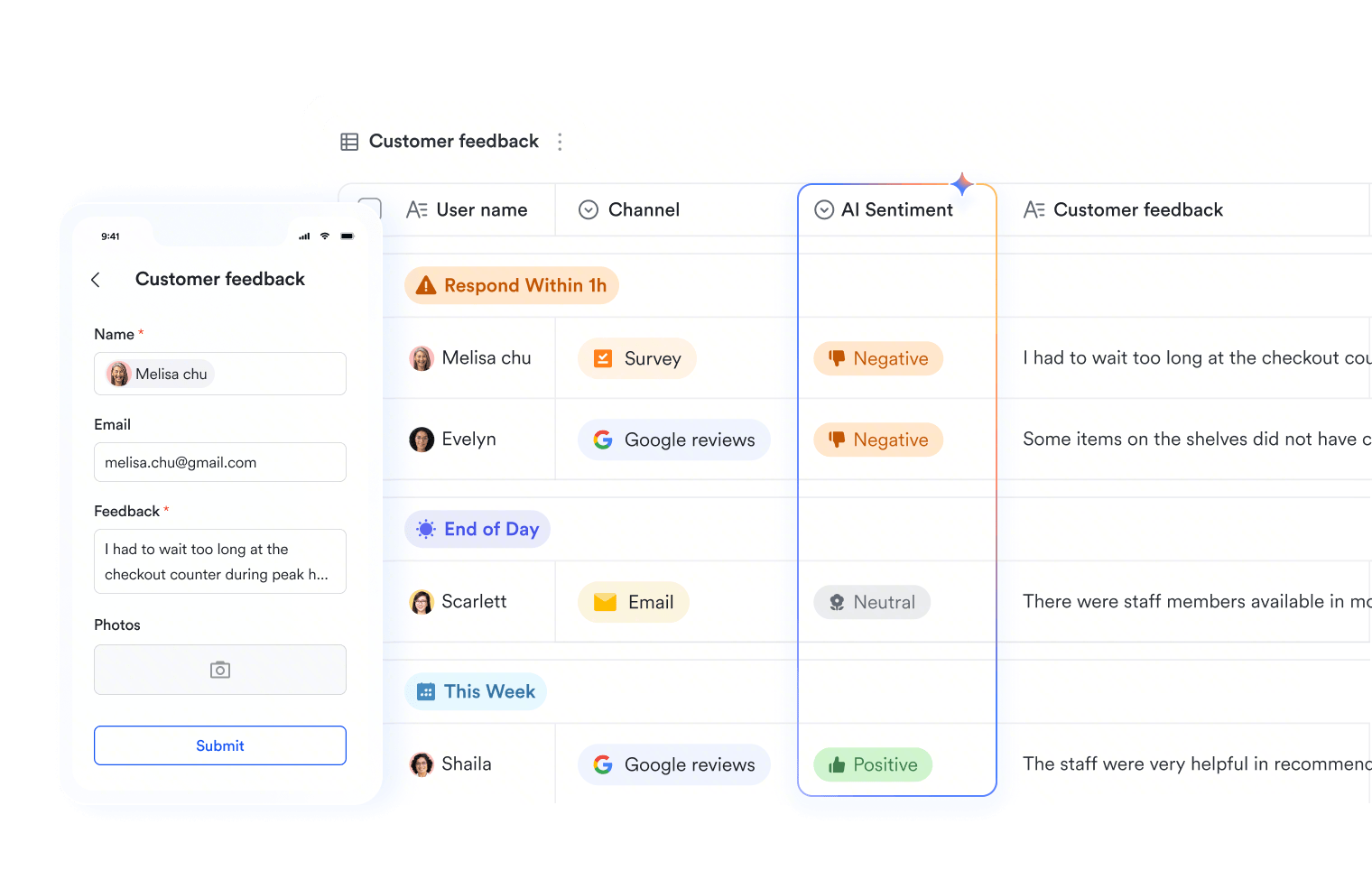
Limited themes and layout options make forms look generic, so it is hard to make them stand out or keep respondents engaged to the end.
Conditional logic is limited to section jumps, and built-in reports are basic, so real analysis means exporting to Sheets and building it yourself.
Responses live in a separate silo. Turning them into tasks, approvals, or team notifications takes add-ons, scripts, or manual work.
Design forms with custom themes, cover images, list or step-by-step display modes, and a wide range of question types. Create forms that respondents actually want to finish, with no design skills required.
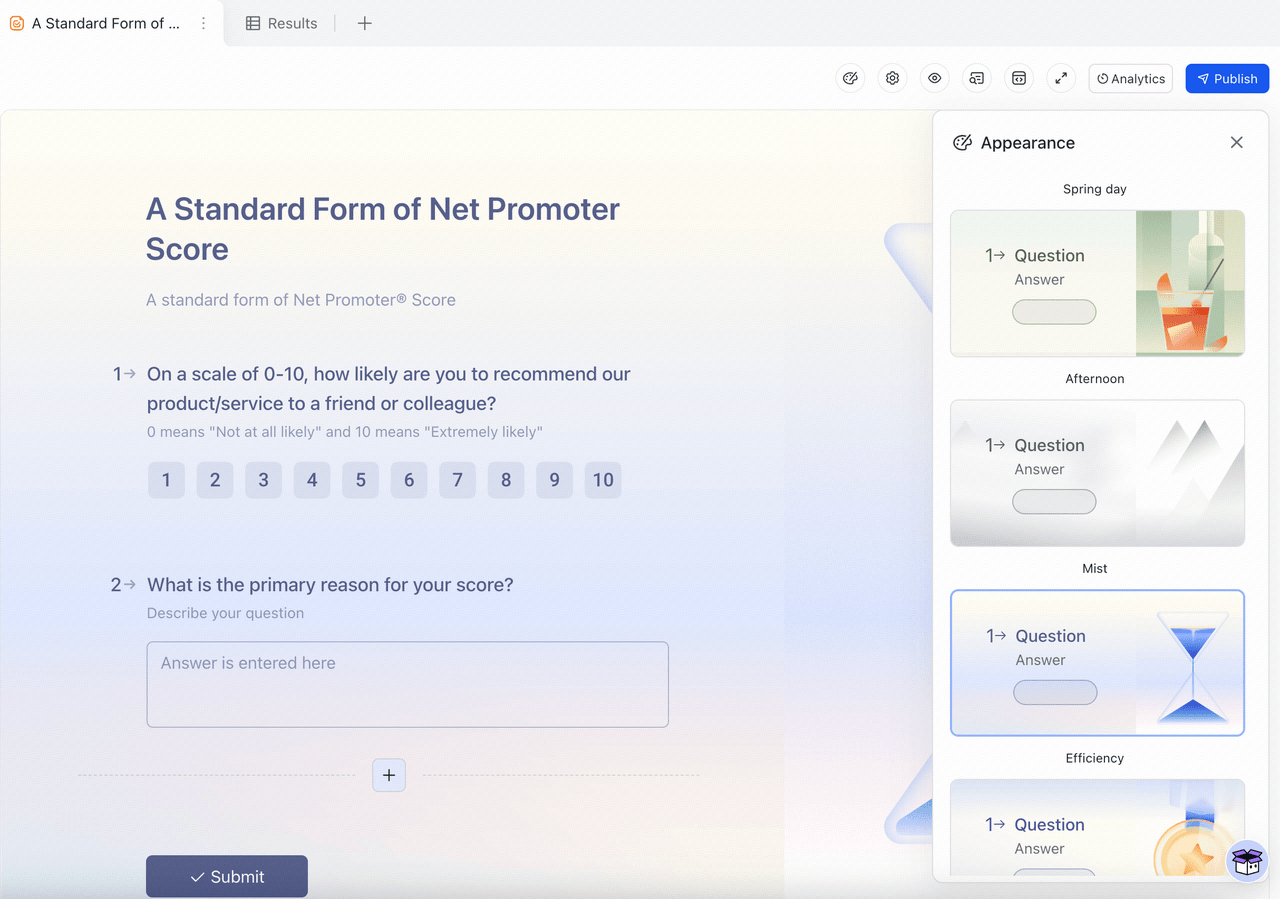
Design forms with custom themes, cover images, list or step-by-step display modes, and a wide range of question types. Create forms that respondents actually want to finish, with no design skills required.
 Basic Basic$6/ user / month | Pro $12/ user / month |  Business Standard Business Standard$14/ user / month | |
|---|---|---|---|
| Question types | Diverse | Diverse | Limited |
| Conditional logic | Advanced | Advanced | Basic |
| AI voice quickfill |  |  |  |
| File upload questions | | | |
| Custom themes & cover image | | | Limited |
| Display modes (list/step-by-step) | | | Limited |
| Signature field | | | |
| Built-in response database | | | |
| Live dashboards & analysis | | | Basic charts |
| Workflow automation | | | |
| In-app notifications for new response | | | Email only |
| Plan user limit | 500 | 500 | 300 |
| Video conferencing | 1 on 1 | 500 participants | 150 participants |
| File storage | 5 TB | 15 TB | 2 TB |
| Mobile app | | | |
| Desktop app | | | |
| AI | Built-in AI + Agents | Built-in AI + Agents | Available for some apps |
| Enterprise search | | | Limited |
| Team chat | | | |
| Project management | | | |
| OKRs | | | |
| Approval | | | |
See how much more you get when your forms live inside a unified workspace with Lark




“What amazes me most is how seamlessly Lark brings people, tools and workflows so easily together.”

"Partnering with Lark is helping us connect teams faster, cut down delays, and create conditions for better decisions every day. It's a critical step toward building a more responsive, data-driven organization that delivers on what we promise—both to our people and to our customers."

"With Lark, document creation and information sharing are much more efficient. Collaboration between teams is easier than ever."
Trusted by 2000+ global leaders across 125+ countries















Pros
Cons
Pricing
Pros
Cons
Pricing
Pros
Cons
Pricing
Pros
Cons
Pricing
Pros
Cons
Pricing
Marketing teams need forms that look polished, capture qualified leads, and feed data straight into their workflow.

Custom-themed forms and quizzes with logic feed responses into Base for instant segmentation and dashboards, then trigger follow-ups automatically.

A premium, conversational form experience that suits high-touch marketing surveys and lead-gen campaigns.

HR teams collect sensitive information through applications, onboarding, and feedback surveys, so they need forms with structure, approvals, and control.
Forms feed into Base and approvals, so job applications, onboarding checklists, and pulse surveys stay organized and automated in one secure app.
A familiar option for HR teams already standardized on Microsoft 365 for internal surveys.

Tech and product teams collect bug reports, feature requests, and beta signups, and need forms that plug straight into their build and tracking workflow.
Forms capture bug reports and feature requests into Base, where automations route issues, set priorities, and keep engineering and product in sync.

Mature analysis and reporting tools suit product teams running structured beta feedback and user-research surveys at scale.

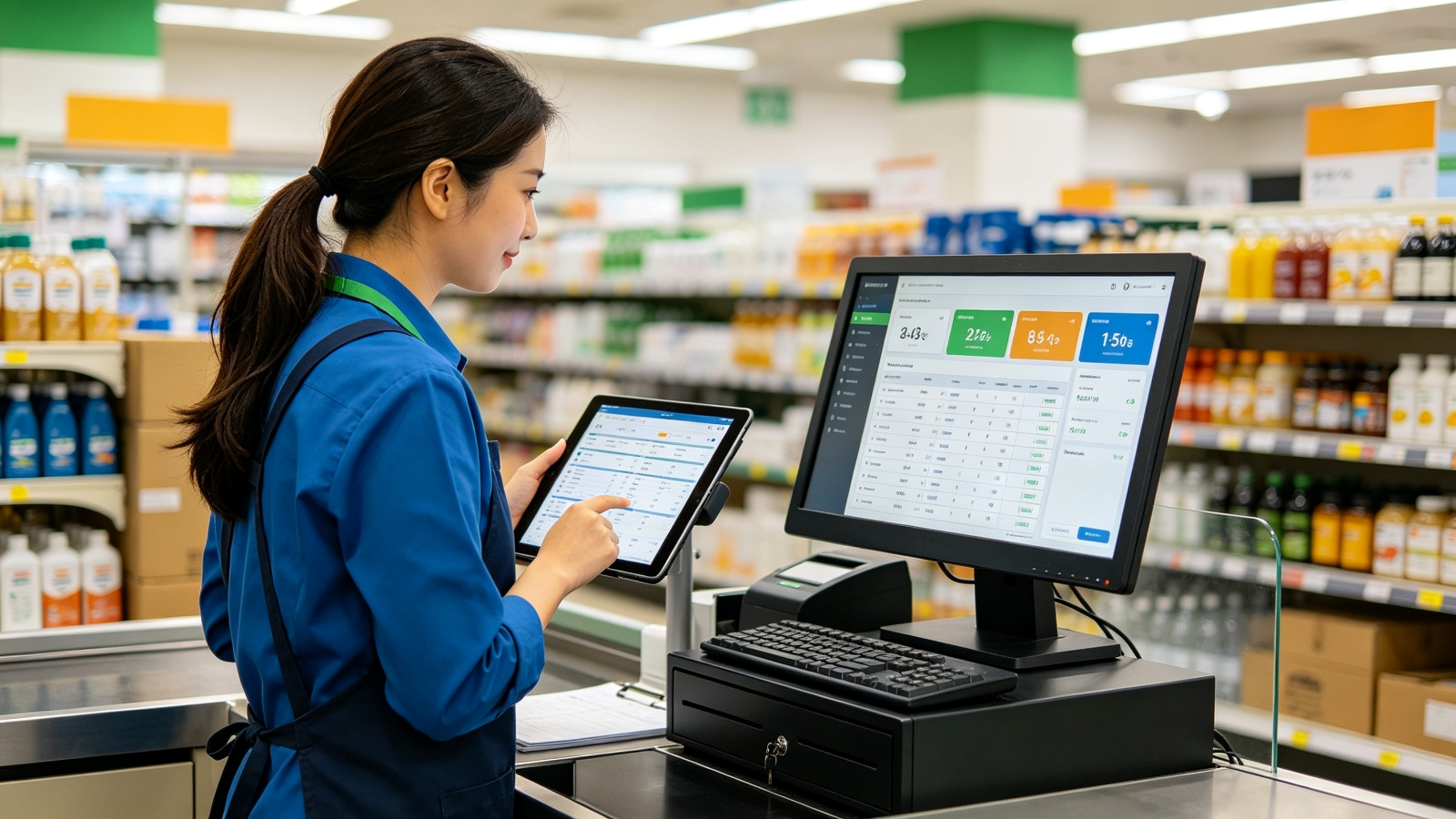
Retail teams handle order forms, product feedback, and store-level requests at high volume, so they need real-time visibility and automated follow-ups.
Order and feedback forms flow into Base for live tracking across stores, while automations send confirmations and restock alerts through Messenger.

A large template library and payment integrations make it handy for online order forms and in-store sign-ups.
Food and beverage teams take reservations, catering orders, and customer feedback, and need to turn every submission into fast, reliable service.
Reservation and order forms feed into Base for live table and kitchen tracking, while automations confirm bookings and alert staff through Messenger.

Ready-made restaurant templates and payment integrations suit reservations, catering, and online food orders.
List the capabilities your team truly needs, such as custom themes, conditional logic, or dashboards, so you can rule out tools that only cover part of the job.
Check whether the platform can import your existing Google Forms and response data, ideally with hands-on migration help included.
Favor a familiar, low-friction interface your team can pick up in days, not weeks, to avoid stalled rollouts and heavy training costs.
A workspace that unifies forms, data, and automation removes constant app-switching and trims the number of subscriptions you pay for.
Run a live survey or quiz on the free or trial plan before committing, so you surface workflow gaps while the switch is still reversible.
If you collaborate with clients or external respondents, make sure forms can be shared securely without buying extra seats.

2026 Lark Technologies Pte. Ltd.
Headquartered in Singapore with offices worldwide.