Sluggish databases
Complex databases become painfully slow over time, rendering the platform almost unusable for teams. Lark handles massive datasets effortlessly while keeping your workflow lightning-fast.




Love Notion's beautiful wikis and flexible project databases? But Notion fails when your team also needs instant messaging, meetings, approvals, and cross-functional workflows. Lark gives you customizable documents you love and unites your work into one AI-powered workspace.
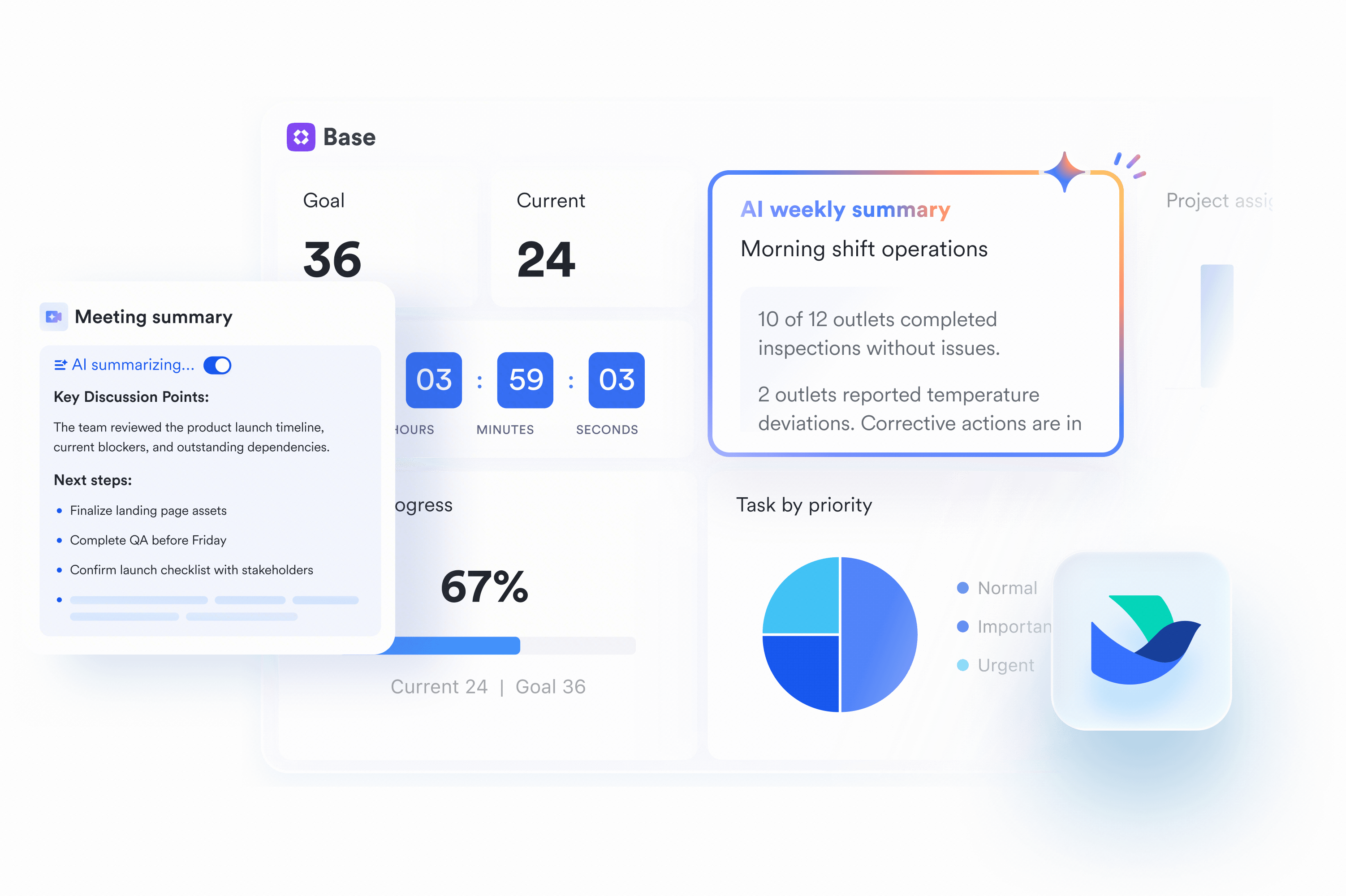
Complex databases become painfully slow over time, rendering the platform almost unusable for teams. Lark handles massive datasets effortlessly while keeping your workflow lightning-fast.
Expensive AI add-ons and forced plan upgrades make scaling your workspace incredibly frustrating. Lark integrates workflow-driven AI without aggressively upcharging your growing team.
Buggy mobile apps make it difficult to adjust databases or capture ideas on the go. Lark delivers a fluid native mobile experience so you can review and advance tasks from anywhere.
Keep your team aligned and focused in a single fluid platform. Instead of killing your momentum by switching between isolated documents and separate chat apps, Lark unites powerful messaging, HD video meetings, calendars, and databases.
See Lark in action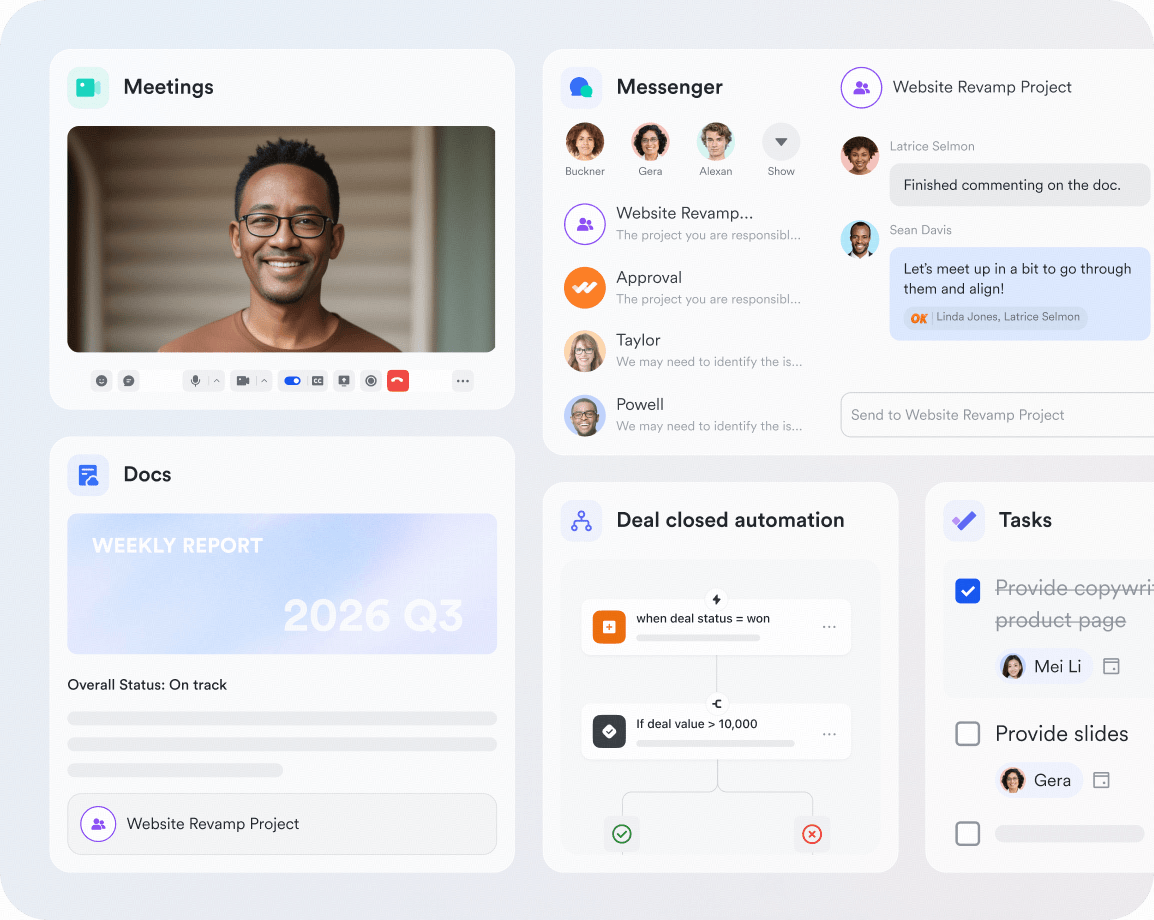
Keep your team aligned and focused in a single fluid platform. Instead of killing your momentum by switching between isolated documents and separate chat apps, Lark unites powerful messaging, HD video meetings, calendars, and databases.
See Lark in actionCut software bloat while keeping teams fast, clear, and connected.
Book a demo Basic Basic$6/ user / month | Pro $12/ user / month |  Business Business$20/ user / month | |
|---|---|---|---|
| All-in-one collaboration suite |  |  |  |
| Mobile apps | | | Limited |
| Wiki & knowledge base | | | |
| File operation permissions | | | |
| Collaborative docs/sheets/slides | | | No slides |
| Page history versioning | Unlimited | Unlimited | 90 days |
| No-code database | | | Limited |
| Built-in team messenger | | | |
| Native video meetings | | | |
| Built-in business email | | | |
| Built-in team calendar | | | |
| Built-in workflow approvals | | | |
| Native OKR management | | | |
| Attendance management | | | |
| Leave management | | | |
| Granular admin roles | | | |
| Advanced audit logs | | | |
Calculate how much you can save by using Lark to replace your tools



"With Lark, document creation and information sharing are much more efficient. Collaboration between teams is easier than ever."

"Lark stands out as an exceptionally integrated organizational tool, enhancing communication and collaboration while adapting to companies targeting the youth market."

“What amazes me most is how seamlessly Lark brings people, tools and workflows so easily together.”
Trusted by 2000+ global leaders across 125+ countries














Pros
Cons
Pricing
Pros
Cons
Pricing
Pros
Cons
Pricing
Pros
Cons
Pricing
Pros
Cons
Pricing
Marketing teams need campaign planning, content calendars, approvals, and performance updates connected in one place so every launch moves faster without scattered context.

Lark brings marketing plans, creative briefs, approval workflows, chats, meetings, and campaign documents into one workspace, helping teams align from strategy to launch.

Monday.com is a visual work operating system featuring colorful Kanban boards, Gantt timelines, and customizable dashboards for managing projects and workflows.

IT teams need a secure workspace for knowledge management, request tracking, incident documentation, and cross-team communication without switching between too many systems.
Lark combines Docs, Messenger, Approval workflows, Meetings, and permission controls to help IT teams manage requests, document processes, and coordinate support in one secure hub.
Coda works well for IT teams that want flexible documents, tables, and lightweight workflow apps to manage internal processes, trackers, and operational documentation.

Engineering teams need issue tracking, technical documentation, sprint planning, and async discussions connected so product decisions and development progress stay visible.
Lark connects technical docs, project plans, team chats, meetings, and task coordination, helping engineering teams keep specifications, decisions, and execution in one collaborative workspace.
ClickUp is a practical option for engineering teams that need task management, sprint boards, documentation, and customizable workflows for software delivery.

Design teams need a shared space for briefs, feedback, creative reviews, asset discussions, and project timelines so ideas can move smoothly from concept to delivery.
Lark helps design teams centralize creative briefs, feedback threads, review meetings, files, and project updates, making collaboration with product, marketing, and engineering easier.

Obsidian is a choice for designers who prioritize personal knowledge management, research notes, inspiration libraries, and connected thinking across creative projects.

Sales teams need account notes, deal tracking, customer handoffs, proposals, and internal updates organized in one place so every opportunity moves forward with clear ownership.
Lark connects customer documents, sales discussions, approvals, meetings, and shared trackers, helping sales teams collaborate on deals and keep customer context easy to access.
Airtable is a useful Notion alternative for sales teams that want flexible databases for CRM-style tracking, pipeline visibility, account planning, and customer operations.

Assess docs, databases, AI, projects, and external chat, video, whiteboard, automation tools to compare total cost and complexity.
Choose a unified workspace that merges project tracking with chat, meetings, and docs to eliminate app-switching and reduce total software spend.
Check whether database rows, permissions, views, automations, and storage scale by plan, since hidden limits can force teams into upgrades earlier than expected.
Use trials or freemium plans with real team workflows to validate page structures, database performance, mobile capture, and collaboration features before making a long-term decision.
Verify the provider offers import tools or expert help to move your pages, databases, and attachments without data loss, especially when testing open source alternatives to Notion.
Decide whether your team needs AI writing and summarization, then compare Notion AI alternatives that support secure external access and real-time document sharing.

2026 Lark Technologies Pte. Ltd.
Headquartered in Singapore with offices worldwide.